How we make this list: we compare pricing pages, product documentation and public user reviews. Rankite is independent; if a vendor ever pays for a featured spot, that listing is clearly labeled Partner.
Key takeaways
- MateCat is the only genuinely free option here, and it is fine for straightforward document translation. Teams with real workflows outgrow it fast.
- Trados Studio and Wordfast remain the default desktop tools for freelance translators. Cloud TMS platforms have taken over team-based work.
- Phrase and Lokalise suit product teams that localize continuously from code repos. Smartling and XTM suit enterprises that want managed services or AI orchestration.
- Watch the pricing model before you commit: per-word, per-seat, and platform-fee models produce very different bills at the same volume.
Quick comparison
| Tool | Best for | Starting price | Free plan |
|---|
 Trados Studio Trados Studio | Professional freelance translators and agencies | See website | Free trial |
 memoQ memoQ | Language service providers and enterprise localization teams | From $3,025/year (TMS Starter) | Free trial |
 Phrase Phrase | Product and engineering teams shipping multilingual software | See website | Free trial |
 Smartling Smartling | Enterprises that want translation plus managed services | See website | No |
 Lokalise Lokalise | SaaS and mobile teams localizing continuously | See website | Free trial |
 Crowdin Crowdin | Developer-led teams and open source projects | See website | Yes |
 XTM XTM | Enterprises with regulated content and AI governance rules | See website | No |
 Wordfast Wordfast | Translators who want affordable TM on any operating system | See website | Free trial |
 MateCat MateCat | Zero-budget projects and first-time CAT users | Free | Yes |
Is your product missing or out of date?
We review this list regularly. Vendors can request a listing, send updated pricing or ask about featured placement.
The best translation memory software
#1
Trados Studio
Best for: Professional freelance translators and agencies
Visit trados.com
Starting priceSee website
Free planFree trial
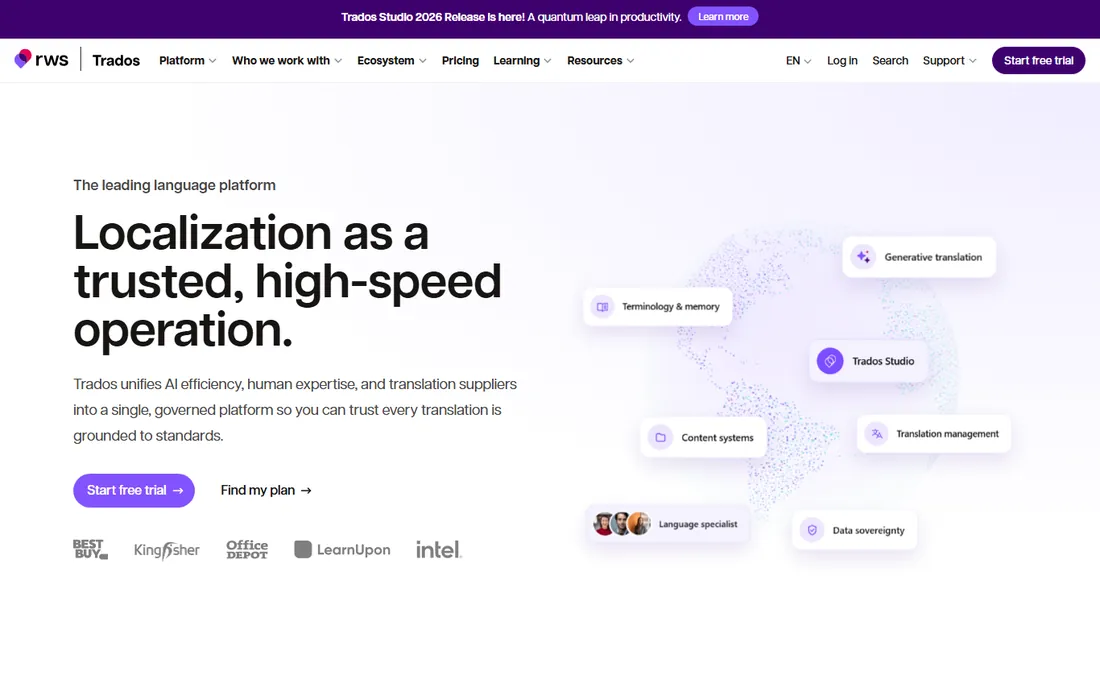
Trados Studio has been the default computer-assisted translation tool for agencies and freelance linguists for two decades, and that gravity still matters. Most enterprise clients and language service providers run Trados-based workflows, so a translator who owns a license can slot into almost any supply chain. The translation memory engine is genuinely strong, with sub-segment matching and fragment recall that find useful matches in messy legacy content, and the terminology tools are deeper than anything a browser-based editor offers.
The honest catch is that Trados shows its age. It is a Windows desktop program with a ribbon interface that long-time users tolerate rather than love, and the Mac route requires workarounds. Pricing is per edition, with freelance and professional tiers, and there is no free plan beyond a trial. If you translate full time for agency clients, the license usually pays for itself. If you work on a Mac or only translate occasionally, a cloud tool is the easier choice.
What we like- Deepest TM and termbase feature set in the industry
- Handles huge projects with complex file types
- 350+ apps extend the platform
Watch out for- Runs on Windows and feels dated
- Expensive for solo translators
- Real learning curve before you are productive
#2
memoQ
Best for: Language service providers and enterprise localization teams
Visit memoq.com
Starting priceFrom $3,025/year (TMS Starter)
Free planFree trial
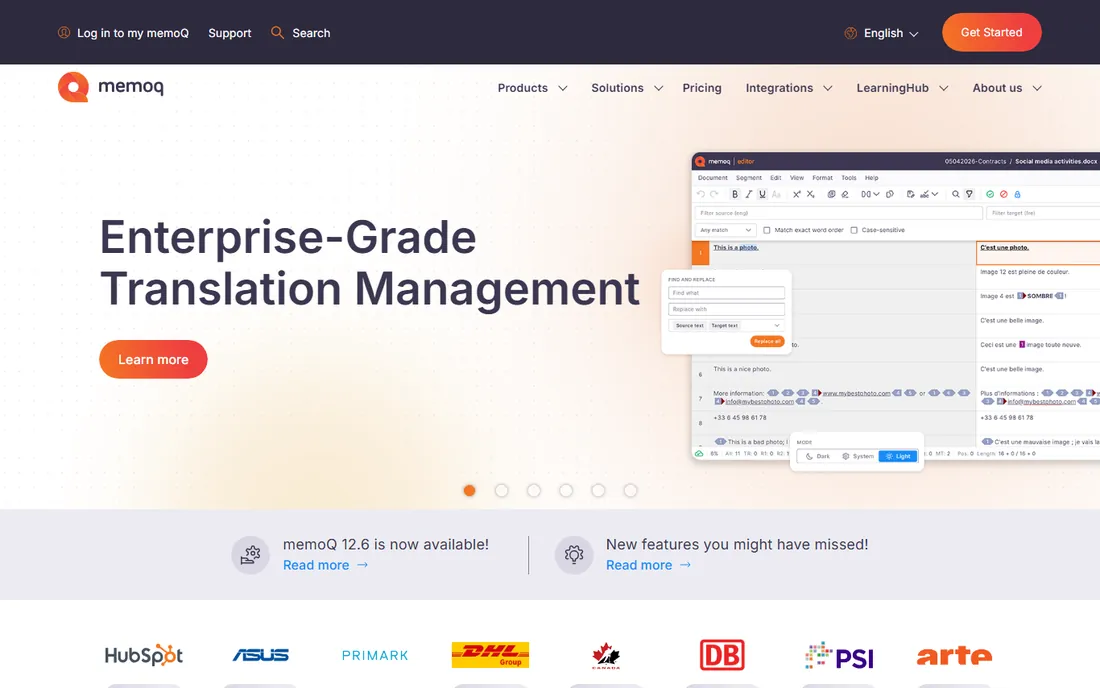
memoQ sits in the middle ground that many growing agencies want: a real translation management system for project managers, plus a proper desktop editor for linguists, all from one vendor. The Starter plan at $3,025 per year puts TMS pricing on the table without a sales call, which is refreshing in a category where quotes usually hide behind contact forms. Automated QA, translation memory, terminology, and project tracking are all solid, and the newer AGT layer adds AI-assisted translation automation for teams that want it.
The trade-off is complexity. memoQ rewards teams that invest in setup and training; a freelancer who opens it cold will feel lost next to Trados. It also lacks the developer-first tooling that makes product teams love Lokalise or Crowdin. For an agency or an enterprise running multi-lingual projects with vendor management, though, memoQ is one of the few tools that covers the whole chain.
What we like- Combines TMS workflow management with a full desktop editor
- Transparent entry pricing for a TMS
- Handles diverse file formats well
Watch out for- Enterprise focus makes it overkill for solo translators
- The interface takes training
- Smaller integration ecosystem than the big cloud platforms
#3
Phrase
Best for: Product and engineering teams shipping multilingual software
Visit phrase.com
Starting priceSee website
Free planFree trial
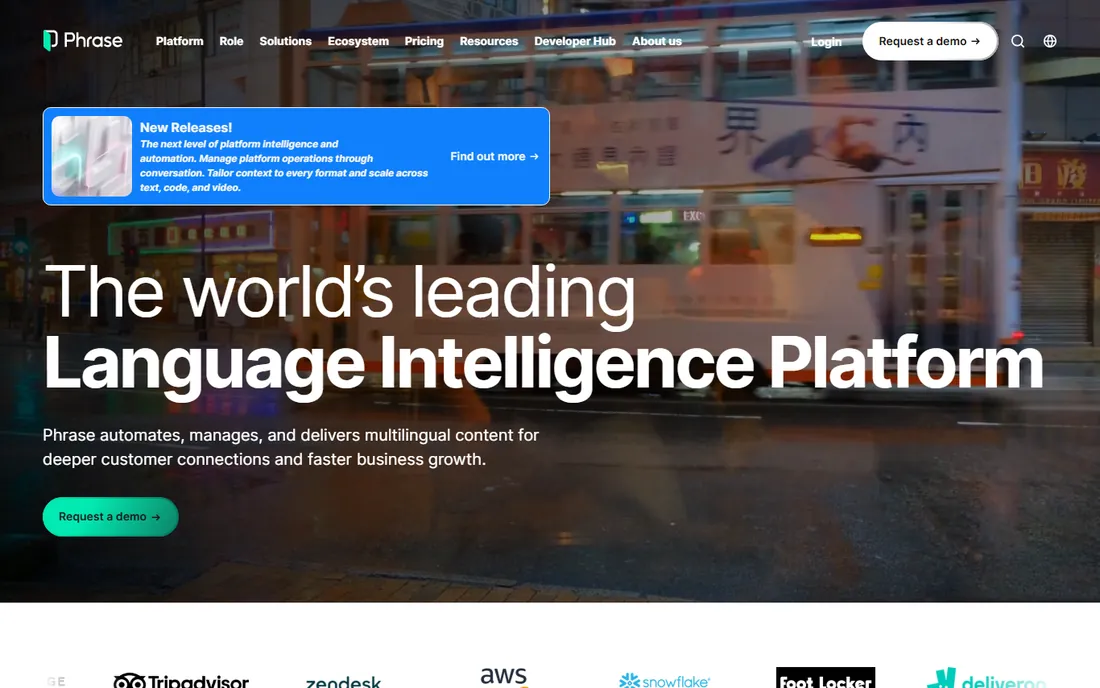
Phrase, formerly Memsource, grew up as a translator-friendly web TMS and has matured into an enterprise localization platform. It now covers translation management, software strings, orchestration, and AI-assisted translation in one system, with a heavy emphasis on automation for continuous localization. The company earned a Leader placement in the Forrester Wave for localization, and the platform carries the ISO, SOC 2, and GDPR compliance markers that enterprise procurement teams ask for.
Pricing runs on platform fees plus capacity for processed words, seats, and AI units, and the vendor does not publish plan prices. That is fine for a funded company with a localization program, but it makes quick comparison shopping difficult. Freelance translators can ignore Phrase. Product teams that push strings from Git into multiple languages every week will get the most out of it.
What we like- Strong automation and connector ecosystem
- Unified platform for TMS and strings management
- Enterprise security and compliance certifications
Watch out for- Pricing is quote-based and hard to evaluate upfront
- Usage-based capacity adds forecasting work
- Overkill for one-off document translation
#4
Smartling
Best for: Enterprises that want translation plus managed services
Visit smartling.com
Starting priceSee website
Free planNo
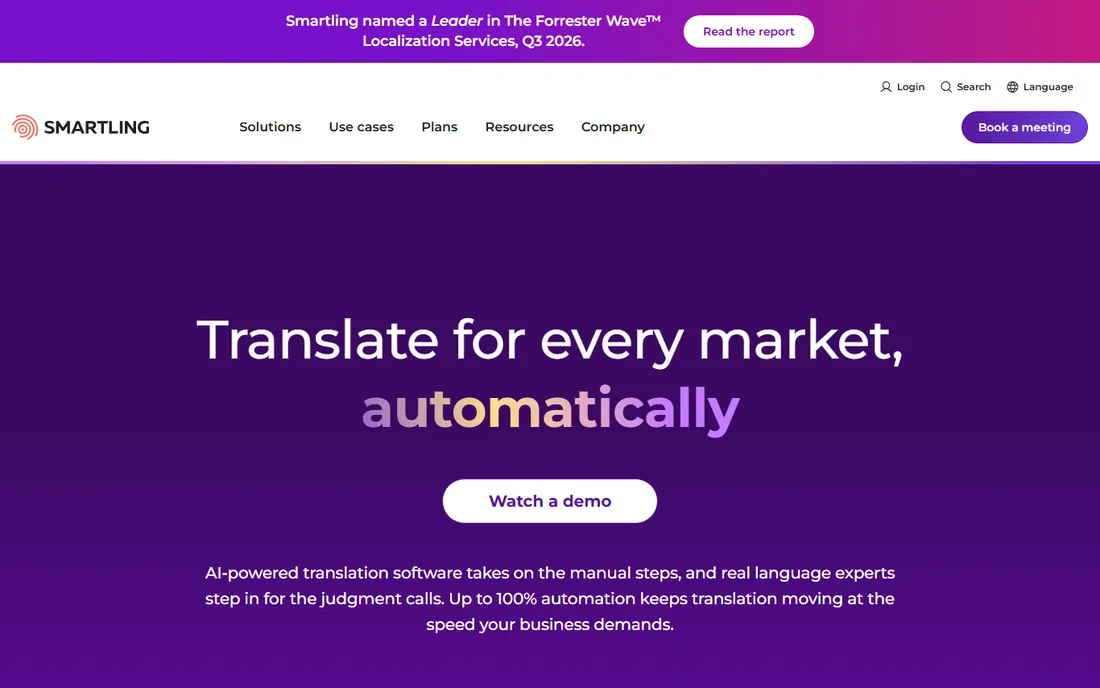
Smartling sells outcomes rather than seats: the platform automates most of the translation workflow, and its own managed services cover the human review and project management that most teams would otherwise staff themselves. The LanguageAI layer scores jobs, routes content to the right mix of AI and human linguists, and the connector library covers the usual CMS, code repo, and marketing tools. It holds SOC 2, HIPAA, and GDPR compliance, which matters for healthcare and finance buyers.
This is not a tool you buy for $50 a month. Pricing is tiered and quote-based, and the model makes sense when your localization budget is already six figures and you want one vendor to blame. Smaller teams will find Crowdin or Lokalise faster to start and cheaper to run.
What we like- Combines AI translation with in-house managed linguists
- 50+ connectors to CMS and code platforms
- Strong quality scoring and reporting
Watch out for- Quote-only pricing
- Service-heavy model is expensive
- Built for large teams, not individuals
Starting priceSee website
Free planFree trial
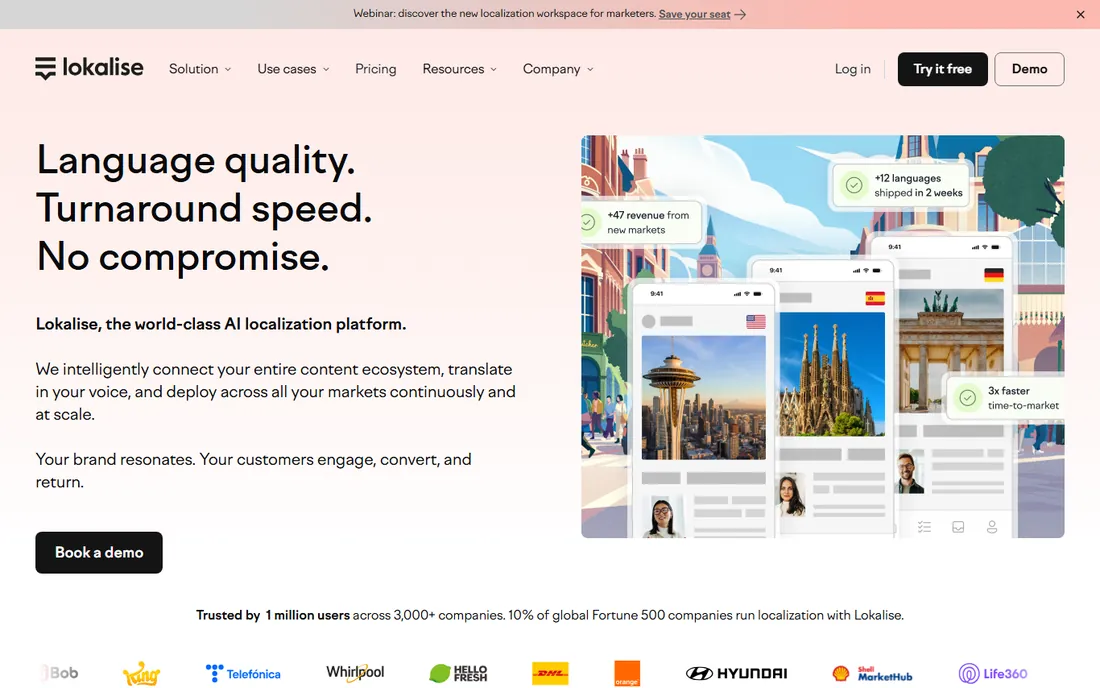
Lokalise is the localization platform that product teams actually enjoy using. Developers push strings through the API or CLI, over-the-air updates reach mobile apps without a release, and translators work in a fast web editor with translation memory, glossaries, and AI suggestions. Translator and reviewer seats are unlimited on paid plans, which removes the seat-count games that make other tools expensive as your linguist pool grows.
The pricing model charges by processed words and advanced seats, and you have to run their calculator to see real numbers. That is a minor annoyance rather than a dealbreaker. The bigger limitation is scope: Lokalise is excellent for software and web content, but teams with heavy document translation or DTP needs should look at memoQ or Trados instead.
What we like- Developer-friendly with strong API, CLI, and SDK coverage
- Translator seats are unlimited on paid plans
- AI translation is built in
Watch out for- Pricing is usage-based and plan cards are hidden behind a calculator
- Focused on software, weaker for document workflows
- Support is chat-based on lower tiers
Starting priceSee website
Free planYes
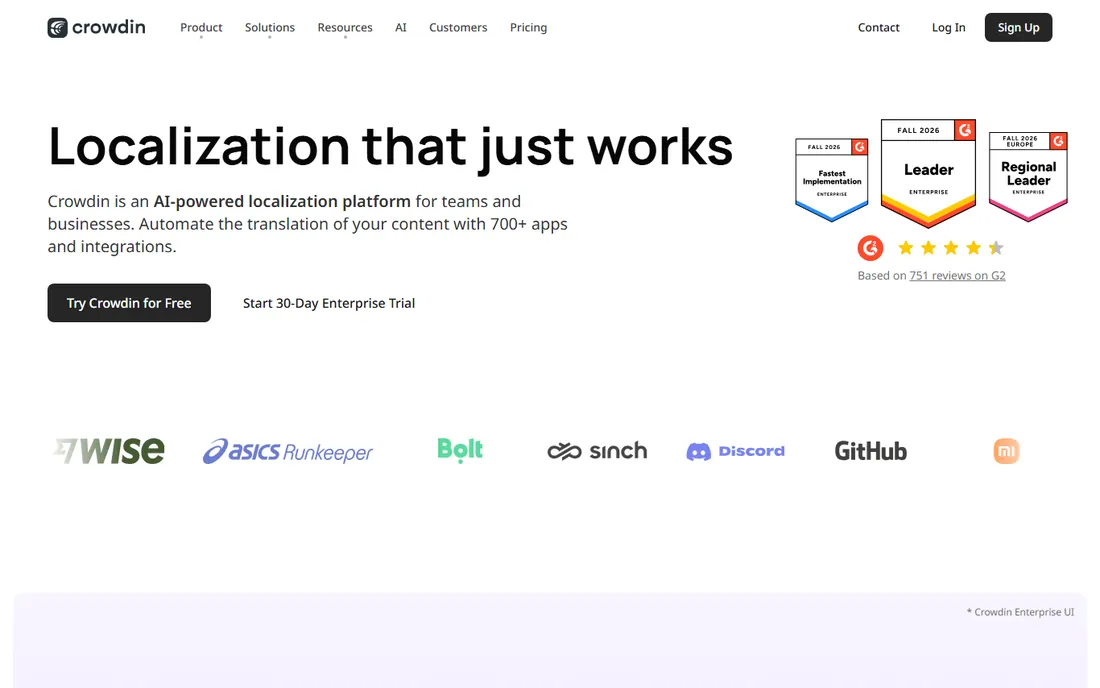
Crowdin built its reputation with developers, and it still has the best tooling of any cloud TMS for teams that live in Git. The CLI is genuinely good, the mobile OTA SDKs are mature, and the app store has hundreds of integrations. The free plan is real, and open source projects get full licenses, which explains why so many GitHub projects localize through Crowdin.
Paid plan prices are not printed on the pricing page, so you will need a trial or a sales conversation to compare costs precisely. Teams with simple needs sometimes find Crowdin heavier than alternatives like Lokalise. But for engineering-driven localization, community translation, or any project that starts in a code repo, Crowdin is hard to beat.
What we like- Generous free plan and open source program
- 700+ integrations
- CLI and OTA mobile SDKs are excellent
Watch out for- Plan pricing is not published on the page
- The feature set can overwhelm small teams
- Advanced workflows need the Enterprise tier
#7
XTM
Best for: Enterprises with regulated content and AI governance rules
Visit xtm.cloud
Starting priceSee website
Free planNo
XTM has positioned itself as the AI-native enterprise TMS, and the pitch is aimed squarely at regulated industries. Bring-your-own-LLM-key support means enterprises control their own model costs and data paths, the MCP server lets AI agents act on live projects, and certifications cover ISO 27001, SOC 2, HIPAA, and GDPR. The company has also folded in Transifex for software localization and XTRF for LSP operations.
All of that comes with enterprise pricing and an enterprise sales process. There is no free plan and no published pricing. For a life sciences or financial services company with strict AI governance, XTM deserves a shortlist spot. For a 50-person SaaS company, the cloud competitors will move faster.
What we like- AI features with BYOK and MCP server support
- Deep compliance coverage including HIPAA
- Strong for life sciences and regulated industries
Watch out for- Quote-only enterprise pricing
- Complexity exceeds what mid-size teams need
- Onboarding takes real effort
#8
Wordfast
Best for: Translators who want affordable TM on any operating system
Visit wordfast.com
Starting priceSee website
Free planFree trial
Wordfast is the budget alternative that refuses to die, and its fans are loyal for a reason. Wordfast Pro runs on any major operating system, handles the same TMX and XLIFF exchange formats as everything else, and costs a fraction of Trados. For a freelance translator starting out or an agency equipping a large contractor pool, the savings are real.
You do give things up. The QA and terminology features are thinner, project management is basic compared with memoQ, and you will not find the same depth of third-party apps. There is also a free web version, Wordfast Anywhere, for light work. If your clients accept TMX deliveries and your projects are straightforward, Wordfast covers the essentials at a price that is easy to justify.
What we like- Runs on Windows, Mac, and Linux
- One of the cheapest professional CAT tools
- Simple licensing with no subscription traps
Watch out for- Fewer advanced features than Trados or memoQ
- Smaller user community for troubleshooting
- The interface looks its age
Starting priceFree
Free planYes
MateCat is the only tool on this list with no paid tier at all. It is a browser-based CAT tool with translation memory, terminology, and adaptive machine translation from ModernMT, and it works well enough for translating documents, subtitles, or web pages on your own. Beginners can open it and start working within minutes, which no desktop CAT tool can claim.
The limits show up quickly in professional settings. There is no real project management, QA tooling is thin, and everything lives in the cloud with no offline mode. Agencies will not run client work through MateCat. But for students, volunteers, small businesses translating their own content, or anyone testing whether CAT tooling helps at all, free is the right price.
What we like- Completely free with no user or project limits
- Runs in the browser with no install
- Adaptive machine translation is built in
Watch out for- Limited project management and QA features
- Cloud-only, so no offline work
- Not built for team workflows at scale
How we chose
We researched the translation memory market through vendor pricing pages, feature documentation, and public review sites including G2 and Capterra. Every tool listed here exists today and fits the category as of October 2026. Prices come from each vendor's own pricing page, and where vendors do not publish prices we say so rather than guessing. We weighted TM quality, file format support, machine translation options, team workflow features, and fit for small and mid-size buyers.
What to look for before you buy
Start with where your content lives. If it lives in code repositories and ships weekly, pick a cloud TMS with strong developer tooling, like Phrase, Lokalise, or Crowdin, and skip the desktop tools entirely. If it lives in Word documents, InDesign files, and PDFs that arrive by email, a desktop CAT tool like Trados Studio or Wordfast is still the right answer.
Check the translation memory exchange story before you sign anything. Your TM is your most valuable linguistic asset, and some platforms make exports awkward. Every tool here supports TMX, but ask about glossary export, project archives, and what happens to your data if you cancel. Vendor lock-in in translation software is expensive to undo.
Match the pricing model to your volume pattern. Per-word models punish high-reuse workflows; per-seat models punish large linguist pools; platform fees punish small budgets. Run your last three months of word counts through the model before you believe a vendor quote. Also confirm who counts as a paid user: some vendors charge only for project managers, others for every translator who logs in.
The market split matters more than any single feature list. Desktop CAT tools (Trados, Wordfast, memoQ's editor) give individual translators maximum control over TM, terminology, and file handling, and they work offline. They are the right pick when linguists are the primary users and files arrive in dozens of formats.
Cloud TMS platforms (Phrase, Lokalise, Crowdin, Smartling, XTM) give teams automation, connectors, and visibility. Project managers get dashboards, developers get APIs, and finance gets usage reports. They are the right pick when localization is a pipeline rather than a pile of files. The hybrid option, memoQ, covers both, at the cost of running a more complex system. Pick the camp first, then compare tools inside it, and you will shortlist twice as fast.
Frequently asked questions
What is translation memory software?
Translation memory software stores sentences you have already translated and suggests them when the same or similar sentences appear again. This cuts repeated translation work, keeps terminology consistent, and lowers costs over time. Most tools on this list also connect to machine translation engines for new content.
Do I need translation memory software or a full TMS?
A CAT tool with translation memory is enough if individual translators handle your projects. A translation management system adds project workflows, vendor management, automation, and reporting for teams. Agencies and companies localizing at scale usually need the TMS layer; solo translators do not.
Can I import my existing translation memories?
Yes. All nine tools support TMX, the standard exchange format, and most accept CSV and proprietary formats from competitors. Export your TM from your current tool before any trial ends, and test the import with a real project rather than a sample file.
Is free translation memory software good enough?
MateCat is genuinely free and handles straightforward documents well. It falls short on project management, QA, and offline work. If you translate professionally or manage a team, a paid tool pays for itself through better TM reuse and fewer errors.
How much should translation memory software cost?
Solo translators can get started for a few hundred dollars with Wordfast or a Trados subscription. Team cloud platforms range from tens to hundreds of dollars per month depending on volume. Enterprise TMS platforms like Smartling or XTM run on custom quotes that typically land in the five to six figure range annually.
What is the difference between translation memory and machine translation?
Translation memory reuses your own past translations, which keeps quality high and costs predictable. Machine translation generates new translations from scratch using AI, which is faster for new content but needs human review. The best tools combine both: TM for what you have translated before, MT for the rest.
Sources we checked (9)
- https://trados.com/
- https://www.memoq.com/pricing
- https://phrase.com/pricing/
- https://www.smartling.com
- https://lokalise.com/pricing
- https://crowdin.com/pricing
- https://xtm.cloud/
- https://www.wordfast.com/pricing
- https://www.matecat.com
Is your product missing or out of date?
We review this list regularly. Vendors can request a listing, send updated pricing or ask about featured placement.

Shihab Mia · Founder, Rankite
Shihab has spent more than a decade helping SaaS and e-commerce brands grow through search. He writes Rankite's software buying guides from pricing pages, documentation and public user reviews. More about Shihab.