How we make this list: we compare pricing pages, product documentation and public user reviews. Rankite is independent; if a vendor ever pays for a featured spot, that listing is clearly labeled Partner.
Key takeaways
- Your team outgrew the spreadsheet the day two people started tracking the same work in different tabs. The tools here replace that chaos, but only if you can shape them to how your team actually works.
- ClickUp is the customization ceiling: custom fields, statuses, views, hierarchies and automations at every level, with a free-forever plan to start.
- monday.com is the visual pick: colorful boards, flexible columns and no-code automations that non-technical teams adopt fast.
- Asana and Wrike suit structured organizations: Asana for goal-linked planning with dependencies, Wrike for high-volume cross-functional work with intake and portfolio oversight.
- Smartsheet, Notion, Airtable and Jira are the specialists: spreadsheets, docs, databases and agile development respectively, each deeply customizable inside its own paradigm.
Quick comparison
| Tool | Best for | Starting price | Free plan |
|---|
 ClickUp ClickUp | Maximum customization depth | See website | Yes |
 monday.com monday.com | Visual boards and columns | See website | Yes |
 Asana Asana | Structured planning with goals | See website | See website |
 Wrike Wrike | Cross-functional portfolio work | See website | See website |
 Smartsheet Smartsheet | Spreadsheet-style planning | See website | See website |
 Notion Notion | Docs-plus-tasks workspaces | See website | Yes |
 Airtable Airtable | Database-driven projects | See website | See website |
 Jira Jira | Agile software teams | See website | Yes |
Is your product missing or out of date?
We review this list regularly. Vendors can request a listing, send updated pricing or ask about featured placement.
The best customizable project management software
Starting priceSee website
Free planYes
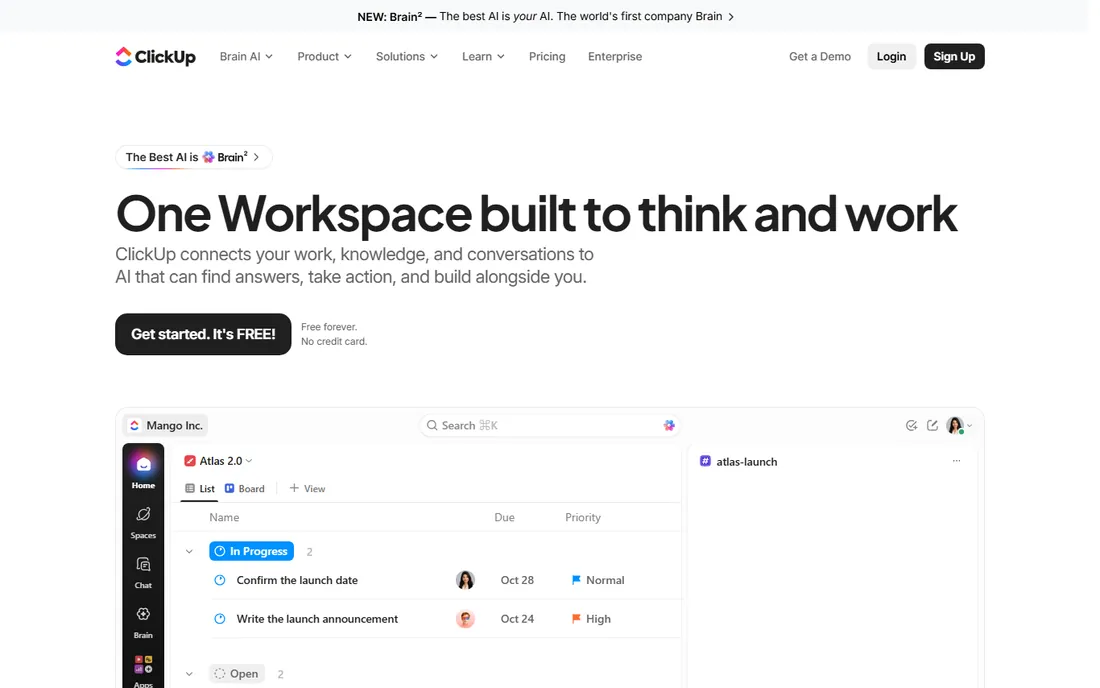
ClickUp is the answer when someone asks which project tool can be shaped into anything. Custom fields, custom statuses, custom views, task hierarchies five levels deep, and automations that trigger on almost any event: there is very little about the workflow you cannot change. A marketing team and an engineering team can run completely different processes in the same workspace, which is why ClickUp keeps winning "most customizable" comparisons. The AI layer now sits on top, with agents that can find answers and take action across tasks, docs and chat.
The free plan is real, not a trial: free forever with no credit card, covering unlimited tasks and members with core views included. That makes ClickUp the cheapest way to test whether deep customization actually helps your team. The honest catch is the learning curve. New users routinely report feeling overwhelmed, and admins can spend real time designing the workspace before anyone does useful work. Performance in very large workspaces has also drawn complaints. Start with one team, configure only what you need, and expand deliberately.
What we like- Custom statuses, fields, views and hierarchies at every level
- Genuinely free-forever plan with no credit card
- 15+ views including Gantt, timeline and mind maps
Watch out for- The depth overwhelms new users
- Performance can lag in very large workspaces
Starting priceSee website
Free planYes
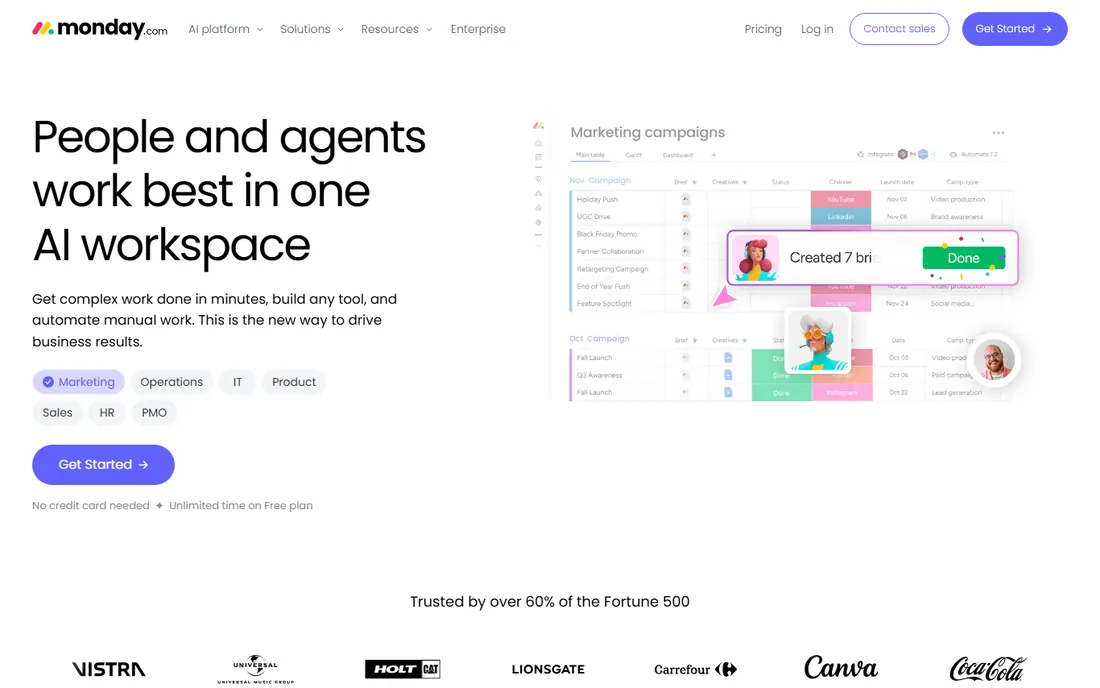
monday.com is the tool teams choose when they want customization without a manual. Boards are visual by default, columns come in more flavors than most teams will ever use (timeline, formula, dependency, location, voting and dozens more), and automations are built with plain-language recipes instead of code. A non-technical operations manager can build a working intake-to-delivery workflow in an afternoon, which is why adoption tends to be fast.
The free plan is unusually generous in duration: unlimited time with no credit card required, aimed at individuals and tiny teams. Paid plans add the automations, integrations and views that growing teams need. The honest catch is the seat math. Per-user pricing means a 50-person rollout costs real money, and the automation and integration limits on lower tiers push teams upward faster than expected. monday.com is also less at home with strict agile methodology than Jira or the more structured side of Asana. For visual, flexible project tracking that the whole company will actually open, it is the friendliest option here.
What we like- Extremely visual boards anyone can read
- 200+ column types and no-code automations
- Free plan with unlimited time, no credit card
Watch out for- Pricing per seat adds up as teams grow
- Complex workflows need higher tiers for automations and integrations
Starting priceSee website
Free planSee website
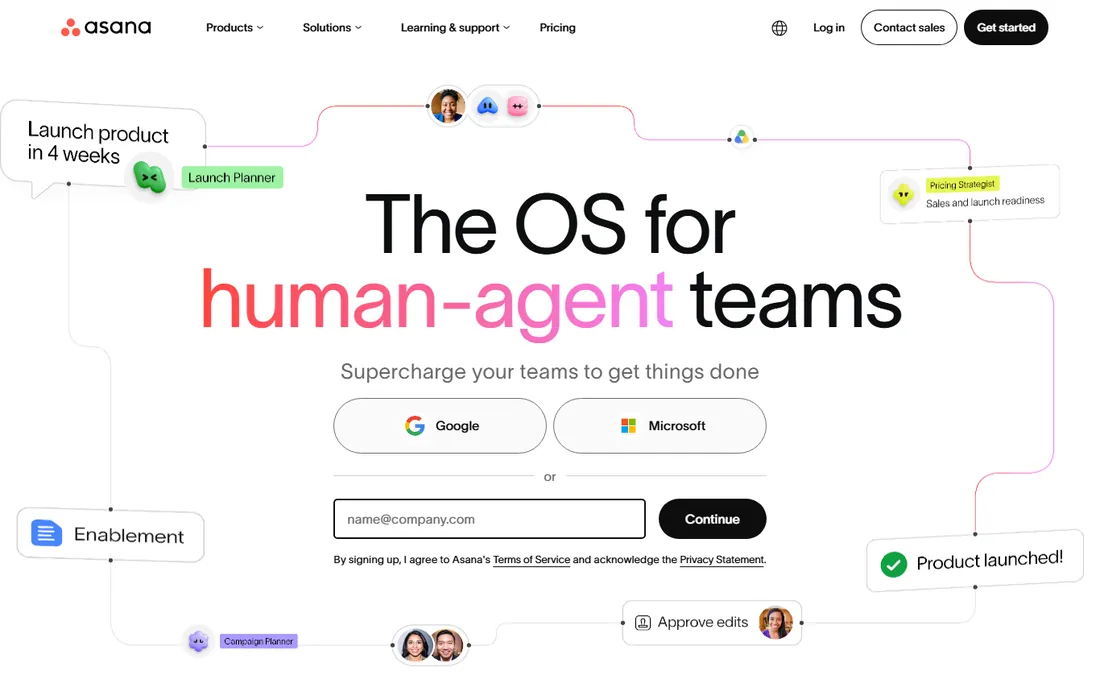
Asana customizes through structure rather than chaos. Custom fields, rules, forms, templates and portfolios let organizations standardize how work gets planned, while the work graph connects every task to the goals and portfolios above it. That makes Asana the pick for companies that want customization with guardrails: teams can adapt workflows, but leadership still gets consistent reporting. Dependencies, timelines and workload management are among the best in the category.
The AI direction is distinctive. Asana's AI teammates work inside real workflows with shared memory of the work itself, and the platform now spans work management, service management and client management. With 85% of the Fortune 100 as customers, Asana is proven at scale. The honest catch is that the customization has opinions. If your team wants a freeform database-like canvas, Airtable or Notion will feel less constrained. And the features that make Asana powerful for organizations, portfolios, goals, advanced reporting, live on higher-priced tiers. For structured teams that plan around goals and deadlines, Asana is the most disciplined choice.
What we like- Work graph connects tasks to goals and portfolios
- Strong dependencies, timelines and workload views
- AI teammates embedded in real workflows
Watch out for- Customization is structured rather than freeform
- Advanced features like portfolios sit on higher tiers
Starting priceSee website
Free planSee website
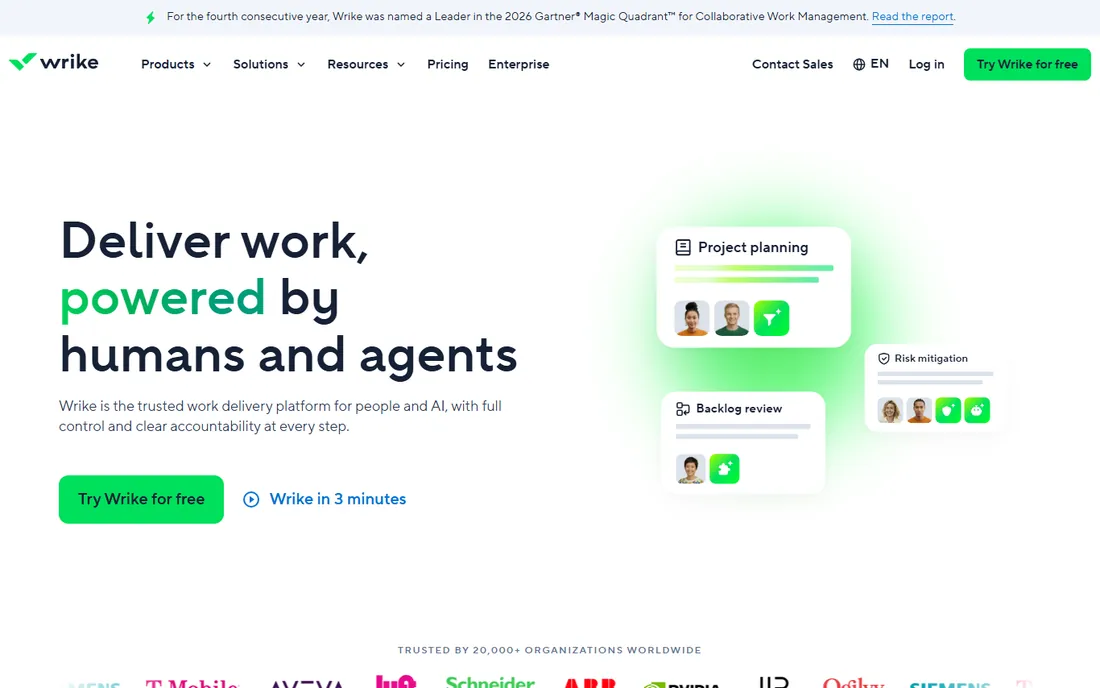
Wrike is built for the reality of large organizations: work arrives as requests from other departments, crosses team boundaries, and needs portfolio-level visibility. Custom request forms with intake workflows route work to the right team automatically, and the platform's Gantt charts, dashboards, workload views and time tracking give managers genuine control over complex, multi-team delivery. Custom fields, workflows and item types adapt the system to different departments without separate tools.
The AI layer adds risk prediction and analytics on top of that structure, which suits the enterprise buyers Wrike courts: NVIDIA, Walmart, Nickelodeon and Syneos Health are among the customer stories. With 400+ integrations, Wrike connects to nearly any stack. The honest catch is density. The interface packs in a lot, and casual users can find it intimidating compared with monday.com or Asana. Configuration is powerful but demands real admin time. For high-volume, cross-functional work where intake and portfolio oversight matter, Wrike earns its place.
What we like- Request forms and intake built for cross-functional work
- Strong Gantt, dashboards and resource management
- Trusted by 20,000+ organizations
Watch out for- Interface density intimidates casual users
- Configuration takes real admin effort
Starting priceSee website
Free planSee website
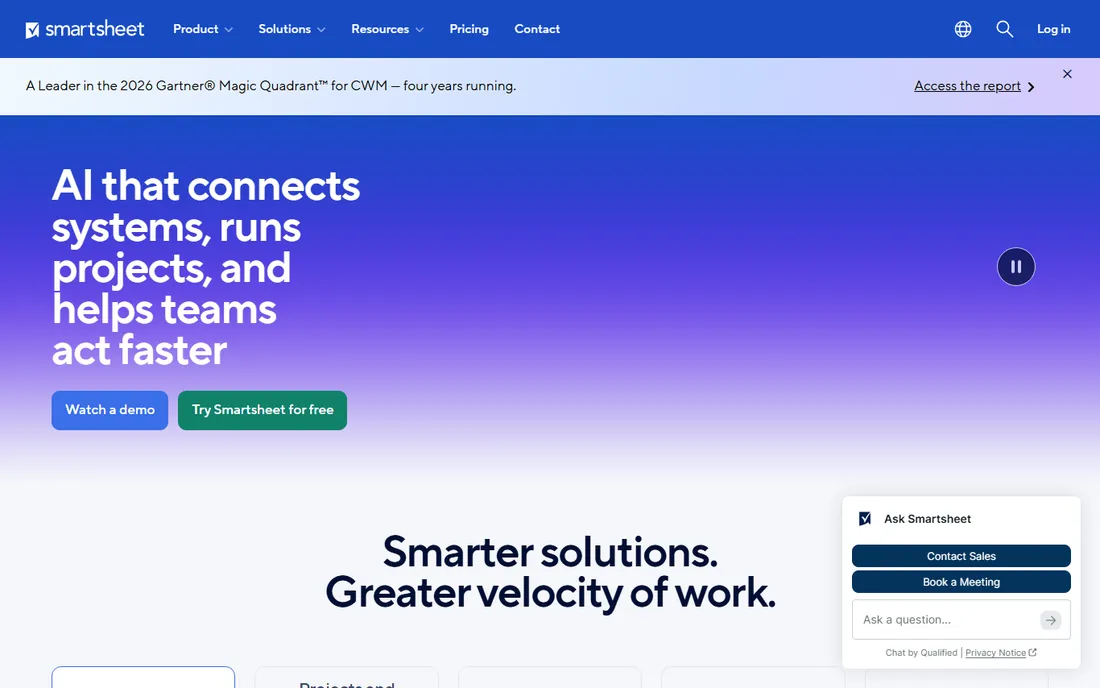
Smartsheet is the customization path for people who think in spreadsheets. The grid interface is instantly familiar, but underneath it runs real project management: dependencies, critical path, Gantt views, resource management, automated workflows and formulas that roll up across sheets. Teams that would never adopt a card-based tool adopt Smartsheet in days, because it looks like the Excel they already use.
The customization lives in the sheet mechanics. Custom columns, formulas, conditional formatting, cross-sheet references and automated approval workflows let power users build surprisingly sophisticated systems, and dashboards plus portfolio views give executives the rollup. With 85%+ of the Fortune 500 as customers, Smartsheet is deeply proven in operations, IT portfolios and client delivery. The honest catch is collaboration. Comments, proofing and real-time co-editing feel less modern than Notion or monday.com, and the product's heart is still the grid. For spreadsheet-native teams that need project rigor without relearning everything, Smartsheet is the obvious fit.
What we like- Familiar grid interface spreadsheet users adopt instantly
- Powerful formulas, dependencies and rollups
- Dashboards and portfolio reporting
Watch out for- Collaboration feels less modern than rivals
- Per-user pricing with key features on higher plans
Starting priceSee website
Free planYes
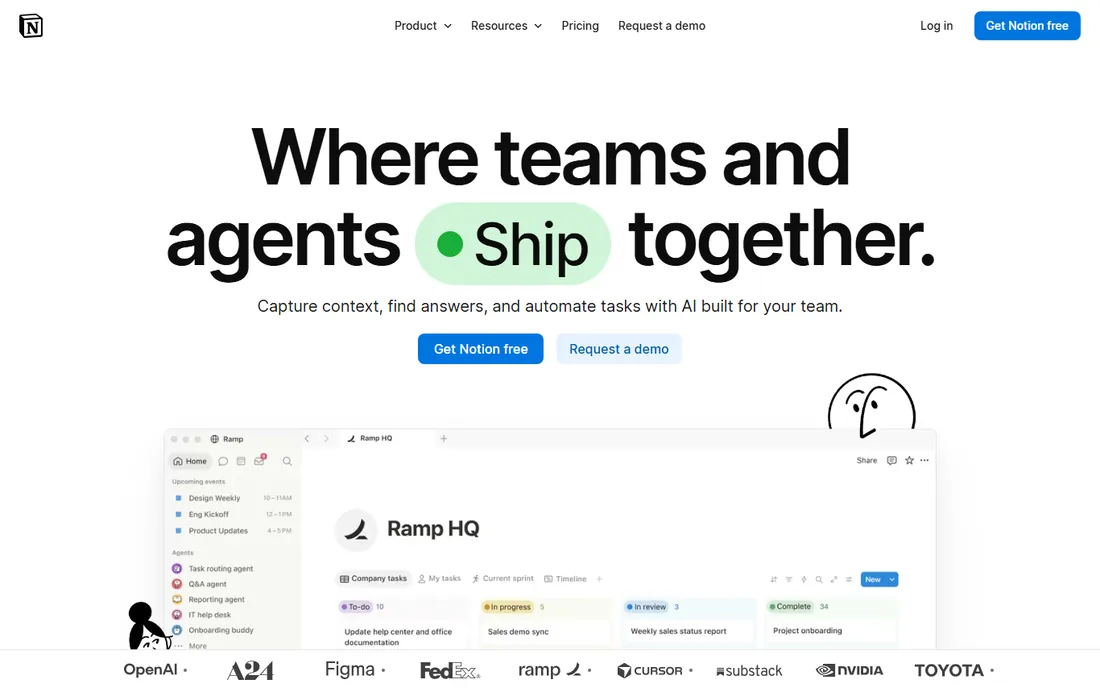
Notion customizes by refusing to decide what it is. Databases with custom properties, views (table, board, calendar, timeline, gallery), relations and rollups let teams build project trackers, CRMs, roadmaps and wikis in the same workspace where the docs live. The template community, 1.4 million members strong, means almost any workflow has a starting point built by someone else. With 100 million users and adoption across more than half of YC companies, Notion is the default flexible workspace for startups.
For project management specifically, the appeal is context: the project plan, the meeting notes, the spec docs and the task list all live together, and AI can search across all of it. The honest catch is depth. Gantt charts, resource management, time tracking and portfolio reporting are thinner than in ClickUp, Asana or Wrike; Notion is a workspace that does projects, not a project tool that does docs. Very large databases can also get slow. For teams whose work is as much writing and knowledge as task execution, Notion's flexibility is unmatched.
What we like- Databases, docs, wikis and tasks in one flexible canvas
- Huge template community
- Free for individuals with generous limits
Watch out for- Project-specific features like Gantt and workload are thinner than dedicated PM tools
- Performance suffers in very large databases
Starting priceSee website
Free planSee website
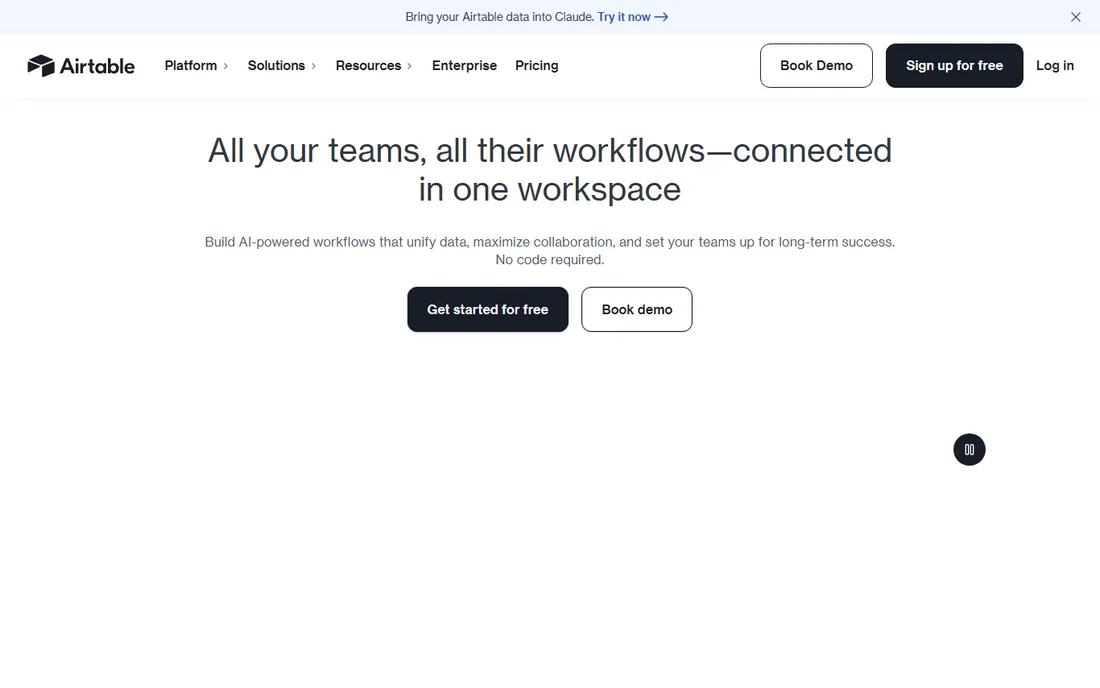
Airtable is what happens when a spreadsheet grows a real database engine. Tables link with true relationships, views (grid, kanban, calendar, timeline, Gantt, gallery) slice the same data different ways, and the Interfaces Designer lets teams build custom dashboards and apps on top without code. Automations trigger on record changes, and integrations connect to the rest of the stack. For project tracking that is really data tracking, campaigns with assets, product launches with dependencies, vendor pipelines, Airtable's model fits better than any task list.
The customization ceiling is high because the foundation is a database, not a task metaphor. Formula fields, rollups, linked records and synced tables handle structures that break simpler tools. The honest catch is pricing and conceptual load. Per-seat pricing means inviting every stakeholder gets expensive, and teams that have never thought relationally need to learn linked records and views before the system sings. For data-heavy project workflows where the project is really a dataset, Airtable is the most powerful option on this list.
What we like- Real relational database under a friendly interface
- Interfaces designer builds custom apps on your data
- Strong automations and 1,000+ integrations
Watch out for- Per-seat pricing gets expensive as viewer counts grow
- Learning relational concepts takes effort for non-technical teams
Starting priceSee website
Free planYes
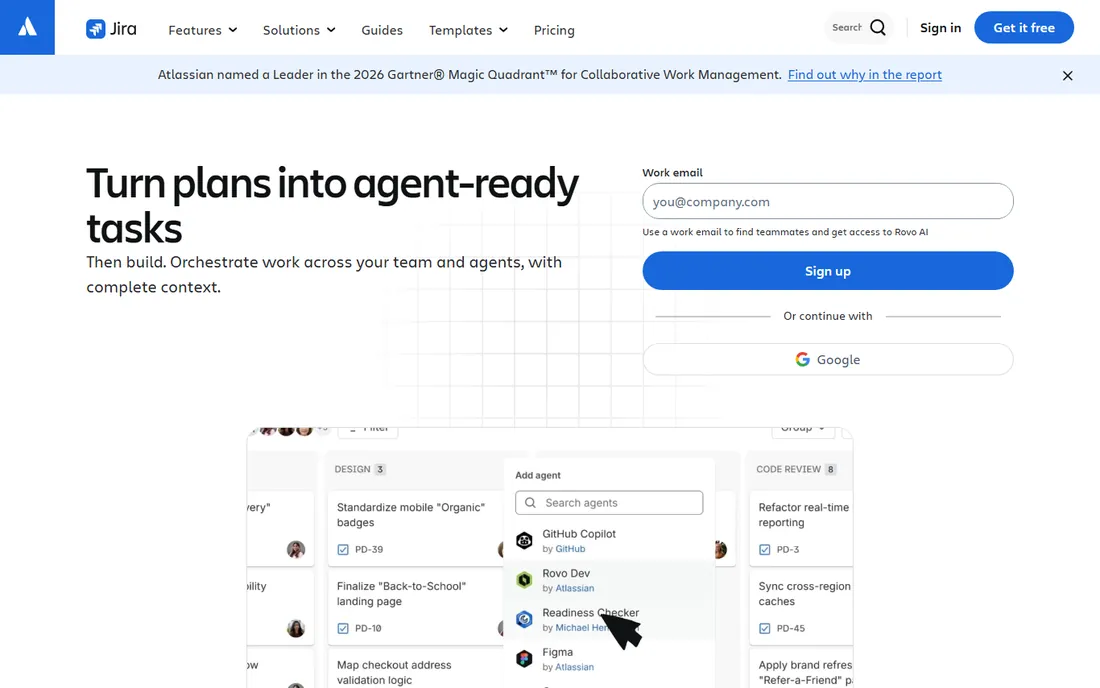
Jira is the customization king of software development and makes no apology for it. Workflows with custom statuses and transitions, issue type schemes, field configurations, permission schemes and automation rules let engineering organizations model exactly how they build software, from scrum to kanban to mixed methodologies. Roadmaps, backlogs, sprints and releases are native concepts, not add-ons. With 300,000+ companies on Atlassian products and 85% of the Fortune 500 using them, Jira is the industry standard for a reason.
The free plan covers up to 10 users with no credit card, which makes it genuinely free for small dev teams. The ecosystem is the other moat: Confluence for docs, Bitbucket for code, and thousands of marketplace apps extend Jira into whatever the team needs. The honest catch is the configuration tax. Jira's flexibility comes with administrative complexity that has launched a thousand consultant careers, and non-technical teams dropped into Jira tend to bounce off hard. For agile software teams willing to invest in setup, nothing else on this list matches its depth.
What we like- Deepest agile customization: workflows, schemes, issue types and permissions
- Free plan for up to 10 users
- Massive Atlassian ecosystem with Confluence
Watch out for- Configuration complexity is legendary
- Non-technical teams find it hostile
Free plans and trials, compared honestly
Free tiers in this category are marketing tools first and generosity second, so read the limits. ClickUp's free-forever plan is the most genuinely useful: unlimited tasks and members with core views, no credit card. monday.com's free plan has no time limit, which is rare, but it caps the features that make monday powerful. Jira gives 10 users the full agile toolkit free, which covers most small dev teams completely. Notion is free for individuals with generous limits that cover personal and small-team project tracking.
The rest are trials or sales conversations. Asana, Wrike, Smartsheet and Airtable all offer free trials or limited free tiers that change over time, so check the current terms before committing your team. The practical advice: run the trial with a real project and real teammates, not a solo toy project. Customization only proves its value under the load of actual work, and the tool that feels best in week one is not always the one that survives month six.
How we chose
We tested the customization claim directly: custom fields, custom statuses and workflows, available views, automation depth, and how far each tool bends before it breaks. We mixed the well-known leaders with the specialists because "customizable" means different things to a marketing team and a software team. Sources were vendor documentation and 2026 product pages, hands-on style reviews from TechRepublic and Zapier, and G2 and Capterra review data. We did not claim hands-on testing, and we excluded tools whose customization is skin-deep.
Customization that helps vs. customization that hurts
The paradox of this category is that the most customizable tool can produce the worst outcomes. Customization helps when it mirrors how the team already works: the statuses match the real handoffs, the fields capture data someone actually uses, the views answer questions people actually ask. It hurts when an admin builds a cathedral nobody visits: 40 custom fields, 12 statuses, and automations that fire mysteriously while the team quietly tracks work in a spreadsheet anyway.
Before you buy, write down your actual workflow on paper. List the stages work passes through, who approves what, and what reports leadership needs. Then configure the trial to that workflow and nothing more. The tool that implements your real process in an afternoon beats the tool that can implement any process in theory. Resist the demo temptation to turn on every feature; every custom field is a small tax on every future task.
Governance matters more than features at scale. Decide who can create fields, change workflows and add automations before the workspace sprawls. ClickUp and Jira especially reward a designated admin; monday.com and Asana stay cleaner with lighter governance. And revisit the configuration quarterly. Workflows drift, teams change, and the customization that helped in January can be the friction everyone complains about by October.
Frequently asked questions
What is the most customizable project management software?
ClickUp offers the deepest customization: custom fields, statuses, views, hierarchies and automations at every level. Jira matches it for agile software workflows specifically. The right answer depends on your team: marketing and operations teams usually get more from ClickUp or monday.com, while engineering teams get more from Jira.
Is there a free customizable project management tool?
Yes. ClickUp's free-forever plan, monday.com's unlimited-time free plan, Jira's free tier for up to 10 users, and Notion's free individual plan all offer real customization without paying. Each has limits that push growing teams toward paid plans, so verify the current terms on the vendor's pricing page.
ClickUp vs monday.com: which is better?
ClickUp offers deeper customization and a more generous free plan, which suits teams that want to shape every detail. monday.com is more visual and easier for non-technical teams to adopt, which suits organizations where usability beats depth. Try both free plans with the same real project and see which one your team actually opens every day.
Can Asana handle complex custom workflows?
Asana handles structured complexity well: custom fields, rules, forms, portfolios and dependencies cover most organizational workflows. It is less freeform than ClickUp or Airtable, which is intentional. Teams that need database-style flexibility should look at Airtable; teams that need agile depth should look at Jira.
How long does it take to set up a customizable PM tool?
It ranges from an afternoon to a quarter. monday.com and Asana can run a basic team workflow in a day. ClickUp and Airtable take longer because the flexibility demands design decisions. Jira and Wrike implementations at enterprise scale, with custom workflows and integrations, can take weeks to months. Start with one team and expand.
Sources we checked (10)
- https://clickup.com/
- https://monday.com
- https://asana.com
- https://www.wrike.com
- https://www.smartsheet.com
- https://notion.so/
- https://airtable.com/
- https://www.atlassian.com/software/jira
- https://www.techrepublic.com/article/project-management-software/?id=r00520011204aue01.htm
- http://zapier.com/blog/best-project-management-software-small-business/
Is your product missing or out of date?
We review this list regularly. Vendors can request a listing, send updated pricing or ask about featured placement.

Shihab Mia · Founder, Rankite
Shihab has spent more than a decade helping SaaS and e-commerce brands grow through search. He writes Rankite's software buying guides from pricing pages, documentation and public user reviews. More about Shihab.