How we make this list: we compare pricing pages, product documentation and public user reviews. Rankite is independent; if a vendor ever pays for a featured spot, that listing is clearly labeled Partner.
Key takeaways
- For software and apps with frequent releases, Lokalise, Phrase, and Transifex offer the strongest Git and CI/CD integrations.
- For translating a website without developer help, Weglot is the fastest option, with a free plan covering 2,000 words.
- Budget teams should look at POEditor (free plan with 1,000 strings) and Crowdin (free tier for open-source and small projects).
- Enterprise teams that need compliance and managed services get the most from Smartling and Phrase, but both require a sales conversation for real pricing.
Quick comparison
| Tool | Best for | Starting price | Free plan |
|---|
 Lokalise Lokalise | Developer-led software teams | See website | Free trial (14 days) |
 Smartling Smartling | Enterprise content teams | See website | Free trial |
 Crowdin Crowdin | Community and open-source projects | From $59/month | Yes |
 Phrase Phrase | Scaling product teams | See website | Free trial |
 Transifex Transifex | Continuous software localization | $135/month (billed annually) | Free trial (14 days) |
 Weglot Weglot | No-code website translation | $17/month | Yes |
 Smartcat Smartcat | AI-assisted translation at scale | See website | Free trial |
 POEditor POEditor | Small teams on a budget | $17/month (billed annually) | Yes |
Is your product missing or out of date?
We review this list regularly. Vendors can request a listing, send updated pricing or ask about featured placement.
The best translation management software
Your product ships every two weeks, but translations arrive in a spreadsheet three days late. Sound familiar? A translation management system (TMS) connects your code, your translators, and your review workflow in one place. These eight tools cover the full range, from free options for indie apps to enterprise platforms that handle millions of words.
Starting priceSee website
Free planFree trial (14 days)
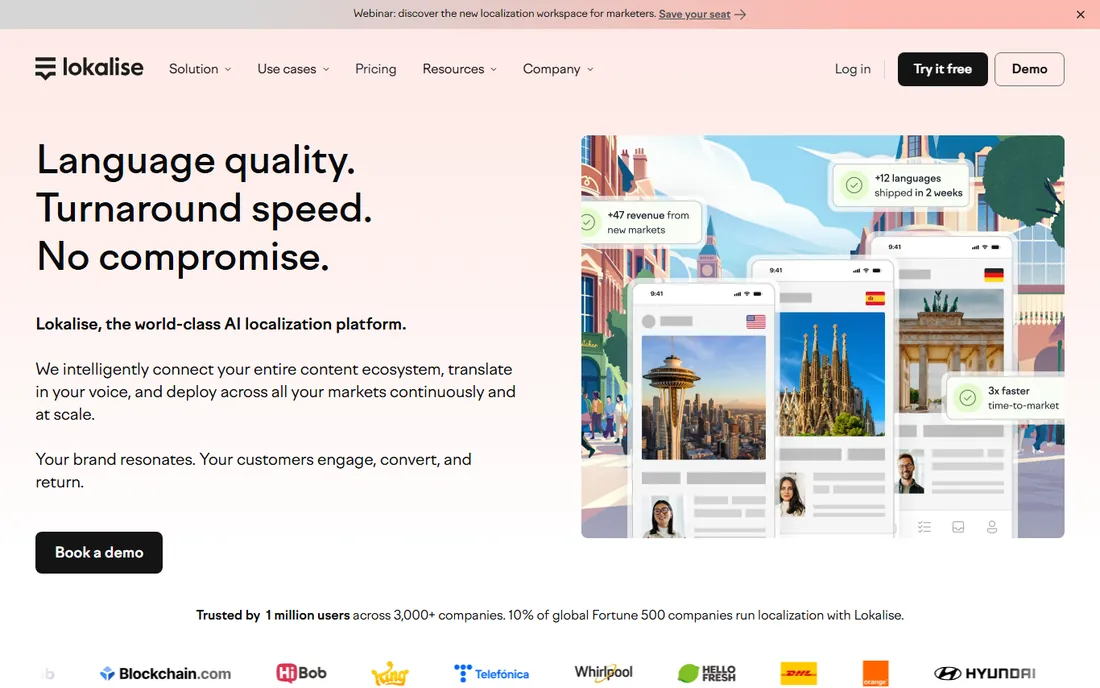
Lokalise was built for teams that ship software continuously. Instead of exporting strings files and emailing them to translators, you connect your GitHub, GitLab, or Bitbucket repo once, and new strings flow into Lokalise automatically. Developers use the CLI or API, translators work in a web editor, and the OTA SDKs push updated translations to iOS, Android, and Flutter apps without an app store resubmission.
The pricing structure is workspace-based with flat monthly tiers (Explorer, Growth, Advanced, Enterprise), and translators get unlimited basic seats. That is good news if you work with many freelance linguists. The catch is that serious features, like branching, workflow automation, style guides, and 2FA, only appear on the higher tiers. A small startup localizing one app into five languages can easily find the entry tier limiting.
Setup takes a day or two if your strings are already in a repo. Support is 24/7 on paid plans, and all plans include API access, webhooks, and integrations. Your translation memory and data export in standard formats, so you are not locked in. If your team lives in the codebase, Lokalise fits naturally. If marketers run your localization, another tool on this list may suit better.
What we like- Deep Git, CLI, and API integrations
- Over-the-air updates for mobile apps
- AI translation built into workflows
Watch out for- First paid tier is pricey for small teams
- Interface can overwhelm new users
Starting priceSee website
Free planFree trial
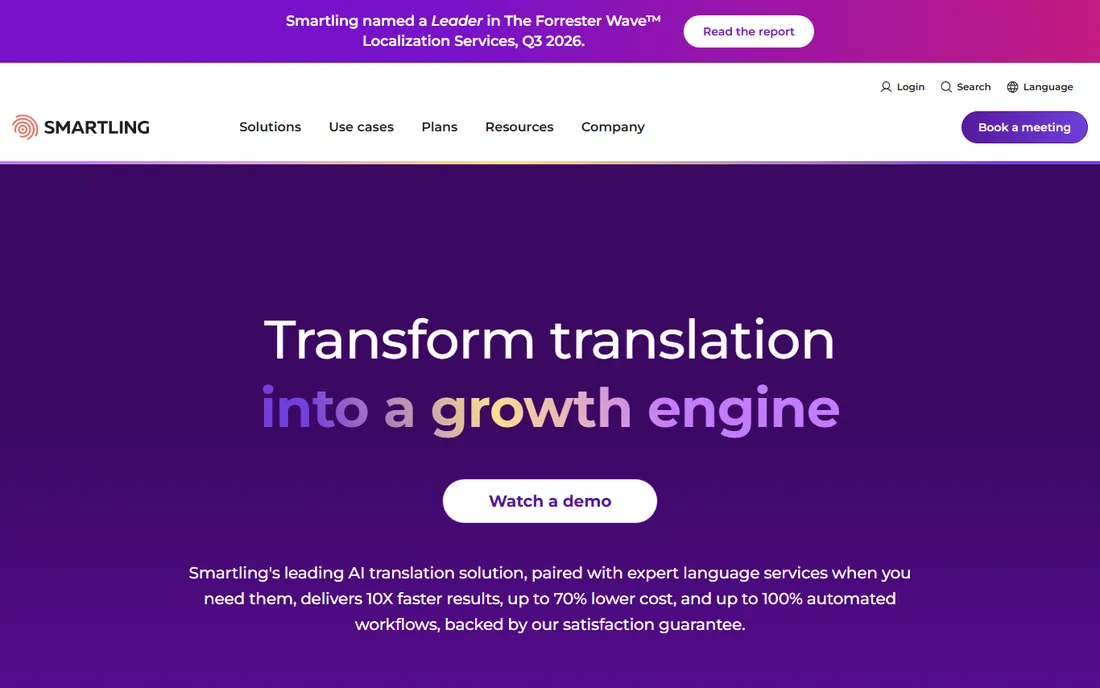
Smartling plays in the enterprise league. The platform combines machine translation, AI agents, and human linguists with workflow automation, and it plugs into more than 50 systems, including WordPress, Contentful, Salesforce, Marketo, HubSpot, GitHub, and Figma. On its own site, Smartling lists machine translation from $0.0075 per word, AI translation from $0.06 per word, and human translation from $0.20 per word, with a free-to-start Core plan.
What stands out is quality control. Every job gets scored against the MQM framework, glossaries enforce terminology, and translation memory compounds over time. The company holds SOC 2, HIPAA, PCI DSS, GDPR, and ISO/IEC 42001 certifications, which matters for healthcare and finance buyers. You keep full ownership of your translation memories and can export them in TMX.
The honest catch is the buying process. Platform pricing is not published, and enterprise plans typically involve implementation and onboarding. Smartling is overkill if you just need five languages for a marketing site. It earns its price when localization runs across many teams, content types, and compliance requirements.
What we like- Strong AI plus human workflows in one platform
- 50+ CMS and marketing integrations
- Serious security certifications
Watch out for- No public pricing, expect a sales process
- More platform than small teams need
Starting priceFrom $59/month
Free planYes
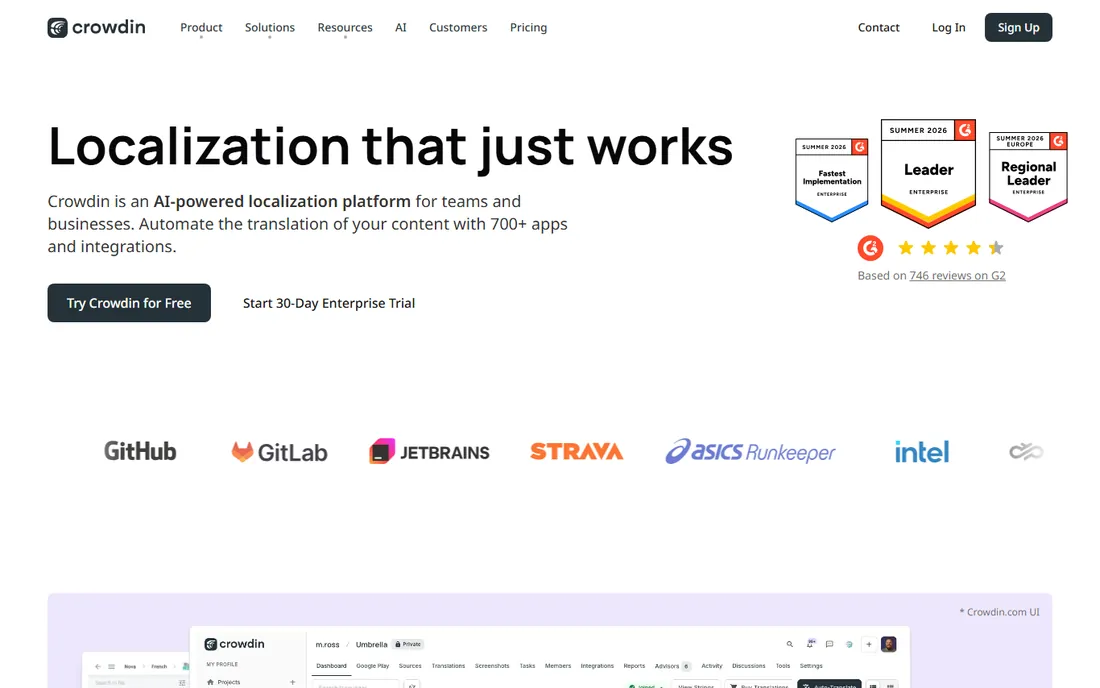
Crowdin grew up around open-source and community translation, and it shows. Public projects are free with unlimited translators, and the free tier for private projects includes one private project, 60,000 hosted words, and one integration. For a small app with a volunteer community, that is hard to beat.
The paid plans are flat-rate, not per-seat: Pro starts around $59 per month with 60,000 hosted words, two integrations, and two private projects, while Team and higher tiers raise word counts, add managers, and open up advanced workflows, SSO, and invoice billing. Integrations are a genuine strength, with Git tools, Figma, Sketch, Contentful, WordPress, Slack, Zendesk, and hundreds more in the app store. Setup is straightforward, and there is a 30-day style free trial of paid features to test the waters.
Where buyers get surprised is the word-count model. Hosted words accumulate across all languages, so ten languages on a 10,000-word app counts as 100,000 hosted words. If your content churns heavily or you cover many languages, watch which tier you land in. Data exports in standard formats, and support runs 24/7 on paid plans.
What we like- Generous free tier for open-source projects
- 550+ apps and integrations
- Visual in-context editor
Watch out for- Paid tiers can feel steep for small commercial teams
- Per-plan limits on words and projects
Starting priceSee website
Free planFree trial
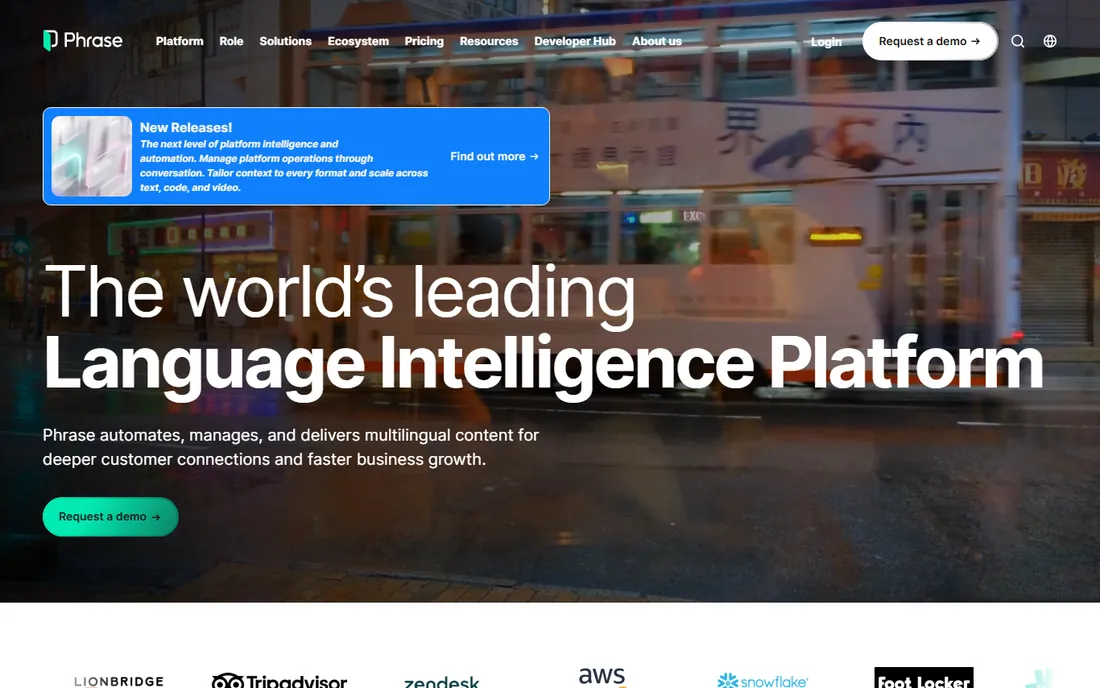
Phrase merged with Memsource in 2021 and now runs as one platform with several connected products: Phrase Strings for software localization, a full TMS with CAT tools, Orchestrator for no-code workflow automation, and Analytics for cost and quality reporting. That modularity is the pitch. A five-person startup can start with Strings, and a global enterprise can run the whole suite.
For developers, the API, CLI, and integrations with Git, Figma, Contentful, and major CMS platforms cover the usual stack. The platform supports 500+ languages and processes over 2 billion words a month, so scale is not a concern. Phrase also invested heavily in AI, with trainable machine translation, quality scoring, and automated routing of content to the right translation method. The company was named a Leader in the Forrester Wave for Q3 2025.
The friction is commercial. Pricing is split across Freelancer, Developer, and Business tiers, and the full platform quote requires talking to sales. Annual billing is the norm, which means a real upfront commitment. If you are a mid-size product team with steady releases, Phrase is a strong fit. If you are price-sensitive and early-stage, start with the trial and compare against Lokalise or POEditor before signing.
What we like- Unified platform (Strings, TMS, Orchestrator, Analytics)
- Strong API and automation
- Recognized enterprise leader
Watch out for- Tiered product packaging can confuse buyers
- Full pricing needs a sales call
Starting price$135/month (billed annually)
Free planFree trial (14 days)
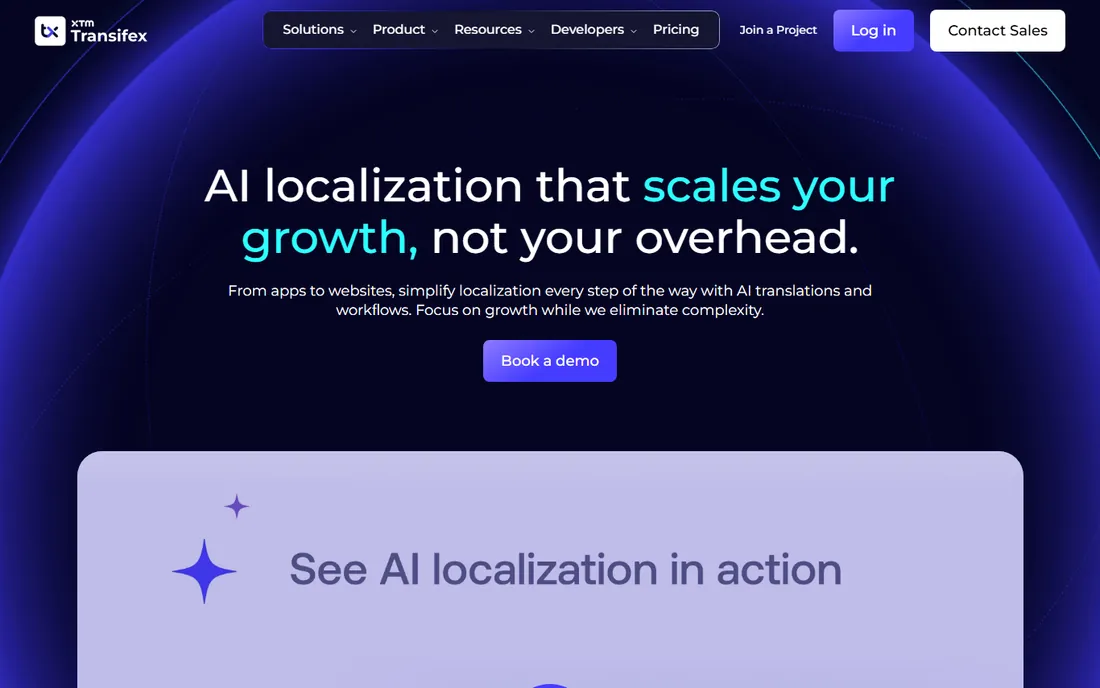
Transifex is one of the oldest names in this space, founded in 2009, and it was acquired by XTM International in 2025. Its pricing page is refreshingly direct: Starter from $135 per month billed annually ($160 monthly), Growth from $200 per month billed annually ($236 monthly), and Enterprise+ on custom pricing. Annual Growth plans include 60,000 AI words per year, and there is a 14-day free trial on the Growth plan with no credit card required.
The platform targets technical teams. It supports 46+ file formats, syncs with GitHub and Bitbucket, offers over-the-air updates for mobile apps, and plugs into CI/CD pipelines. Translation memory, glossaries, machine translation, and a real-time collaborative editor come standard. The TQI system scores every translation on a 0-to-1 scale for accuracy and brand alignment, and high-scoring translations can publish automatically. Transifex is SOC 2 Type II certified.
The honest catch is the annual-vs-monthly gap. If you pay monthly, Starter jumps from $135 to $160 and Growth from $200 to $236. Commit to annual only if your roadmap is stable. Open-source projects get free hosting, which is a nice touch. For a SaaS team localizing an app into a dozen languages with weekly deploys, Transifex is one of the easiest yeses on this list.
What we like- Clean per-plan pricing with no per-seat surprise
- AI quality scoring included
- Strong developer integrations
Watch out for- Monthly billing costs more than annual
- Smaller ecosystem than Crowdin
Starting price$17/month
Free planYes
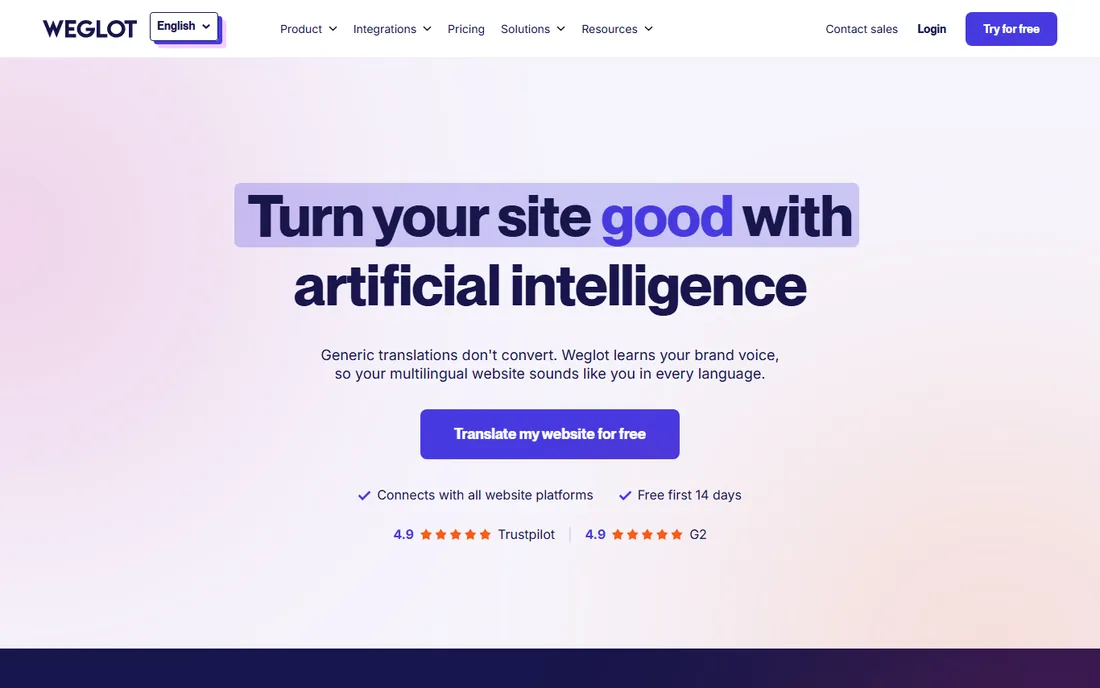
Weglot takes a different approach from every other tool here. You add a snippet or install the plugin, and your website is translated instantly with AI, editable in a visual editor. No developer needed. It connects natively with WordPress, Shopify, Webflow, Squarespace, Wix, and 70+ other platforms. Setup averages under ten minutes, and the free plan covers 2,000 words in one language, enough to test on a landing page.
Pricing is based on translated words and language count, charged in euros with USD estimates. Starter is $17 per month for 10,000 words in one language, Business is $32 per month for 50,000 words in three languages, and tiers scale up to millions of words. Annual billing gives two months free, and every paid plan starts with a 14-day trial. All plans include multilingual SEO features: translated metadata, hreflang tags, and language-specific URLs.
The catch is the word math. Translated words are counted once and multiplied by language count, so a 25,000-word site in three languages needs the Business tier. Content-heavy blogs and stores can outgrow tiers faster than expected. But if your job is making a website multilingual, and you do not have engineers to spare, nothing on this list gets you live faster.
What we like- Live in minutes with no code
- Automatic multilingual SEO
- Free plan for small sites
Watch out for- Word-count model can jump tiers fast
- Not built for app or software strings
Starting priceSee website
Free planFree trial
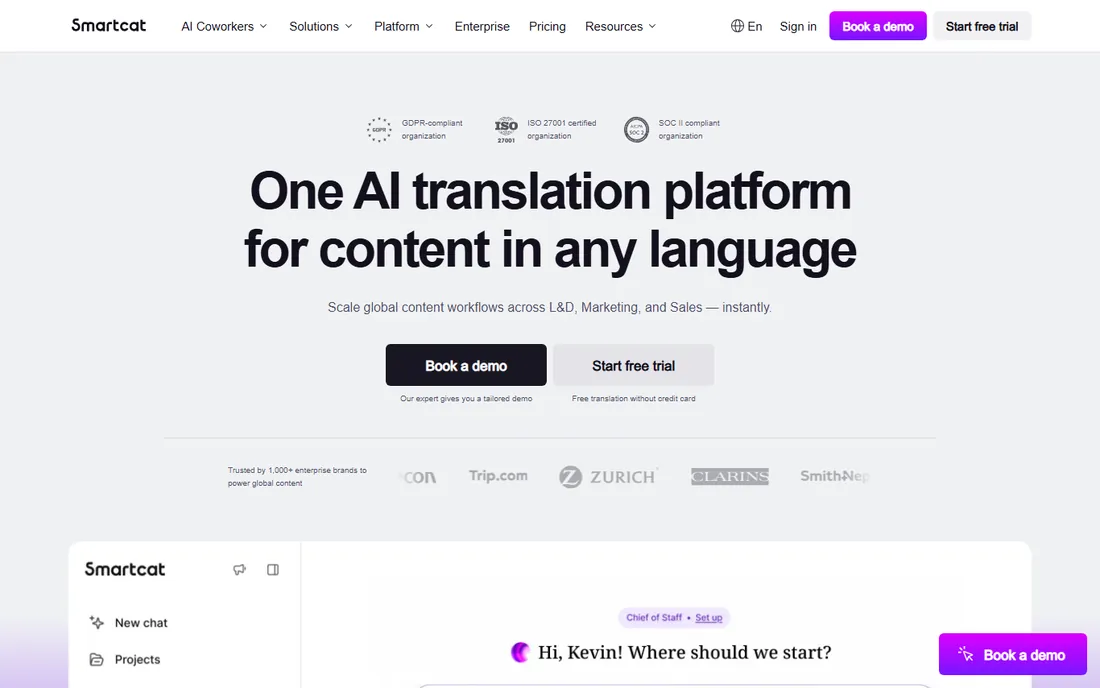
Smartcat positions itself as an AI platform for all global content, not just software strings. It handles websites, files, software, eLearning, video, and ecommerce in 280+ languages across 80+ file formats. The standout commercial detail is unlimited seats: you can invite your whole team without per-seat fees. The AI translation learns from your edits and gets better with each project, and the built-in marketplace lets you hire professional linguists with a single contract and one monthly invoice.
The platform covers 40+ integrations, supports translation memory and glossaries, and offers a website translator that works with any CMS. Fortune 500 companies use it for L&D, marketing, legal, and product content. Support includes onboarding and priority options on higher plans, and your translation memories can migrate in from other tools in standard formats.
The catch is opacity on pricing. Plans are not published on the site, so you will need a demo or quote to budget accurately. The marketplace is powerful but adds a procurement layer that solo teams may not want. Smartcat fits best when translation spans departments and content types, and you want one platform with AI doing the heavy lifting.
What we like- Unlimited seat model for team collaboration
- Built-in marketplace of 500,000+ linguists
- AI that learns from edits
Watch out for- Pricing is not published
- Marketplace workflow adds process for small teams
Starting price$17/month (billed annually)
Free planYes
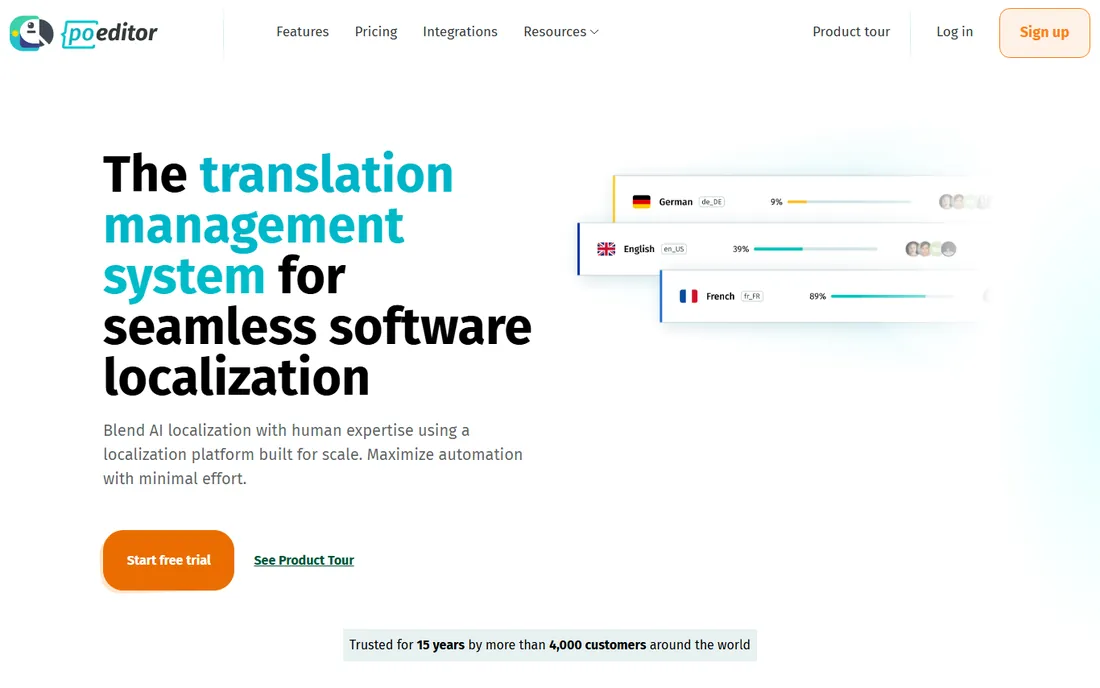
POEditor is the budget pick that does not feel like a compromise. The company, based in Indiana and operating since 2012, publishes its pricing openly: a free plan with 1,000 strings, unlimited projects, and API access; Start from $17 per month billed annually ($20 monthly) for 3,000 strings; Plus, Premium, and Enterprise tiers scaling to 100,000 strings with SSO, audit logs, and all features. Annual billing saves 15 percent, and there is a free trial with no credit card required.
The feature set punches above the price. You get a REST API, GitHub, GitLab, Bitbucket, and Azure DevOps integrations, a Figma plugin, WordPress plugin, Slack and Teams notifications, translation memory, glossaries, QA checks, automated workflows, and AI translation with your own LLM provider keys. Data exports in standard formats like XLIFF, JSON, PO, and CSV. Setup takes an afternoon, and support is known for fast responses.
The honest catch is ceiling height. POEditor does not try to be an enterprise orchestration platform. If you need advanced vendor management, complex approval chains, or deep CMS ecosystems, Crowdin or Smartling offer more. But for a small team localizing an app or game into ten languages, the price-to-value ratio is excellent.
What we like- Permanent free plan with 1,000 strings
- Public string-based pricing
- Fast setup
Watch out for- Fewer advanced workflow features than enterprise tools
- Smaller integration marketplace
How we chose
We started by listing the platforms that show up repeatedly in G2, Capterra, and Reddit discussions about translation management, then checked each vendor's own pricing page, documentation, and feature lists. Prices and plan details above come from vendor pages where we could verify them; where a vendor does not publish pricing, we say so instead of guessing. We weighed developer integrations (Git, API, CI/CD), translator workflows, free and trial options, data export, and how each tool fits a specific team size, because the right TMS for a solo developer is rarely the right one for a 500-person company.
What to check before you buy
Start with how your content moves. If engineers own localization, you need Git sync, an API, and OTA updates; if marketers own it, you need CMS connectors and a visual editor. Next, model the real cost. Per-seat pricing punishes large teams, per-word pricing punishes high volume, and word-count tiers (like Weglot's and Crowdin's) punish many languages. Run your actual string count and language count through the pricing page before committing.
Ask about data export early. Your translation memory is an asset; every tool on this list exports in standard formats like TMX or XLIFF, but confirm glossary and project data come along too. Check contract terms as well. Annual billing is cheaper almost everywhere, but a 12-month lock-in on a tool your team hates is expensive in a different way. Finally, test support during the trial. File a real ticket and see how fast a human responds. You will need them when a release is blocked.
TMS or a website translation plugin?
These are different jobs. A TMS like Lokalise, Phrase, or Transifex manages strings inside software: apps, games, and products with release cycles. A website translation tool like Weglot handles pages, SEO metadata, and language switchers with no code. Some teams need both, and tools like Smartcat and Crowdin cover websites and software in one platform. If you only have a marketing site, a TMS is overkill and a website tool will get you live faster. If you ship an app, a website plugin cannot manage your strings. Buy for the job you actually have, and add the second category only when the need is real.
Frequently asked questions
Do I need a translation management system or just machine translation?
Machine translation converts text; a TMS manages the process around it. If you translate occasionally, DeepL or Google Translate may be enough. If you ship product updates, manage translators, track quality, and reuse translations across releases, a TMS pays for itself in saved hours and consistency.
How much does translation management software cost?
It ranges widely. POEditor starts at $17 per month, Weglot at $17 per month, Crowdin at $59 per month, and Transifex at $135 per month billed annually. Enterprise platforms like Smartling and Phrase do not publish prices and typically run into thousands per year. Always check the vendor pricing page, since tiers change.
Is there a free translation management tool?
Yes, with limits. POEditor has a permanent free plan with 1,000 strings. Weglot's free plan covers 2,000 words in one language. Crowdin is free for open-source and public projects. Most paid tools offer 14-day trials. Free tiers work for testing or tiny projects but rarely cover a real product.
How long does it take to set up a TMS?
For a developer-led tool like Lokalise or POEditor with a Git repo, expect an afternoon to a day. Website tools like Weglot go live in minutes. Enterprise rollouts with Smartling or Phrase, including integrations, workflows, and training, can take several weeks. Your content readiness matters more than the tool.
Can I switch TMS later without losing my translations?
Yes. Translation memories export in standard formats like TMX, and projects export as XLIFF, JSON, PO, or CSV depending on the tool. Confirm that glossaries and QA rules transfer too, and budget a few days for migration and testing. Avoid tools that make export difficult; that is a red flag.
Should small teams pay for a TMS?
Often not at first. If you have one app and three languages, POEditor's free plan or Weglot's free tier may cover you. Pay when manual work starts costing real hours: missed strings in releases, inconsistent terminology, or translators working from spreadsheets. That is the point where a TMS earns its fee.
Sources we checked (14)
- https://lokalise.com
- https://www.smartling.com
- https://www.smartling.com/blog/google-translate-alternative
- https://crowdin.com/
- https://www.trados.com/partners/technology/crowdin/
- https://phrase.com
- https://en.wikipedia.org/wiki/Phrase_(software
- https://www.transifex.com/pricing
- https://en.wikipedia.org/wiki/Transifex
- https://www.weglot.com/blog/smartling-alternative
- https://www.weglot.com/blog/localization-tools
- https://smartcat.com
- https://poeditor.com/blog/best-translation-management-systems/
- https://poeditor.com/lokalise-alternative
Is your product missing or out of date?
We review this list regularly. Vendors can request a listing, send updated pricing or ask about featured placement.

Shihab Mia · Founder, Rankite
Shihab has spent more than a decade helping SaaS and e-commerce brands grow through search. He writes Rankite's software buying guides from pricing pages, documentation and public user reviews. More about Shihab.