How we make this list: we compare pricing pages, product documentation and public user reviews. Rankite is independent; if a vendor ever pays for a featured spot, that listing is clearly labeled Partner.
Key takeaways
- Per-user pricing ranges from $6/month (Splashtop) to quote-only enterprise tiers (BeyondTrust); per-computer pricing from RemotePC starts near $22/year, which undercuts nearly everything for small fleets.
- Real free tiers exist: Zoho Assist (1 tech, 5 computers), RealVNC Lite (5 devices), ScreenConnect (single technician) and GoTo Resolve (3 agents) all let you start at zero cost.
- If you handle patient data or financial records, confirm HIPAA BAA and SOC 2 paperwork in writing before you buy; marketing pages alone do not count.
- Self-hosting is rare in this category. Only ScreenConnect, BeyondTrust and AnyDesk Ultimate offer it, and always on higher tiers.
- Renewal pricing is the trap. AnyDesk and RemotePC both run first-year discounts or promos that jump noticeably at renewal, so get the year-two number in writing.
Quick comparison
| Tool | Best for | Starting price | Free plan |
|---|
 TeamViewer TeamViewer | Large teams running mixed device fleets | From $24.90/user/month (Remote Access plan) | Free for personal use; business trial available |
 AnyDesk AnyDesk | Low-latency sessions over weak connections | From $28.90/month (billed annually) | Free for personal use |
 Splashtop Splashtop | Budget-conscious teams that want good streaming quality | From $6/user/month (billed annually) | Free trial |
 ConnectWise ScreenConnect ConnectWise ScreenConnect | MSPs and IT teams that want to self-host | From ~$30/month per technician (billed annually) | Yes (single technician, 3 access agents) |
 BeyondTrust Remote Support BeyondTrust Remote Support | Regulated enterprises with strict audit requirements | See website (quote-based) | Free trial |
 Zoho Assist Zoho Assist | Small IT teams already living in Zoho | From $10/technician/month (billed annually) | Yes (1 technician, 5 unattended computers) |
 RealVNC Connect RealVNC Connect | Mixed-OS environments and Raspberry Pi fleets | From $8.25/month per device (Essentials) | Yes (Lite: 5 devices, 3 users, personal use) |
 RemotePC RemotePC | Small businesses that want the cheapest flat pricing | From $22.12/year (first-year promo, Solo) | Free trial (7 days) |
 GoTo Resolve GoTo Resolve | SMBs that want RMM features without paying for them | From $40/month (Remote Support, 1 agent) | Yes (up to 3 agents, 5 Pro devices, unlimited Lite devices) |
Is your product missing or out of date?
We review this list regularly. Vendors can request a listing, send updated pricing or ask about featured placement.
The best secure remote access software
Your accountant needs her office PC from the kitchen table. Your technician needs to reboot a server at 2 a.m. without driving across town. Both connections have to survive the open internet without leaking anything. That is the entire job of remote access software, and the nine tools below do it with very different price tags and trade-offs.
Starting priceFrom $24.90/user/month (Remote Access plan)
Free planFree for personal use; business trial available
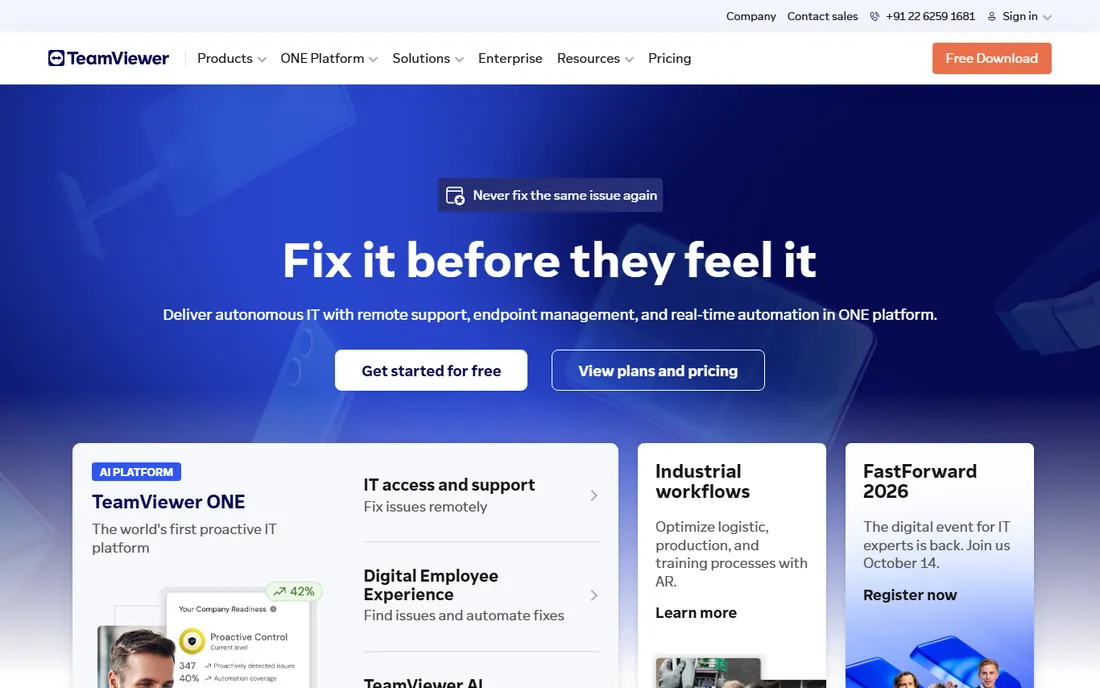
TeamViewer is the default answer in this category for a reason. It connects Windows, macOS, Linux, Android, iOS, ChromeOS and even IoT devices from one client, which matters when your fleet is a decade of accumulated hardware. The Remote Access plan at $24.90 per user per month covers up to three unattended devices, while Business ($50.90/month) stretches to 200.
The honest catch is cost at scale. A ten-person support team lands near $500/month before add-ons, and TeamViewer's license enforcement is aggressive enough that personal-use accounts used for work get flagged. Setup is quick (download, install, sign in), contracts are annual for the best rates, and support is ticket-based with phone options on higher tiers. If your estate is mostly one OS, you are probably overpaying.
What we like- Runs on just about every OS and device type
- Unattended access with granular permission controls
- Compliance coverage includes ISO 27001, SOC 2 and HIPAA
Watch out for- Team pricing climbs fast past the entry tier
- Commercial-use detection can flag personal accounts
- No native PSA integrations for MSPs
Starting priceFrom $28.90/month (billed annually)
Free planFree for personal use
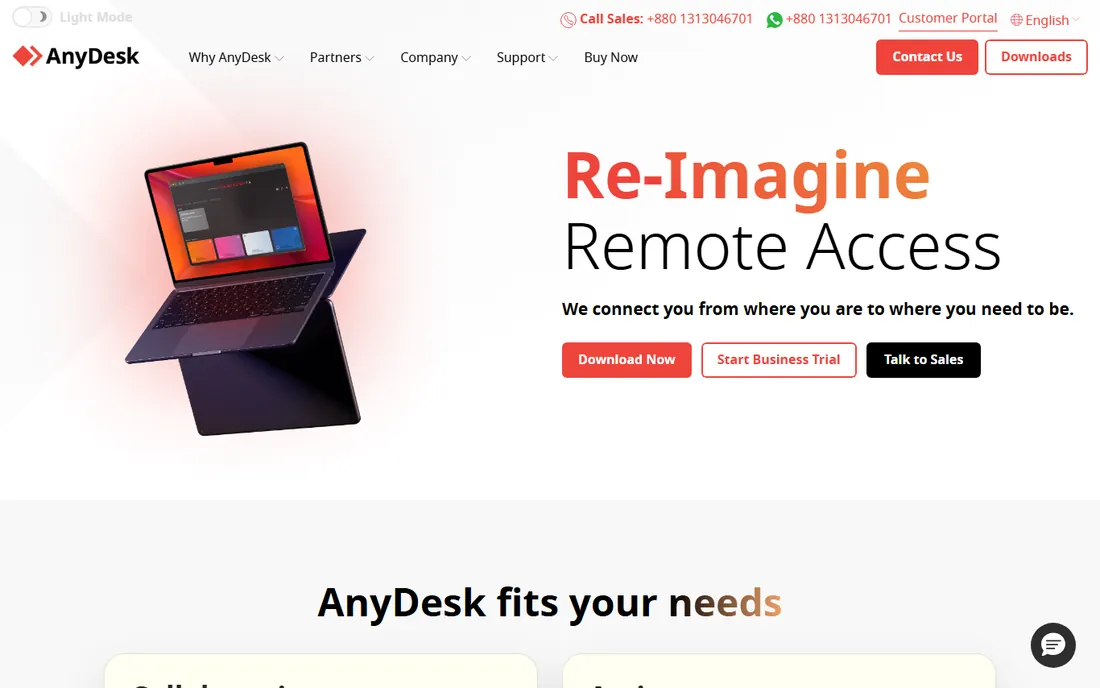
AnyDesk built its name on the DeskRT codec, which keeps sessions usable on connections where other tools stutter. Solo starts at $28.90 per month billed annually (the site currently shows a 20% discount bringing it to $23.12), covering one licensed user and up to 100 managed devices. Standard ($49.90/month) and Advanced ($111.90/month) scale the team and device counts.
The catch is the pricing trajectory. AnyDesk has raised prices multiple times since 2024, and long-time customers have felt each renewal. Contracts are annual, the free tier is personal-use only, and if you need SSO or on-premises hosting you are talking to sales about Ultimate. For a small shop with bad office wifi, though, few tools feel this responsive.
What we like- Tiny client that stays fast on old hardware
- On-premises deployment on the Ultimate tier
- Generous managed-device counts per plan
Watch out for- Several steep price hikes since 2024
- Serious security controls sit on higher tiers
- Lower plans get ticket and chat support only
#3
Splashtop
Best for: Budget-conscious teams that want good streaming quality
Visit splashtop.com
Starting priceFrom $6/user/month (billed annually)
Free planFree trial
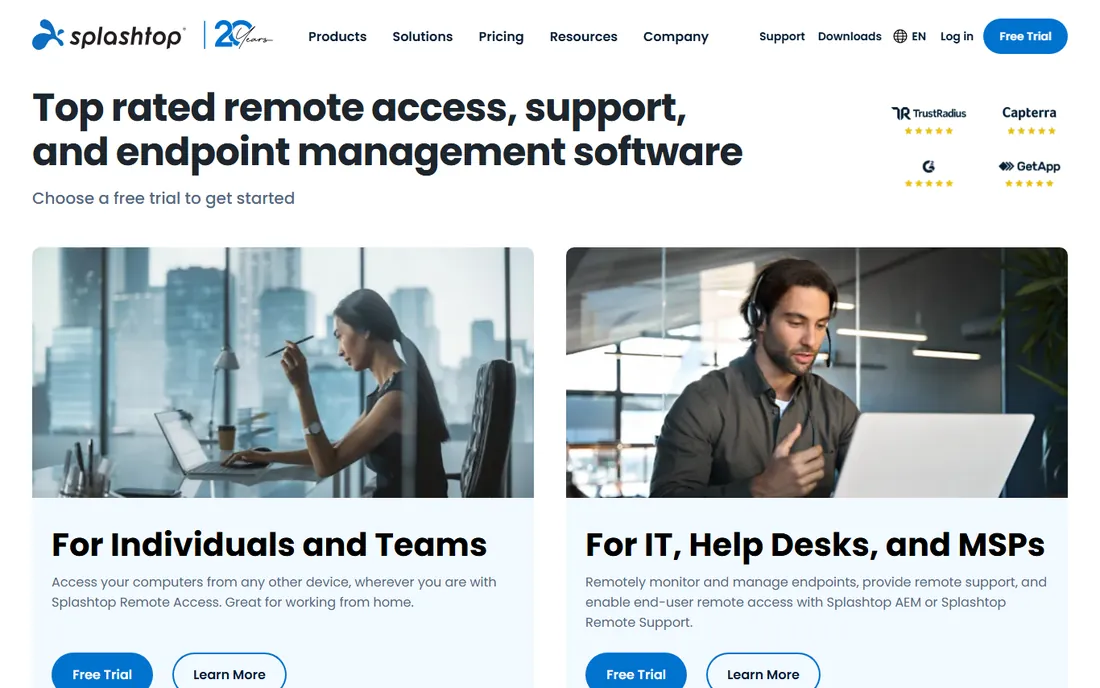
Splashtop wins the value argument for straightforward remote access. Solo is $6 per user per month billed annually ($72/year), Pro is $8.25 and Performance is $13, each step adding streaming quality and features. Setup takes minutes, the streamer installs on the host, and you connect from any device.
The catch is compliance paperwork. If you are in healthcare, confirm the BAA situation directly with their sales team before committing, because third-party reports conflict with the marketing. Support runs through ticket, chat and phone, and the Enterprise tier (quote-based) is where SSO and on-premises live. For general business remote access without regulated data, the price is hard to beat.
What we like- Lowest per-user entry price among the big names
- Sharp 4K streaming
- On-premises option exists on Enterprise
Watch out for- One independent comparison notes Splashtop declines HIPAA BAAs in writing, so verify before handling PHI
- Occasional streamer stability complaints in reviews
- No free tier, trial only
Starting priceFrom ~$30/month per technician (billed annually)
Free planYes (single technician, 3 access agents)
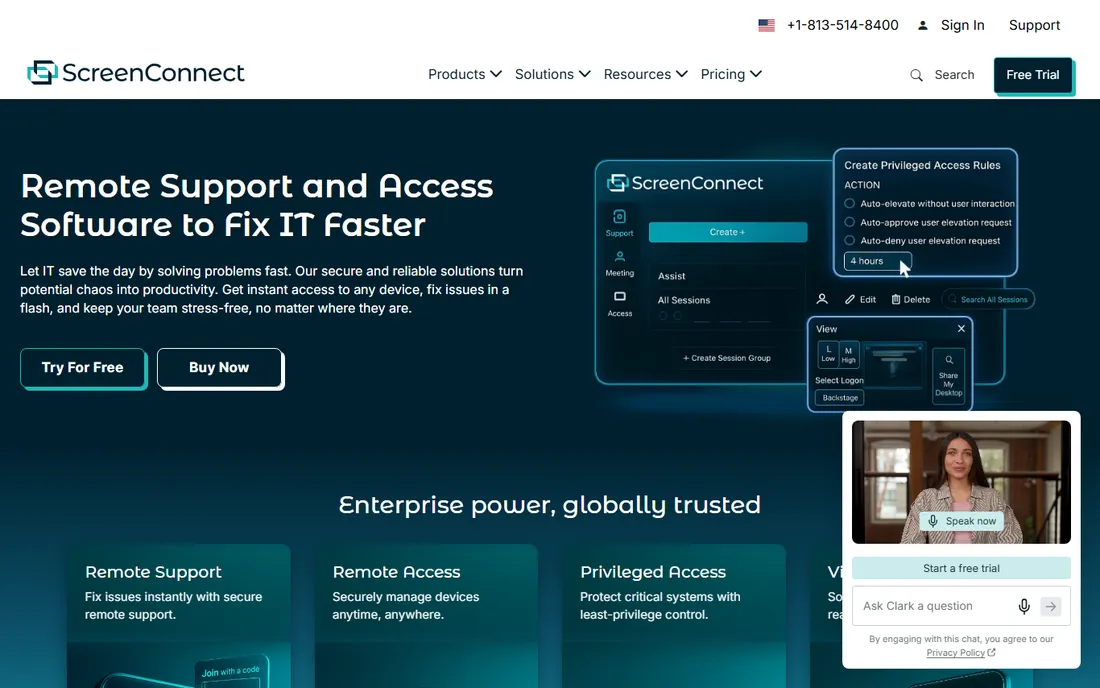
ScreenConnect is the technician's tool. The free single-technician license (one session, three access agents) lets a solo IT person run real unattended access at no cost, and paid tiers start around $30 per tech per month billed annually. The extension library and ConnectWise ecosystem integrations are the reason MSPs stay.
The catch is security history. ScreenConnect had a rough stretch of high-severity CVEs, so you must keep it updated and follow their hardening guide, especially self-hosted. Contracts are annual for the best pricing, support is ticket-based with phone on higher tiers, and session data export lives in the reporting module. If you just need to reach five office PCs, this is overkill.
What we like- Free single-tech tier is genuinely useful
- Cloud or self-hosted deployment
- Deep integrations with PSA and RMM tools
Watch out for- Recent years brought serious disclosed vulnerabilities, so patching discipline matters
- Plan names and limits confuse new buyers
- More tool than a simple shop needs
#5
BeyondTrust Remote Support
Best for: Regulated enterprises with strict audit requirements
Visit beyondtrust.com
Starting priceSee website (quote-based)
Free planFree trial
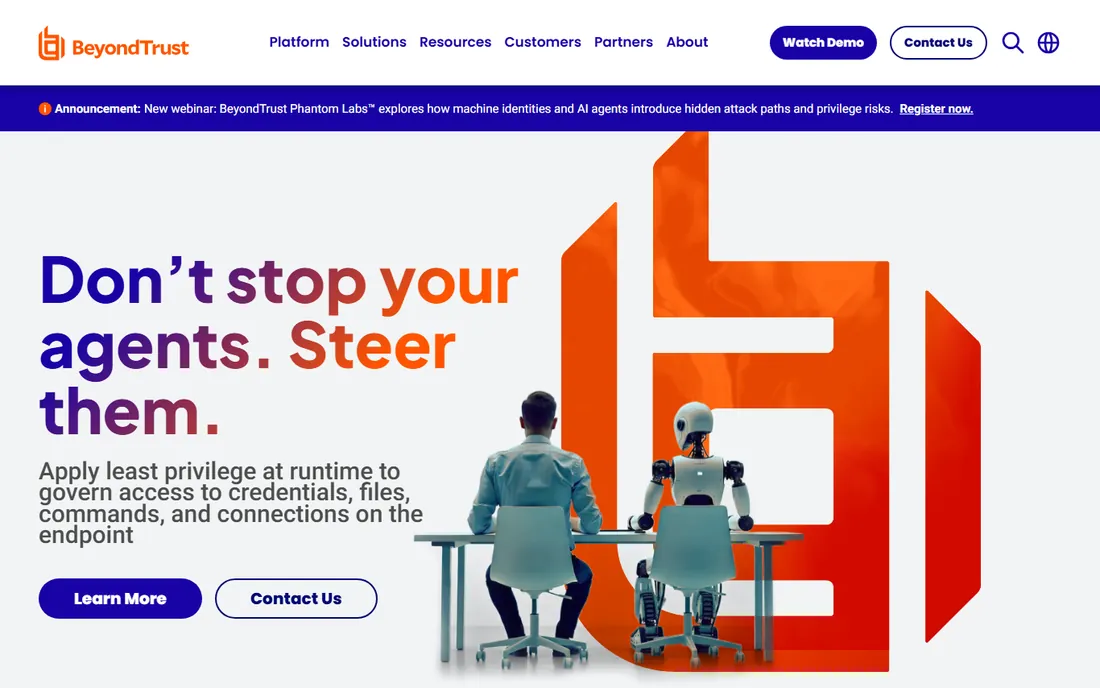
BeyondTrust plays in a different league from the per-user tools above. It is privileged access management with remote support attached: vaulted credentials, least-privilege enforcement, and session forensics that satisfy auditors in finance, healthcare and government. Deployment can be cloud or a physical/virtual appliance.
The catch, beyond the enterprise sales process, is that you need to do diligence. BeyondTrust suffered a widely reported breach in late 2024, so ask for their current SOC reports and incident summary on the sales call. There is no public pricing, contracts are typically multi-year, and support is enterprise-grade with named contacts. For a 20-person company this is the wrong tool; for a bank it is the shortlist.
What we like- Full session recording, auditing and privileged access controls
- Appliance-based self-hosting
- Purpose-built for compliance-driven industries
Watch out for- Quote-only pricing means a sales cycle
- Heavyweight and overkill under ~50 endpoints
- Widely reported 2024 breach is worth asking about directly
#6
Zoho Assist
Best for: Small IT teams already living in Zoho
Visit zoho.com
Starting priceFrom $10/technician/month (billed annually)
Free planYes (1 technician, 5 unattended computers)
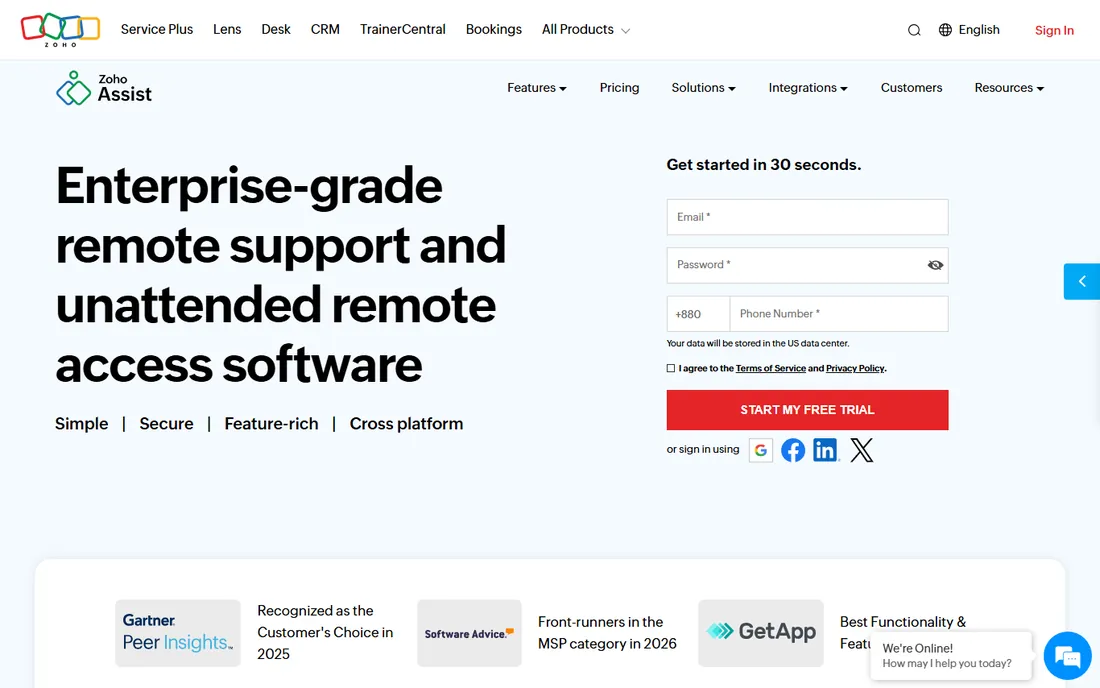
Zoho Assist is the quiet value pick for small support desks. The free plan covers one technician and five unattended computers with chat and file transfer, which handles a surprising number of micro-businesses. Paid remote support starts at $10 per technician per month billed annually, and a parallel unattended-access line starts at $10 per 25 computers.
The catch is the split product. Remote support and unattended access are priced separately, so map your needs before assuming the $10 covers everything. Setup is fast (browser-based technician console, no install for ad-hoc sessions), contracts are monthly or annual, and support is email and chat with phone on higher tiers. If you already pay for Zoho One, check your bundle before buying standalone.
What we like- A real free tier, not just a trial
- Low per-technician pricing
- 15-day trial on paid plans
- Tight Zoho Desk and Zoho SalesIQ integration
Watch out for- Unattended access is a separate product line billed per 25 computers
- Departments and session recording need Enterprise
- Voice and video extras cost more
#7
RealVNC Connect
Best for: Mixed-OS environments and Raspberry Pi fleets
Visit realvnc.com
Starting priceFrom $8.25/month per device (Essentials)
Free planYes (Lite: 5 devices, 3 users, personal use)
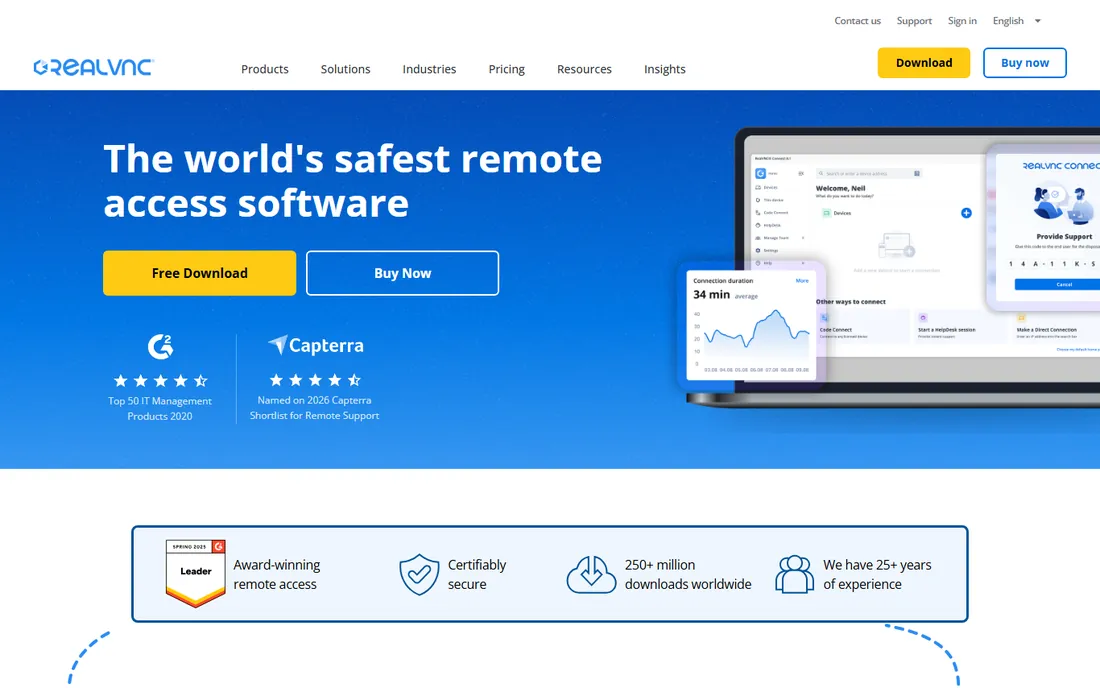
RealVNC Connect is the old hand here, and its per-device pricing is the differentiator. Essentials at $8.25 per device per month covers unlimited users on that machine, which beats per-user tools when shifts share workstations. Plus ($16.50) and Premium ($29.75) add management and security controls, and the free Lite plan covers five devices for personal use.
The catch is scale economics. A hundred laptops at per-device pricing adds up fast, and the product shows its age in places. Setup is straightforward (Server on the host, Viewer on your device, cloud-brokered connection), billing is per device per year, and support is ticket-based. For labs, kiosks and Pi-based signage, it remains a natural fit.
What we like- Built by the inventors of VNC itself
- Per-device pricing favors shared machines
- Excellent Linux and Raspberry Pi support
Watch out for- Per-device math punishes large fleets
- Interface feels dated next to newer rivals
- On-demand assist costs extra
#8
RemotePC
Best for: Small businesses that want the cheapest flat pricing
Visit remotepc.com
Starting priceFrom $22.12/year (first-year promo, Solo)
Free planFree trial (7 days)
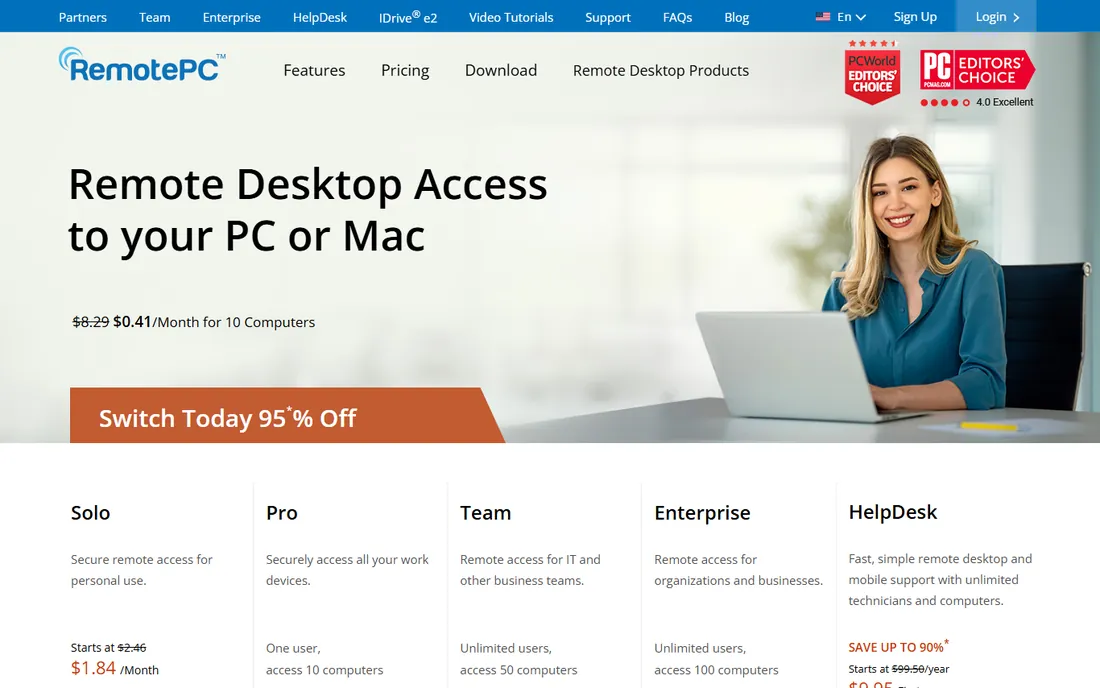
RemotePC's pitch is simple: pay per computer, invite unlimited users. Solo starts at $22.12 for the first year (about $1.84/month), Pro covers 10 computers, Team covers 50 and Enterprise covers 100, with a 7-day trial and no credit card required. For a small office that just needs always-on access to a fixed set of machines, the math is compelling.
The catch is the renewal. That first-year price is promotional and rises afterward, so budget for year two before you commit. The feature set covers the essentials (file transfer, remote printing, session recording, multi-monitor) but not deep RMM. Support is 24/7 email and chat with phone options. If your computer count is stable, few deals beat it.
What we like- Annual prices undercut nearly every rival
- Unlimited users on every plan
- Per-computer pricing, not per-seat
Watch out for- First-year promo pricing jumps at renewal
- Thinner advanced IT tooling
- HelpDesk module is a separate purchase
#9
GoTo Resolve
Best for: SMBs that want RMM features without paying for them
Visit goto.com
Starting priceFrom $40/month (Remote Support, 1 agent)
Free planYes (up to 3 agents, 5 Pro devices, unlimited Lite devices)
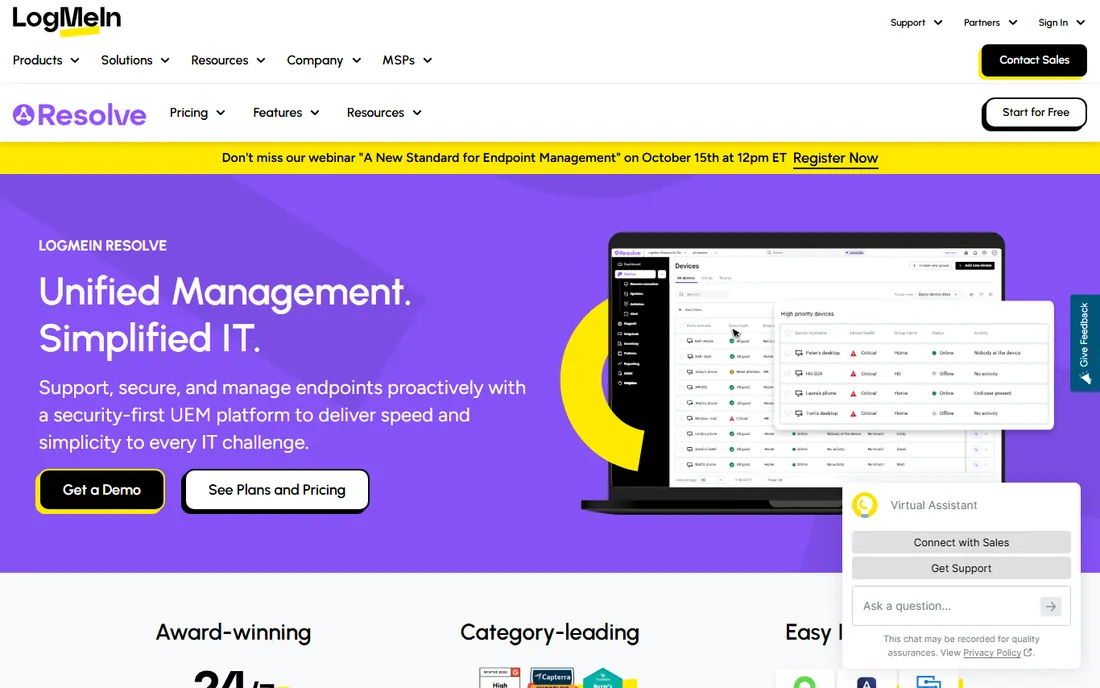
GoTo Resolve (formerly LogMeIn Resolve) bundles remote access into a broader IT management platform, and the free tier is unusually generous: three agents, five Pro devices, unlimited Lite devices, device monitoring and unattended remote access. Paid Remote Support at $40 per month per agent adds helpdesk ticketing and collaboration; Standard at $57 adds antivirus management and remote execution.
The catch is the pricing cliff between free and paid, plus add-on creep for mobile support and camera sharing. Setup is cloud-based with quick agent deployment, contracts are annual for discounts, and support includes live chat and phone on paid tiers. For a growing SMB that will eventually need patching and ticketing anyway, starting free here is sensible.
What we like- Free tier includes monitoring, patching basics and unattended access
- Zero-trust architecture
- Built-in ticketing on paid plans
Watch out for- Mobile device support is a paid add-on
- The jump from free to $40+/agent/month is steep
- Smaller integration ecosystem than ConnectWise
Frequently asked questions
Is free remote access software safe for business use?
Free tiers from established vendors use the same encryption as their paid plans, so the connection itself is fine. The risk is in the limits: free plans often lack audit logs, SSO and granular permissions, which matter once more than a couple of people have access. For a solo operator reaching two office PCs, a free tier is reasonable. For a team, budget for at least the entry paid plan.
What is the difference between remote access and remote support software?
Remote access is unattended: you connect to your own machines anytime, like reaching your office desktop from home. Remote support is attended: a technician connects to someone else's machine, usually with permission, to fix something. Many tools do both, but vendors often price them as separate product lines (Zoho Assist does this explicitly), so check which one the quoted price covers.
Do I still need a VPN with remote access software?
Usually not for the connection itself. Modern remote access tools broker encrypted sessions through their cloud, so you do not open inbound firewall ports. A VPN still has a role if you need whole-network access rather than single-machine control, or if your compliance policy requires all remote traffic inside a tunnel. For most SMBs, the tool's own encryption plus MFA is sufficient.
How much should a small business budget for remote access?
For five computers and two technicians, expect $70 to $150 per month on mainstream tools, or under $100 per year on RemotePC's per-computer pricing. The spread is wide because pricing models differ: per-user, per-technician, per-device and per-computer all appear in this category. Count your endpoints and your support staff separately, then match the model that charges for whichever number is smaller.
Which security features actually matter?
MFA on every account, AES-256 session encryption, granular access controls (who can reach which machine), session logging, and idle-session timeouts. SSO matters once you pass ~20 users. For regulated industries, add a signed BAA or equivalent compliance paperwork and data residency options. Marketing pages list all of these; the admin console is where you verify they are actually turned on.
Can I self-host remote access software instead of using a vendor cloud?
Yes, but your options are narrow. ScreenConnect, BeyondTrust and AnyDesk Ultimate offer self-hosted or on-premises deployment, always on higher tiers or quote-based plans. Self-hosting keeps session data inside your network, which some compliance regimes require, but you inherit patching and availability duty. Most SMBs are better served by a vendor cloud with strong encryption.
How we chose
We started with the tools that appear most often in buyer shortlists on G2, Capterra and MSP forums, then checked each vendor's own site for current pricing, plan limits and trial terms. Prices in this guide come from vendor pricing pages and established pricing trackers (G2 pricing pages, FinancesOnline, SaaSworthy) cross-checked against each other in October 2026; where a vendor hides pricing behind sales, we say so instead of guessing.
We weighted the list toward SMB reality: published prices, real free tiers, per-device versus per-user math, and whether setup is a ten-minute job or an IT project. We read public user reviews for recurring complaints (renewal jumps, support quality, stability) and flagged them as the honest catch for each tool. No vendor paid for placement, and we did not run hands-on trials; every claim traces to a vendor page or a public review source listed below.
What to verify before you sign up
Price is only the first filter. Work through these checks during the trial, because they decide whether the tool survives contact with your real workflow.
Count endpoints and people separately
Vendors charge per user, per technician, per device or per computer, and the cheapest model depends on your ratio. Ten shared kiosk PCs with two admins favors per-user pricing; fifty laptops with fifty owners favors per-computer pricing like RemotePC. Write both numbers down before you look at a pricing page.
Test on your worst connection
Every vendor demos on good wifi. Run the trial from the location with the worst connectivity you support: a warehouse, a home office on DSL, a phone hotspot. AnyDesk and Splashtop tend to hold up best on weak links; that is worth more than a feature checklist.
Confirm the compliance paperwork
If you touch health, financial or government data, get the BAA, SOC 2 report or ISO certificate in writing during the trial. A marketing badge is not a signed agreement. BeyondTrust and TeamViewer publish the most complete compliance portfolios; budget tools may simply not offer them.
Check the renewal price, not just the promo
First-year discounts are common (RemotePC, AnyDesk promos). Ask sales for the year-two price in writing before you deploy to fifty machines, because migrating remote access tooling later is painful.
Verify support hours and data export
Confirm support channels on your actual plan tier, not the enterprise tier. Check that session logs and reports export to CSV or your SIEM, and that you can bulk-remove devices and wipe credentials when offboarding. These admin details decide the true cost of ownership.
When cheap remote access costs more later
The lowest sticker price is not always the lowest total cost. A $22/year plan that lacks audit logs can fail a client security questionnaire and cost you a contract. A tool without SSO means manual password resets across every technician, every quarter. And per-device pricing that looks cheap at ten endpoints can triple your bill at fifty.
Buy for the company you will be in eighteen months, not the one you are today. If you plan to hire support staff, favor per-computer or per-device models that do not punish headcount growth. If you plan to chase regulated clients, pay for the compliance paperwork now rather than migrating tools under deadline. The trial period is the cheapest time to discover these mismatches, so run two finalists side by side for a full week before committing.
Sources we checked (18)
- https://www.splashtop.com/
- https://anydesk.com/
- https://www.teamviewer.com/
- https://screenconnect.connectwise.com/
- https://www.beyondtrust.com/
- https://www.zoho.com/assist/
- https://realvnc.com/
- https://www.remotepc.com/
- https://www.goto.com/resolve
- https://www.splashtop.com/blog/anydesk-price-increase
- https://www.g2.com/products/splashtop-remote-access/pricing
- https://www.itqlick.com/connectwise-control/pricing
- https://www.channelinsider.com/tech-companies/top-remote-desktop-software-vendors/
- https://www.saasworthy.com/product/remotepc
- https://www.saasworthy.com/product/zoho-assist
- https://comparisons.financesonline.com/livechat-vs-goto-resolve
- https://www.fahimai.com/anydesk-vs-realvnc-connect
- https://www.flamingo.run/blog/remote-access-software
Is your product missing or out of date?
We review this list regularly. Vendors can request a listing, send updated pricing or ask about featured placement.

Shihab Mia · Founder, Rankite
Shihab has spent more than a decade helping SaaS and e-commerce brands grow through search. He writes Rankite's software buying guides from pricing pages, documentation and public user reviews. More about Shihab.