How we make this list: we compare pricing pages, product documentation and public user reviews. Rankite is independent; if a vendor ever pays for a featured spot, that listing is clearly labeled Partner.
Key takeaways
- TeamViewer Business ($50.90/month) is the enterprise standard but the priciest; its free tier aggressively flags suspected commercial use.
- AnyDesk (from $23/month) wins on speed with its DeskRT codec; Splashtop SOS ($22/month) is the value pick for support technicians.
- RemotePC ($22.12/year for one computer) is the cheapest always-on access; Zoho Assist ($12/technician/month) suits small support teams with a free plan.
- ConnectWise ScreenConnect ($30/month) offers a free single-technician license, which makes it the MSP favorite.
- Chrome Remote Desktop and RustDesk are genuinely free; RealVNC Connect (from $8.25/month) is the cross-platform classic.
Quick comparison
| Tool | Best for | Starting price | Free plan |
|---|
 TeamViewer TeamViewer | Enterprise remote support | $50.90 per month (Business, billed annually) | Yes (personal use) |
 AnyDesk AnyDesk | Low-latency connections | From $23 per month | Yes (personal use) |
 Splashtop Splashtop | IT support teams | $22 per month (SOS, billed annually) | Free trial |
 RemotePC RemotePC | Cheap always-on access | $22.12 per year (Consumer) | Free trial |
 Zoho Assist Zoho Assist | Small support teams | $12 per technician/month (Standard) | Yes |
 ConnectWise ScreenConnect ConnectWise ScreenConnect | MSPs and IT departments | $30 per month (One, billed annually) | Yes (single technician) |
 GoToMyPC GoToMyPC | Simple personal remote access | $35 per month per computer | Free trial |
 Chrome Remote Desktop Chrome Remote Desktop | Free basic access | Free | Yes |
 RustDesk RustDesk | Open-source self-hosted | Free | Yes |
 RealVNC Connect RealVNC Connect | Cross-platform VNC standard | From $8.25 per month (billed annually) | Free trial (14 days) |
Is your product missing or out of date?
We review this list regularly. Vendors can request a listing, send updated pricing or ask about featured placement.
The best remote control software
The cost of the wrong remote access tool comes in two flavors. The first is a breach: an insecure or poorly configured remote desktop is one of the most common initial access vectors in ransomware attacks. Consumer-grade tools without proper authentication, left running on a server, are an invitation. The second is financial: TeamViewer at $50.90 a month per user versus RemotePC at $22.12 a year per computer is a hundredfold difference for the same basic job of reaching your office PC from home.
Then there is the commercial-use trap. TeamViewer and AnyDesk are free for personal use but detect business patterns aggressively, cutting sessions mid-work with demands to buy a license. Plenty of freelancers have learned this during a client emergency. The best remote computer access software is priced for how you actually use it, and honest about where free ends.
This list covers ten remote control tools that exist today, from enterprise support platforms to free options.
Starting price$50.90 per month (Business, billed annually)
Free planYes (personal use)
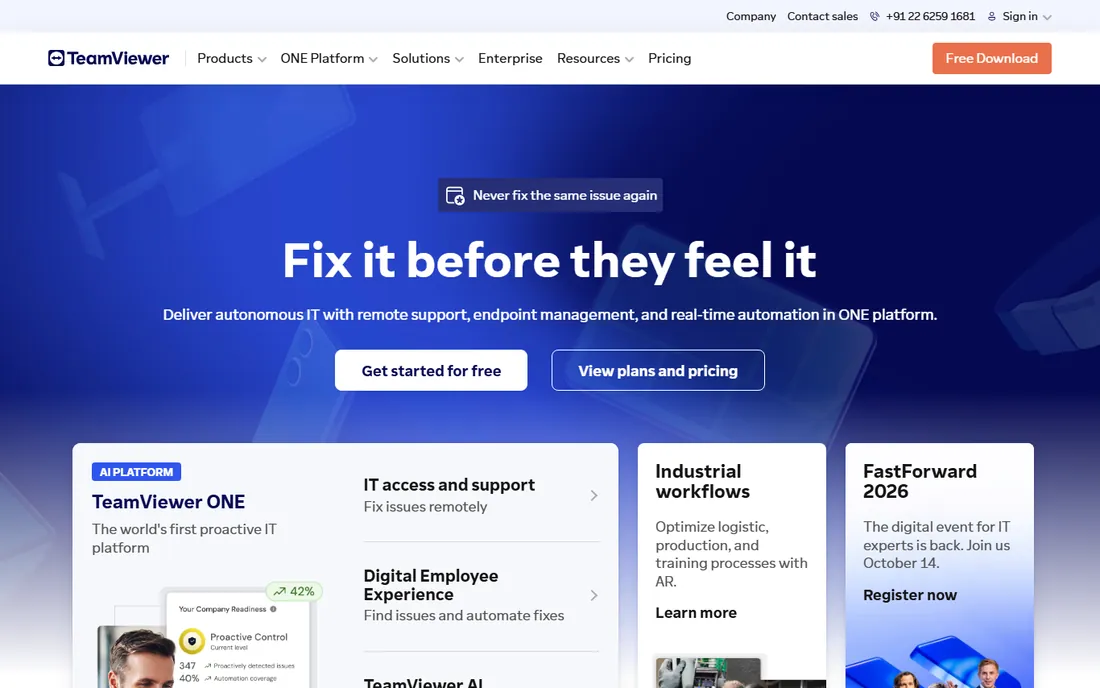
TeamViewer is the industry standard for a reason: unattended access, remote support, session recording, audit logs, and integrations with Jira, Salesforce and ServiceNow, across Windows, Mac, Linux, Android, iOS and even Raspberry Pi. Business at $50.90 a month billed annually covers one user and one concurrent session. Regulated industries value the compliance certifications.
The price is the story. It is among the most expensive options here, contracts auto-renew annually with a 28-day cancellation notice, and the free personal tier interrupts suspected commercial use without much appeal. Buy TeamViewer when you need the deepest feature set and compliance posture; otherwise the alternatives below do the core job for far less.
What we like- Most feature-complete platform
- Strong compliance and audit tools
- Works on every OS including Raspberry Pi
Watch out for- Expensive for commercial use
- Free tier flags commercial use aggressively
- Contracts auto-renew with 28-day cancellation notice
Starting priceFrom $23 per month
Free planYes (personal use)
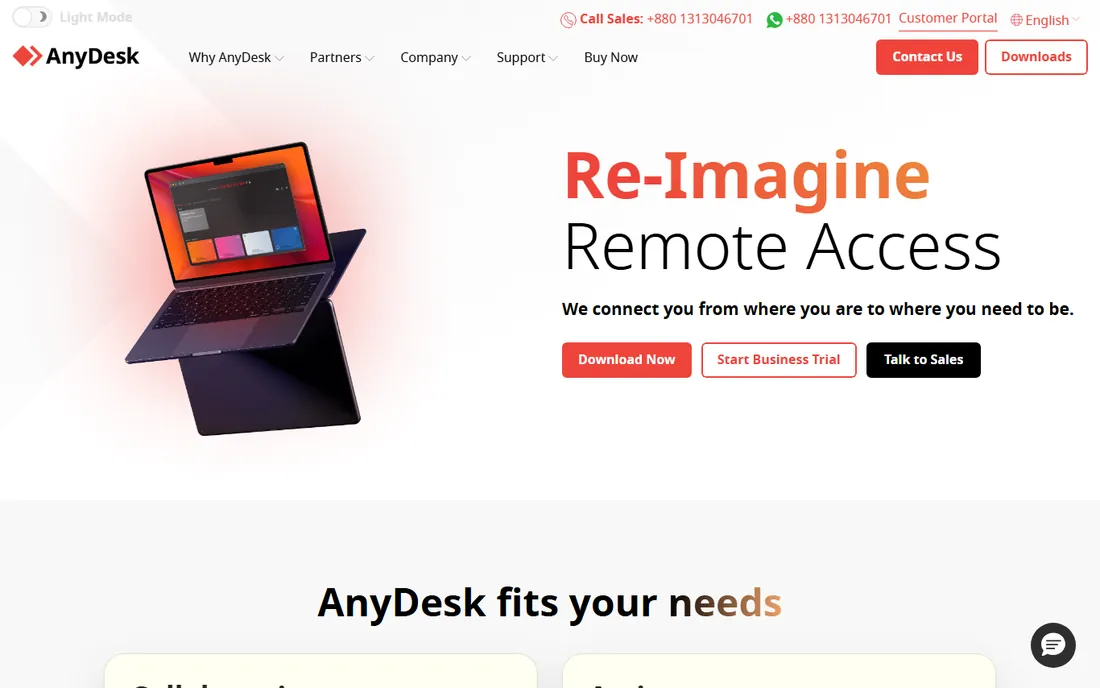
AnyDesk was built to fix TeamViewer's slowness: its proprietary DeskRT codec delivers near-zero latency and smooth rendering on connections as slow as 1 Mbps, which makes it the favorite of technicians working over mobile hotspots and international links. Paid plans start around $23 a month with unattended access, file transfer, remote printing and white-label clients.
It is less of an enterprise platform than TeamViewer, with fewer ITSM integrations and compliance features. The free personal tier watches for commercial use like its rival. Choose AnyDesk when connection speed is the priority and your work happens over imperfect networks.
What we like- Fastest performance on weak connections
- Lightweight client
- Affordable paid tiers
Watch out for- Fewer enterprise integrations than TeamViewer
- Free tier also polices commercial use
- Session recording on paid plans only
Starting price$22 per month (SOS, billed annually)
Free planFree trial
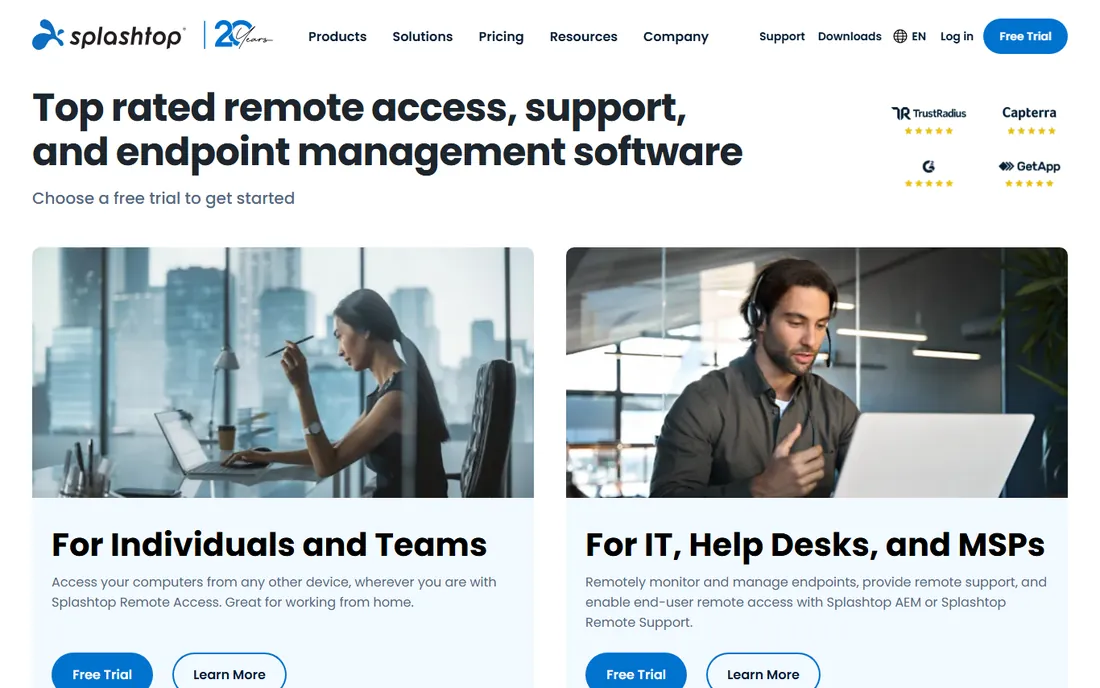
Splashtop SOS at $22 a month per concurrent technician billed annually lets a support tech access unlimited attended computers and mobile devices, which is outstanding value next to TeamViewer's per-user pricing. Remote Access Solo starts at just $5 a month for individual remote work. Performance is strong and the security story is solid.
The product matrix takes study: Solo, Pro, Performance, SOS and Enterprise editions with different licensing models. SOS licenses cap unattended computers per license, so count your managed machines. For support teams watching budgets, it is the rational TeamViewer alternative.
What we like- Excellent value for technicians
- SOS covers unlimited attended devices
- Strong performance
Watch out for- No free tier
- Product lineup is confusing
- Unattended computer caps per license
Starting price$22.12 per year (Consumer)
Free planFree trial
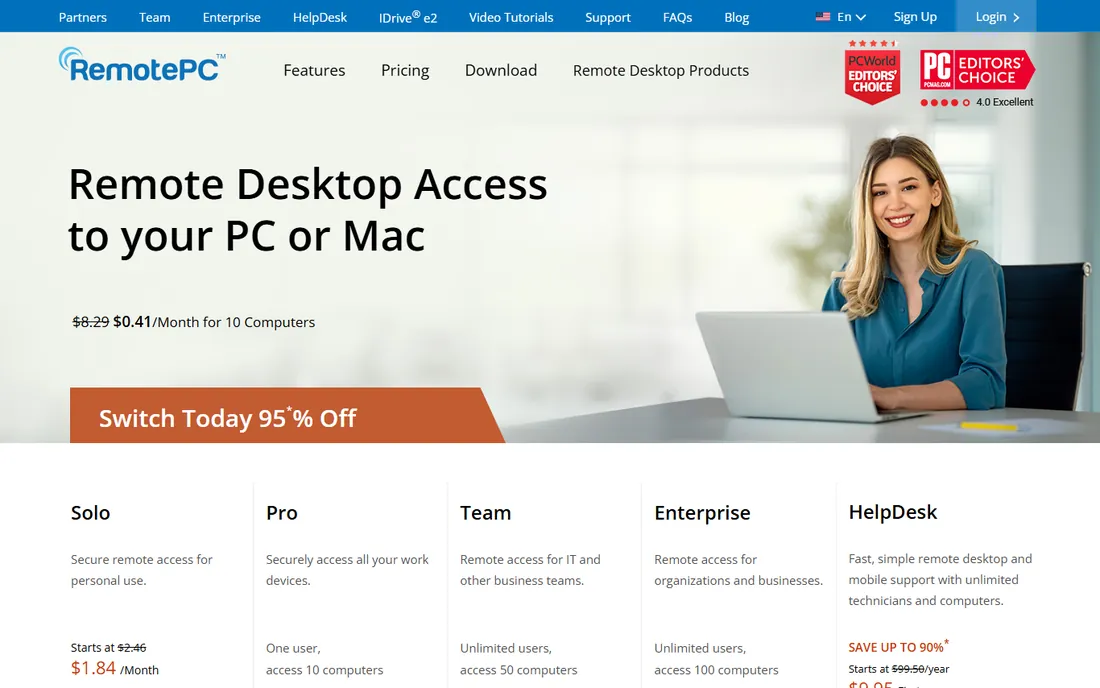
RemotePC's pricing is startling: $22.12 a year for always-on access to one computer, $74.62 for ten, $224.62 for fifty devices with unlimited users. It is priced per computer, not per user, which flips the economics for teams. Chat, whiteboarding, sticky notes and remote sound come built in, with a browser-based option needing no install.
You get what you pay for in polish: the interface and connection performance trail the leaders. But for the core job of reaching your own computers remotely, the value is unmatched. Budget buyers should start here and upgrade only if the experience disappoints.
What we like- Cheapest always-on access here
- Priced per computer not per user
- Unlimited users on team plans
Watch out for- Interface less polished
- Performance trails AnyDesk
- Support quality mixed
Starting price$12 per technician/month (Standard)
Free planYes
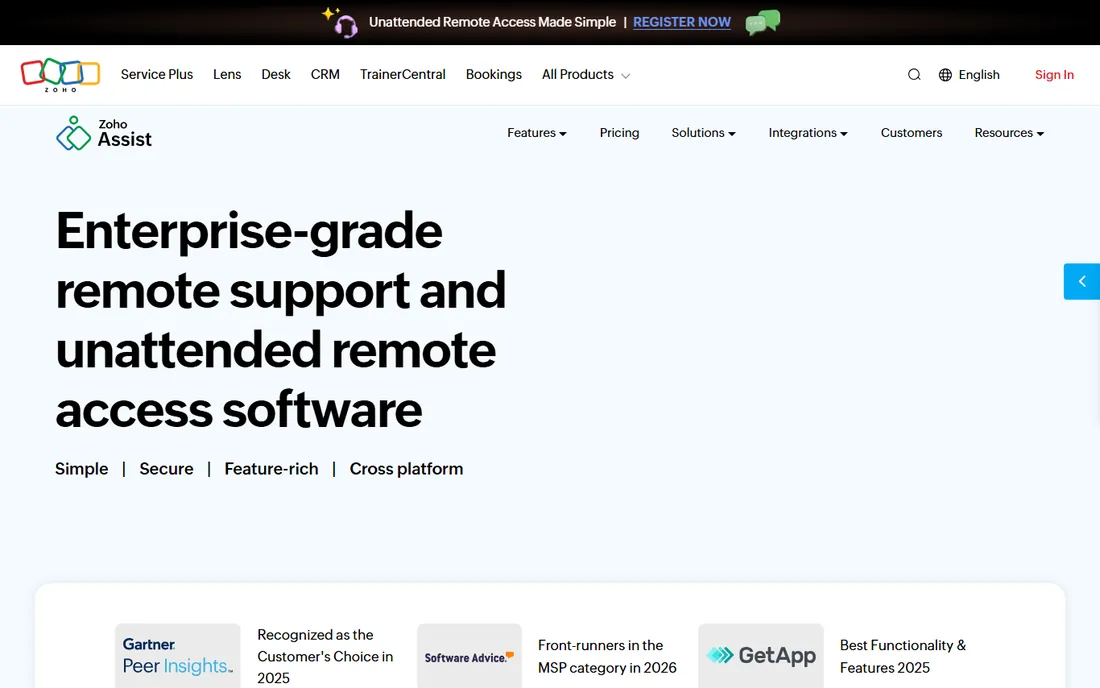
Zoho Assist gives small support teams professional remote support at $12 a technician a month for Standard, with a real free plan for light use. Unattended access plans run the same per-technician pricing with 25 computers included. For Zoho shops, the Desk and CRM integrations make it the natural choice.
It is not the fastest or prettiest tool here, and features like session recording and advanced customization sit on the $18 Professional and $28 Enterprise tiers. For a small team doing remote support without enterprise budgets, the price-to-function ratio is excellent.
What we like- Genuine free plan
- Cheap technician pricing
- Good Zoho ecosystem integration
Watch out for- Advanced features on higher tiers
- Interface less refined
- Smaller third-party ecosystem
Starting price$30 per month (One, billed annually)
Free planYes (single technician)
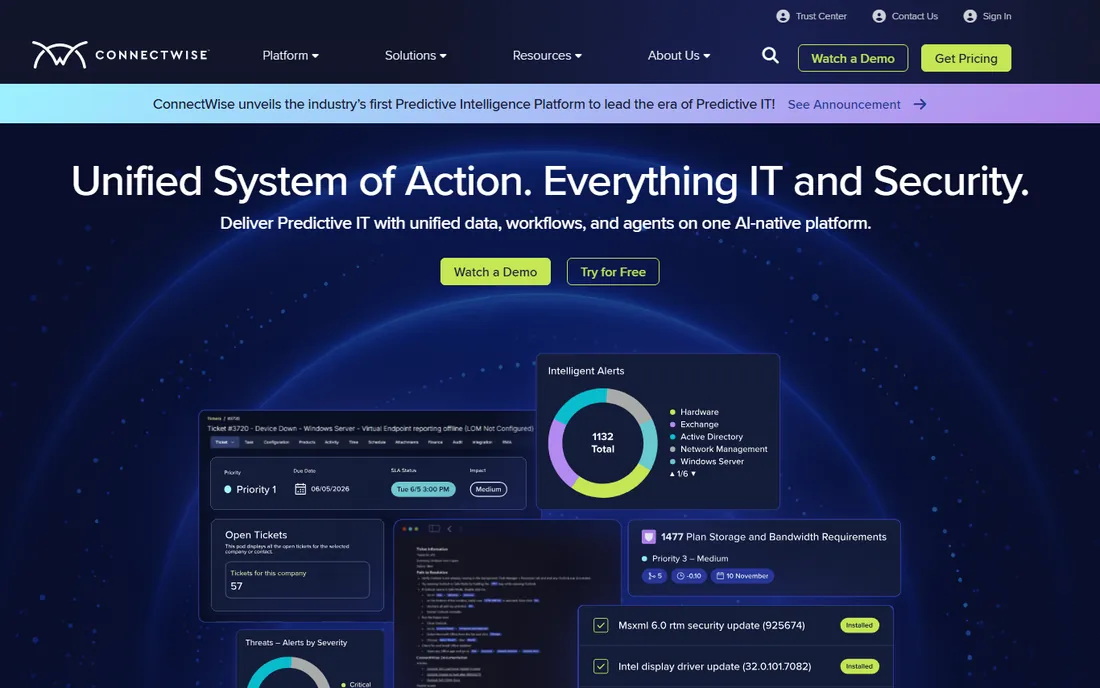
ScreenConnect is the MSP workhorse: remote support, unattended access, remote meetings and deep customization with scripting and toolbox extensions. The standout is the free single-technician license with 3 access agents, which is genuinely useful for solo IT operators. Paid One plans start at $30 a month billed annually.
The interface rewards investment and punishes casual use; expect a learning curve. The tier structure (One, Standard, Premium) takes parsing. For MSPs and IT departments that live in remote support, it is the professional's choice.
What we like- Free license for single technicians
- Deep customization and scripting
- Trusted by MSPs
Watch out for- Interface has a learning curve
- Pricing tiers confuse
- On-premises option adds maintenance
Starting price$35 per month per computer
Free planFree trial
GoToMyPC does one thing: simple, reliable remote access to your computer from anywhere. At $35 a month per computer, it is among the priciest ways to do it, but the setup is foolproof and the connections are dependable. Business travelers and non-technical users who want it to just work keep paying.
The value proposition is thin against RemotePC at $22 a year or Chrome Remote Desktop at free. There is no free tier and the feature set has not kept pace. Buy it for simplicity and brand trust, not for value.
What we like- Dead simple setup
- Reliable connections
- Trusted brand
Watch out for- Expensive per computer
- No free tier
- Feature set thin versus rivals
Starting priceFree
Free planYes
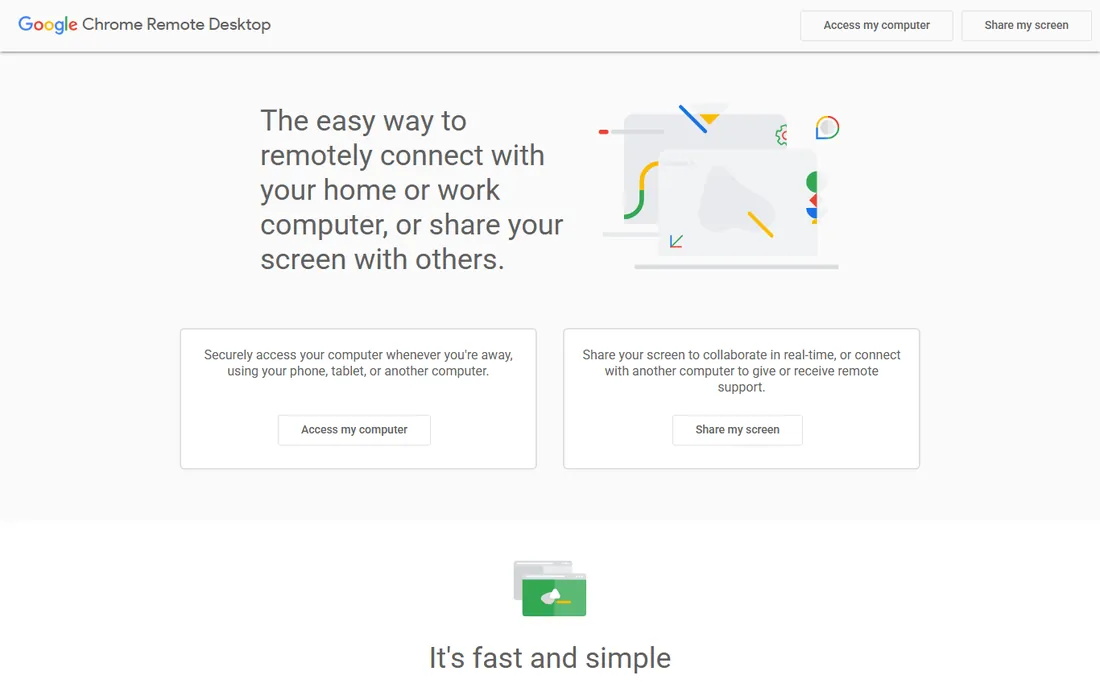
Chrome Remote Desktop is Google's free remote access: install the extension, sign in, and reach your computers from any browser or the mobile app. It costs nothing and takes minutes to set up, which makes it the default recommendation for occasional personal use and the fallback every IT pro keeps installed.
It is basic by design: no file transfer frills, no session management, no technician console. For business use it lacks the audit and management features that matter. As a free tool for reaching your own machines, it is unbeatable.
What we like- Completely free
- Dead simple setup with a Google account
- Works in the browser
Watch out for- No advanced features
- No session recording or multi-monitor finesse
- Google account required
Starting priceFree
Free planYes
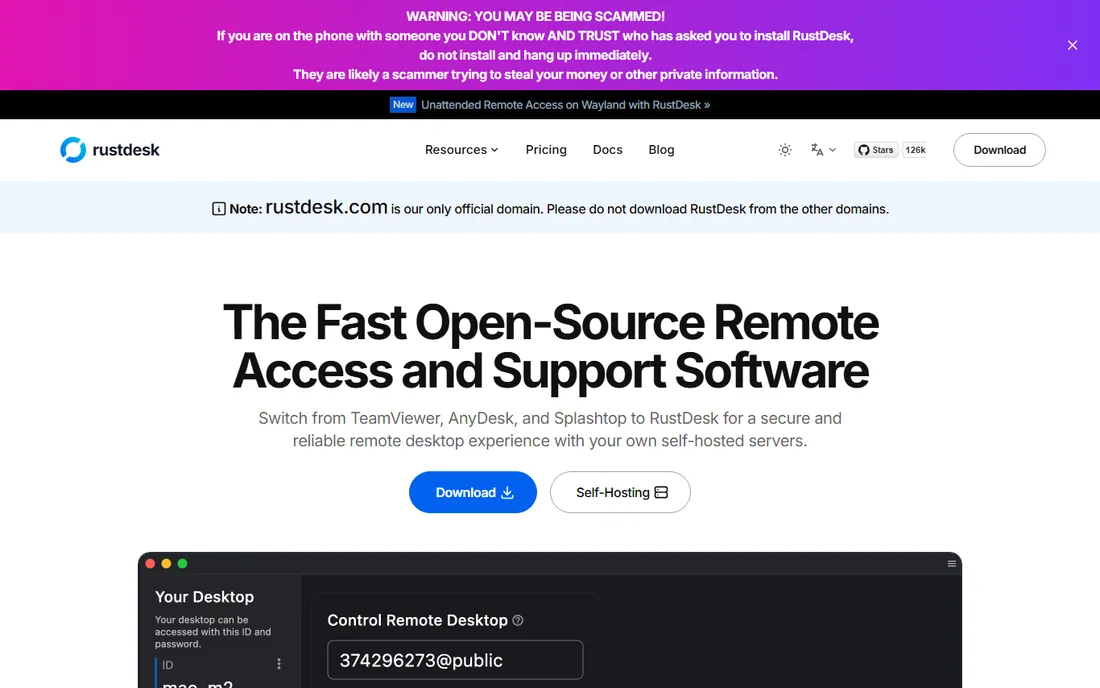
RustDesk is the open-source answer to TeamViewer: free remote desktop software you can run against public servers or self-host for full control of your data. For privacy-conscious organizations and the self-hosting crowd, owning the relay server removes the vendor from the trust equation entirely. Paid Pro options exist for managed hosting.
Self-hosting requires technical chops, and the polish and mobile experience trail the commercial leaders. But as free secure remote desktop software with no usage policing and no subscription, it is the most interesting new option in the category.
What we like- Free and open source
- Self-host your own server
- No vendor lock-in
Watch out for- Self-hosting needs technical skill
- Smaller community
- Polish trails commercial tools
Starting priceFrom $8.25 per month (billed annually)
Free planFree trial (14 days)
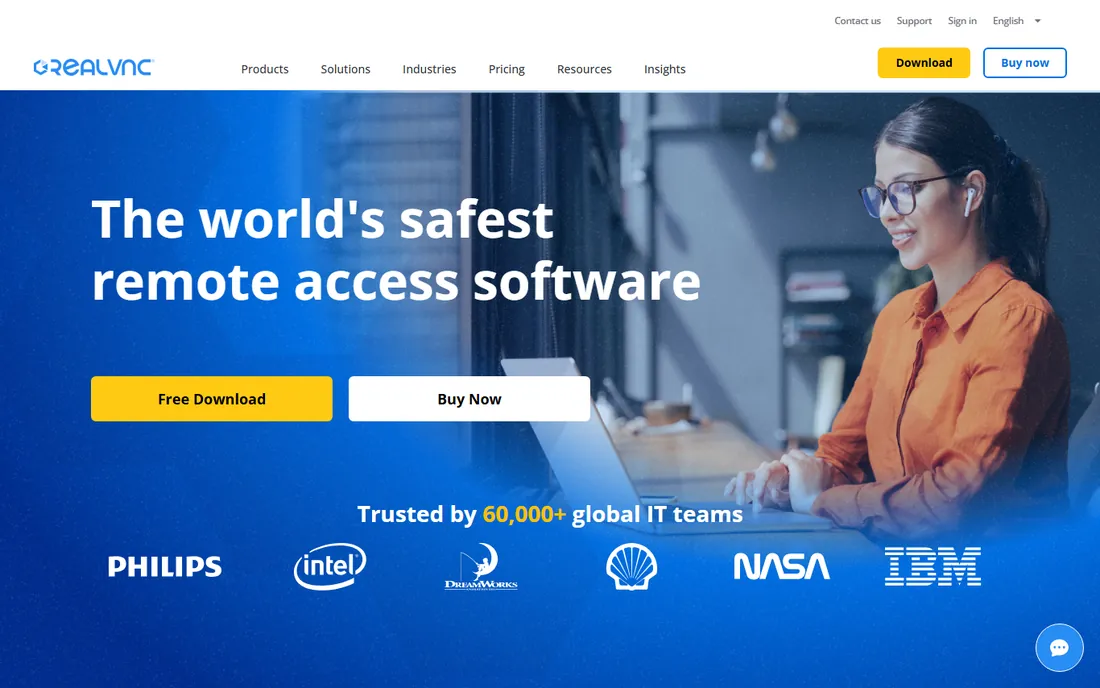
RealVNC Connect is the commercial evolution of the VNC standard: remote access across Windows, Mac, Linux, Raspberry Pi and mobile, from $8.25 a month billed annually. Its standards-based approach suits mixed environments and embedded devices where proprietary protocols do not reach. The 14-day trial lets you verify compatibility.
The experience feels dated next to AnyDesk and Splashtop, and collaboration features are thinner. For heterogeneous environments and Raspberry Pi fleets, though, it remains the practical standard.
What we like- VNC standard compatibility
- Strong cross-platform support
- Affordable entry
Watch out for- Interface feels dated
- Fewer collaboration features
- 14-day trial is short
How this shortlist was assembled
This list was built from vendor pricing pages, feature documentation and public reviews checked in October 2026. Only products available today with genuine remote control capability were included, from enterprise platforms to free tools. Prices reflect current published figures. No hands-on testing was performed and no vendor paid for placement.
What to check before you buy remote access software
Decide whether you need attended support, unattended access or both. Support technicians helping users need attended sessions with easy join flows; reaching your own office PC needs unattended access with wake-on-LAN. The pricing models differ sharply: per technician, per computer or per concurrent session. Match the license to the pattern or pay for the wrong one.
Then verify the security model. Look for multi-factor authentication, end-to-end encryption, session logging and granular access controls. Free tools often skip these, which is fine for personal use and unacceptable for business. A remote access breach is a network breach; treat the purchase with that gravity.
Network and performance realities
Test on your actual connections, not the vendor's demo. AnyDesk's codec shines on weak links; others degrade. Check firewall and proxy traversal for locked-down corporate networks, and confirm mobile apps if technicians work from phones. Performance claims are meaningless until measured on your worst connection.
Compliance and audit needs
Regulated industries need session recording, audit logs and access reviews. TeamViewer and ScreenConnect lead here; free tools do not compete. If an auditor will ever ask who accessed what and when, buy the tool that answers natively rather than bolting on logging afterward.
The commercial-use ambush
The most common complaint in this category is the free-tier ambush: months of free personal use, then sessions cut short with demands to buy a commercial license, sometimes mid-emergency. TeamViewer and AnyDesk both police usage patterns, and their detection is aggressive. It is their right; the software costs money to run.
The defense is deciding upfront. If the use is even partly commercial, budget for a paid tool from day one: RemotePC, RustDesk self-hosted or Chrome Remote Desktop for the truly casual. Getting flagged during a client crisis is the most expensive possible time to discover where free ends.
Frequently asked questions
What is the best remote desktop software for small business?
Splashtop SOS ($22/month per technician) and RemotePC ($22.12/year per computer) offer the best value for small businesses. TeamViewer is the most capable but far more expensive. For occasional use, Chrome Remote Desktop is free and sufficient.
Is free remote desktop software safe?
The reputable free options are safe: Chrome Remote Desktop uses Google's infrastructure, and RustDesk is open source and auditable. Risk comes from obscure free tools and from misconfiguration, like weak passwords on unattended access. Enable multi-factor authentication wherever it is offered.
What is the difference between remote access and remote support software?
Remote access connects you to your own unattended computers, like reaching your office PC from home. Remote support connects a technician to another person's computer for troubleshooting, with attended join flows and session tools. Many products do both; SOS-style plans target support, access-style plans target personal use.
Can I use TeamViewer for free commercially?
No. TeamViewer is free for personal use only, and it actively detects commercial usage patterns, interrupting sessions until you buy a license. Businesses need a paid plan starting with Business at $50.90 a month billed annually.
How many devices can I control with remote desktop software?
It depends on licensing: TeamViewer Business covers managed devices per user, RemotePC prices per computer with unlimited users, Splashtop SOS covers unlimited attended computers per technician. Count your computers and your technicians separately, then match the model.
What is the most secure remote desktop software?
TeamViewer and ConnectWise ScreenConnect lead on enterprise security features: multi-factor authentication, end-to-end encryption, session audit logs and compliance certifications. RustDesk self-hosted gives you full data control. Whatever you choose, enforce strong unique passwords and multi-factor authentication on every account.
Sources we checked (10)
- https://costbench.com/software/remote-desktop/teamviewer/
- https://techdiy.info/reviews/best-remote-desktop-software/
- https://www.spotsaas.com/compare/teamviewer-vs-anydesk
- https://www.spotsaas.com/compare/anydesk-vs-teamviewer
- https://www.fahimai.com/splashtop-vs-remotepc
- https://www.saasworthy.com/product/splashtop-remote-support
- https://www.trustradius.com/compare-products/connectwise-screenconnect-vs-gotomypc
- http://thectoclub.com/tools/connectwise-screenconnect-alternative/
- https://comparisons.financesonline.com/ninjarmm-vs-screenconnect-vs-connectwise-automate
- https://www.itqlick.com/connectwise-control/pricing
Is your product missing or out of date?
We review this list regularly. Vendors can request a listing, send updated pricing or ask about featured placement.

Shihab Mia · Founder, Rankite
Shihab has spent more than a decade helping SaaS and e-commerce brands grow through search. He writes Rankite's software buying guides from pricing pages, documentation and public user reviews. More about Shihab.