How we make this list: we compare pricing pages, product documentation and public user reviews. Ratings come from G2, Capterra or Trustpilot, with the date we checked them.
Key takeaways
- Todoist is the simplest strong pick for personal task lists, while Notion suits people who want tasks, notes, and docs in one workspace.
- Asana, ClickUp, Trello, and monday.com cover team work, but they differ sharply on setup effort and visual style.
- A free plan is only useful if its limits fit your real use, so check project, member, and storage caps before you commit.
- Time tracking is often the missing piece, which is why Toggl Track earns a place beside task and project tools.
- The best app is usually the one your team will actually open each day, not the one with the longest feature list.
Quick comparison
| Tool | Best for | Starting price | Free plan |
|---|
 Todoist Todoist | Personal task lists | See website | Yes |
 Notion Notion | Notes, docs, and tasks in one place | $10 per user/month (billed annually) | Yes |
 Asana Asana | Team projects with clear ownership | $10.99 per user/month (billed annually) | Yes |
 ClickUp ClickUp | Custom workflows at a low price | $7 per user/month (billed annually) | Yes |
 Trello Trello | Visual boards for small teams | $5 per user/month (billed annually) | Yes |
 monday.com monday.com | Visual planning across departments | $9 per user/month (billed annually) | Yes |
 TickTick TickTick | Tasks, calendar, and focus timers | $3 per user/month | Yes |
 Toggl Track Toggl Track | Simple time tracking for billable work | $10 per user/month | Yes |
Is your product missing or out of date?
We review this list regularly. Vendors can request a listing, send updated pricing or ask about featured placement.
The best productivity apps
#1Todoist
Best for: Personal task lists4.5/5 on
G2 (832 reviews, checked Oct 2026)
Visit todoist.com
Starting priceSee website
Free planYes
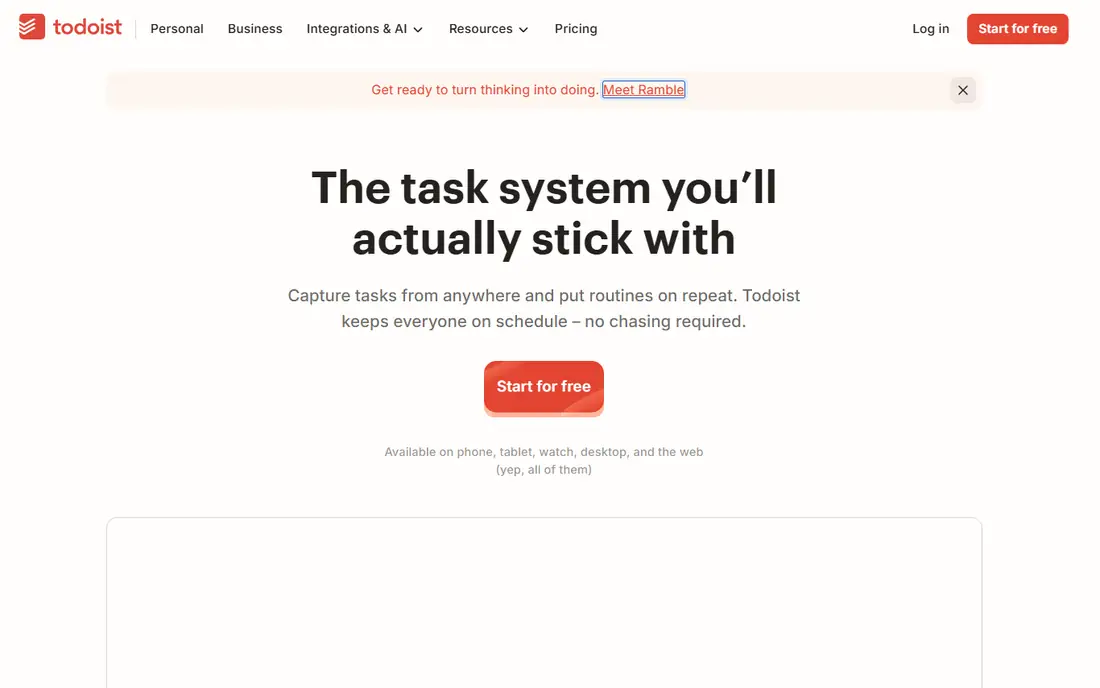
Todoist earns its place by staying out of the way. You type a task in plain language, add a date and a project, and move on. That speed matters, because a task app that takes ten seconds per entry will lose to a notebook within a week. The free Beginner plan covers a small number of projects and filters, which is enough to test whether the habit sticks.
The limit appears when work grows beyond personal lists. Todoist handles shared lists, but it does not offer the timelines, workload views, or custom workflows that a larger team needs. Paid plans add reminders, more projects, and longer history, and the price varies by billing route, so check the vendor pricing page before you subscribe. For one person, or a pair sharing household and work lists, Todoist is still a strong default.
What we like- Fast natural language entry
- Clean lists across phone and desktop
- Useful free Beginner plan
Watch out for- Limited project count on free
- No built in time tracking
- Team features are basic compared with Asana
#2Notion
Best for: Notes, docs, and tasks in one place4.6/5 on
G2 (13,834 reviews, checked Oct 2026)
Visit notion.com
Starting price$10 per user/month (billed annually)
Free planYes
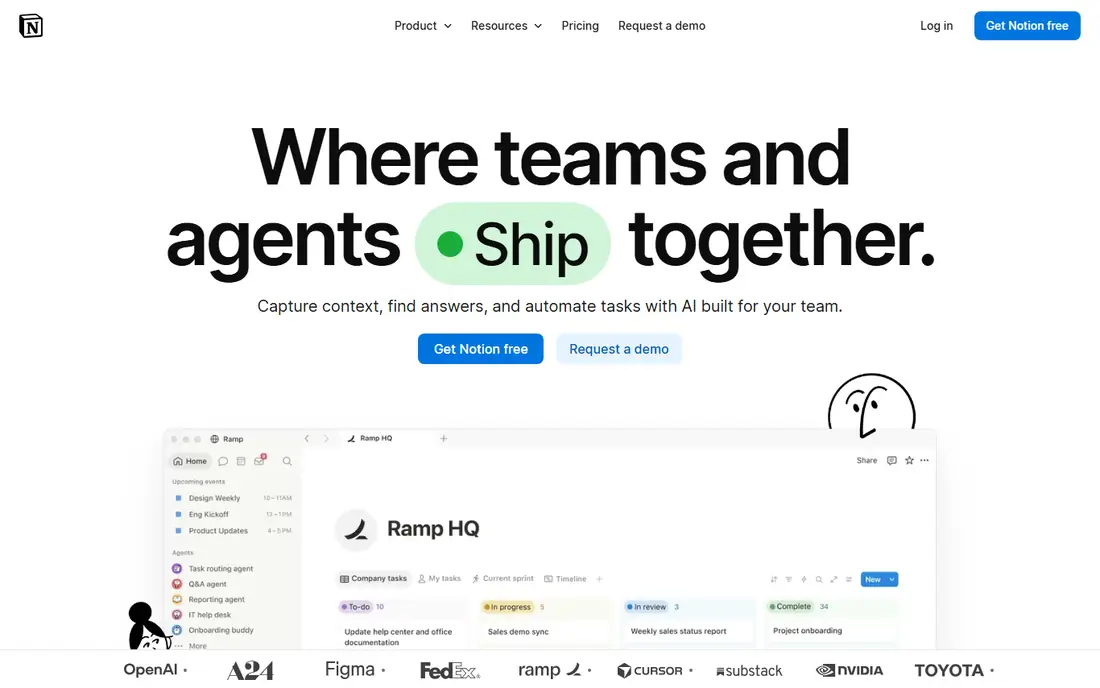
Notion is less a task app and more a workspace you shape yourself. A page can hold notes, a task database, a meeting archive, and a project board, all linked together. That flexibility suits freelancers, students, and small teams who want one home for plans, reference material, and work in progress, instead of three separate tools.
The same flexibility is the risk. A new user who opens a blank Notion page often stalls, and a team without a clear structure can end up with a beautiful mess. Start from a template, keep the structure simple, and add databases only when a real need appears. The free plan is generous for personal use, and the Plus plan at $10 per user per month billed annually adds version history and larger uploads for teams.
What we like- Flexible pages and databases
- Strong free plan for personal use
- Many templates
Watch out for- Blank workspace can feel overwhelming
- Offline use is limited
- Performance can slow on very large workspaces
#3Asana
Best for: Team projects with clear ownership4.4/5 on
G2 (13,930 reviews, checked Oct 2026)
Visit asana.com
Starting price$10.99 per user/month (billed annually)
Free planYes

Asana suits teams that need to know who owns what and when it is due. Tasks, subtasks, dependencies, and timelines give a manager a clear view without a separate status meeting. New team members usually learn the basics in a day, which is a real advantage over more complex platforms that need an owner to keep them tidy.
Pricing needs care. The Starter plan is listed at $10.99 per user per month billed annually, and the free plan has a small user limit in current listings, so a growing team should price the whole team, not one seat. Automation, dashboards, and resource tools also sit behind paid tiers. If your team runs cross department projects with dependencies, Asana is worth that cost. If you only need shared lists, a simpler tool will save money.
What we like- Clear task ownership and deadlines
- Timeline and list views
- Easy adoption for new teams
Watch out for- Free plan is limited to a small number of users in current listings
- Advanced automation sits behind paid plans
- Costs rise quickly at scale
#4ClickUp
Best for: Custom workflows at a low price4.6/5 on
G2 (14,878 reviews, checked Oct 2026)
Visit clickup.com
Starting price$7 per user/month (billed annually)
Free planYes
ClickUp offers the most features per dollar on this list. The Unlimited plan at $7 per user per month billed annually includes unlimited storage in vendor listings, Gantt charts, custom fields, native time tracking, and a large automation allowance. The free plan covers unlimited tasks and members, which few rivals match.
That breadth comes with a cost in attention. ClickUp ships so many views, statuses, and options that a team without a clear owner can create a confusing workspace in a week. Turn off what you do not use, agree on a small set of statuses, and appoint one person to keep the structure clean. Teams willing to do that work get a platform that can replace several smaller tools.
What we like- Many views and custom fields
- Generous free plan
- Native time tracking and goals
Watch out for- Interface can feel crowded
- Setup needs an owner
- Some advanced features cost extra
#5Trello
Best for: Visual boards for small teams4.4/5 on
G2 (14,064 reviews, checked Oct 2026)
Visit trello.com
Starting price$5 per user/month (billed annually)
Free planYes
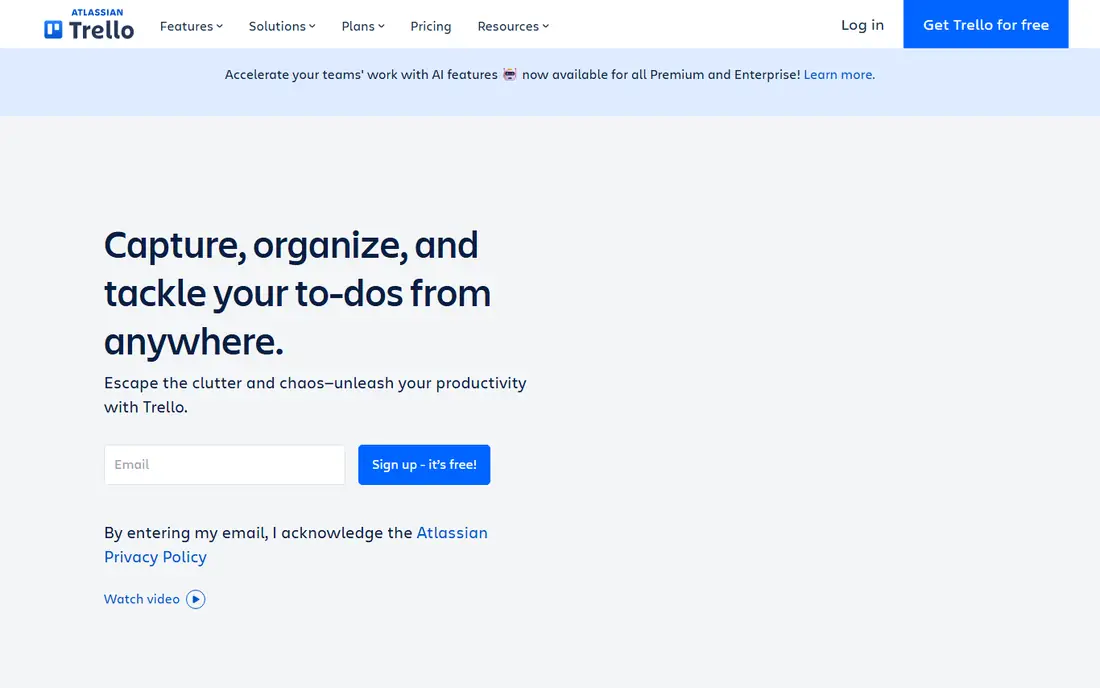
Trello is the easiest board tool to explain to a new team. A card moves from left to right as work progresses, and anyone can see the state of a project without opening a report. That visual clarity suits editorial calendars, hiring pipelines, event planning, and other work that moves through clear stages.
The limit is depth. Trello does not offer the same reporting, workload, or dependency tools as Asana or ClickUp, and a board with hundreds of cards becomes hard to scan. Power-Ups and automation help, but they are capped on lower plans. Use Trello when the work is visual and stage based, and move to a fuller project tool when you need timelines, budgets, or resource planning in the same place.
What we like- Boards are easy to read at a glance
- Drag and drop is fast
- Free plan suits small projects
Watch out for- Limited reporting
- Large projects can outgrow boards
- Automation limits on lower plans
#6monday.com
Best for: Visual planning across departments4.7/5 on
G2 (17,182 reviews, checked Oct 2026)
Visit monday.com
Starting price$9 per user/month (billed annually)
Free planYes
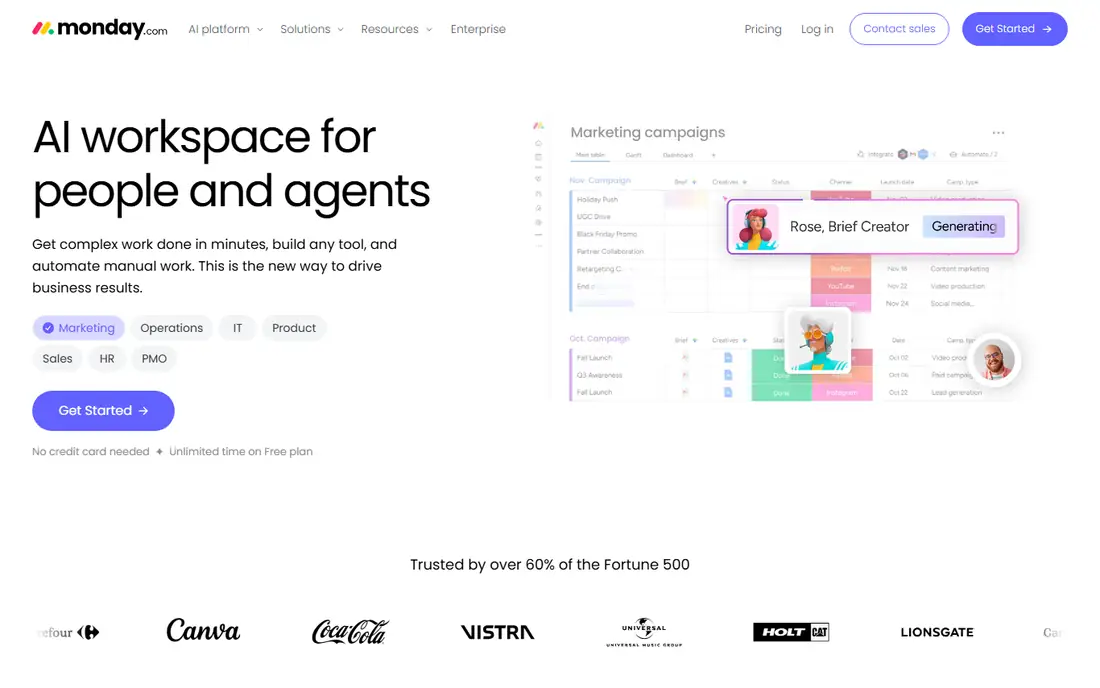
monday.com is built for managers who want a dashboard, not just a list. Boards use color, status labels, and columns to show progress, owners, and dates in one view. Templates for marketing, sales, operations, and HR help a team start without building a structure from scratch, which is useful when several departments share one platform.
Pricing deserves a close look. The Basic plan is listed at $9 per seat per month billed annually, and paid plans often require a minimum number of seats, so a very small team should check the total, not the per seat headline. The free plan covers a small number of users in current listings. If you need visual reporting across teams and can use the templates, monday.com is a strong pick. If you only need tasks, it is more than you need.
What we like- Colorful, readable boards
- Many templates
- Dashboards for managers
Watch out for- Minimum seat rules on paid plans in some listings
- Costs add up for large teams
- Setup can take time
#7TickTick
Best for: Tasks, calendar, and focus timers4.5/5 on
G2 (113 reviews, checked Oct 2026)
Visit ticktick.com
Starting price$3 per user/month
Free planYes
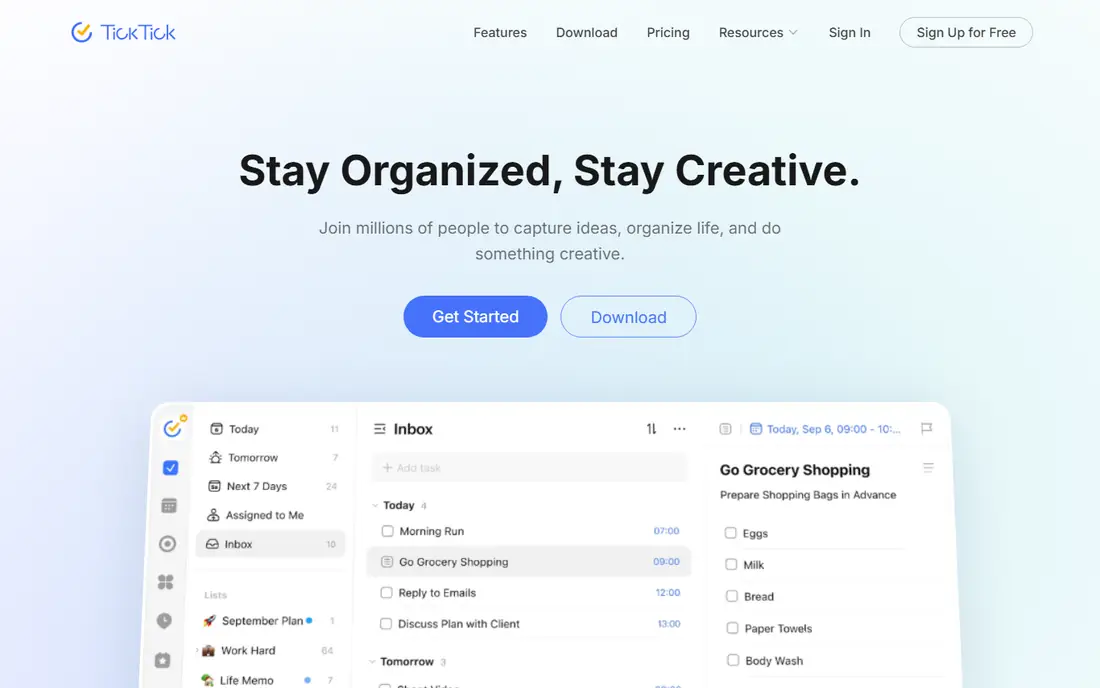
TickTick is the best value pick for one person who wants more than a list. It combines tasks, a calendar view, habits, and a focus timer in one app, so you can plan a day, block time for a task, and run a timed work session without switching tools. The paid price is low compared with most rivals, which makes it easy to justify if you use the calendar and timer each week.
The free plan has caps on lists and on tasks per list, so heavy users will hit a limit. Integrations are also narrower than Todoist or Notion, and team collaboration is basic. For a student, a freelancer, or a solo professional, those limits rarely matter. For a team, choose Asana, ClickUp, or monday.com instead, and keep TickTick as a personal companion.
What we like- Tasks plus calendar plus Pomodoro timer
- Low paid price
- Good mobile apps
Watch out for- Smaller integration library than Todoist
- Free plan caps lists and tasks per list
- Team features are limited
#8Toggl Track
Best for: Simple time tracking for billable work4.6/5 on
G2 (1,589 reviews, checked Oct 2026)
Visit toggl.com
Starting price$10 per user/month
Free planYes
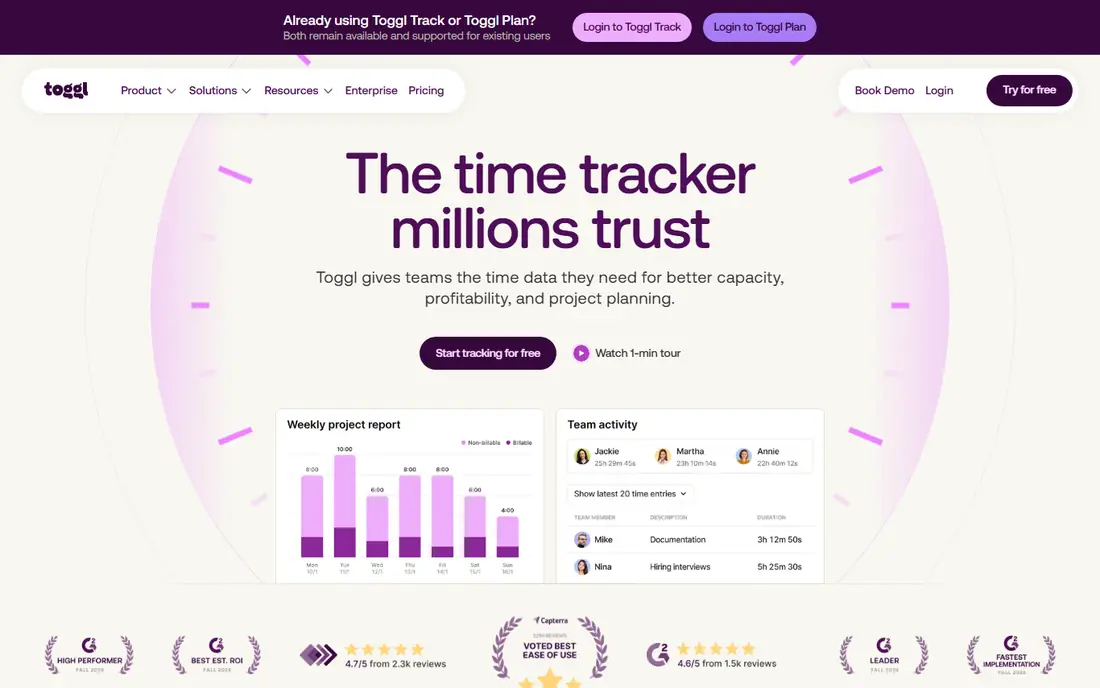
Toggl Track solves a different problem from the other tools here. It answers how long work actually took, which matters for billing, for pricing a service, and for spotting where a week went. You start a timer, add a project, and stop it when the work ends. Reports then show time by client, project, or task, in a form you can share or export.
It is not a replacement for a task app. Toggl Track works best beside Todoist, Asana, or ClickUp, with integrations that link time entries to tasks. The free plan covers basic tracking for individuals, and paid plans add team features and fuller reports. If you bill by the hour, or you want honest data about your workload, add Toggl Track rather than trying to force a task app to do time tracking badly.
What we like- One click timers on web and mobile
- Clear reports for clients
- Integrates with many task tools
Watch out for- Not a task manager on its own
- Paid features needed for advanced reports
- Time data needs discipline to stay accurate
How we chose
We compared tools on the work they actually support, using vendor pricing pages, documentation, and public reviews from G2, Capterra, and Reddit. Free plan limits, paid prices, integrations, mobile apps, and export options were checked, because a productivity app that traps your data or works poorly on a phone will fail in daily use.
We also kept team size in view. A solo user, a small team, and a larger department need different tools, so the list mixes personal task apps, a workspace, team project platforms, and a time tracker. Prices are shown as listed at the time of writing, and they should be checked on the vendor site before purchase, since billing terms and seat minimums change.
Picking by how you work
Start with your main bottleneck, not with a feature list. The right tool usually becomes clear once you name the job you repeat each week.
If tasks pile up and nothing gets a date
Choose Todoist or TickTick. Both make capture fast, and TickTick adds a calendar and a focus timer if you also struggle to start work. Keep the list short, review it once a day, and move unfinished tasks to a new date instead of letting them age silently.
If notes, docs, and tasks live in too many places
Choose Notion. Put meeting notes, project pages, and task databases in one workspace, and use templates to avoid a blank page. Set a simple structure early, and resist adding new databases until a real gap appears.
If a team needs ownership and deadlines
Choose Asana for clear adoption, ClickUp for value and custom workflows, or monday.com for visual dashboards. Price the whole team, check seat minimums, and appoint one owner for setup. A project tool without an owner will drift, no matter how good the feature list looks.
Frequently asked questions
What is the best productivity app for personal use?
Todoist is the best simple pick, and TickTick is better if you also want a calendar and focus timer. Notion suits people who want notes and tasks together. Try the free plan for two weeks with real work before you pay, because habit fit matters more than features.
What is the best free productivity app?
Notion and ClickUp have the most generous free plans on this list, though each has limits on members, storage, or advanced features. Todoist and Trello free plans suit smaller personal or team use. Check the current free limits on the vendor site, since they change.
Is Notion better than Todoist?
They solve different jobs. Todoist is faster for capturing and clearing tasks. Notion is stronger for notes, docs, and linked databases. Many people use both, with Todoist for daily tasks and Notion for reference material and planning.
Do I need a paid plan?
Not always. A free plan works for personal lists, small boards, and basic time tracking. Pay when you hit a real limit, such as project caps, member caps, version history, or advanced reports. Paying early rarely creates a habit that a free plan failed to support.
How do I switch productivity apps without losing work?
Export tasks and notes before you cancel, and move them in small batches by project. Keep the old app read only for a month, so you can recover anything you missed. Avoid moving everything on one day, since a rushed migration often loses dates, attachments, and context.
Sources we checked (9)
- https://todoist.com/pricing
- https://www.notion.com/pricing
- https://asana.com/pricing
- https://clickup.com/pricing
- https://trello.com/pricing
- https://monday.com/pricing
- https://ticktick.com/pricing
- https://toggl.com/pricing
- https://www.techrepublic.com/article/task-management-software/
Is your product missing or out of date?
We review this list regularly. Vendors can request a listing, send updated pricing or ask about featured placement.

Shihab Mia · Founder, Rankite
Shihab has 5+ years in B2B and SaaS SEO. He writes Rankite's software buying guides from pricing pages, documentation and public user reviews. More about Shihab.