How we make this list: we compare pricing pages, product documentation and public user reviews. Ratings come from G2, Capterra or Trustpilot, with the date we checked them.
Key takeaways
- If your company already pays for Microsoft 365 or Google Workspace, start there. Microsoft lists the Copilot Business add-on at $21 per user/month on a yearly plan, and Google puts its Gemini assistant in Gmail into the $7 Business Starter tier.
- Meeting assistants have the lowest cost per hour saved. Fireflies.ai has a free plan with unlimited transcription, and its Pro tier is $10 per seat/month billed annually.
- AI calendar tools (Motion and Reclaim.ai) solve a different problem from writing assistants. They plan your week, and they work best when your team keeps its tasks and meetings in one calendar.
- Notion and ClickUp both put their full AI features behind higher tiers or paid add-ons. On a free or entry plan, expect a trial of the AI, not daily use.
- Per-seat AI pricing grows quickly. A 25-person team on a $20 add-on spends $6,000 a year before usage-based credits, so pilot with a small group first.
Quick comparison
| Tool | Best for | Starting price | Free plan |
|---|
 Microsoft 365 Copilot Microsoft 365 Copilot | Teams that live in Word, Excel, Outlook and Teams | $21 per user/month add-on (paid yearly) | Free trial |
 Google Workspace with Gemini Google Workspace with Gemini | Gmail and Docs teams that want AI in the suite they already use | $7 per user/month (Business Starter, 1-year commitment) | Free trial |
 Notion Notion | Teams that keep docs, wikis and projects in one workspace | See website | Yes |
 ClickUp Brain ClickUp Brain | Project-heavy teams already using ClickUp | See website | Yes |
 Motion Motion | Managers who want tasks scheduled for them automatically | See website | Free trial |
 Reclaim.ai Reclaim.ai | Protecting focus time and habits on Google Calendar or Outlook | See website | Yes |
 Otter.ai Otter.ai | Live transcription and searchable meeting notes | See website | Yes |
 Fireflies.ai Fireflies.ai | Low-cost meeting notes with CRM and workflow integrations | $10 per seat/month (billed annually) | Yes |
 Grammarly Grammarly | Clearer writing across email, docs and browser apps | $12 per member/month (billed annually) | Yes |
 Superhuman Superhuman | Heavy email users who want AI triage and faster replies | $300 per user/year ($30 billed monthly) | No |
Is your product missing or out of date?
We review this list regularly. Vendors can request a listing, send updated pricing or ask about featured placement.
#1
Microsoft 365 Copilot
Best for: Teams that live in Word, Excel, Outlook and Teams
Visit microsoft.com
Starting price$21 per user/month add-on (paid yearly)
Free planFree trial
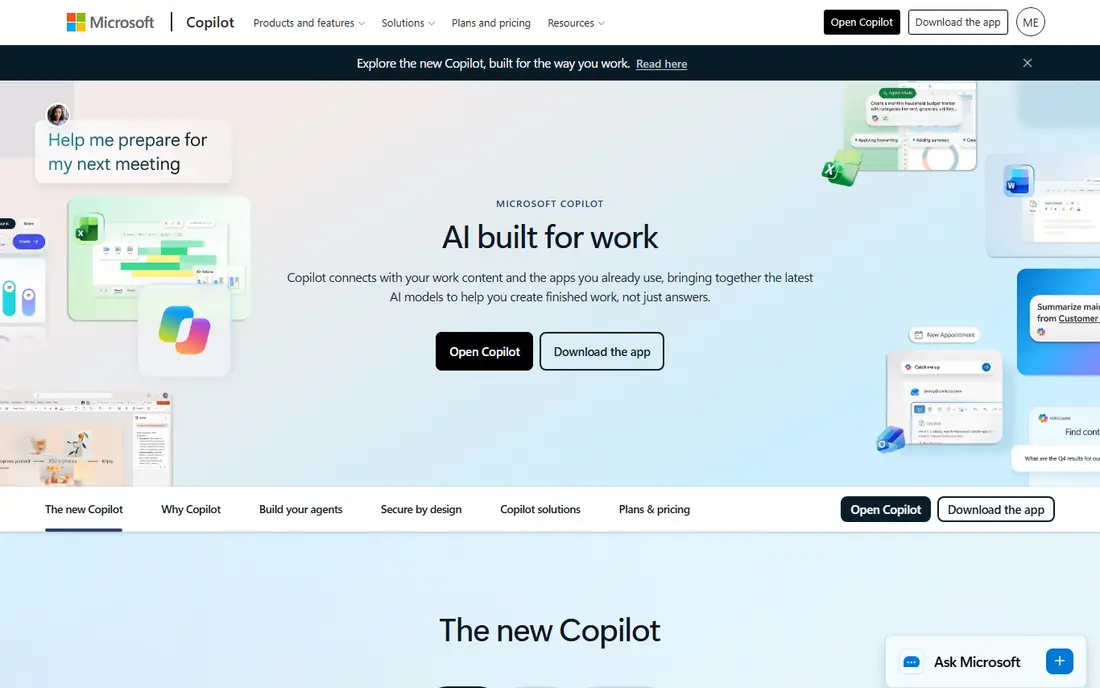
For a company already on Microsoft 365 Business Standard or Business Premium, Copilot is the shortest path to AI that knows your work. It drafts in Word, summarizes Outlook threads, builds Excel formulas and recaps Teams meetings using files each person can already access. Microsoft's business plans cover organizations of up to 300 users.
Pricing is clearer than it used to be. Microsoft's pricing page lists the Copilot Business add-on at $21 per user/month on a yearly plan ($25.20 month to month), and it has shown a lower promotional rate at times. If you are buying licenses from scratch, Business Standard with Copilot is listed at $23.50 and Business Premium with Copilot at $32 per user/month, paid yearly.
The catch is governance. Copilot can only surface what users are allowed to see, so messy SharePoint permissions turn into awkward search results. Clean up sharing settings before rollout, and budget for usage-based charges on select advanced features.
What we like- Works inside the Office apps your staff already use
- Grounded in your own email, files and meetings
- Bundles available that include the full Microsoft 365 suite
Watch out for- Annual subscription that auto-renews
- Some advanced AI features are billed by usage on top of the seat price
#2
Google Workspace with Gemini
Best for: Gmail and Docs teams that want AI in the suite they already use
Visit workspace.google.com
Starting price$7 per user/month (Business Starter, 1-year commitment)
Free planFree trial
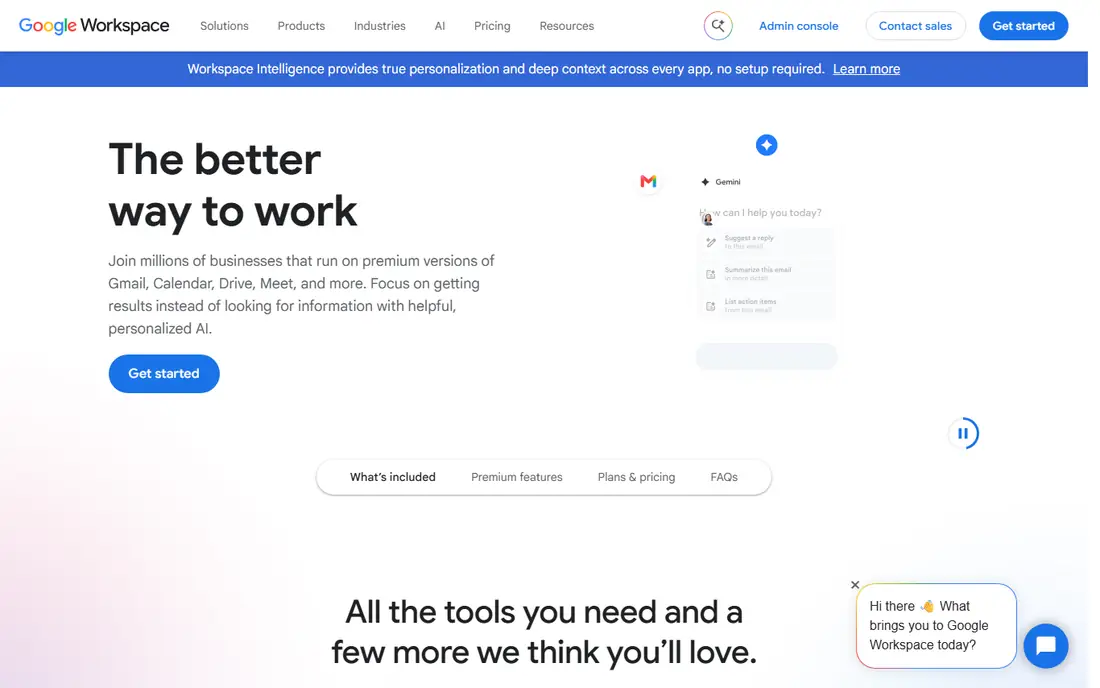
Google took the opposite approach to Microsoft and built Gemini into the Workspace plans themselves. Business Starter, listed at $7 per user/month with a one-year commitment, includes the Gemini assistant in Gmail, a Gemini chat app and the Google Vids video editor.
The real value starts at Business Standard ($14 per user/month on the same terms). That tier extends Gemini into Docs, Meet and other apps, adds expanded access to its notebook research tool, and includes meeting recording and appointment booking pages. Business Plus is listed at $22.
The weakness is that small teams on Starter may find the AI too limited to change how they work. Google was also running a three-month discount when we checked, so read the renewal price.
What we like- AI is included in the plan price rather than sold as a separate add-on
- Google states your company data is not used to train its models
- Low entry price for small teams
Watch out for- The cheapest tier limits Gemini mostly to Gmail and chat
- Prices exclude tax and the lowest rates need an annual commitment
#3Notion
Best for: Teams that keep docs, wikis and projects in one workspace4.6/5 on
G2 (13,834 reviews, checked Oct 2026)
Visit notion.com
Starting priceSee website
Free planYes
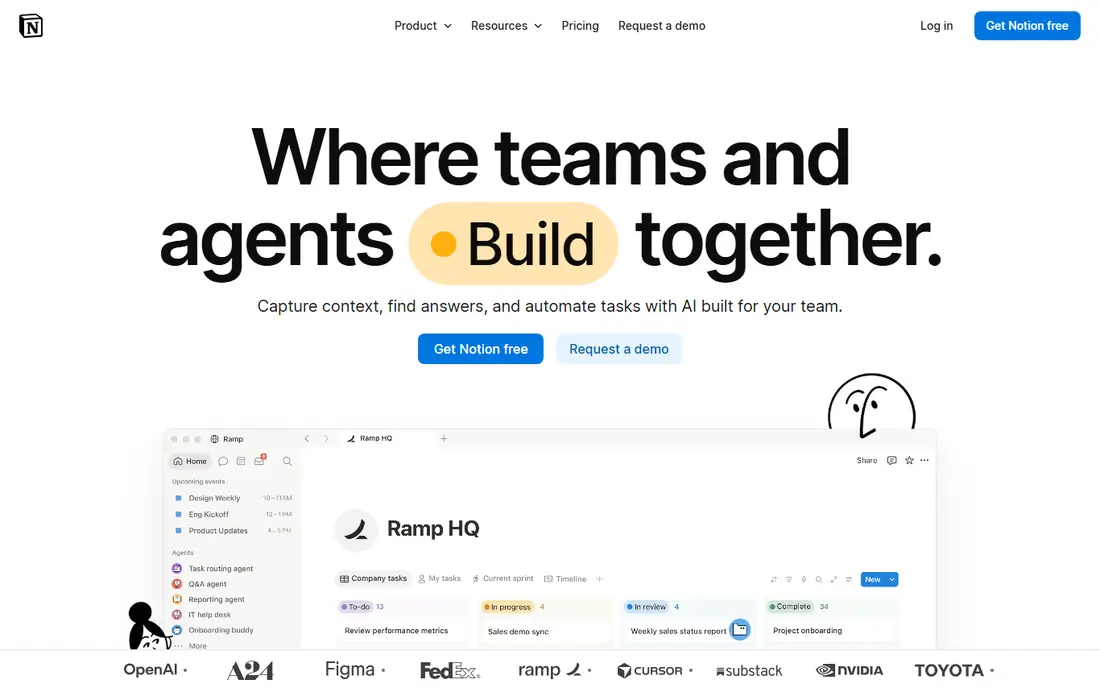
Notion makes the most sense for teams whose knowledge already lives in it: meeting notes, SOPs, product specs and project boards. Its AI answers questions from that content, drafts pages and summarizes meetings, so the payoff grows with how much you store there.
The pricing model changed in 2025. Notion stopped selling AI as a cheap add-on for every plan and moved the full feature set to the Business tier and above, while Free and Plus users get only a limited trial. Check Notion's pricing page for the current per-member rate before you compare it with ClickUp.
The honest catch is that Notion AI is only as good as your workspace. Duplicate pages and outdated docs produce confident but wrong answers, so archive old content before rollout.
What we like- AI search across your workspace and connected apps
- Meeting notes, writing help and agents in one place
- Flexible databases for projects and wikis
Watch out for- Full AI sits on the Business tier, not Free or Plus
- Setup takes real effort if your workspace is disorganized
#4
ClickUp Brain
Best for: Project-heavy teams already using ClickUp
Visit clickup.com
Starting priceSee website
Free planYes
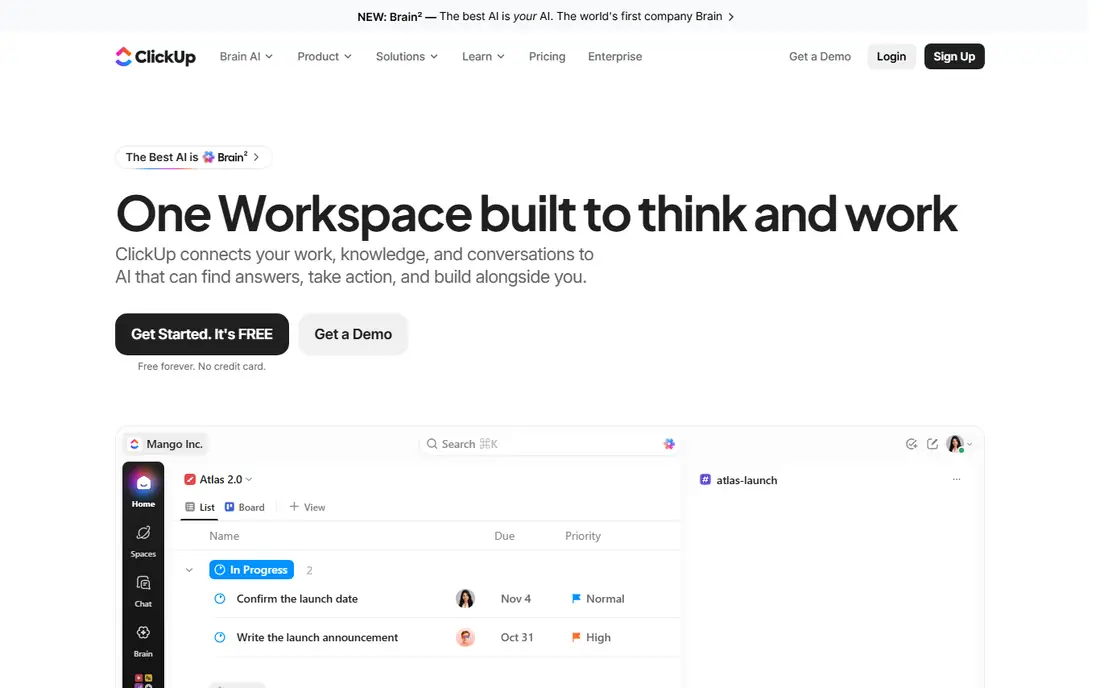
ClickUp Brain sits on top of ClickUp's tasks, docs and chat, so it can answer questions such as which projects are behind or what a client asked for last week.
The pricing deserves a careful read. Brain is sold as an add-on in two tiers stacked on a ClickUp plan, the add-on applies to every member of the workspace, and features like AI automations and agents consume credits.
ClickUp also has a learning curve. If your team is not on ClickUp yet, choose the project tool first and judge the AI second.
What we like- Writes task updates, standups and summaries from project data
- AI agents can act on tasks and docs
- ClickUp has a free forever plan to try the base product
Watch out for- Brain is a per-user add-on that applies to every member
- Heavier features draw on metered credits
#5Motion
Best for: Managers who want tasks scheduled for them automatically4.1/5 on
G2 (157 reviews, checked Oct 2026)
Visit usemotion.com
Starting priceSee website
Free planFree trial
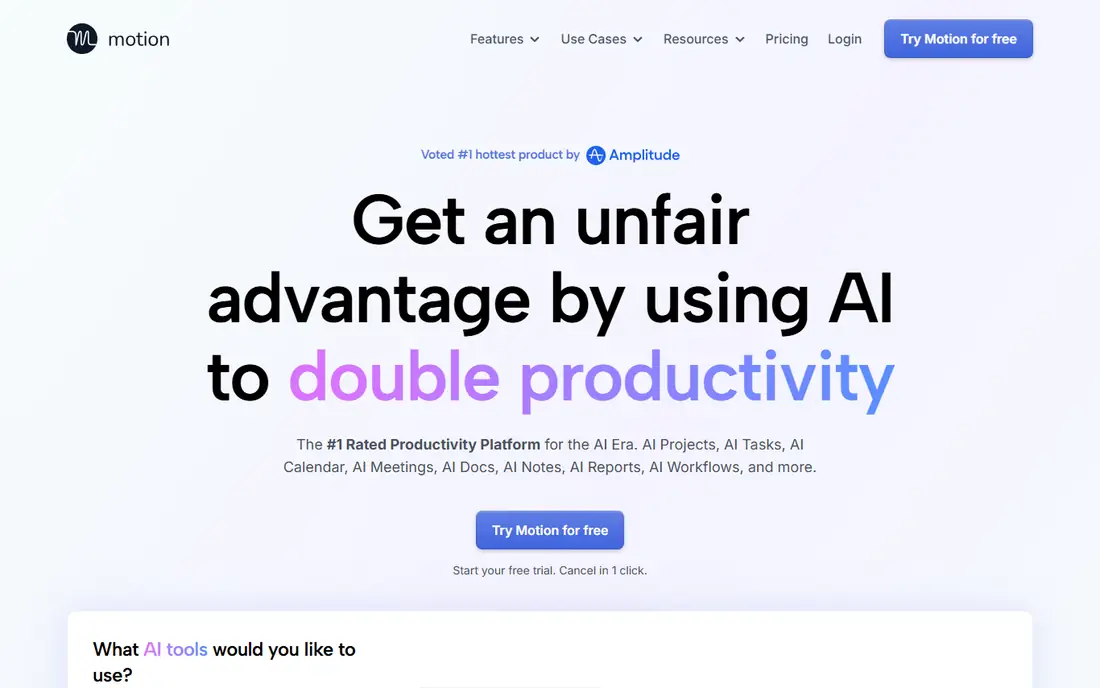
Motion is for the person whose to-do list never fits the calendar. You add tasks with deadlines and estimated durations, and Motion's scheduling engine fits them into open time, pushing lower-priority work when a meeting lands.
Motion has grown into a broader work hub with projects, docs and AI features, and it sells per-seat plans with AI credit allowances. It offers a short free trial rather than a free tier, so set up real tasks on day one to test it properly.
Public reviews are mixed on the project management side and the mobile app. Treat it as a planning tool first.
What we like- Automatically places tasks into open calendar time by priority and deadline
- Re-plans the day when meetings move
- Combines tasks, projects and docs with the calendar
Watch out for- No permanent free plan
- Pricier than calendar-only tools, and project features are lighter than dedicated PM software
#6Reclaim.ai
Best for: Protecting focus time and habits on Google Calendar or Outlook4.8/5 on
G2 (144 reviews, checked Oct 2026)
Visit reclaim.ai
Starting priceSee website
Free planYes
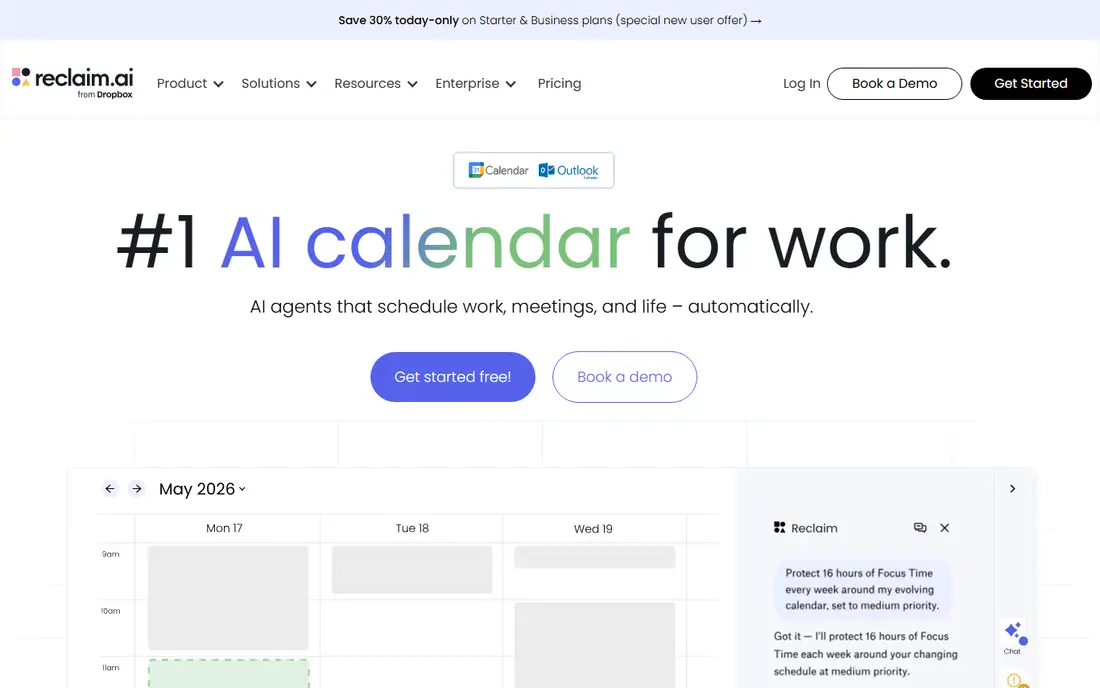
Reclaim works as a layer on top of your existing calendar rather than replacing your task app. It blocks time for focus work, recurring habits, lunch and travel, then flexes those blocks as meetings come and go. Dropbox acquired Reclaim in 2024; it still runs as a standalone product.
The strength is how little it asks of you. Most people connect a calendar and set a few rules in under an hour.
The weakness is scope. Reclaim protects time, but it is not a project manager or a deep task planner, and the free tier caps how far out it plans. If you want something that decides your whole day for you, Motion goes further.
What we like- Free Lite plan for individuals
- Defends focus blocks, habits and breaks automatically
- Smart meetings find times that work for every attendee
Watch out for- The free plan limits how far ahead you can schedule
- Per-seat pricing adds up for whole teams
#7Otter.ai
Best for: Live transcription and searchable meeting notes4.4/5 on
G2 (505 reviews, checked Oct 2026)
Visit otter.ai
Starting priceSee website
Free planYes
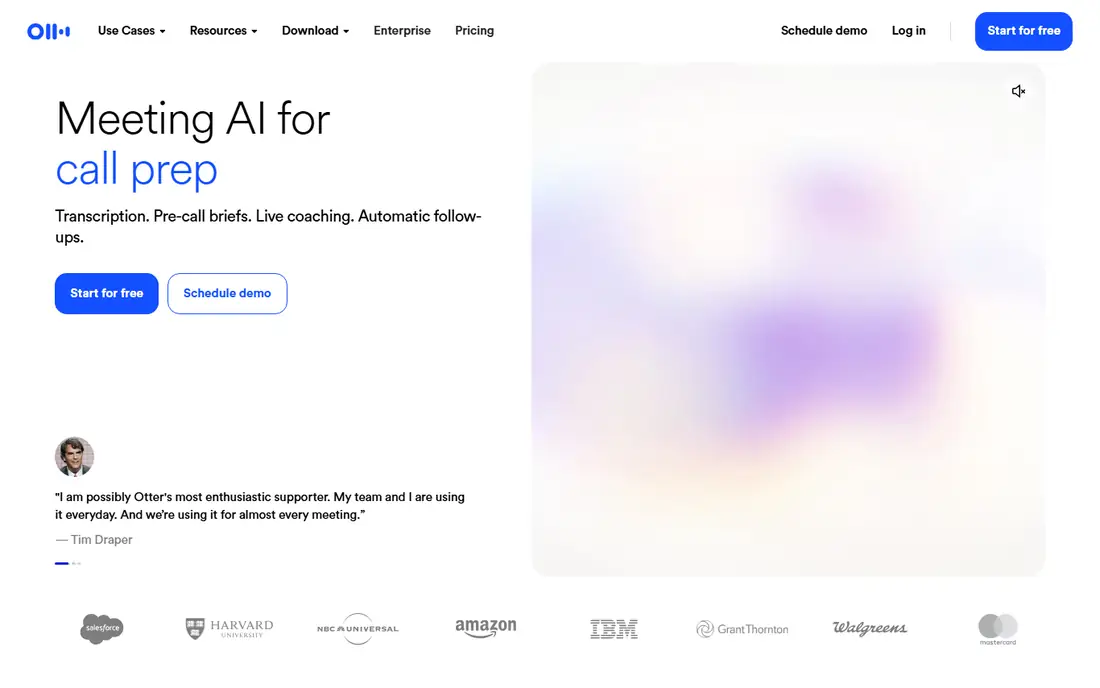
Otter is one of the longest-running AI note takers, and it shows in the live transcript. Attendees can read along, highlight moments and comment during the call.
After the call, Otter produces a summary, action items and a searchable archive. The free Basic plan has a monthly minute cap, so it suits occasional use, not a full sales team.
The catch is overlap. If you already pay for Copilot or Gemini, both suites now include meeting recaps, so Otter has to earn its place through accuracy, the live view, or workflows your suite does not cover.
What we like- Joins Zoom, Google Meet and Microsoft Teams calls automatically
- Live transcript that attendees can follow during the meeting
- Long track record in speech recognition
Watch out for- The free plan caps transcription minutes
- Admin and security controls sit on higher tiers
#8Fireflies.ai
Best for: Low-cost meeting notes with CRM and workflow integrations4.7/5 on
G2 (754 reviews, checked Oct 2026)
Visit fireflies.ai
Starting price$10 per seat/month (billed annually)
Free planYes
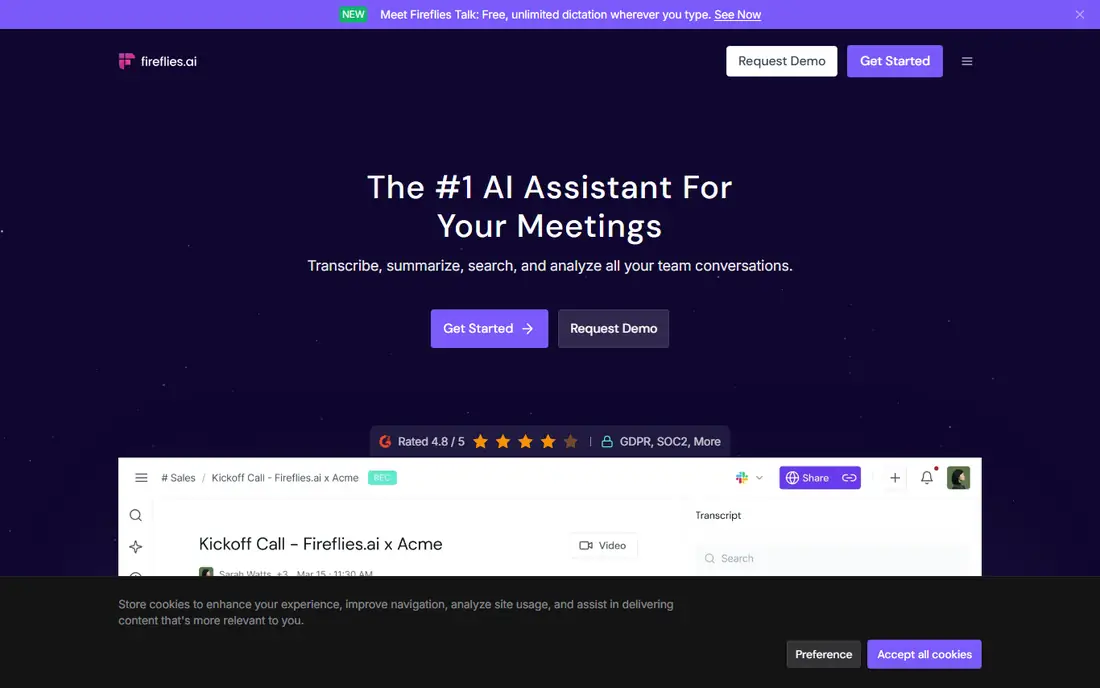
Fireflies competes on price and breadth. Its free plan includes unlimited transcription (with limits in the fine print), limited AI summaries, 400 minutes of storage per team and 20 AI credits. It works with Zoom, Google Meet and Teams, and its AskFred assistant answers questions about what was said.
Paid plans are easy to model. Pro is $10 per seat/month billed annually ($18 monthly), Business is $19 billed annually ($29 monthly), and Enterprise is $39 per seat/month on annual billing only.
The honest drawback is that the free plan is a demo, not a home. Storage limits fill quickly for any team with daily calls.
What we like- Free plan with unlimited transcription
- Transcription in more than 100 languages
- Desktop, mobile and Chrome apps plus API access
Watch out for- Free plan has limited AI summaries and 400 minutes of storage per team
- Enterprise tier is annual only
#9Grammarly
Best for: Clearer writing across email, docs and browser apps4.7/5 on
G2 (14,073 reviews, checked Oct 2026)
Visit grammarly.com
Starting price$12 per member/month (billed annually)
Free planYes
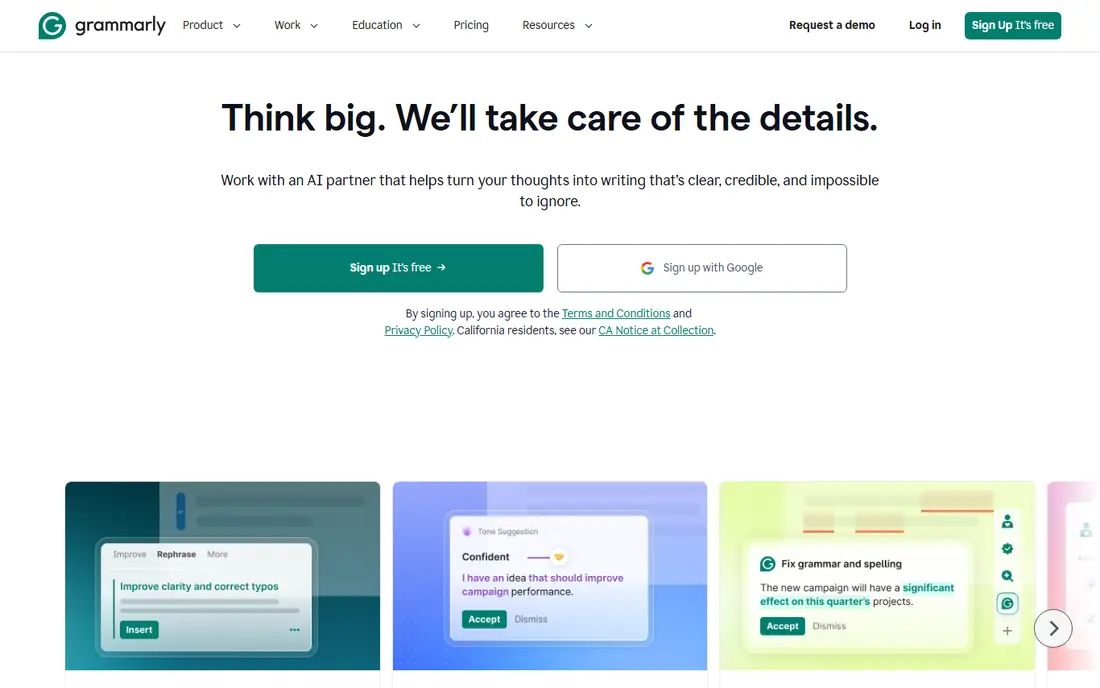
Grammarly is the most portable tool on this list. It follows your staff into Gmail, Outlook, Slack, Google Docs, CRMs and web forms, so writing help shows up wherever people type.
Pro is listed at $12 per member/month billed annually, or $30 when billed monthly, so the annual commitment matters. The free plan covers spelling, grammar and a limited number of AI prompts, which is enough for an individual to judge whether it helps.
The weakness is redundancy. If your company has Copilot or Gemini, much of the drafting help is already paid for. Grammarly earns its seat when people write in many different apps, or when brand voice controls matter more than general drafting.
What we like- Works in most browsers, email clients and desktop apps
- Tone and clarity suggestions plus generative AI prompts
- Team plans keep writing on-brand
Watch out for- Monthly billing costs much more than annual
- Overlaps with built-in writing help in Copilot and Gemini
#10Superhuman
Best for: Heavy email users who want AI triage and faster replies4.7/5 on
G2 (1,309 reviews, checked Oct 2026)
Visit superhuman.com
Starting price$300 per user/year ($30 billed monthly)
Free planNo
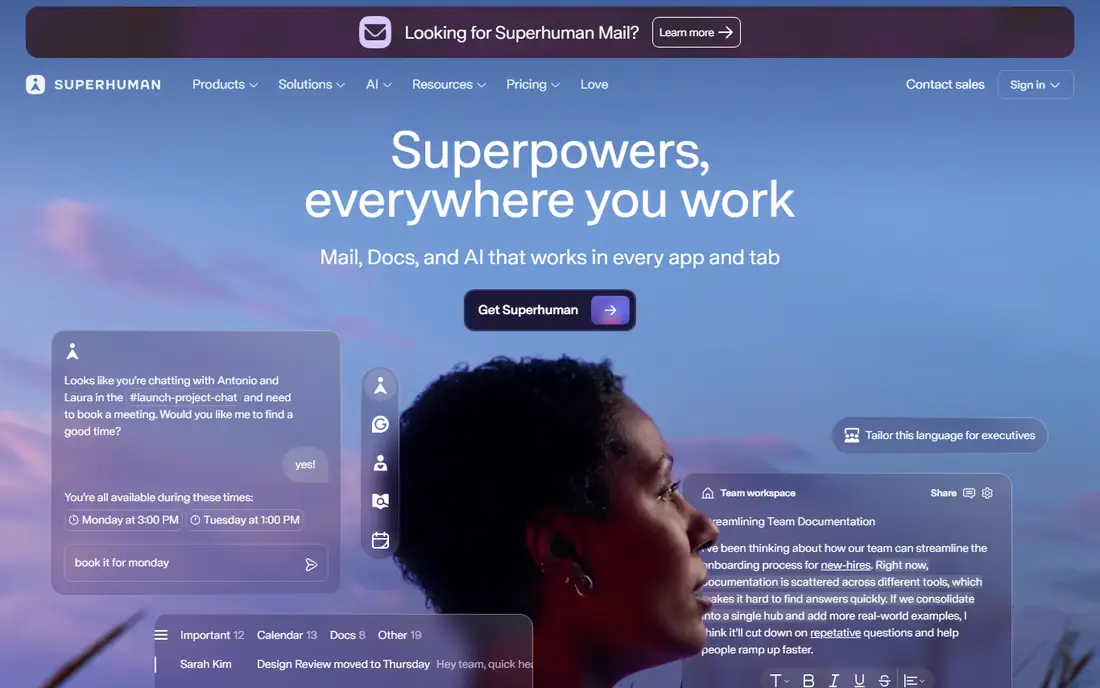
Superhuman is a narrow choice, and that is the point. It suits executives and sales leaders who spend hours a day in email.
Superhuman's help center lists Starter at $30 per month or $300 per year, and Business at $40 per month or $396 per year, with Enterprise quoted on request. There is no free tier, so roll it out to the few people with the heaviest inboxes, not the whole company.
The catch is cost per benefit. Most staff will get enough from Gemini in Gmail or Copilot in Outlook.
What we like- Keyboard-driven inbox designed for speed
- AI drafting and inbox splitting for important mail
- Works on top of existing Gmail and Outlook accounts
Watch out for- No free plan
- Expensive compared with the AI already inside Gmail and Outlook
How we chose
We started from a broad pool of AI and machine learning tools sold as productivity software and kept only products that apply ML to daily work: writing, scheduling, meeting notes, search across company knowledge and email triage. General chatbots and developer tools were out of scope. We then read each vendor's pricing page and product documentation, and where a vendor's page did not show a current price we could confirm, we wrote See website instead of quoting third-party figures.
We also reviewed public feedback on G2, Capterra and Reddit for recurring complaints, checked integration lists for the apps small and mid-size US companies use most (Microsoft 365, Google Workspace, Zoom, Slack and common CRMs), and weighed company-size fit, contract terms and the limits on lower plans. We did not run hands-on lab tests, and no vendor paid for placement.
Match the tool to the bottleneck
Most teams lose time in one of four places: writing, meetings, planning or finding information. A sales team drowning in calls needs Fireflies or Otter, not an AI calendar, while a team that cannot find its own documents will get more from Notion AI or Copilot search.
Check what you already own
Before buying a standalone tool, list the AI features already in your suite. Google Workspace Business Standard and the Microsoft 365 Copilot bundles cover drafting, summaries and meeting recaps.
Read the pricing model, not the price
Three structures show up again and again:
- Per seat, every member: ClickUp Brain applies the add-on to the whole workspace, so cost follows headcount.
- Per seat, chosen users: Copilot and Fireflies let you license only the people who need it.
- Seats plus credits: Copilot, ClickUp and Motion meter heavier AI features, so a busy month can cost more than the list price.
Annual billing often cuts the price sharply (Fireflies Pro drops from $18 to $10 per seat, Grammarly Pro from $30 to $12), but it locks you in. Pilot monthly with five to ten users first, and judge results after 30 days.
Settle data and privacy questions early
Ask each vendor whether customer data trains its models, where recordings are stored, how long they are kept, and whether you can export or delete them. Meeting bots also raise consent issues in states that require all-party consent, so write a short policy on when the bot may join.
Frequently asked questions
What counts as an ML productivity tool?
It is software that uses machine learning models to do part of a knowledge task for you, such as drafting text, transcribing and summarizing meetings, scheduling tasks or answering questions from company documents.
Do I need a separate AI tool if I already pay for Microsoft 365 or Google Workspace?
Often not at first. Copilot and Gemini cover drafting, summaries and meeting recaps inside the apps your team uses. Add a specialist tool only when it clearly beats the built-in feature, such as automatic task scheduling or writing help outside your suite.
Which tool has the best free plan for a small business?
Fireflies.ai offers unlimited transcription on its free plan, with limits on AI summaries and storage. Grammarly, Reclaim.ai, Otter.ai, Notion and ClickUp also have free plans, though their most useful AI features sit on paid tiers.
Are these tools safe for confidential company data?
Business plans from the larger vendors generally include admin controls and commitments about model training. Read each vendor's data processing terms and confirm retention and export options before uploading sensitive material.
How much should a 20-person company budget for AI productivity software?
It depends on how many tools you stack. One per-seat tool in the $10 to $25 range costs roughly $2,400 to $6,000 a year for 20 people, before any usage-based credits.
How long does setup take?
Writing assistants and meeting bots take minutes per user. Calendar tools like Reclaim or Motion need an hour or two of setup plus a week of adjustment. Workspace AI such as Copilot, Notion AI or ClickUp Brain takes longer because permissions and old content need cleanup first.
Sources we checked (12)
- https://www.microsoft.com/en-us/microsoft-365-copilot/pricing
- https://www.microsoft.com/en-us/microsoft-365-copilot/business
- https://www.microsoft.com/en-us/microsoft-365-copilot/pricing-without-teams
- https://workspace.google.com/pricing
- https://fireflies.ai/pricing
- https://www.grammarly.com/pro
- https://help.superhuman.com/hc/en-us/articles/38456109456147-Pricing-Plans
- https://get-alfred.ai/blog/reclaim-pricing
- https://get-alfred.ai/blog/motion-pricing
- https://www.breeze.pm/articles/clickup-brain-pricing
- https://lifestack.ai/blog/notion-pricing
- https://sonix.ai/resources/otter-ai-pricing/
Is your product missing or out of date?
We review this list regularly. Vendors can request a listing, send updated pricing or ask about featured placement.

Shihab Mia · Founder, Rankite
Shihab has 5+ years in B2B and SaaS SEO. He writes Rankite's software buying guides from pricing pages, documentation and public user reviews. More about Shihab.