How we make this list: we compare pricing pages, product documentation and public user reviews. Ratings come from G2, Capterra or Trustpilot, with the date we checked them.
Key takeaways
- A simple task list beats a full workspace when the main problem is remembering what comes next, and Todoist and TickTick both do that job well at a low yearly cost.
- Notion and ClickUp suit people who want notes, tasks, and plans in one place, but both need setup time before they feel helpful.
- Trello is the easiest board tool for visible, stage-by-stage work, while Asana fits teams that need timelines, owners, and reporting.
- Forest is the only tool here that targets focus itself rather than planning, and its free tier now covers the core timer and blocking.
- Free plans vary widely, from genuinely usable daily tools to tight trials in disguise, so check project limits and history limits before committing.
Quick comparison
| Tool | Best for | Starting price | Free plan |
|---|
 Todoist Todoist | Fast personal task capture | $5 per month (billed annually) | Yes |
 TickTick TickTick | Tasks, calendar, and habits in one app | $49.99 per year | Yes |
 Notion Notion | Notes, docs, and tasks in one workspace | $10 per user/month (billed annually) | Yes |
 Trello Trello | Simple visual boards | $5 per user/month (billed annually) | Yes |
 Asana Asana | Team projects with timelines | $10.99 per user/month (billed annually) | Yes |
 ClickUp ClickUp | One workspace for many kinds of work | $7 per user/month (billed annually) | Yes |
 Evernote Evernote | Searchable notes and clipped material | $10.83 per month (billed annually) | Yes |
 Forest Forest | Staying off the phone during focus time | $0 | Yes |
 Microsoft To Do Microsoft To Do | A free list inside Microsoft accounts | $0 | Yes |
Is your product missing or out of date?
We review this list regularly. Vendors can request a listing, send updated pricing or ask about featured placement.
The best apps for productivity tips
#1Todoist
Best for: Fast personal task capture4.5/5 on
G2 (832 reviews, checked Oct 2026)
Visit todoist.com
Starting price$5 per month (billed annually)
Free planYes
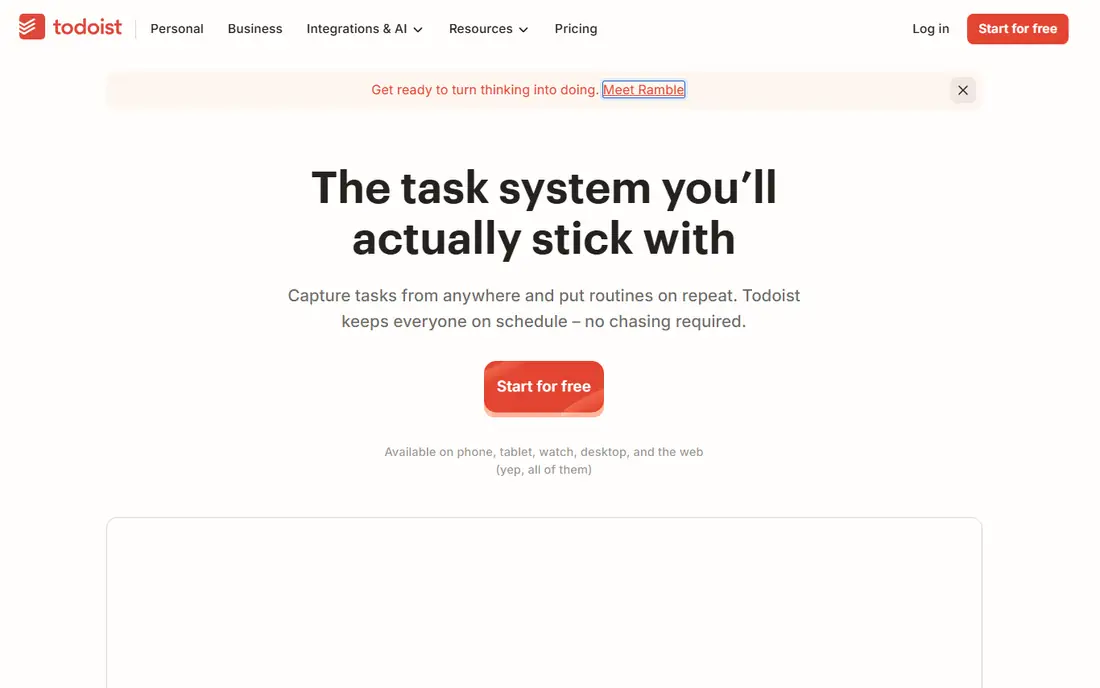
Todoist earns its place first because it removes friction at the exact moment a task appears. Type "call the dentist every Tuesday at 9am" and the app parses the date, the repeat, and the wording without extra taps. That speed matters for productivity advice that depends on capture, since a system only works when entering a task takes less time than remembering it.
The paid Pro plan raises the project limit to 300, adds reminders, a calendar layout, and full activity history. Business adds team workspaces and central billing. The honest catch is scope: Todoist is a list tool, not a notes app or a project dashboard. People who want documents, time tracking, or habit streaks inside the same app will need a second tool or a broader workspace.
What we like- Natural language task entry
- Clean lists on every platform
- Useful free plan for basic lists
Watch out for- Free plan caps projects at five
- No built-in calendar or habit tracking depth
#2TickTick
Best for: Tasks, calendar, and habits in one app4.5/5 on
G2 (113 reviews, checked Oct 2026)
Visit ticktick.com
Starting price$49.99 per year
Free planYes
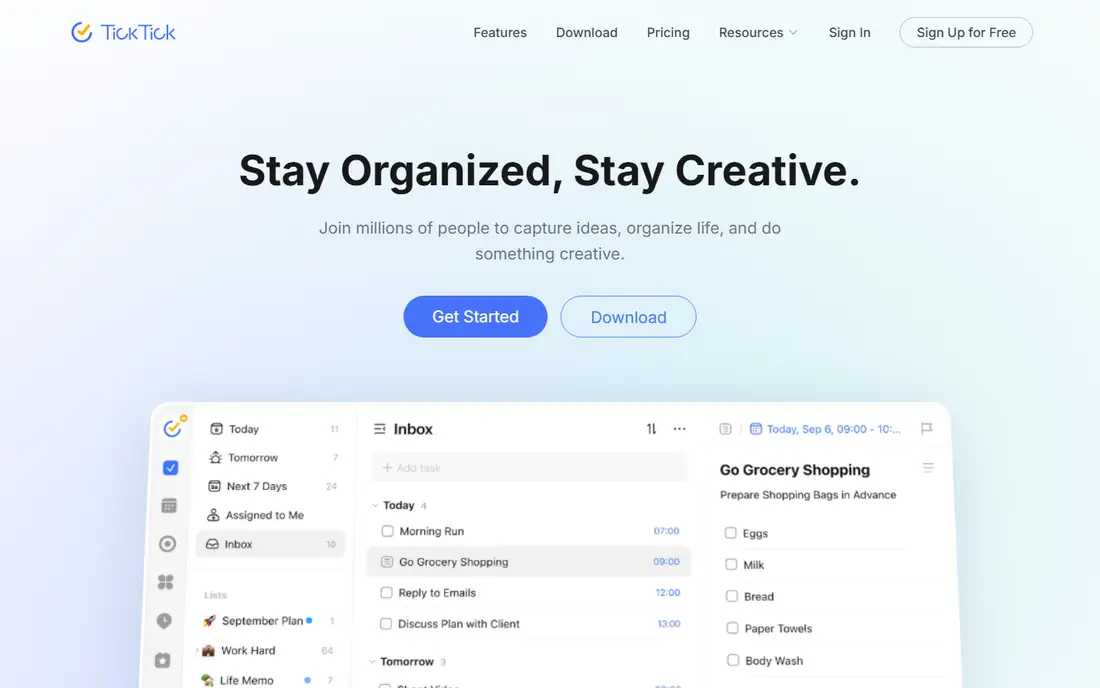
TickTick is the best value pick for someone who wants several productivity habits in one subscription. Tasks, a full calendar, a Pomodoro timer, and habit tracking sit side by side, so a morning plan, a focus session, and a daily habit check can all live in the same app. The calendar views, from yearly down to agenda, make it easier to see busy weeks before they arrive.
Premium adds more lists, calendars, reminders per task, and detailed statistics. The free plan covers core task management, but list and habit caps arrive sooner than many people expect. TickTick also lacks the deep team reporting and portfolio views that larger work tools provide, so it fits individuals and small groups better than whole departments.
What we like- Built-in calendar, Pomodoro timer, and habit tracker
- Persistent reminders
- Good value on annual billing
Watch out for- Interface feels dense next to Todoist
- Team features are basic compared with Asana or ClickUp
#3Notion
Best for: Notes, docs, and tasks in one workspace4.6/5 on
G2 (13,834 reviews, checked Oct 2026)
Visit notion.so
Starting price$10 per user/month (billed annually)
Free planYes
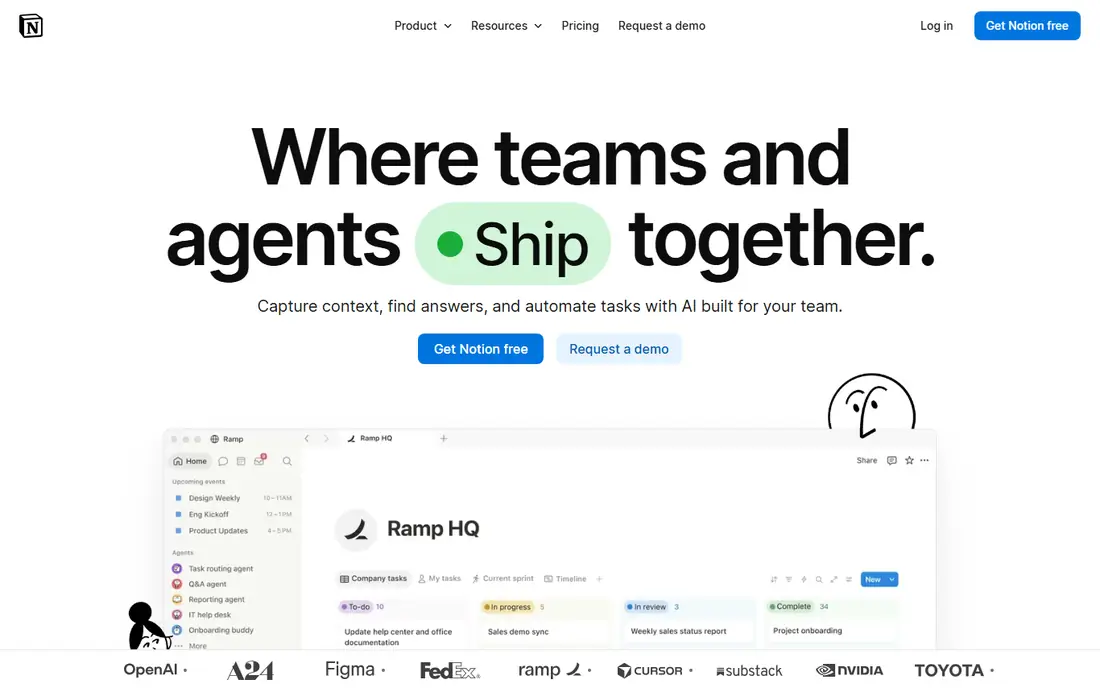
Notion suits readers whose productivity problem is scattered information rather than a missing list. Notes, meeting records, project trackers, and reference pages can sit in one workspace, linked through databases that filter and sort by owner, date, or status. Templates for weekly reviews, goal trackers, and content calendars shorten the start, though most people still spend a few sessions shaping the workspace to fit how they actually work.
Plus, at $10 per user per month billed annually, adds unlimited file uploads, a 30-day page history, and unlimited guests. Business, at $20 per user per month billed annually, adds the full AI set, private teamspaces, and SAML single sign-on. The catch is that flexibility can become a project of its own. If the goal is simply to remember ten tasks a day, Notion is more tool than the job needs.
What we like- Flexible pages and databases
- Strong templates
- Free plan covers unlimited pages for solo users
Watch out for- Setup takes real time
- Full AI features require the Business plan
#4Trello
Best for: Simple visual boards4.4/5 on
G2 (14,064 reviews, checked Oct 2026)
Visit trello.com
Starting price$5 per user/month (billed annually)
Free planYes
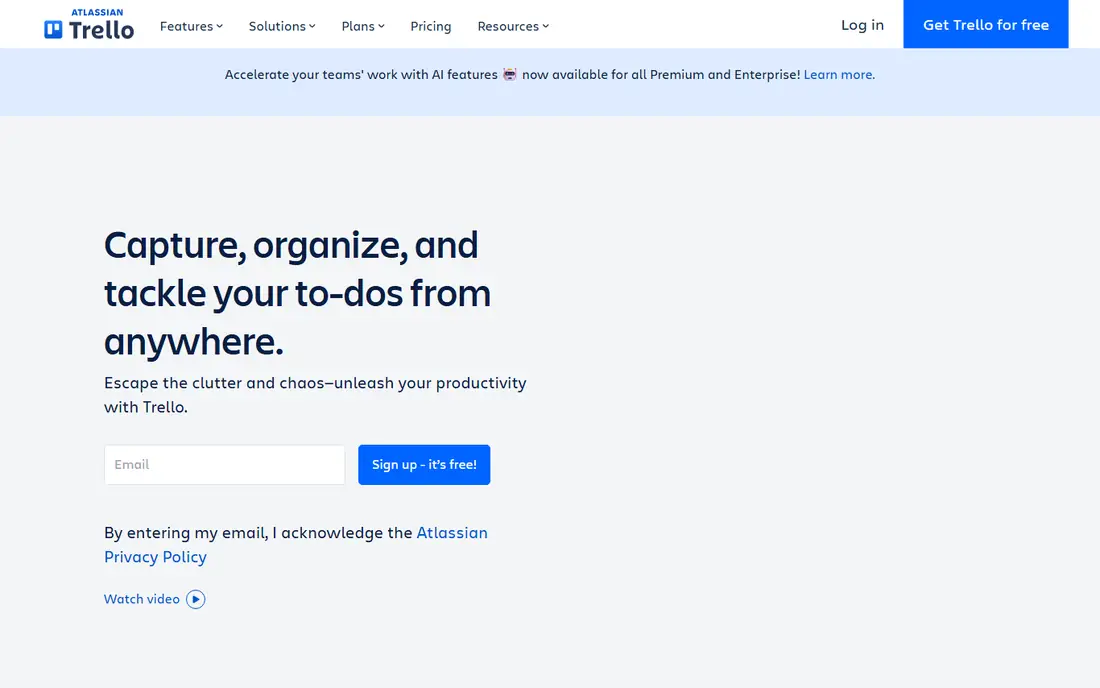
Trello turns work into columns, and that visual simplicity is its main strength. A board for a product launch, a hiring pipeline, or a household move shows what is waiting, what is in progress, and what is done without anyone opening a report. Cards hold checklists, due dates, attachments, and comments, and the built-in automation can move cards, add members, or set dates when a trigger fires.
Standard, at $5 per user per month billed annually, removes the board limit and adds custom fields, advanced checklists, and more automation runs. Premium, at $10, adds calendar, timeline, table, dashboard, and map views. The limit to respect is structure: Trello has no strong way to say one task blocks another, and large boards become hard to scan. For linear, stage-by-stage work, it remains one of the fastest tools to adopt.
What we like- Boards are instantly readable
- Automation included from the free plan
- Very low learning curve
Watch out for- Free workspace caps collaborators at ten
- No real dependency management
#5Asana
Best for: Team projects with timelines4.4/5 on
G2 (13,930 reviews, checked Oct 2026)
Visit asana.com
Starting price$10.99 per user/month (billed annually)
Free planYes
Asana fits teams that need to answer two questions every week: who owns this, and when is it due. Each task has one assignee, which removes the ambiguity that slows shared lists, and projects can switch between list, board, timeline, and calendar views. Forms turn incoming requests into tasks with the right fields attached, which helps operations, marketing, and HR teams handle repeatable work without a separate intake tool.
Starter, at $10.99 per user per month billed annually, adds timeline and Gantt views, dashboards, custom fields, and unlimited automation rules. Advanced, at $24.99, adds portfolios, goals, workload views, approvals, and native time tracking. Note the free plan carefully: Personal is free for up to two people, not for a small team, so a third teammate means moving to Starter.
What we like- Clear ownership on every task
- Timelines and dashboards on paid plans
- Strong mobile app
Watch out for- Free Personal plan is capped at two users
- Per-seat cost rises fast for larger teams
#6ClickUp
Best for: One workspace for many kinds of work4.6/5 on
G2 (14,878 reviews, checked Oct 2026)
Visit clickup.com
Starting price$7 per user/month (billed annually)
Free planYes
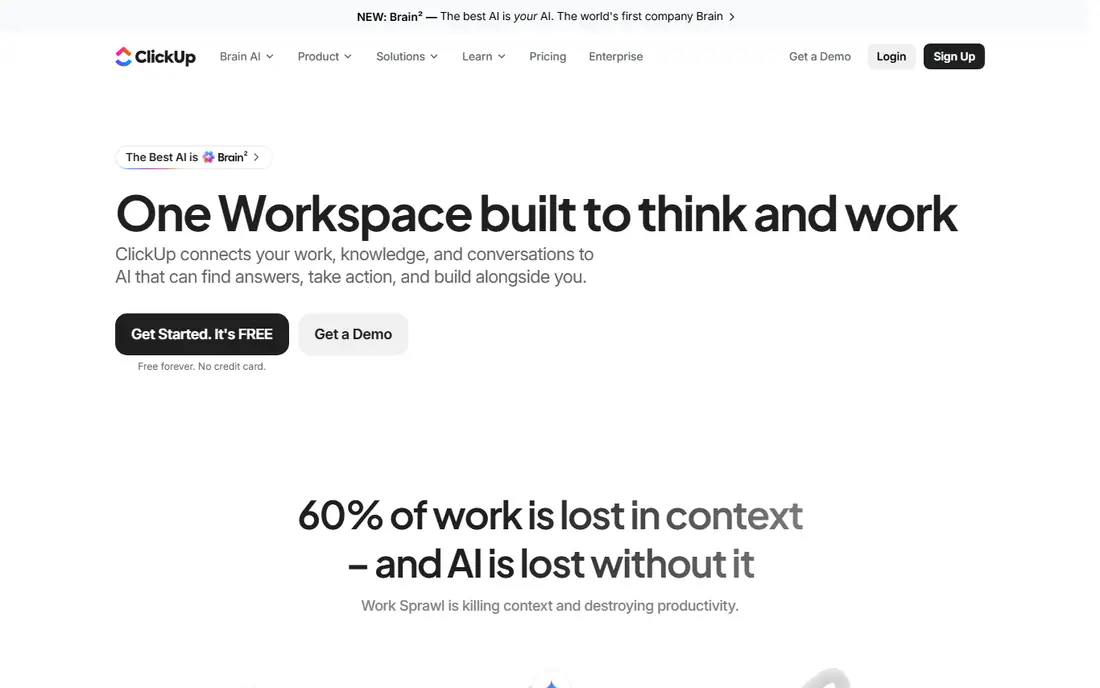
ClickUp is the consolidation pick: instead of paying for a task app, a docs app, and a time tracker, a team can run most of that work in one workspace. Spaces hold projects, docs sit next to tasks, and views range from lists and boards to Gantt charts and calendars. The free plan is genuinely usable, with unlimited tasks and members, though storage is capped at 60 MB.
Unlimited, at $7 per user per month billed annually, adds unlimited storage and integrations, Gantt charts, custom fields, and native time tracking. Business, at $12, adds unlimited dashboards, workload views, and a larger automation allowance. The trade is setup: with so many views, statuses, and automation options, a team needs someone to design the workspace deliberately, or new members stall in the first weeks.
What we like- Tasks, docs, chat, goals, and time tracking in one product
- Free plan includes unlimited tasks and members
Watch out for- Feature breadth can overwhelm new teams
- AI features are a separate paid add-on
#7Evernote
Best for: Searchable notes and clipped material4.3/5 on
G2 (2,034 reviews, checked Oct 2026)
Visit evernote.com
Starting price$10.83 per month (billed annually)
Free planYes
Evernote remains the filing cabinet of this list. Its web clipper saves articles, receipts, and research cleanly, and search reaches inside PDFs, images, and handwritten notes through text recognition. For someone whose productivity tips involve capturing reference material and finding it months later, that search quality is the reason to pay. Tasks and calendar links sit alongside notes, so a clipped article can become a dated action without leaving the app.
Personal costs $129.99 per year, which works out to $10.83 per month billed annually, and adds 10 GB of monthly uploads, offline access, and unlimited devices. Professional, at $169.99 per year, adds more upload capacity and advanced search. The free plan, with 50 notes and one notebook, works as a short trial rather than a daily tool, so budget for Personal if Evernote becomes the main capture inbox.
What we like- Strong web clipper
- Search inside PDFs and images
- Reliable offline access on paid plans
Watch out for- Free plan is limited to 50 notes and one notebook
- Price is high for note-taking alone
Starting price$0
Free planYes
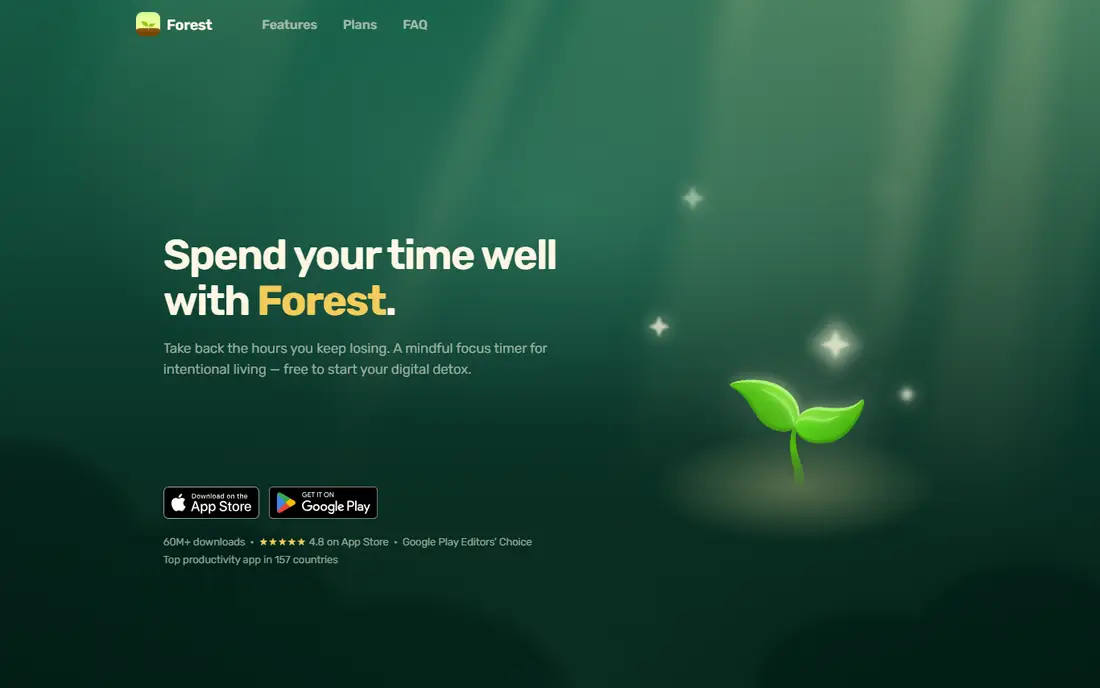
Forest addresses a different failure mode from the rest of this list: not forgetting tasks, but drifting to the phone during them. Plant a virtual tree at the start of a focus session, and the tree grows while attention stays put. Leave the app for a distracting one, and the tree withers. That small, visible consequence is often enough to create a pause before scrolling, and finished sessions build into a forest that records focused time.
The core experience is now free to start, including focus sessions, app blocking, and group sessions with friends. Optional upgrades add custom allowlists, advanced statistics, and reward bonuses. Forest does not manage tasks, deadlines, or notes, so pair it with a list app from this list rather than treating it as a replacement for one.
What we like- Focus timer is simple and visual
- App blocking included on the free tier
- Group focus sessions add accountability
Watch out for- No task or project management
- Phone-first design suits mobile work better than desktop-only work
#9Microsoft To Do
Best for: A free list inside Microsoft accounts4.4/5 on
G2 (99 reviews, checked Oct 2026)
Visit todo.microsoft.com
Starting price$0
Free planYes
Microsoft To Do is the quiet, no-cost option for people already living in Outlook, Teams, or OneDrive. Lists, steps inside tasks, due dates, and reminders cover daily planning without a subscription, and flagged emails from Outlook can become tasks. The My Day view, which asks the user to pick a small set for today, matches the most common productivity advice in this category: choose a few items, finish them, and stop adding more.
The limits are plain. There are no kanban boards, no project timelines, no habit tracking, and no reporting. For a personal daily list, that restraint is a strength, since there is little to configure and nothing to pay. For team projects or for someone who wants notes and tasks in one workspace, Notion, Asana, or ClickUp above will fit better.
What we like- Free with a Microsoft account
- Simple lists, due dates, and reminders
- Fits Outlook and Teams workflows
Watch out for- No boards, timelines, or habit tracking
- Feature depth is well below paid rivals
How we chose
Prices and plan details were checked against vendor pricing pages and current public pricing coverage in October 2026, and each homepage above was opened to confirm it loads and belongs to the named product. Tools were included only when they exist today and genuinely fit personal or team productivity, covering simple lists, boards, workspaces, notes, and focus. Public reviews on G2, Capterra, and Reddit were used to check recurring strengths and complaints, such as free plan caps and setup effort, rather than as a substitute for vendor pricing. No hands-on testing is claimed here; the comparison rests on published features, limits, and prices.
Start with the failure you keep repeating. If tasks slip because capture is slow, choose Todoist or TickTick and judge them after two weeks of daily use, not after an afternoon of setup. If work stalls because information is scattered across docs, chats, and notebooks, Notion or Evernote will help more than another list app, even though both need a short period of organizing before they pay off.
For teams, count seats before falling for a headline price. Asana Starter at $10.99 per user per month and ClickUp Unlimited at $7 look close on paper, but a 20-person team pays very different annual totals, and guests, free collaborators, and history limits change the real bill. Trello Standard at $5 is the cheapest team board here, but only if the work is genuinely linear and does not need dependencies or workload views.
A simple setup that works
Keep one inbox for capture, one list for today, and one weekly review. Capture everything into the inbox app during the day, move three to five items into today each morning, and spend 15 minutes on Friday clearing stale tasks, updating dates, and deleting work that no longer matters. A tool that supports that loop, even a free one, will beat a powerful workspace that never gets reviewed.
What to check before paying
Read the free plan limits, the renewal price, and the export options before entering card details. Check how many projects, boards, or collaborators the free tier allows, whether history is capped at seven or 30 days, and whether notes and tasks can be exported in a usable format if the subscription ends. Annual billing saves money on most tools here, but only when the app is already part of a daily routine; monthly billing is the cheaper test for the first month or two.
Frequently asked questions
What is the best productivity app for beginners?
Todoist and Microsoft To Do are the easiest starts, since both open to a simple list with little setup. TickTick is the next step up for someone who also wants a calendar and habit tracking without buying separate apps. Choose the one whose daily view feels calmest, since the app opened every morning matters more than a long feature list.
Are free productivity apps good enough for daily use?
Yes, for personal lists. TickTick, Trello, Notion, and Microsoft To Do all offer free plans that cover daily tasks, and Forest now covers core focus sessions free. Free plans fall short when a team needs unlimited history, more projects, timeline views, or admin controls, and that is usually the point to pay.
Which productivity app is best for teams?
Asana fits teams that want clear owners, timelines, and dashboards, while ClickUp fits teams that want docs, chat, goals, and time tracking in one workspace. Trello is the better pick when the work is simple and visual and the budget is tight. Count paid seats and check guest rules before choosing, since those two details drive the annual cost.
How much should a productivity app cost?
Individual plans in this list run from $0 to about $10.83 per month on annual billing, while team plans run from $5 to $10.99 per user per month at the entry paid tier. Paying annually is usually cheaper, but monthly billing is sensible while testing whether an app becomes a daily habit.
Can one app replace a task list, notes, and a calendar?
Notion and ClickUp come closest, since both combine notes or docs with tasks and calendar views. Even then, many people keep a dedicated focus tool such as Forest alongside them, because planning work and protecting attention are different jobs. A two-app setup with clear roles often works better than forcing one app to do everything.
Do productivity apps work without an internet connection?
Most desktop and mobile apps in this list allow viewing and editing tasks offline, then sync when a connection returns, though exact offline behavior varies by app and plan. Evernote paid plans and TickTick both support offline use, while browser-first tools depend more on a connection. Check the offline details for the specific platforms used each day before relying on them during travel.
Sources we checked (9)
- https://todoist.com/pricing
- https://ticktick.com
- https://www.notion.so/pricing
- https://trello.com/pricing
- https://asana.com/pricing
- https://clickup.com/pricing
- https://www.evernote.com/compare-plans
- https://www.forestapp.cc
- https://todo.microsoft.com
Is your product missing or out of date?
We review this list regularly. Vendors can request a listing, send updated pricing or ask about featured placement.

Shihab Mia · Founder, Rankite
Shihab has 5+ years in B2B and SaaS SEO. He writes Rankite's software buying guides from pricing pages, documentation and public user reviews. More about Shihab.