How we make this list: we compare pricing pages, product documentation and public user reviews. Rankite is independent; if a vendor ever pays for a featured spot, that listing is clearly labeled Partner.
Key takeaways
- KeyShot is still the fastest route from a CAD model to a client-ready product still, at $1,299 per year, and the 14-day trial is enough to test a real project.
- Blender costs nothing, handles modeling through final render in one package, and is the sensible default for freelancers and small teams watching every dollar.
- V-Ray Solo at $45 per month billed annually is the value pick for photoreal stills if your team already models in 3ds Max, Maya, SketchUp, or Cinema 4D.
- Twinmotion is free for businesses under $1 million in annual revenue, which makes real-time product visualization effectively free for most small companies.
Quick comparison
| Tool | Best for | Starting price | Free plan |
|---|
 KeyShot KeyShot | product designers who want fast studio-quality stills | $1,299 per year | Free trial |
 V-Ray V-Ray | teams that model in 3ds Max, Maya, SketchUp, or Cinema 4D | $45 per month (billed annually) | Free trial |
 Blender Blender | freelancers and small teams that want a free complete pipeline | Free | Yes |
 D5 Render D5 Render | small studios that want fast GPU visuals on Windows | $38 per month | Yes (free Community tier) |
 Twinmotion Twinmotion | small businesses that need real-time visualization at no cost | $445 per seat/year | Yes (free for revenue under $1M) |
 Lumion Lumion | designers showing products inside architectural scenes | $1,149 per year | Free trial |
 OctaneRender OctaneRender | freelancers with NVIDIA GPUs who want fast unbiased rendering | €19.99 per month (billed annually) | Yes (free Prime tier, single GPU) |
 Autodesk Arnold Autodesk Arnold | studios already working in Maya or 3ds Max | See website | Free trial |
Is your product missing or out of date?
We review this list regularly. Vendors can request a listing, send updated pricing or ask about featured placement.
The best product rendering software
#1
KeyShot
Best for: product designers who want fast studio-quality stills
Visit keyshot.com
Starting price$1,299 per year
Free planFree trial
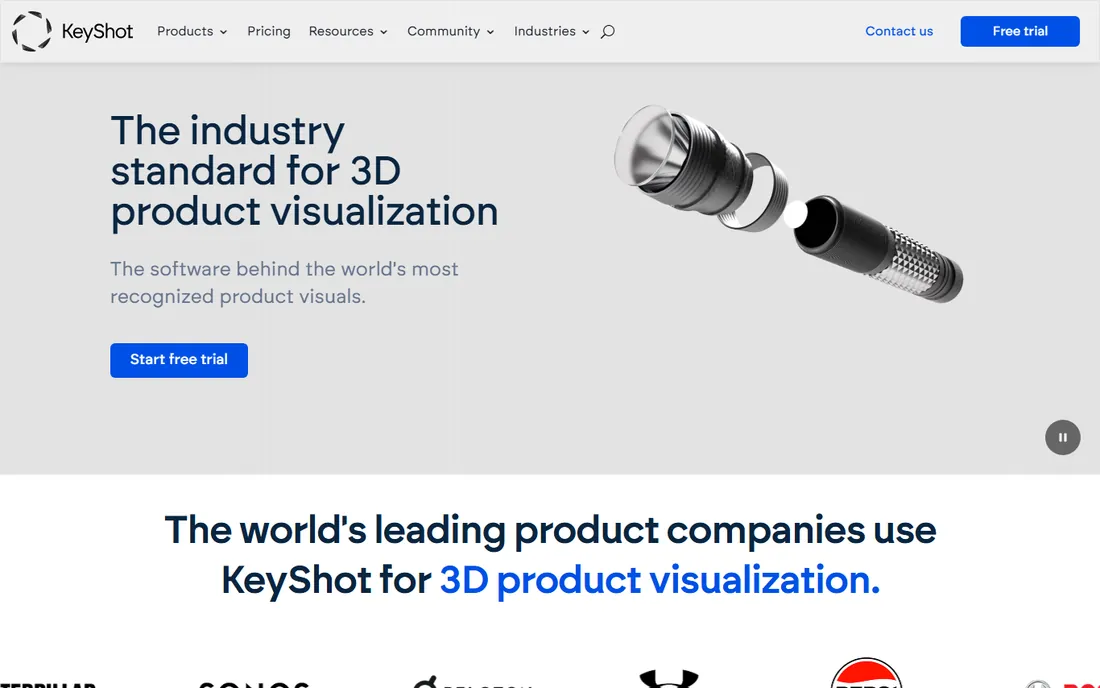
KeyShot built its reputation on one thing: speed from import to finished image. You bring in a SolidWorks, Rhino, or STEP file, drag a material onto it, set up an HDRI environment, and the viewport already looks close to the final render. For product teams that need ten clean studio shots of a new SKU by Friday, that workflow is hard to beat. The material library includes measured data from real manufacturers, so plastics, metals, and glass behave the way buyers expect.
The honest catch is the price structure and the ceiling. At $1,299 per year with no monthly plan, it is a real commitment for a freelancer, and the subscription renews automatically until you cancel. KeyShot also stays in its lane: it is a still-image and turntable specialist, not a place to build complex animated scenes or massive environments. If your work is product shots, packaging, and configurators, you will not miss those things. If you need full scenes, pair it with something else.
What we like- Imports CAD files with geometry intact
- Real-time viewport shows the final look while you work
- Huge library of real manufacturer materials
Watch out for- Annual subscription only, no monthly option
- Weaker than rivals for complex animation and large scenes
#2
V-Ray
Best for: teams that model in 3ds Max, Maya, SketchUp, or Cinema 4D
Visit chaos.com
Starting price$45 per month (billed annually)
Free planFree trial

V-Ray is the renderer that working visualization studios reach for when the image has to be indistinguishable from a photograph. The Solo plan at $45 per month billed annually ($540 per year) includes the full engine, Chaos Cosmos assets, and Veras AI ideation tools, which is generous for the price. Because it lives inside your modeling application as a plugin, materials, lights, and cameras stay in one scene file instead of bouncing between programs.
Beginners should know what they are buying. V-Ray exposes a deep set of controls for sampling, global illumination, and light caching, and the defaults will not always save you on a tricky interior or a refractive product shot. Expect a learning curve of a few weeks before your output matches the marketing gallery. Studios with rendering experience will feel at home immediately, and the 14-day money-back guarantee lowers the risk of trying it on a live project.
What we like- Reference-level photorealism with CPU and GPU engines
- Plugs into nine major DCC applications
- 15,000 included assets and materials on the Solo plan
Watch out for- The interface assumes you know rendering fundamentals
- Annual billing means $540 up front on the Solo plan
#3
Blender
Best for: freelancers and small teams that want a free complete pipeline
Visit blender.org
Starting priceFree
Free planYes
Blender is the only tool on this list that asks for nothing and gives you everything: modeling, sculpting, texturing, animation, and two render engines in one download. Cycles, its path-traced engine, handles product shots with accurate caustics, dispersion, and subsurface scattering, and the real-time Eevee engine gives fast previews. For a freelancer building a product-rendering service from scratch, the math is simple: zero license cost means every project is profit after hardware.
The trade is time. Blender was built for generalists, so setting up a clean studio lighting rig takes more clicks than in KeyShot, and you will build your own material library instead of buying one ready-made. The community fills much of that gap with free add-ons and tutorials, but budget your first month for learning. Once the workflow clicks, Blender renders product images that stand next to anything on this list.
What we like- Completely free with no feature limits or watermarks
- Cycles produces genuinely photoreal output
- Enormous tutorial community
Watch out for- The interface takes real effort to learn
- Product-viz specific conveniences like KeyShot's material drag-and-drop are missing
#4
D5 Render
Best for: small studios that want fast GPU visuals on Windows
Visit d5render.com
Starting price$38 per month
Free planYes (free Community tier)
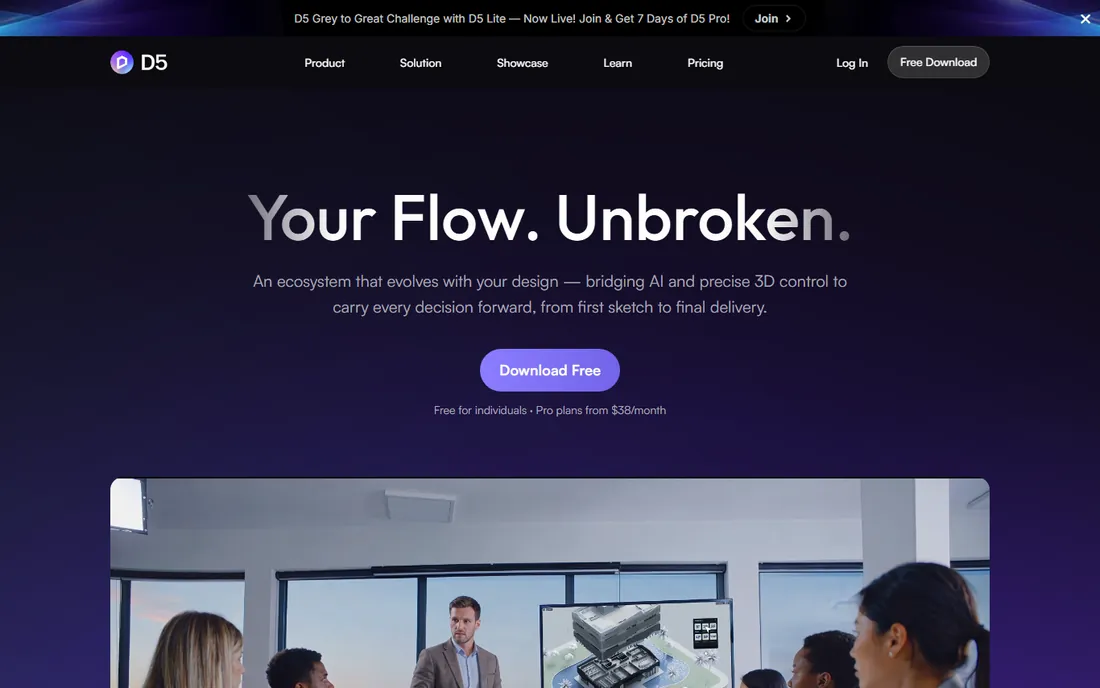
D5 Render sits in the sweet spot between free tools and four-figure licenses. The Pro plan runs $38 per month or $360 per year, and the free Community tier covers learning and personal projects with 2,100 included assets. Its real-time engine produces convincing product and interior visuals in minutes rather than hours, and the LiveSync plugins keep your model and your render in step as you revise. For a small studio doing e-commerce imagery or Amazon listings, the turnaround speed directly converts to more billable output.
Two limits matter. First, D5 runs on Windows with a DirectX 12 capable dedicated GPU, with an RTX 3060 or better recommended, so factor hardware into the budget. Second, the asset library and AI features that make the marketing images sing sit behind the Pro paywall. If your team is all Windows and your scenes are product-scale rather than city-scale, D5 is one of the best values in rendering right now.
What we like- Real-time ray tracing with very little setup
- Pro costs far less than Lumion or KeyShot
- Live sync plugins for SketchUp, Revit, 3ds Max, and others
Watch out for- Windows only, so Mac-based teams are out
- The free Community tier limits assets and AI features
#5
Twinmotion
Best for: small businesses that need real-time visualization at no cost
Visit twinmotion.com
Starting price$445 per seat/year
Free planYes (free for revenue under $1M)
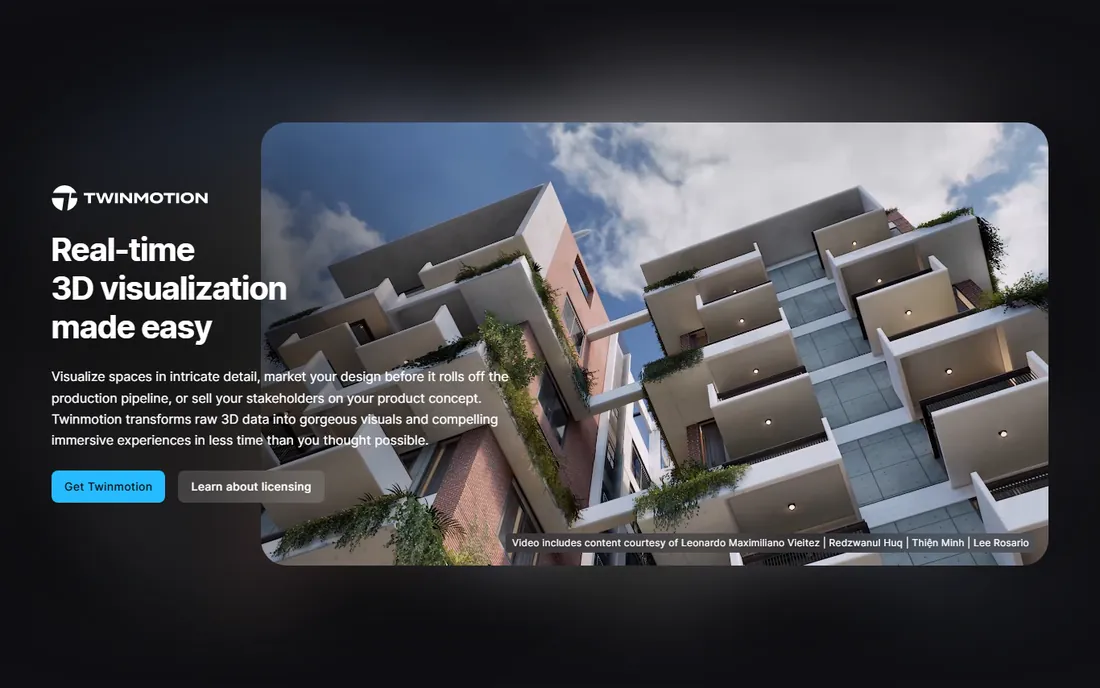
Epic Games gives Twinmotion away to anyone earning under $1 million a year, with no watermarks and no feature restrictions, which is an extraordinary deal for small product companies. You can stage a product in a furnished scene, adjust season and weather with sliders, and export stills, turntables, and VR walkthroughs from the same file. The Path Tracer mode narrows the quality gap with offline renderers when you need a hero shot.
The catch arrives with success: cross $1M in gross annual revenue and each seat costs $445 per year. Twinmotion also thinks like an architectural tool first, so fine-grained material authoring for product close-ups takes more work than in a dedicated product renderer. For catalogs, trade-show loops, and client presentations, though, it is the most capable free option available.
What we like- Completely free for individuals and businesses under $1M annual revenue
- Unreal Engine 5 under the hood
- One scene exports images, video, panoramas, and VR
Watch out for- Above $1M revenue you need paid seats at $445 per year
- Product-viz material control is shallower than KeyShot or V-Ray
#6
Lumion
Best for: designers showing products inside architectural scenes
Visit lumion.com
Starting price$1,149 per year
Free planFree trial

Lumion earns its place in a product rendering guide for one specific job: showing a product in its real environment. Furniture in a staged living room, lighting fixtures in a hotel lobby, outdoor equipment on a garden terrace. The 10,000-object library means you dress the scene without leaving the application, and most users produce presentation-ready images within days of installing it. At $1,149 per year for a named-user Pro license, it is priced for firms that bill visualization time to clients.
That price is also the main argument against it. A freelancer doing isolated product shots on white backgrounds gets little from the entourage library and would be better served by KeyShot or D5. Lumion also needs a serious NVIDIA GPU and runs on Windows only. Buy it when the setting sells the product; skip it when the product sells itself.
What we like- Enormous built-in library of entourage, vegetation, and materials
- Very fast learning curve for non-specialists
- Strong LiveSync with major CAD tools
Watch out for- The most expensive single seat on this list
- Windows only with a demanding GPU requirement
#7
OctaneRender
Best for: freelancers with NVIDIA GPUs who want fast unbiased rendering
Visit otoy.com
Starting price€19.99 per month (billed annually)
Free planYes (free Prime tier, single GPU)
OctaneRender was the first widely adopted unbiased GPU renderer, and it still has one of the best price-to-quality ratios for freelancers. The Studio+ subscription costs €19.99 per month billed annually (€23.95 month to month) and bundles the full plugin ecosystem plus Render Network cloud rendering credits. The free Prime edition, limited to a single GPU, is genuinely usable for learning and small jobs. Spectral lighting and the material system handle tricky product subjects like glass, liquids, and thin plastics convincingly.
The practical constraints are hardware and currency. You need a CUDA-capable NVIDIA card, and Octane's licensing pings OTOY's servers, so offline work requires the annual plan plus a USB dongle. For a freelancer with a decent NVIDIA card who wants unbiased quality without a four-figure license, Octane is easy to recommend.
What we like- Unbiased GPU engine with excellent light behavior
- Free Prime edition for single-GPU users
- Plugins for over 20 host applications including Blender and Cinema 4D
Watch out for- Priced in euros, which complicates US budgeting slightly
- Needs an NVIDIA CUDA GPU on Windows or Linux (Apple Silicon uses Octane X)
Starting priceSee website
Free planFree trial
Arnold is the renderer behind a large share of film and episodic VFX, which tells you everything about its priorities: correctness and predictability at any scene complexity. For product work inside a Maya or 3ds Max pipeline, it handles massive CAD assemblies, complex materials, and volumetrics without drama. The interactive renderer gives fast feedback while you light, and switching between CPU and GPU happens with one click.
For a small product team, Arnold is usually the wrong first purchase. It assumes a technical artist, its standalone pricing sits behind Autodesk's quote flow, and simpler tools will get you to a clean product still faster. It belongs on this list because studios with existing Autodesk pipelines get a world-class renderer that many already license through the Media and Entertainment Collection, making the marginal cost zero.
What we like- Predictable, production-proven Monte Carlo ray tracing
- CPU and GPU rendering in one package
- Deep integration with Maya and 3ds Max
Watch out for- Pricing is not published on the product page
- Overkill if you only need simple studio product shots
How we chose
We compared current pricing pages, documentation, and feature lists for each renderer, then cross-checked against public reviews on G2 and Capterra and working-artist discussions on Reddit and community forums. Every tool above exists as a shipping product in October 2026, fits product visualization work, and publishes enough pricing information to evaluate. We did not claim hands-on testing; the rankings reflect pricing transparency, breadth of integrations, suitability for small and mid-size teams, and the maturity of each product's product-viz workflow.
What to check before you pay for a renderer
Price per year tells you less than you think. A $1,299 license that cuts each project from six hours to two pays for itself in a month; a free tool that costs you a week of learning on every new hire does not stay free. Match the renderer to the work you actually sell.
Match the engine to your deliverable
Still images for e-commerce and catalogs favor offline path tracers like V-Ray, Cycles, Arnold, and Octane, which resolve fine detail and complex light paths given enough time. Turntables, configurators, and client presentations favor real-time tools like KeyShot, Twinmotion, D5, and Lumion, where iteration speed matters more than the last 5 percent of realism. Many studios run one of each: a real-time tool for daily iteration and an offline engine for hero shots.
Count the hardware before the software
GPU renderers (Octane, Redshift-style workflows, D5, Twinmotion's Path Tracer) need a capable NVIDIA card, and the good ones want 10GB or more of VRAM. CPU renderers (KeyShot, Arnold on CPU, Cycles on CPU) lean on multi-core processors and lots of RAM. Price the workstation alongside the license; a $360 D5 subscription paired with a $400 used GPU can still beat a $1,299 KeyShot license on a weak machine for real-time work.
Check the import path from your CAD tool
Product rendering starts with someone else's model. Confirm your renderer reads your CAD format natively or through a maintained LiveSync plugin before you buy. KeyShot's CAD import is a genuine advantage for SolidWorks and Rhino shops; Blender users should budget time for cleanup on STEP and IGES imports.
How the pricing actually works
Rendering software now sells three ways, and the model affects your cash flow more than the sticker price. Annual subscriptions (KeyShot at $1,299, V-Ray Solo at $540, D5 Pro at $360) cost less per month but bill the full year up front and renew automatically. Monthly options (D5 at $38, Octane at €23.95) cost more over a year but let you cancel between projects. Free tiers (Blender, Twinmotion under $1M, D5 Community, Octane Prime) cover real work with real limits on assets, resolution, or commercial use.
Watch for the costs around the license. Floating licenses for teams cost more than named-user seats. Render farms and cloud credits bill separately when deadlines get tight. Educational discounts are generous across this category, often 80 percent or more, but renders from educational editions may carry watermarks and cannot be used commercially. Read the license terms on commercial use before a client project touches a free or educational install.
Frequently asked questions
How much should a small business budget for product rendering software?
Between zero and $1,300 per seat per year covers the realistic range. Blender and Twinmotion handle professional work for free, D5 Pro and V-Ray Solo sit in the $360 to $540 band, and KeyShot Pro anchors the top at $1,299. Add hardware: budget at least a mid-range NVIDIA GPU for GPU renderers.
Do I need an expensive GPU for product rendering?
Only for GPU-based engines. KeyShot renders on the CPU, so a strong multi-core processor matters more than the graphics card. Octane, D5, and Twinmotion's Path Tracer need NVIDIA cards with plenty of VRAM. Check each vendor's minimum specs; an underpowered GPU turns a real-time renderer into a slow one.
Can free software produce client-ready product renders?
Yes. Blender's Cycles engine has produced commercial product imagery for years, and Twinmotion's free tier carries no watermark. The limits are workflow speed and convenience, not image quality. Paid tools earn their price by cutting setup time and shipping ready-made material libraries.
What is the difference between real-time and offline rendering?
Real-time renderers show a near-final image instantly as you work, which makes client revisions fast but sacrifices some light accuracy. Offline path tracers calculate light physically over minutes or hours per frame and produce the most realistic results. Product teams often use real-time tools for iteration and offline engines for final hero shots.
Which file formats should my renderer import?
At minimum, STEP, IGES, FBX, and OBJ cover most CAD and DCC exchange. If your team models in SolidWorks, Rhino, or SketchUp, prefer a renderer with a native importer or LiveSync plugin for that tool, since it preserves materials, hierarchy, and units. Test the import path with a real production file during the trial period.
Sources we checked (11)
- https://www.keyshot.com/
- https://chaos.com/vray/buy-online
- https://www.blender.org/
- https://www.d5render.com/
- https://www.d5render.com/posts/render-pricing-d5-plans
- https://www.twinmotion.com/
- https://lumion.com/
- http://www.otoy.com/render/octane-render/purchase/
- https://www.autodesk.com/products/arnold
- https://illustrarch.com/articles/design-softwares/73606-lumion-vs-enscape-vs-twinmotion.html
- https://www.g2.com/compare/keyshot-vs-v-ray
Is your product missing or out of date?
We review this list regularly. Vendors can request a listing, send updated pricing or ask about featured placement.

Shihab Mia · Founder, Rankite
Shihab has spent more than a decade helping SaaS and e-commerce brands grow through search. He writes Rankite's software buying guides from pricing pages, documentation and public user reviews. More about Shihab.