How we make this list: we compare pricing pages, product documentation and public user reviews. Rankite is independent; if a vendor ever pays for a featured spot, that listing is clearly labeled Partner.
Key takeaways
- Scribe ($25/seat/month billed annually) and Tango (from $15/user/month billed annually) auto-generate step-by-step guides from your clicks.
- Whale ($249/month billed annually) and SweetProcess ($99/month for 10 users) combine SOPs with training and tracking.
- Trainual turns SOPs into assignable training with quizzes and e-signatures; pricing is quote-based.
- Confluence ($5.16/user/month) and Notion ($10/member/month billed annually) work when documentation already lives in a wiki.
Quick comparison
| Tool | Best for | Starting price | Free plan |
|---|
 Scribe Scribe | auto-capturing step-by-step guides | $25/seat/month (billed annually) | Yes |
 Tango Tango | in-app walkthroughs and guides | Free; Pro from $15/user/month (billed annually) | Yes |
 Whale Whale | SOPs plus training tracking | $249/month (billed annually) | Yes |
 SweetProcess SweetProcess | flat-rate SOP documentation | $99/month (up to 10 users) | 14-day trial |
 Trainual Trainual | SOPs as assignable training | See website | 7-day trial |
 Confluence Confluence | wiki documentation in Atlassian stack | $5.16/user/month (Standard) | Yes |
 Notion Notion | flexible wiki and SOP pages | $10/member/month (billed annually) | Yes |
Is your product missing or out of date?
We review this list regularly. Vendors can request a listing, send updated pricing or ask about featured placement.
The best process documentation software
Starting price$25/seat/month (billed annually)
Free planYes
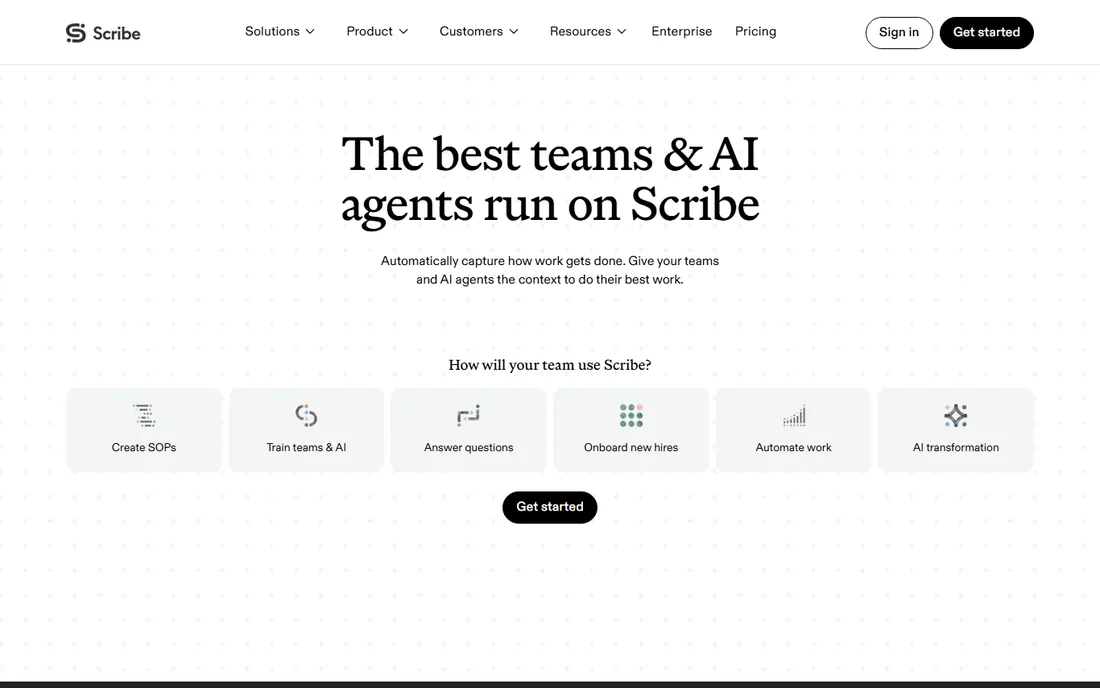
Scribe is the fastest way to document a process you already know: hit record in the browser extension or desktop app, do the task once, and Scribe turns your clicks into a written step-by-step guide with screenshots. Editing, redacting, and sharing by link or embed take minutes.
The free Basic plan covers unlimited guides with browser capture. Pro Personal at $25 a seat a month billed annually ($35 monthly) adds desktop capture, branding, screenshot redaction, and PDF, HTML, and Markdown export. Pro Team at $23 a seat billed annually requires five seats and adds collaboration features.
The catches: the free plan is browser-only, so desktop apps need a paid seat, and auto-generated guides need a maintenance routine or they quietly go out of date. For teams drowning in undocumented tribal knowledge, nothing captures faster.
What we like- Records browser clicks into guides with screenshots automatically
- Free Basic plan with unlimited guides
- Redacts sensitive data
Watch out for- Desktop capture needs a paid plan
- Guides go stale as processes change
- PDF export is paid
Starting priceFree; Pro from $15/user/month (billed annually)
Free planYes
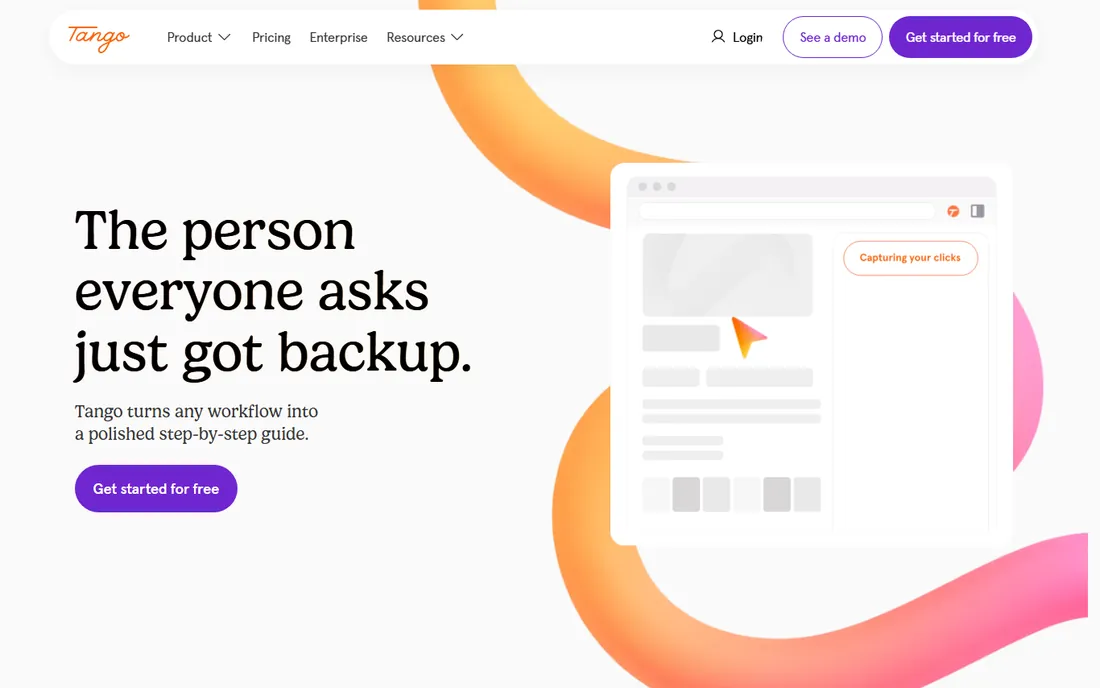
Tango goes beyond static guides: its Guide Me feature walks a user through a task inside the actual application with on-screen highlights, which makes it part digital adoption platform, not just a documentation tool. Tango also sells browser automation that turns captured workflows into automations.
The free plan covers 5 shared workflows with browser capture for up to 10 workspace users. Pro costs $22 a user a month for 1-2 users, or $15 a user billed annually for teams of 3 or more ($20 monthly), adding desktop capture, branding, exports, and screenshot blurring. Enterprise adds in-app guidance and automations at custom pricing.
The catches: the best interactive features are Enterprise-only, and the per-seat model charges for viewers too. For teams that need help inside the app, not in a PDF, Tango is genuinely differentiated.
What we like- Unique Guide Me in-app walkthroughs
- Pins tips inside the tools your team uses
- Browser automation product
Watch out for- Full walkthrough features need Enterprise
- No HIPAA compliance
- Every viewer needs a paid seat
Starting price$249/month (billed annually)
Free planYes
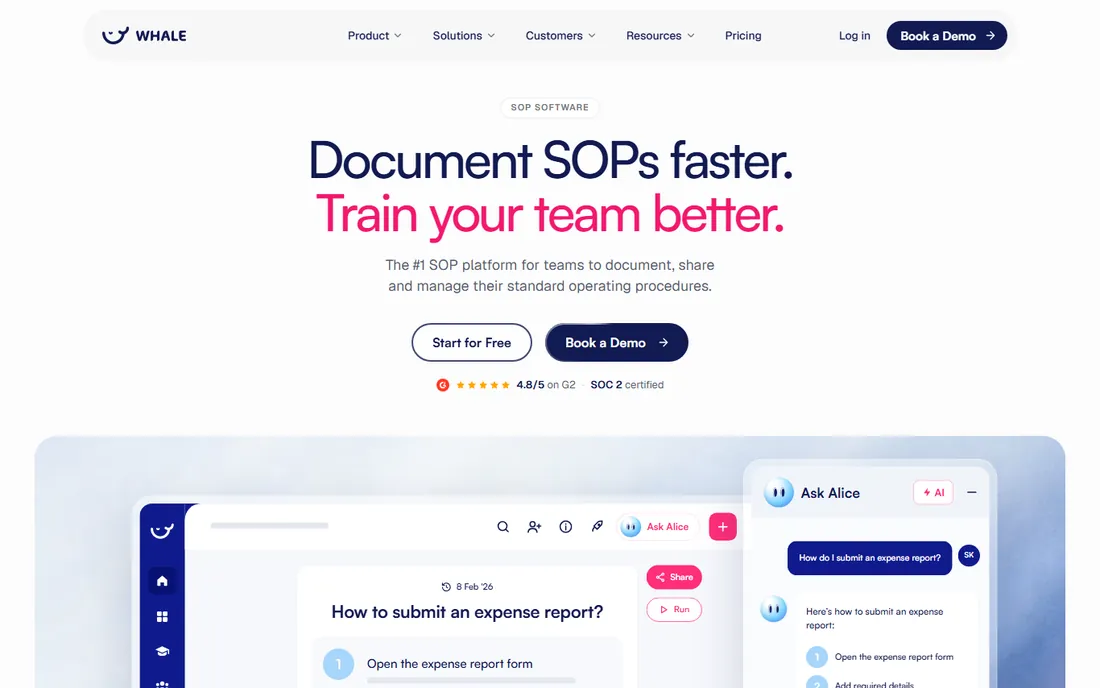
Whale answers the complaint that SOPs sit unread in a folder: it combines AI-assisted SOP creation with training assignments, quizzes, e-signatures, and an AI health score that flags stale procedures for review. Procedures can be scanned by QR code on a factory floor or kiosk.
The free plan is free forever for up to 10 members with one creator. Scale at $249 a month billed annually ($399 monthly) includes 3 creators with unlimited members; extra creators cost $29 a month. Advance at $499 adds SSO and deeper controls.
The catches: $249 a month is a jump from free, and PDF and Word export start on Scale. The creator-pricing model keeps costs sane as your reader count grows, which matters for larger teams.
What we like- Documentation and training in one tool
- Creators-only pricing with unlimited members
- MCP access for AI tools
Watch out for- First paid tier is a real jump at $249
- Export starts on paid plans
- AI features use monthly credits
Starting price$99/month (up to 10 users)
Free plan14-day trial
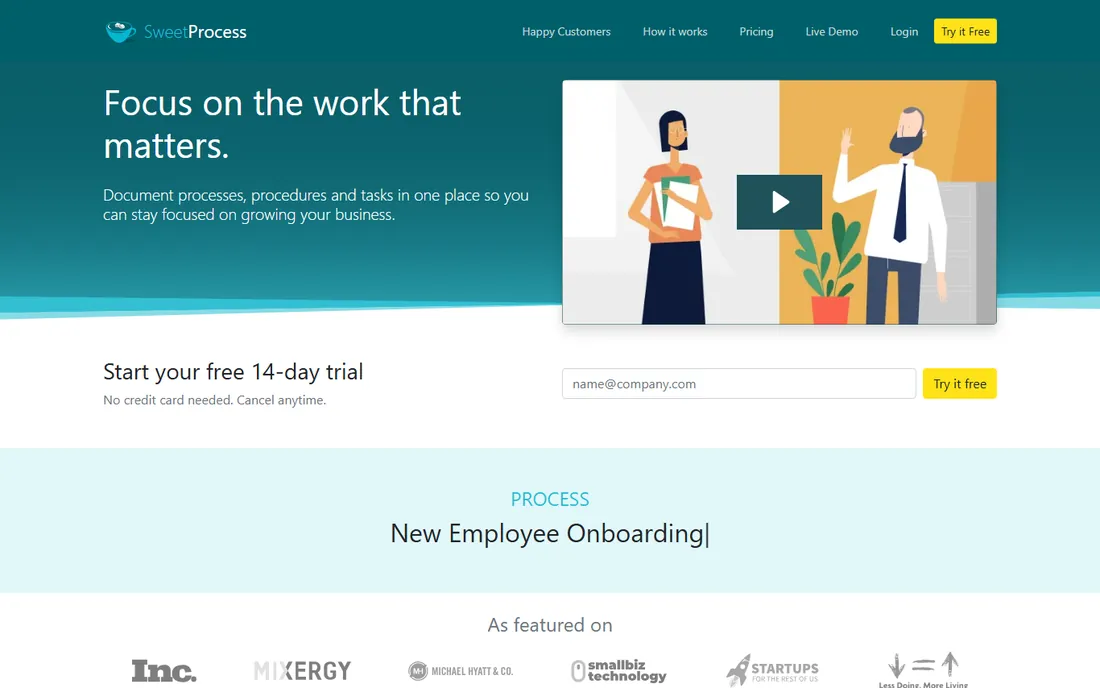
SweetProcess keeps pricing simple: $99 a month ($990 a year) covers up to 10 users with every feature, and each additional user costs $5 a month. An annual-only Small Team plan at $495 a year covers up to 5 users. All plans include procedures, processes, policies, knowledge bases, version history, the SweetAI generator, task assignment, and SSO.
A Chrome extension captures on-screen activities into visual SOPs, and a 14-day free trial with no credit card gives full access. There is no permanent free tier.
The catches: once the trial ends you pay, and billing counts every user in the account whether they log in or not. For small businesses that want one predictable invoice for complete SOP documentation, the flat rate is attractive.
What we like- All features on every plan
- Flat pricing up to 10 users
- AI SOP generator with SweetAI
Watch out for- No permanent free plan
- Billing counts all users in the account
- Interface feels utilitarian
Starting priceSee website
Free plan7-day trial
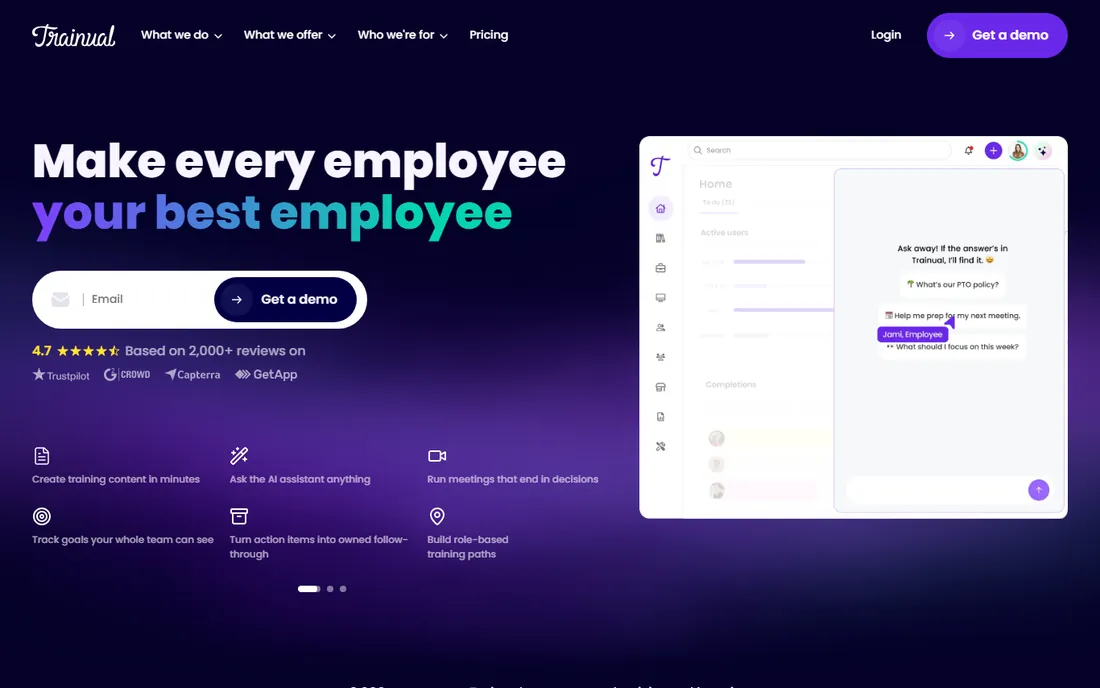
Trainual is where documentation meets accountability: your processes become structured training modules assigned by role, with quizzes testing comprehension and e-signatures proving completion. Integrations with HR tools like BambooHR and Gusto automate assignments as people join.
Pricing is quote-based with no published figures; third-party reports cite approximately $249 a month for up to 25 employees on the entry tier with a one-time $1,000 implementation fee, plus a 7-day free trial and 50% nonprofit discounts. There is no permanent free plan.
The catches: the pricing opacity and implementation fee make it a considered purchase, and teams under 10 may pay a high effective per-user cost. For companies with regular hiring where "I didn't know" is a recurring problem, the tracking justifies the spend.
What we like- Turns SOPs into structured training with quizzes
- E-signature acknowledgments
- HR integrations
Watch out for- Quote-based pricing with no public figures
- One-time $1,000 implementation fee reported
- Overkill for tiny teams
Starting price$5.16/user/month (Standard)
Free planYes
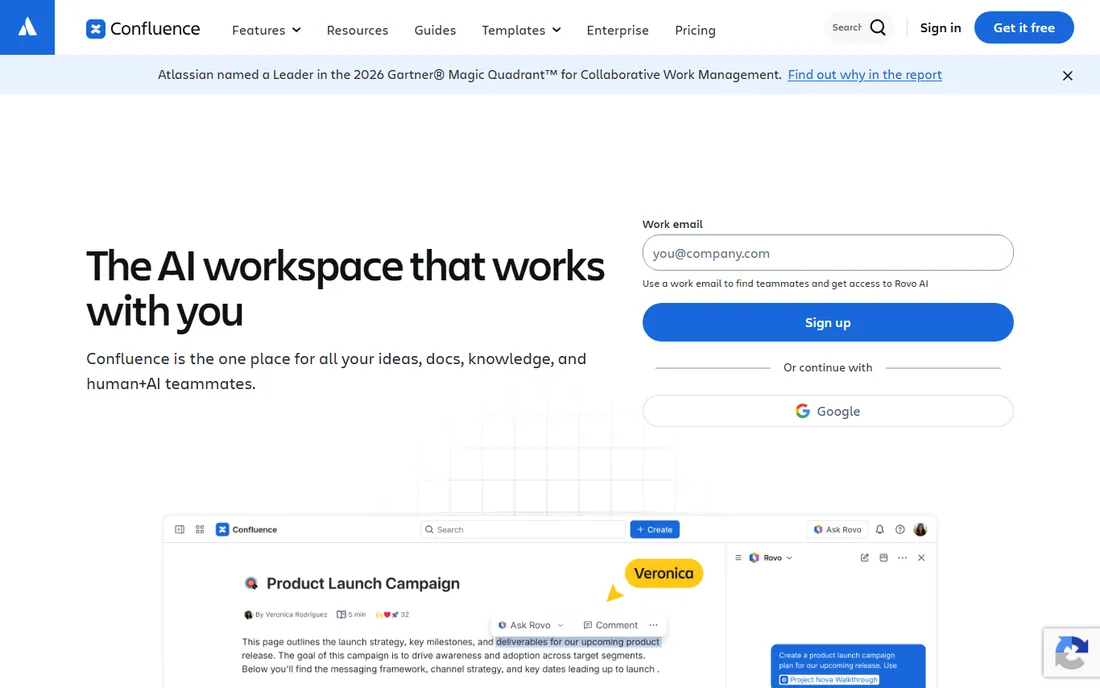
Confluence is the default company wiki for teams already in the Atlassian ecosystem: unlimited pages and spaces, templates for common documentation, and tight Jira integration so SOPs link directly to the work. Atlassian's Rovo AI now adds search, chat, and agents on paid plans.
The free plan covers up to 10 users with unlimited pages. Standard at $5.16 a user a month adds permissions, 250 GB storage, and 100 automation runs. Premium at $9.73 brings AI-powered knowledge features, 1,000 automation runs per user, and unlimited storage.
The catches: Confluence does not capture processes; you write everything by hand, and wikis sprawl without an owner. If your team already pays for Atlassian and just needs somewhere to put SOPs, it is the path of least resistance.
What we like- Free for up to 10 users
- Deep Jira and Atlassian integration
- Rovo AI search and agents
Watch out for- Not built for auto-capture
- AI usage is credit-metered
- Pages can sprawl without governance
Starting price$10/member/month (billed annually)
Free planYes
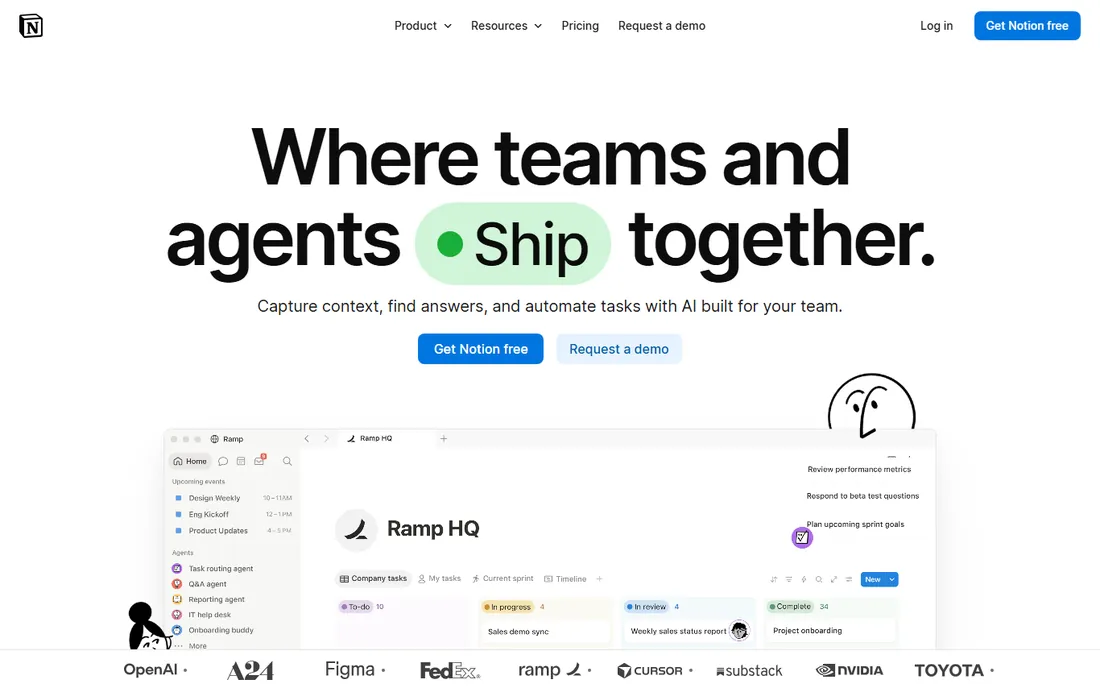
Notion is the flexible option: SOPs live as pages inside a workspace that can also hold onboarding checklists, databases of procedures, and team wikis, all linked together. The free plan includes unlimited pages with a 5 MB upload limit and 7-day page history.
Plus at $10 a member a month billed annually ($12 monthly) adds unlimited uploads, 30-day history, and 100 guests. Business at $20 a member billed annually bundles full Notion AI, 90-day history, and SSO.
The catches: real AI assistance needs the Business tier, and Notion's flexibility tempts teams to build elaborate systems instead of writing procedures. For small teams that want SOPs inside a tool they already use daily, the free plan goes a long way.
What we like- Free plan with unlimited pages
- Databases make SOP libraries structured
- Fast to start
Watch out for- Free plan limits page history and uploads
- Full AI needs the $20 Business plan
- Easy to over-build
Why most SOP libraries die (and how to prevent it)
The graveyard of process documentation is full of wikis nobody opened after month two. The usual cause is not the tool: it is that writing SOPs was treated as a one-time project instead of a habit. The fix is boring but effective: every procedure gets an owner and a review date, and updating the doc is part of finishing the process change, not a separate task for later.
Tools can help enforce the habit. Whale's AI health score flags stale procedures automatically, and Trainual's assignment tracking shows who has actually read the update. Whatever you buy, run a 90-day pilot on five real processes before migrating the whole company: if the pilot docs stay current, the system works. If they rot, the problem is ownership, and no software fixes that.
If your problem is that processes exist only in people's heads, start with a capture tool: Scribe, Tango, or SweetProcess's recorder turn one demonstration into a usable guide. If your problem is that documented processes are ignored, you need an SOP platform with assignment and tracking: Whale or Trainual.
Most companies need both eventually. A common pattern is capturing with Scribe or Tango and storing the finished SOPs in the platform your team already opens daily, whether that is Confluence, Notion, or a dedicated system like Whale.
How we chose
We compared process documentation software using vendor pricing pages, official documentation, and 2026 reviews from G2, Capterra, and vendor-published comparisons. We checked that each product is still active, separated auto-capture tools from SOP management platforms, and looked at free tiers, export options, and pricing models. We did not run internal SOP programs on these platforms.
Frequently asked questions
What is the difference between process documentation software and an SOP tool?
They overlap heavily. Process documentation software emphasizes capturing how work happens, often with automatic screen recording. SOP software emphasizes managing the resulting procedures: version control, approvals, assignments, and training. Many tools now do both.
Can process documentation software replace employee training?
Capture tools speed up documentation, but they do not verify learning. Platforms like Whale and Trainual add quizzes, completion tracking, and e-signatures, which get you much closer to real training outcomes.
Which tool is best for a small team on a budget?
Scribe's free Basic plan and Notion's free plan cover light needs at no cost. For a paid all-in-one, SweetProcess's $99-a-month flat rate for up to 10 users is predictable; Tango's free plan handles a handful of workflows.
Do these tools integrate with our existing systems?
Scribe integrates with Notion, Confluence, SharePoint, Google Docs, and Slack. Whale connects to Slack, Microsoft Teams, and Notion. Tango integrates with Confluence, Zendesk, HubSpot, and others. Check the specific integration you need before buying.
How do we keep SOPs from going stale?
Assign an owner and a review date to every procedure, and use tools with review cycles: Whale's AI health score flags stale content automatically. Tie SOP reviews to process changes, not to a calendar quarter.
Is screen-capture documentation secure?
Browser extensions capture what you click, which can include sensitive data. Use redaction features before sharing, restrict who can create guides, and check the vendor's security posture: Scribe claims SOC 2 Type 2 compliance, and Tango states it does not currently maintain HIPAA compliance.
Sources we checked (7)
- https://scribe.com/pricing
- https://www.tango.ai/pricing
- https://usewhale.io/blog/best-tango-alternatives/
- https://www.sweetprocess.com/sweetprocess-pricing/
- https://ecommerceparadise.com/trainual-review-2026/
- https://www.eesel.ai/blog/atlassian-intelligence-ai-jira-confluence
- https://dev.to/stimlau/notion-ai-pricing-explained-is-the-add-on-worth-it-in-2026-7hh
Is your product missing or out of date?
We review this list regularly. Vendors can request a listing, send updated pricing or ask about featured placement.

Shihab Mia · Founder, Rankite
Shihab has spent more than a decade helping SaaS and e-commerce brands grow through search. He writes Rankite's software buying guides from pricing pages, documentation and public user reviews. More about Shihab.