How we make this list: we compare pricing pages, product documentation and public user reviews. Rankite is independent; if a vendor ever pays for a featured spot, that listing is clearly labeled Partner.
Key takeaways
- PaperCut is the category leader for education and business, with the most flexible print control and cost recovery.
- PrinterLogic eliminates print servers entirely, which is the modern answer to print infrastructure headaches.
- Printix (now part of HP) brings cloud print management to Microsoft-centric organizations.
- YSoft SafeQ, Equitrac and Pharos serve enterprises and universities with deep pull-printing and cost allocation needs.
Quick comparison
| Tool | Best for | Starting price | Free plan |
|---|
 PaperCut PaperCut | Schools and businesses controlling print costs | See website | Free trial |
 PrinterLogic PrinterLogic | Eliminating print servers | See website | Free trial |
 Printix Printix | Cloud print management for Microsoft environments | See website | Free trial |
 YSoft SafeQ YSoft SafeQ | Enterprise secure pull printing | See website | No |
 Equitrac Equitrac | Enterprise print cost recovery | See website | No |
 Pharos Pharos | Higher education print management | See website | No |
 EveryonePrint EveryonePrint | Mobile, guest and BYOD printing | See website | Free trial |
 PrinterOn PrinterOn | Enterprise mobile and remote printing | See website | No |
 DirectPrint.io DirectPrint.io | Serverless printing for Chrome and cloud environments | See website | Free trial |
 Celiveo Celiveo | Secure pull printing for enterprises | See website | No |
Is your product missing or out of date?
We review this list regularly. Vendors can request a listing, send updated pricing or ask about featured placement.
The best print management software
Starting priceSee website
Free planFree trial
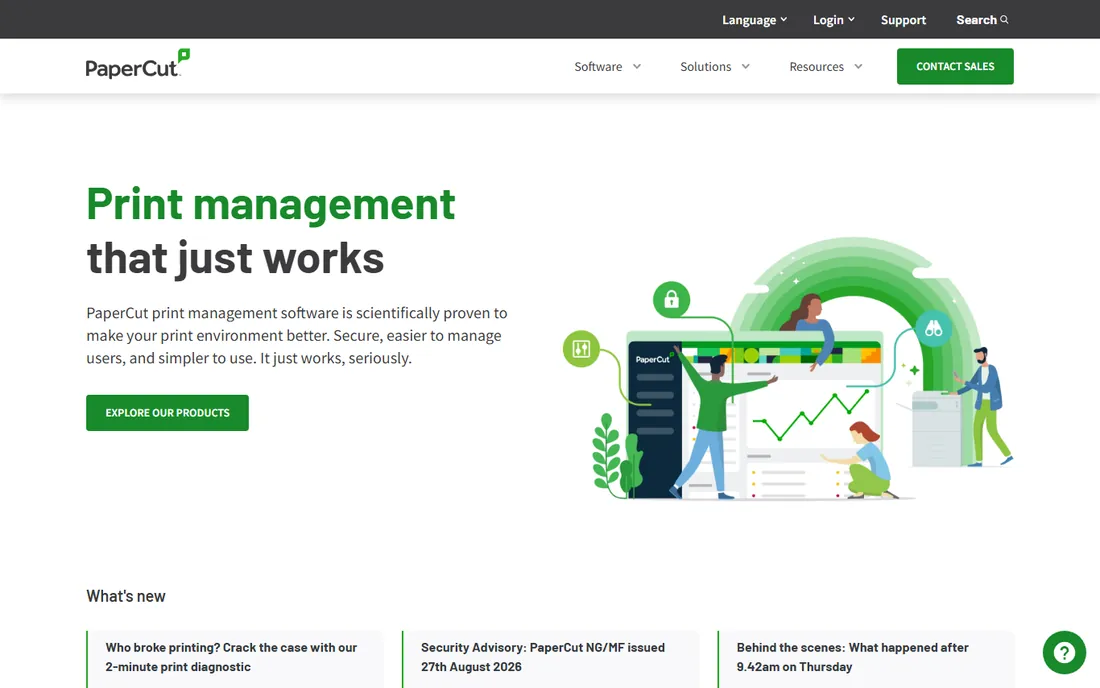
PaperCut is the print management standard in education and a leader in business: quotas, charging, secure pull printing and detailed reporting across virtually any printer. Schools control student printing budgets; businesses allocate costs by department or client. The flexibility is unmatched.
The cloud-native offering is newer than the on-premises roots. But for organizations that print seriously and need to control it, PaperCut's depth justifies its position.
What we like- Flexible print quotas and charging
- Great for education
- Broad printer support
Watch out for- On-premises heritage
- Cloud offering is newer
Starting priceSee website
Free planFree trial
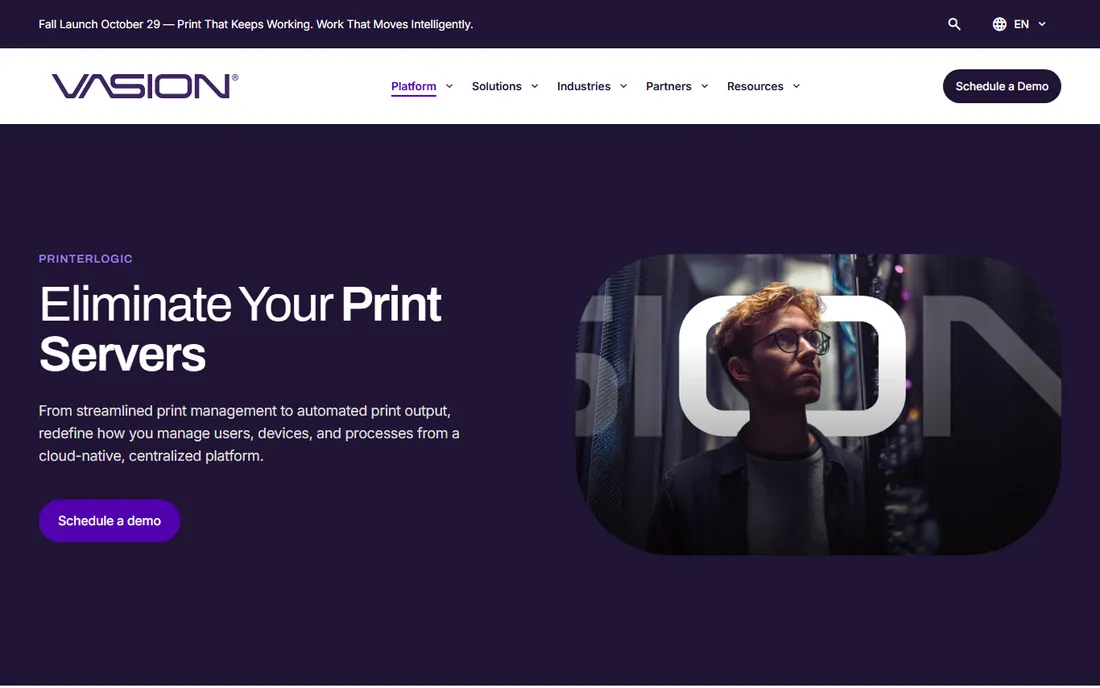
PrinterLogic's pitch is simple: delete your print servers. Printers become centrally managed direct-IP devices with driver deployment, defaults and security handled from one console. IT teams reclaim the weekends lost to print spooler crises.
Organizations deeply invested in server-based printing need a migration plan. But the operational savings, no servers to patch, secure or reboot, make the case quickly.
What we like- No print servers to maintain
- Centralized management
- Converts printers to direct IP
Watch out for- Change management for entrenched print teams
- Pricing per printer
#3
Printix
Best for: Cloud print management for Microsoft environments
Visit printix.net
Starting priceSee website
Free planFree trial
Printix (acquired by HP) delivers print management as a cloud service: users get the right printers automatically, drivers stay current, and IT manages everything from a browser. Azure AD integration makes it natural for Microsoft shops.
Non-Microsoft environments get less value, and the HP integration continues to evolve. But for cloud-first organizations, Printix removes print infrastructure elegantly.
What we like- Cloud-native with Azure AD integration
- Automatic driver management
- Now backed by HP
Watch out for- Microsoft-centric
- HP acquisition means evolving roadmap
Starting priceSee website
Free planNo
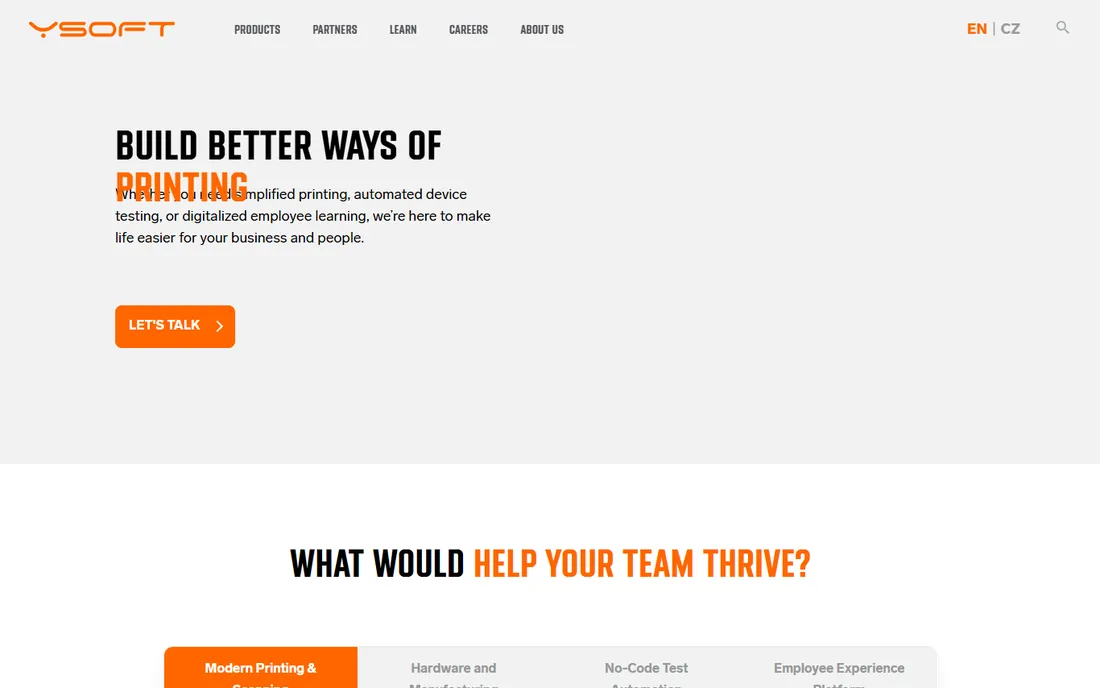
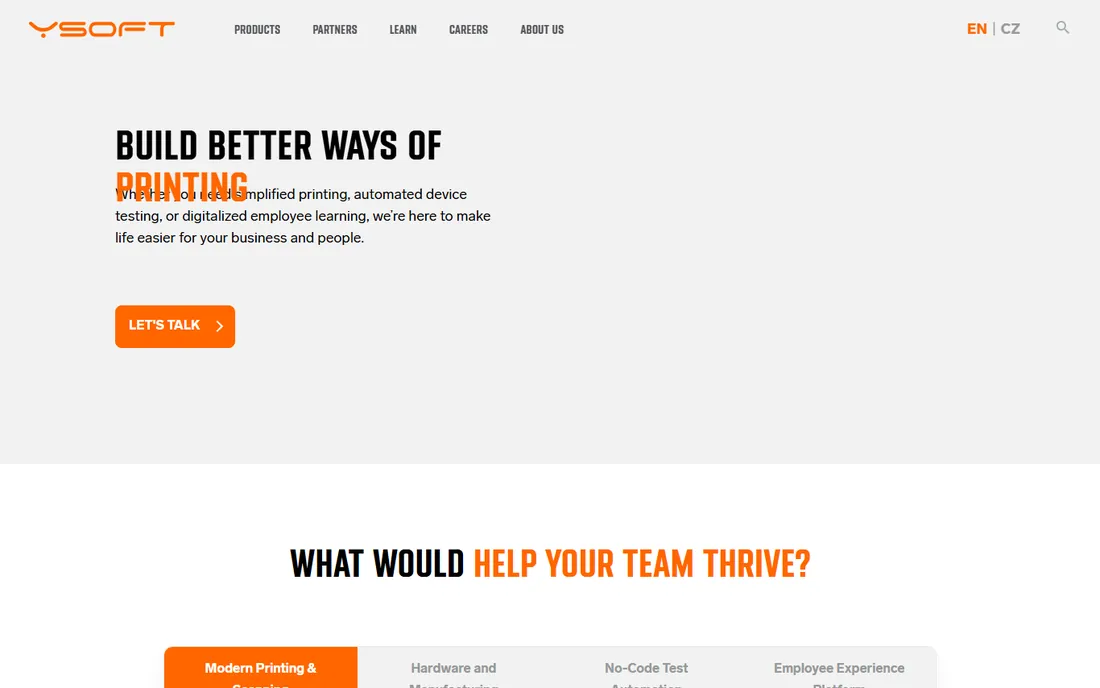
YSoft SafeQ secures enterprise printing: badge or PIN release, print roaming across devices, and detailed accounting. Regulated industries get the document security compliance demands. Embedded terminals on multifunction devices make the experience smooth.
The enterprise scope means enterprise cost and project implementation. But organizations where printed documents carry real risk will find the security model appropriate.
What we like- Strong authentication and pull printing
- Good for regulated industries
- Embedded terminal options
Watch out for- Enterprise pricing and implementation
- Hardware components add complexity
Starting priceSee website
Free planNo
Equitrac (now part of Kofax/Tungsten) specializes in knowing exactly who printed what and billing accordingly: law firms charging clients, universities charging students, corporations allocating departments. The accounting precision is the product.
The interface reflects its long history. But for cost recovery as a discipline, Equitrac's depth remains the benchmark.
What we like- Deep cost allocation and chargeback
- Strong in legal and corporate
- Proven at scale
Watch out for- Dated feel
- Enterprise sales process
Starting priceSee website
Free planNo
Pharos owns the university print room: pay-for-print, student quotas, release stations and integrations with campus card systems. Generations of students have released print jobs through Pharos.
Corporate buyers should look elsewhere. But higher education IT choosing print management will find Pharos speaks campus fluently.
What we like- Built for university printing
- Pay-for-print stations
- Strong campus integrations
Watch out for- Niche focus
- Less for corporate environments
Starting priceSee website
Free planFree trial
EveryonePrint solves the modern printing annoyance: getting a document from a phone, tablet or guest laptop onto the office printer. Email-to-print, web upload and mobile apps remove driver headaches. Hybrid workplaces with BYOD policies benefit most.
Deep fleet management and cost allocation are thinner than the enterprise tools. But as a complement to existing infrastructure, or for smaller offices, the simplicity wins.
What we like- Print from any device without drivers
- Good guest workflows
- Simple for users
Watch out for- Narrower management depth
- Smaller vendor
Starting priceSee website
Free planNo
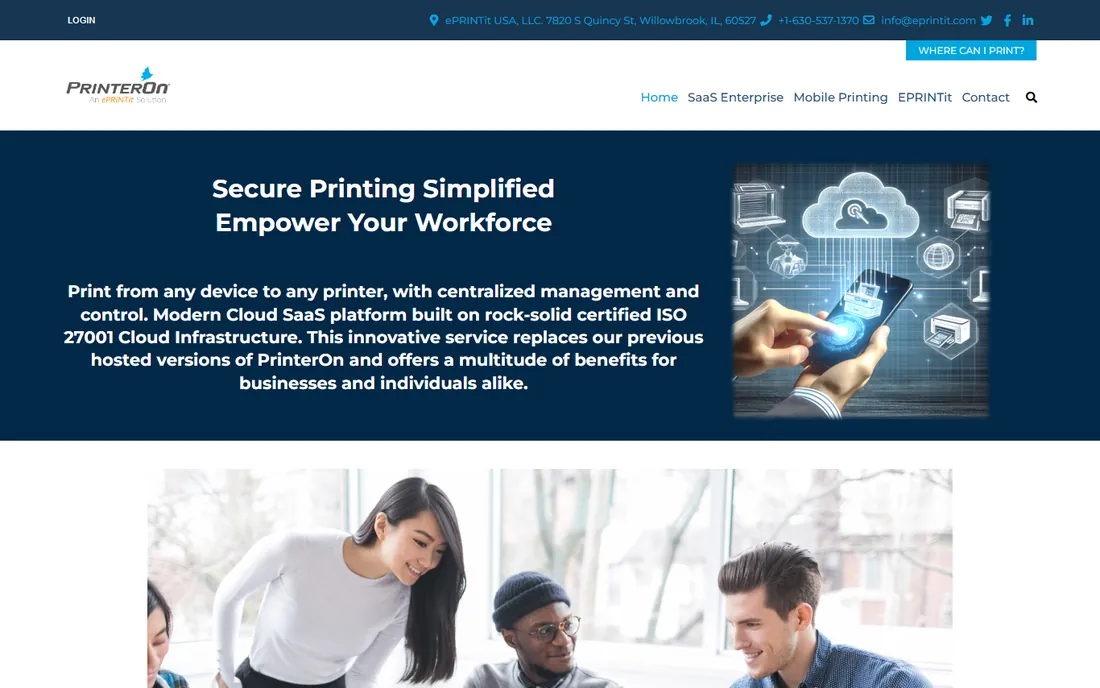
PrinterOn enables secure printing from mobile devices across the enterprise, plus public and remote printing scenarios. Distributed organizations give traveling employees printer access anywhere. The security model suits enterprise requirements.
Small offices will find it oversized. But enterprises with mobile workforces needing print-anywhere capability will find PrinterOn purpose-built.
What we like- Secure mobile printing at enterprise scale
- Good for distributed workforces
- Public print spots
Watch out for- Enterprise positioning
- Less for small offices
#9
DirectPrint.io
Best for: Serverless printing for Chrome and cloud environments
Visit directprint.io
Starting priceSee website
Free planFree trial
DirectPrint.io takes serverless further into the cloud: Google Workspace and ChromeOS environments get managed printing without any infrastructure. Schools on Chromebooks deploy it fast and manage everything centrally.
Microsoft-heavy enterprises get less value. But for Google-centric organizations, especially education, DirectPrint.io's cloud-native approach is the modern answer.
What we like- True serverless architecture
- Great for ChromeOS and Google Workspace
- Quick deployment
Watch out for- Google-centric
- Less enterprise print tradition
Starting priceSee website
Free planNo

Celiveo provides secure pull printing and print management with strong European presence: authentication at the device, print roaming, and accounting. Enterprises wanting an alternative to the biggest names get capable software with local support.
Global enterprises may find the footprint smaller. But for secure printing with a European vendor relationship, Celiveo is a credible choice.
What we like- Strong secure printing
- Good printer fleet support
- European roots
Watch out for- Smaller global presence
- Enterprise sales process
Pull printing is the security baseline
The single most impactful print policy is pull printing: jobs wait on the server until the user authenticates at the device. It eliminates abandoned documents on printer trays, the most common print security failure, while cutting waste from uncollected jobs.
Almost every tool here supports it. If your organization prints anything sensitive and does not use pull printing, that is the first project, before cost allocation or mobile features.
How we chose
We compared tools on print control depth, secure release, cost allocation, serverless architecture, mobile support and pricing models. We verified each vendor's homepage and current positioning, reviewed IT administrator feedback on Spiceworks, G2 and review sites, and noted acquisitions affecting the market. We did not deploy print infrastructure in live environments.
Cutting print costs: the quick wins that actually work
Start with defaults. Setting double-sided, black-and-white printing as the default across the organization typically cuts paper and toner costs 20 to 30 percent with zero complaints, because most people never change defaults. Color printing should require a deliberate choice, not be the path of least resistance.
Kill the personal desktop printers. A fleet of cheap desktop printers costs far more per page than shared multifunction devices, in toner, maintenance and IT support time. Consolidate to shared devices with pull printing, and watch both costs and helpdesk tickets drop. The executives who insist on personal printers are the most expensive printers in the building.
Charge back or at least report costs by department. You do not need to actually invoice departments; simply showing each manager their team's print spend changes behavior. Visibility alone typically reduces volume 10 to 15 percent as people notice the waste they were ignoring.
Digitize the recurring paper flows. The documents printed most often, expense reports, HR forms, approval signatures, are the best digitization targets. Each eliminated recurring print job saves money forever, unlike quotas that just squeeze the same workflows.
Finally, right-size the fleet. Most organizations have more devices than they need, including aging machines with expensive per-page costs. A print assessment, which most vendors here offer, maps actual usage against the fleet and usually finds consolidation opportunities worth more than the software costs.
Print management mistakes to avoid
The biggest is buying software without a print assessment. You cannot manage what you have not measured: device counts, page volumes, color ratios, cost per page. The assessment, which most vendors provide, reveals the consolidation and policy opportunities that justify the whole project. Skipping it means optimizing blind.
Second is ignoring user experience. Pull printing that requires six steps, or release stations placed far from desks, will be circumvented. Design the secure workflow to be nearly as convenient as the insecure one, or users will route around it and your security investment evaporates.
Third is the driver management afterthought. Nothing generates helpdesk tickets like driver chaos: wrong drivers, outdated drivers, drivers that break after OS updates. Centralized driver management is one of the highest-ROI features in print software; configure it deliberately instead of letting every workstation fend for itself.
Fourth is forgetting mobile and guest printing. The modern office includes phones, tablets, contractors and visitors. A print system that only serves domain-joined Windows PCs is managing half the reality. Confirm the mobile and guest workflows during evaluation, not after deployment.
Finally, measuring only cost and not security. Print is a data loss vector: abandoned documents, unencrypted print streams, devices with stored images of everything printed. The security improvements, pull printing, encryption, audit trails, often matter more than the cost savings. Report both to leadership.
Frequently asked questions
What is print management software?
Software that controls, secures and tracks organizational printing: who prints what, cost allocation, secure release, driver management and policy enforcement across the printer fleet.
How much can print management save?
Organizations typically cut print volumes 20 to 40 percent through quotas, pull printing and awareness. The savings come from paper, toner and device consolidation.
Do we still need print servers?
Modern tools like PrinterLogic, Printix and DirectPrint.io eliminate them. Legacy environments may keep servers during transition. New deployments should default to serverless.
What is pull printing?
Print jobs are held until the user authenticates at the printer (badge, PIN or app), then released. It secures documents and eliminates waste from uncollected prints.
Can employees print from phones?
Yes. EveryonePrint, PrinterOn, Printix and most modern tools support mobile printing. Confirm the workflow matches your device mix.
How is printing charged back?
Cost allocation by user, department, client or project, with rates per page (color versus black-and-white). Tools like Equitrac, PaperCut and YSoft specialize in precise accounting.
How do we handle printing for hybrid workers?
Combine office pull printing with home printing policies: either provide home printers with managed supplies or set clear reimbursement rules. Cloud print tools that work off-network keep the experience consistent wherever people work.
Sources we checked (10)
- https://www.papercut.com/
- https://www.printerlogic.com/
- https://www.printix.net/
- https://www.ysoft.com/
- https://www.equitrac.com/
- https://www.pharos.com/
- https://www.everyoneprint.com/
- https://www.printeron.com/
- https://www.directprint.io/
- https://www.celiveo.com/
Is your product missing or out of date?
We review this list regularly. Vendors can request a listing, send updated pricing or ask about featured placement.

Shihab Mia · Founder, Rankite
Shihab has spent more than a decade helping SaaS and e-commerce brands grow through search. He writes Rankite's software buying guides from pricing pages, documentation and public user reviews. More about Shihab.