How we make this list: we compare pricing pages, product documentation and public user reviews. Rankite is independent; if a vendor ever pays for a featured spot, that listing is clearly labeled Partner.
Key takeaways
- Budget MFT is real: CompleteFTP starts at $349 one-time with a free version, and Cerberus Professional runs $1,599/year per license, so small teams do not need enterprise quotes to move files securely.
- Serv-U MFT carries the clearest mid-market price on this list at $335 per server per month billed annually, verified on SolarWinds' own pricing page.
- MOVEit, GoAnywhere, IBM Sterling and Axway price by quote and scale with trading partners and throughput, so expect five figures annually before you start the sales conversation.
- JSCAPE and Globalscape EFT sit between the budget and enterprise tiers: broad protocol support and automation without the biggest vendors' enterprise sales process.
Quick comparison
Is your product missing or out of date?
We review this list regularly. Vendors can request a listing, send updated pricing or ask about featured placement.
The best managed file transfer software
Most companies graduate to managed file transfer the hard way: a partner demands SFTP with PGP, an auditor asks for a transfer log nobody has, or a nightly script fails silently for a week. MFT software replaces scripts and consumer file sharing with encrypted transfers, automation, auditing and user management in one controlled place. Nine platforms worth your shortlist, with the pricing realities marked honestly.

#1
Progress MOVEit
Best for: Regulated enterprises with large partner networks
Visit progress.com
Starting priceSee website
Free planFree trial
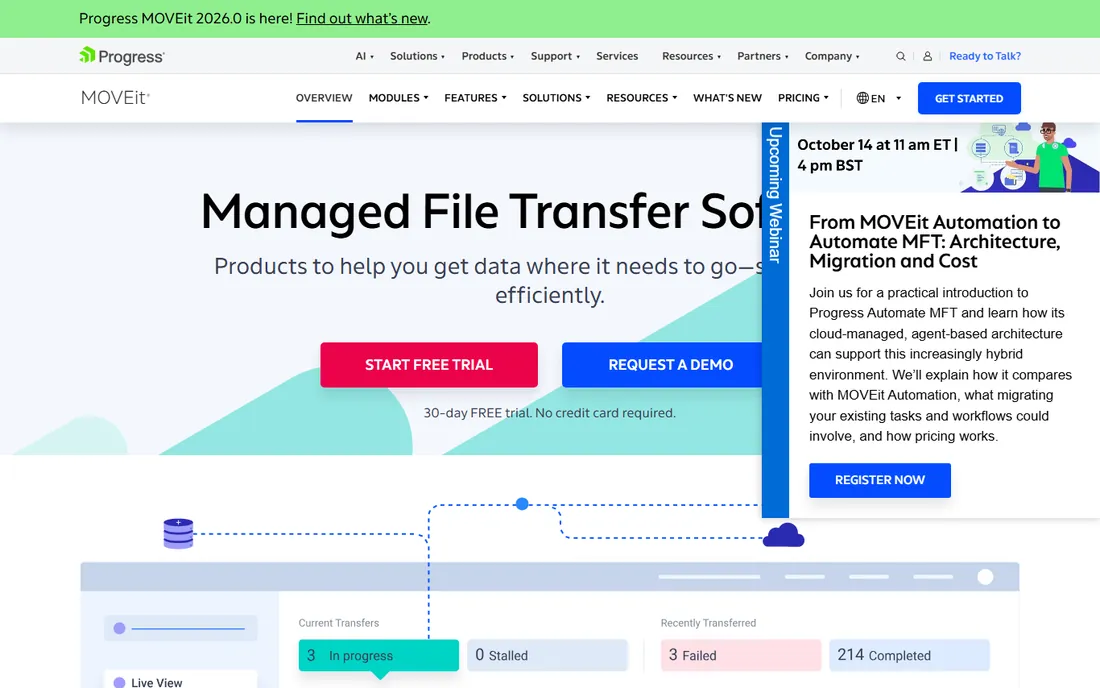
When a bank or healthcare network names its file transfer platform, it is usually MOVEit. Progress has owned this space for years, and MOVEit Transfer and MOVEit Automation cover the two halves of the job: a controlled transfer portal for humans and partners, plus scheduled, event-driven automation for the machine-to-machine flows. The compliance story is the reason enterprises stay: audit trails, encryption at rest and in transit, and FIPS 140-2 support that auditors already recognize.
The catch is the commercial model. Pricing is quote-based and scales with users, partners and throughput, so budget conversations start in the five figures annually. Progress also sells several related products under the MOVEit name, and sorting out which modules you actually need takes a real scoping call. If you operate in a regulated industry with hundreds of trading partners, that sales process is worth enduring. Smaller teams will find this overbuilt and overpriced.
What we like- Long track record in healthcare and finance with strong compliance posture
- Wide protocol support including AS2 and SFTP
- Cloud and on-prem deployment options
Watch out for- Quote-based pricing that starts high
- The admin experience shows its age next to newer platforms
Starting priceSee website
Free planFree trial
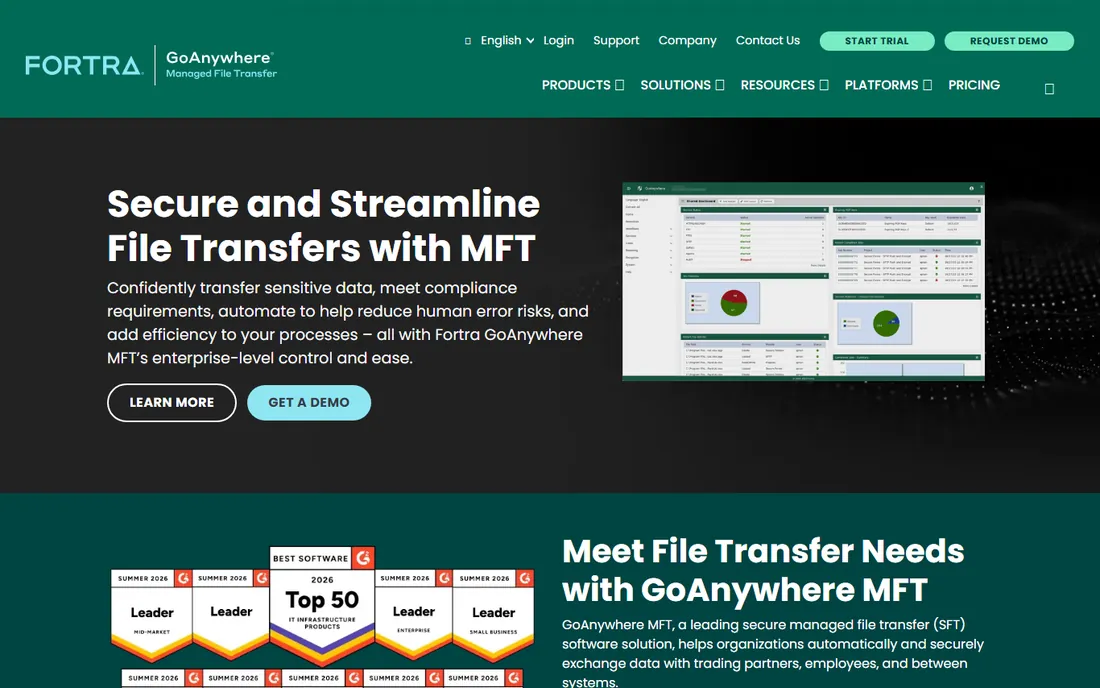
GoAnywhere is the closest thing to a one-vendor answer for mid-size IT teams that want enterprise MFT without building it from parts. The browser console gives one place to manage users, trading partners, workflows and audit logs, and the workflow designer covers the common patterns, file movement between partners, PGP encryption, database lookups, email notifications, without forcing everything into custom scripts. Fortra also bundles agents for systems that sit outside your data center.
Pricing is the friction point. GoAnywhere publishes no price list; quotes depend on edition, agents and support tier. Fortra's acquisition history also means Globalscape EFT, another Fortra product, competes for the same buyers in its own sales conversations, so ask directly which product your account team recommends and why. The free trial is genuinely useful: you can model your real workflows before any quote arrives.
What we like- Browser-based admin console that centralizes SFTP, FTPS, HTTPS and AS2
- Built-in workflows replace scripts without heavy coding
- Agents extend control to remote systems
Watch out for- Quote-based pricing with little public guidance
- Fortra's portfolio overlap with Globalscape EFT can confuse buyers

#3
IBM Sterling Secure File Transfer
Best for: High-volume, global trading partner networks
Visit ibm.com
Starting priceSee website
Free planNo
IBM Sterling is the choice when your trading partner network is already enormous. This is the platform behind the file flows of large retailers, manufacturers and logistics companies: Connect:Direct, SFTP, AS2 and web services all under one governance layer, with the visibility tooling to track a file across a global partner mesh. If you already run Sterling for B2B integration, the file transfer layer is a natural extension.
Nobody buys Sterling casually. Everything runs through IBM's enterprise sales process, pricing is quote-only, and implementation usually involves professional services. There is no free tier and no self-serve trial path comparable to the smaller vendors. This belongs on the shortlist of companies moving millions of files a year through thousands of partners, and off the shortlist of everyone else.
What we like- Built for very high volumes and thousands of partners
- Deep integration with the wider Sterling supply-chain suite
- Strong governance and visibility tooling
Watch out for- Quote-only pricing and IBM-style procurement cycles
- Overkill for teams with simple SFTP needs

#4
Axway SecureTransport
Best for: European-regulated and API-heavy environments
Visit axway.com
Starting priceSee website
Free planNo
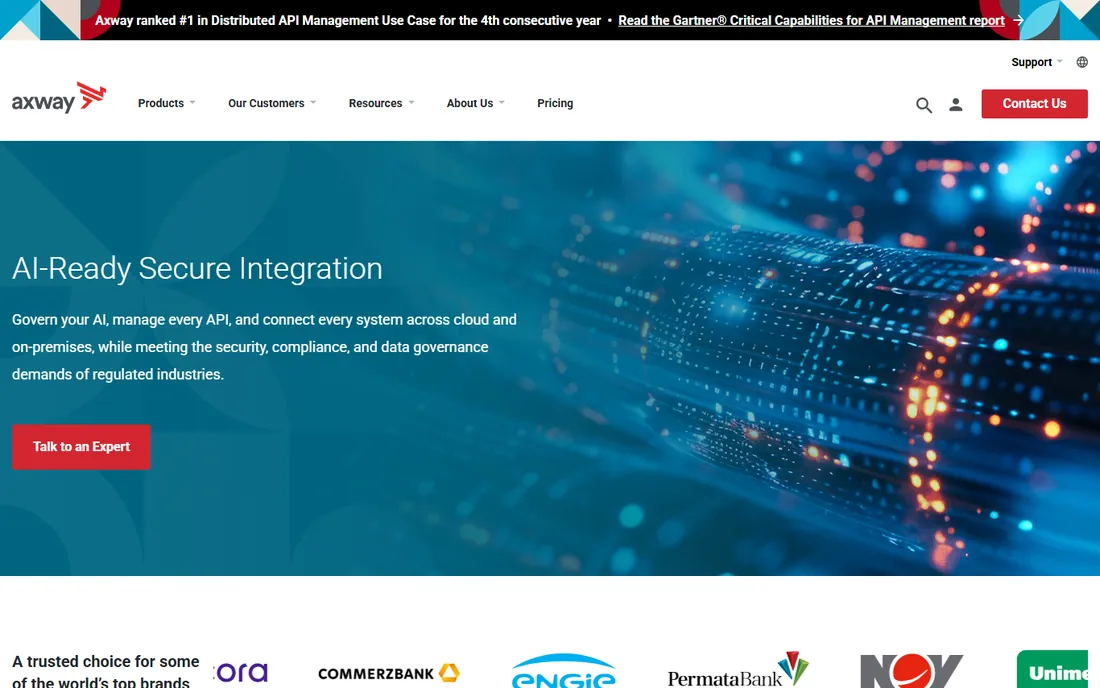
Axway comes at file transfer from the integration side. SecureTransport handles the managed movement of large and sensitive files, while the wider AMPLIFY platform manages APIs alongside them, which suits organizations that treat file drops and API calls as two doors into the same process. European buyers meet Axway often: the company is well established there and the compliance positioning is tuned for GDPR-era procurement.
Like IBM, Axway sells through quotes and expects a real evaluation cycle. The upside is that Axway's team is used to displacing legacy transfer setups and scripts, and the DMZ gateway architecture is genuinely well designed for banks and public-sector buyers. The downside is complexity: you are buying into a platform, not a simple server, so plan for admin training time.
What we like- Strong story for API and file transfer managed together
- Well positioned for GDPR-heavy European operations
- Solid edge security with DMZ gateways
Watch out for- Quote-only pricing
- The platform's breadth means a longer learning curve
Starting priceSee website
Free planFree trial
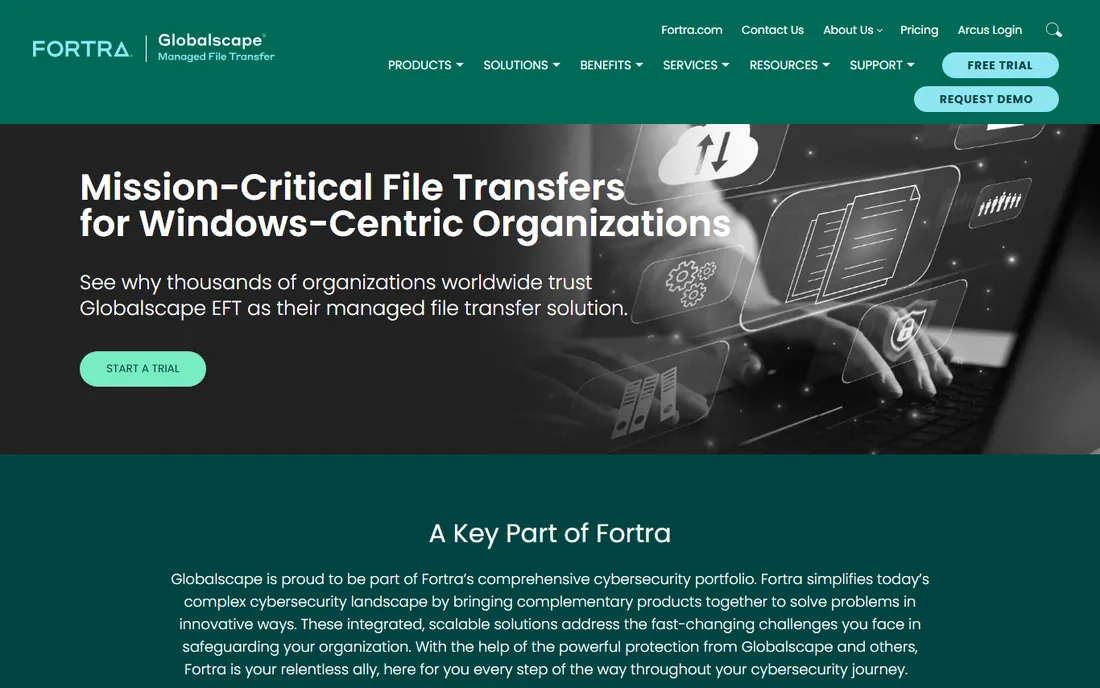
Inside the Fortra portfolio, EFT plays the steady on-prem workhorse next to GoAnywhere's more modern face. It has been doing secure file transfer for decades, and it shows in the places that matter for conservative IT: granular folder permissions, event-driven automation rules, DMZ gateway options, and audit logs that compliance officers accept without argument. If your team distrusts cloud-hosted transfer for sensitive data, EFT's on-prem story is exactly the pitch.
Pricing requires a quote, though EFT historically lands below the IBM and Axway tier. The honest weakness is the admin interface, which reviewers consistently describe as functional rather than friendly; new admins should budget learning time. Ask Fortra directly how EFT and GoAnywhere differ for your use case before you sign, since both products will appear in the same sales conversations.
What we like- Mature on-prem product with fine-grained permissions and event rules
- Strong auditing for compliance-driven teams
- Fortra backing with a real support organization
Watch out for- Quote-based pricing with limited public detail
- The interface feels dated compared to newer consoles

#6
JSCAPE MFT Server
Best for: Flat-licensed, protocol-complete MFT
Visit jscape.com
Starting priceSee website
Free planFree trial
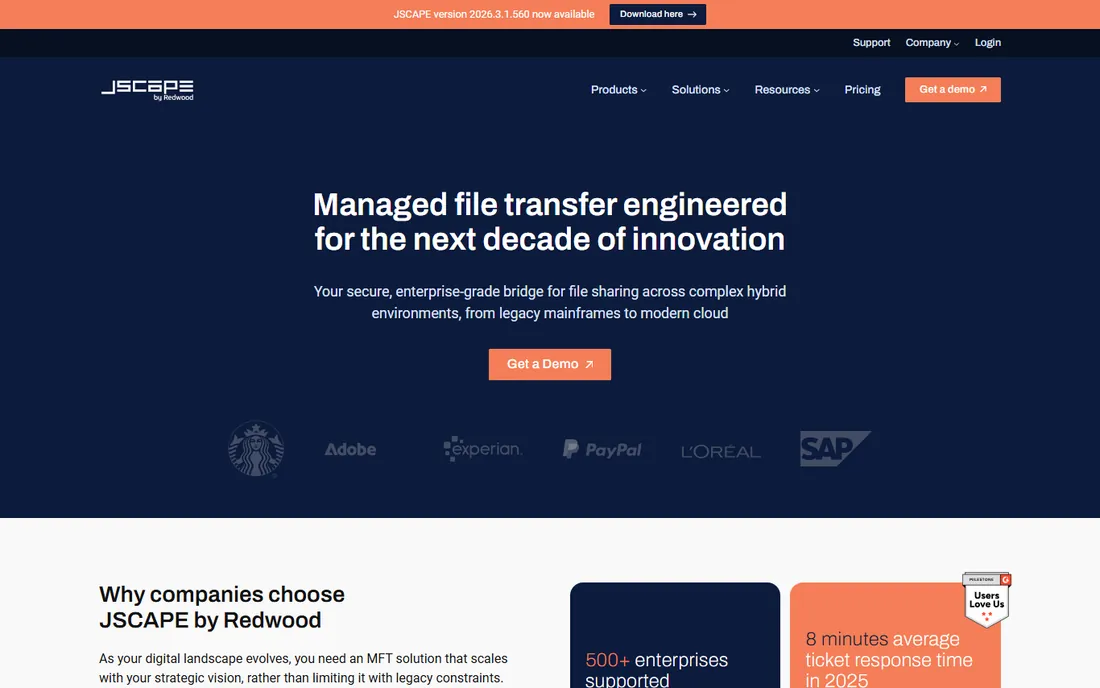
JSCAPE takes the pricing bet most buyers wish were standard: license the server, then add unlimited users, trading partners and connections without per-seat math. The protocol list is genuinely broad, FTP/S, SFTP, HTTP/S, WebDAV, AS2, OFTP2 and an accelerated transfer protocol for long-haul links, which makes it a fit for manufacturers and logistics firms dealing with automotive and European partners. The web-based admin console keeps daily work out of the command line.
The wrinkle is ownership. JSCAPE is now part of Redwood Software, and pricing has moved to quote-based, so the old transparent price list is gone. The product itself remains strong and the support reputation is good. If you value unlimited-partner licensing and deep protocol coverage over a big-vendor badge, get the quote and compare it against the enterprise tier.
What we like- One of the broadest protocol lists anywhere, including AS2, OFTP2 and AFTP
- Runs on Windows, Linux and cloud images
- Unlimited users and trading partners on the license
Watch out for- Pricing now requires a quote from Redwood Software
- Smaller vendor means a thinner partner ecosystem
Starting price$1,599/year (Professional, per license)
Free planFree trial
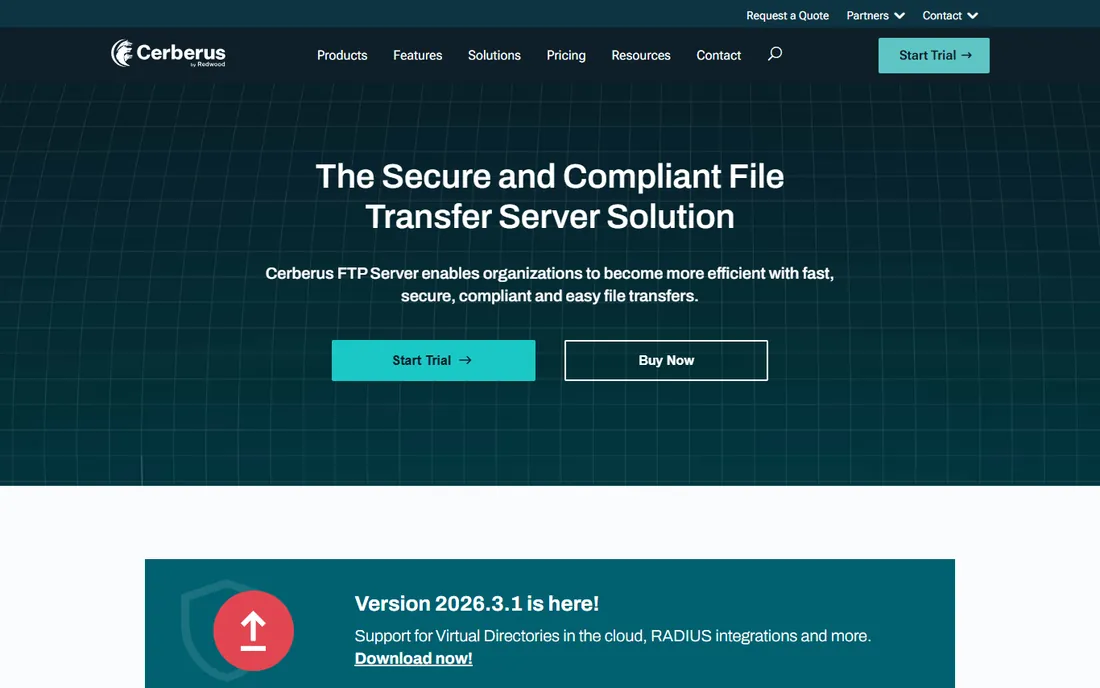
Windows shops have a particular soft spot for Cerberus, and the reason is simple: it runs as a native Windows service, plugs into Active Directory and LDAP without drama, and the admin console feels like software built for Windows admins rather than ported from elsewhere. The Professional tier at $1,599 per year per license includes unlimited users, SFTP, FIPS 140-2 validated cryptography and phone support, which is straightforward value against the quote-based tier. Enterprise at $3,499 per year adds the HTTPS web client, ad-hoc sharing, event automation and retention policies.
The limitation is the platform boundary. Cerberus is Windows-only, so if your infrastructure standard is Linux, look at JSCAPE or Serv-U instead. The web client and ad-hoc sharing are solid but not best in class; buyers who need a polished external sharing portal should evaluate that piece separately. For a Windows-centric team that needs compliant SFTP fast, Cerberus is one of the easiest buys on this list.
What we like- Published pricing with unlimited users on paid tiers
- Native Windows service with AD and LDAP integration
- FIPS 140-2 validated cryptography for compliance buyers
Watch out for- Windows-only, which rules out Linux-standard shops
- The ad-hoc sharing add-ons lag dedicated sharing tools
Starting price$335/server/month (billed annually)
Free planFree trial
Serv-U is the on-ramp brand of MFT. The plain FTP edition starts at $55 per server per month billed annually, and the MFT edition steps up to $335 per server per month with SFTP, FTPS, HTTPS, ad-hoc sharing, event-based automation and compliance features. Per-server licensing means your twentieth user costs the same as your second, which finance teams appreciate. SolarWinds also publishes all of this on its website, a refreshing change in a category full of quote forms.
Two honest caveats. First, independent reviews note that Serv-U's automation is more limited than the workflow engines in MOVEit, GoAnywhere or EFT: if your transfers need complex branching logic, evaluate carefully. Second, SolarWinds' well-publicized 2020 supply-chain breach still comes up in procurement reviews; the company has since rebuilt its security program, but expect the question from your security team. For straightforward secure transfer with honest pricing, Serv-U remains a strong mid-market pick.
What we like- Published per-server pricing with no user-count math
- Simple upgrade path from the $55/month FTP edition
- IPv6, FIPS and PCI-friendly compliance features
Watch out for- Automation features are thinner than purpose-built MFT workflow engines
- SolarWinds' security history gives some buyers pause
Starting price$349 (Standard, one-time)
Free planYes
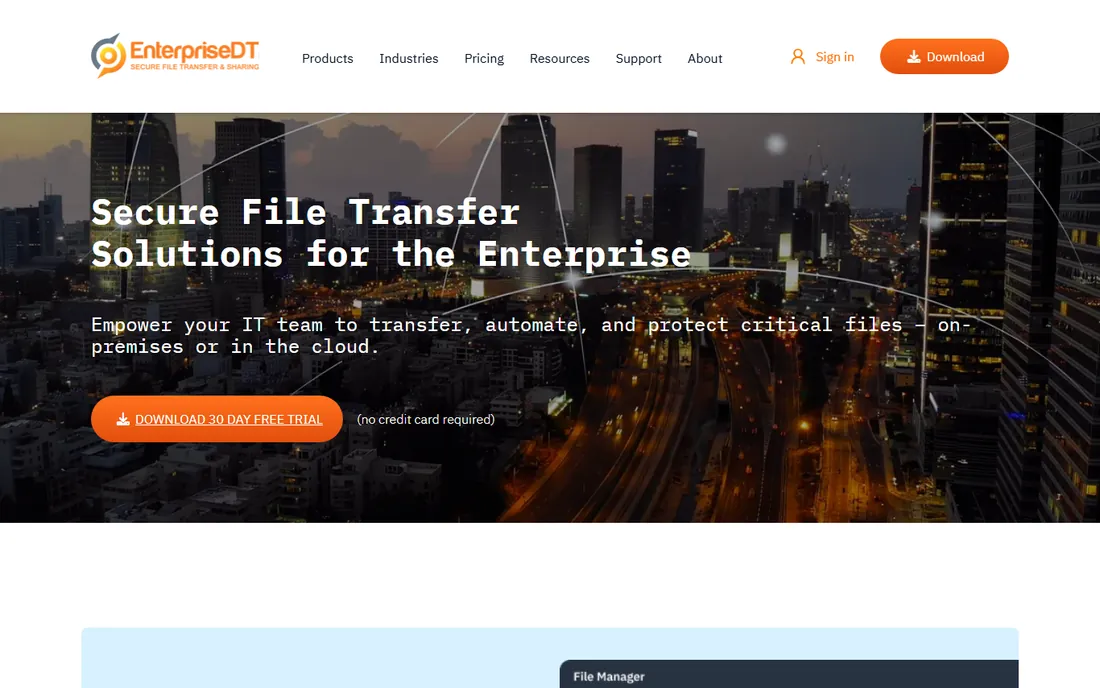
The smallest footprint on this list belongs to CompleteFTP from Enterprise Distributed Technologies. Standard starts at $349 one-time, Professional at $699 and the Enterprise MFT edition at $1,499, all one-time purchases rather than subscriptions, and there is a free version for basic use. For a small business that needs secure FTP and SFTP without a sales cycle or a recurring bill, this is the pragmatic answer.
Set expectations accordingly. CompleteFTP is a capable server, not a governance platform: you get transfers, users and security, but not the workflow engines, partner onboarding portals or audit dashboards of the enterprise tier. Support comes from a small team in Australia, which most buyers find responsive but which is not a 24/7 global operation. If your needs are a secure server for a modest partner set, the price is hard to argue with.
What we like- One-time pricing starting at $349 with a free version
- Supports FTP, FTPS, SFTP and HTTP/S in one server
- Runs on Windows with a compact footprint
Watch out for- Small Australian vendor with a narrower feature set
- No enterprise governance tooling
How we chose
We started from the category as buyers experience it: the difference between a secure FTP server and a managed file transfer platform with automation, partner management and audit trails. We reviewed vendor pricing pages first and marked every product whose pricing requires a quote as "See website" rather than repeating reseller guesses. We checked feature lists and documentation for protocol support and automation depth, and read public reviews on G2, Capterra and TrustRadius plus practitioner discussions on Reddit to find the recurring complaints each vendor's marketing skips. We deliberately mixed enterprise platforms with transparently priced smaller vendors, because most buying guides only show the quote-based tier and leave smaller teams with nothing actionable.
What to check before you sign
Protocol coverage decides more purchases than it should, because buyers discover gaps late. List every protocol your partners actually use, FTP, FTPS, SFTP, AS2, OFTP2, HTTPS, before you demo anything: a vendor that lacks AS2 cannot serve many retail and automotive partners, and one without OFTP2 cannot serve European automotive at all. Ask how PGP encryption and decryption are handled, since partner onboarding usually stalls on key exchange, not on the transfer itself.
Pricing structure matters as much as the number. Per-server licensing (Serv-U, CompleteFTP, Cerberus) stays predictable as users grow; quote-based enterprise pricing (MOVEit, GoAnywhere, Sterling, Axway) usually scales with partners, throughput or modules, so get the scaling formula in writing. For the quoted tier, ask three questions: what triggers a price increase, whether the DMZ gateway is a separate license, and what support hours are included versus billable.
Finally, run a real trial with your hardest transfer, not the demo script. Set up your actual PGP keys, your largest file, and your slowest partner connection. Most vendors offer trials; the ones that do not should still agree to a proof of concept for an enterprise deal. Trials reveal the automation limits and admin quirks that no feature matrix shows.
MFT pricing, explained honestly
This category has two pricing worlds and they barely overlap. The quote world, MOVEit, GoAnywhere, Sterling, Axway, JSCAPE, EFT, sizes deals on trading partners, data volume, deployment model and support tier. Expect entry points in the low five figures annually and final numbers several times that for large partner networks. Quotes also bundle differently: one vendor includes the DMZ gateway, another licenses it separately, so compare line items, not totals.
The published-price world, Serv-U at $335/server/month, Cerberus at $1,599/year per license, CompleteFTP at $349 one-time, is where smaller teams should start. The trade is capability: published-price products cover secure transfer and basic automation well, but the partner onboarding portals, complex workflow engines and global support organizations live in the quote tier. A useful rule: if your partner count is under fifty and your flows are simple, the published-price tier usually wins; past that, the governance features of the quote tier start paying for themselves.
Frequently asked questions
What is the difference between MFT and SFTP?
SFTP is a protocol for transferring files securely. MFT is a category of software that manages those transfers: user provisioning, automation, encryption, auditing and partner onboarding around protocols like SFTP, FTPS, AS2 and HTTPS. Every tool on this list supports SFTP; the MFT label means you also get the management layer.
Do I need MFT software, or is a secure FTP server enough?
A secure FTP or SFTP server is enough when one team moves files with a handful of partners and nobody audits the logs. MFT earns its price when transfers are automated, partner counts grow, compliance requires audit trails, or failed transfers need alerting and retry logic. If an auditor has ever asked for your transfer history, you need MFT.
Why do so many MFT vendors hide their pricing?
Enterprise MFT deals vary enormously: ten partners versus ten thousand, on-prem versus cloud, basic support versus 24/7 with an SLA. Vendors argue quotes reflect that spread. The practical effect is that buyers cannot compare easily, which is why this guide marks every quote-only product as "See website" and highlights the vendors that publish prices.
What does a typical MFT implementation cost beyond the license?
Beyond licensing, budget for implementation time and possibly professional services for the enterprise tier: partner onboarding, PGP key exchange, firewall and DMZ configuration, and workflow building. The published-price products are usually self-installed in days; the quote-tier platforms often take weeks with vendor help. Support tier also matters: after-hours support is frequently an upsell.
Can MFT software replace scripts like cron jobs and custom code?
That is one of its main selling points. The workflow and event engines in MOVEit Automation, GoAnywhere, EFT and JSCAPE replace scheduled scripts with monitored, retryable, audited jobs. Simple polling scripts are the easiest to migrate; complex logic with custom transformations may still need code, which most platforms can call as a step inside a managed workflow.
Is cloud MFT or on-prem MFT better?
Neither is categorically better. On-prem keeps data inside your network, which regulated buyers often require, and suits teams with existing data centers. Cloud or vendor-hosted MFT removes server maintenance and scales faster, but moves your file flows onto someone else's infrastructure. Several vendors on this list offer both; choose based on your compliance requirements and who you want patching servers.
Sources we checked (16)
- https://www.solarwinds.com/serv-u-managed-file-transfer-server
- https://www.solarwinds.com/ftp-server-software
- https://www.g2.com/products/cerberus-ftp-server/pricing
- https://www.capterra.com/compare/163280-206951/Cerberus-FTP-Server-vs-File-Express
- https://filezillapro.com/docs/server/filezilla-pro-enterprise-server/compare-filezilla-pro-enterprise-server-vs-cerberus-ftp-server/
- https://sourceforge.net/software/compare/CompleteFTP-vs-JSCAPE/
- https://www.saasworthy.com/product/solarwinds-serv-u-managed-file-transfer-server/pricing
- https://pro2col.com/blog/solarwinds-serv-u-mft-server-review
- https://www.progress.com/moveit
- https://www.goanywhere.com
- https://www.ibm.com/products/sterling-secure-file-transfer
- https://www.axway.com
- https://www.globalscape.com
- https://www.jscape.com
- https://www.cerberusftp.com
- https://enterprisedt.com
Is your product missing or out of date?
We review this list regularly. Vendors can request a listing, send updated pricing or ask about featured placement.

Shihab Mia · Founder, Rankite
Shihab has spent more than a decade helping SaaS and e-commerce brands grow through search. He writes Rankite's software buying guides from pricing pages, documentation and public user reviews. More about Shihab.
 GoAnywhere MFT
 Globalscape EFT
 Cerberus FTP Server
 SolarWinds Serv-U MFT
 CompleteFTP