How we make this list: we compare pricing pages, product documentation and public user reviews. Rankite is independent; if a vendor ever pays for a featured spot, that listing is clearly labeled Partner.
Key takeaways
- VDI is the enterprise software category most buyers now shop with a grudge, after years of Citrix and VMware price increases.
- Windows 365 starts at $28 per user per month with a fixed price; Azure Virtual Desktop bills pay-as-you-go and rewards careful management.
- V2 Cloud ($60 a month) and Kasm Workspaces (free Community Edition) are the escape hatches for teams fleeing enterprise licensing.
- The real comparison is not license price but total cost: infrastructure, management effort and migration work dwarf the per-user figure.
Quick comparison
| Tool | Best for | Starting price | Free plan |
|---|
 Citrix DaaS Citrix DaaS | Large enterprises with complex needs | See website | No |
 Omnissa Horizon Omnissa Horizon | Hybrid and on-premises desktop estates | See website | No |
 Azure Virtual Desktop Azure Virtual Desktop | Microsoft-centric cloud desktops | Usage-based (Azure consumption) | No |
 Windows 365 Windows 365 | Fixed-price Cloud PCs, zero infrastructure | $28 per user/month | Free trial |
 Amazon WorkSpaces Amazon WorkSpaces | AWS-native managed desktops | See website | No |
 Parallels RAS Parallels RAS | Simpler VDI for mid-market and MSPs | See website | Free trial |
 V2 Cloud V2 Cloud | Fully managed Windows desktops for SMBs | $60 per month | Free trial |
 Cameyo Cameyo | Legacy Windows apps on ChromeOS | See website | Free trial |
 Kasm Workspaces Kasm Workspaces | Container-based workspaces, self-hosted option | See website | Yes |
Is your product missing or out of date?
We review this list regularly. Vendors can request a listing, send updated pricing or ask about featured placement.
The best VDI software
Starting priceSee website
Free planNo
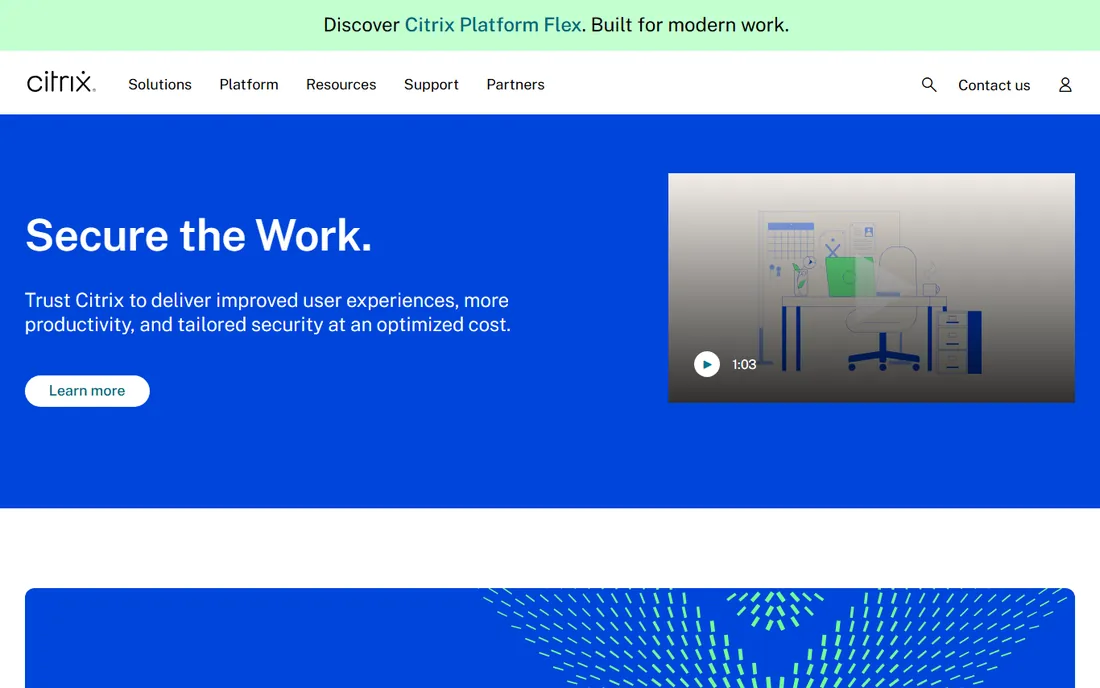
Citrix remains the technical benchmark for virtual desktops. The HDX protocol handles demanding use cases, graphics-heavy applications and challenging network conditions better than anything else, and at very large scale the management tooling is unmatched. If you run ten thousand virtual desktops with strict requirements, Citrix is still the safe recommendation.
The commercial reality is why this article exists. Pricing is quote-based and expensive, the licensing tiers confuse even experienced buyers, and recent price increases have pushed many customers to build exit plans around Azure Virtual Desktop or Windows 365. Buy Citrix when the technical requirements genuinely demand it, not from habit, and negotiate the renewal like the negotiating power has shifted, because it has.
What we like- The most mature protocol and feature set in VDI
- Unmatched for complex, large-scale deployments
- Strong graphics and peripheral support
Watch out for- Quote-based pricing that trends expensive
- Licensing complexity is legendary
- Recent price changes have driven customers to evaluate exits
Starting priceSee website
Free planNo
Omnissa is the new name for VMware's end-user computing business, and Horizon is its VDI platform. The strength is deployment flexibility: on-premises, cloud or hybrid, with the Blast Extreme protocol delivering strong multimedia and graphics performance. Instant Clones provision desktops fast from a master image while sharing storage, and Cloud Pod Architecture manages entitlements across sites.
The catch is the ecosystem gravity. Horizon works best inside the VMware-derived stack, so the decision is rarely about Horizon alone. Pricing is quote-based and varies with named versus concurrent users, editions and payment plans. For the organization with existing VMware investments and on-premises requirements, Horizon is the natural fit. For everyone else, the cloud-native options deserve first looks.
What we like- Excellent hybrid story across on-premises and cloud
- Blast Extreme protocol handles multimedia well
- Instant Clones speed up provisioning
Watch out for- Quote-based pricing
- Ties you to the broader VMware-derived stack
- Setup complexity is real for large deployments
Starting priceUsage-based (Azure consumption)
Free planNo
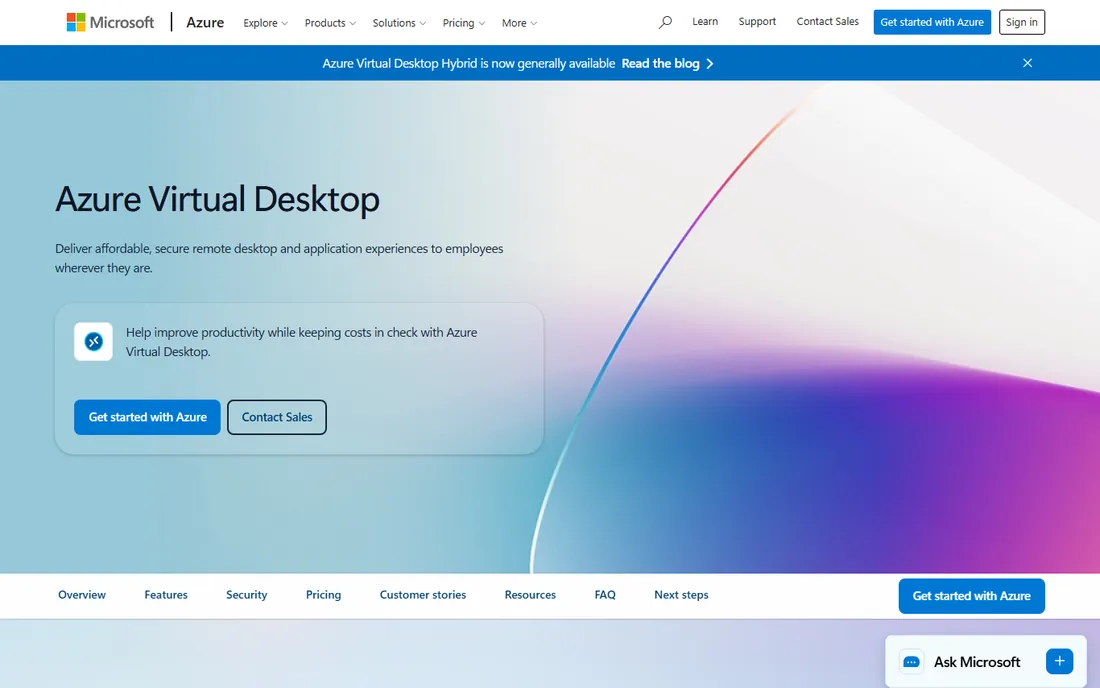
Azure Virtual Desktop is the cloud-native answer for the Microsoft shop. There is no per-user charge for the service: you pay Azure consumption for the VMs, storage and networking you use, and multi-session Windows lets several users share one VM. Existing Microsoft 365 licenses and identities carry over, which simplifies both procurement and login.
The honest trade is operational responsibility. AVD does not manage itself: image management, scaling, cost monitoring and session host maintenance are your team's job, and the pay-as-you-go meter punishes idle VMs and oversized hosts. Teams that assign cost ownership and automate scaling love it. Teams that do not get a surprising invoice. It is the most flexible option here and the one that most rewards competence.
What we like- Pay-as-you-go billing with no per-user license for the service itself
- Multi-session Windows cuts compute costs
- Deep Microsoft 365 integration
Watch out for- You manage the infrastructure and the cost discipline
- Usage-based bills surprise the careless
- Printing and latency quirks persist
Starting price$28 per user/month
Free planFree trial
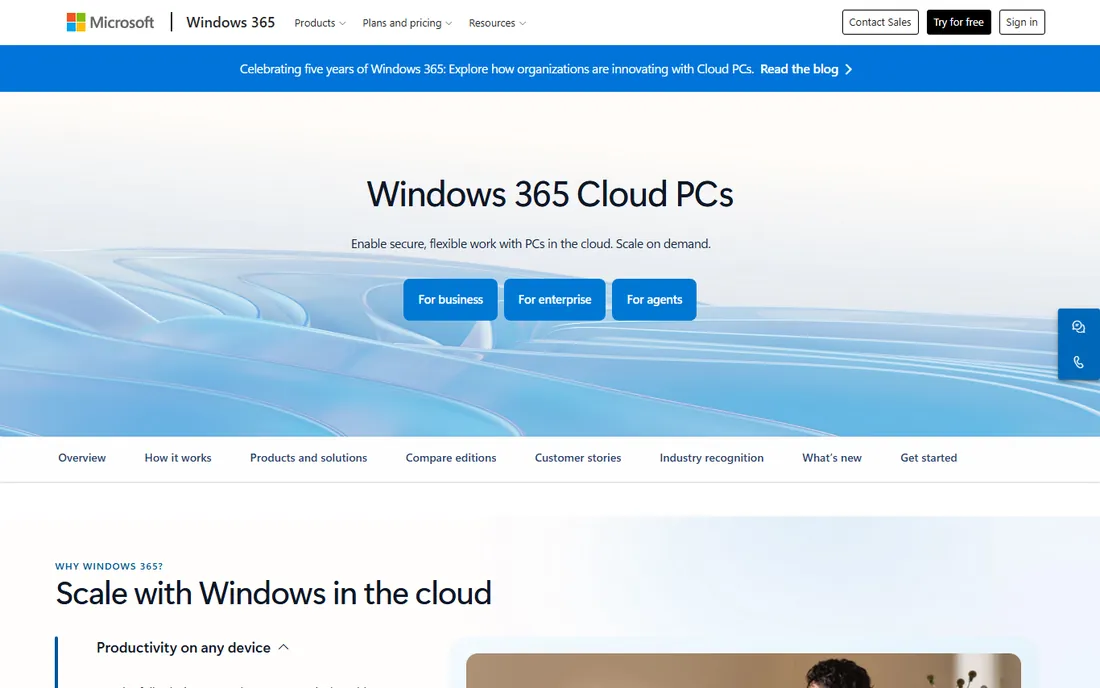
Windows 365 is the Cloud PC for buyers who want AVD's result without AVD's homework. Microsoft hosts and manages everything; you pick a configuration and pay a fixed per-user monthly price, starting at $28 for 2 vCPU, 4GB RAM and 64GB storage, scaling to $315 for the largest machines. A one-month free trial of the Standard configuration lets you validate the experience.
The fixed price cuts both ways. It is beautifully predictable and wasteful for part-time users, since the meter runs whether they log in or not. Higher specs get expensive fast, and the subscription does not include Microsoft 365 apps, so budget those licenses separately. Choose Windows 365 when predictable cost and zero infrastructure matter more than per-hour efficiency.
What we like- Predictable per-user pricing from $28 a month
- No infrastructure to manage
- One-month free trial of the Standard configuration
Watch out for- Fixed price means paying for idle desktops
- Costs climb steeply with specs
- Does not include Microsoft 365 apps licensing
Starting priceSee website
Free planNo
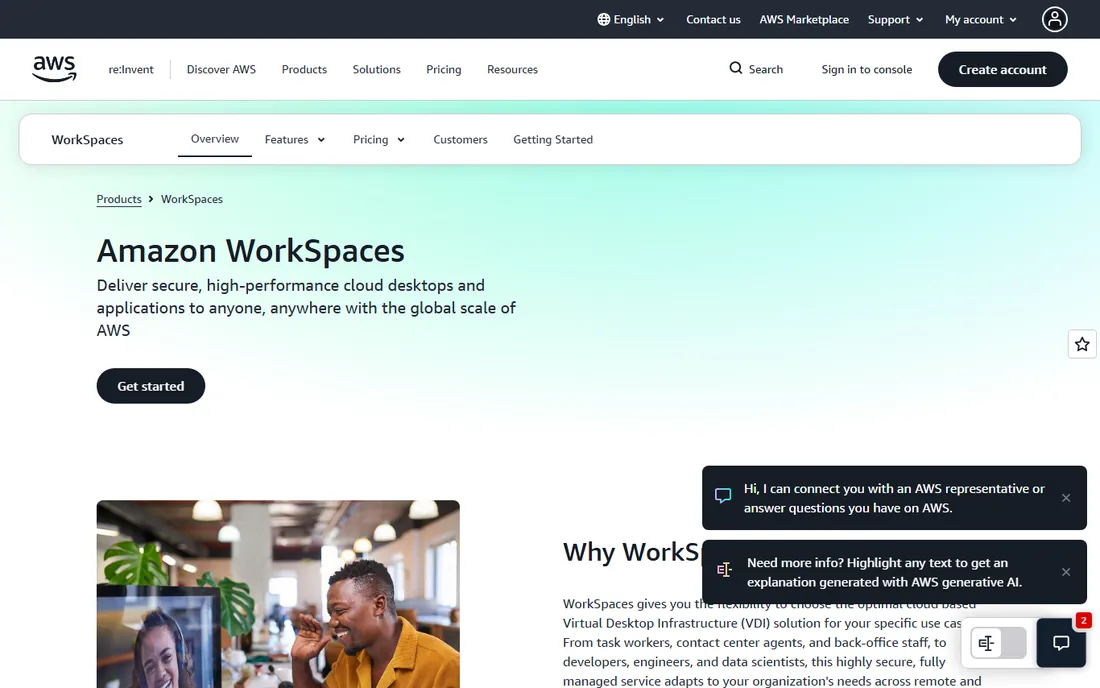
Amazon WorkSpaces is the managed desktop for the AWS-committed organization. AWS provisions and manages the desktops, you choose monthly billing for full-time users or hourly for part-timers, and everything sits inside your VPC with your directory and security controls. For the team whose infrastructure, identity and data already live in AWS, the fit is natural.
Outside that context there is little reason to choose it. Pricing is AWS-style detailed rather than simple, and the end-user experience, while fine, does not set the standard. It is a good product for the right stack and an odd choice anywhere else, which describes most AWS services accurately.
What we like- Fully managed desktops inside your AWS environment
- Monthly or hourly billing to match usage patterns
- Integrates with AWS directory and security services
Watch out for- Pricing details require digging through AWS pages
- Makes little sense outside AWS
- The client experience lags the leaders slightly
Starting priceSee website
Free planFree trial
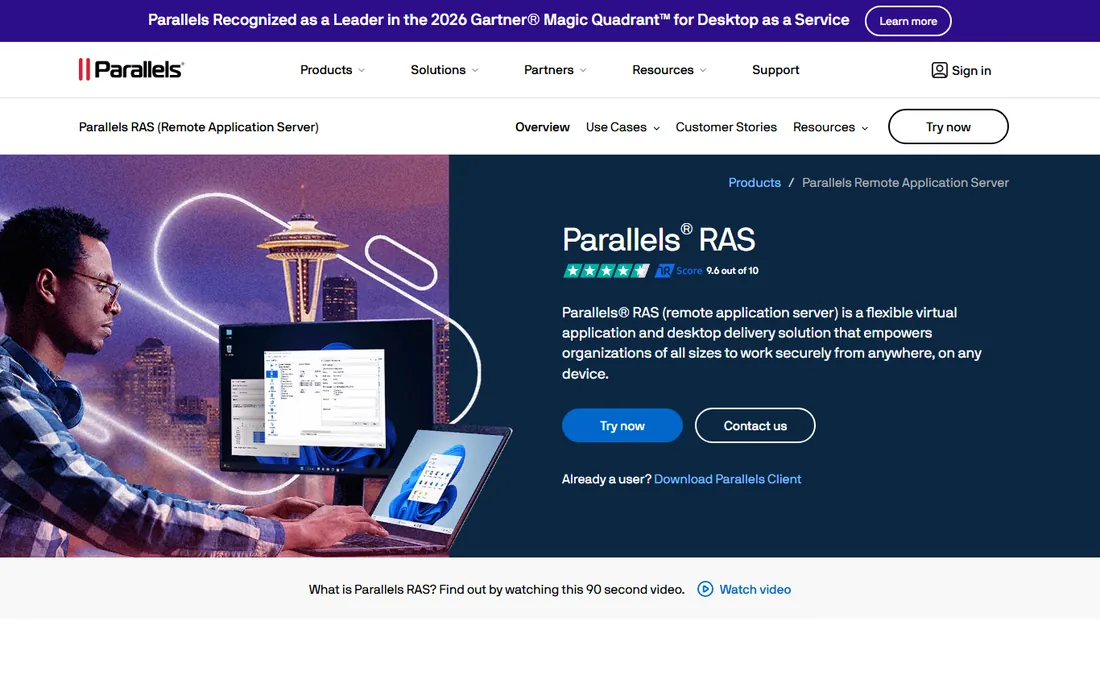
Parallels RAS is the traditional VDI vendor for everyone who found Citrix too expensive and too complicated. One platform delivers virtual desktops and applications, on-premises, in Azure or in AWS, with load balancing and reporting in the base price rather than higher tiers. MSPs like the multi-tenant support and the sane migration path for clients with existing infrastructure.
The honest technical note is the RDP foundation, which brings performance and security considerations next to newer protocols, and support experiences vary. It is not the choice for ten thousand graphics workstations. For the mid-market company or MSP that wants straightforward VDI without enterprise theater, Parallels RAS is the pragmatic pick.
What we like- All-inclusive licensing without Citrix's tier maze
- Single console for desktops and apps
- Practical on-prem to cloud migration path
Watch out for- RDP-based under the hood with the performance trade-offs that implies
- Support leans on email and log-sharing
- Less suited to huge enterprise scale
Starting price$60 per month
Free planFree trial
V2 Cloud answers the simplest VDI question: "can someone just run Windows desktops for us." Fully managed cloud desktops with published pricing from $60 a month for standard users, no infrastructure to build, no VDI expertise to hire. For the small business that needs hosted desktops for a distributed team, it removes every hard part.
The trade is control and scale economics. You get V2 Cloud's configurations, not your own architecture, and at larger user counts the managed premium exceeds careful DIY on Azure or AWS. But most small teams should not be doing DIY VDI at all. V2 Cloud is for the buyer who wants desktops as a service in the most literal sense.
What we like- Fully managed with published pricing from $60 a month
- No infrastructure or VDI expertise needed
- Straightforward for small teams
Watch out for- Less customizable than self-managed platforms
- The per-desktop cost exceeds hyperscaler DIY at scale
- Smaller vendor
Starting priceSee website
Free planFree trial
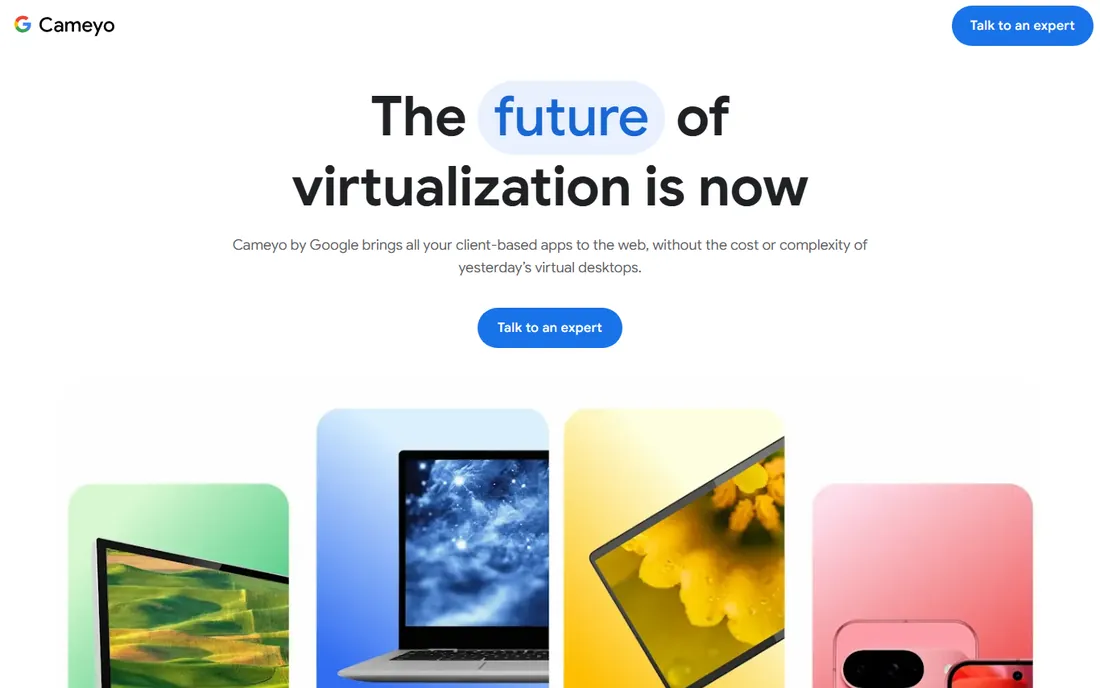
Cameyo solves a specific, common problem: the business runs on Chromebooks but depends on legacy Windows applications. Instead of full virtual desktops, Cameyo virtualizes individual apps and delivers them through the browser to ChromeOS devices. Now part of Google, it integrates with the ChromeOS story enterprises are already buying.
Be clear about the scope: this is application virtualization, not desktop virtualization. If users need full Windows desktops, look elsewhere on this list. Pricing is not published transparently. But for the ChromeOS-first organization with a handful of must-have Windows apps, Cameyo is the elegant answer to an otherwise expensive problem.
What we like- Delivers legacy Windows apps to Chromebooks through the browser
- Now part of Google with ChromeOS integration
- No full desktop needed for app delivery
Watch out for- App virtualization, not full VDI, so scope is narrower
- Pricing not published clearly
- The Google acquisition is still settling
#9
Kasm Workspaces
Best for: Container-based workspaces, self-hosted option
Visit kasm.com
Starting priceSee website
Free planYes
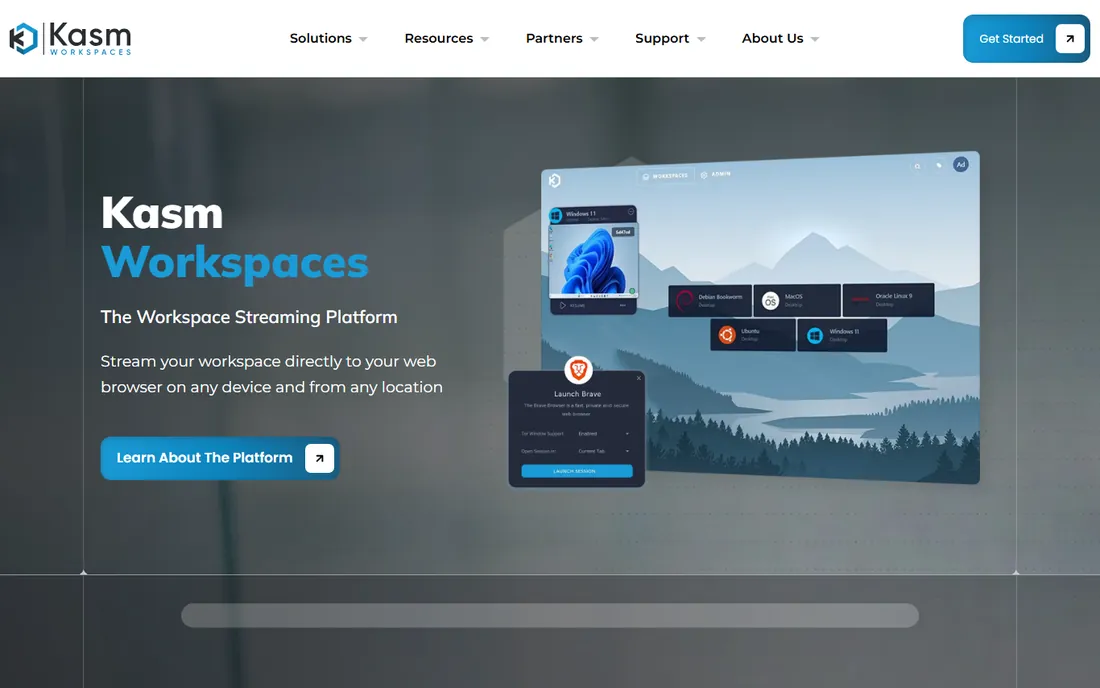
Kasm Workspaces takes a different technical path: containerized desktops, browsers and applications streamed to users, rather than full virtual machines. The efficiency and security properties are excellent for browser isolation, secure remote access and disposable workspaces. The Community Edition is free for self-hosting, which makes it the cheapest serious evaluation on this list.
The model requires a mental shift from traditional VDI, and self-hosting demands real technical ability. Enterprise pricing is not published. For the technical team that wants modern, secure remote workspaces without per-user enterprise licensing, Kasm is the most interesting alternative here.
What we like- Free Community Edition for self-hosting
- Container-based streaming is efficient and secure
- Strong for browser isolation and remote access use cases
Watch out for- Container model differs from traditional VDI expectations
- Enterprise pricing not published
- Needs technical skill to self-host well
How we chose
We selected the platforms IT teams actually evaluate for virtual desktops in 2026, verified each exists today as a purchasable or deployable product, and checked vendor sites directly. Nutanix Frame was dropped after its product page redirected to a general solutions page with no Frame offering. Pricing comes only from the vendors' own pages, captured in October 2026; most enterprise VDI pricing is quote-based, so those listings say so. We weighted the total cost picture, licensing plus infrastructure plus effort, over headline per-user rates.
Per-user vs pay-as-you-go: the real math
The pricing models here tell opposite stories, and the wrong one is expensive. Fixed per-user pricing (Windows 365 from $28, V2 Cloud from $60) is predictable and wasteful: you pay for every assigned user every month, active or not. Pay-as-you-go (Azure Virtual Desktop, WorkSpaces hourly) is efficient and dangerous: right-sized and auto-scaled it wins, left running it loses.
Model your actual usage before choosing. Count full-time versus part-time users, because part-timers on fixed pricing subsidize everyone else. Factor in the infrastructure behind usage-based pricing: VMs, storage, networking and the admin time to manage them. And remember the license you already own: Microsoft 365 and Windows licenses change the math on Microsoft options significantly. The cheapest per-user figure rarely survives contact with the real estate of your workforce.
Migration: the cost nobody puts in the RFP
Switching VDI platforms is a migration project wearing a purchasing decision. Application compatibility testing, image rebuilding, user profile migration, client rollout and helpdesk retraining take months at enterprise scale. That is why so many unhappy Citrix and Omnissa customers stay: the exit costs more than the renewal increase.
If you are evaluating an exit, pilot honestly. Move one real department, with its real applications, for ninety days, and measure support tickets, user complaints and actual cost per user. Budget the migration explicitly: professional services, parallel running costs and the productivity dip during cutover. And negotiate the current renewal while the pilot runs, because the credible threat of leaving is worth more than the leaving itself.
Frequently asked questions
What is the difference between VDI and DaaS?
VDI (virtual desktop infrastructure) is the technology: desktops running on centralized servers. DaaS (desktop as a service) is the delivery model: someone else runs the infrastructure and you subscribe. Citrix and Omnissa sell VDI software you can run yourself or consume as DaaS; Windows 365, V2 Cloud and WorkSpaces are DaaS you simply buy per user.
How much does VDI cost per user?
Published starting points run from $28 per user per month (Windows 365) to $60 per month (V2 Cloud), with Azure Virtual Desktop billing pure usage. Enterprise platforms like Citrix and Omnissa are quote-based and trend higher. The license is often the smaller half: add infrastructure, storage, networking and administration for the real number.
Is Azure Virtual Desktop cheaper than Windows 365?
For steady full-time users, often yes, because multi-session hosts and right-sizing beat fixed pricing. For simplicity and predictable budgeting, Windows 365 wins. The crossover depends on your session patterns, existing licenses and how aggressively you manage the Azure meter.
Can VDI replace our laptops?
For task workers and call centers, commonly yes. For developers, designers and power users, usually not without expensive high-spec configurations. Most companies end up hybrid: VDI for standard workloads and contractors, physical machines for power users. The endpoint still matters for offline work.
What happened to VMware Horizon?
VMware's end-user computing business became Omnissa, an independent company, and Horizon continues as Omnissa Horizon. Existing Horizon customers continue on the platform under the new brand. If your renewal paperwork still says VMware, expect Omnissa on the next one.
How do we evaluate VDI performance before buying?
Pilot with real users and real applications, not the vendor's demo image. Test over your actual network conditions, including home broadband. Measure login times, application launch times and multimedia performance, and collect structured user feedback. Ninety days with one department beats ninety slides from the vendor.
Sources we checked (9)
- https://www.citrix.com/
- https://www.omnissa.com/
- https://azure.microsoft.com/en-us/products/virtual-desktop
- https://www.microsoft.com/en-us/windows-365/enterprise/all-pricing?pricing-tab=0
- https://aws.amazon.com/workspaces/
- https://www.parallels.com/products/ras/remote-application-server/
- https://v2cloud.com/pricing
- https://cameyo.google/
- https://kasm.com/
Is your product missing or out of date?
We review this list regularly. Vendors can request a listing, send updated pricing or ask about featured placement.

Shihab Mia · Founder, Rankite
Shihab has spent more than a decade helping SaaS and e-commerce brands grow through search. He writes Rankite's software buying guides from pricing pages, documentation and public user reviews. More about Shihab.