How we make this list: we compare pricing pages, product documentation and public user reviews. Rankite is independent; if a vendor ever pays for a featured spot, that listing is clearly labeled Partner.
Key takeaways
- PayPal Honey is the best all-round pick for most shoppers, combining automatic coupon codes with price-drop tracking across tens of thousands of stores.
- CamelCamelCamel and Keepa are the two serious choices for Amazon-focused shoppers, with deep price history charts that expose fake discounts.
- Slickdeals suits deal hunters who want community-vetted bargains rather than passive tracking of specific items.
- Rakuten and Capital One Shopping pay you back instead of just finding lower prices, which rewards frequent online shoppers.
- ShopSavvy is the only pick built for in-store use, with barcode scanning that compares shelf prices against online listings.
Quick comparison
| Tool | Best for | Starting price | Free plan |
|---|
 PayPal Honey PayPal Honey | Automatic coupons and price tracking at checkout | Free | Yes |
 CamelCamelCamel CamelCamelCamel | Amazon price history charts and drop alerts | Free | Yes |
 Keepa Keepa | Detailed Amazon price graphs inside your browser | See website | Yes |
 Slickdeals Slickdeals | Community-vetted deals and frontpage bargains | Free | Yes |
 CNET Shopping CNET Shopping | Automatic price comparison while you browse | Free | Yes |
 Capital One Shopping Capital One Shopping | Price comparison plus rewards on purchases | Free | Yes |
 Rakuten Rakuten | Cash back on everyday online purchases | Free | Yes |
 PriceRunner PriceRunner | Price comparison for UK and European shoppers | Free | Yes |
 idealo idealo | European price comparison with deep retailer coverage | Free | Yes |
 ShopSavvy ShopSavvy | In-store barcode scanning and local price checks | See website | Yes |
Is your product missing or out of date?
We review this list regularly. Vendors can request a listing, send updated pricing or ask about featured placement.
The 10 best price tracker apps for 2026
Starting priceFree
Free planYes
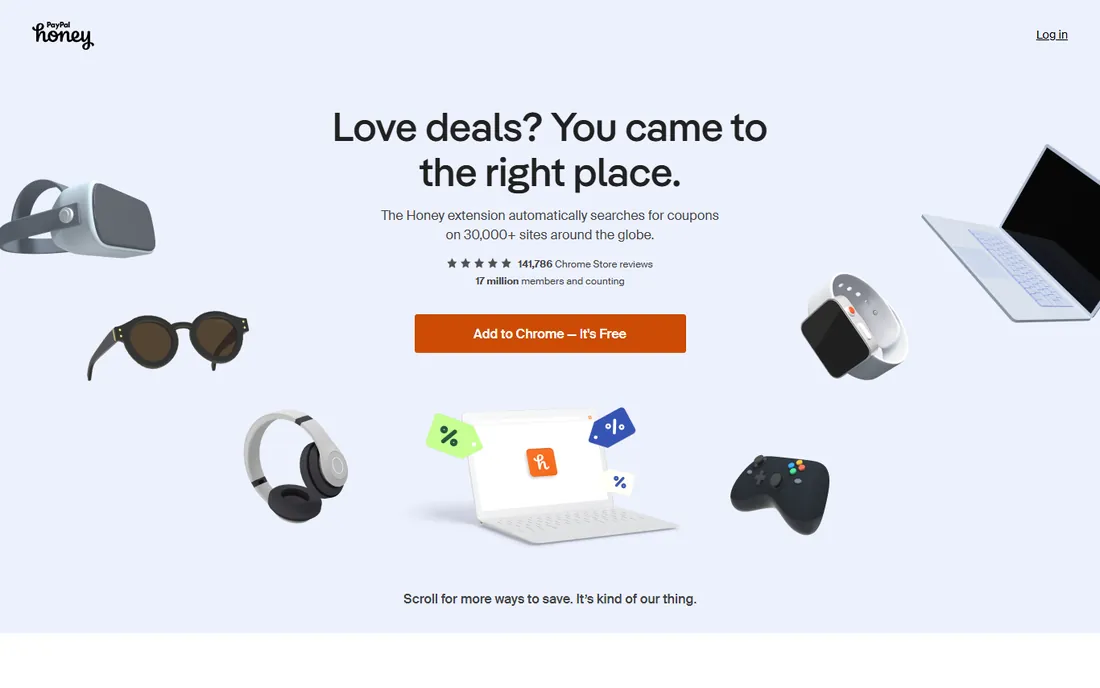
Honey is the best price tracking app for shoppers who want one tool that does almost everything. Install the browser extension and it tests coupon codes automatically at checkout. Its Droplist feature watches saved items and emails you when the price falls below your target. Setup takes minutes, and the free account covers every core feature.
The strength is coverage. Honey works with tens of thousands of online stores, so one extension follows you across most of the web instead of locking you to a single retailer. It also shows price history on some product pages, which helps you judge whether to buy now or wait.
The honest catch is the business model. Honey is free because PayPal monetizes shopping data and affiliate commissions, and it has faced criticism over how it attributes affiliate sales. If you are comfortable trading data for convenience, nothing else matches its breadth.
What we like- Finds and applies coupon codes automatically
- Droplist tracks prices and sends drop alerts
- Works across tens of thousands of stores
Watch out for- Owned by PayPal with broad shopping-data collection
- Has faced public criticism over affiliate-link practices
Starting priceFree
Free planYes
CamelCamelCamel is the classic answer for anyone who buys mostly on Amazon. Paste a product URL and you get a price history chart spanning months or years, split by new, used, and third-party sellers. Set a target price and it alerts you by email, app notification, or RSS when the item drops to your level.
What makes it valuable is perspective. Amazon prices fluctuate constantly, and a "30% off" badge means little without history. CamelCamelCamel shows you the actual lowest price the item has sold for, so you can tell a real deal from routine price noise.
The limits are clear: Amazon only, a dated interface, and no browser extension. For Amazon-only shoppers it is close to perfect; everyone else will need a second tool.
What we like- Completely free with no paid tier
- Price history charts go back years
- Email and app alerts on price drops
Watch out for- Amazon only
- The interface looks dated
- No browser extension for automatic tracking
#3
Keepa
Best for: Detailed Amazon price graphs inside your browser
Visit keepa.com
Starting priceSee website
Free planYes
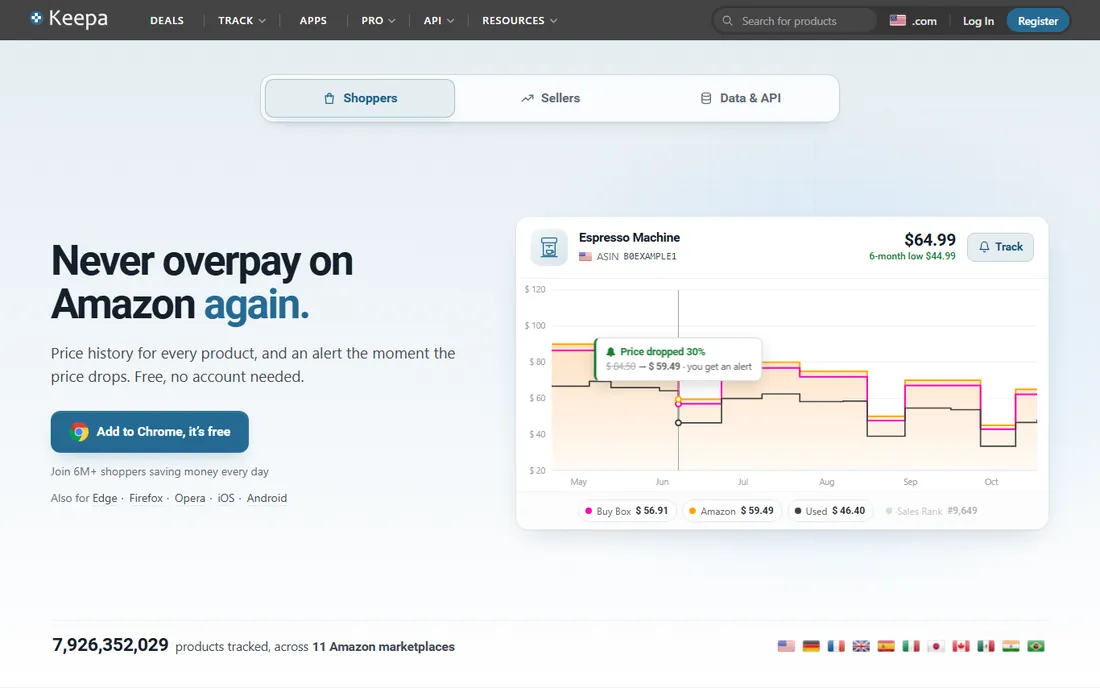
Keepa takes the CamelCamelCamel concept and puts it where you actually shop. Its browser extension injects a detailed price history graph directly into Amazon product pages. The free tier gives you basic graphs with some advertising; the paid plan adds unlimited tracking, faster data, and export options.
Setup is quick: install the extension, create a free account, and graphs appear automatically as you browse Amazon. Power users like the ability to set complex alerts, such as notifying only when the price drops below the 90-day average, which cuts down on noise from minor fluctuations.
The trade-off is that the best alerting needs the paid plan, and the dense graphs can overwhelm casual users. Occasional price-checkers may prefer CamelCamelCamel's simpler free charts.
What we like- Embeds price history graphs directly on Amazon product pages
- Tracks millions of products
- Data export available
Watch out for- Advanced alerts and full history need the paid plan
- The interface has a learning curve
Starting priceFree
Free planYes
Slickdeals works differently from the trackers above. Instead of watching one product, its large community posts deals they find, and editors promote the strongest to the frontpage. Set deal alerts for specific products or categories and get notified when something matching appears. A free account is all you need.
The strength is discovery. Price trackers help you buy something you already want at the right time; Slickdeals shows you bargains you did not know existed. The frontpage is genuinely useful for big-ticket items, where members quickly flag pricing mistakes and short-lived sales.
The catch is the firehose: popular deals sell out fast, and the forums reward speed over deliberation. It is also heavily US-centric. Use it as a deal radar alongside a proper tracker, not as a replacement.
What we like- Large community surfaces deals fast
- Frontpage deals are vetted by editors
- Deal alerts for specific products
Watch out for- US-focused
- The best deals can sell out quickly
- Forums can be noisy
#5
CNET Shopping
Best for: Automatic price comparison while you browse
Visit cnet.com
Starting priceFree
Free planYes

CNET Shopping is the browser extension from the same team behind the original PriceBlink comparison tool, now operated under the CNET brand. It automatically compares the price of the product you are viewing against other retailers, and surfaces available coupon codes for the store you are on.
Setup takes a minute, everything is free, and no account is needed for basic comparison. You just browse normally and the extension flags better prices when they exist.
The limits are that it is primarily US-focused, the price alerts are simpler than what Keepa or CamelCamelCamel offer, and like all shopping extensions it needs broad permissions to read product pages. Think of it as a helpful second opinion while you shop rather than a full tracking system.
What we like- Compares prices automatically across stores as you shop
- Surfaces coupon codes
- Run by the established CNET team
Watch out for- US-focused
- Extension permissions are broad
- Price alerts are basic compared to dedicated trackers
Starting priceFree
Free planYes
Capital One Shopping, formerly known as Wikibuy, combines price tracking with a rewards program. The browser extension compares prices while you shop, applies coupon codes at checkout, and earns rewards credit redeemable for gift cards. It also offers price protection on some items, refunding the difference if the price drops shortly after you buy. Everything is free; you do not need to be a Capital One cardholder.
The rewards angle is the differentiator. Most trackers save you money by finding lower prices; Capital One Shopping also gives you credit back on top, which adds up for frequent shoppers.
The downsides are the account requirement, the fact that rewards come as gift cards rather than cash, and marketing emails that some users find pushy. If you prefer cash back paid in actual money, Rakuten below is the better fit.
What we like- Automatic coupon application at checkout
- Price comparison across retailers
- Earns rewards redeemable for gift cards
Watch out for- Requires a Capital One Shopping account
- Rewards are not cash
- Some users report aggressive marketing emails
Starting priceFree
Free planYes
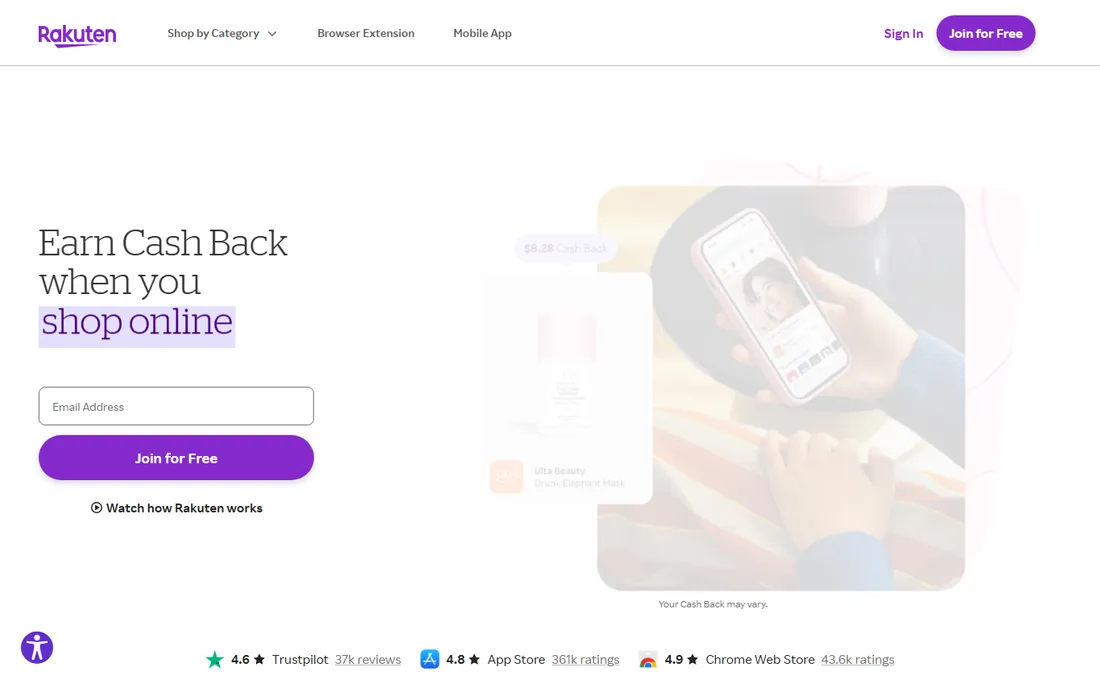
Rakuten is a cashback portal rather than a price tracker in the strict sense, but it belongs on this list because it puts money back in your pocket on purchases you were making anyway. Click through Rakuten to a partner store, shop normally, and earn a percentage back, paid quarterly by check or PayPal. The browser extension pops up a reminder so you do not forget to activate cashback before buying.
Setup is a free account and the extension, which takes a few minutes. There are no fees and no tiers; the service makes money from retailer commissions and shares a cut with you. Cashback rates vary widely, from 1% at some stores to 10% or more during promotions, so timing matters.
The honest weaknesses are the quarterly payout schedule and rates that change without notice. It also does not track prices or alert on drops, so pair it with a real tracker. For habitual online shoppers, though, it is free money with minimal effort.
What we like- Real cash back paid quarterly by check or PayPal
- Works with thousands of stores
- Browser extension reminds you to activate
Watch out for- Payouts arrive quarterly, not instantly
- Cashback rates vary by store and change often
- Easy to forget to click through
Starting priceFree
Free planYes
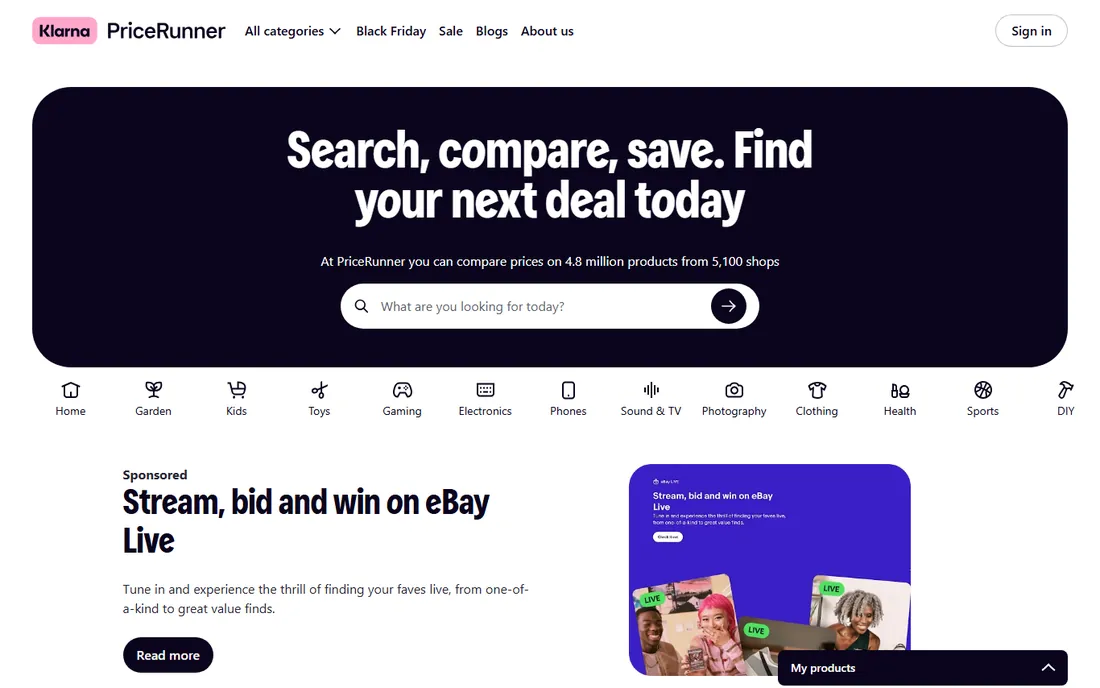
PriceRunner is the comparison site European shoppers actually use. It aggregates prices from thousands of retailers across the UK, Sweden, Denmark, and other European markets, pairs listings with reviews and test results, and offers price alerts on watched items. Basic comparison is free with no account needed.
The strength is regional depth. US-focused tools treat Europe as an afterthought; PriceRunner covers local retailers, shipping costs, and review sources that matter when you are buying in pounds or euros.
For American shoppers it is close to useless, since the retailer base barely overlaps. But if you shop from Europe, it deserves a spot alongside idealo below, and the two together cover the market well.
What we like- Strong retailer coverage in the UK and EU
- Product reviews alongside prices
- Price alerts on watched items
Watch out for- Limited value for US shoppers
- Smaller product catalog than global giants
#9
idealo
Best for: European price comparison with deep retailer coverage
Visit idealo.de
Starting priceFree
Free planYes
idealo is the heavyweight of European price comparison, headquartered in Germany with coverage across France, the UK, Italy, Austria, and Spain. It lists hundreds of millions of offers and includes price history charts so you can see whether the current price is actually good. It is free, with optional accounts for alerts and favorites.
The standout feature is the combination of breadth and history: wide retailer coverage plus price-trend insight in one tool, which is rare. Electronics and home appliances are its strongest categories.
The obvious limit is geography: it is built for European shoppers and of little use elsewhere. English-language versions exist for several markets, but the experience is smoothest in German. Pair it with PriceRunner if you want two independent reads on European prices.
What we like- Hundreds of millions of offers from tens of thousands of retailers
- Price history charts
- Strong in electronics and appliances
Watch out for- European focus only
- The German-first interface can confuse non-German speakers
Starting priceSee website
Free planYes
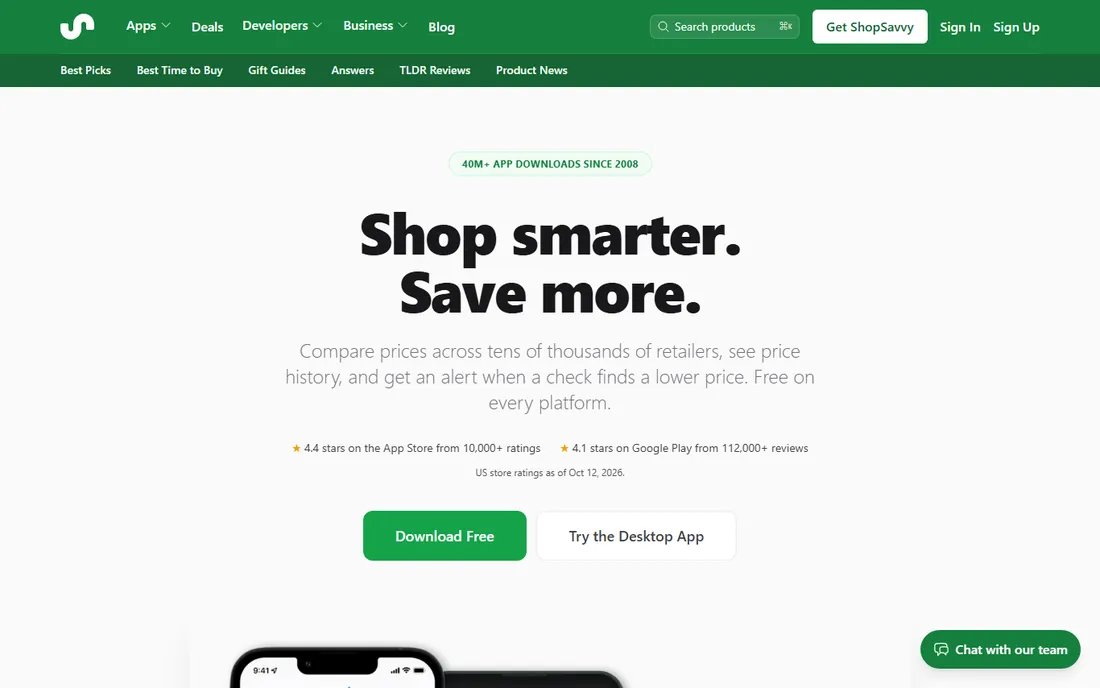
ShopSavvy is the only app on this list designed for physical stores. Point your phone camera at a product barcode and it pulls up online prices for the same item, plus a price history chart showing whether the shelf price is fair. It covers major US retailers like Amazon, Walmart, Target, and Best Buy. The free app handles scanning and price history; a paid Pro subscription removes ads.
Setup is just the app install, and it is genuinely useful in the moment: standing in an aisle wondering whether the shelf price is a deal is exactly when you need the answer.
The ad-supported free tier is the main annoyance. It also does not do long-term drop alerts as well as the dedicated trackers. Use it as your in-store companion and keep a browser-based tracker for planned purchases.
What we like- Scan barcodes in stores to compare with online prices
- Price history charts
- Works well for US retailers
Watch out for- Free version shows ads
- The optional Pro subscription is needed for an ad-free experience
How we chose
We evaluated tools based on vendor pricing pages, official documentation, and public reviews on G2, Capterra, and Reddit. We weighted tracking accuracy, alert quality, retailer coverage, cost, and audience fit, favoring tools with genuinely free tiers. We did not claim hands-on testing; all findings come from public sources.
What to look for in a price tracking app
Start with where you shop. Amazon-heavy buyers do better with a dedicated tracker like CamelCamelCamel or Keepa; everyone else saves more effort with a browser extension that follows them across stores.
Match the tool to the job
Trackers tell you when to buy. Coupon extensions reduce the price at checkout. Cashback portals pay you back after the purchase. Deal communities surface bargains you were not looking for. The best setups combine one tracker with one saver, such as Keepa plus Rakuten.
Check the alert options before you commit
Useful alerts are price drops on watched items, back-in-stock notices, and coupon availability. Tools that only send promotional newsletters are marketing channels, not trackers. Look for target-price alerts you control, delivered by email or push notification.
Read the privacy trade-off
Free shopping tools make money from your data, affiliate commissions, or both, and browser extensions need broad permissions to read product pages. That is a fair trade for many shoppers, but check what data the tool collects and whether you can delete your history before installing.
Confirm your region is covered
Several strong tools are regional: PriceRunner and idealo serve Europe, Slickdeals and Capital One Shopping skew American, and cashback rates vary by country. Confirm your retailers are supported before investing time in setup.
Price trackers vs coupon extensions: know the difference
New shoppers often confuse these categories. A price tracker monitors a specific product over time and tells you the right moment to buy. A coupon extension activates at checkout and finds codes that lower the price right now. A cashback portal pays you a percentage back after you buy.
Honey and Capital One Shopping blur the lines by doing two or all three jobs, which is why they top most shortlists. But the specialists go deeper: Keepa's Amazon graphs, Slickdeals' deal hunting, and Rakuten's cashback rates each beat any all-rounder at one thing. If you only install one tool, pick a hybrid; for the best results, pair it with a specialist.
Frequently asked questions
Do price tracker apps really save money?
They save money when you act on the alerts instead of just installing them. The value comes from waiting for a genuine price drop rather than buying at the first advertised sale. Shoppers who set target prices for planned purchases tend to see the biggest savings.
Are price tracker apps free?
Most of the good ones are. Honey, CamelCamelCamel, Slickdeals, Rakuten, Capital One Shopping, and CNET Shopping are free to use with no paid tier gating core features. Keepa and ShopSavvy keep some advanced features behind paid plans, but their free tiers remain useful.
Which is better for Amazon: CamelCamelCamel or Keepa?
CamelCamelCamel is simpler and completely free, with long price history and email alerts. Keepa embeds detailed graphs directly on Amazon pages and supports more sophisticated alerts, but its best features need the paid plan. Casual Amazon shoppers do fine with CamelCamelCamel; frequent buyers tend to prefer Keepa.
Do these apps work outside the US?
It depends on the tool. PriceRunner and idealo are built for European shoppers. CamelCamelCamel and Keepa cover multiple Amazon country sites. Honey, Rakuten, Slickdeals, and Capital One Shopping are strongest in the US, with limited coverage elsewhere.
Will a price tracker extension slow down my browser?
Any browser extension adds some overhead, and shopping extensions that scan every product page add more than most. If you notice slowdowns, keep only one shopping extension active and disable the rest. Mobile apps like ShopSavvy have no browser impact at all.
Is it safe to give these apps access to my shopping data?
Established tools from known companies are generally safe to use, but they do collect detailed shopping behavior to fund the free service. Read the privacy policy, check which permissions the extension requests, and avoid obscure extensions with few reviews or unclear ownership.
Sources we checked (12)
- https://joinhoney.com/
- https://camelcamelcamel.com
- https://keepa.com
- https://slickdeals.net
- https://www.cnet.com
- https://capitaloneshopping.com
- https://www.rakuten.com
- https://www.pricerunner.com
- https://www.idealo.de
- https://shopsavvy.com
- https://chromewebstore.google.com/detail/cnet-shopping/lghjfnfolmcikomdjmoiemllfnlmmoko
- https://www.morningstar.com/news/pr-newswire/20260923ne54106/akeneo-survey-finds-shoppers-no-longer-take-prices-at-face-value
Is your product missing or out of date?
We review this list regularly. Vendors can request a listing, send updated pricing or ask about featured placement.

Shihab Mia · Founder, Rankite
Shihab has spent more than a decade helping SaaS and e-commerce brands grow through search. He writes Rankite's software buying guides from pricing pages, documentation and public user reviews. More about Shihab.