How we make this list: we compare pricing pages, product documentation and public user reviews. Rankite is independent; if a vendor ever pays for a featured spot, that listing is clearly labeled Partner.
Key takeaways
- Canva is the safest all-around pick for teams that need templates, brand kits, and print ordering in one place, with Pro at $18 per month.
- PosterMyWall is the most poster-focused option of the group, built around events and local business promotion, with Premium from $13 per month.
- DesignCap and VistaCreate offer the lowest paid entry points, while Fotor suits photo-heavy posters that need real editing built in.
- PicMonkey is the only tool here with no permanent free plan, so budget at least $7.99 per month if you shortlist it.
Quick comparison
| Tool | Best for | Starting price | Free plan |
|---|
 Canva Canva | All-around poster design for non-designers | $18/month (Pro, or $144/year) | Yes |
 Adobe Express Adobe Express | Quick posters with Adobe stock assets | $9.99/month (Premium, or $99.99/year) | Yes |
 PosterMyWall PosterMyWall | Event posters for local businesses | $13/month (Premium, or $109/year) | Yes (watermarked downloads) |
 VistaCreate VistaCreate | Budget-friendly Canva alternative | $13/month (Pro, or $10/month billed annually) | Yes (Starter) |
 Fotor Fotor | Photo-heavy posters with quick edits | $8.99/month (Pro, or $39.99/year) | Yes (Basic) |
 PicMonkey PicMonkey | Simple branding tools for small teams | $7.99/month (Basic) | No (free trial only) |
 Snappa Snappa | Fast marketing graphics | $15/month (Pro, or $10/month billed annually) | Yes (Starter, limited downloads) |
 DesignCap DesignCap | Simple posters on a tight budget | $8.99/month (Basic, or $4.99/month billed annually) | Yes |
Is your product missing or out of date?
We review this list regularly. Vendors can request a listing, send updated pricing or ask about featured placement.
The best poster making software
#1
Canva
Best for: All-around poster design for non-designers
Visit canva.com
Starting price$18/month (Pro, or $144/year)
Free planYes
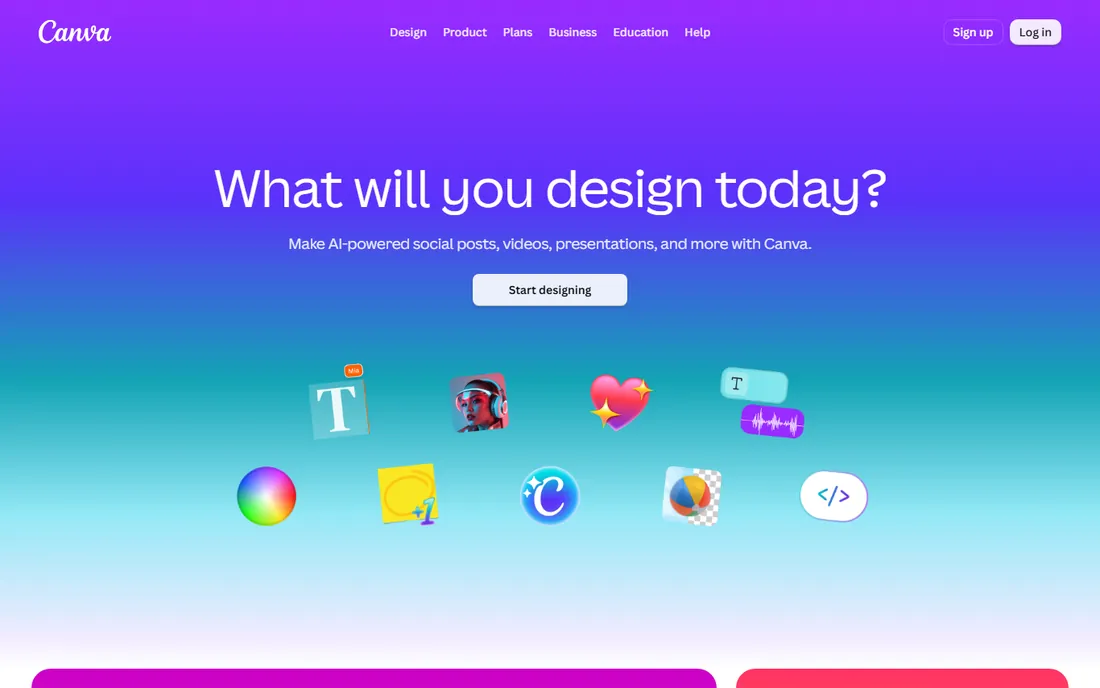
The event is in ten days, the storefront window is empty, and nobody on your team knows Photoshop. That is the exact situation Canva was built for. You pick a poster template sized for your print run, swap in your text and photos, and export a press-ready PDF in an afternoon. Setup takes minutes because it runs in the browser, and the free plan covers the basics without asking for a credit card.
What keeps Canva ahead for small businesses is everything around the editor. Brand Kit stores your colors, fonts, and logo so every poster looks like it came from the same company. Team folders and approval comments make it practical when three people touch the same design. Canva Print then handles the part most design tools ignore, letting you order finished posters with shipping and tracking.
The honest catch is the ceiling. The free plan locks the background remover, premium stock photos, and the full Brand Kit behind Pro. Designers who need precise control over bleeds, crop marks, and color profiles will still reach for a desktop layout app. For everyone else, the $18 per month Pro plan (or $144 per year) is the default answer, and it is priced per person on team plans.
What we like- Enormous poster template library
- Brand Kit keeps colors, fonts, and logos consistent
- Canva Print delivers finished posters to your door
Watch out for- Free plan limits the background remover and premium stock
- Setting up large-format print files takes some learning
Starting price$9.99/month (Premium, or $99.99/year)
Free planYes
Adobe Express is the quick answer for businesses that already live in the Adobe world. If your team uses Acrobat, Photoshop, or just has Adobe Fonts installed everywhere, Express feels like a natural extension rather than a new tool to learn. The free plan is genuinely useful, and Premium costs $9.99 per month or $99.99 per year, which undercuts Canva Pro while including a large Adobe Stock photo collection.
The standout feature is Firefly, Adobe's generative AI, built directly into the editor. You can generate a background image, restyle text, or expand a photo to fill a poster layout without leaving the page. For poster work this matters because backgrounds and hero images are usually the hardest part for non-designers.
The weakness is depth. The template library leans toward social and marketing graphics, with fewer print-first poster layouts than Canva or PosterMyWall. Fine control over typography and print export settings is thinner, and serious photo retouching still belongs in Photoshop or Lightroom. Pick Express if speed and Adobe assets matter more than print-shop precision.
What we like- Deep Adobe Fonts and Adobe Stock integration
- Firefly generative AI for images and text effects
- One-click resize across poster, flyer, and social sizes
Watch out for- Fewer print-specific templates than Canva
- Advanced editing still means opening a desktop Adobe app
Starting price$13/month (Premium, or $109/year)
Free planYes (watermarked downloads)
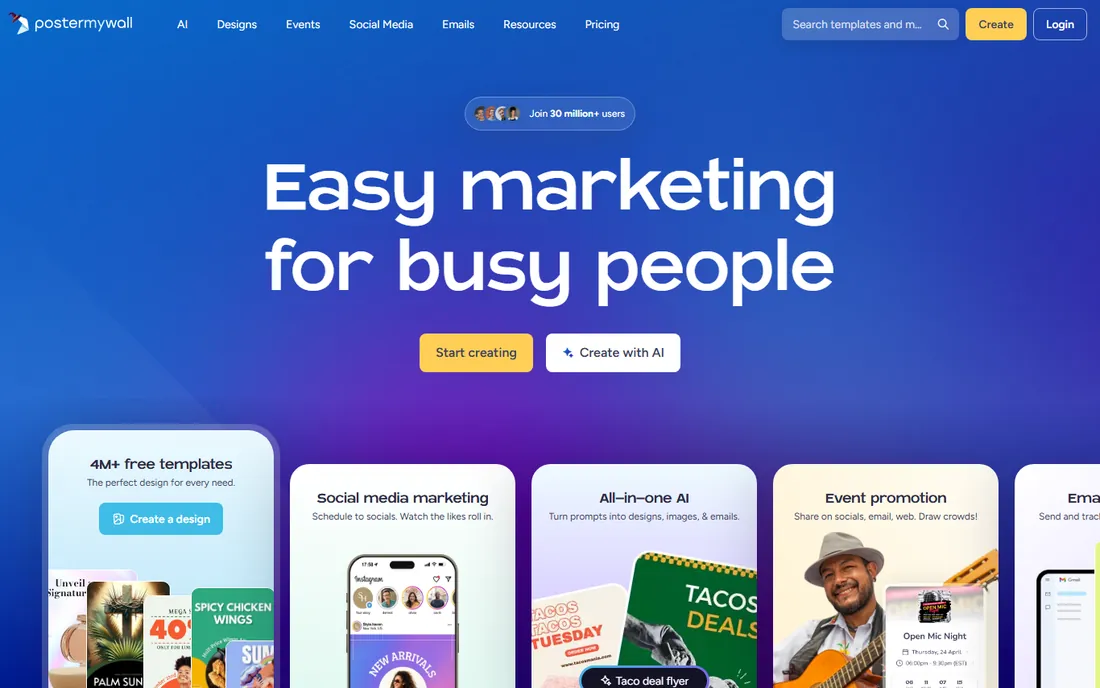
PosterMyWall is the only tool on this list that started with posters and flyers as its core job, and it shows. The template library is organized the way a local business thinks: grand openings, live music nights, school fundraisers, holiday sales. A restaurant manager can pick a taco Tuesday flyer, change the date and price, and have something printable within the hour. Premium costs $13 per month or $109 per year.
What separates it from general design tools is the marketing layer around the editor. You can schedule the same design to social channels, send it as an email campaign, and even build a simple event page from a flyer. For a small business promoting weekly events, that consolidation replaces two or three separate subscriptions.
The trade-off is the editing experience, which feels a generation older than Canva or Adobe Express. Layer management and typography controls are functional but plain, and the free plan stamps a watermark on downloads, so it works for drafts but not for anything public. If posters are a weekly task rather than an occasional one, the focused workflow earns its keep.
What we like- Poster-first template library built for events
- Built-in email and social publishing from one dashboard
- Straightforward pricing for single users
Watch out for- The editor feels dated next to Canva
- Free downloads carry a watermark
Starting price$13/month (Pro, or $10/month billed annually)
Free planYes (Starter)
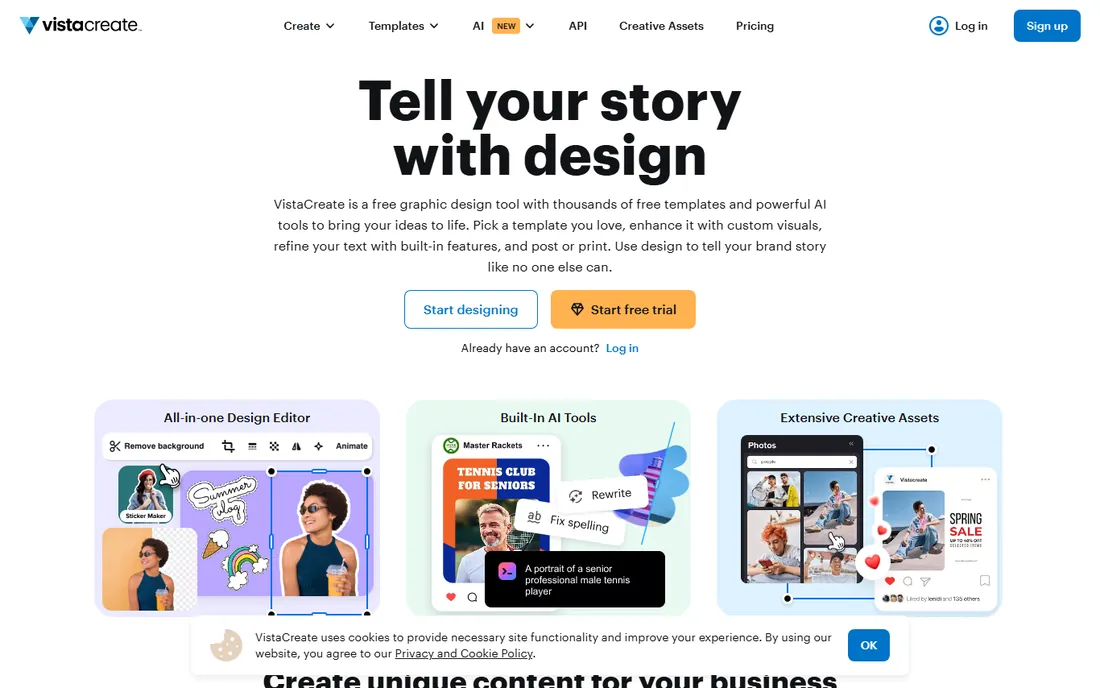
VistaCreate, formerly Crello, is the closest thing to Canva at a lower price. The editor will feel instantly familiar: drag-and-drop canvas, left-side template panel, one-click background removal on paid plans. Pro costs $13 per month, or $10 per month when billed annually, which makes it one of the cheaper ways to get unlimited premium templates and stock. The free Starter plan is generous enough for occasional posters.
Where it earns a look is the asset library. VistaCreate bundles a large collection of stock photos, videos, and vectors, plus a sticker maker and simple animation tools that turn a static poster into a short social clip. The interface is clean and fast, with little learning curve for anyone who has used a template editor before.
The gaps are collaboration and print. Team features like shared brand kits and approval flows are thinner than Canva's, so it fits solo marketers better than design teams. There is no built-in print ordering service comparable to Canva Print, which means exporting a PDF and finding your own printer. If those do not matter to you, the annual price is hard to beat.
What we like- Generous free Starter plan
- Large template and stock library
- Built-in sticker and animation tools
Watch out for- Fewer collaboration features than the leaders
- Print ordering is less developed
Starting price$8.99/month (Pro, or $39.99/year)
Free planYes (Basic)
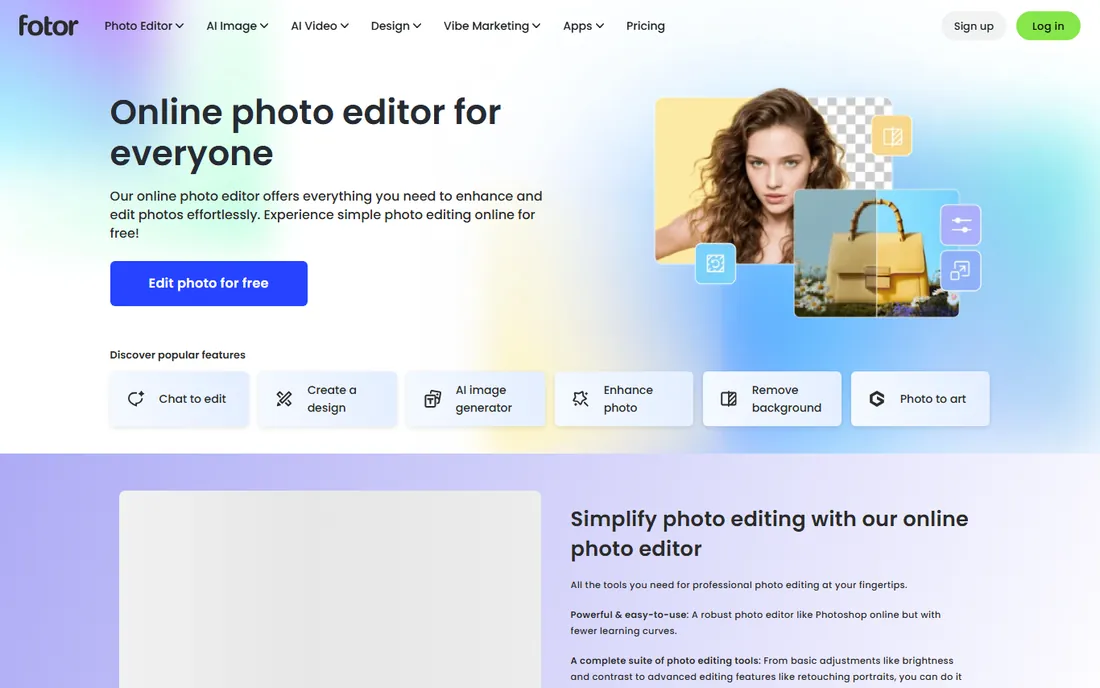
Fotor approaches posters from the photo side rather than the template side. If your posters are built around photography, a gym transformation wall, a real estate listing, a restaurant menu board, the built-in editor matters more than the template count. You can retouch, recolor, and composite images without leaving the design tool, then drop the result into a poster layout. Pro is $8.99 per month or $39.99 per year, one of the lowest annual prices here.
The photo tools are genuinely capable: HDR effects, beauty retouching, background removal, and batch processing when you need to prep dozens of product shots at consistent sizes. The design side covers the essentials with poster templates, text effects, and collage layouts that work well for photo-centric designs.
The compromise is the design library itself, which is smaller and less current than Canva's or Adobe Express's. The free Basic plan includes ads and limits high-resolution exports, so it is fine for drafts and social posts but not for final print work. Choose Fotor when the photo is the poster and the design just needs to stay out of its way.
What we like- Strong photo editor built into the designer
- Batch processing for multiple images
- Affordable annual plan at $39.99 per year
Watch out for- Template library is smaller than the leaders
- The free tier shows ads
Starting price$7.99/month (Basic)
Free planNo (free trial only)
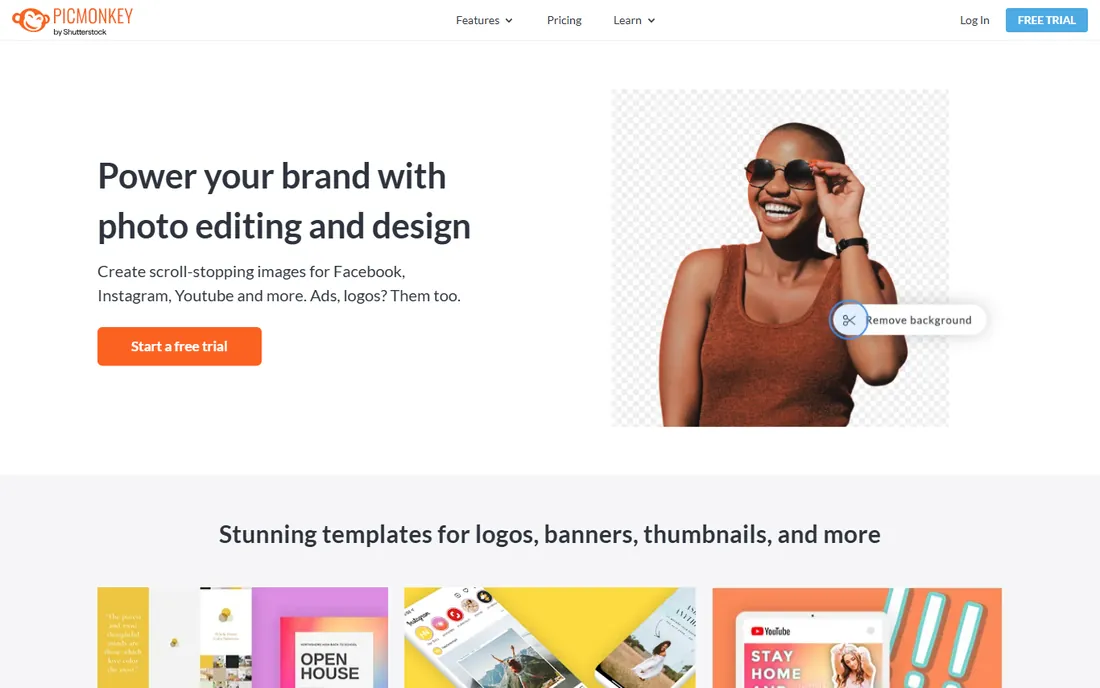
PicMonkey is the straightforward option for a small team that wants branded posters without a design department. The editor is uncluttered, the learning curve is short, and the brand kit setup walks you through uploading a logo, picking colors, and saving fonts in a few minutes. Basic starts at $7.99 per month, with higher tiers adding more storage, brand kits, and team seats.
Photo editing is the quiet strength here. Touch-up tools for portraits, background blur, and quick graphic overlays are well suited to staff photos, headshots, and product images that end up on posters. The template library covers business essentials, from event posters to sale announcements.
The catch is the pricing model. PicMonkey is the only tool on this list with no permanent free plan, just a trial, so you are committing to a subscription from day one. The template library is also smaller than what Canva or VistaCreate offer at similar prices. It fits teams that value simplicity and will use it weekly, not anyone looking for a free occasional-use tool.
What we like- Easy logo and brand kit setup
- Solid photo touch-up tools
- Clean interface with a short learning curve
Watch out for- No permanent free plan
- Template selection is modest next to the leaders
Starting price$15/month (Pro, or $10/month billed annually)
Free planYes (Starter, limited downloads)
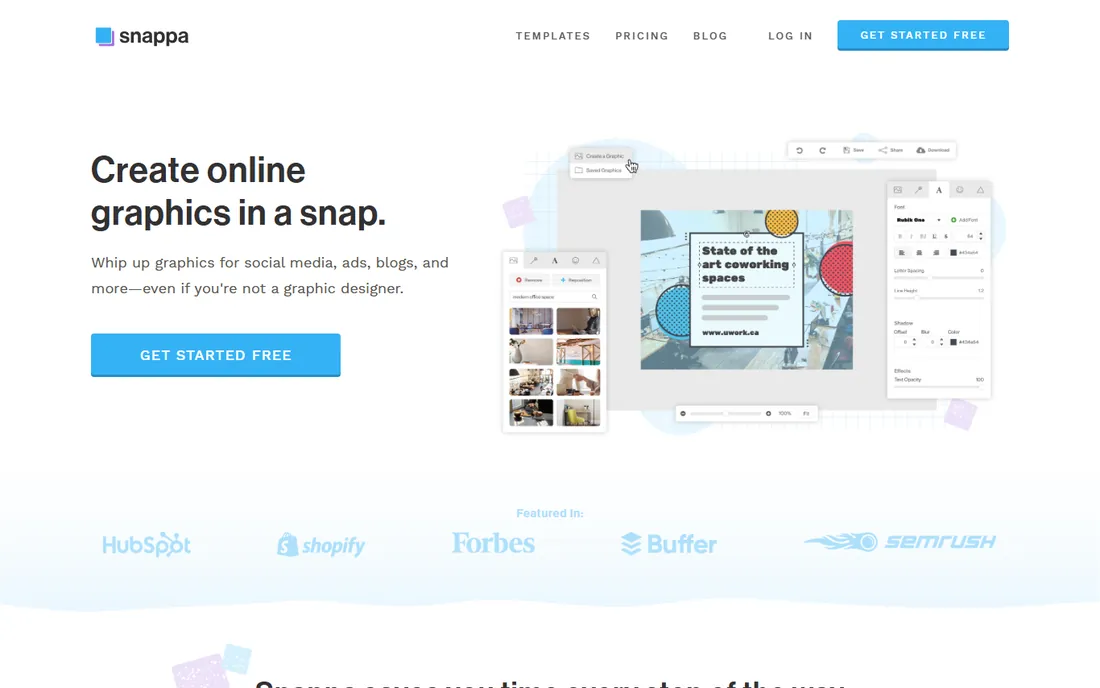
Snappa is built for marketers who measure design time in minutes. The editor loads fast, the templates are organized by use case, and the magic resize button turns one poster into a full set of matching graphics without rebuilding anything. Pro is $15 per month or $10 per month billed annually. The free Starter plan works for trying it out but caps how much you can download each month.
The bundled stock library is a real advantage at this price. Thousands of free high-resolution photos are searchable inside the editor, which removes the usual detour to a stock site and the licensing questions that come with it.
The limits show up with volume. The free plan's download cap pushes regular users to Pro quickly, and the template and font selection is narrower than the market leaders. There is no print ordering, so large-format posters mean exporting a PDF yourself. Snappa fits a marketer producing a steady stream of promotional graphics more than a print shop workflow.
What we like- Fast editor with one-click resize across formats
- Free stock photos bundled in
- Simple link sharing for feedback
Watch out for- Free plan caps monthly downloads
- Fewer fonts and templates than Canva
Starting price$8.99/month (Basic, or $4.99/month billed annually)
Free planYes
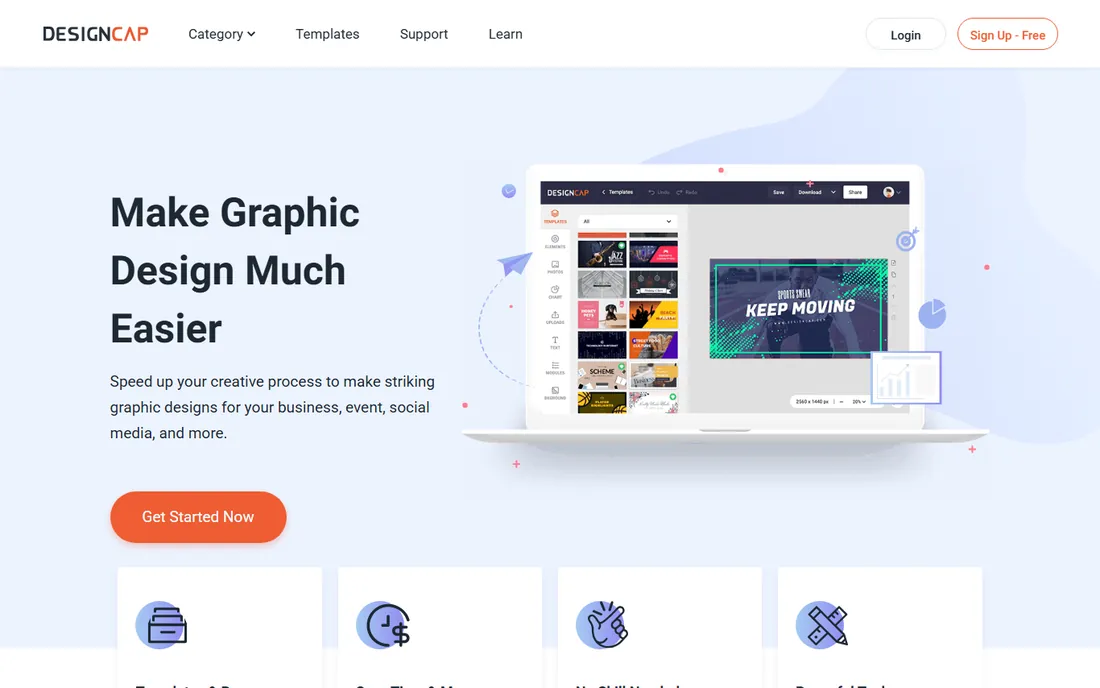
DesignCap is the budget pick that still covers the fundamentals. The editor is plain drag-and-drop with poster, flyer, and banner templates, and the paid plans are among the cheapest here: $8.99 per month, or $4.99 per month billed annually. The free plan lets you design and export without paying, which makes it a reasonable choice for schools, clubs, and nonprofits watching every dollar.
An unexpected bonus is the infographic module. Charts, diagrams, and data widgets are built in, which helps when a poster needs to communicate information rather than just announce something: a conference schedule, a fundraising thermometer, a class timetable.
Expectations should stay modest. The template library is smaller and less polished than Canva's, and the editor lacks the AI features and stock depth of the bigger names. Export options cover the basics without advanced print controls. For simple, clean posters on the smallest budget, though, it does the job.
What we like- Very low annual price
- Easy drag-and-drop editor
- Infographic and chart modules included
Watch out for- Smaller template library
- The interface feels basic next to the leaders
How we chose
We started with the tools that show up repeatedly in buyer searches and review sites, then filtered for products that exist today with a working poster or print design workflow. Every price and plan above comes from the vendor's own pricing page, checked in October 2026, and every free plan claim reflects what the vendor currently offers, including watermarks and download caps where they apply. We favored tools a non-designer can learn in an afternoon, because that is who buys poster software at small and mid-size companies. We did not test each product hands-on; instead we compared feature lists, documentation, public reviews, and plan limits to judge fit for real buyer situations.
What to check before you pick a poster tool
Start with output, not templates. A tool can have beautiful templates and still fail you at the printer. Check the maximum export resolution, whether it supports PDF with bleed and crop marks, and which paper sizes it offers out of the box. If you print large-format posters, look for CMYK color support or at least a vendor print service that handles the conversion, because designing in RGB and printing blind is how colors come back wrong.
Next, count the real cost per person. Most of these tools price per user per month, and team plans multiply fast when marketing, sales, and the front desk all need access. Compare the annual billing price against the monthly one; the gap is often 20 to 40 percent. Also check what the free plan actually lets you export, since watermarked or low-resolution downloads can force an upgrade sooner than expected.
Finally, think about who else touches the design. If one person makes every poster, a simple editor with a good template library is enough. If designs pass through approvals or need to stay on brand across locations, prioritize brand kits, shared folders, and comment threads. Those collaboration features are where the price gap between basic and pro plans usually pays for itself.
Getting from screen to printed poster without surprises
The most common failure in poster projects is not the design, it is the handoff to print. Export your file at the highest resolution the tool allows, and confirm the dimensions match your print size before you finalize anything. A design made at web resolution will look fine on screen and blurry at 24 by 36 inches, and no print shop can fix that after the fact.
If your tool offers built-in print ordering, as Canva does, use it for your first run. The vendor controls the color conversion and paper stock, which removes the most common variables. If you use a local printer, ask for their file specifications first: preferred format, bleed size, and color profile. Then check whether your tool can produce that file. This one check, done before you start designing, prevents most reprint costs.
Frequently asked questions
Can I make posters for free?
Yes. Canva, Adobe Express, PosterMyWall, VistaCreate, Fotor, Snappa, and DesignCap all offer free plans. The usual limits are watermarks on downloads, capped export resolution, or restricted access to premium templates and stock. For anything you plan to print professionally, expect to need a paid plan for full-resolution exports.
Which poster software is best for beginners?
Canva is the easiest starting point because its templates, tutorials, and interface assume no design background. Adobe Express and VistaCreate are close behind with similarly guided editors. All three run in the browser, so there is nothing to install and setup takes minutes.
Do I need to worry about print resolution?
Yes, and this is where free plans often fall short. A poster printed at 24 by 36 inches needs far more resolution than a social media graphic. Check that your tool exports high-resolution PDFs or PNGs, and confirm bleed and crop mark support if you use a professional printer.
Can these tools replace a graphic designer?
For routine posters, flyers, and event graphics, yes, especially with brand kits keeping everything consistent. For a flagship brand campaign, a product launch, or anything requiring custom illustration, a designer still earns their fee. Most small businesses end up with a mix: templates for the weekly work, a designer for the big moments.
What is the cheapest paid option?
DesignCap at $4.99 per month billed annually is the lowest annual price on this list, followed by Fotor at $39.99 per year. VistaCreate at $10 per month billed annually is the cheapest way to get a large premium template library. Compare what each plan includes before deciding on price alone.
Should I just use a general design tool instead of poster software?
General tools like Canva and Adobe Express already cover posters well, which is why they lead this list. Dedicated options like PosterMyWall earn their place when posters are a weekly task, since their templates and publishing workflows are built around events and local promotion rather than general design.
Sources we checked (17)
- https://www.canva.com/pricing/
- https://www.adobe.com/express/plans/
- https://www.postermywall.com/index.php/posters/pricing
- https://create.vista.com/pricing/
- https://www.fotor.com/pricing.html
- https://www.picmonkey.com/pricing
- https://www.snappa.com/pricing
- https://www.designcap.com/pricing.html
- https://aialleyway.com/canva-vs-adobe-express
- https://www.krea.ai/learn/poster-making-ai-guide
- https://www.krea.ai/learn/adobe-express-pricing-guide
- https://support.postermywall.com/article/tiered-pricing
- https://www.creativevault.net/vistacreate-review
- https://github.com/wgfxz6/fotor
- https://www.saasworthy.com/picmonkey
- https://www.saasworthy.com/snappa-pricing
- https://www.cybercashworldwide.com/designcap-review
Is your product missing or out of date?
We review this list regularly. Vendors can request a listing, send updated pricing or ask about featured placement.

Shihab Mia · Founder, Rankite
Shihab has spent more than a decade helping SaaS and e-commerce brands grow through search. He writes Rankite's software buying guides from pricing pages, documentation and public user reviews. More about Shihab.