How we make this list: we compare pricing pages, product documentation and public user reviews. Ratings come from G2, Capterra or Trustpilot, with the date we checked them.
Direct answer
Descript is the top pick for remote podcast teams that edit by transcript, because its vendor page lists text-based editing, Studio Sound and real-time collaboration. Riverside is the better alternative for teams that record guests in separate tracks and want hosting analytics in the same account.
Key takeaways
- Remote teams that revise scripts together should start with Descript, whose page lists 10 media hours per month on Hobbyist and 30 on Creator.
- Interview shows should compare Riverside Pro at $24 per month on a yearly plan when separate tracks and hosting analytics matter.
- Solo hosts who want cleanup plus hosting should check Alitu at $38 per month, with a 7-day trial for up to 2 hours of audio.
- Budget teams should test Zencastr Vibecastr at $0 for unlimited recording, editing and publishing before paying for a DAW.
- Audio editors who need local control should compare REAPER at $60 for a discounted license with a 60-day full-function evaluation.
Quick comparison
| Tool | Best for | Starting price | Free plan |
|---|
 Descript | Transcript editing with collaborators | See website | Free plan stated; exact limits not stated on opened page |
 Riverside | Remote recording and hosting | Pro $24 /mo (yearly plan) | None found on vendor page |
 Async | AI editing and captions | See website | Free plan with limited lifetime AI credits and 720p export |
 Alitu | Cleanup plus hosting | $38 / month | 7-day free trial; process up to 2 hours of audio with full access |
 Zencastr | Free remote recording | $0 Vibecastr; Enterprise See website | Vibecastr free with unlimited recording, editing and publishing |
 Hindenburg PRO | Radio style multitrack editing | See website | Trial offered; duration not stated on opened page |
 Adobe Audition | Detailed audio repair | See website | Free trial stated; duration not stated on opened page |
 Auphonic | Loudness and cleanup processing | See website | Free for 2 hours of monthly processed audio |
 Audacity | Free local editing | $0 | Full free and open source software |
 REAPER | Low cost DAW control | $60 discounted license | 60-day evaluation with full functionality |
Is your product missing or out of date?
We review this list regularly. Vendors can request a listing, send updated pricing or ask about featured placement.
The best podcast editing software for remote teams
Remote podcast editing is a handoff problem as much as an audio problem. A producer may record a guest in one city, a host in another and an editor in a third time zone. The right tool keeps tracks separate, makes cuts easy to review and avoids file names that nobody can trace. This list ranks editors by remote recording fit, transcript or multitrack editing, cleanup tools, collaboration and price clarity. Browser tools rank high for shared review, while local DAWs rank high for detailed repair and final mix control.
Starting priceSee website
Free planFree plan stated; exact limits not stated on opened page
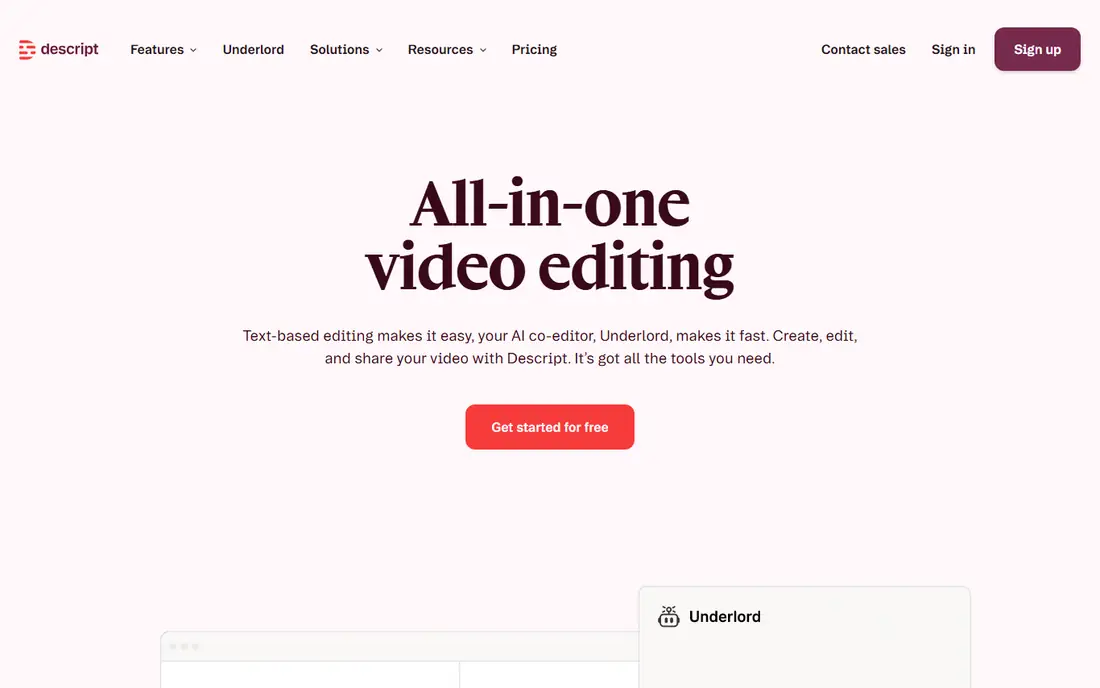
Descript fits remote teams that want to edit a podcast by editing words. The vendor page lists text-based editing, Underlord AI co-editor, Studio Sound, Remove Filler Words and real-time collaboration. It also lists Hobbyist with 10 media hours per month and 400 AI credits per month, Creator with 30 media hours and 800 AI credits, and Business with 40 media hours and 1500 AI credits. That makes Descript useful when a producer, host and editor need to review cuts in one transcript. Teams should confirm export resolution and credit use before a season starts.
The catch is that the opened Descript page did not show dollar amounts, so the starting price is marked See website in this guide. Pick Descript when transcript editing and shared review matter more than manual waveform control. Look elsewhere when the editor needs deep multitrack mixing, local plug-ins or a published price before signup. The team should test credits first.
What we like- Text-based editing for spoken audio
- Studio Sound and Remove Filler Words
- Real-time collaboration across Mac, Windows and web
Watch out for- Dollar amounts were not present in the opened page text
- Media hours and AI credits are capped by plan
Starting pricePro $24 /mo (yearly plan)
Free planNone found on vendor page
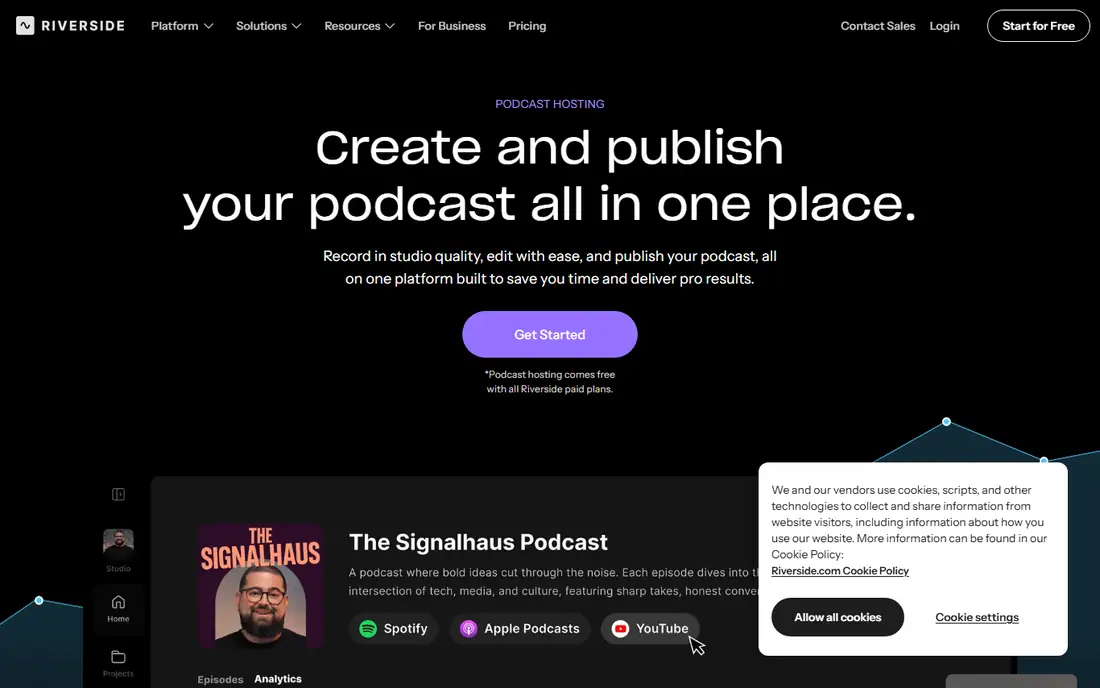
Riverside fits interview teams that record remote guests and edit in the same account. The vendor page lists separate-track recording, text-based multi-track editing, podcast hosting included with paid plans and analytics for streams, countries, episodes and listening apps. It lists Pro at $24 per month on a yearly plan and $29 per month on a monthly plan. That helps a remote producer who needs guest tracks, quick text edits and basic hosting data without moving files between three tools. Teams should confirm recording hours and export settings before inviting a full guest roster.
The catch is that the opened Riverside page did not state a free plan or trial, and Business pricing is handled through sales. Pick Riverside when recording quality and hosting analytics matter in one workflow. Look elsewhere when the team only needs a free editor for files already recorded in another app. The guest invite flow should be tested first.
What we like- Separate-track recording for remote guests
- Text-based multi-track editing
- Hosting and analytics included with paid plans
Watch out for- Free plan or trial was not stated on the opened page
- Business pricing requires sales contact
Starting priceSee website
Free planFree plan with limited lifetime AI credits and 720p export
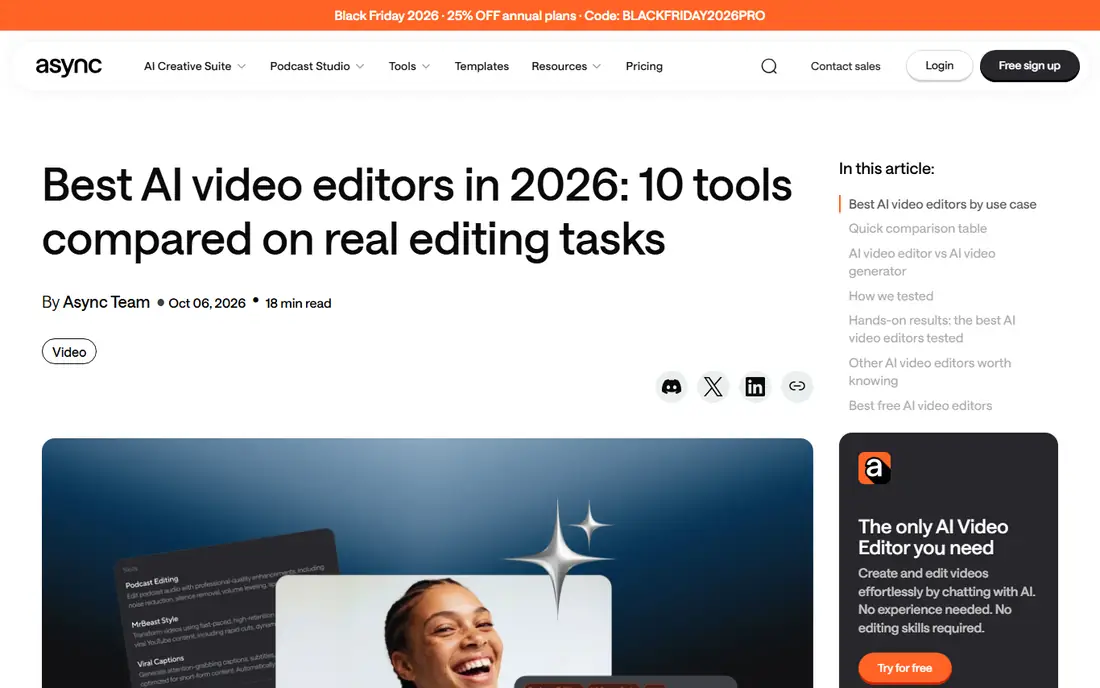
Async fits creators who want AI help after recording, especially when episodes become clips and captioned video. Vendor material states pricing checked on 2026-10-02, with a free plan using limited lifetime AI credits and 720p export. It also lists Essentials, Pro, Teams and Business tiers, but this guide marks the starting price See website because the opened source is a vendor blog rather than a pricing page with amounts. Remote teams should confirm credit use for transcription, captions, cleanup and exports before they build a weekly workflow around it first.
The catch is that Async pricing in this guide is not taken from an opened pricing page with dollar amounts, so buyers should verify the current plan page before paying. Pick Async when AI captions and clip exports are central to the show. Look elsewhere when the team needs a DAW timeline or a fixed price with no credit meter.
What we like- AI editing workflow for recorded media
- Captions and export tools for podcast clips
- Storage tiers listed in vendor help material
Watch out for- Price source used here is a vendor blog, not an opened pricing page with amounts
- AI credits can limit heavy editing months
Starting price$38 / month
Free plan7-day free trial; process up to 2 hours of audio with full access
Alitu fits small remote teams that want recording, cleanup, transcript editing and hosting in one place. The vendor page lists All-In-One Podcast Maker at $38 per month, with yearly billing shown as 2 months free. It also lists free hosting up to 1,000 downloads per month and a 7-day free trial that can process up to 2 hours of audio with full access. That suits a host and producer who need fewer handoffs and a simple publish path. Teams with complex sound design should test whether the editor gives enough control.
The catch is that Alitu trades deep DAW control for speed, and free hosting has a 1,000 download monthly cap before paid hosting terms apply. Pick Alitu when one producer handles cleanup, editing and publishing. Look elsewhere when episodes need detailed multitrack mixing, plug-in chains or separate recording tracks for every guest. The trial should use one real guest episode.
What we like- Record or upload workflow
- Automatic cleanup and transcript editing
- Hosting and scheduling in one tool
Watch out for- Free hosting is capped at 1,000 downloads per month
- Full editing control is lighter than a DAW
Starting price$0 Vibecastr; Enterprise See website
Free planVibecastr free with unlimited recording, editing and publishing
Zencastr fits budget teams that need remote recording before they need a full production suite. The vendor help page lists two plans, Vibecastr free and Enterprise custom, and states that Vibecastr includes unlimited recording, editing and publishing. It also states that each track records locally in full quality and backs up to the cloud, with up to 6 participants including the host. That is useful for a host, guest and producer who need separate tracks without a paid editor on day one. Teams should confirm export formats and guest browser rules before a live session.
The catch is that the free plan still has a 6 participant cap including the host, and Enterprise terms are custom. Pick Zencastr when a small remote show needs separate tracks at $0. Look elsewhere when panels run larger than 6 people or when the editor needs advanced mixing tools in the same app. The export test should happen before launch.
What we like- Free Vibecastr plan
- Local full-quality tracks with cloud backup
- Up to 6 participants including host
Watch out for- Participant cap is 6 including host on the opened help page
- Enterprise pricing is custom
Starting priceSee website
Free planTrial offered; duration not stated on opened page
Hindenburg PRO fits editors who think in radio and podcast timelines. The vendor page lists multitrack recording, capture from Zoom, Google Meet and YouTube, transcription in 99 languages with offline processing, clipboards and loudness normalization. It also lists broadcast targets of -23 or -24 LUFS and on-demand targets of -18, -16 or -14 LUFS. That suits a remote producer who receives tracks from guests and needs repeatable loudness and clip organization. Teams should confirm how project files move between editor and reviewer before choosing it as the shared standard first.
The catch is that the opened Hindenburg page listed Bronze, Silver and Gold in a shop table but did not show dollar amounts in the text. Pick Hindenburg PRO when loudness targets and multitrack story editing matter most. Look elsewhere when collaborators need browser comments, transcript editing and hosting in one account. The license check should happen before team rollout.
What we like- Multitrack recording and editing
- Transcription in 99 languages with offline processing
- Loudness targets for broadcast and on-demand audio
Watch out for- Dollar amounts were blank in the opened page text
- Desktop workflow is less direct for browser based review
Starting priceSee website
Free planFree trial stated; duration not stated on opened page
Adobe Audition fits editors who need detailed repair after remote tracks arrive. The Adobe product page describes mixing and mastering for podcasts, multitrack and waveform editing, autoducking, Remix and Spectral Frequency Display tools for beeps, hisses and background noise. It also states that Audition has more than 50 effects and analysis tools. That suits a producer who cleans guest audio, balances music under speech and prepares a final mix. Remote teams should agree on file naming, sample rates and review exports before the first episode. The review export should be tested first.
The catch is that Audition is a local editor first, so comments, transcript cuts and guest recording usually live in other tools. Pick Audition when audio repair and final mix control matter more than shared browser editing. Look elsewhere when a nontechnical host must approve cuts from a transcript link. The file handoff rules should be written before weekly production.
What we like- Multitrack and waveform editing
- Spectral Frequency Display for noise work
- More than 50 effects and analysis tools
Watch out for- Starting price is marked See website because amounts were not present in the opened page text
- Remote review needs a separate file workflow
Starting priceSee website
Free planFree for 2 hours of monthly processed audio
Auphonic fits remote teams that need a cleanup pass before or after editing. The vendor pricing FAQ states that Auphonic is free for 2 hours of monthly processed audio, recurring credits reset monthly, one-time credits never expire and billing uses audio duration with a 3-minute minimum. It also states that Auphonic S grows from 9 hours to 14 hours per month under Loyalty Rewards. That suits producers who receive uneven guest recordings and need level and noise processing before final edits. Teams should test one noisy guest track before buying credits.
The catch is that Auphonic is a processing step, not the place where a remote team records guests or builds a full episode timeline. Pick Auphonic when loudness and cleanup are the weak point in the chain. Look elsewhere when the team needs transcript editing, multitrack mixing and publishing in one editor. The credit test should use one noisy file.
What we like- Free 2 hours of monthly processed audio
- Billing by audio duration with a 3-minute minimum
- Recurring and one-time credit options
Watch out for- Dollar amounts were not present on the opened FAQ page
- Processing tool is not a full multitrack editor
Starting price$0
Free planFull free and open source software
Audacity fits remote teams that need a free local editor for recorded tracks. The vendor homepage states that Audacity is free and open source, runs on Windows, MacOS and Linux, supports import, export and conversion for major audio formats and includes plugin support. It also mentions Audio.com collaboration and versioned backups. That makes Audacity useful for a producer who receives WAV files from guests and needs basic cuts, fades and exports at $0. Teams should set a shared template for tracks, labels and export settings so files stay consistent first.
The catch is that Audacity does not replace a remote recording room or a transcript review workflow for hosts and guests. Pick Audacity when budget is tight and one editor owns the timeline. Look elsewhere when several people must comment on cuts, edit by transcript or record separate guest tracks in the browser. The template should be shared before launch.
What we like- Free and open source
- Windows, MacOS and Linux support
- Import, export and convert major audio formats
Watch out for- Real-time co-editing is not the core workflow
- Manual editing can be slow for weekly remote shows
Starting price$60 discounted license
Free plan60-day evaluation with full functionality
REAPER fits editors who want DAW control without a high license cost. The vendor purchase page lists a $60 discounted license and a $225 commercial license. It states that the discounted license applies to personal use, commercial use with yearly gross revenue not over USD $20,000, or educational and non-profit use. It also states that evaluation lasts 60 days with full functionality and that a new license includes free upgrades through REAPER version 8.99. Remote teams should confirm plug-in needs and project sharing rules before standardizing on it before rollout.
The catch is that REAPER rewards editors who already know DAW work, and the $60 license does not fit every commercial team. Pick REAPER when one skilled editor needs multitrack control at a low license price. Look elsewhere when hosts need transcript edits, browser comments or guest recording inside the same tool. The license eligibility should be checked before purchase.
What we like- $60 discounted license
- $225 commercial license
- 60-day evaluation with full functionality
Watch out for- Discounted license has eligibility limits
- DAW learning curve is higher than browser editors
Which remote editing setup should a podcast team buy first?
Buy the setup that removes the slowest handoff. If hosts and producers argue over cuts, start with Descript because transcript editing and real-time collaboration shorten review. If guest audio quality is the problem, start with Riverside or Zencastr because separate tracks give the editor clean files. A two-person weekly show can test Zencastr at $0, then add Auphonic free processing for 2 hours per month. A paid interview show can compare Riverside Pro at $24 per month on a yearly plan with Alitu at $38 per month when hosting is included. Keep one DAW such as REAPER, Audacity or Adobe Audition for repair work that browser editors cannot finish. The first purchase should name who records, who edits, who approves cuts and where final files live.
How much should a remote podcast team budget for editing?
A small team can start at $0 with Zencastr Vibecastr or Audacity, then add paid tools only when a limit blocks publishing. Riverside Pro is $24 per month on a yearly plan, Alitu is $38 per month and REAPER is $60 for a discounted license. Descript, Async, Hindenburg PRO, Adobe Audition and Auphonic are marked See website here because dollar amounts were not present in the opened vendor text.
Do remote teams need separate tracks for every guest?
Separate tracks help when one guest is quiet, noisy or late to a point. Riverside lists separate-track recording, and Zencastr states that each track records locally in full quality with cloud backup. A single mixed recording can work for a simple host-only show. Interview shows should prefer separate tracks because the editor can lower one voice, remove a cough or fix overlap without rebuilding the whole episode.
Which editor fits a host who cannot use a DAW?
Descript fits a host who cannot use a DAW because cuts are made from transcript text and collaborators can review in real time. Alitu also fits a simpler workflow with cleanup, transcript editing and hosting. Audacity and REAPER cost less, but they ask the host to learn tracks, fades and export settings. A nontechnical host should approve text cuts while a producer owns final audio repair.
Frequently asked questions
What is the best podcast editing software for remote teams?
Descript is the best first pick for remote teams that edit by transcript and need shared review. Riverside is better when separate guest tracks and hosting analytics matter in the same account. Zencastr is the budget test at $0 for Vibecastr. The right choice depends on whether the team needs transcript cuts, recording tracks, cleanup or DAW repair.
Is Zencastr really free for remote podcast recording?
Zencastr Vibecastr is listed as free with unlimited recording, editing and publishing on the vendor help page. The same page states that each track records locally in full quality and backs up to the cloud. It also states a limit of up to 6 participants including the host. Larger panels or Enterprise terms need a separate check before production.
Should a remote team buy Descript or Riverside first?
Buy Descript first when the main delay is reviewing cuts in a transcript. Buy Riverside first when the main delay is guest recording quality, separate tracks and hosting analytics. Descript lists 10 media hours on Hobbyist and 30 on Creator. Riverside Pro is $24 per month on a yearly plan on the opened vendor page.
Can Audacity handle a weekly remote podcast?
Audacity can handle a weekly remote podcast when one editor owns the timeline and guest files arrive in a consistent format. It is free and open source, runs on Windows, MacOS and Linux and supports major audio formats. It is weaker for transcript review and browser based guest recording. Pair it with Zencastr or Riverside when separate tracks are required.
When should a team add Auphonic?
A team should add Auphonic when guest levels, noise or loudness differ from episode to episode. Auphonic is free for 2 hours of monthly processed audio, and billing uses audio duration with a 3-minute minimum. It works best as a processing step before or after editing. It does not replace Descript, Riverside, Audacity or REAPER for timeline work.
What to look for before you buy
First, confirm how guest tracks are recorded and whether each voice stays separate. Second, check who can comment on cuts and whether the host can approve edits without DAW training. Third, price the full chain, including recording, editing, cleanup, hosting and exports. Fourth, test one noisy guest file for loudness, filler removal and export settings. Fifth, write down file naming, backup rules and final export formats before the first paid month starts.
How we chose
We compared remote editing tools by recording fit, transcript or multitrack editing, cleanup tools, collaboration and price clarity. Prices and facts were checked on vendor pages and vendor help pages on 2026-11-29. Tools are marked See website when dollar amounts were not present in the opened vendor text. We did not claim hands-on testing. The ranking favors tools that reduce handoffs for hosts, guests, producers and editors.
Sources we checked (10)
- https://www.descript.com/video-editing
- https://riverside.com/podcast-hosting
- https://async.com/blog/best-ai-video-editor/
- https://alitu.com/podcast-editing-software
- https://support.zencastr.com/en/articles/16915649-recording-faqs
- https://Hindenburg.com/products/radio-podcast/?sector=business
- https://www.adobe.com/products/audition/audio-mixing-mastering.html
- https://Auphonic.com/help/web/pricing_faq.html
- https://www.audacityteam.org/?utm_source=mh-web
- https://www.reaper.fm/purchase.php
Is your product missing or out of date?
We review this list regularly. Vendors can request a listing, send updated pricing or ask about featured placement.

Shihab Mia · Founder, Rankite
Shihab has 5+ years in B2B and SaaS SEO. He writes Rankite's software buying guides from pricing pages, documentation and public user reviews. More about Shihab.