How we make this list: we compare pricing pages, product documentation and public user reviews. Rankite is independent; if a vendor ever pays for a featured spot, that listing is clearly labeled Partner.
Key takeaways
- Riverside (free plan; Pro from $24/month billed annually) is the most popular choice for studio-quality remote video and audio.
- Zencastr's free Vibecastr plan includes unlimited recording, 4K video, and unlimited transcription.
- Descript (from $16/month billed annually) now bundles SquadCast's remote recording with text-based editing.
- StreamYard (from $35.99/month billed annually) suits shows that also livestream.
Quick comparison
| Tool | Best for | Starting price | Free plan |
|---|
 Riverside Riverside | studio-quality remote video podcasts | $24/month (Pro, billed annually) | Yes |
 Zencastr Zencastr | generous free remote recording | Free (Vibecastr plan) | Yes |
 Descript Descript | recording plus text-based editing | $16/month (Hobbyist, billed annually) | Yes |
 StreamYard StreamYard | recording plus live streaming | $35.99/month (Core, billed annually) | Yes |
 Cleanfeed Cleanfeed | broadcast-grade remote audio | $36/month (Pro) | Yes (Lite) |
 Iris.fm Iris.fm | simple local-track recording | $9/month | Yes |
 Podcastle Podcastle | all-in-one recording and AI editing | See website | Yes |
Is your product missing or out of date?
We review this list regularly. Vendors can request a listing, send updated pricing or ask about featured placement.
The best remote podcast recording software
Starting price$24/month (Pro, billed annually)
Free planYes
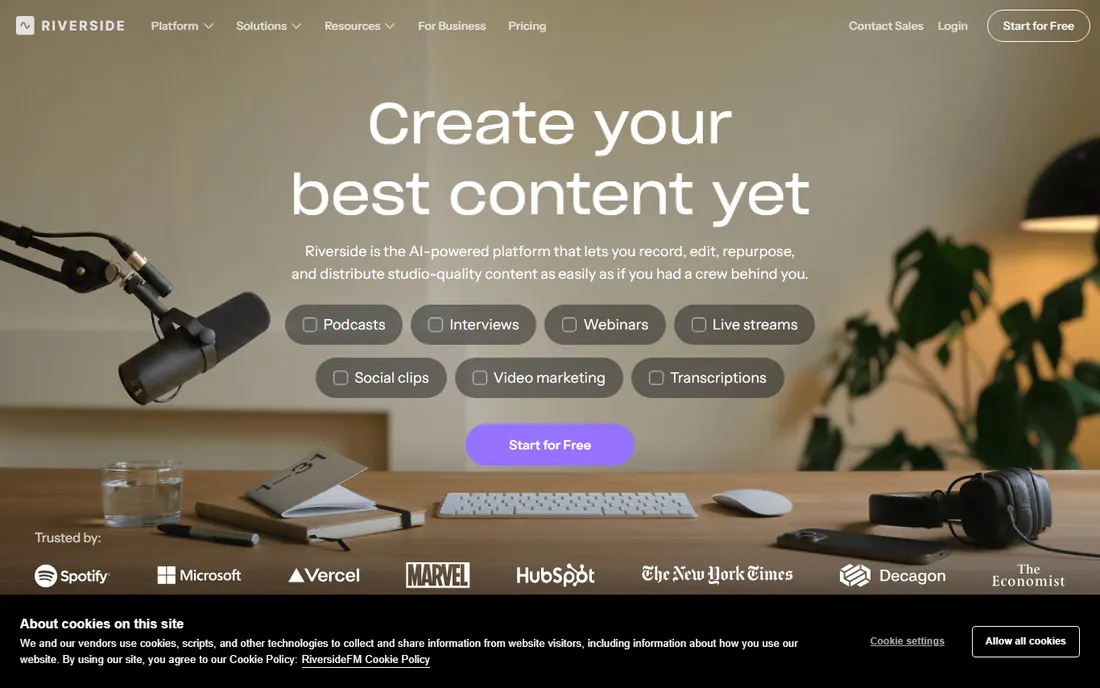
Riverside is the remote recording studio most podcasters name first: each guest records locally in up to 4K video and uncompressed audio, so internet hiccups never degrade the final product. The free plan offers a one-time 2-hour multi-track allowance at 720p with a watermark, enough to test properly.
Paid plans start with Pro at $24 a month billed annually ($29 monthly) for 15 hours of multi-track recording, Magic Audio enhancement, AI transcriptions, Magic Clips for social video, and show notes. Grow at $34 adds live streaming and hosting; Webinar at $79 adds webinars for 100 registrants. All paid plans include a 14-day trial.
The honest catch is the hour caps: heavy producers can outgrow 15 hours and face the next tier. For most shows recording a few episodes a month, Riverside's quality and editing tools justify the price.
What we like- Local 4K video and 48kHz audio per guest
- AI editing and Magic Clips
- Podcast hosting on paid plans
Watch out for- Monthly recording hour caps
- Free plan is a one-time 2-hour allowance
- Watermark on free exports
Starting priceFree (Vibecastr plan)
Free planYes
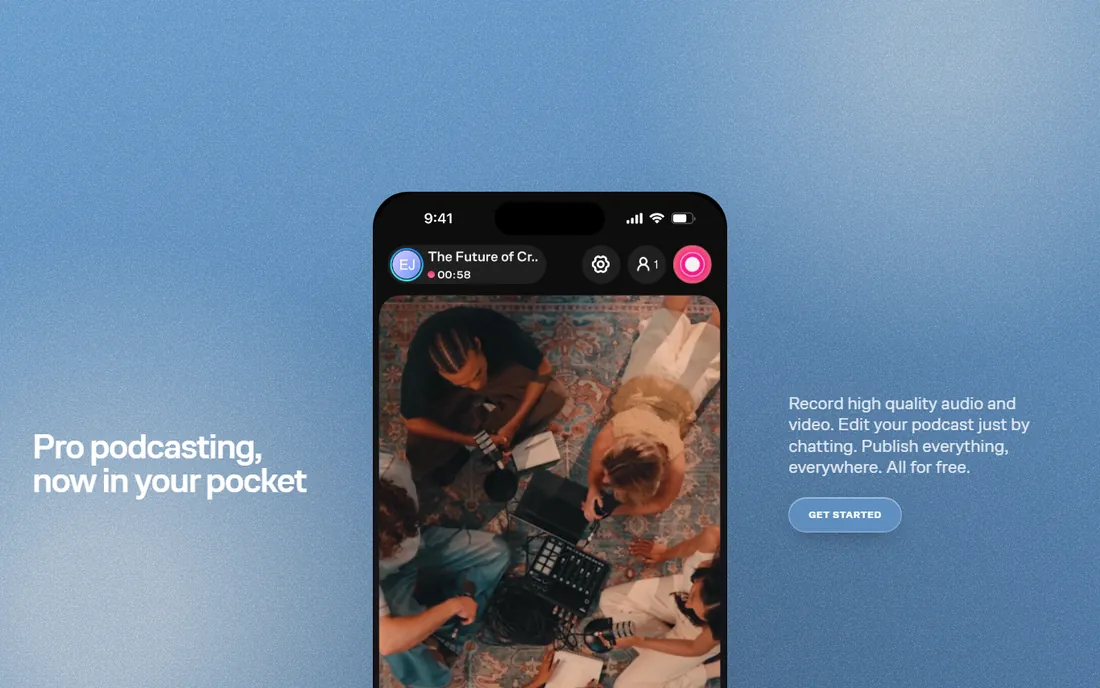
Zencastr's free Vibecastr plan is remarkable: unlimited separate audio and video recording for up to 6 participants, 4K video, 48kHz WAV audio, unlimited track storage, unlimited transcription hours, and hosting for up to 5 shows. For a new podcaster, the free tier may be all you ever need.
The 2026 lineup also includes Standard at $20 a month, Grow at $30, Scale at $50, and Business at $100, adding 4K across the board, ZenAI editing with filler-word removal, social clips, dynamic ad insertion, and team seats. Guests join from a browser or the iOS app with no downloads.
The catch is that the paid plans cost more than Riverside's while the free plan is so generous that upgrading feels optional. That is a good problem to have: start free, upgrade only when the show grows.
What we like- Free plan includes unlimited recording, 4K video, and unlimited transcription
- Browser-based, no installs
- Built-in hosting
Watch out for- Paid tiers are pricey for small shows
- Advanced features spread across plans
Starting price$16/month (Hobbyist, billed annually)
Free planYes
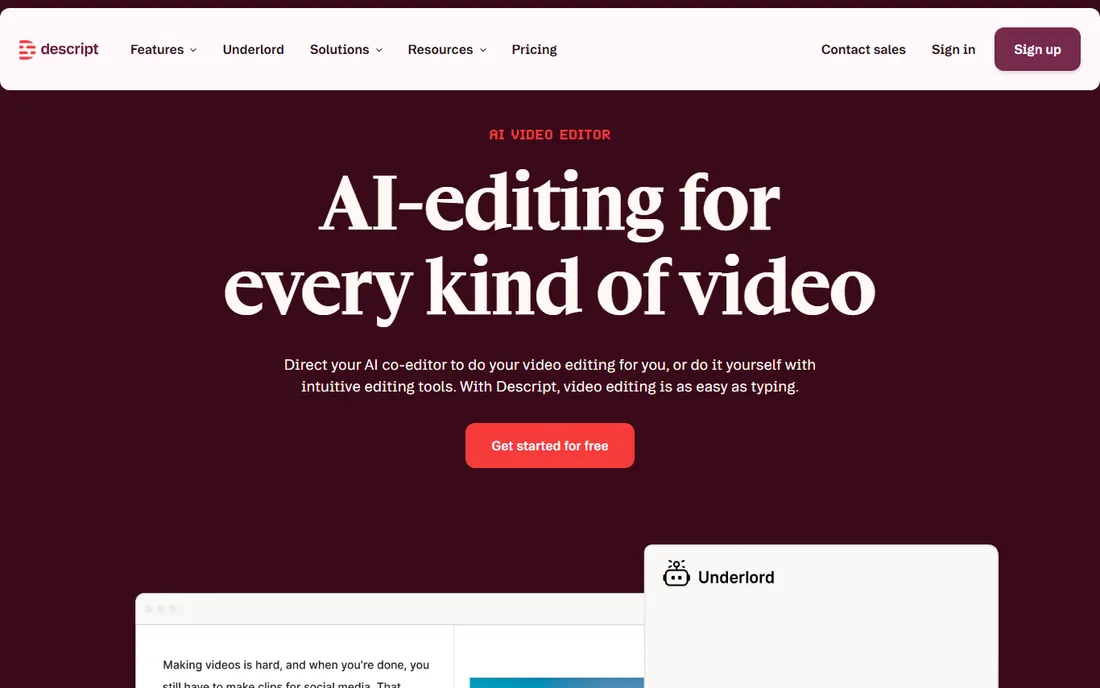
Descript absorbed SquadCast, one of the original remote recording tools, and made its professional-grade local recording (up to 4K video, automatic per-participant backups) part of every Descript plan at no extra cost. Record remotely, and the session lands in Descript already transcribed and ready to edit.
The editing model is the selling point: delete a sentence in the transcript and the audio and video follow. Studio Sound removes noise, filler-word removal cleans speech, and the Underlord AI co-editor handles rough cuts. Plans run from free (1 media hour a month, watermarked 720p) through Hobbyist at $16 a month billed annually ($24 monthly, 10 hours) to Creator at $24 ($35 monthly, 30 hours, 4K) and Business.
The catches: media hours meter everything you record or upload, and editing happens on desktop or web, not phones. For podcasters who want recording and editing in one tool, Descript is the complete stack.
What we like- SquadCast remote recording built in
- Edit audio by editing the transcript
- Studio Sound and AI tools
Watch out for- Media-hour limits on all plans
- No mobile editing app
- Learning curve for the transcript workflow
Starting price$35.99/month (Core, billed annually)
Free planYes
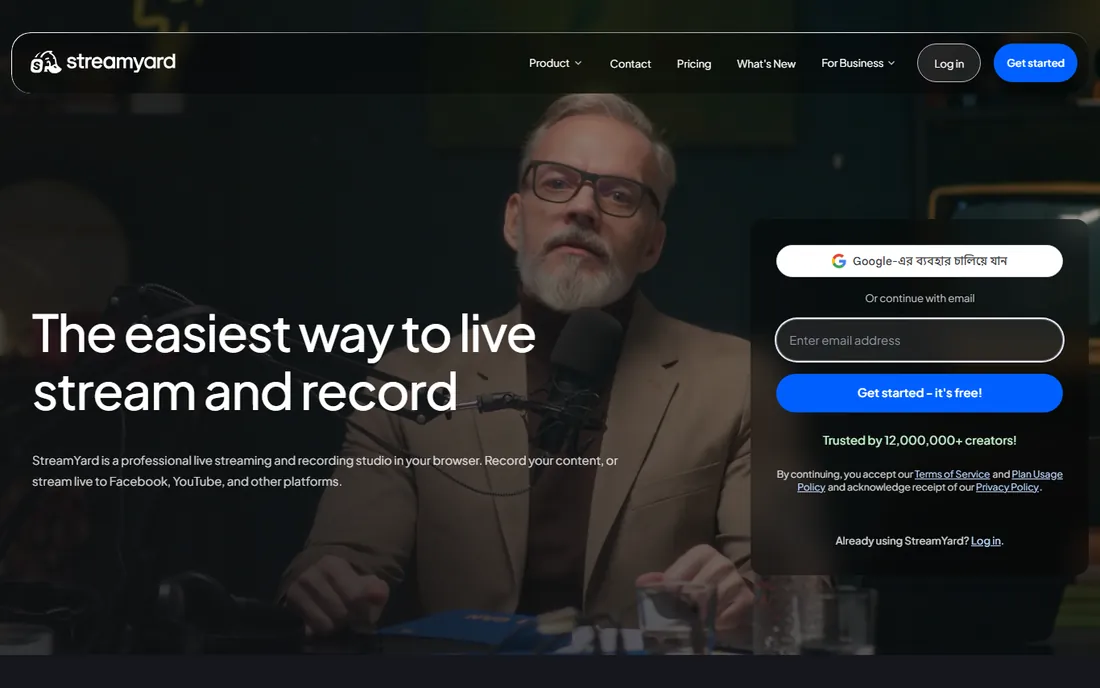
StreamYard is the browser studio for shows that record and go live: invite up to 10 guests with a link, record locally in high quality, and multistream to YouTube, LinkedIn, Facebook, Twitch, and more simultaneously. The free plan includes 2 hours of local recording a month at SD quality with the StreamYard logo.
Core at $35.99 a month billed annually ($44.99 monthly) opens up 1080p, unlimited local recording and streaming, 3 destinations, and 50 hours of storage. Advanced at $68.99 ($88.99 monthly) adds 4K local recordings, 8 destinations, and webinars for 100 viewers. Paid plans include a 7-day trial.
The catch is price versus recording-only rivals: you are paying for the live production studio. If your show never streams live, Riverside or Zencastr cost less. If it does, StreamYard's one-tool workflow wins.
What we like- Unlimited local recording on paid plans
- Multistream to 8 destinations
- Guests join with one link
Watch out for- Pricier than recording-only tools
- 4K is local recording only
- Plans are per individual
Starting price$36/month (Pro)
Free planYes (Lite)
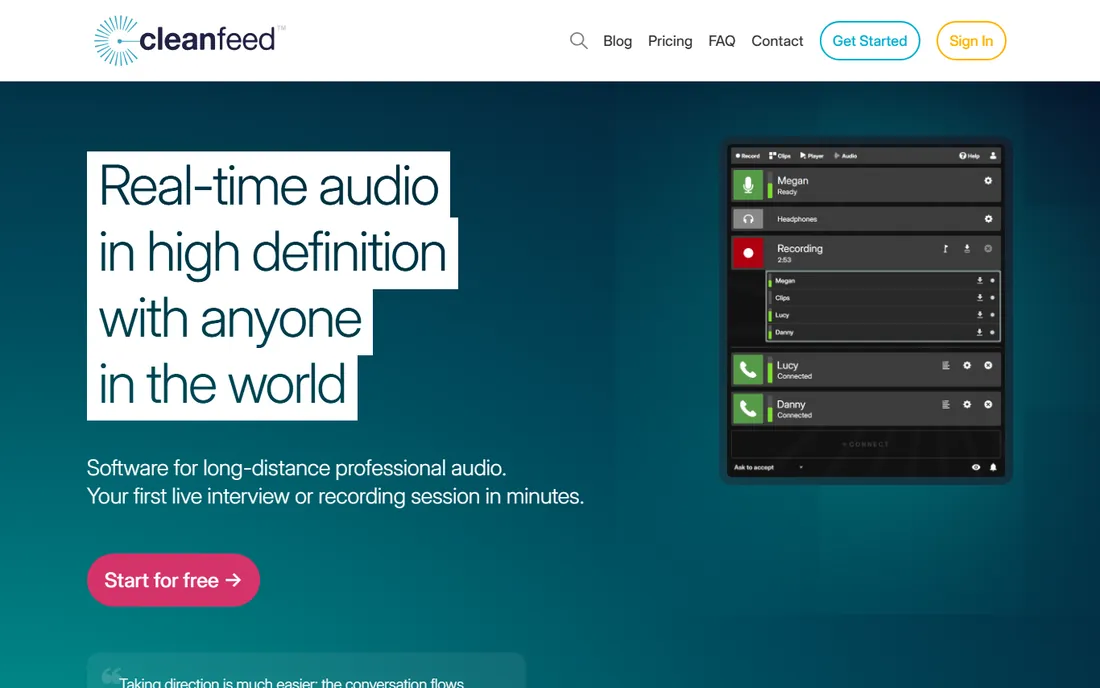
Cleanfeed is the audio purist's choice: browser-based remote recording engineered for broadcast quality, with ultra-low latency, per-guest multitrack recording, and live audio repair tools. Radio producers and professional podcasters use it when the audio must be flawless.
The free Lite plan has no recording time limits and allows commercial use, covering basic remote sessions. Pro at $36 a month ($23 for qualifying personal use) adds full multitrack, studio tools like jingles and beds, higher bitrates, and aux outputs for routing guests into mixing setups.
The catches: video is not the point here, and the interface prioritizes function over friendliness. For interview shows where audio quality is everything, Cleanfeed is the professional standard.
What we like- Pristine low-latency audio
- Multitrack recording per guest
- Trusted by broadcasters
Watch out for- Audio-focused, minimal video
- Pro pricing is steep for hobbyists
- Interface is utilitarian
Starting price$9/month
Free planYes
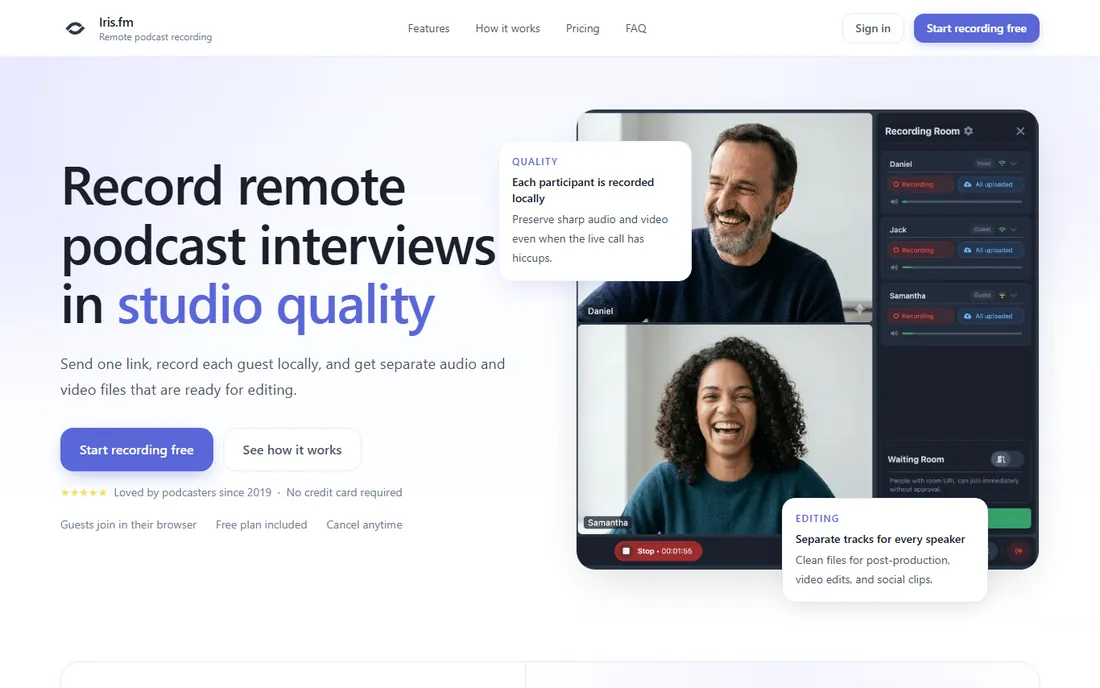
Iris.fm keeps remote recording simple: create a room, send one link, and each guest records locally on their own device with separate HD audio and video tracks per speaker. No apps, no accounts for guests, no credit card to start, with a free plan included.
Paid plans start around $9 a month, undercutting the big names significantly. The pitch is reliability through simplicity: fewer features means fewer things to break on recording day, and local capture means wifi problems never reach your files.
The catches: it lacks the AI editing suites, hosting, and clip tools of Riverside and Zencastr, and as a smaller company it has a shorter track record. For straightforward interview recording at a low price, Iris.fm deserves a look.
What we like- Dead-simple three-step workflow
- Local recording per speaker
- Guests join in any browser
Watch out for- Smaller company with less track record
- Fewer editing features than rivals
- Limited integrations
Starting priceSee website
Free planYes
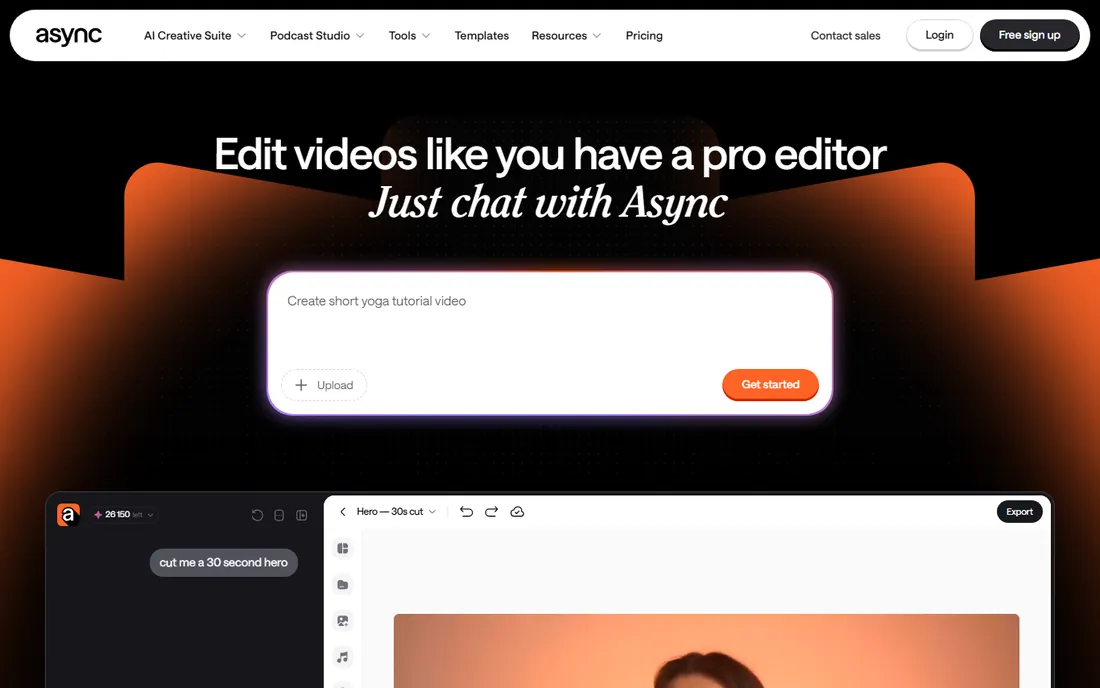
Podcastle is the all-in-one browser studio: remote recording with up to ten guests on separate tracks, multitrack editing, Magic Dust one-click audio enhancement, AI voice cloning and text-to-speech, transcription, and a hosting hub for distribution. The free plan covers beginners with limited recording hours.
Paid tiers have included Essential around $11.99 a month, Pro around $23.99, and Business around $39.99, opening up more recording hours, storage, and AI features, with a 7-day trial on paid plans. The simplicity of doing everything in one tab appeals to solo creators.
The catch is volatility: pricing and credit limits have shifted over time, so confirm current terms. For creators who want recording through publishing without learning multiple tools, Podcastle's breadth is its strength.
What we like- Recording, editing, AI voices, and hosting in one browser tool
- Magic Dust audio enhancement
- Beginner-friendly
Watch out for- Pricing details change often
- AI credit limits can confuse
- Less proven than Riverside for pure recording
How we chose
We compared remote podcast recording software using vendor pricing pages, help centers, and official documentation, plus reviews on podcast communities and sites like Castmagic and The Podcast Haven. We evaluated recording quality, local-track capture, guest experience, editing tools, pricing, and free plans. We did not record test episodes.
Local recording is the non-negotiable feature: every tool here captures each guest on their own device, so a dropped connection costs nothing. After that, rank by your workflow: video podcasters need 4K and editing, audio-only shows can prioritize Cleanfeed-grade sound, and livestreamers need StreamYard's studio.
Test with a real guest before committing: send the invite link, record five minutes, and check the separate tracks. The best tool is the one your least technical guest can use without a rehearsal.
One more practical tip: ask guests to wear headphones and record in a quiet room with soft furnishings. No software fixes echo from a bare-walled kitchen as well as a closed door and a $30 pair of earbuds. The tool captures what the microphone hears, so the guest's room matters more than your plan tier. Send guests a one-page setup checklist before recording day.
Frequently asked questions
What is the best free remote podcast recording software?
Zencastr's free Vibecastr plan is the most generous: unlimited recording, 4K video, and unlimited transcription. Riverside's free plan and Cleanfeed Lite are also genuinely useful for starting out.
Do I need video for my podcast?
Not for audio distribution, but video opens up YouTube and social clips, which are major discovery channels now. Riverside, Zencastr, and StreamYard all record video alongside audio at no extra effort.
What happened to SquadCast?
Descript acquired SquadCast, and it is now the remote recording engine inside Descript rather than a standalone product. Paid Descript subscribers get SquadCast's local 4K recording with automatic backups at no extra cost.
How do guests join a recording session?
On every tool here, guests click a link in their browser. No accounts, no downloads (except optional mobile apps). Send the link a few minutes early and do a quick mic check.
Is local recording really better than Zoom?
Yes, dramatically. Zoom compresses audio for the call and records that compressed stream. Local recording captures each person's microphone in full quality on their own device, then uploads the files. The difference is audible.
Can I edit the recording in the same tool?
Descript and Podcastle include full editors; Riverside and Zencastr include AI editing and clip tools. Cleanfeed and Iris.fm are recording-focused, so you will export tracks to your usual editor.
Sources we checked (9)
- https://thepodcasthaven.com/the-complete-guide-to-recording-a-podcast-with-riverside-fm/
- https://www.castmagic.io/software-reviews/riverside-fm
- https://zencastr.com/pricing
- https://www.descript.com/blog/article/descript-season-5-squadcast-joins-descript-easy-reliable-remote-recording-editing-in-one-place
- https://www.jellypod.com/blog/descript-pricing
- https://streamyard.com/pricing?planType=businesses
- https://cleanfeed.net/podcasting?utm_source=podnews.net&utm_medium=web&utm_campaign=supporter
- https://iris.fm/remote/recording?gad_source=5&gad_campaignid=12036859368&gclid=EAIaIQobChMIrMnHt_eIlAMVhEfDBh1QixsfEAEYASAAEgI-evD_BwE
- https://www.fahimai.com/podcastle-vs-descript
Is your product missing or out of date?
We review this list regularly. Vendors can request a listing, send updated pricing or ask about featured placement.

Shihab Mia · Founder, Rankite
Shihab has spent more than a decade helping SaaS and e-commerce brands grow through search. He writes Rankite's software buying guides from pricing pages, documentation and public user reviews. More about Shihab.