How we make this list: we compare pricing pages, product documentation and public user reviews. Rankite is independent; if a vendor ever pays for a featured spot, that listing is clearly labeled Partner.
Key takeaways
- Descript leads beginner editing: you edit a transcript like a document and the audio follows.
- Alitu automates the entire engineering layer, with hosting included up to 1,000 downloads a month.
- Audacity and GarageBand remain the best free starting points, and both are genuinely free.
- Riverside and Async handle video podcasts end to end, from remote recording to social clips.
- Auphonic gives you 2 free hours a month of automatic audio mastering, a cheat code for quality.
Quick comparison
Is your product missing or out of date?
We review this list regularly. Vendors can request a listing, send updated pricing or ask about featured placement.
The best podcast editing software for beginners
Starting priceSee website
Free planYes
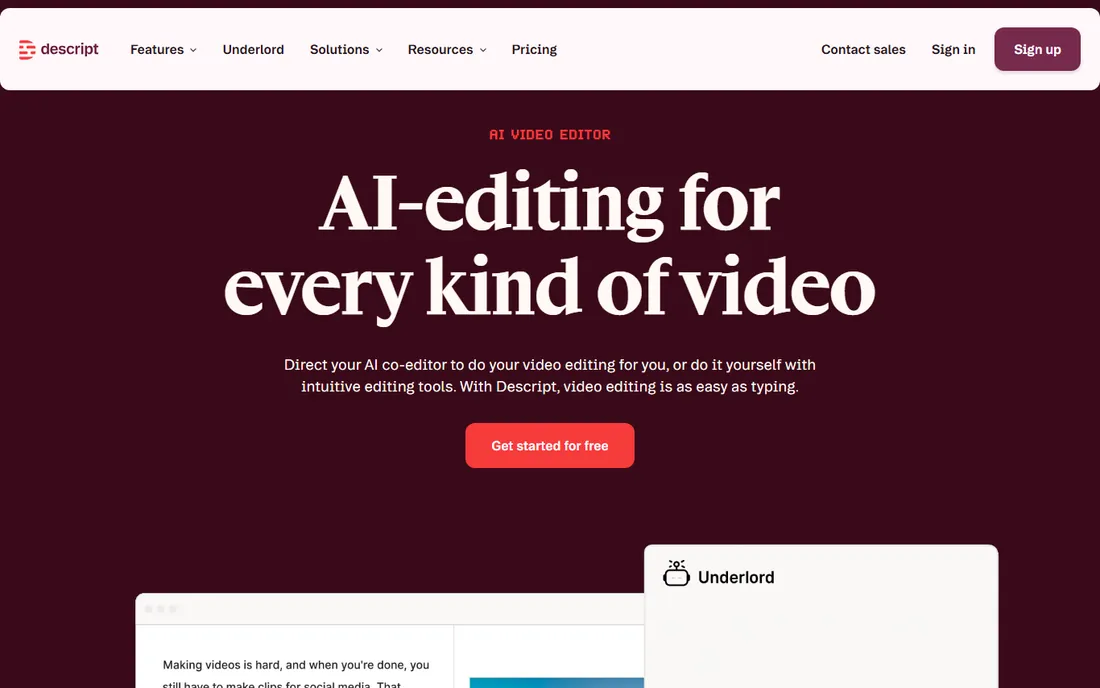
Descript changed how beginners think about editing. You record or upload audio, get an instant transcript, and delete a sentence to delete it from the audio. No waveforms, no razor tools. Studio Sound removes background noise and enhances your voice with one click, which rescues episodes recorded in noisy rooms.
This year the company pushed further with Underlord, an AI agent that turns a raw recording into a tight cut and generates social clips. The honest catch is that the free plan limits how much you can transcribe each month, so frequent publishers will need a paid tier. Still, for a first show, the learning curve is measured in minutes, not weeks.
What we like- Edit audio by editing the transcript
- Studio Sound cleans up bad recordings in one click
- Underlord AI agent handles rough cuts and clips
Watch out for- Free plan limits transcription hours
- Advanced features take time to learn
Starting priceSee website
Free planFree trial (7 days)
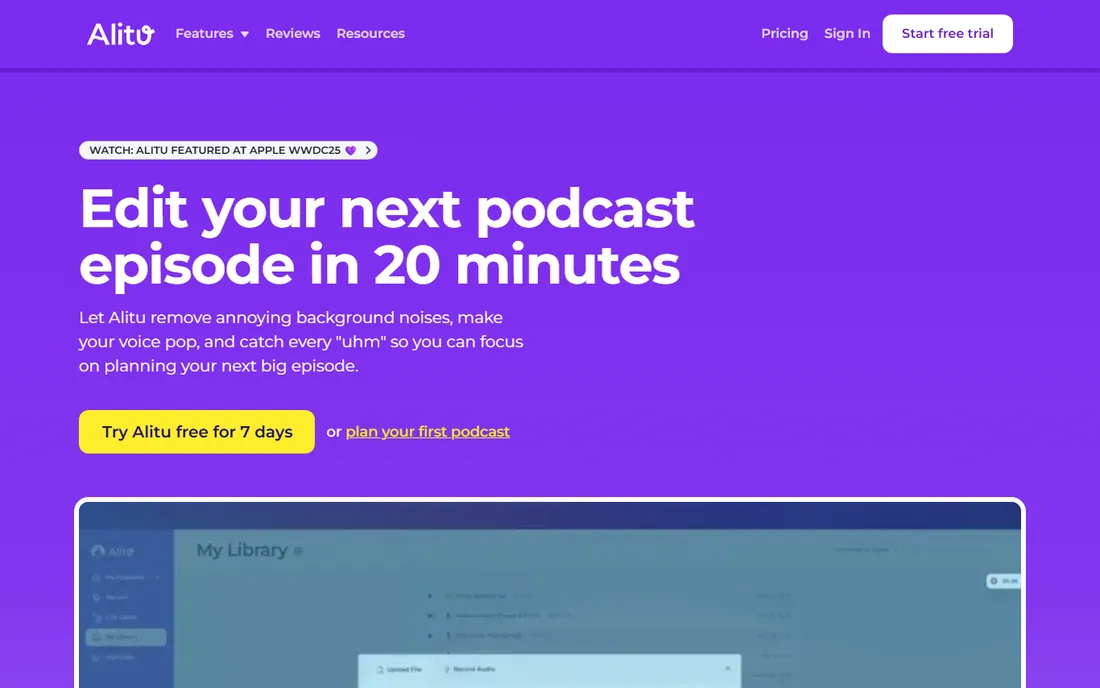
Alitu was built for people who want to publish, not configure. You record in the browser or upload a file, and Alitu removes noise, balances volume, and polishes your voice automatically. You then edit using a transcript, arrange segments, add your intro and outro, and publish to Apple Podcasts and Spotify in one click.
Hosting is included free until you reach 1,000 downloads a month, which makes it a genuine one-subscription podcasting setup. The honest catch is control. If you want precise audio repair or creative sound design, a DAW will serve you better. But users report saving three to four hours per episode, and for a solo beginner, that is the whole game.
What we like- Automatic noise removal and leveling with zero settings
- Built-in hosting free to 1,000 monthly downloads
- No technical knowledge needed
Watch out for- Less manual control than a real DAW
- Subscription cost adds up
Starting priceFree
Free planYes
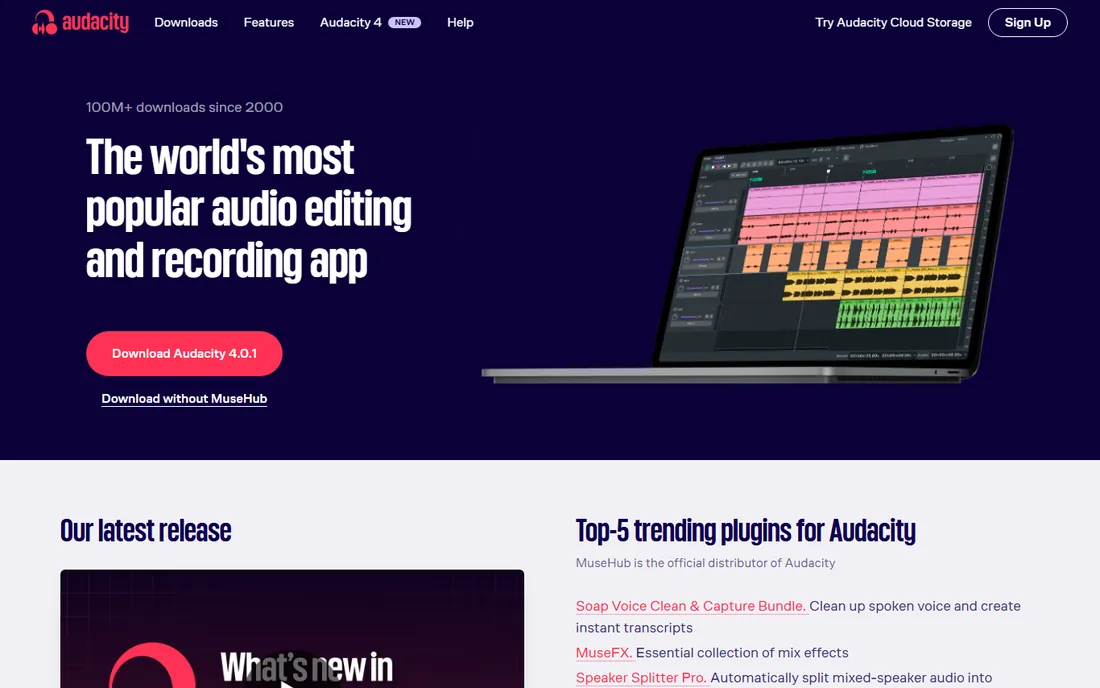
Audacity has been the default free audio editor since 2000, with over 100 million downloads. It records and edits multi-track audio, supports all major formats, and works with VST3 and Nyquist plugins. The latest release, Audacity 4, brings an updated interface and workspaces.
The honest catch is that it is a traditional waveform editor. You will learn what noise reduction, compression, and normalization mean, and the interface will not hold your hand. But everything is free forever, tutorials exist for every question, and the skills transfer to any other editor. Start here if you want to learn editing properly at zero cost.
What we like- Completely free with no limits
- Cross-platform on Windows, Mac, and Linux
- Enormous tutorial library
Watch out for- Dated interface with a real learning curve
- No built-in AI features
Starting priceFree
Free planYes
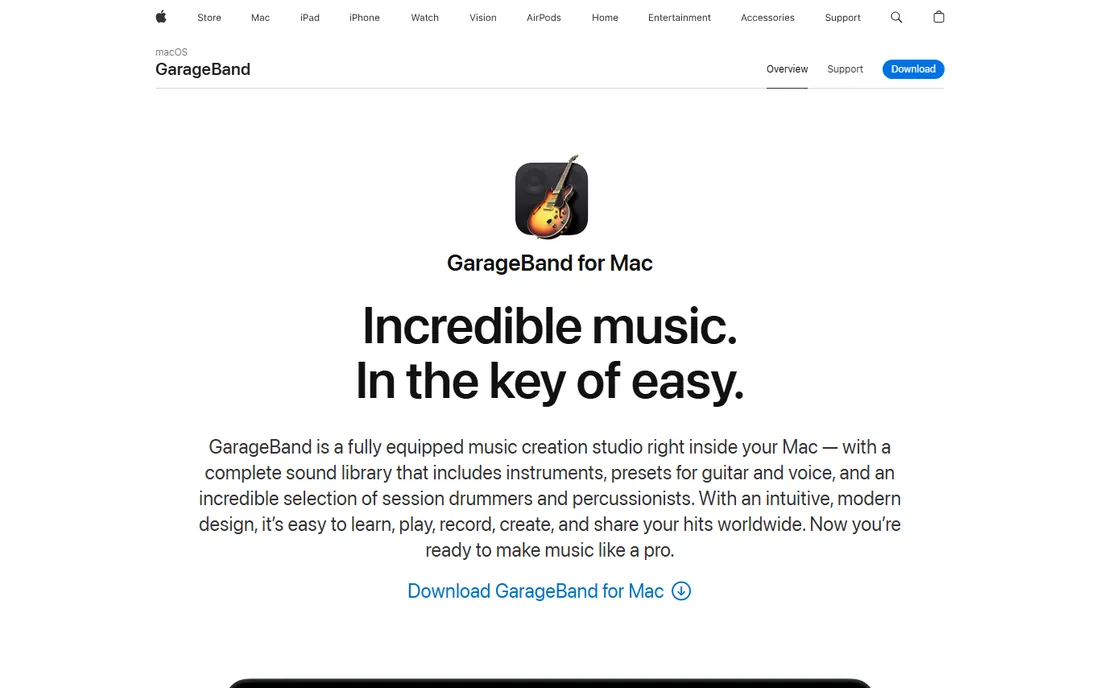
If you own a Mac, you already own a capable podcast editor. GarageBand records, mixes, and masters with Flex Time, visual EQ, compression, and multi-take recording, all free. Projects sync through iCloud, so you can start on a Mac and keep working on an iPhone.
The honest catch is the missing platform. There is no Windows or Android version, and the fake "GarageBand for PC" installers floating around are unsafe. It is also a music app first, so it lacks podcast-specific features like loudness normalization to podcast specs. Still, as a free multitrack editor it beats most paid beginner tools.
What we like- Free on every Mac, iPhone, and iPad
- Modern interface that is easy to learn
- Up to 255 tracks with solid mixing tools
Watch out for- Mac and iOS only
- Music-oriented, not podcast-specific
Starting priceSee website
Free planYes
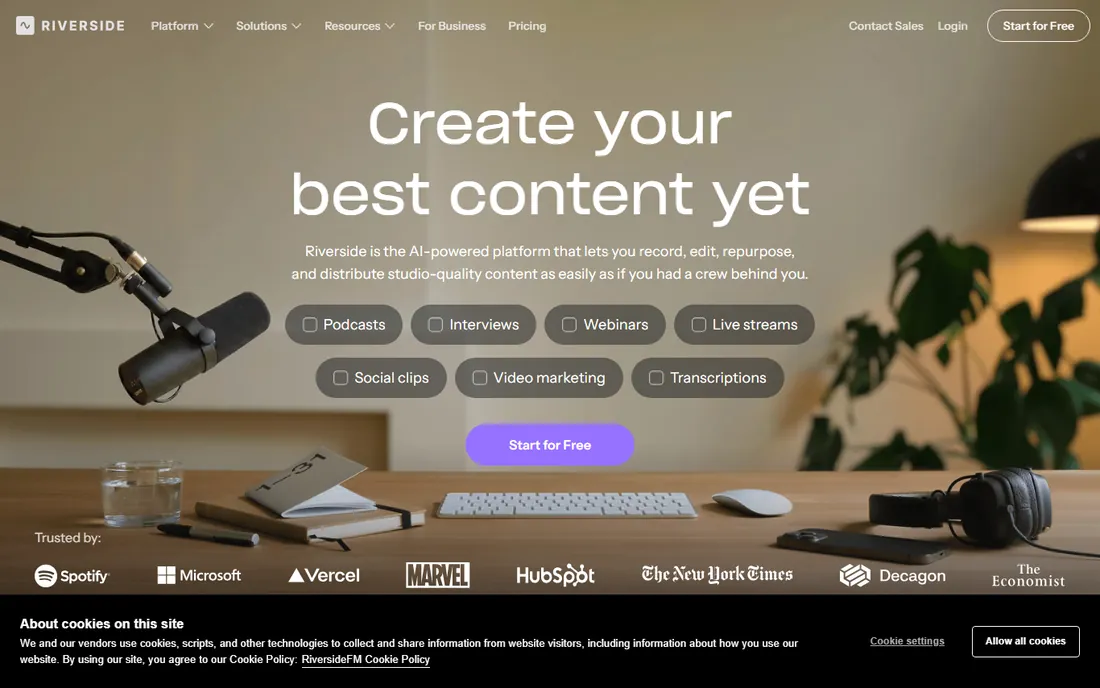
Riverside started as remote recording and became an end-to-end content platform. You record guests in up to 4K with uncompressed audio on separate tracks, then edit in a transcript-based editor, let the AI co-creator generate clips and show notes, and publish to Spotify, Apple, and YouTube. Hosting with analytics is built in.
For beginners doing video podcasts or remote interviews, it removes the patchwork of recording, editing, and publishing tools. The honest catch is that audio-only producers pay for video features they may not use, and the free plan is a taster rather than a permanent home. If your show is video-first, start here.
What we like- Studio-quality remote recording with separate tracks
- Text-based and AI chat editing
- Built-in hosting and distribution
Watch out for- Editing is video-first, less deep for audio-only shows
- Best features sit on paid plans
Starting priceSee website
Free planYes
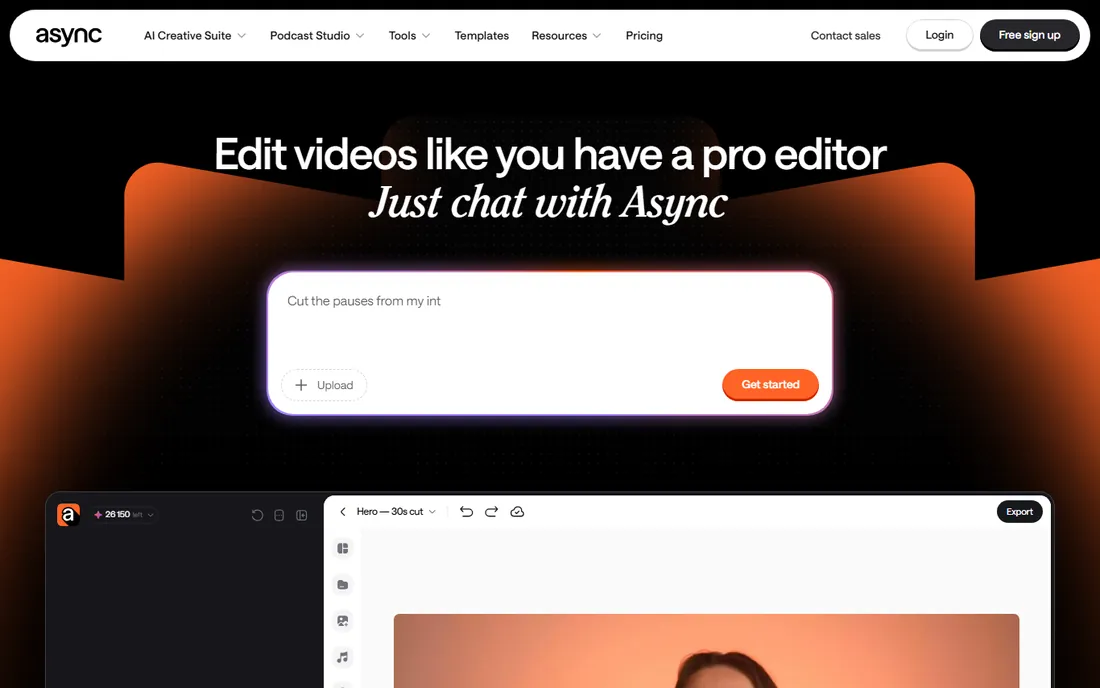
Podcastle, the podcast recording and editing tool, rebranded to Async this year with a new pitch: describe what you want in chat, and AI edits the video. You can cut clips, add subtitles, dub into other languages, and repurpose long recordings into social clips, all from a conversation instead of a timeline.
The honest catch is the transition. Async now targets general video creators as much as podcasters, so pure podcast workflows may feel thinner than under the old brand. But if the idea of a timeline makes you anxious, chatting your way to a finished video is about as beginner-friendly as editing gets.
What we like- Edit video by chatting with AI instead of learning software
- Templates for reels and clips
- No editing experience needed
Watch out for- Rebrand and pivot mean the product is still evolving
- Less podcast-specific than before
Starting priceSee website
Free planNo
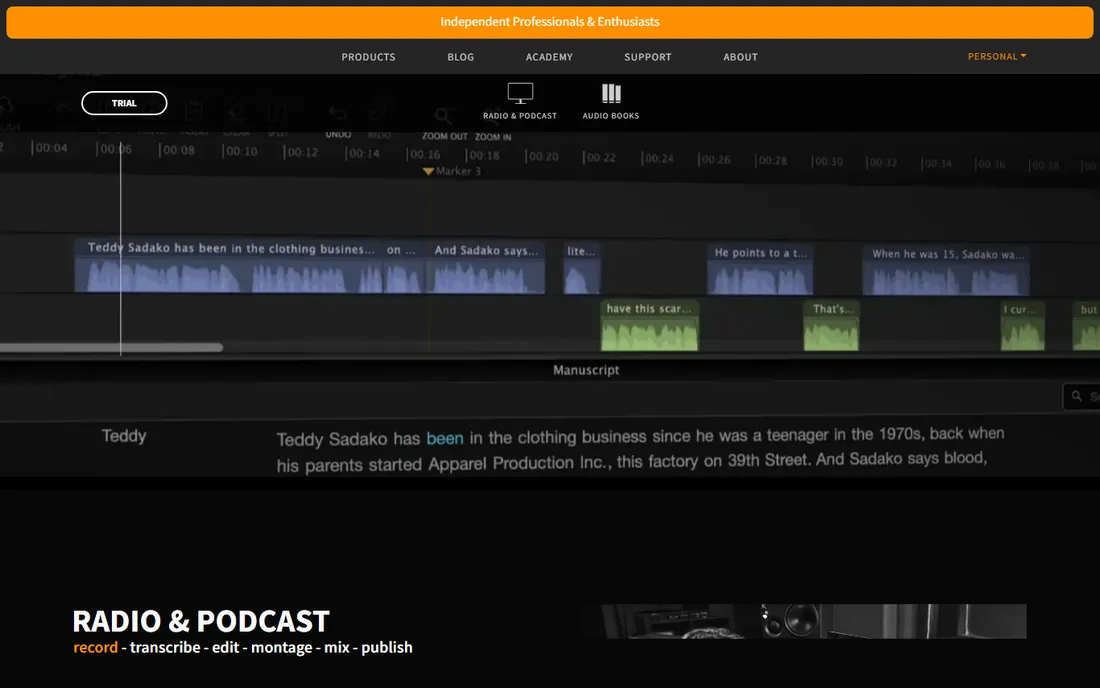
Hindenburg takes a different philosophy from the AI crowd. PRO 2 is a DAW designed by and for radio journalists and podcasters, focused on story rather than engineering. The new version adds transcript-based editing to its precise waveform workflow, automatic loudness management, and tools for narrative pacing.
It will not do your editing for you the way Alitu or Underlord will, and there is no free plan. But beginners who want to grow into serious audio production without inheriting music-studio complexity find it the right middle ground. If you see yourself producing narrative or documentary audio, it is worth the license.
What we like- Built specifically for spoken word, not music
- PRO 2 adds editing-by-transcript
- Respected by broadcast journalists
Watch out for- Paid license with no free plan
- Less AI automation than newer rivals
Starting priceSee website
Free planYes
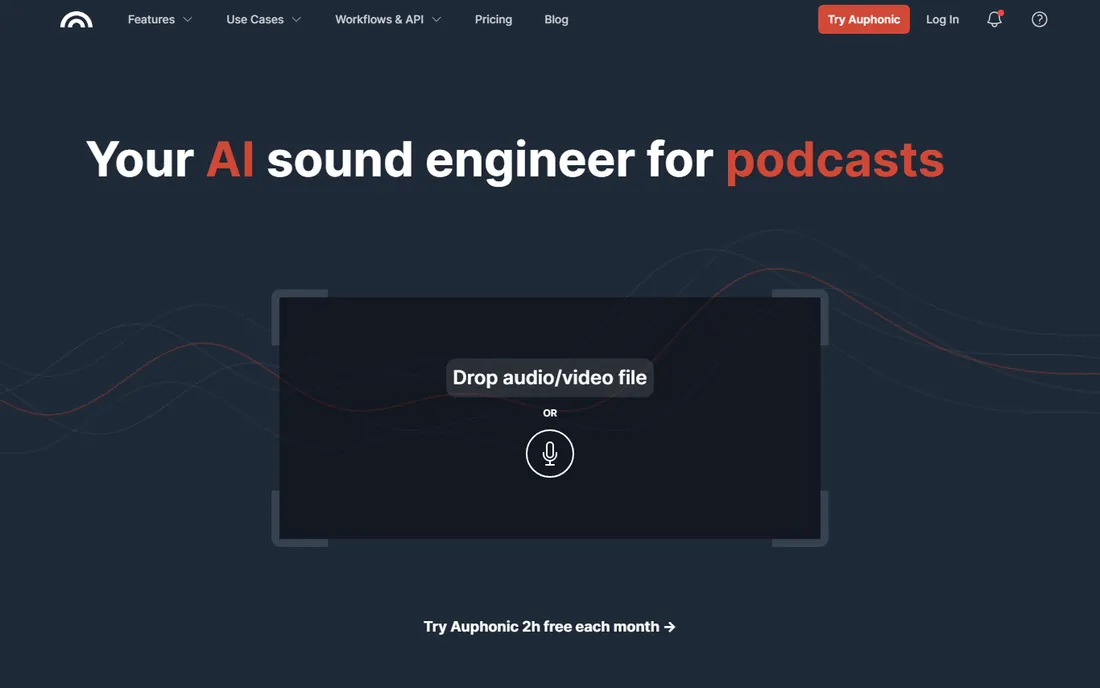
Auphonic is the secret weapon of time-poor podcasters. You upload your recording, and it applies intelligent leveling, noise and reverb reduction, de-essing, filler-word removal, and loudness normalization to podcast specs. The free tier processes up to 2 hours of audio each month, which covers a weekly show with room to spare.
Use it after editing, not instead of editing: it masters, it does not cut. The honest catch is the jingle on free productions and that batch automation requires a paid plan. But for a beginner whose episodes sound uneven between speakers, Auphonic delivers the single biggest quality jump per minute of effort.
What we like- 2 free hours of audio processing per month
- Automatic leveling, noise reduction, and filler-word removal
- Publishes to podcast hosts
Watch out for- It is a post-production service, not a full editor
- Free tier adds a jingle
How we chose
We tested the shortlist against what beginners actually struggle with: learning curve, cost, automatic cleanup, and publishing workflow. We checked each vendor's own site and pricing pages in October 2026, cross-checked plans against public reviews on G2 and podcast communities, and prioritized tools with free tiers or trials so you can try before committing. We never claim hands-on testing of every tool.
What to consider when choosing your first editor
Decide how much of the work you want to do
There are three honest approaches. Full automation tools like Alitu handle the engineering so you focus on content. Text-based editors like Descript and Riverside make editing feel like editing a document. Traditional editors like Audacity and GarageBand teach real skills but demand more time. Pick based on how many hours a week you will actually spend editing.
Your mic matters more than your software
No editor fixes a terrible recording. A decent USB microphone in a quiet room will beat a cheap headset run through the best AI cleanup. Spend your first budget on the mic and a quiet space, then let software polish what is left.
Plan for publishing, not just editing
Beginners often forget that editing is only half the job. Tools with built-in hosting, like Alitu and Riverside, or one-click publishing to Spotify and Apple Podcasts, save you a second subscription and a confusing setup step. If your editor does not host, budget for a podcast host separately.
The AI shift in podcast editing
A year ago, text-based editing was a novelty. Now it is table stakes, and chat-based editing is the new frontier. Descript's Underlord and Riverside's AI co-creator can rough-cut episodes, write show notes, and make clips from a prompt. That changes what "beginner" means: you can produce a professional-sounding episode without ever learning a DAW.
The trade is skill depth. Automation gets you publishing faster, but editors who learn the fundamentals in Audacity or GarageBand keep more creative control. A practical path: start with an AI-assisted tool to build the publishing habit, then learn traditional editing once the show has momentum.
Frequently asked questions
What is the easiest podcast editing software for a complete beginner?
Alitu and Descript are the easiest. Alitu automates cleanup and publishing so you barely touch audio settings, while Descript lets you edit by deleting words in a transcript. Both have free trials or free plans so you can compare them on your own recordings.
Can I edit a podcast for free?
Yes. Audacity is free and unlimited on Windows, Mac, and Linux. GarageBand is free on Mac and iOS. Auphonic processes 2 hours a month free, and Riverside and Async offer free tiers. You can run a whole show without paying for software.
Do I need a DAW to start a podcast?
No. Modern AI-assisted tools like Descript, Alitu, and Riverside handle recording, editing, cleanup, and publishing without a traditional DAW. A DAW like Hindenburg PRO or Audacity becomes useful when you want precise manual control or produce complex narrative audio.
How long does it take to edit a podcast episode?
With traditional editing, expect two to three times the episode length when you are learning. AI-assisted tools cut that sharply: Alitu users report saving three to four hours per episode, and Auphonic masters audio in minutes. Your recording quality matters most: clean recordings edit fast.
Can AI edit my podcast for me?
AI can handle the mechanical parts: removing filler words and silences, leveling volume, reducing noise, writing show notes, and cutting clips. It cannot yet judge which stories are interesting or fix a bad interview. Use AI for the grunt work and keep creative decisions human.
Should I record video for my podcast?
Video multiplies your distribution: YouTube, TikTok, and Instagram Reels become discovery channels. Riverside and Async are built for this. But video adds recording and editing complexity, so start audio-only if you are already stretched, and add video once your workflow is stable.
Sources we checked (8)
- https://www.descript.com/
- https://alitu.com/
- https://www.audacityteam.org/
- https://www.apple.com/mac/garageband/
- https://riverside.fm/
- https://podcastle.ai/
- https://hindenburg.com/
- https://auphonic.com/
Is your product missing or out of date?
We review this list regularly. Vendors can request a listing, send updated pricing or ask about featured placement.

Shihab Mia · Founder, Rankite
Shihab has spent more than a decade helping SaaS and e-commerce brands grow through search. He writes Rankite's software buying guides from pricing pages, documentation and public user reviews. More about Shihab.
 Descript
 Alitu
Alitu Audacity
 GarageBand
 Riverside
 Async (formerly Podcastle)
 Hindenburg PRO
 Auphonic