How we make this list: we compare pricing pages, product documentation and public user reviews. Rankite is independent; if a vendor ever pays for a featured spot, that listing is clearly labeled Partner.
Key takeaways
- Zencastr and SquadCast define quality-first remote recording, capturing each guest locally on separate tracks.
- StreamYard remains the easiest way to record a live-feeling show, with a real free plan.
- Cleanfeed is the audio purist's choice, trusted by broadcasters, with an Emmy to its name.
- Restream and Talk Studio suit podcasters who also stream live to multiple platforms.
- Zoom still works as a zero-budget recording option, but dedicated tools sound noticeably better.
Quick comparison
| Tool | Best for | Starting price | Free plan |
|---|
 Zencastr Zencastr | All-in-one podcast platform | See website | Yes |
 SquadCast SquadCast | Studio-quality remote sessions | See website | Free trial |
 StreamYard StreamYard | Easy live-style recording | $35.99 per month (billed annually) | Yes |
 Cleanfeed Cleanfeed | Broadcast-grade audio only | See website | Yes |
 Zoom Zoom | Zero-budget interviews | See website | Yes |
 Restream Restream | Multistream recording | See website | Yes |
 Ecamm Ecamm | Mac-based video production | See website | Free trial (14 days) |
 Talk Studio (formerly Melon) Talk Studio (formerly Melon) | Browser streaming and recording | See website | No |
Is your product missing or out of date?
We review this list regularly. Vendors can request a listing, send updated pricing or ask about featured placement.
The best online podcast recording software
Starting priceSee website
Free planYes
Zencastr went all-in on the platform play this year. Recording is still the core: 4K video and 48kHz audio, captured locally per guest with cloud backup, so connection hiccups never ruin a take. But the homepage now leads with an end-to-end pitch: record, edit by chatting with an AI producer, publish to Spotify, Apple, and YouTube, and earn from milestones.
The free tier promises unlimited studio-quality recording and hosting, which is unusually generous. The honest catch is positioning drift. As Zencastr adds editing, publishing, and monetization, it competes with tools you may already own. If you want one dashboard for the whole show, it is the strongest candidate. If you only need pristine recording, simpler options exist.
What we like- Unlimited studio-quality recording and hosting on the free tier
- Local recording with cloud backup
- Chat-based AI editing and publishing
Watch out for- Video features trail Riverside for 4K workflows
- Free tier tradeoffs favor hobbyists
Starting priceSee website
Free planFree trial
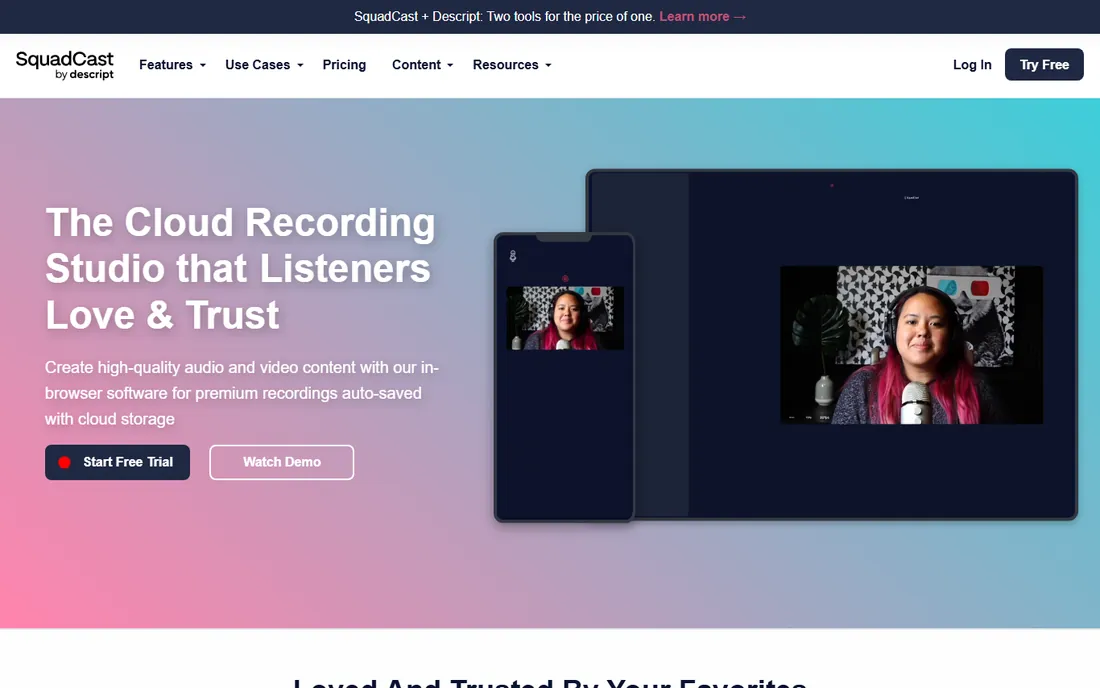
SquadCast invented the progressive-upload approach: recordings auto-save continuously to the cloud while capturing locally, so even a power outage cannot lose your session. Guests join from a browser, no installs, and you get raw uncompressed audio and video on separate tracks per participant. Trusted by names like NPR, Spotify, and The New York Times.
Descript acquired SquadCast, and the integration shows: recordings flow straight into Descript's transcript editing. The honest catch is cost. There is no free plan beyond a trial, so casual interviewers pay for quality they might not need. For professional interview shows where audio is the product, it is the benchmark.
What we like- Progressive uploads protect recordings from failures
- Raw uncompressed audio on separate tracks
- Deep Descript integration for editing
Watch out for- No meaningful free tier, only a trial
- Recording-focused, not an all-in-one
Starting price$35.99 per month (billed annually)
Free planYes
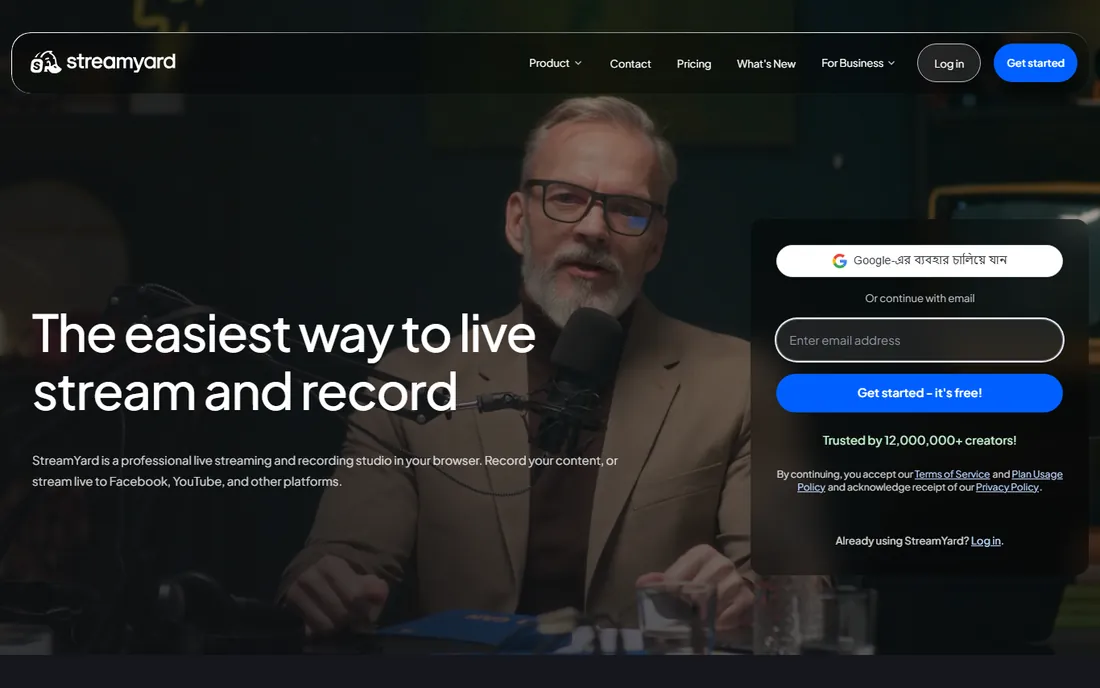
StreamYard is the easiest recording tool on this list. Send a guest a link, they click it, and you are recording a professional-looking show in minutes. No downloads, no accounts for guests. It multistreams to YouTube, Facebook, LinkedIn, and Twitch while recording, and paid plans add 4K local recordings, AI clips, and transcript downloads.
The free plan includes 2 hours of local recording a month with the StreamYard logo, which is enough to test a format. The honest catch is capture quality: it is excellent for a browser tool but not the raw studio-grade files SquadCast or Zencastr produce. If your show feels live and conversational, that tradeoff is invisible to listeners.
What we like- Guests join with a link and zero setup
- Local recordings plus multistreaming
- Genuinely usable free plan with 2 hours of local recording monthly
Watch out for- Browser-quality capture rather than full local raw files
- Branding locked to paid plans
Starting priceSee website
Free planYes
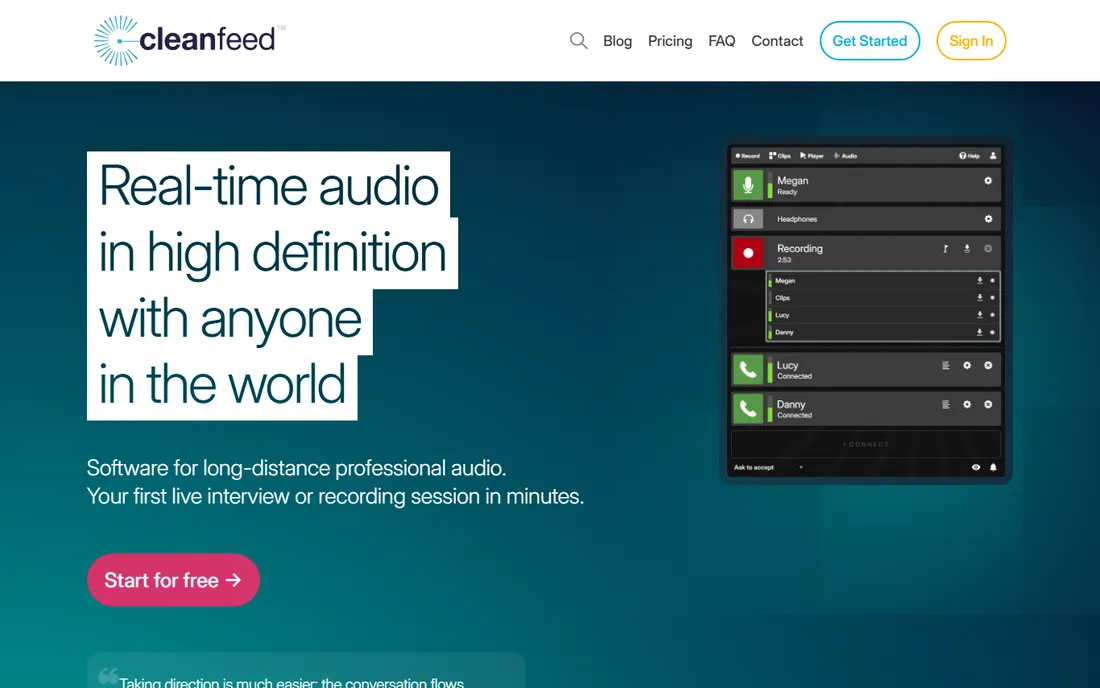
Cleanfeed is what radio professionals use when the audio has to be right. The browser-based studio delivers high-definition real-time audio with low enough latency that conversations feel natural, and it won a Primetime Emmy for pioneering this technology. Guests can join from a phone with a plugin mic, and recordings come out studio-clean.
The free tier starts you quickly. The honest catch is scope: there is no video, no editing, and no publishing. It is a recording tool in the purest sense. For audio-only interview podcasts and radio-style shows, nothing on this list sounds better. For video podcasts, pair it with something else or look elsewhere.
What we like- Emmy-winning audio engine with ultra-low latency
- Trusted by the BBC and major broadcasters
- Guests join from any device
Watch out for- Audio only, no video
- Interface is utilitarian
Starting priceSee website
Free planYes
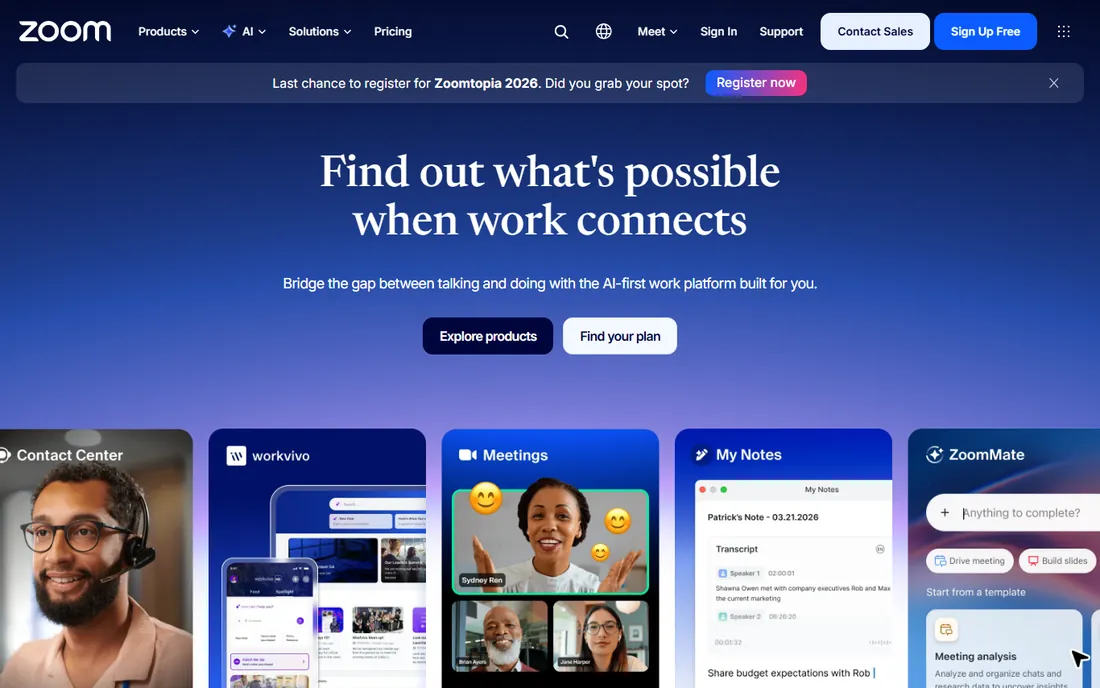
Zoom is the recording tool you already have. Every guest knows it, scheduling is trivial, and the free plan handles one-on-one interviews without a time limit. For a show starting from absolute zero, it removes every barrier except quality.
That barrier is real. Zoom records the internet-compressed stream, not a local file, so voices can sound thin and robotic compared with dedicated tools. The free plan caps group meetings at 40 minutes. The honest advice: use Zoom to validate your show idea and your guest pipeline, then graduate to Zencastr or SquadCast once episodes matter. Your ears will notice the upgrade immediately.
What we like- Everyone already knows how to use it
- Free plan covers short interviews
- Separate audio tracks available
Watch out for- Records over the internet, not locally, so quality suffers
- 40-minute limit on free group meetings
Starting priceSee website
Free planYes
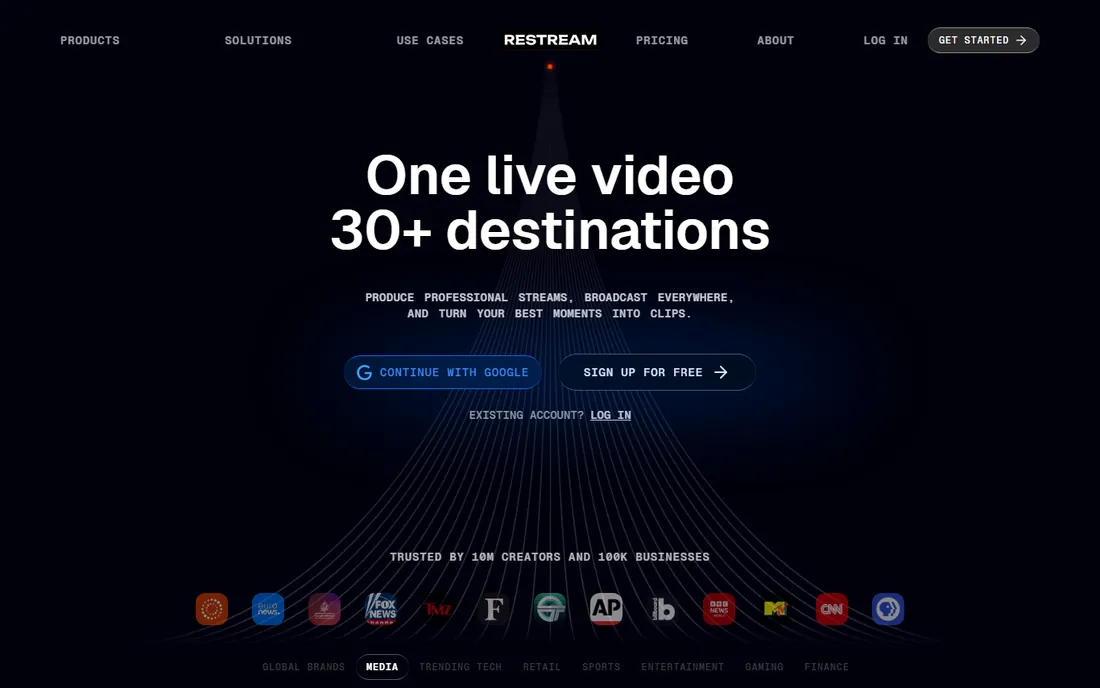
Restream exists for creators whose podcast is also a live show. You broadcast to YouTube, Twitch, LinkedIn, X, and dozens more at once, and the session is recorded for later editing and clipping. With 10 million creators on the platform, the infrastructure is proven at scale.
The honest catch is that recording is secondary to streaming here. You will not get per-guest local raw files or podcast hosting. But if your format is a live conversation that becomes a podcast episode, Restream collapses two workflows into one. Start free and see whether your audience watches live before investing in a dedicated recorder.
What we like- Streams to 30+ platforms simultaneously
- Records while streaming for repurposing
- Free signup with real functionality
Watch out for- Recording quality is a byproduct, not the specialty
- Podcast-specific features are thin
Starting priceSee website
Free planFree trial (14 days)
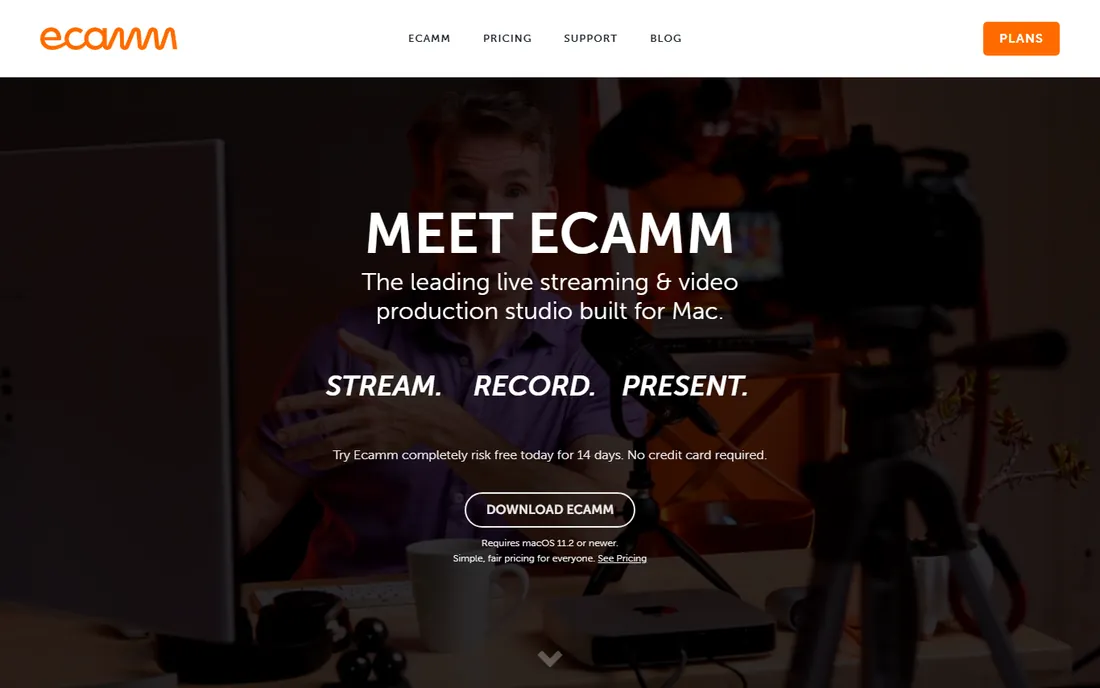
Ecamm turns a Mac into a broadcast studio. Saved scenes, live camera switching, green screen, countdowns, tickers, and interview layouts, with remote guests joining from any browser in high quality. Support for DSLR and mirrorless cameras over USB, plus HDMI capture up to 4K, makes it the choice for creators who care about how the show looks.
The 14-day free trial is generous enough to record several episodes. The honest catch is the Mac requirement: no Windows version exists. Windows creators should look at StreamYard or Restream instead. For Mac-based video podcasters who want production value without a crew, Ecamm is unmatched.
What we like- Full production studio on a Mac with scenes, overlays, and camera switching
- Up to ten remote guests in split-screen
- 14-day free trial
Watch out for- Mac only
- Subscription with no free tier
#8
Talk Studio (formerly Melon)
Best for: Browser streaming and recording
Visit melonapp.com
Starting priceSee website
Free planNo
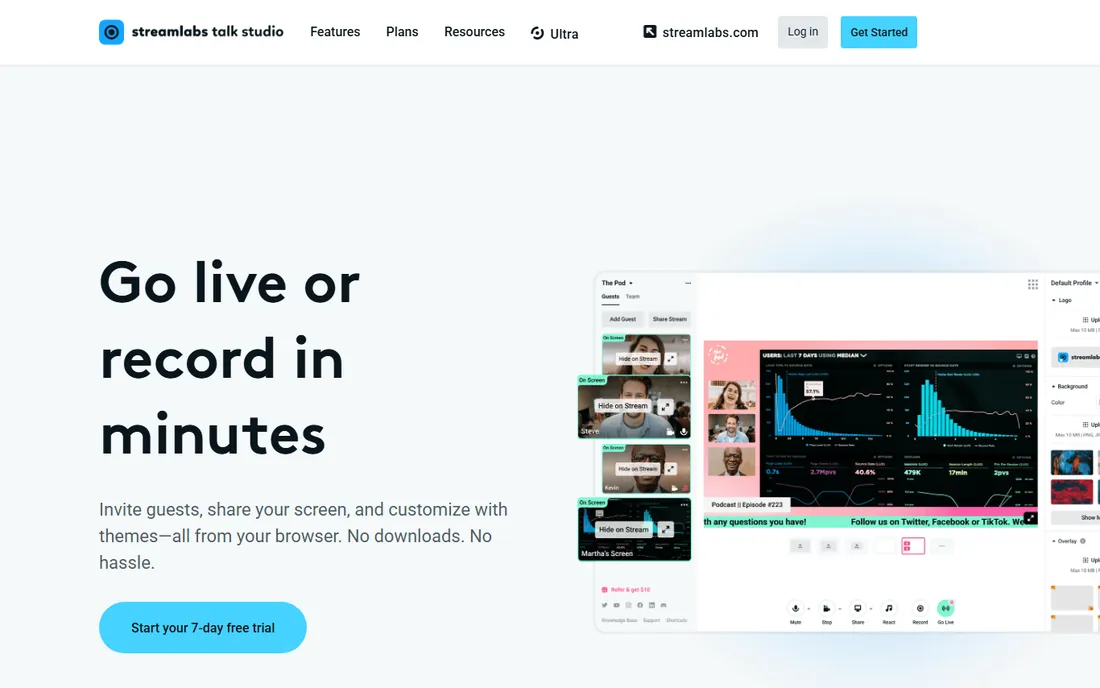
Melon rebranded to Talk Studio under Streamlabs ownership, keeping its core promise: go live or record from a browser in minutes. Guests join with one click and no account, you get 1080p streaming, local recording of raw tracks per participant with automatic cloud upload, and multistreaming to Twitch, YouTube, TikTok, Facebook, LinkedIn, and custom RTMP.
The honest catch is the transition. The rebrand and Streamlabs ownership mean the roadmap is Streamlabs-shaped now, and we found no free tier on the current site. For creators already in the Streamlabs ecosystem, it is a natural fit. Otherwise, StreamYard and Restream offer similar browser workflows with clearer free options.
What we like- Entirely browser-based with no downloads
- Local per-participant recording with cloud upload
- Multistreaming to all major platforms
Watch out for- Now owned by Streamlabs with a shifting product identity
- No free tier found
How we chose
We focused on tools whose primary job is capturing remote podcast conversations, checking each vendor's own site and pricing pages in October 2026 and cross-referencing public reviews and creator communities. We prioritized local recording quality, guest experience, and free or trial access, and excluded pure editors and pure meeting apps that lack podcast workflows. We never claim hands-on testing.
What to consider before you pick a recorder
Local recording is the feature that matters most
Every tool on this list except Zoom records each participant locally, which protects your episode from internet problems. This is the single biggest quality difference between a dedicated recorder and a meeting app. If a tool does not offer local capture, it is not really podcast recording software.
Decide whether video is part of your show
Video changes the shortlist. Riverside-style 4K local recording, StreamYard's live feel, and Ecamm's production studio all assume cameras. If your show is audio-only, Cleanfeed or SquadCast give you better audio for less money, and you avoid paying for video features you will never use.
Count the guests, then check the limits
Free tiers love participant caps. StreamYard's free plan allows six on-screen participants, Ecamm allows ten guests, and Zoom limits free group meetings to 40 minutes. Map your actual format, including the occasional panel episode, against these limits before committing to a free plan.
Recording is only half the pipeline
This year's trend is the collapsing boundary between recording, editing, and publishing. Zencastr now edits and publishes, StreamYard generates clips and transcripts, and SquadCast feeds Descript's transcript editor. The practical effect: your choice of recorder increasingly decides your choice of editor.
Think in pipelines, not products. If you edit in Descript, SquadCast's integration saves real time. If you publish clips to social daily, StreamYard's or Zencastr's AI clip tools matter more than raw audio specs. Choose the recorder whose downstream workflow you will actually use, and test the full chain on a trial episode before committing.
Frequently asked questions
What is the best free online podcast recording software?
Zencastr's free tier offers unlimited studio-quality recording and hosting, the most generous free option. StreamYard's free plan includes 2 hours of local recording monthly, and Cleanfeed starts free for broadcast-grade audio. Zoom works free for short interviews but sounds noticeably worse.
Do I need special software to record a podcast with remote guests?
You do not need it, but you will hear the difference. Dedicated recorders capture each guest locally in high quality, while meeting apps record the compressed internet stream. For a show with regular guests, Zencastr, SquadCast, or StreamYard is worth it from episode one.
What is local recording and why does it matter?
Local recording captures each participant's audio and video on their own device, then uploads the files, instead of recording the live internet stream. A guest's bad connection causes dropouts in the live call but leaves the local file untouched, so the final episode sounds clean.
Can I record a podcast on my phone?
Yes. Zencastr promotes phone-as-studio recording, Cleanfeed works from any device with a browser, and Ecamm can use an iPhone as a camera over USB. A phone with a decent external mic produces perfectly publishable audio for conversational shows.
Should I record video for my podcast?
Video opens YouTube, Spotify video, and social clips as distribution channels. Spotify reports hundreds of millions of video podcast viewers. But it adds complexity to recording, editing, and storage. Start audio-only if you are stretched thin, and add video once your publishing rhythm is stable.
How do remote guests join a recording session?
Every tool on this list uses a browser link: you send the guest a URL, they click it, grant camera and microphone permission, and appear in your studio. No installs or accounts for guests. Send the link with a two-sentence setup note and a request to use headphones, and sessions run smoothly.
Sources we checked (9)
- https://zencastr.com/
- https://www.squadcast.fm/
- https://streamyard.com/
- https://streamyard.com/pricing
- https://cleanfeed.net/
- https://zoom.us/
- https://restream.io/
- https://www.ecamm.com/
- https://melonapp.com/
Is your product missing or out of date?
We review this list regularly. Vendors can request a listing, send updated pricing or ask about featured placement.

Shihab Mia · Founder, Rankite
Shihab has spent more than a decade helping SaaS and e-commerce brands grow through search. He writes Rankite's software buying guides from pricing pages, documentation and public user reviews. More about Shihab.