How we make this list: we compare pricing pages, product documentation and public user reviews. Rankite is independent; if a vendor ever pays for a featured spot, that listing is clearly labeled Partner.
Key findings
- Descript remains the most complete AI editor for podcasters who want text-based editing, overdub, and publishing in one workspace, with a free plan and Hobbyist at $16 per month.
- Riverside is the pick for remote recording quality first, editing second, with studio-grade local capture and Pro at $24 per month on annual billing.
- Auphonic and Adobe Podcast are the cheapest ways to make raw audio sound professional, at $11 and $9.99 per month respectively, both with free tiers.
- Resound and Cleanvoice specialize in removing filler words and awkward pauses automatically, which suits interview-heavy shows.
- Alitu and Podsqueeze trade some editing depth for simplicity, which fits solo creators who want an episode out the door fast.
Quick comparison
| Tool | Best for | Starting price | Free plan |
|---|
 Descript Descript | All-in-one text-based editing | $16 per month (Hobbyist, billed annually) | Yes |
 Riverside Riverside | Remote studio recording | $24 per month (Pro, billed annually) | Free trial |
 Async (formerly Podcastle) Async (formerly Podcastle) | Beginner-friendly AI studio | $11.99 per month (Essential) | Yes |
 Auphonic Auphonic | Automatic audio post-production | $11 per month (S plan) | Yes (2 hours/month) |
 Adobe Podcast Adobe Podcast | AI speech enhancement | $9.99 per month (Premium) | Yes |
 Cleanvoice Cleanvoice | Filler and mouth-sound removal | $11 per month | Free trial (30 minutes) |
 Resound Resound | Automatic edit drafts | $15 per month (Creator) | Yes |
 Alitu Alitu | Done-for-you episode assembly | $32 per month (billed annually) | Free trial (7 days) |
 Kapwing Kapwing | Video podcast and clips | $16 per month (Pro, billed annually) | Yes |
 Podsqueeze Podsqueeze | Show notes and repurposing | $8.99 per month (Starter) | Yes |
Is your product missing or out of date?
We review this list regularly. Vendors can request a listing, send updated pricing or ask about featured placement.
The best AI podcast editing software
Starting price$16 per month (Hobbyist, billed annually)
Free planYes
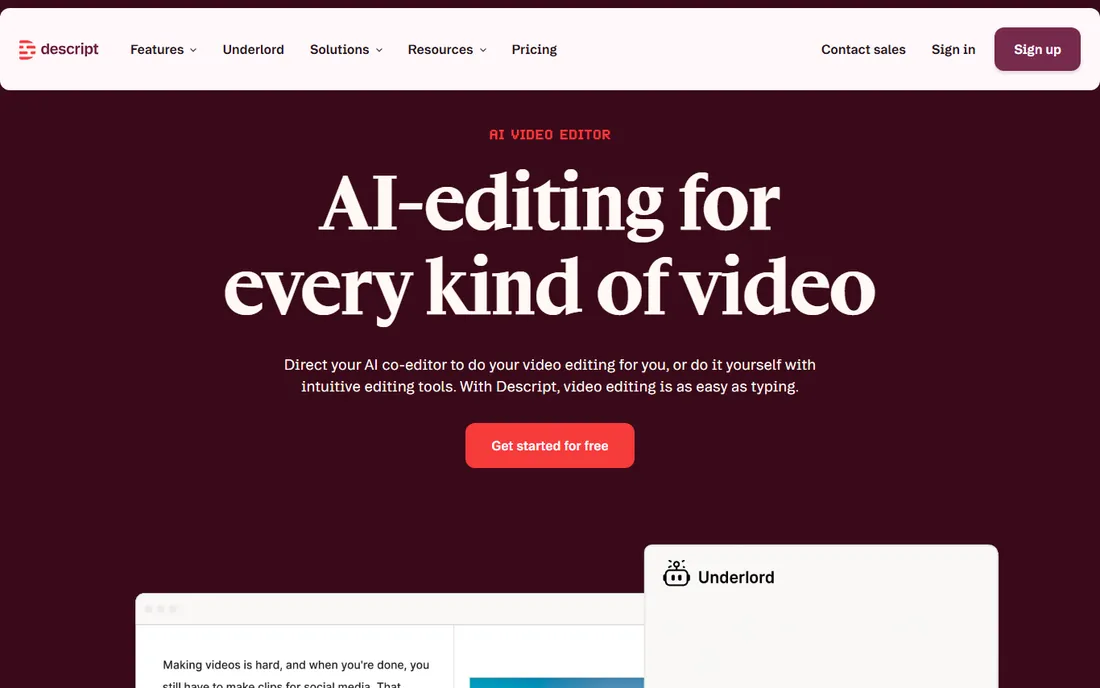
Descript changed podcast editing by treating audio like a document. You delete a sentence from the transcript and the audio follows, which makes cutting ums, tangents, and dead air feel like editing a draft instead of scrubbing waveforms. For podcasters, the workflow runs from recording through editing to publishing without leaving the app, and the AI features keep expanding: filler word removal, studio sound, eye contact correction for video, and an overdub voice that can regenerate flubbed lines in your own voice.
The Hobbyist plan at $16 per month on annual billing suits solo shows, with higher tiers adding transcription hours and team collaboration. A free plan exists for trying the core workflow. The honest tradeoff is ceiling and habit. Power users of traditional DAWs sometimes find Descript's timeline less precise for music and complex mixing, and the transcription-based approach means accuracy depends on audio quality. Export options are solid, with direct publishing to major podcast hosts and integrations for common workflows. Support runs through documentation, community, and ticketed help on paid plans.
What we like- True text-based editing of audio and video
- AI voices and overdub
- Screen recording and publishing built in
Watch out for- Learning curve on advanced features
- Transcription hours capped on lower plans
Starting price$24 per month (Pro, billed annually)
Free planFree trial
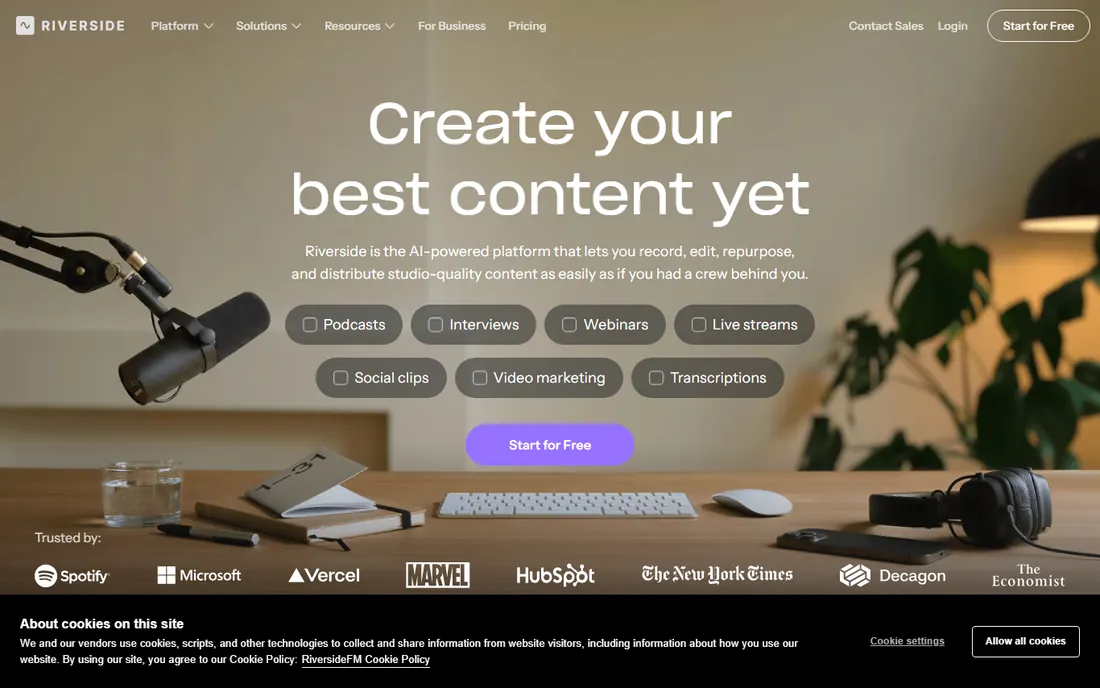
Riverside starts from the opposite end: capture first. Each guest's audio and video are recorded locally on their own device, then uploaded, so the final quality does not depend on anyone's internet connection. For interview podcasts and video shows, that design decision matters more than any editing trick. The platform then layers on AI editing: text-based cuts, silence removal, and tools that turn long recordings into clips.
Pricing starts at $24 per month on annual billing for Pro, or $29 month to month. There is a free trial but no permanent free tier, so budget from day one. Riverside fits hosts who record remote guests weekly and want files that need minimal rescue work. The editing side is improving but still thinner than Descript, which means complex narrative shows may still finish in a DAW. Integrations include direct export to editing tools and publishing destinations, and support is responsive on paid tiers.
What we like- Local recording per guest for maximum quality
- Video and audio in one session
- Growing AI editing tools
Watch out for- Editing is lighter than Descript
- $29 per month when billed monthly
#3
Async (formerly Podcastle)
Best for: Beginner-friendly AI studio
Visit async.com
Starting price$11.99 per month (Essential)
Free planYes
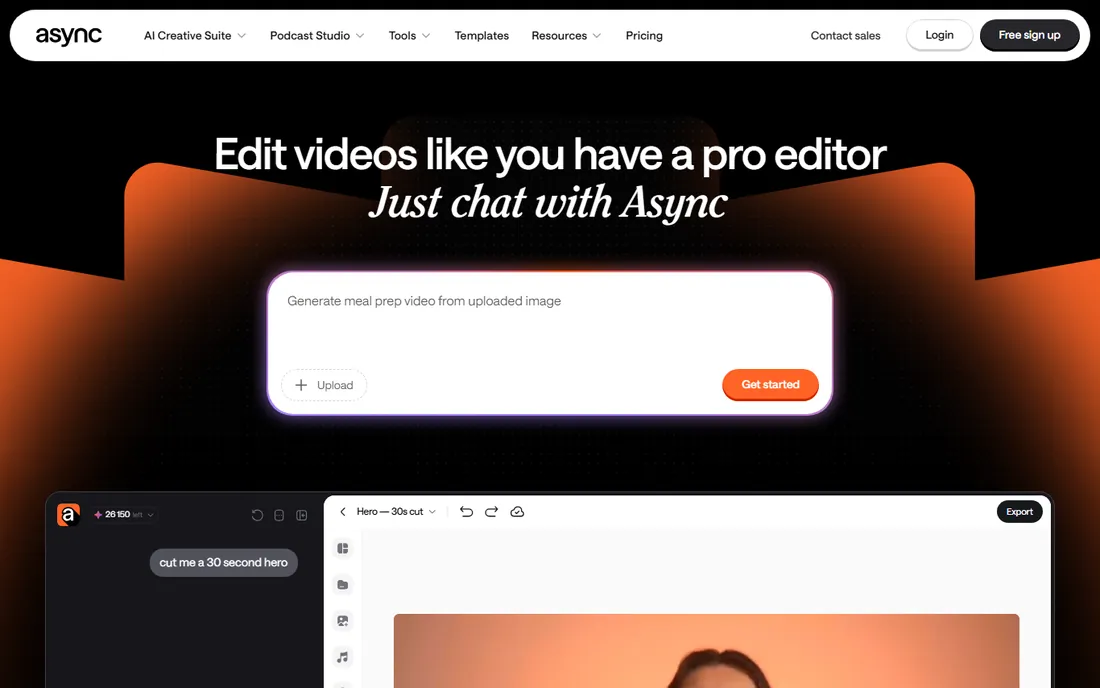
Podcastle rebranded to Async in early 2026, and the product kept its core promise: a browser-based studio where beginners can record, edit, and enhance a podcast without learning a DAW. The editor combines text and timeline views, one-click background noise removal, and a library of royalty-free music and AI voices for intros, ads, and translations. For a new podcaster, the distance from signup to published episode is short.
Essential starts at $11.99 per month, and the free plan is genuinely usable for testing the full workflow. That pricing undercuts most rivals, which is part of the appeal. The tradeoff is depth. Multi-track narrative editing, precise mixing, and advanced mastering are thinner here than in Descript or a traditional DAW. Teams should also note the rebrand is recent, so older tutorials and reviews reference the Podcastle name. Integrations and export cover the standard podcast pipeline, and support is ticket-based.
What we like- Very approachable interface
- AI voices and text-to-speech included
- Generous free plan
Watch out for- Rebrand still settling in
- Advanced editing depth trails Descript
Starting price$11 per month (S plan)
Free planYes (2 hours/month)
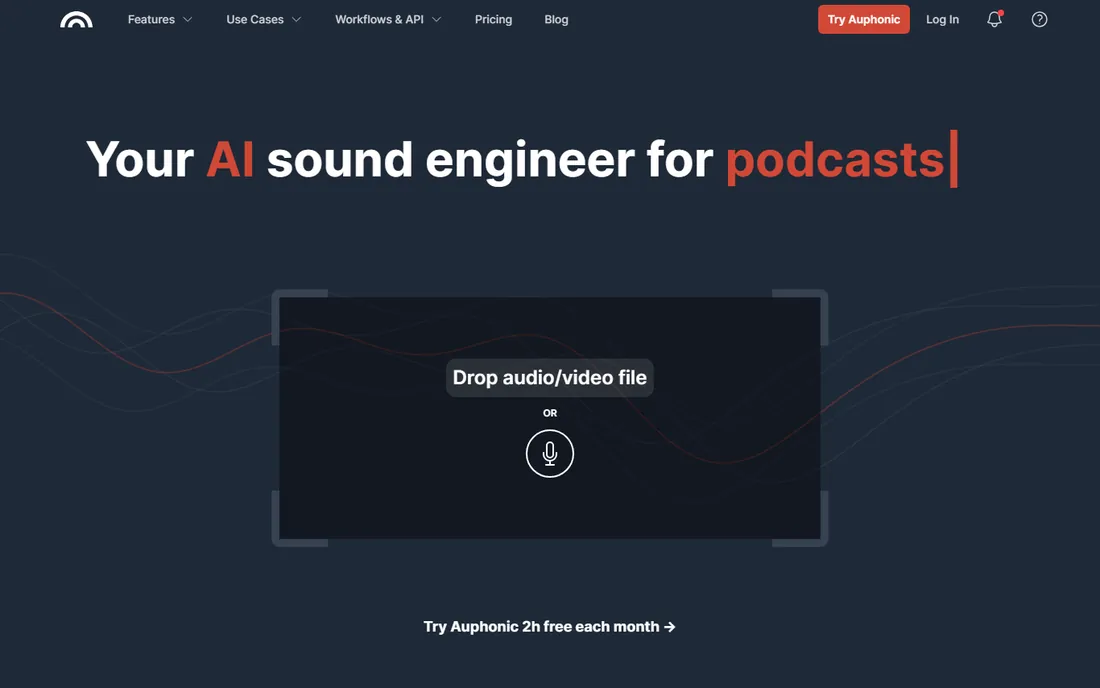
Auphonic does one job and does it well: it takes your finished edit and makes it sound broadcast-ready. Upload a file and the service applies loudness normalization, leveling between speakers, noise and hum reduction, and encoding to podcast specifications. The free tier processes 2 hours per month, which covers a weekly 30-minute show, and the S plan at $11 per month raises the allowance.
The distinction matters. Auphonic is not where you cut content; it is the final polish step before publishing. Many podcasters pair it with Descript or any DAW: edit for content, then run the mix through Auphonic. One-time credit packs suit irregular publishers who dislike subscriptions. Setup takes minutes since there is no timeline to learn, and the API plus integrations with common hosts allow automated workflows. Support is email-based and knowledgeable. The honest catch is simply scope: if you need an editor, look elsewhere on this list.
What we like- Excellent loudness and leveling automation
- One-time credits available
- Trusted by professionals
Watch out for- Not a full editor, it is a processing service
- Interface is utilitarian
Starting price$9.99 per month (Premium)
Free planYes
Adobe Podcast grew out of a research demo that went viral: upload noisy, echoey audio and get back something that sounds recorded in a treated room. Enhance Speech remains the headline feature, and at $9.99 per month for Premium, with a free tier for light use, it is the cheapest rescue tool on this list. The studio also includes recording, text-based editing, and mic check tools that grade your setup.
The fit is specific. If your recordings already sound good, you may not need this. If you record guests on laptop mics in kitchens, it can save episodes. The free tier limits processing time, which pushes regular publishers to Premium quickly. As part of Adobe's ecosystem, it pairs naturally with Audition and Premiere for video podcasts, though the web studio itself is where most podcasters will live. Support follows Adobe's standard channels. Treat it as a specialist: enhancement first, editing second.
What we like- Enhance Speech is strikingly good on bad recordings
- Familiar Adobe ecosystem
- Cheap entry
Watch out for- Full studio features need the paid tier
- Some tools still feel beta
Starting price$11 per month
Free planFree trial (30 minutes)
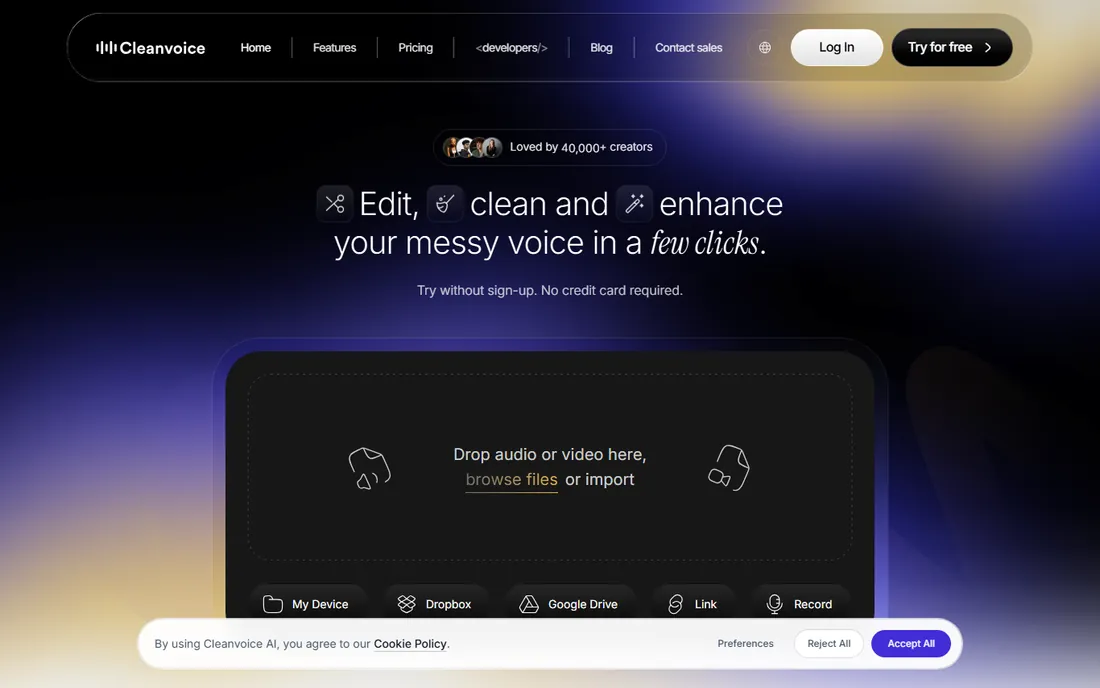
Cleanvoice targets the most tedious part of podcast editing: removing ums, ahs, stutters, lip smacks, and long pauses. Upload an episode and the AI flags every instance on a timeline, letting you approve removals in bulk. Support for multiple languages makes it useful for non-English shows, which many competitors handle poorly.
Pricing is $11 per month to start, with a 30-minute free trial and no free-forever tier. Heavy publishers should check the minute allowances on each plan, because long interview shows consume them fast. Like Auphonic, Cleanvoice is a processing step rather than a full editor; most users edit for content elsewhere, then run the audio through Cleanvoice before final mastering. Setup is minimal and exports are standard audio formats. Support is email-based. The value proposition is time: if filler removal eats two hours per episode, the subscription pays for itself.
What we like- Strong filler, stutter, and mouth-sound detection
- Multi-language support
- Simple workflow
Watch out for- No permanent free plan
- Per-minute pricing can add up on long shows
Starting price$15 per month (Creator)
Free planYes
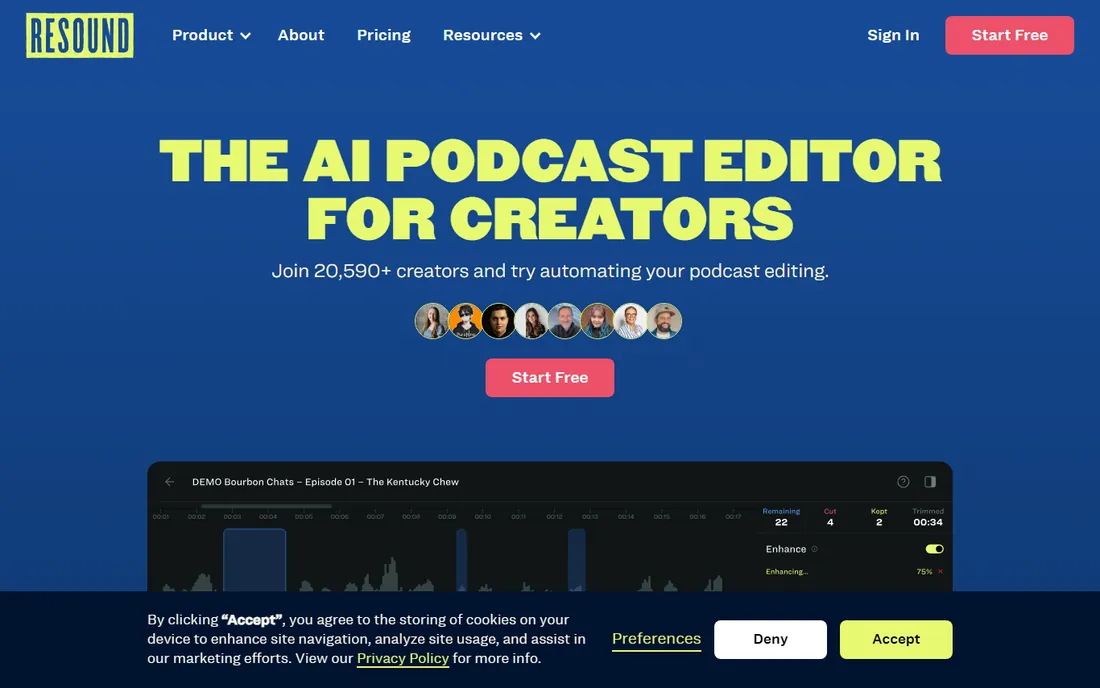
Resound's pitch is simple: upload your raw recording and get back a first draft with silences, filler words, and mistakes already cut. You review the suggested edits in a clean interface, adjust what the AI got wrong, and export. For solo podcasters and small teams, skipping the rough cut saves the least enjoyable hours of production.
The Creator plan starts at $15 per month, and a free plan lets you test the workflow. The honest caveat is that no AI draft is perfect; expect to spend 20 to 30 minutes reviewing a one-hour episode, especially with crosstalk or heavy accents. Resound does not try to be a recording studio or a publishing platform, which keeps it focused but means you will pair it with other tools. Integrations and export cover standard podcast formats, and support is responsive for a smaller company.
What we like- Generates a first-cut edit automatically
- Purpose-built for podcasts
- Easy to learn
Watch out for- Drafts still need human review
- Smaller feature set than all-in-one editors
Starting price$32 per month (billed annually)
Free planFree trial (7 days)
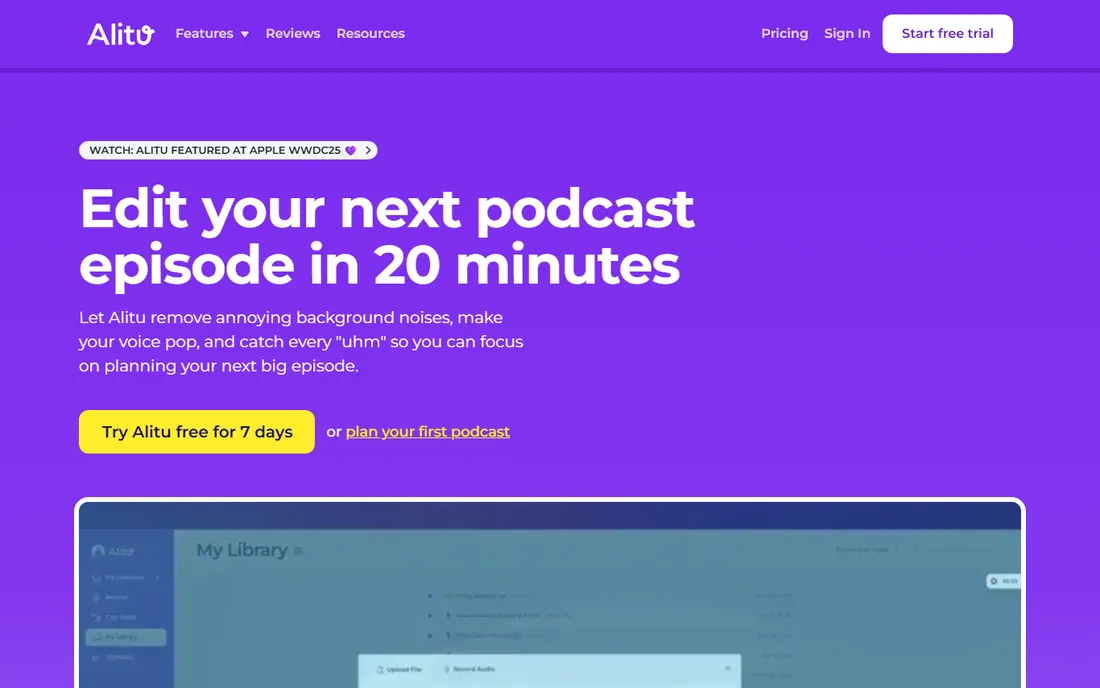
Alitu is the closest thing to hiring a producer. Upload your raw recordings, arrange the segments, and Alitu handles cleanup, leveling, music, transitions, and publishing. It even offers hosting, so a solo creator can run an entire show from one subscription. For business owners and educators who want a podcast without learning audio production, that hand-holding is the product.
The price reflects it: $32 per month on annual billing, or $38 month to month, with a 7-day trial and no free plan. That is the highest starting price here, and the tradeoff is control. Audio perfectionists will miss the fine-grained mixing of a DAW or Descript. But if the alternative is no podcast at all, Alitu's math works. Setup is guided, support includes onboarding help, and the company clearly understands non-technical users.
What we like- Handles the technical production for you
- Built-in hosting option
- Great for non-technical hosts
Watch out for- Most expensive on this list
- Less control over the final mix
Starting price$16 per month (Pro, billed annually)
Free planYes
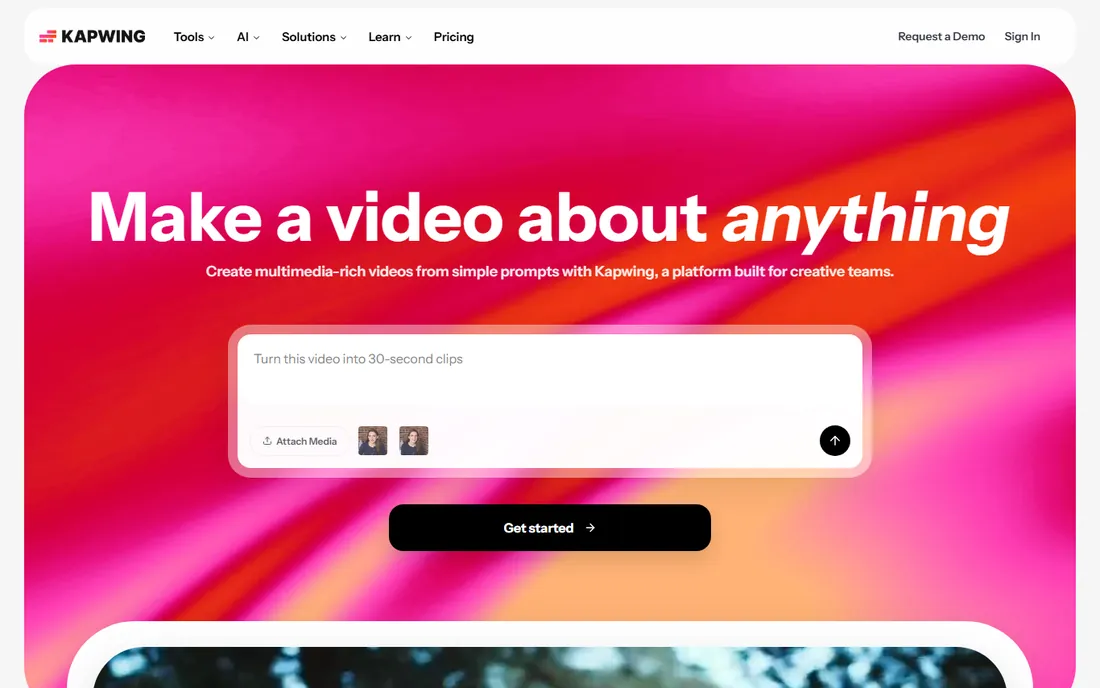
Kapwing earns its place for the growing share of podcasts that are also video shows. The browser-based editor handles full video podcast production: multi-track timelines, captions, silence removal, background cleanup, and AI clip generation that turns long episodes into vertical highlights for TikTok, Reels, and Shorts. A free plan covers experimentation, with Pro at $16 per month on annual billing removing watermarks and raising limits.
For pure audio podcasters, much of this is overkill, and the free plan's watermarked exports push serious users to paid tiers quickly. But if your distribution strategy includes YouTube and short-form video, Kapwing replaces two or three tools. Collaboration features suit small teams, setup is instant in the browser, and integrations cover cloud storage and publishing. Support is ticket-based with an extensive help center.
What we like- Strong video editing plus AI tools
- Clip generation for social
- Collaborative
Watch out for- Audio-only podcasters pay for video features they may not use
- Watermark on free exports
Starting price$8.99 per month (Starter)
Free planYes
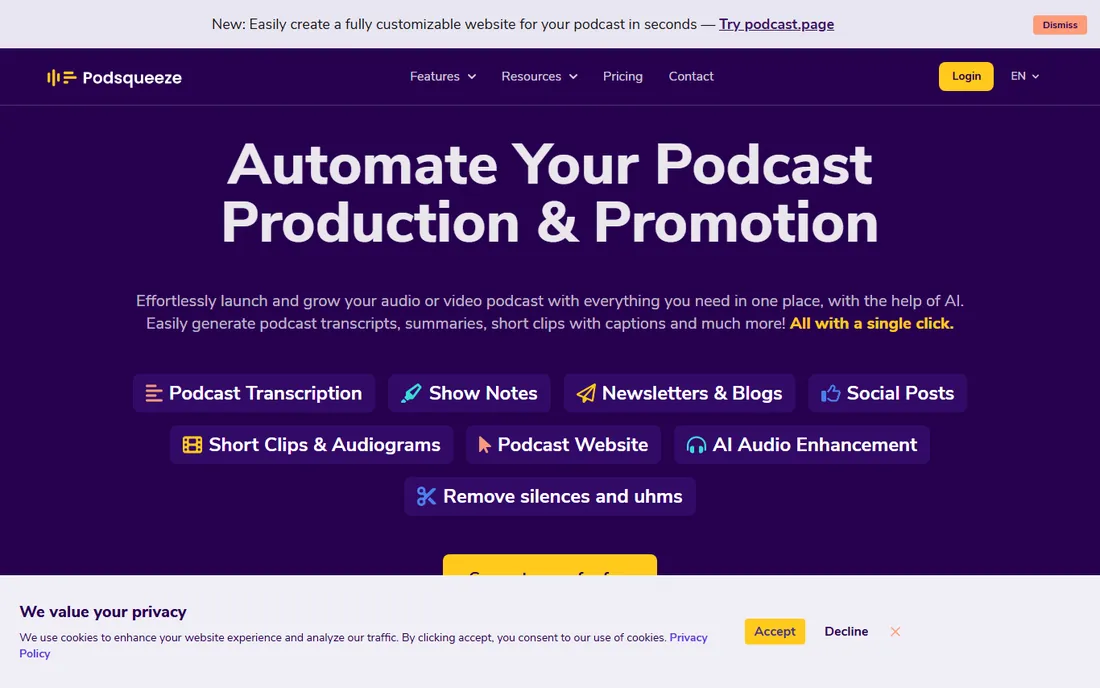
Podsqueeze sits at the end of the production line. Feed it a finished episode and it generates show notes, timestamps, chapters, audiograms, social posts, and newsletters. The Starter plan at $8.99 per month is the lowest paid entry here, and the free plan covers occasional use. For podcasters whose bottleneck is promotion rather than editing, this is the right tool.
It is not an audio editor in the Descript sense, so pair it with one of the editing tools above. Output quality tracks input quality: clean audio with clear speech produces usable show notes, while noisy crosstalk interviews need heavier review. Setup takes minutes, integrations include common hosts and automation platforms, and support is email-based. Used as intended, Podsqueeze turns one recording session into a week of content.
What we like- Cheapest paid plan on this list
- Generates show notes, chapters, and clips
- Fast turnaround
Watch out for- Focused on repurposing, not deep editing
- Accuracy depends on source audio
How we picked
We reviewed each vendor's current pricing page, documentation, and feature lists, then compared them against public reviews on G2, Capterra, and Trustpilot plus working podcaster discussions on Reddit. We favored tools with transparent pricing and a usable free tier or trial, and we weighted recording quality, editing approach, AI feature depth, and fit for different creator types, from solo beginners to interview shows to video podcasts. Placement was not sold, and we did not test-drive every product; the findings reflect publicly documented capabilities as of October 2026.
What to check before you buy
Decide whether you need recording, editing, or both
Riverside and Async bundle studio recording with editing, while Auphonic, Cleanvoice, and Adobe Podcast are processing tools that improve existing recordings. Buying a full studio when you only need cleanup, or a cleanup tool when you need to record remote guests, wastes money. Map your workflow first.
Check transcription and processing limits
AI podcast tools ration their most expensive features: transcription hours, enhancement minutes, or processed audio time. A weekly hour-long show needs at least four to five hours of monthly allowance. Check what happens when you exceed the cap, whether overage, throttling, or a forced upgrade, before you commit.
Test with your actual audio
Every tool here offers a free plan or trial. Run one real episode through it, including your worst-quality guest segment. Marketing demos use clean audio; your results depend on your microphones, rooms, and internet connections.
Confirm export and publishing paths
Check that the tool exports the formats your host needs, typically MP3 at your target bitrate, plus WAV for archiving. Direct publishing integrations save time, but a clean manual export works fine if you publish infrequently.
Recording quality vs editing power
The tools on this list split into two philosophies. Riverside, Async, and Adobe Podcast emphasize capture: the belief that great source audio beats any amount of AI repair. Descript, Resound, and Kapwing emphasize the edit: text-based cutting, automatic drafts, and repurposing that compress production time. In practice, most serious podcasters end up with one tool from each camp: a recorder that captures clean audio and an editor or processor that finishes it fast. Budget accordingly, and resist paying for two all-in-one platforms when a $9.99 enhancement tool plus a free editor would cover your actual workflow.
Frequently asked questions
What is the best AI podcast editing software overall?
Descript is the most complete option, combining text-based editing, AI voices, recording, and publishing from $16 per month with a free plan. Podcasters who prioritize remote recording quality should look at Riverside instead.
Can AI edit my podcast automatically?
Tools like Resound generate a first-cut edit automatically, and Cleanvoice removes filler words and pauses in bulk. Expect to review the results; a human pass of 20 to 30 minutes per hour of audio is still normal.
Is there free AI podcast editing software?
Yes. Descript, Async, Auphonic, Adobe Podcast, Resound, Kapwing, and Podsqueeze all offer free plans or tiers with usage limits. They suit testing and light publishing, but regular shows usually outgrow the caps.
Do I still need a microphone if I use AI enhancement?
Yes. Adobe Podcast's Enhance Speech can rescue bad audio, but it cannot create detail that was never captured. A decent USB microphone in a quiet room improves every tool on this list more than any software upgrade.
What is the difference between Descript and Riverside?
Descript is an editor first, with text-based cutting and publishing built around the edit. Riverside is a recorder first, capturing studio-quality local audio and video from remote guests, with editing layered on top.
How much does AI podcast editing software cost?
Most tools start between $9 and $16 per month on annual billing. All-in-one platforms like Descript and Riverside sit at the higher end, while specialists like Podsqueeze start under $10. Expect $30-plus for done-for-you services like Alitu.
Sources we checked (10)
- https://www.descript.com/pricing
- https://riverside.fm/pricing
- https://async.com/pricing
- https://auphonic.com/pricing
- https://podcast.adobe.com/pricing
- https://cleanvoice.ai/pricing
- https://resound.fm/pricing
- https://alitu.com/pricing
- https://kapwing.com/pricing
- https://podsqueeze.com/pricing
Is your product missing or out of date?
We review this list regularly. Vendors can request a listing, send updated pricing or ask about featured placement.

Shihab Mia · Founder, Rankite
Shihab has spent more than a decade helping SaaS and e-commerce brands grow through search. He writes Rankite's software buying guides from pricing pages, documentation and public user reviews. More about Shihab.