How we make this list: we compare pricing pages, product documentation and public user reviews. Ratings come from G2, Capterra or Trustpilot, with the date we checked them.
Key takeaways
- Sellers and course creators get the most purpose-built tooling from WebinarJam ($39/month billed annually for 100 attendees) and EasyWebinar ($44/month for 50 attendees, with a built-in CRM and checkout).
- Demio ($499/year for 50 attendees) and Livestorm (from $3.00 per attendee) are the strongest picks for marketing teams that want no-download browser rooms and clean CRM sync.
- GoTo Webinar (Reach at $59/month billed annually, 500 participants) is the veteran choice for training teams and multi-session conferences.
- Zoom Webinars, Webex Webinars and ON24 publish no usable starter price: budget a sales conversation, and for ON24 expect enterprise-level annual contracts.
Quick comparison
| Tool | Best for | Starting price | Free plan |
|---|
 WebinarJam WebinarJam | Coaches, consultants and course sellers running live sales webinars | $39/month (Starter, billed annually, 100 attendees) | No ($1 trial for 14 days) |
 Demio Demio | Marketing teams that want a no-download, interactive webinar room | $499/year (Starter, 50 attendees) | Free trial (14 days) |
 Livestorm Livestorm | B2B teams that want webinar pricing tied to real attendance | From $3.00/attendee (Pro) | Yes (limited free plan) |
 EasyWebinar EasyWebinar | Course creators and demand-gen teams running live plus automated funnels | $44/month (Launch, 50 live attendees) | Free trial (7 days) |
 GoTo Webinar GoTo Webinar | Training teams and companies running multi-session virtual conferences | $59/month per organizer (Reach, billed annually, 500 participants) | Free trial (7 days) |
 Zoom Webinars Zoom Webinars | Companies already standardized on Zoom Workplace | See website (attendee-tiered Webinars, Webinars Plus and Events plans) | No |
 Webex Webinars Webex Webinars | Large enterprises with strict security and compliance requirements | See website (custom pricing, contact sales) | No |
 ON24 ON24 | Enterprise B2B marketing teams running webinars as pipeline engines | See website (custom annual contracts) | No |
 ClickMeeting ClickMeeting | Trainers, educators and consultants who need automated and paid webinars | From $30/month (Live plan, 25 attendees) | Free trial (30 days, per reviewers) |
Is your product missing or out of date?
We review this list regularly. Vendors can request a listing, send updated pricing or ask about featured placement.
The wrong webinar platform costs you twice: once in the subscription, and again in the registrations that never show up because the join flow was clunky. The nine tools below cover the real spread of the market, from $39-a-month sales rooms to enterprise platforms sold by quote. Every one of them doubles as interactive video software, with polls, Q&A, chat and calls to action built into the viewing experience, so the comparison also works if you are shopping for interactive video rather than classic webinars.
#1
WebinarJam
Best for: Coaches, consultants and course sellers running live sales webinars
Visit webinarjam.com
Starting price$39/month (Starter, billed annually, 100 attendees)
Free planNo ($1 trial for 14 days)
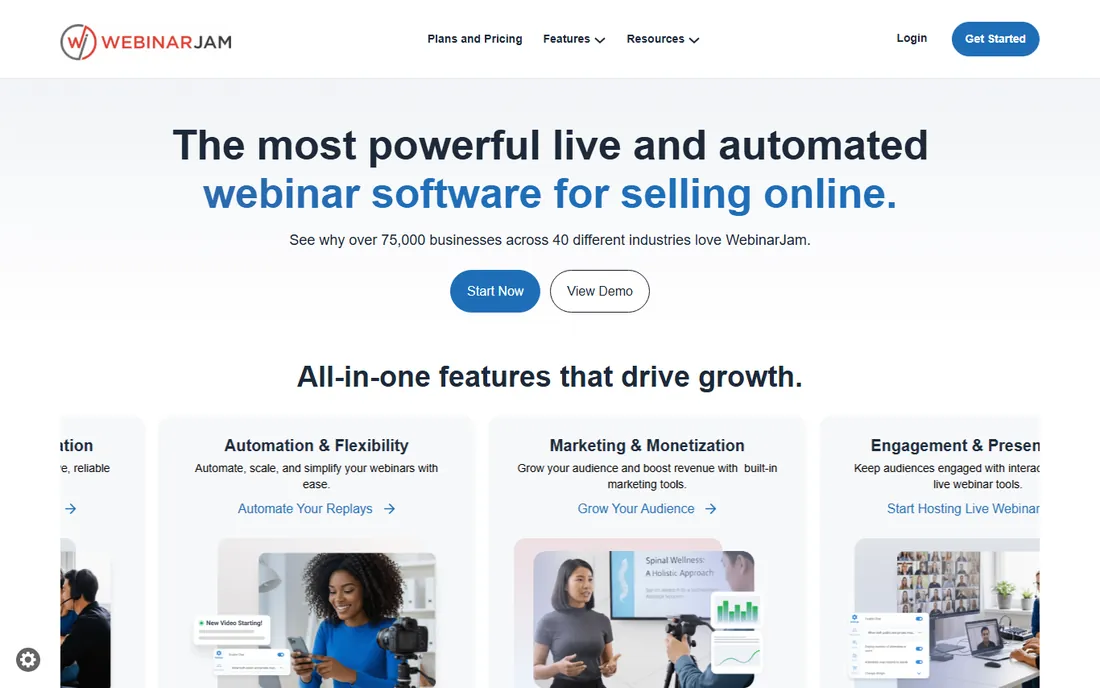
If your webinars exist to sell something, WebinarJam was built for you. The platform's whole identity is the live sales event: timed offer sidebars, countdown timers, one-click buy buttons inside the room, and a Panic Button that moves a failing session to a backup room mid-broadcast. Pricing is public and simple, from $39 a month billed annually for 100 attendees up to $379 for 5,000, with a $1 trial that runs 14 days at the 500-attendee Basic tier.
The structural catch is the two-product split. WebinarJam handles live; scheduled automated and evergreen delivery lives in EverWebinar, which is bundled from the Basic plan upward but missing on Starter. Session length is capped between one and four hours depending on tier, and reviewers note the platform can strain past 2,000 concurrent attendees. For a coach running weekly launches to a few hundred people, it is the most conversion-focused room on this list.
What we like- Purpose-built sales mechanics like timed offers and a Panic Button failover room
- Attendee caps up to 5,000 on Enterprise
- Session replays with built-in hosting included on every plan
Watch out for- Automated evergreen webinars need the sibling product EverWebinar (bundled from Basic up, not on Starter)
- Session length caps of 1 to 4 hours by plan
- No free plan, only the paid trial
#2
Demio
Best for: Marketing teams that want a no-download, interactive webinar room
Visit demio.com
Starting price$499/year (Starter, 50 attendees)
Free planFree trial (14 days)
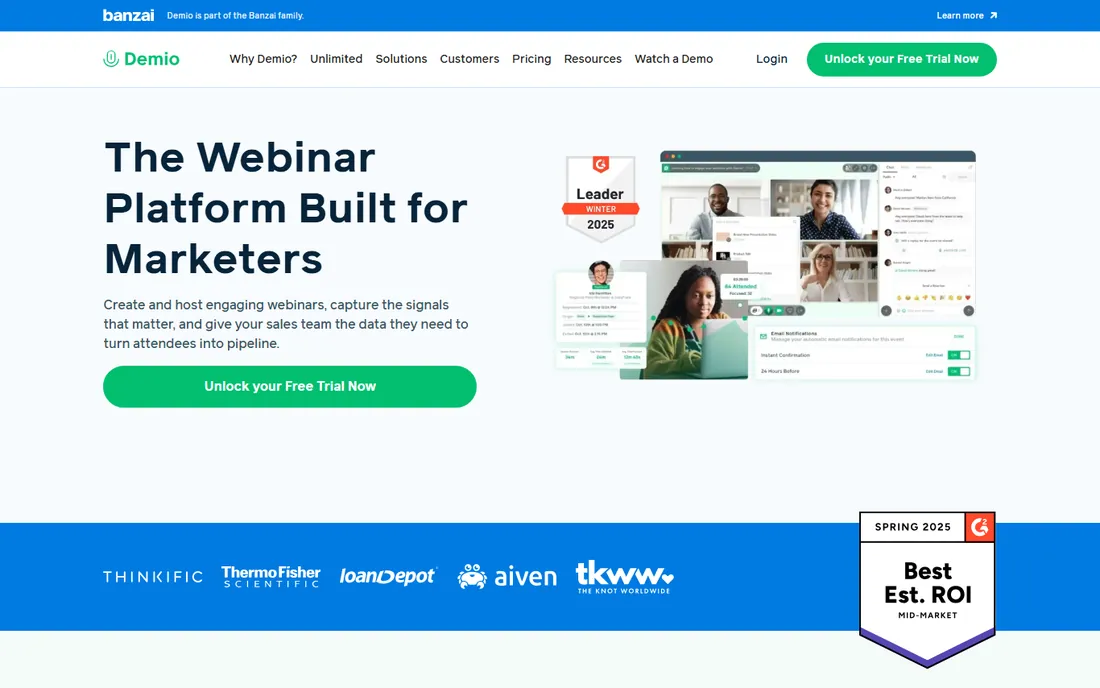
Demio is the marketer's webinar room. Everything runs in the browser, which removes the single biggest attendance killer in this category: the software download. The interface is clean enough that a solo marketer can build a first webinar in minutes, and the engagement toolkit (polls, featured actions, handouts, real-time chat with question tagging) is aimed squarely at keeping an audience active rather than just watching. Starter starts at $499 a year for 50 attendees; Growth begins at $899 a year for rooms up to 1,000; Premium starts at $3,300 a year for up to 3,000.
The honest trade-off is the pricing ladder. Demio gets expensive as rooms grow, and the features marketers actually want, custom domains, premium CRM integrations, 1080p streaming, live captions, sit on Premium. If you run small, frequent webinars and care about show-up rates more than production theatrics, the browser-only experience is worth the premium over cheaper rooms.
What we like- Fully browser-based for hosts and attendees, no downloads anywhere
- Live, automated and on-demand formats on one platform
- Strong native integrations with HubSpot, Salesforce and Marketo on higher tiers
Watch out for- Attendee caps climb in price quickly once you leave Starter
- Premium integrations and custom domains are Premium-only
- The email customization options are thinner than the room itself
#3
Livestorm
Best for: B2B teams that want webinar pricing tied to real attendance
Visit livestorm.co
Starting priceFrom $3.00/attendee (Pro)
Free planYes (limited free plan)
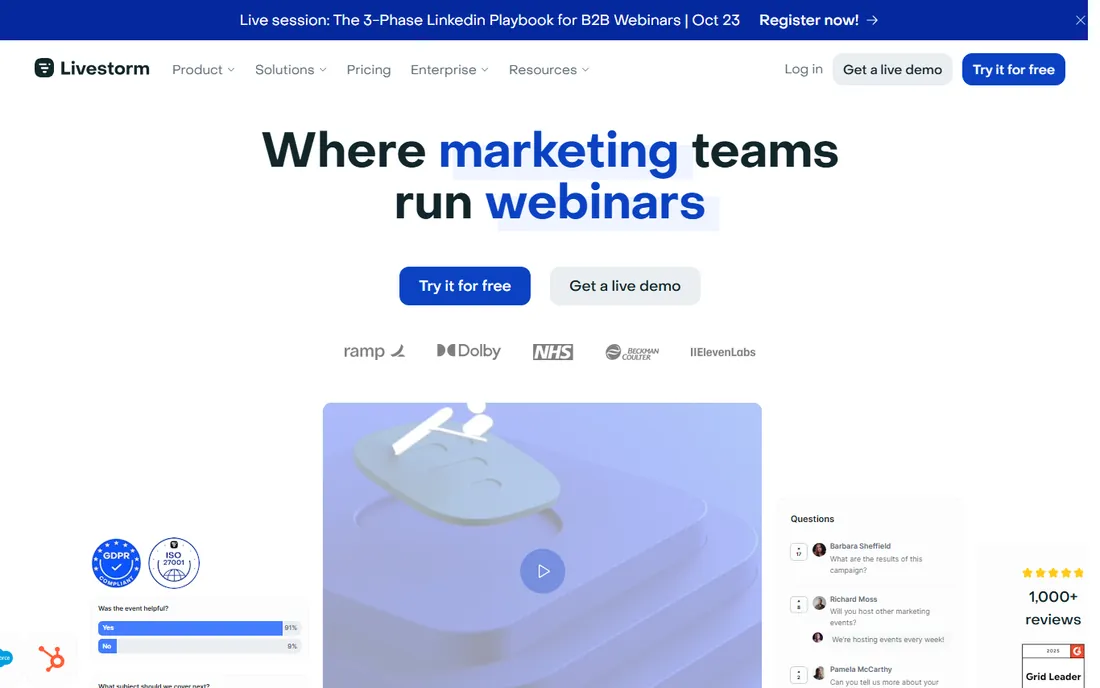
Livestorm charges for webinars the way your ad platforms charge for clicks: per attendee, from $3.00 each on Pro, with a limited free plan for testing. Hosts and no-shows are free, and team members are unlimited on every tier, which makes the math friendly for marketing teams where five people touch one event. The platform is 100 percent browser-based, hosts up to 3,000 live attendees, and carries EU hosting with ISO 27001 certification, a combination regulated-industry buyers notice.
The catch is the credit model at scale. A webinar that draws 500 people costs $1,500 in credits alone, so high-volume programs can outgrow Livestorm's pricing quickly. HubSpot sync is native on Pro, but Salesforce, Marketo and Pardot need Enterprise. For teams running a few strong webinars a month rather than daily sessions, the pay-for-attendance model is fairer than a flat fee sized for your biggest day.
What we like- Pricing follows actual attendance, so quiet months cost less
- Unlimited team members on every plan
- Native HubSpot sync on Pro with Salesforce and Marketo on Enterprise
Watch out for- Credit-based pricing gets expensive fast at scale
- Advanced CRM integrations are gated to higher tiers
- No just-in-time evergreen format
#4
EasyWebinar
Best for: Course creators and demand-gen teams running live plus automated funnels
Visit easywebinar.com
Starting price$44/month (Launch, 50 live attendees)
Free planFree trial (7 days)
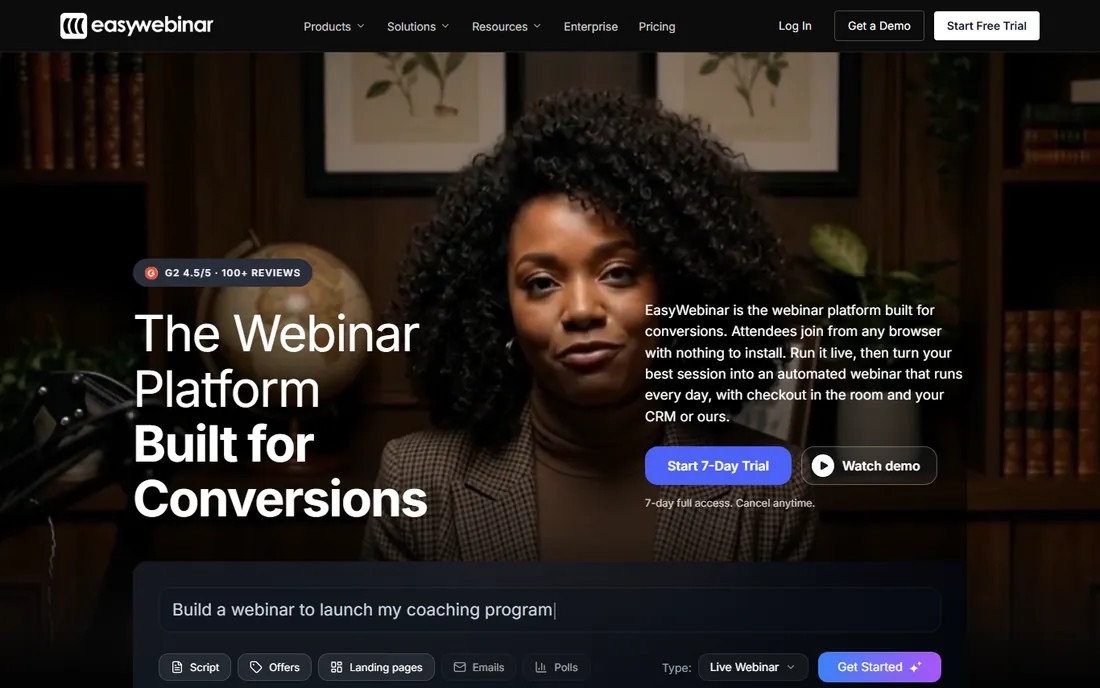
Course creators tend to land on EasyWebinar after outgrowing simpler tools. The pitch is consolidation: one subscription covers live launches, simulated-live replays with live chat, and evergreen funnels, plus a native CRM with lead scoring and an auto-dialer, in-webinar checkout, and multistreaming to YouTube, LinkedIn and Facebook. Launch starts at $44 a month for 50 live attendees; Growth at $116 is the first tier with automation; Pro and Scale run $198 and $349 for 500 and 1,000 attendees.
The thing to know before buying is that Launch is live-only, so anyone who wants automation starts at Growth. The platform does a lot, which means more setup than a clean single-purpose room, and the smaller review base means fewer peer references. For an operator who wants the webinar to be the sales process rather than feed a separate one, it replaces a stack of landing page, email, CRM and checkout tools.
What we like- Live, simulated live and evergreen formats on a single subscription
- Built-in EasyCRM with lead scoring plus in-webinar checkout
- EasyCast multistreaming to YouTube, LinkedIn and Facebook included
Watch out for- Launch tier has no automated webinars at all
- The broader feature set means a steeper learning curve than Demio or Livestorm
- The G2 review base is smaller than the leaders'
#5
GoTo Webinar
Best for: Training teams and companies running multi-session virtual conferences
Visit goto.com
Starting price$59/month per organizer (Reach, billed annually, 500 participants)
Free planFree trial (7 days)
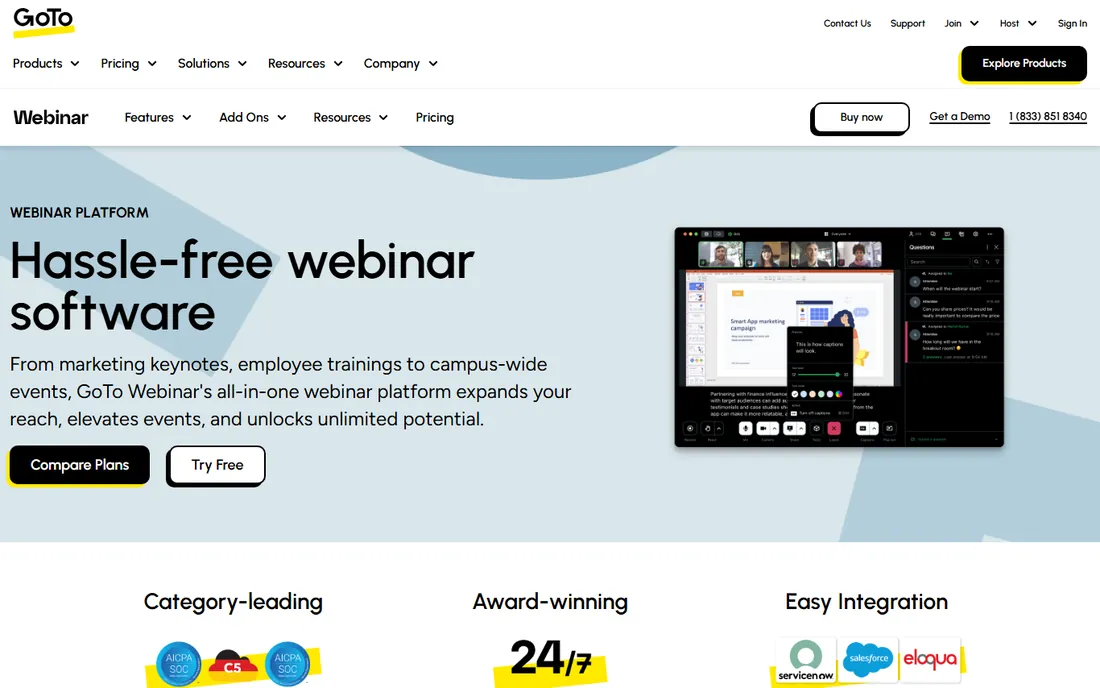
The oldest name on this list is also the least surprising. GoTo Webinar has been running corporate webinars since before most competitors existed, and it shows in the places that matter for training and compliance use: reliable large-room delivery, certificates of attendance, transcripts, and an on-demand library through GoToStage. Reach costs $59 a month per organizer billed annually for 500 participants; Elevate is $103 for 1,000; Complete is quote-based up to 3,000.
What you give up is modernity. The registration and funnel UX feels a generation behind, there is no just-in-time evergreen format, and pricing is strictly per organizer, so a two-host team doubles the line item on lower tiers. For internal training, town halls and multi-session conferences where reliability beats flash, it remains the safe corporate pick.
What we like- Decades of reliability with a huge installed base
- GoToStage on-demand library for hosting recorded event collections
- Simulive events and breakout rooms on higher tiers
Watch out for- The interface feels dated next to Demio and Livestorm
- Attendee capacity jumps force big price steps between tiers
- Second organizers and some integrations cost extra
#6
Zoom Webinars
Best for: Companies already standardized on Zoom Workplace
Visit zoom.com
Starting priceSee website (attendee-tiered Webinars, Webinars Plus and Events plans)
Free planNo
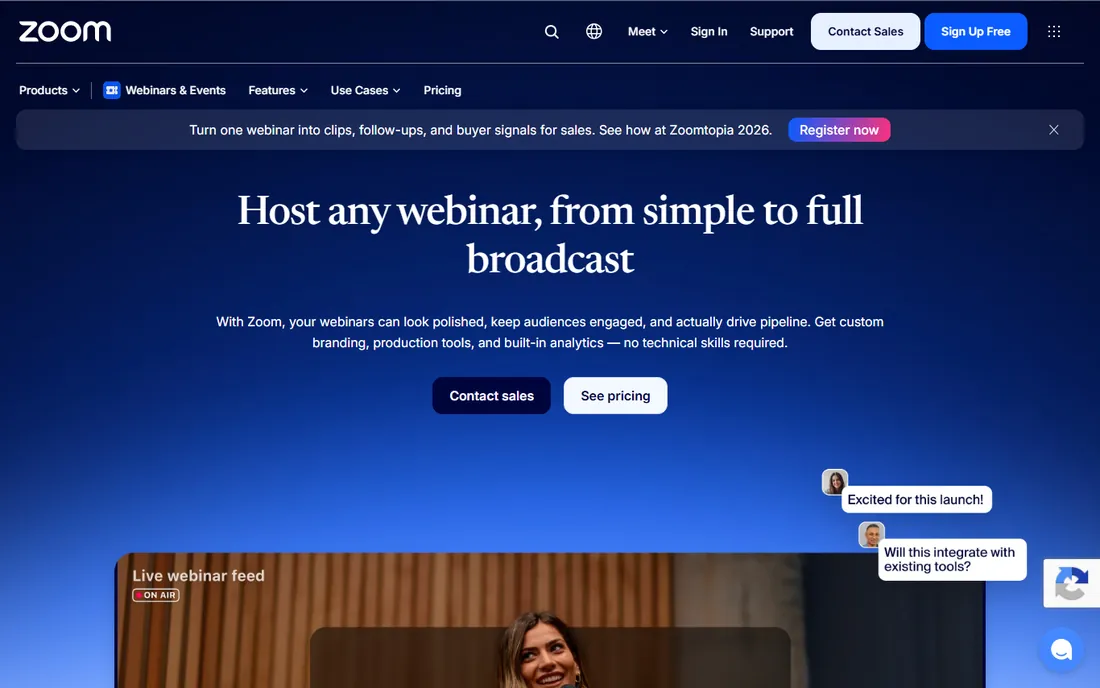
You already know Zoom, but the webinar product is a different animal from the meeting you use daily. Zoom now sells three things under this roof: standard Webinars, the newer AI-powered Webinars Plus with backstage areas and pro layouts, and full Events for multi-session conferences. All are priced by attendee tier, and rooms can scale to 100,000. Simulive lets you pre-record a session and broadcast it as if live, with real chat, polls and Q&A running alongside.
The confusion is the product's real cost. Standard Webinars requires a Zoom Workplace plan underneath it, and the two webinar products live on different interfaces with different feature sets, which Zoom does little to explain. If your company already pays for Zoom and your audience already has the app, the path of least resistance wins. If you are buying a webinar platform from scratch, the specialists above give you more marketing features per dollar.
What we like- Familiar interface means near-zero attendee training
- Scales to 100,000 attendees on the same infrastructure as Zoom Meetings
- Simulive lets pre-recorded sessions run with live chat and polls
Watch out for- Two confusingly similar products (Webinars and Webinars Plus) with different capabilities
- The standard product requires a separate Zoom Workplace subscription
- Branding and production controls lag the specialists
#7
Webex Webinars
Best for: Large enterprises with strict security and compliance requirements
Visit webex.com
Starting priceSee website (custom pricing, contact sales)
Free planNo
Cisco does not sell Webex Webinars the way everyone else sells webinars. There is no pricing page with tiers: you talk to sales, and the plan supports up to 100,000 attendees, unlimited webinars, 24-hour sessions, practice rooms, breakout rooms and unlimited cohosts. The compliance story is the strongest on this list, with FedRAMP authorization, HIPAA support, end-to-end encryption options and SOC 2 Type II, plus native Slido for advanced polling and real-time translation with simultaneous interpretation channels.
That is exactly the product a bank, hospital system or government-adjacent enterprise needs, and exactly the wrong product for a 20-person company. Expect a procurement cycle, not a credit-card signup, and budget accordingly. For regulated industries where security review decides the purchase, start here; for everyone else, start anywhere else on this list.
What we like- Up to 100,000 attendees with unlimited webinars on the plan
- Deep compliance stack including FedRAMP, HIPAA and SOC 2 Type II
- Native Slido polling and simultaneous interpretation built in
Watch out for- No public pricing at all, every deal goes through sales
- Overkill and overpriced for small teams
- The product leans corporate, with weaker funnel and monetization tooling
#8
ON24
Best for: Enterprise B2B marketing teams running webinars as pipeline engines
Visit on24.com
Starting priceSee website (custom annual contracts)
Free planNo
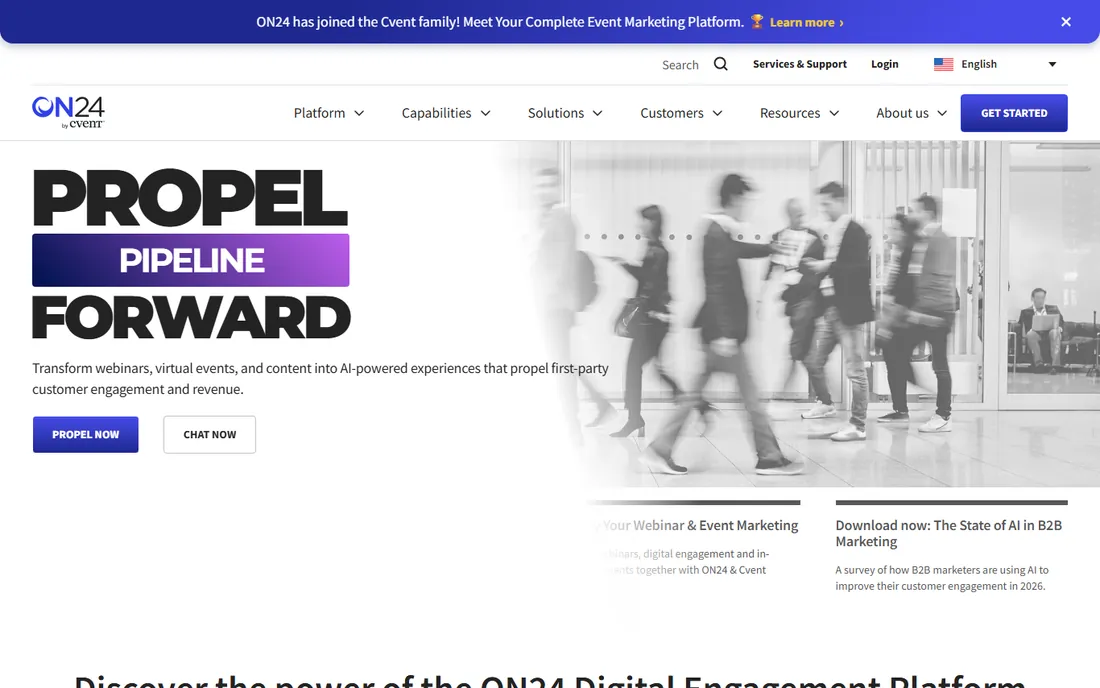
ON24 is the enterprise end of this market, full stop. Where other platforms report registrations and attendance, ON24 scores each attendee's engagement and pushes that data into Salesforce, HubSpot and Marketo so sales can act on it. The platform spans live webinars, simulive, virtual conferences, breakout sessions and always-on content hubs, with AI features that turn a recording into derivative content. Cvent acquired ON24 in April 2026, folding it into a larger events portfolio.
None of this comes with a price tag you can read. Contracts are custom, scoped by event volume and audience size, with third-party estimates ranging from tens of thousands to six figures a year. If your webinar program has to produce measurable pipeline and your buying process runs through procurement anyway, ON24 is the benchmark. Smaller teams should treat it as the thing to graduate into, not start with.
What we like- The deepest engagement analytics in the category, including per-attendee engagement scoring
- Always-on content hubs that keep webinars generating pipeline between events
- AI tools that repurpose recordings into ebooks, blogs and video clips
Watch out for- Quote-only pricing that lands at enterprise contract levels
- Heavier console with a longer deployment than the self-serve tools
- Overkill for teams running a handful of webinars a year
#9
ClickMeeting
Best for: Trainers, educators and consultants who need automated and paid webinars
Visit clickmeeting.com
Starting priceFrom $30/month (Live plan, 25 attendees)
Free planFree trial (30 days, per reviewers)
ClickMeeting is the European workhorse that the US market talks about too little. The Poland-based platform covers the full set: live webinars, automated webinars that run on schedule, on-demand replays, and paid webinars with payment processing built in, which makes it a natural fit for trainers and course sellers who charge per seat. Plans start around $30 a month for 25 attendees on the Live tier, with an Automated tier adding scheduled playback, auto-published recordings and follow-up emails.
The pricing model rewards careful sizing: every plan is priced by attendee count, so a growing audience means stepping up tiers. Storage, extra presenters and parallel events are add-ons rather than inclusions. A 30-day trial (per reviewer reports) gives you room to run a real event before committing. For education businesses that sell access to sessions, the paid-webinar tooling alone justifies a look.
What we like- Live, automated, on-demand and paid webinars on one platform
- Built-in monetization with payment integrations for ticketed events
- Strong education features like whiteboard, breakout rooms and certificates
Watch out for- Prices scale by attendee count, so growth raises the bill quickly
- The interface shows its age in places
- Advanced storage and parallel-event capacity cost extra as add-ons
Start with the job the webinar has to do. A weekly product demo for 30 prospects needs a clean browser room and good CRM sync; Demio or Livestorm fit. A launch webinar that must convert needs timed offers and checkout; WebinarJam or EasyWebinar fit. Company-wide training for 2,000 employees needs reliability and certificates; GoTo Webinar or Webex fit. Enterprise pipeline generation needs engagement data in the CRM; ON24 fits. Match the platform to the job and half the list eliminates itself.
Then price your real attendance, not your registration count. Most platforms tier by live attendees, and the gap between 100 and 500 attendees can triple the bill. WebinarJam's Starter caps at 100 live viewers; Demio's Starter at 50; Livestorm charges per head. If your list is 5,000 but 300 show up, you are buying the 300-attendee tier, not the 5,000 one. Model two scenarios, a normal event and your best-ever turnout, and buy the tier that survives both.
Check the join experience before anything else. Every download, plugin install or account creation between the invitation and the room costs you attendees. Browser-based platforms like Demio, Livestorm and EasyWebinar win here; Zoom wins differently, because the audience already has the app. Run a test event with a colleague on a locked-down corporate laptop and a phone, and watch where they get stuck. That ten-minute test tells you more than any feature grid.
Finally, read the automation story. If you plan to run the same webinar weekly, you want simulated-live or evergreen delivery: EasyWebinar includes it from Growth up, Demio from Growth, Livestorm covers scheduled automation but not just-in-time evergreen, and WebinarJam splits it into EverWebinar. Buying a live-only tool and discovering the automation gap later is the most common regret in this category.
Live webinars are the default, but they are also the most expensive format in staff time. They make sense for launches, announcements and anything where real-time interaction is the point. Every platform on this list does live well; the differences are room polish and engagement mechanics.
Automated webinars replay a recording on a schedule while keeping live chat, polls and offers running. They fit product demos, onboarding sessions and training that repeats weekly. EasyWebinar, Demio, Livestorm, ClickMeeting and WebinarJam (via EverWebinar) all cover this; GoTo Webinar covers simulive on higher tiers; ON24 covers simulive for enterprise programs. If your calendar has the same webinar every Tuesday, automation is not optional.
On-demand webinars are simply gated replays, and every platform here can host them. The strategic question is what the replay feeds: GoToStage and ON24's content hubs turn replays into libraries that generate leads for months, while most other platforms treat the replay as an afterthought. If your content has a long shelf life, weight the on-demand experience as heavily as the live room.
How we chose
We started with the searches buyers actually run: webinar platform, webinar software, best platform to host webinars and interactive video software. For each candidate we opened the vendor's own site, checked prices on the vendor's pricing page or official pricing posts, and cross-checked plans against public reviews on G2, Capterra and TrustRadius plus practitioner discussion on Reddit. Where a vendor publishes no price, we wrote "See website" rather than repeating third-party estimates as fact. We favored platforms with published pricing and a trial or free plan, and kept the enterprise quote-only tools that genuinely anchor the top of the market.
Frequently asked questions
What is the best platform to host webinars for small businesses?
Demio and Livestorm are the strongest small-business picks: browser-based rooms, published pricing, and trials that let you run a real event first. If the webinar must sell, WebinarJam's $39-a-month Starter or EasyWebinar's $44 Launch tier add conversion tooling the others lack.
How much does webinar software cost?
For rooms under 100 attendees, expect $39 to $59 a month: WebinarJam Starter ($39 billed annually), EasyWebinar Launch ($44), Demio Starter ($499 a year), GoTo Webinar Reach ($59 billed annually). Livestorm's per-attendee pricing starts at $3.00 each, which suits occasional events. Enterprise platforms (Webex, ON24) are quote-only.
Do attendees need to download software to join a webinar?
It depends on the platform. Demio, Livestorm, EasyWebinar, GoTo Webinar, ON24 and ClickMeeting all run fully in the browser with no download. Zoom Webinars works best with the Zoom app, though browser join is available. This matters: every required download reduces show-up rates.
What is the difference between live and automated webinars?
A live webinar happens in real time with a live presenter. An automated (simulated-live or evergreen) webinar replays a recording on a schedule while chat, polls and offers still run live. Automated formats suit repeating demos and training; use live for launches and anything where real interaction is the point.
Can I run paid webinars and sell tickets?
Yes. ClickMeeting has built-in payment processing for ticketed events, EasyWebinar offers in-webinar checkout and ticketed access, and WebinarJam supports buy buttons inside the room. Webex Events (the sibling of Webex Webinars) also supports ticketing for larger events.
Which webinar platform is best for lead generation?
The ones that push engagement data into your CRM: Livestorm (native HubSpot sync on Pro), Demio (HubSpot, Salesforce, Marketo), EasyWebinar (built-in CRM with lead scoring), and ON24 (per-attendee engagement scoring into Salesforce, HubSpot and Marketo) at the enterprise end.
Sources we checked (11)
- https://webinarjam.com/blog/webinarjam-pricing-plans-features-roi-2026/
- https://www.demio.com/blog/zoom-webinar-alternatives
- https://livestorm.co/webinar-software-comparison/gotowebinar-vs-on24
- https://easywebinar.com/blog/demio-alternatives/
- https://www.goto.com/webinar
- https://www.zoom.com/en/products/webinars/
- https://pricing.webex.com/gi/en/hybrid-work/webinars/all-features/
- https://www.on24.com/
- https://clickmeeting.com/
- https://www.g2.com/categories/webinar
- https://www.capterra.com/webinar-software/
Is your product missing or out of date?
We review this list regularly. Vendors can request a listing, send updated pricing or ask about featured placement.

Shihab Mia · Founder, Rankite
Shihab has 5+ years in B2B and SaaS SEO. He writes Rankite's software buying guides from pricing pages, documentation and public user reviews. More about Shihab.