How we make this list: we compare pricing pages, product documentation and public user reviews. Rankite is independent; if a vendor ever pays for a featured spot, that listing is clearly labeled Partner.
Key takeaways
- Touchpix is the dedicated 360 specialist at $439.90 per year, with GoPro support that phone-based rivals cannot match.
- Snappic's 360 VideoFX engine produces the premium slow-motion clips clients pay extra for, but it sits on the $189 per month Business tier.
- LumaBooth at $19.99 per month is the cheapest credible entry point; Curator Live is the only option here with a genuine free tier.
- Per-event pricing (from $29 with Snappic or Curator Live) beats a subscription if you run fewer than two events a month.
- Selfie 360's $349 one-time Windows license pays for itself within months for fixed-location installations.
Quick comparison
| Tool | Best for | Starting price | Free plan |
|---|
 Touchpix Touchpix | Businesses built around 360 booths | $439.90 per year (PhotoPass) | Free trial |
 Snappic Snappic | Operators running several booth types | From $29 per event (pay-per-event); monthly plans available | Free trial |
 Booth.Events Booth.Events | Branded 360 experiences with fast setup | $49 per month (Basic) | Free trial |
 LumaBooth LumaBooth | Budget iPad 360 capture | $19.99 per month (Apple app subscription, 2 devices) | No |
 Curator Live Curator Live | Testing 360 software before paying | From $29 per event | Yes |
 ChackTok ChackTok | 360-first operators who want hardware control | From $21.99 per week | No |
 Fiesta Fiesta | Operators on Photobooth Supply Co hardware | $49 per month (Plus); $99 per month (Pro) | Free trial |
 Selfie 360 Selfie 360 | Operators who want a one-time license | $349 one-time (1 device, lifetime) | No |
 Simple Booth HALO Simple Booth HALO | iPad fleets billed per device | See website | See website |
Is your product missing or out of date?
We review this list regularly. Vendors can request a listing, send updated pricing or ask about featured placement.
The best 360 booth software
Starting price$439.90 per year (PhotoPass)
Free planFree trial
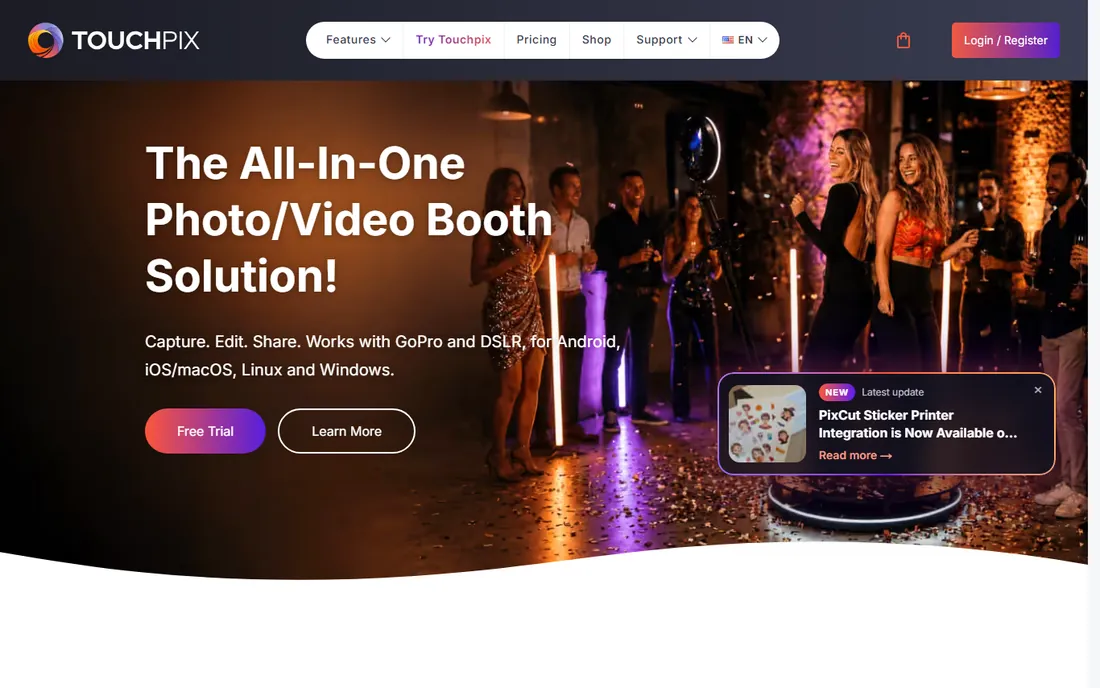
Nobody else on this list is as single-minded about 360 as Touchpix. The spinner mode was designed around the rotating platform workflow from the start: slow-motion timing, animated overlays and music are built in rather than bolted on. GoPro connectivity, wired or wireless, delivers noticeably better footage than a phone camera in dark reception halls, and the app runs on everything from iPhones to Raspberry Pi.
The pricing is annual only. PhotoPass at $439.90 per year covers photo sessions; 360 video, slow motion and boomerangs need the MultiPass tiers above it. Touchpix reports over 500,000 events powered and holds a 4.8 App Store rating across thousands of reviews. Run the free trial at a real event before committing to a year, and confirm exactly which tier your 360 workflow requires, because the entry tier does not include video.
What we like- Dedicated 360 spinner mode with GoPro 7 through 13 support
- Runs on iOS, Android, Windows, macOS and Linux
- Offline capture with internet-free sharing
Watch out for- Annual-only licenses starting at $439.90
- Video features need the higher MultiPass tiers
- App store reviews mention pricing complaints
Starting priceFrom $29 per event (pay-per-event); monthly plans available
Free planFree trial
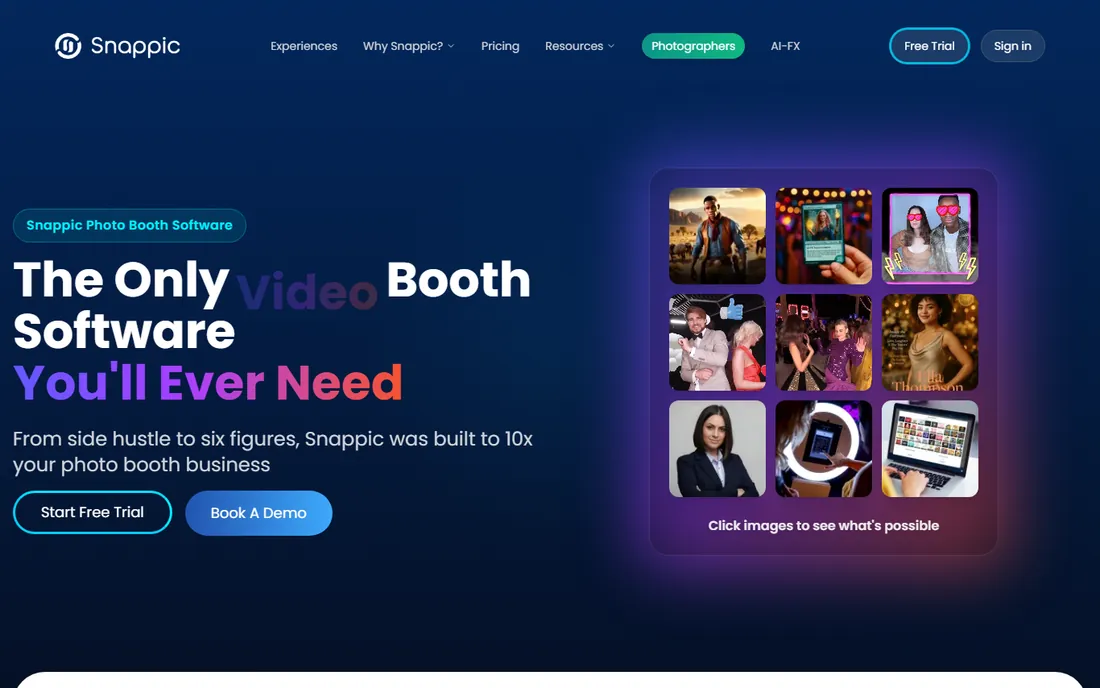
Snappic is the platform play: one account for every booth you own, with 360 treated as a first-class citizen. The VideoFX engine creates the ramped slow-motion 360 clips that justify premium booking rates, and the same subscription can also drive iPad booths, mirror booths and Glambot-style robot arms. That flexibility matters when a wedding one weekend is followed by a brand activation the next.
A single event costs $29 for 48 hours, which is a cheap way to test the platform at a real gig. Regular operators should price the monthly plans, keeping in mind that 360 VideoFX lives on the $189 per month Business tier. Snappic reports more than 100,000 events run on the platform, and the 14-day free trial gives full access before any payment. Budget carefully: the per-event model is friendly for occasional use and punishing for weekly operators.
What we like- 360 VideoFX engine for cinematic slow-motion
- One account runs iPad, DSLR, mirror and robot booths
- 24/7 support on paid plans
Watch out for- 360 VideoFX requires the Business tier at $189 per month
- Per-event pricing adds up for frequent operators
- Template editor takes time to learn
Starting price$49 per month (Basic)
Free planFree trial
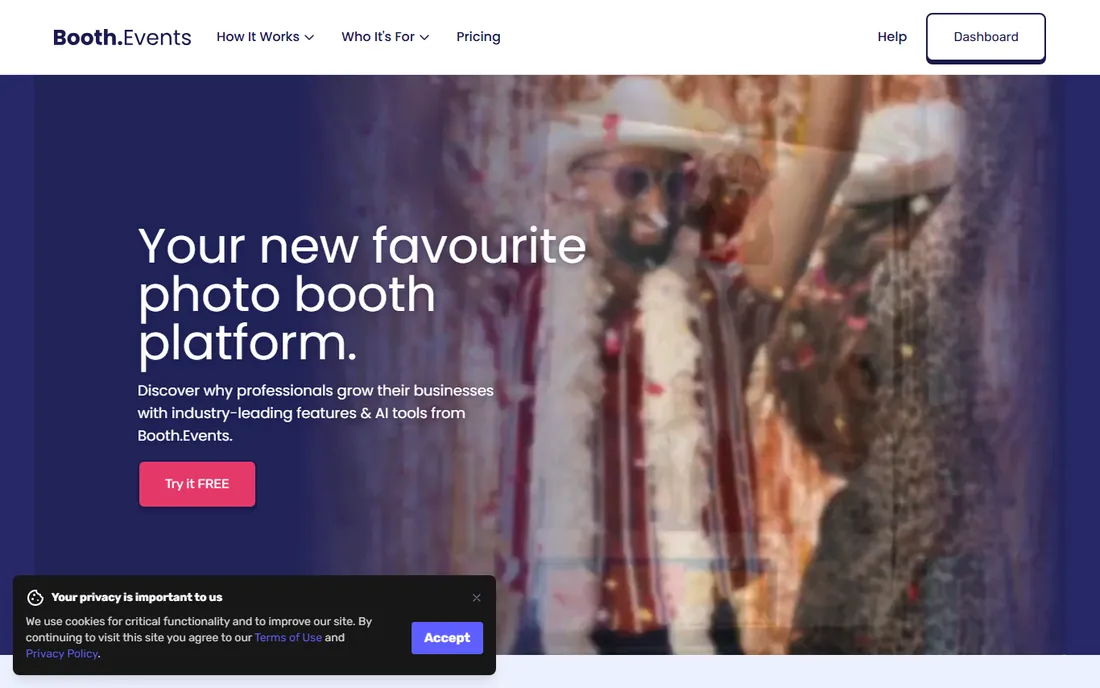
Booth.Events wins on setup speed. Events are built directly on the iPad, templates and branding apply in minutes, and the 360 spinner mode captures without a long configuration session. For operators stacking back-to-back weekend events, that speed converts directly into money.
Basic at $49 per month includes all capture types; higher tiers add AI features, data capture and white-label options. Review data highlights the template and branding workflow, which is what corporate clients actually judge alongside the footage. The free trial runs the full workflow before you pay anything. The main limitation is hardware scope: this is an iPad-first product, so operators invested in DSLR rigs should look at Snappic or LumaBooth instead.
What we like- 360 spinner mode with event setup directly on the iPad
- Strong template and branding workflow
- Works offline without pre-planning
Watch out for- IPad-centric, less suited to DSLR rigs
- AI features add usage costs
- Smaller company than Snappic or Touchpix
Starting price$19.99 per month (Apple app subscription, 2 devices)
Free planNo
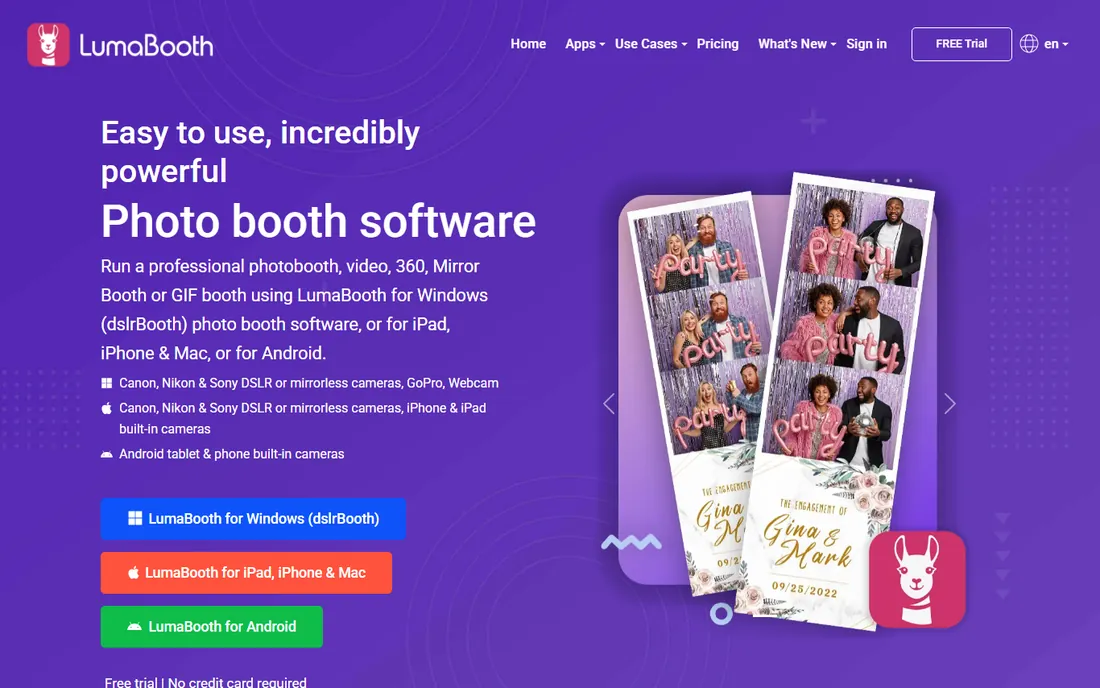
LumaBooth is the cheapest way into credible 360 capture. At $19.99 per month through the App Store (about $18 direct), one subscription covers two devices running photo, 360, glam and green screen booths, plus a sharing station app. The 360 mode includes slowed and sped-up clips, animated overlays and MP3 soundtracks, and it even supports Canon, Nikon and Sony cameras for operators who outgrow the iPad.
Everything is configured on the iPad, with no web dashboard, so managing multiple devices is manual. Review data rates it highest in the category for ease of use while consistently noting the dated interface. There is no free tier, so you are paying from day one. For a solo operator launching a 360 side business on a tight budget, this is the lowest-risk paid entry available.
What we like- Lowest monthly price with native 360 support
- 240fps slow-motion on recent iPads
- Works with Canon, Nikon and Sony cameras
Watch out for- No free tier and no watermark-free output without paying
- No web dashboard for remote event management
- Interface feels dated
Starting priceFrom $29 per event
Free planYes
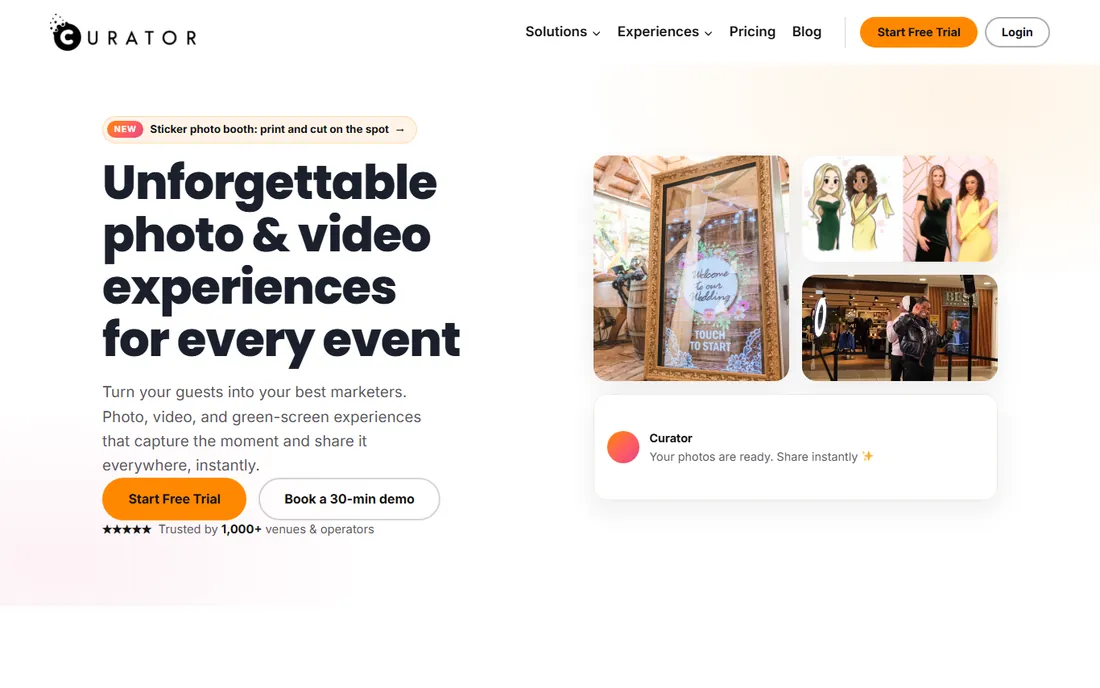
Curator Live is the only 360-capable option here with a real free tier, which makes it the natural place to learn the 360 workflow, train staff, or run a favor event for a friend. The 360 mode covers the essentials: video capture with effects, guest sharing and gallery delivery. Paid plans start at $29 per event, with monthly and annual options for regulars.
It will not match Snappic's VideoFX or Touchpix's GoPro integration for premium work, and the smaller user base means fewer YouTube tutorials when you get stuck. Review signals show unusual strength in customer support relative to the company's size. Start here if you are unsure the 360 business is for you, and upgrade once bookings justify a bigger platform.
What we like- Genuine free tier for learning the workflow
- 360 capture with GIFs, boomerangs and video
- Per-event pricing for occasional operators
Watch out for- Smaller user base means fewer tutorials
- Feature depth trails the bigger platforms
- Support resources are thinner
Starting priceFrom $21.99 per week
Free planNo
ChackTok goes further than capture software on supported rigs: the app can control rotation speed, rotation direction, shooting duration and lighting effects from the event screen. That hardware integration is the reason to choose it, and review analysis gives it the clearest 360 and video signal in the category, ahead of generalist apps.
Pricing starts at $21.99 per week, with monthly and yearly options plus hardware bundles for operators buying the full rig. The weekly plan is useful for testing but punishing as a long-term rate, so budget on the monthly or yearly figure. Confirm your 360 platform is on the supported list before committing, since the hardware control only works with compatible booths. Without that integration, cheaper options cover the same capture features.
What we like- Strongest 360 and video review signal among booth apps
- Controls rotation speed and direction on supported hardware
- IOS and Android apps
Watch out for- Hardware control only works with supported booths
- Weekly pricing gets expensive fast
- Account and location access required
Starting price$49 per month (Plus); $99 per month (Pro)
Free planFree trial
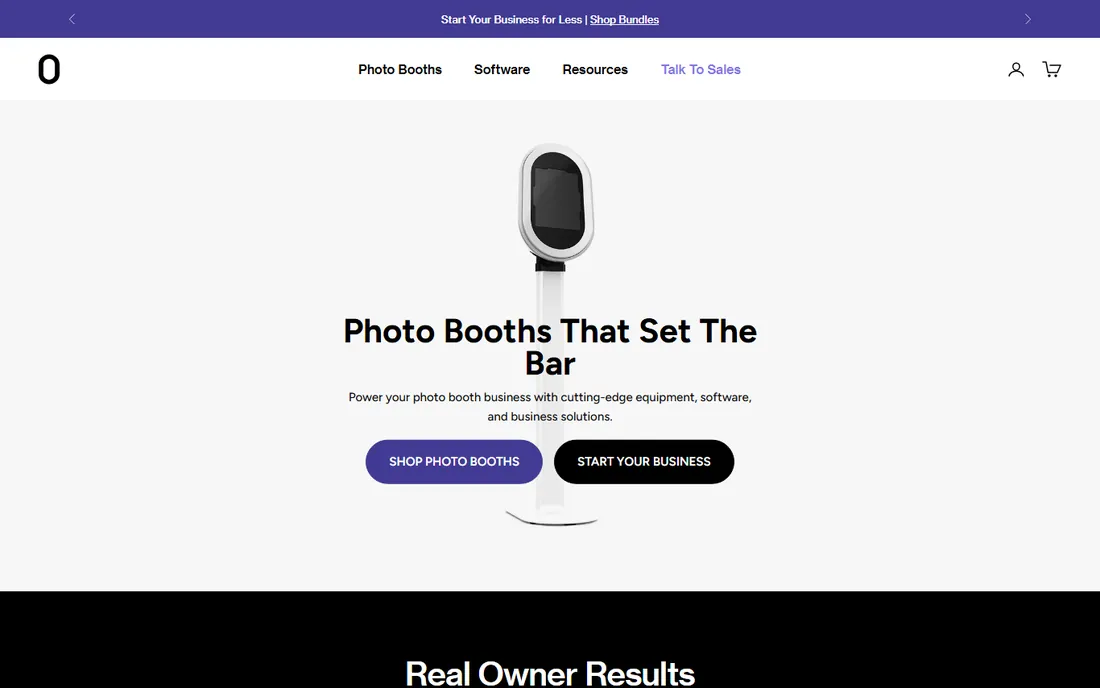
Fiesta is the house software for Photobooth Supply Co, and the integration shows. Salsa booths pair with the app out of the box, 360 video is supported, and the dashboard handles real-time event monitoring and live galleries. For operators who bought into the PBSCO hardware ecosystem, this is the natural software choice.
Plus costs $49 per month and Pro $99 per month, with analytics and advanced features reserved for Pro. It runs on independent iPad setups too, but the value proposition is strongest alongside the hardware. Review patterns show more pricing and stability complaints than rivals earn, so run the free trial hard at a real event before subscribing, and watch how the app behaves under a full guest load.
What we like- Purpose-built for PBSCO booths with 360 video support
- Real-time event management and live galleries
- Analytics on the Pro tier
Watch out for- Best experience tied to PBSCO hardware
- Plus tier lacks advanced analytics
- App store reviews show stability complaints
Starting price$349 one-time (1 device, lifetime)
Free planNo
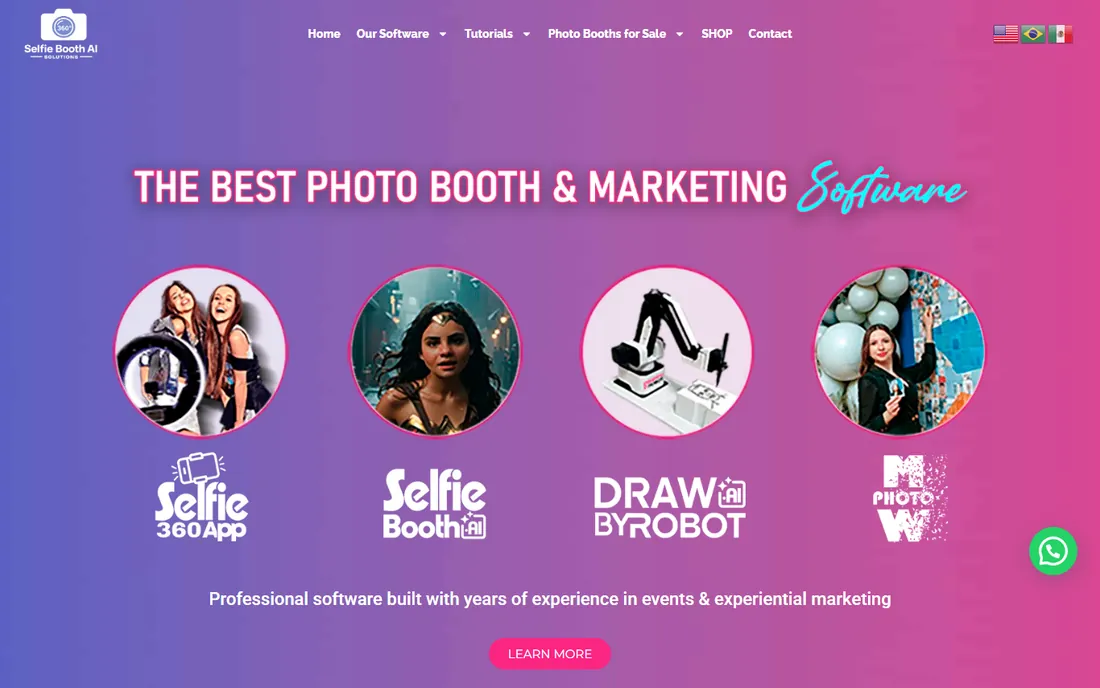
Selfie 360 exists for operators who hate subscriptions. The Windows version costs $349 once for a lifetime license on one PC, with no internet required at the event. The feature set covers the 360 essentials: slow-motion and ramping, video effects, animated overlays, QR sharing and an online gallery.
Note the fine print: the lifetime deal applies to the Windows build only, while the iPhone and GoPro version runs on a monthly subscription. As a smaller vendor, support and update cadence trail the bigger platforms. For a fixed-location 360 setup running on a PC, the one-time price can pay for itself within a few months compared with subscription alternatives, and there is no renewal to forget.
What we like- Lifetime license with no monthly fees
- Works with iPhone and GoPro
- Offline Windows version available
Watch out for- Smaller vendor with less support infrastructure
- Feature updates slower than subscription rivals
- IOS version is subscription-based
Starting priceSee website
Free planSee website
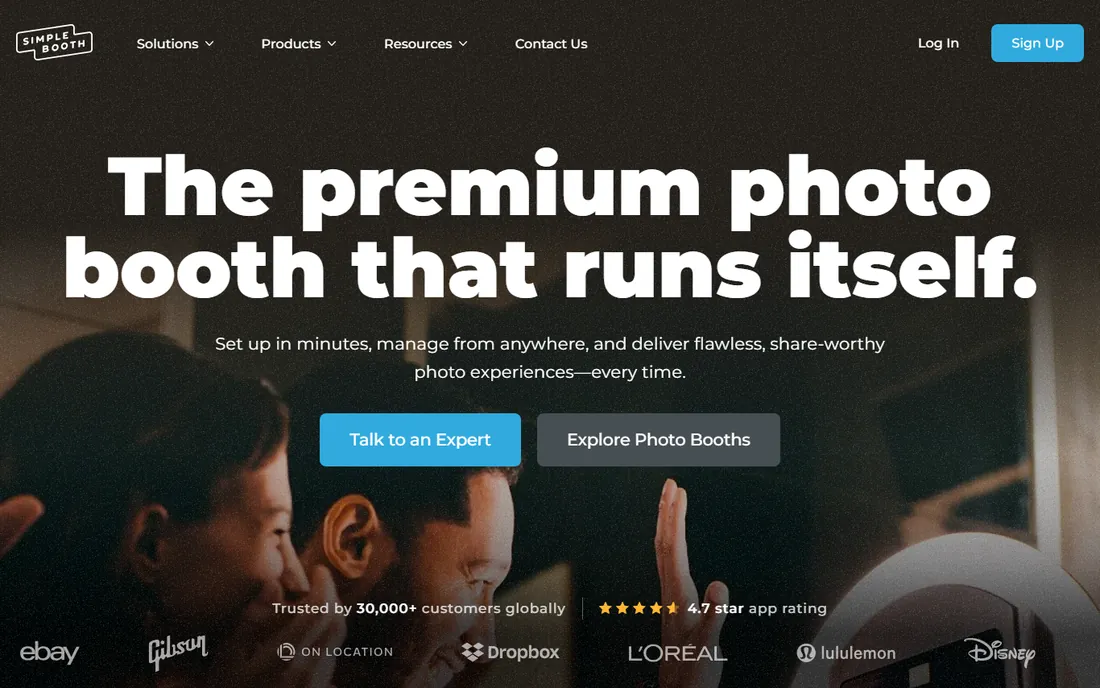
Simple Booth is a long-established iPad booth software company, and HALO is its 360 offering. The per-device pricing model is the attraction: operators running several iPads can predict costs per unit instead of wrestling with tiered feature gates. The 360 capture covers the expected basics, animated overlays and guest sharing to phones.
The honest limitation is transparency. Pricing and plan details are hard to pin down without contacting the vendor, which is why both fields read "See website" here. The 360 feature set also trails the dedicated specialists like Touchpix and ChackTok. This pick makes most sense for operators already running Simple Booth for standard photo booths who want 360 on the same platform and billing.
What we like- Per-device pricing scales predictably across multi-iPad operations
- Established iPad booth vendor
- 360 capture with overlays and guest sharing
Watch out for- Plan details and pricing are not clearly published
- 360 feature depth trails the dedicated specialists
- Best suited to operators already invested in iPads
How we chose
We did not test these apps hands-on at events. We compared them the way a working operator would: reading each vendor's own pricing and feature pages, checking what the free tiers and trials actually include, and cross-referencing public reviews on the App Store, Google Play, G2 and Reddit for recurring complaints about stability, pricing and 360 video quality. We favored apps with transparent pricing, a trial or free tier, and clear statements about supported cameras and offline operation, because those are the details that decide whether an app survives a real event. Fit for small operators mattered too: the list spans free entry points, per-event pricing, monthly subscriptions and one-time licenses.
Per-event, monthly, or lifetime: picking the pricing model
The 360 booth market sells the same software three different ways, and the right model depends on your booking calendar more than on features.
Pay per event when you run occasional gigs
Snappic and Curator Live both sell single events from $29. If you run one event a month, that is $348 a year, cheaper than most subscriptions, with no commitment between gigs. The break-even point sits around two events per month: above that, a subscription wins. Per-event pricing is also the cheapest way to test a platform at a real wedding before committing.
Subscribe when weekends are fully booked
Operators running weekly events should price the monthly plans. LumaBooth at $19.99 per month is the floor; Booth.Events at $49 covers branding-heavy corporate work; Snappic's $189 Business tier is justified only if you sell the 360 VideoFX slow-motion look at premium rates. Watch for the two common traps: weekly billing that looks cheap but costs more than monthly (ChackTok's $21.99 per week), and annual-only licenses (Touchpix) that lock you in before you know your booking volume.
Buy once when the booth never moves
Fixed installations in malls, museums and venues do not need a subscription. Selfie 360's $349 one-time Windows license pays for itself in under a year against any monthly plan, and there is no renewal to lapse mid-season. The trade-off is slower feature updates and thinner support, which matters less when the setup never changes.
The mistakes that ruin a first 360 event
Software is half the equation; the other half is the rig, and most first-event failures come from the pairing, not the app. Test the full chain, app, camera, spinning platform and guest sharing, before a paid event. An overlay that looks fine in the studio can be unreadable under venue lighting.
Camera choice decides footage quality more than any app setting. Phones are fine for daytime events; evening weddings and clubs need a GoPro or better, which is why Touchpix and Selfie bloom in low light with their GoPro integration. If you go the DSLR route with LumaBooth or Snappic, budget for an operator who understands cameras, because autofocus hunting ruins 360 clips.
Sharing is where guests judge you. Confirm the venue's wifi can handle dozens of simultaneous uploads, or use an app with offline capture and internet-free sharing like Touchpix. QR code delivery beats asking guests to type URLs, and a sharing station iPad keeps the main capture device free. Finally, check rotation speed on the platform before guests arrive: too fast and the footage is unusable, too slow and the line backs up.
Frequently asked questions
What hardware do I need besides the software?
At minimum, a 360 spinning platform and a capture device, usually an iPad or iPhone mounted on the arm. Platforms start at a few hundred dollars. Serious operators add a GoPro for low-light venues, a ring light, and a separate sharing station tablet so guests are not queuing at the capture device.
Can I run a 360 booth with just a phone?
Yes, for simple setups. Every app on this list supports phone or tablet capture on a spinning platform. Phones struggle in dark venues, which is where GoPro-compatible apps like Touchpix and Selfie 360 earn their keep. A phone-only rig is the cheapest way to test whether the 360 business suits you.
Do these apps work offline at venues?
Most offer offline capture, but sharing usually needs internet. Touchpix and Selfie 360 specifically support offline operation with internet-free sharing options. Always confirm the venue's wifi situation in advance, and have a mobile hotspot as backup for guest uploads.
How do guests receive their videos?
The standard methods are QR codes, SMS, email and AirDrop-style direct transfer, plus online galleries. QR delivery is fastest at busy events. Check that your chosen app's sharing method works with the venue's connectivity, and test it with a full-size video file, not a photo.
What is the difference between 360 booth software and regular photo booth software?
Regular booth software captures still photos or short clips from a fixed camera. 360 booth software is built around a camera that orbits the guest on a spinning platform, producing the rotating slow-motion videos popular at weddings and brand events. It adds spinner control, rotation-synced capture timing, and 360-specific effects like speed ramping.
Per-event or monthly pricing: which is cheaper?
It depends on volume. At $29 per event, occasional operators running one gig a month pay $348 a year, less than most subscriptions. The break-even is around two events per month; above that, a monthly plan like LumaBooth at $19.99 or Booth.Events at $49 wins. Weekly operators should avoid per-event and weekly billing entirely.
Sources we checked (9)
- https://touchpix.com/
- https://snappic.com/
- https://booth.events/
- https://lumabooth.com/
- https://curatorlive.com/
- https://www.chacktok.com/
- https://photoboothsupplyco.com/
- https://360photoboothsoftware.com/
- https://simplebooth.com/
Is your product missing or out of date?
We review this list regularly. Vendors can request a listing, send updated pricing or ask about featured placement.

Shihab Mia · Founder, Rankite
Shihab has spent more than a decade helping SaaS and e-commerce brands grow through search. He writes Rankite's software buying guides from pricing pages, documentation and public user reviews. More about Shihab.