How we make this list: we compare pricing pages, product documentation and public user reviews. Rankite is independent; if a vendor ever pays for a featured spot, that listing is clearly labeled Partner.
Key takeaways
- Touchpix is the 360 specialist: built for spinning-camera booths with GoPro support across iOS, Android and desktop.
- Snappic covers 360 alongside every other booth type from one platform, which suits operators running mixed setups.
- LumaBooth (from the dslrBooth team) brings DSLR-grade capture to 360 workflows.
- Booth.Events and Curator Live offer per-event pricing, which fits operators who do occasional gigs rather than weekly events.
- Breeze and Foto Master serve the traditional photo booth world with 360 added; Simple Booth keeps it simple for iPad-first operators.
Quick comparison
| Tool | Best for | Starting price | Free plan |
|---|
 Touchpix Touchpix | Operators running dedicated 360 spinner booths | See website (weekly, monthly and annual plans) | Free trial (14 days) |
 Snappic Snappic | Operators running 360 plus other booth types | See website (per-event and monthly plans) | Free trial |
 LumaBooth LumaBooth | Operators wanting DSLR quality in 360 and event booths | See website (monthly and annual plans) | Free trial |
 Booth.Events Booth.Events | Operators who prefer per-event pricing | See website (weekly and monthly plans) | Free trial |
 Curator Live Curator Live | iPad-based 360 and photo booth operations | See website (per-event, monthly and annual plans) | Free trial |
 Breeze Breeze | Traditional booth operators adding 360 capability | See website (per-device monthly) | Free trial |
 Foto Master Foto Master | Mirror booth and interactive experience operators | See website | Free trial |
 Simple Booth Simple Booth | Operators wanting the simplest iPad 360 workflow | See website (weekly, monthly and annual plans) | Free trial |
Is your product missing or out of date?
We review this list regularly. Vendors can request a listing, send updated pricing or ask about featured placement.
The best 360 photo booth software
The wedding reception is packed, the 360 spinner is drawing a line, and your software has about four seconds per guest to capture, process, brand and deliver a shareable video. 360 photo booth software is a different beast from still-photo booth apps: it handles spinning cameras, slow-motion video, instant overlays and QR-code delivery at event speed. These eight tools run real 360 booths today.
Starting priceSee website (weekly, monthly and annual plans)
Free planFree trial (14 days)
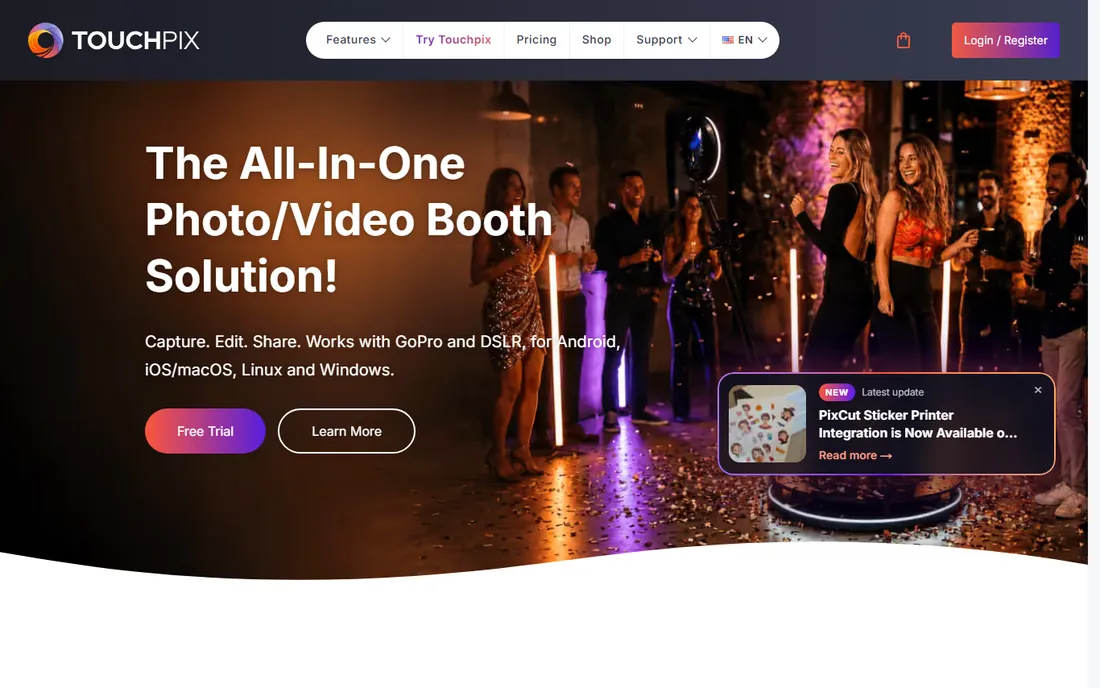
Touchpix is the closest thing to a 360 standard: software designed around the spinning-camera booth, with GoPro connectivity, slow-motion, boomerangs and branded overlays, running on phones, tablets and computers. It works fully offline at venues with bad wifi and syncs later, which anyone who has worked a basement venue appreciates. Sharing via QR code, SMS, email and WhatsApp is instant.
The specialization cuts both ways: operators who also run mirror booths or DSLR stills may need a second platform. Pricing is subscription across weekly to annual plans. But if 360 is the business, Touchpix is the software built exactly for it.
What we like- Purpose-built for 360 with GoPro wireless support
- Runs on iOS, Android, Mac and Windows
- Offline mode with smart sync
Watch out for- 360-first, less depth for traditional still booths
- Pricing is subscription-only
- The feature depth takes learning
Starting priceSee website (per-event and monthly plans)
Free planFree trial
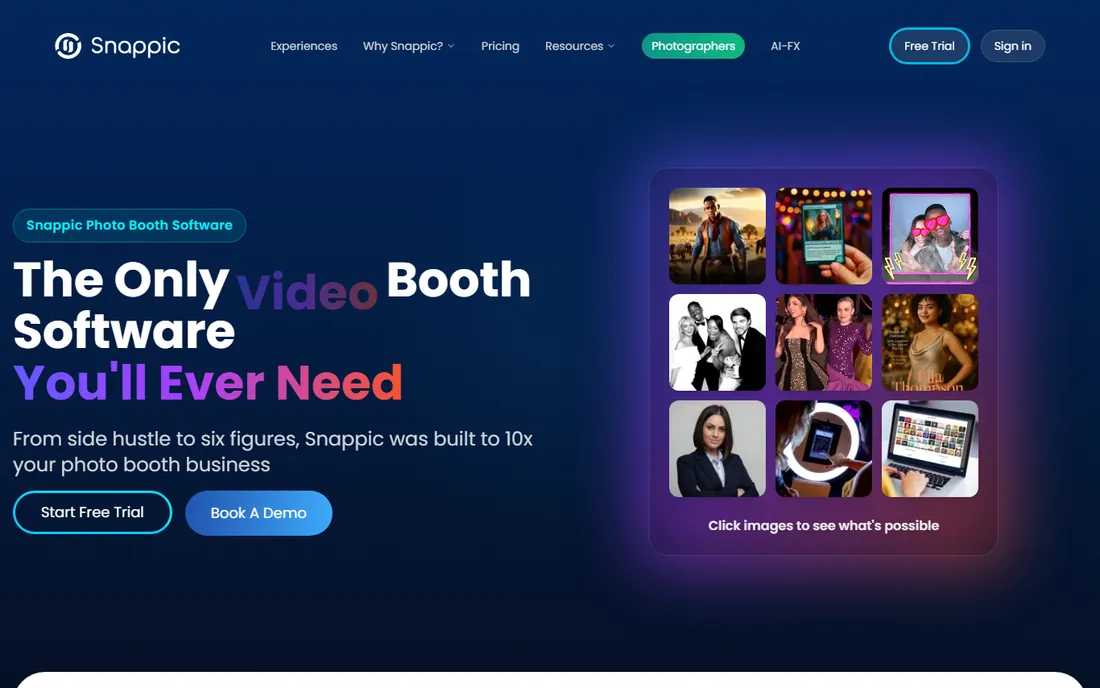
Snappic's pitch is consolidation: one subscription covering 360 spinners, iPad booths, mirror booths, DSLR setups and AI photo experiences. Operators with mixed inventory manage everything from one dashboard with consistent branding and analytics. Per-event pricing lets occasional operators pay per gig instead of monthly.
The breadth means 360 is one mode among many, not the soul of the product; Touchpix goes deeper on spinner-specific features. Busy operators should compare per-event costs against monthly plans. For companies running several booth styles, Snappic's single platform is the practical choice.
What we like- One platform for 360, iPad, mirror, DSLR and glam booths
- Per-event pricing available
- Strong branding and analytics
Watch out for- Jack-of-all-trades means less 360-specific depth than Touchpix
- Per-event costs add up for busy operators
- The breadth complicates setup
#3
LumaBooth
Best for: Operators wanting DSLR quality in 360 and event booths
Visit lumabooth.com
Starting priceSee website (monthly and annual plans)
Free planFree trial
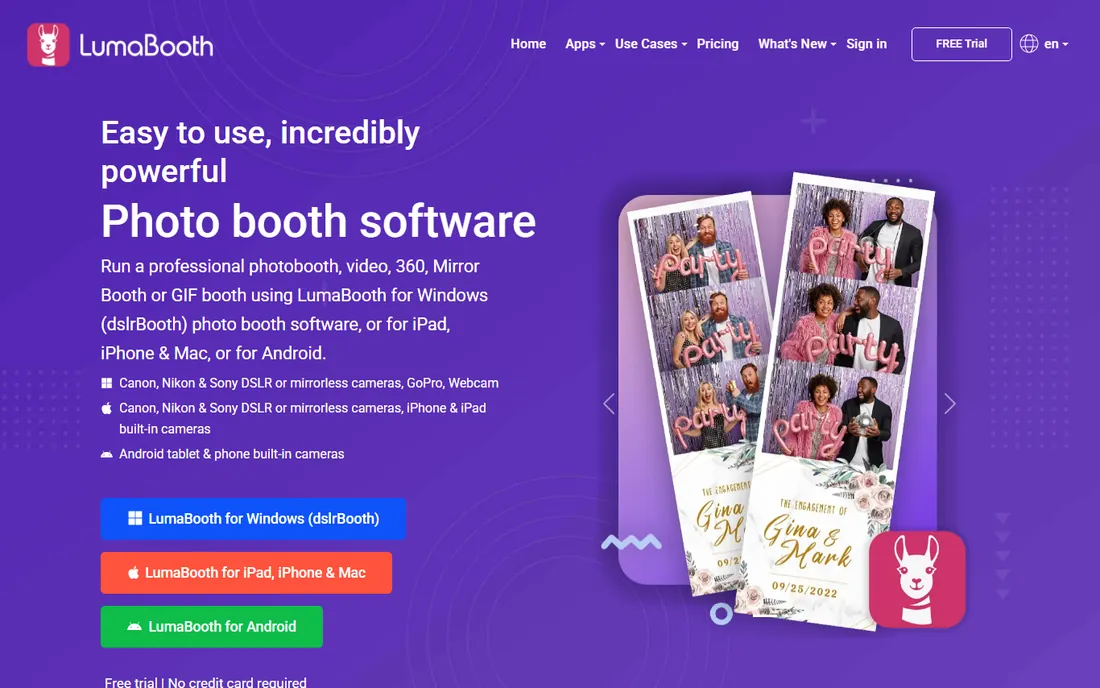
LumaBooth is the current evolution of dslrBooth, the long-established DSLR booth software, extended to iPad, iPhone and Mac with 360 support. The heritage shows in camera compatibility: Canon, Nikon, Sony, GoPro and webcams, with photo, video, GIF, slow-motion and 360 capture. Operators upgrading from old dslrBooth installs get a familiar philosophy in modern apps.
The rebrand from dslrBooth still causes confusion in forums and reviews; confirm which product a recommendation refers to. Feature sets differ between the Apple apps and Windows. But for DSLR-based booths adding 360, the camera depth is unmatched.
What we like- From the established dslrBooth team
- Wide camera support including DSLR and GoPro
- 360, slow-mo, GIF and boomerang in one app
Watch out for- The product line history (dslrBooth to LumaBooth) confuses
- IPad and Windows versions differ
- Subscription pricing
Starting priceSee website (weekly and monthly plans)
Free planFree trial
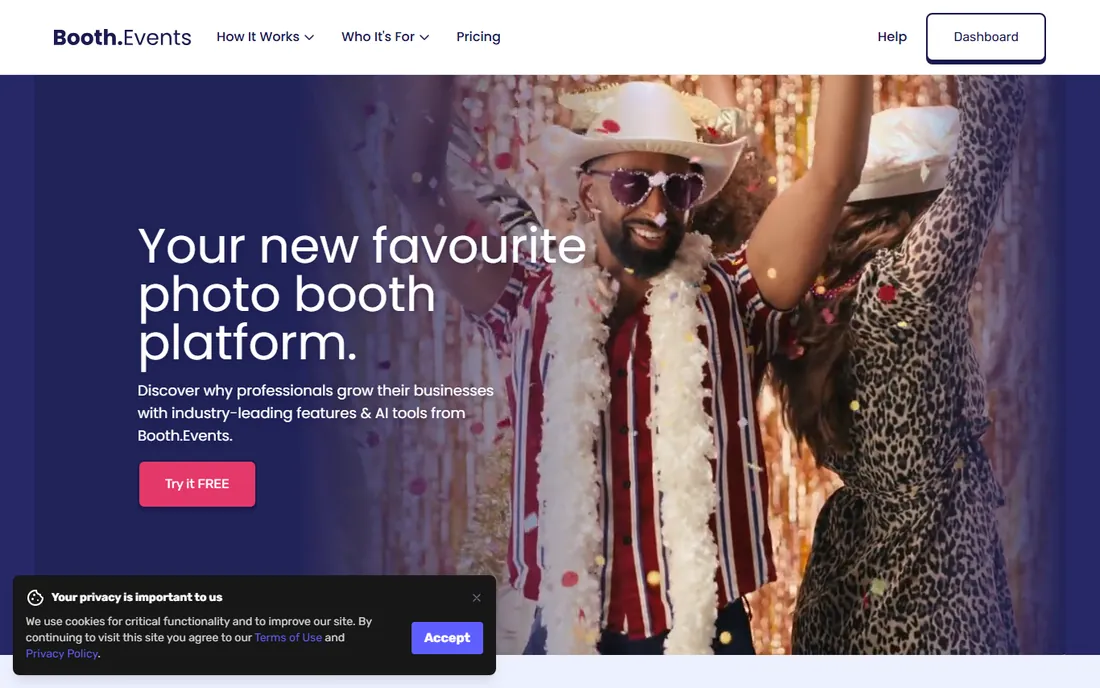
Booth.Events built its pricing around how booth operators actually work: weekly passes and monthly plans instead of only annual contracts. The software covers 360 spinners alongside GIFs, slow-motion, boomerangs and video testimonials, with printing and lead capture for corporate gigs.
It is a smaller name, so community resources and third-party integrations are thinner than the leaders'. Operators should verify the 360 workflow depth against Touchpix during the trial. For part-time operators and weekend businesses, the flexible pricing is the reason to look.
What we like- Flexible weekly and per-event pricing
- 360 spinner, slow-mo and boomerang support
- Good for occasional operators
Watch out for- Smaller brand than Touchpix or Snappic
- The ecosystem is thinner
- Check 360-specific features against specialists
Starting priceSee website (per-event, monthly and annual plans)
Free planFree trial
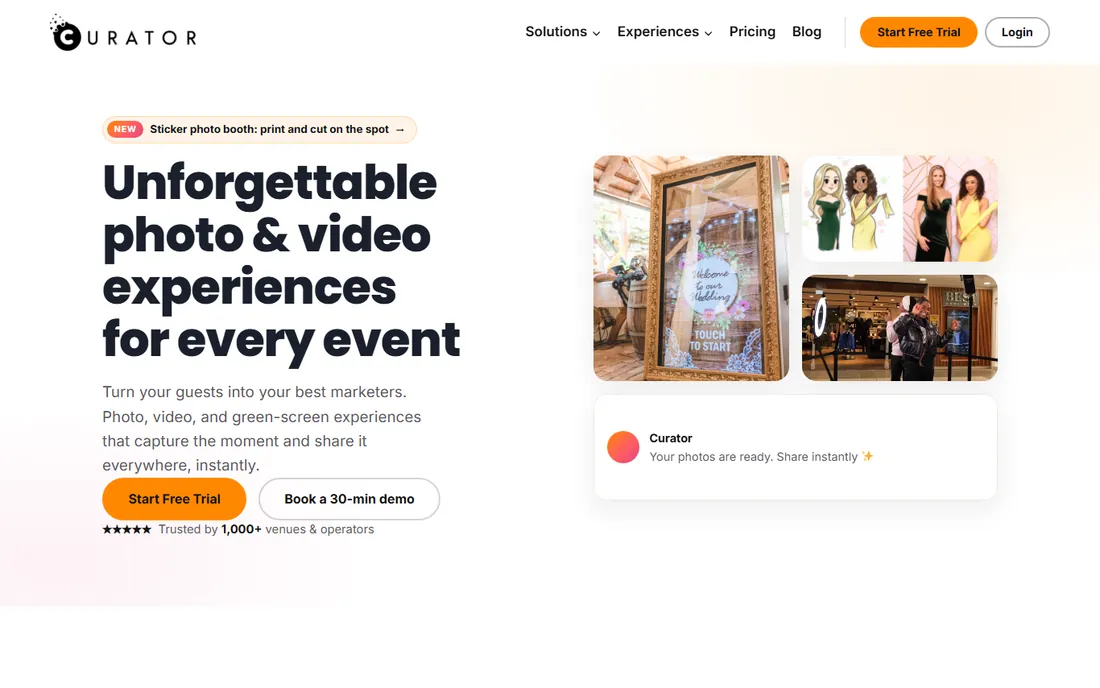
Curator Live runs 360 and photo booths from the iPad with per-event pricing that suits occasional operators. It supports DSLR capture, direct USB printing to professional dye-sub printers without a print server, and full white-labeling so guests see your brand, not theirs. The help center and 24/7 chat support punch above the company's size.
Windows-based operators should look elsewhere; this is an iPad-first product. The 360 features are capable but the product spreads across many booth types. For iPad operators wanting low per-event costs with professional output, Curator Live deserves the trial.
What we like- Per-event pricing from a low entry point
- IPad-native with DSLR capture support
- White-label branding throughout
Watch out for- IPad-centric, less for Windows shops
- The feature set is broad rather than 360-deep
- Smaller community
Starting priceSee website (per-device monthly)
Free planFree trial
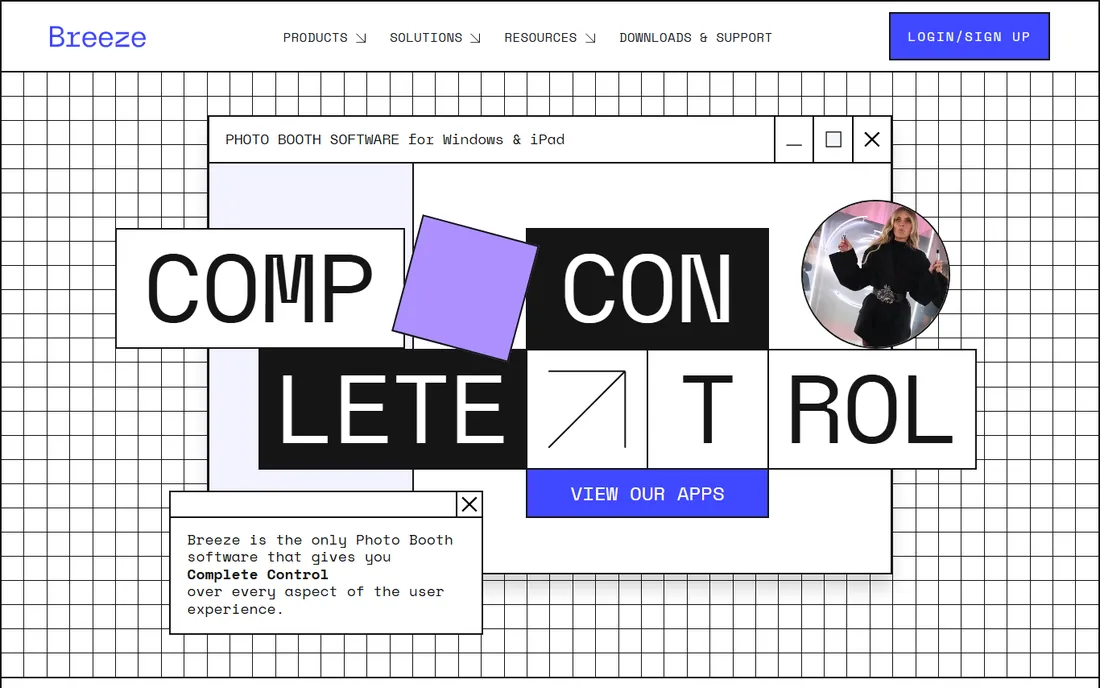
Breeze Systems has been in photo booth software for years, and its booth platform now covers 360 alongside the traditional photo, GIF and video workflows it is known for. Per-device pricing maps cleanly to hardware inventory, and the printing pipeline is battle-tested for events where prints matter.
The 360 features are an addition to a stills-first product, not the core; dedicated 360 operators will find Touchpix deeper. Multiple devices multiply the monthly cost. But established booth businesses extending into 360 on familiar software will find Breeze the comfortable path.
What we like- Long-established booth software company
- Per-device pricing scales with hardware
- Reliable printing workflows
Watch out for- Per-device pricing adds up with multiple stations
- The 360 offering trails specialists
- Interface reflects its long history
Starting priceSee website
Free planFree trial
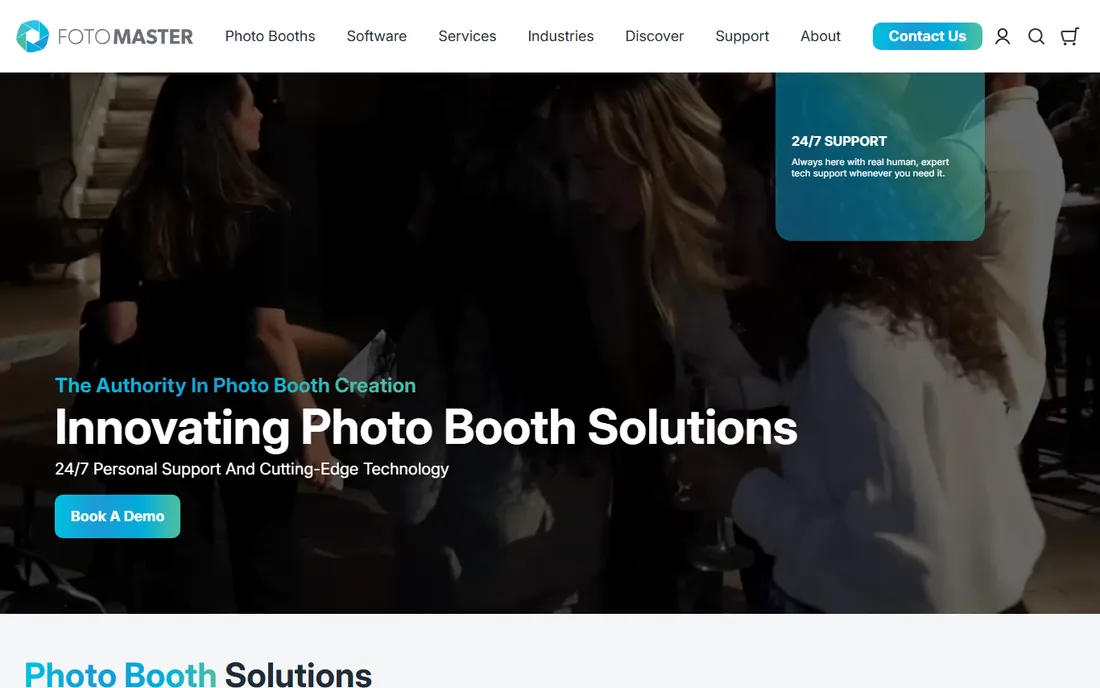
Foto Master owns the mirror booth category: interactive mirror experiences with animations, games and gesture control that command premium event pricing. Its software lineup includes 360 functionality, letting mirror booth operators add a spinner to the offering under one vendor relationship.
This is professional-grade software with professional-grade pricing and complexity; casual operators should look at simpler tools. The 360 side is not the product's identity. But for the experiential operator whose brand is interactivity, Foto Master is the category leader.
What we like- The leader in mirror booth software
- Gesture control and interactive features
- 360 capabilities in the lineup
Watch out for- Premium pricing for the flagship products
- Complexity suits professionals, not casual operators
- 360 is secondary to mirror
Starting priceSee website (weekly, monthly and annual plans)
Free planFree trial
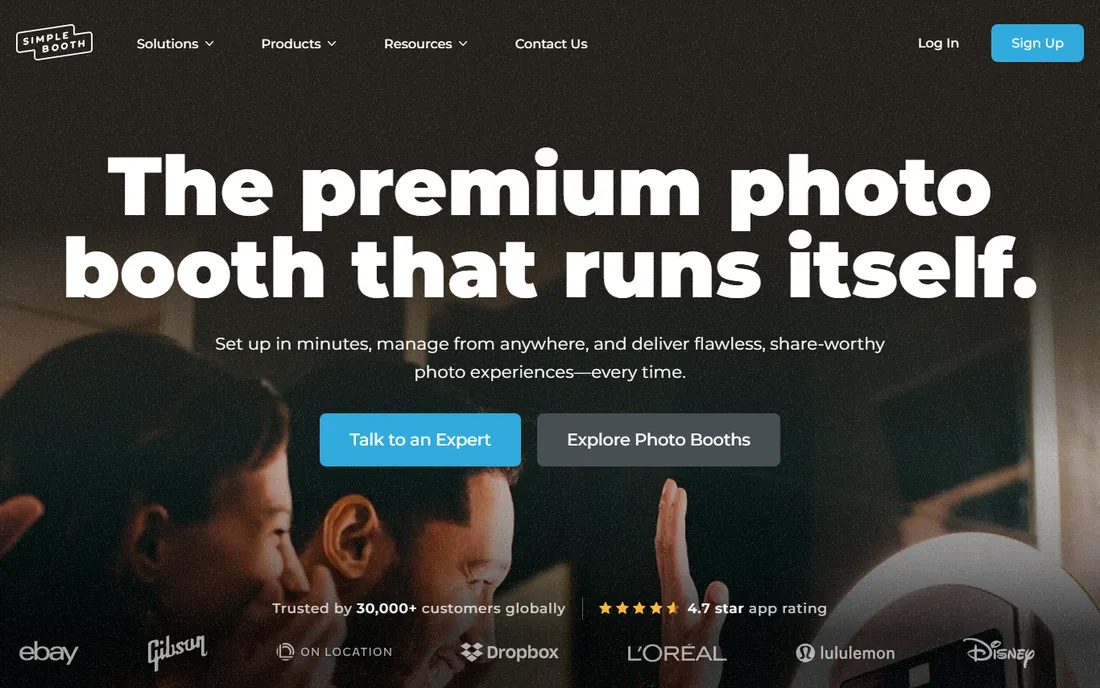
Simple Booth does what the name says: the simplest path to a working booth on an iPad. Setup is minimal, the interface stays out of the way, and pricing starts at accessible weekly rates. For straightforward events where the booth just needs to work, it delivers.
Advanced operators will hit walls: customization, complex branding and pro workflows are thinner than Touchpix or Snappic. Corporate activations with demanding brand requirements need more. But for volume event work where reliability beats features, Simple Booth earns its name.
What we like- The easiest setup in the category
- IPad-first design
- Affordable entry pricing
Watch out for- Simplicity limits advanced customization
- Fewer pro features than specialists
- Best for straightforward events
What to check before you buy
Check hardware compatibility first: which cameras, iPads and 360 spinner hardware the software supports, because the software decision often follows the hardware. Check the offline story: venues have terrible wifi, so confirm full offline capture with later sync. Check the delivery: QR codes, SMS, email, AirDrop, and how fast a guest gets their video.
Check the pricing model against your event volume: per-event pricing favors occasional operators, subscriptions favor weekly businesses. Model a busy month both ways. Check the branding: overlays, start screens and delivery pages should carry your brand, and confirm what the guest actually sees during the trial.
How we chose
We started with the searches operators use: best 360 photo booth software, 360 booth app and photo booth software comparison. For each candidate we checked the vendor's own site for current 360 support and pricing approach, read operator reviews and forum discussion, and compared 360 depth, hardware support, pricing model and reliability. Where pricing could not be confirmed on the vendor's page, we wrote "See website".
Pairing software with 360 hardware
The software is half the system; the spinner rig is the other half. Most 360 booths use a rotating arm with a mounted camera, usually a GoPro or a phone, circling the guest on a platform. Confirm your software supports your camera model and control method before buying either.
The practical checklist: platform weight capacity, arm speed control, power (mains versus battery for outdoor events), lighting (a ring light is near-mandatory), and transport (flight cases, setup time). Budget the full rig, not just the software subscription: a working 360 setup runs from a few hundred to a few thousand dollars in hardware before the first event.
Frequently asked questions
How much does 360 photo booth software cost?
Pricing models vary: weekly plans, monthly subscriptions, per-event fees and annual plans. Occasional operators often do best with per-event or weekly pricing; busy operators with monthly or annual subscriptions. Model your real event volume rather than comparing sticker prices.
What hardware do I need for a 360 photo booth?
A 360 spinner rig (platform plus rotating arm), a camera (GoPro or smartphone), lighting, and a tablet or phone running the software. The software vendors list compatible hardware; buy the software-compatible rig, not the other way around.
Can I run a 360 booth without internet?
Yes, with the right software. Touchpix, Snappic and most serious tools offer full offline capture with sync later. Confirm offline mode during the trial, because venue wifi is unreliable.
Do guests need an app to receive their videos?
No. Most platforms deliver via QR code to a web gallery, plus SMS, email or WhatsApp options. The QR-to-phone flow is the standard; avoid any software that makes guests install something.
Is a 360 booth business profitable?
It can be: events typically pay hundreds per booking for a few hours of work. The math depends on your market's event volume, your booking rate and equipment costs. The software subscription is a small fraction of the total cost; marketing and sales are the real work.
Sources we checked (8)
- https://touchpix.com
- https://snappic.com
- https://lumabooth.com
- https://booth.events
- https://curatorlive.com
- https://breezesys.com
- https://fotomaster.com
- https://simplebooth.com
Is your product missing or out of date?
We review this list regularly. Vendors can request a listing, send updated pricing or ask about featured placement.

Shihab Mia · Founder, Rankite
Shihab has spent more than a decade helping SaaS and e-commerce brands grow through search. He writes Rankite's software buying guides from pricing pages, documentation and public user reviews. More about Shihab.