How we make this list: we compare pricing pages, product documentation and public user reviews. Rankite is independent; if a vendor ever pays for a featured spot, that listing is clearly labeled Partner.
Key takeaways
- Bubble, Adalo, and FlutterFlow are the strongest picks for customer-facing apps, each with a free plan to start.
- Glide and Softr are the fastest route to internal tools and client portals built on spreadsheets and databases.
- Microsoft Power Apps makes sense only if your company already lives in the Microsoft ecosystem.
- Pricing models differ wildly: flat-rate plans (Adalo, Softr) vs usage-based pricing (Bubble) vs per-user pricing (Power Apps).
- Every platform here publishes to the web; native App Store and Google Play publishing varies, so check before you commit.
Quick comparison
| Tool | Best for | Starting price | Free plan |
|---|
 Bubble Bubble | full-featured web apps and SaaS products | $29 per month (billed annually, Starter web plan) | Yes |
 FlutterFlow FlutterFlow | native mobile apps with code export | $39 per month (Basic plan) | Yes |
 Adalo Adalo | non-technical founders publishing to app stores | $36 per month (flat rate) | Yes |
 Glide Glide | internal tools built from spreadsheets | $25 per month (Basic plan) | Yes |
 Softr Softr | client portals and dashboards | $19 per month (billed annually, Basic plan) | Yes |
 Thunkable Thunkable | beginners building simple native mobile apps | $37 per month (billed annually, Builder plan) | Yes |
 Microsoft Power Apps Microsoft Power Apps | companies already using Microsoft 365 | $20 per user/month (Premium plan) | Yes (free Developer plan) |
 OutSystems OutSystems | enterprises building mission-critical systems | See website | Yes (free edition) |
Is your product missing or out of date?
We review this list regularly. Vendors can request a listing, send updated pricing or ask about featured placement.
#1
Bubble
Best for: full-featured web apps and SaaS products
Visit bubble.io
Starting price$29 per month (billed annually, Starter web plan)
Free planYes
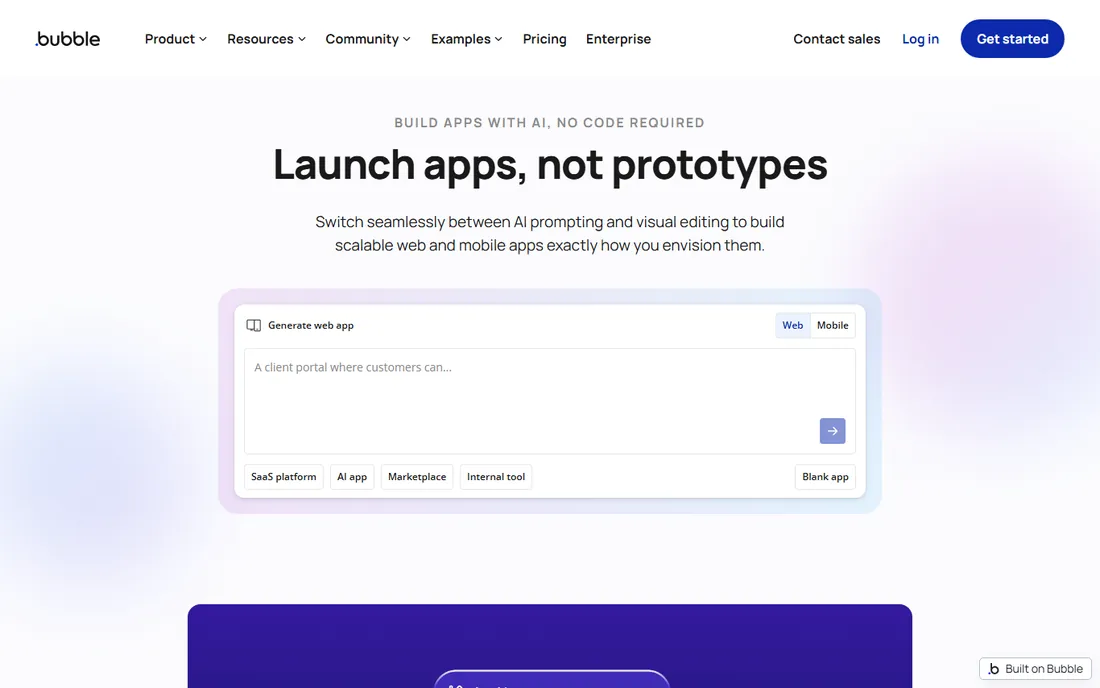
Bubble is the heavyweight of no-code web apps. It gives you a visual programming environment with a real database, user authentication, complex workflows, API connections, and a marketplace of thousands of plugins, all without writing code. People have built marketplaces, SaaS products, CRMs, and booking systems on it. If your app idea involves user accounts, payments, and custom logic, Bubble can probably handle it.
Pricing runs on Workload Units, which measure the server resources your app consumes. The Starter web plan costs $29 per month billed annually and includes 175,000 workload units, while Growth at $119 and Team at $349 add more capacity and editors. The free plan lets you build and learn with 50,000 workload units but no custom domain. The honest catch is the learning curve: Bubble is powerful, not simple, and expect a week or two before you feel fluent. Watch your workload usage as you grow, because costs scale with real usage.
What we like- Most powerful visual programming on this list
- Built-in database, auth, and plugin ecosystem
- Free plan for learning and prototyping
Watch out for- Steep learning curve for non-technical users
- Usage-based workload pricing can surprise you at scale
Starting price$39 per month (Basic plan)
Free planYes
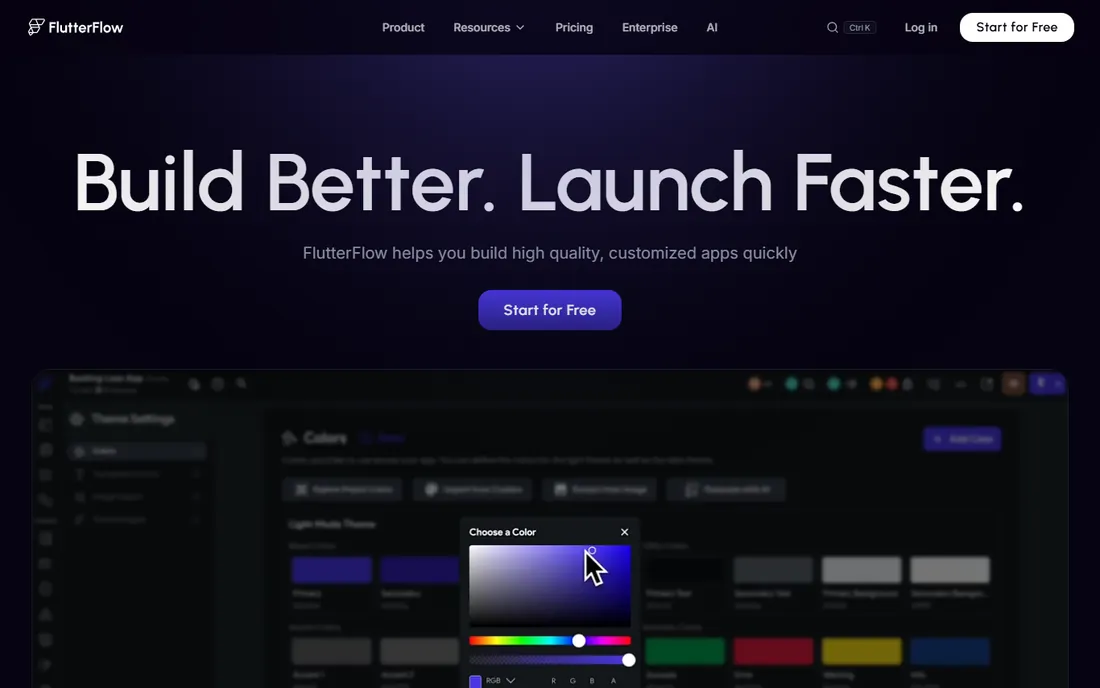
FlutterFlow is the only platform here that hands you your code. You build visually, and the platform generates real Flutter code that you can download, push to GitHub, and hand to developers later. That single feature removes the biggest fear about app builders: that you will outgrow the platform and have to start over. The Basic plan at $39 per month adds code download, APK download, and one-click app store deployment, and the free plan covers building and web publishing with up to two projects.
FlutterFlow connects to Firebase and Supabase for backend data, so you get a production-grade database rather than a simplified built-in one. The tradeoff is that you are managing two services instead of one, which adds complexity for non-technical users. Growth ($80 first seat) and Business ($150 first seat) plans add collaboration, branching, and localization. If you want a native mobile app with a professional exit path, this is the strongest option on the list.
What we like- Real code export means no vendor lock-in
- One-click deployment to app stores and web
- AI-assisted design and building
Watch out for- Works best with Firebase or Supabase, which you manage separately
- Steeper than pure no-code tools
#3
Adalo
Best for: non-technical founders publishing to app stores
Visit adalo.com
Starting price$36 per month (flat rate)
Free planYes
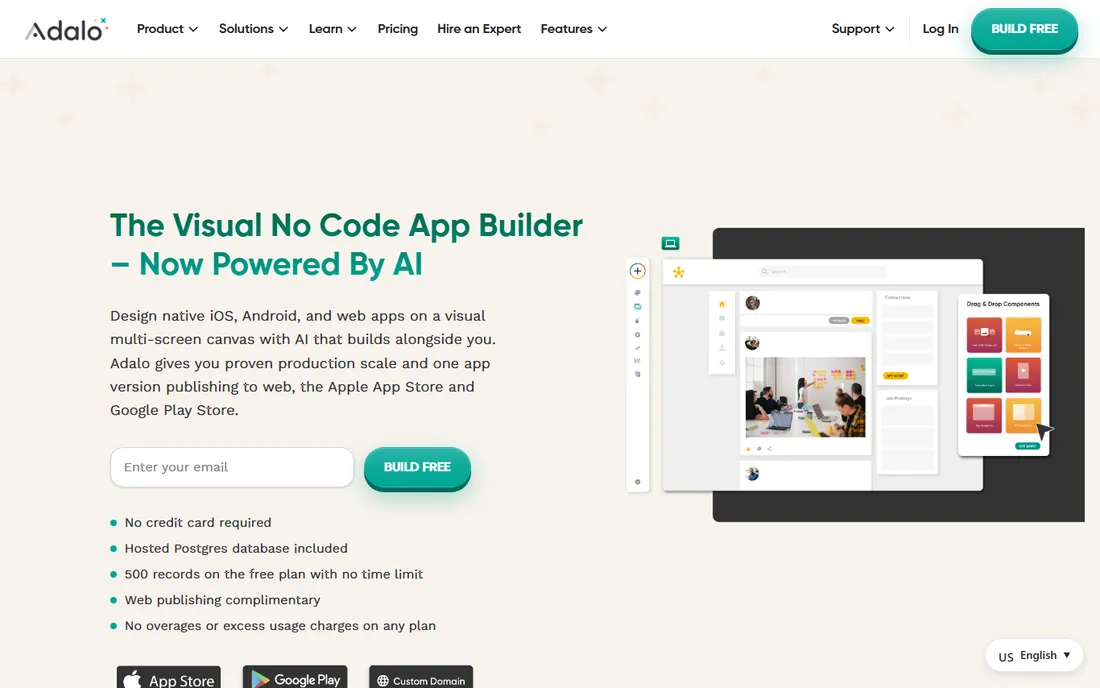
Adalo pitches itself at people who have never written a line of code, and the pricing is built for them too. One flat rate of $36 per month covers unlimited usage with no caps on actions, users, records, or storage, which makes budgeting refreshingly predictable. The platform now includes Ada, an AI builder that generates a complete multi-screen app from a plain-language description, and you can refine it on the visual canvas before publishing real native iOS and Android builds to the app stores.
The free plan includes 500 database records and a hosted Postgres database, so you can build and test a real prototype before paying. The catch is lock-in: Adalo does not offer code export, so if you ever want to leave, you are rebuilding. Complex apps with heavy logic can also run into performance limits. But for a founder who wants to describe an idea and publish it to the App Store without developers, Adalo is one of the most approachable paths here.
What we like- Flat $36/month pricing with no usage overages
- True native iOS and Android builds
- AI builder generates complete apps from descriptions
Watch out for- No code export, so you are committed to the platform
- Performance can struggle with very complex apps
Starting price$25 per month (Basic plan)
Free planYes
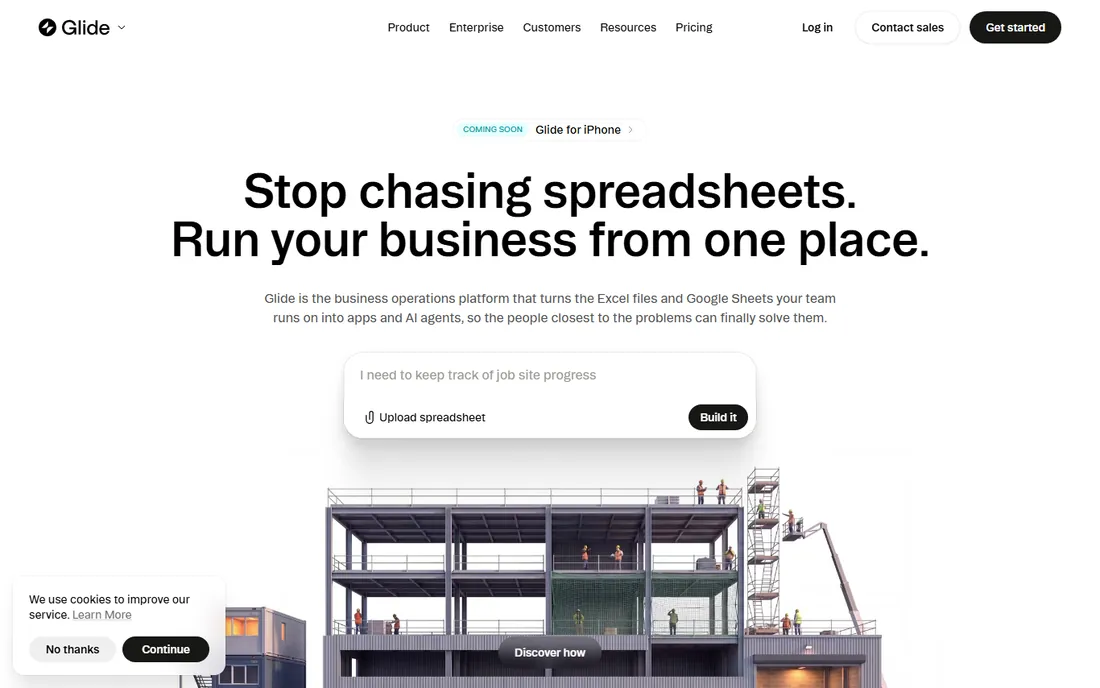
Glide is built for the operator, not the founder. If your business runs on Google Sheets, Excel, or Airtable, Glide turns that spreadsheet into a polished internal app with user logins, workflows, and dashboards, ready in minutes rather than months. The positioning has shifted toward internal business apps and AI agents, and the security story (SOC 2, GDPR, encryption, private-by-default apps) reflects that enterprise-friendly direction.
The Basic plan costs $25 per month with 100 credits, while Plus ($50) and Pro ($125) add more apps, workflows, and team members. The free plan lets you explore with limited credits. The honest catch is scope: Glide is excellent for employee tools, field operations apps, and customer portals, but it is not the platform for a consumer social app or a game. Also note the pricing now runs on credits alongside plan tiers, so model your usage before committing. If your app starts life as a spreadsheet, start here.
What we like- Turns spreadsheets into working apps in minutes
- Strong security and compliance posture
- Generous template marketplace
Watch out for- Best suited for internal tools, not consumer apps
- Credit-based pricing adds a second meter to watch
Starting price$19 per month (billed annually, Basic plan)
Free planYes
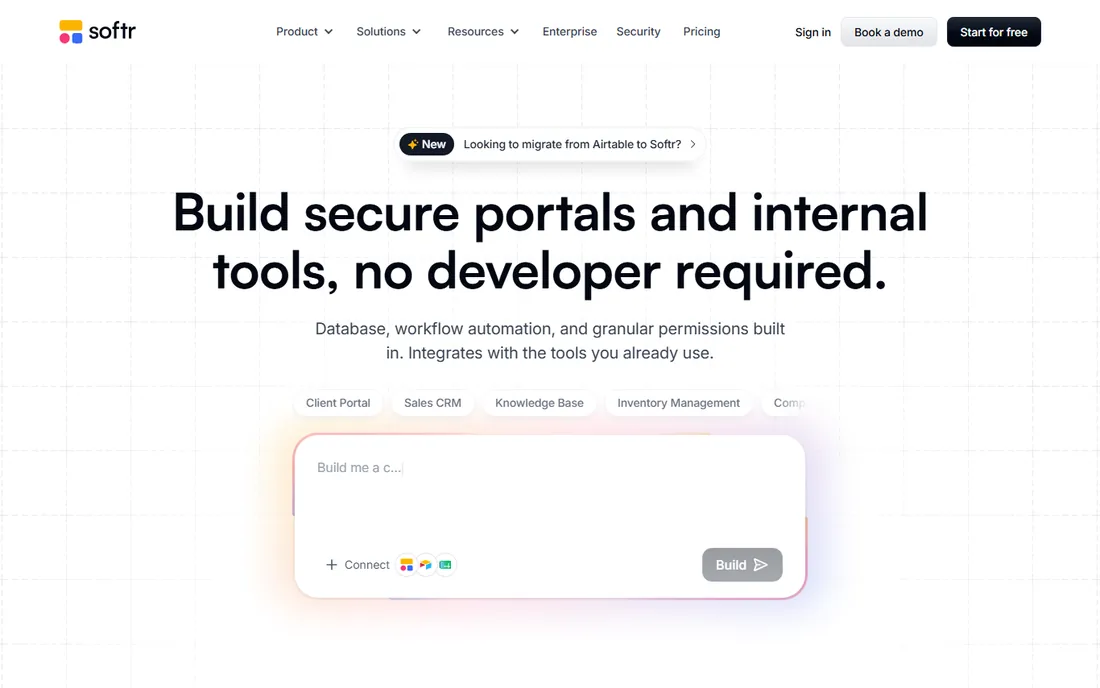
Softr is the client-portal specialist. Connect Airtable, Google Sheets, Notion, HubSpot, or a SQL database, and Softr generates a secure web app where each client sees only their own data through role-based permissions. The AI Co-Builder creates the database, pages, user groups, and business logic from a description, and you refine it visually. For agencies, consultants, and service businesses that need a branded portal where clients log in and see their projects, this is the fastest route.
Pricing starts at $19 per month billed annually for Basic, with Pro at $99 and Business at $329, and every plan includes unlimited apps, databases, and workflows. The free plan covers 10 app users. The catch is that Softr builds web apps only; if you need a native iOS or Android app in the app stores, look elsewhere. Deep customization is also bounded by the pre-built blocks, which is the price of its speed. For portals and internal tools, though, few platforms ship faster.
What we like- Purpose-built for client portals with role-based permissions
- Connects to 20+ data sources including SQL databases
- Predictable per-app-user pricing
Watch out for- Web apps only, no native app store publishing
- Pre-built blocks limit deep customization
Starting price$37 per month (billed annually, Builder plan)
Free planYes
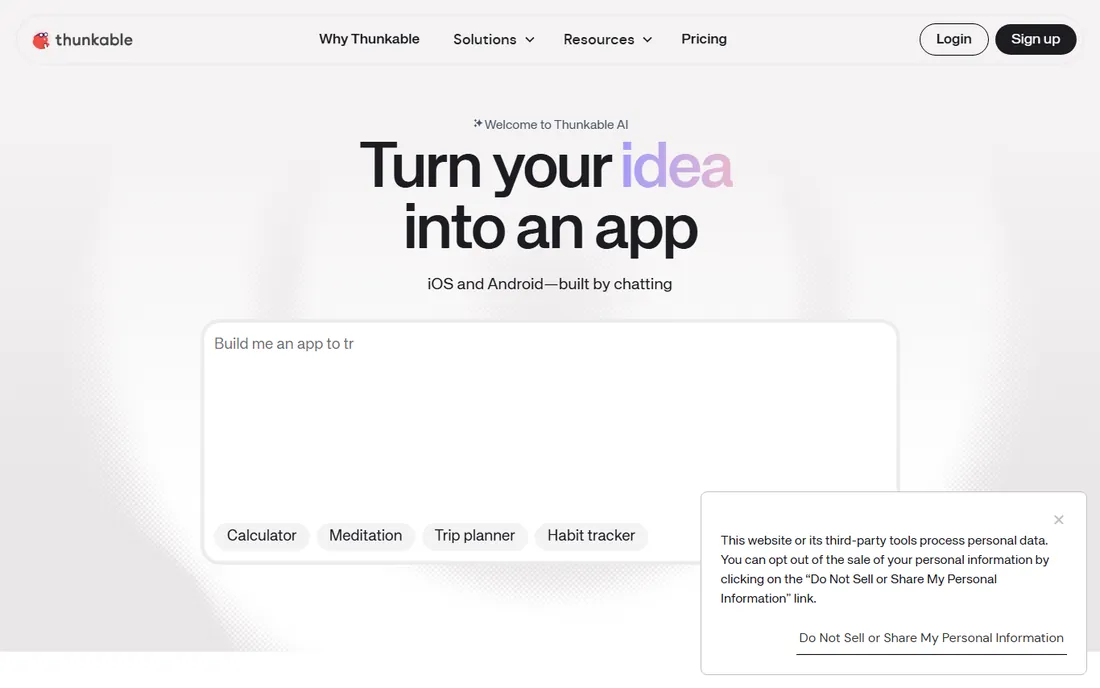
Thunkable is the gentlest on-ramp to native mobile apps on this list. The drag-and-drop interface with visual logic blocks was designed for people with zero coding background, including students, and the platform has added an AI builder that generates apps from simple prompts. You can test on your real phone as you build and publish to the Apple App Store and Google Play directly from the platform.
The pricing to know: the free plan is for learning only, with no app store publishing. The Builder plan at $59 per month ($37 billed annually) is the first tier that publishes to the stores and supports one live app. The catch is lock-in, which is total: Thunkable offers no source code export, so your app lives on Thunkable permanently. For a first app, a side project, or a classroom, that tradeoff is fine. For a business-critical product you might rebuild later, weigh it carefully.
What we like- Genuinely beginner-friendly drag-and-drop builder
- Publishes real native iOS and Android apps
- Live device testing while you build
Watch out for- No code export
- Free plan does not include app store publishing
Starting price$20 per user/month (Premium plan)
Free planYes (free Developer plan)
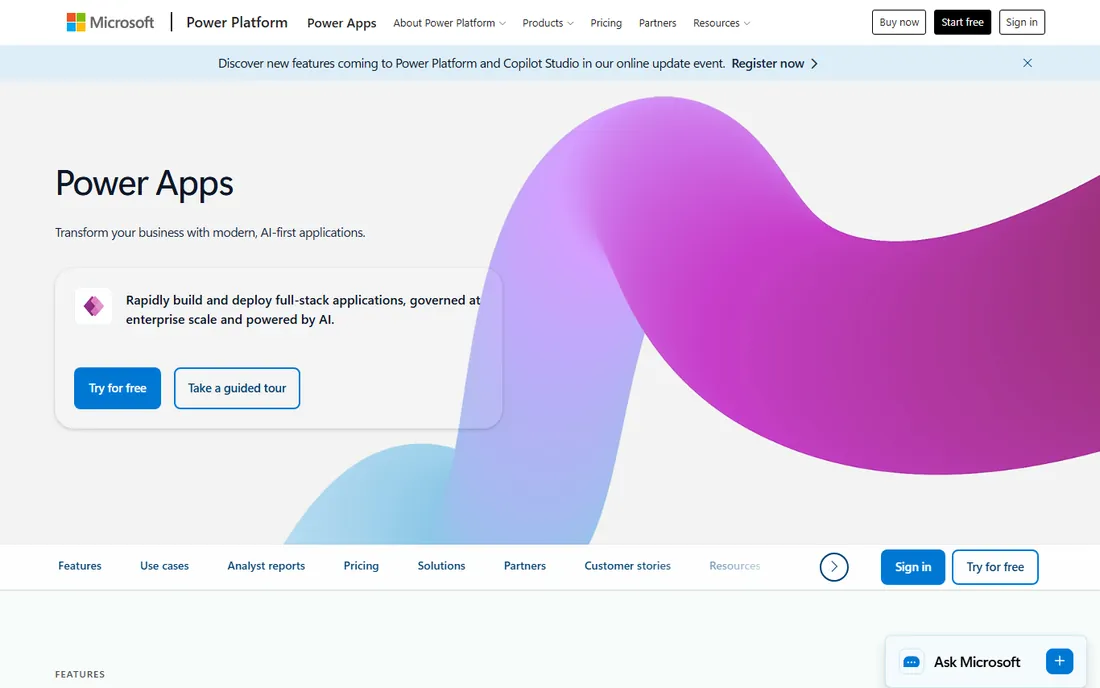
Microsoft Power Apps is the default answer for companies already paying for Microsoft 365. It builds canvas apps and model-driven apps on top of Dataverse, Microsoft's data platform, with 1,000+ connectors to SAP, Salesforce, SQL Server, and everything else the enterprise runs on. Governance features like data loss prevention policies and managed environments make IT departments comfortable, which is half the battle in a large company.
The Premium license costs $20 per user per month and covers unlimited apps for that user, with a free Developer plan for building and testing. The honest catch is the math: every person who touches your app adds $20 a month forever, so costs grow with headcount. If your company is not already a Microsoft shop, there is little reason to choose this over cheaper, simpler alternatives. But inside the Microsoft ecosystem, the integration advantage is real and hard to beat.
What we like- Deep integration with Microsoft 365, Dynamics, and Azure
- Enterprise-grade security and governance
- Free Developer plan for learning
Watch out for- Costs compound per user as adoption grows
- Overkill and overpriced outside the Microsoft ecosystem
Starting priceSee website
Free planYes (free edition)
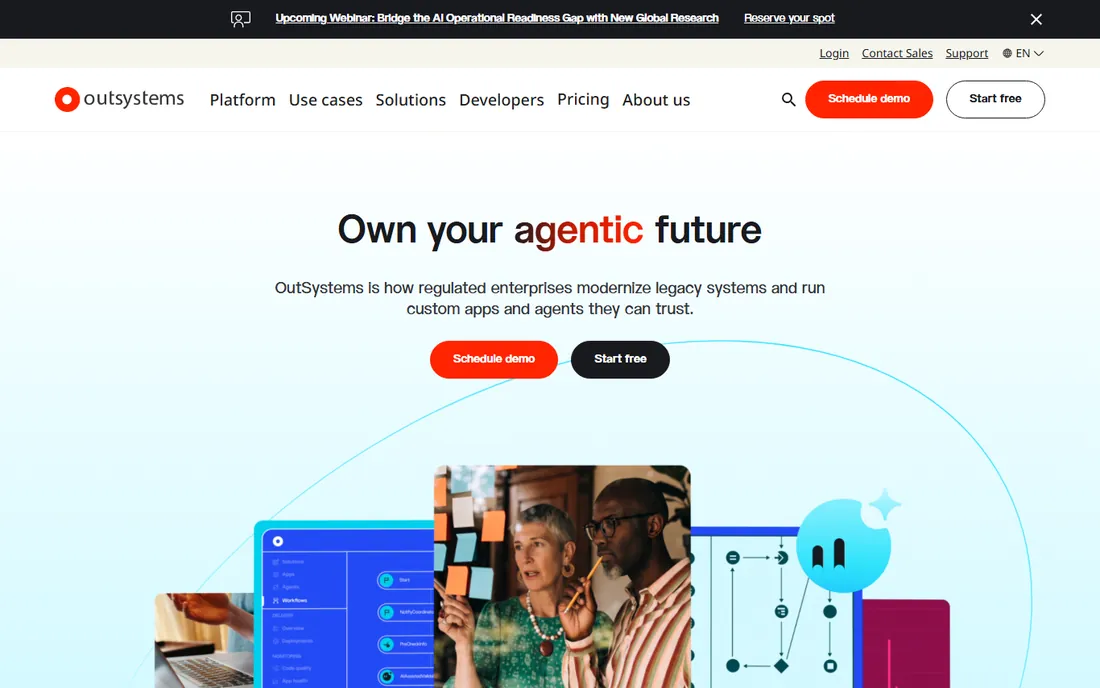
OutSystems is the enterprise end of this list. It is a low-code platform with AI assistance that large organizations use to build mission-critical applications: customer portals, core system modernizations, and complex workflow automation with full governance, security auditing, and DevOps built in. The visual development environment generates real applications, and the platform manages the entire lifecycle from development through deployment and monitoring.
Pricing is quote-based and firmly in the enterprise tier, which is why most small businesses should stop reading here and pick one of the tools above. There is a free edition for evaluation. The catch, beyond cost, is fit: OutSystems is designed for teams with IT departments and compliance requirements, not for a founder building an MVP alone. If your company needs governed, audited, enterprise-grade app development at speed, this is the category leader. If you need a scheduling app for 20 people, it is the wrong tool.
What we like- Proven at enterprise scale with strong governance
- Full lifecycle management from build to deployment
- AI-assisted development throughout
Watch out for- Enterprise pricing puts it out of reach for small teams
- Overkill for simple apps
How we chose
We focused on platforms that a non-technical business owner can realistically use to ship a working app: no-code and low-code builders with visual editors, not developer frameworks. We read each vendor's own pricing page and homepage for current plan details, and cross-checked pricing against recent third-party reviews where the vendor page was unclear. We compared publishing options (web, iOS, Android), database approaches, and lock-in risk, since those are the factors that cause regret a year later. We read user reviews on G2, Capterra, and Reddit for the complaints that surface after months of real use. We did not build apps on each platform; this comparison reflects vendor-published information and public user feedback.
How to pick the right app builder for your business
Start with where the app will live. If it must be in the Apple App Store and Google Play as a native app, your shortlist is Bubble (mobile plans), FlutterFlow, Adalo, and Thunkable. If a web app is enough, which covers most internal tools and client portals, Glide and Softr are faster and cheaper. Do not pay for native publishing you do not need.
Next, look at your data. If your business already runs on spreadsheets, Glide and Softr turn that data into an app almost instantly. If you need a real relational database with user accounts and complex logic, Bubble and Adalo include one. If you want a production-grade backend you control, FlutterFlow pairs with Firebase or Supabase. Match the platform to the data you already have.
Understand the pricing model before you fall in love
This is where buyers get hurt. Adalo and Softr charge flat rates, so your bill is predictable. Bubble charges by workload units, so a successful app costs more than a quiet one. Power Apps charges per user, so costs grow with every employee. Glide adds credits on top of plan tiers. Model your expected usage, users, and growth before committing, because switching platforms later is expensive.
Test lock-in risk honestly
Ask one question: if this platform shut down or doubled its prices tomorrow, what happens to my app? FlutterFlow lets you export real code, which is the best answer on this list. Bubble, Adalo, Glide, Softr, and Thunkable keep your app on their platform with no code export. That is acceptable for many businesses, but go in with your eyes open and keep your data exportable regardless.
No-code vs low-code: which one actually fits a non-technical team
No-code platforms like Adalo, Glide, Softr, and Thunkable are built for people who will never write code: everything happens through visual editors, templates, and AI prompts. They are faster to learn and cheaper to start, but they bound what you can build. When you hit the edge of the blocks and templates, you are stuck.
Low-code platforms like OutSystems, Power Apps, and to some extent FlutterFlow and Bubble, assume someone technical is nearby. They offer more power, custom code options, and enterprise integration, at the cost of complexity. For a small business with no developers, pure no-code is the right starting point. You can always graduate to low-code or custom development when the business justifies it. The mistake is buying enterprise low-code for a problem that a no-code tool solves in a weekend.
Frequently asked questions
Can I really build an app with no coding experience?
Yes, for many types of apps. Adalo, Thunkable, Glide, and Softr are designed for complete beginners, and several now include AI builders that generate a working app from a description. Complex apps with custom logic still benefit from technical help, but simple business apps, portals, and prototypes are genuinely buildable by non-developers.
How much does it cost to build an app with a no-code platform?
Anywhere from free to a few hundred dollars per month. Most platforms offer free plans for building and testing, with paid plans starting around $19 to $39 per month for publishing and real use. Watch for usage-based costs (Bubble's workload units, Glide's credits) and per-user pricing (Power Apps), which can exceed the headline price.
Can no-code apps be published to the App Store and Google Play?
Some can. Adalo, Thunkable, and FlutterFlow publish native apps to both stores, and Bubble offers mobile plans. Glide and Softr build web apps only. Check the publishing options for your specific platform before you start building, since it affects your plan choice.
Will I own my app, or am I locked into the platform?
It depends on the platform. FlutterFlow lets you export real Flutter code, which you own outright. Bubble, Adalo, Glide, Softr, and Thunkable do not offer code export, so your app runs on their platform as long as you pay. You can usually export your data, but rebuilding elsewhere means starting over.
Are no-code apps secure enough for business use?
For most small-business use cases, yes. Platforms like Glide, Softr, and Power Apps offer SOC 2 compliance, encryption, and role-based access control. As with any software, follow best practices: limit who has admin access, use strong authentication, and check the vendor's security documentation for your industry's requirements.
When should I hire developers instead of using an app builder?
Consider custom development when your app needs highly custom user experiences, must handle massive scale, requires deep integrations the platforms cannot do, or when the platform's monthly cost at your scale approaches the cost of a development team. Many successful products start on no-code and migrate to custom code once revenue justifies it.
Sources we checked (14)
- https://bubble.io/
- https://www.nocode.mba/articles/bubble-pricing-2026
- https://www.adalo.com/posts/bubble-pricing/
- https://allaboutcookies.org/bubble-pricing
- https://flutterflow.io/pricing
- https://www.adalo.com/
- https://www.adalo.com/posts/best-ai-app-builder-for-startups-2026/
- https://www.glideapps.com/pricing
- https://www.softr.io/
- https://thunkable.com/
- http://bilt.me/blog/thunkable-pricing
- https://www.microsoft.com/en-us/power-platform/products/power-apps
- https://www.g2.com/products/microsoft-power-apps/pricing
- https://www.outsystems.com/
Is your product missing or out of date?
We review this list regularly. Vendors can request a listing, send updated pricing or ask about featured placement.

Shihab Mia · Founder, Rankite
Shihab has spent more than a decade helping SaaS and e-commerce brands grow through search. He writes Rankite's software buying guides from pricing pages, documentation and public user reviews. More about Shihab.