How we make this list: we compare pricing pages, product documentation and public user reviews. Rankite is independent; if a vendor ever pays for a featured spot, that listing is clearly labeled Partner.

Key takeaways
- Framer ($5/mo) is the UX designer's favorite: Figma-like canvas, motion, and CMS case studies with a free plan.
- Webflow ($14/mo) offers the most design power for those who want full control without code.
- Squarespace ($16/mo) and Format (from $7/mo) are the fastest routes to a polished portfolio with minimal effort.
- Behance and Dribbble are free and bring built-in audiences, but they are profiles, not websites.
- Cargo ($13/mo) and Readymag ($14/mo) suit designers who want editorial, experimental layouts.
Quick comparison
| Tool | Best for | Starting price | Free plan |
|---|
 Framer Framer | interactive UX portfolios | $5 per month (Mini) | Yes |
 Webflow Webflow | maximum design control | $14 per month (Basic) | Yes |
 Squarespace Squarespace | fast, polished portfolios | $16 per month (Personal) | Free trial |
 Cargo Cargo | experimental, art-led layouts | $13 per month | Yes |
 Adobe Portfolio Adobe Portfolio | Creative Cloud subscribers | Included with Creative Cloud | No |
 Behance Behance | free exposure to clients | Free | Yes |
 Format Format | photographers and visual case studies | From $7 per month | Free trial |
 Readymag Readymag | editorial storytelling | $14 per month (Personal) | Yes |
 Dribbble Dribbble | designer community visibility | Free | Yes |
Is your product missing or out of date?
We review this list regularly. Vendors can request a listing, send updated pricing or ask about featured placement.
A weak portfolio platform costs a UX designer interviews. Hiring managers spend seconds deciding whether to click into a case study, and a slow, generic or broken site kills that click before your work gets a chance. For UX specifically, the portfolio must do two jobs: showcase finished work beautifully, and tell the story of your process through case studies. The nine platforms below handle those jobs very differently.
Starting price$5 per month (Mini)
Free planYes
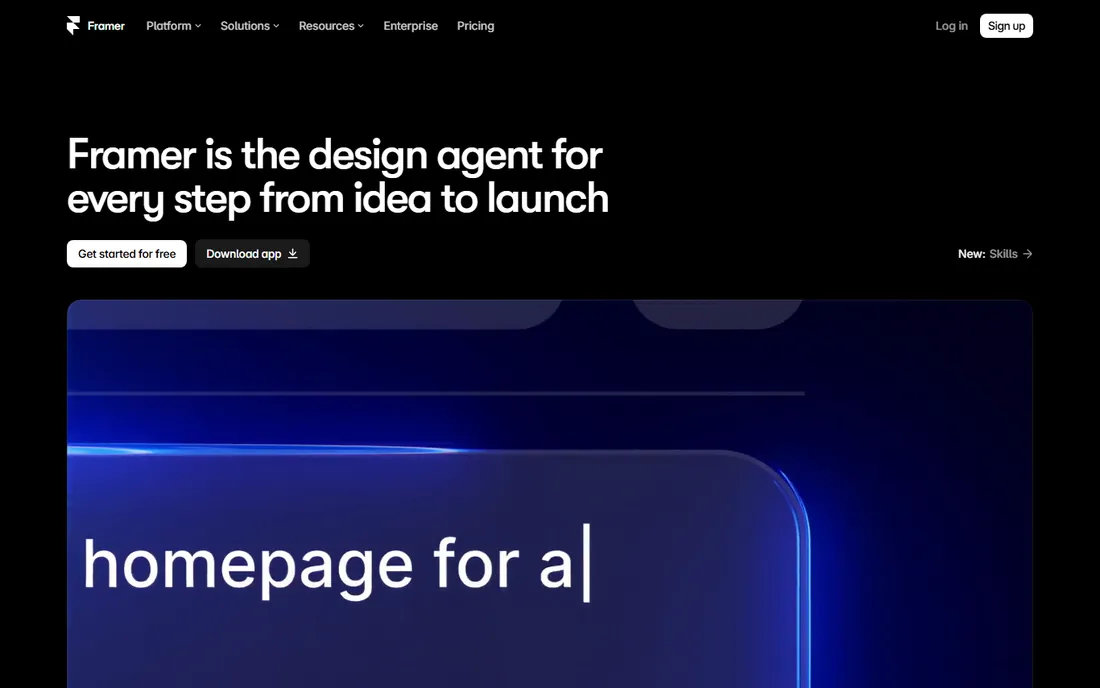
Framer has become the default portfolio builder for product designers, and the reason is obvious the moment you use it: the canvas feels like Figma, but everything you build is a real, fast, published website. Import designs straight from Figma, add motion and interactions that show off your interaction design skills, and manage case studies through the CMS. The free plan lets you build and publish on a Framer subdomain; the $5 Mini plan adds a custom domain.
The trade is complexity. Framer asks more of you than Squarespace, and CMS-heavy portfolios get pricier on higher tiers. But for a UX designer, the portfolio itself is a work sample, and Framer lets that sample demonstrate exactly the skills employers hire for.
What we like- Figma-familiar canvas with real motion and interactions
- CMS-powered case studies
- AI agents help structure case study copy
Watch out for- Steeper learning curve than Squarespace
- CMS costs climb on higher tiers
- One-page Mini plan is limiting
Starting price$14 per month (Basic)
Free planYes
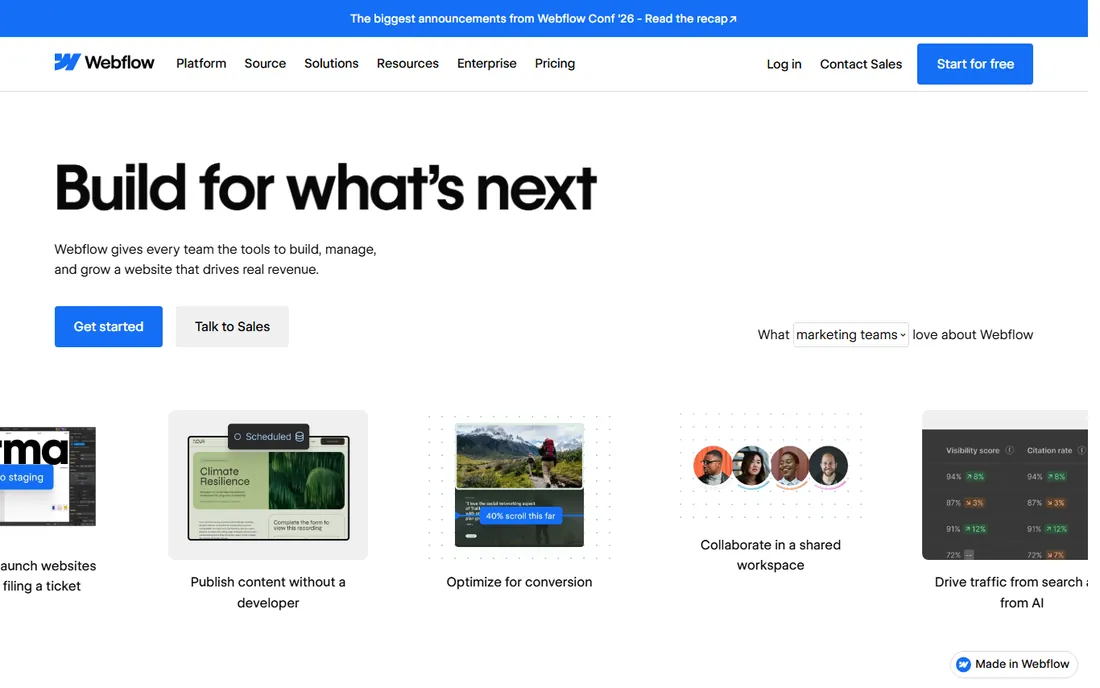
Webflow is the power tool: a visual builder that generates real HTML, CSS and JavaScript, with a CMS that can run dozens of detailed case studies. For UX designers who sell Webflow work, the portfolio is the pitch. The free plan covers staging; $14 a month puts a Basic site on your domain.
It is the hardest tool here to learn, and the pricing model, site plans on top of workspace plans, confuses everyone at first. But nothing else in this list gives a designer this much control without writing code, and the finished sites are genuinely fast.
What we like- Pixel-level control with clean generated code
- CMS plan handles serious case study libraries
- Your site doubles as a Webflow work sample
Watch out for- Steep learning curve for non-designers
- Pricing stacks up (site plans plus workspaces)
- No code export to self-host
Starting price$16 per month (Personal)
Free planFree trial
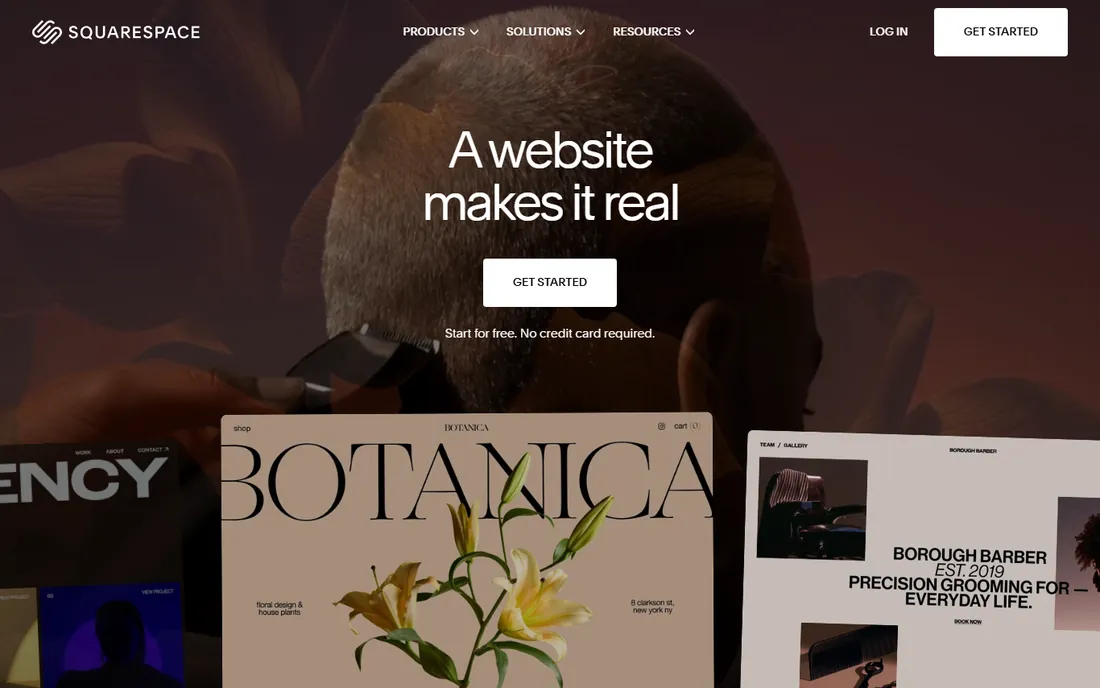
Squarespace is the pragmatic choice: pick a template, drop in your case studies, connect a domain, and you have a portfolio that looks like you hired a designer. At $16 a month for Personal, it is one subscription covering hosting, domain and SSL, and the blogging tools handle written case studies well.
You will not win awards for originality; thousands of portfolios share the same templates, and advanced interactions are limited. For designers who would rather spend their energy on the work than the website, that trade is exactly right.
What we like- Beautiful templates that look expensive with zero effort
- Everything (hosting, domain, SSL) in one bill
- No learning curve
Watch out for- Limited advanced interactions
- Only a 14-day trial, no free plan
- Less flexibility than Framer or Webflow
Starting price$13 per month
Free planYes
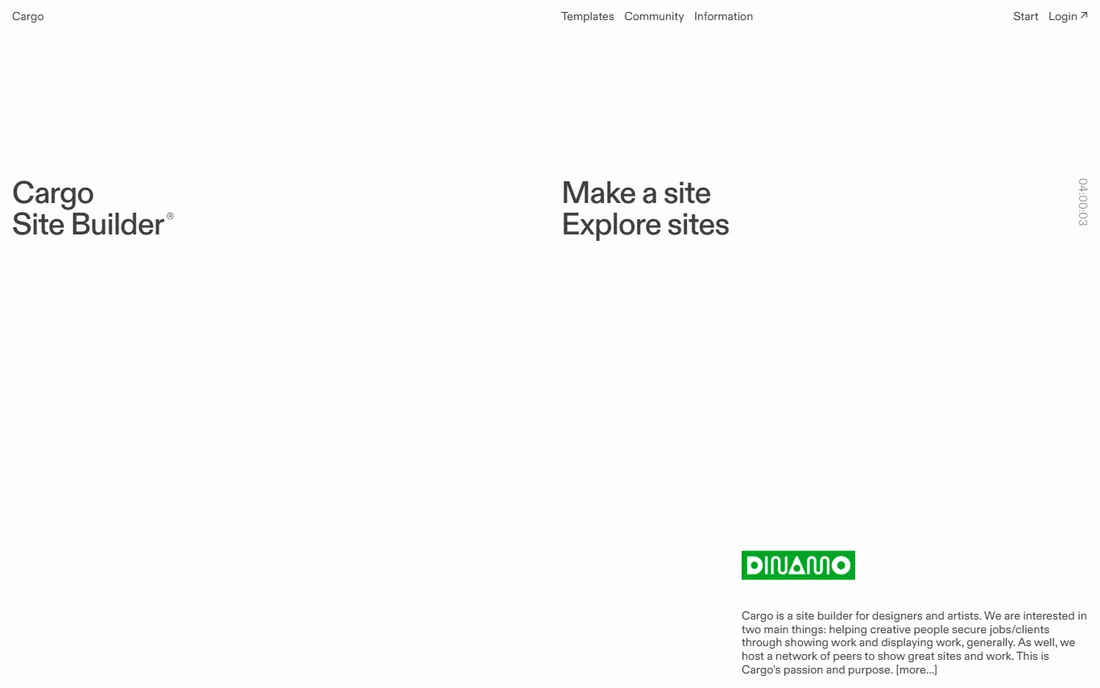
Cargo is the cult favorite of experimental designers: a freeform canvas with direct CSS and HTML access that produces portfolios nobody mistakes for a template. The free plan covers three pages, enough for a tight portfolio, and $13 a month opens the full toolset.
The freedom has a cost. Cargo resists structure, so long case-study archives and process-heavy UX storytelling take more effort than in Framer or Webflow. It suits designers whose work is visual and unconventional; traditional UX case-study formats fit better elsewhere.
What we like- Freeform layouts no template builder allows
- Beloved by design-school graduates
- Free plan with 3 pages
Watch out for- Steep learning curve for the freeform tools
- Not suited to structured case-study archives
- No ecommerce or client proofing
Starting priceIncluded with Creative Cloud
Free planNo
Adobe Portfolio is the no-brainer for Creative Cloud subscribers: it is included with your plan, syncs your Behance projects with one click, and gets a clean portfolio live in an afternoon. For photographers and visual designers already paying Adobe, the marginal cost is zero.
It is not a design tool so much as a publishing tool. Templates are attractive but constrained, and there is no way to buy it without Creative Cloud. UX designers wanting custom case-study layouts will outgrow it fast; as a quick professional presence, it is unbeatable value for subscribers.
What we like- Free with any Creative Cloud plan
- Syncs Behance projects instantly
- Genuinely quick to launch
Watch out for- No standalone purchase
- Template-based with limited customization
- Tied to the Adobe ecosystem
Starting priceFree
Free planYes
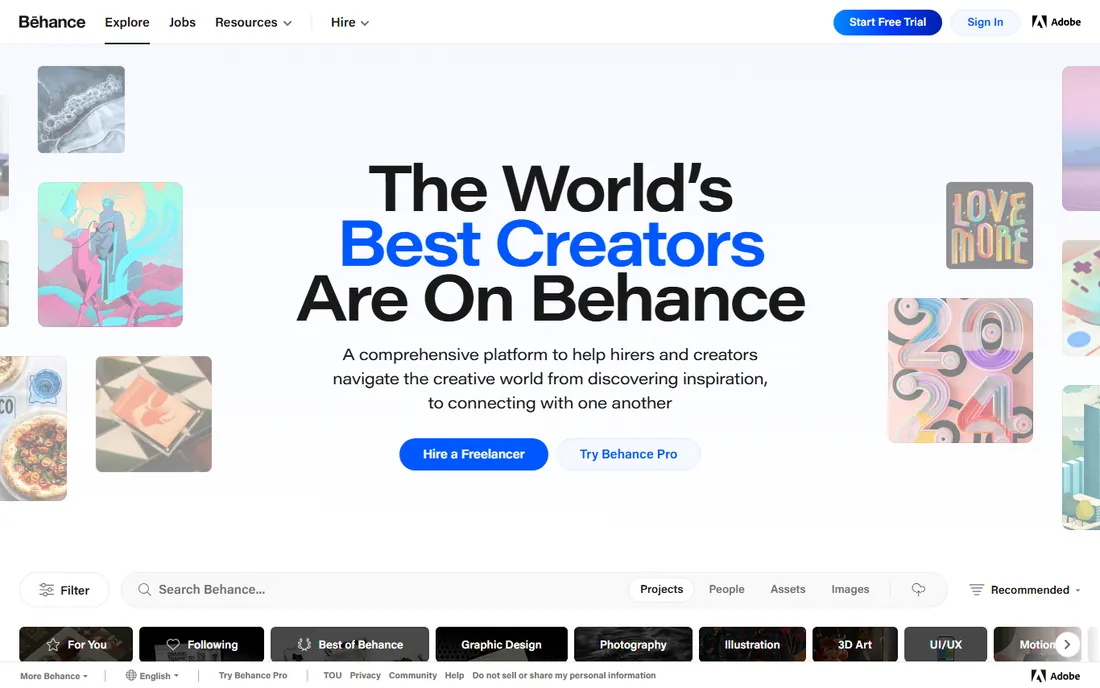
Behance is where creative work gets discovered: free to publish, browsed by clients and recruiters worldwide, and tightly integrated with Adobe's ecosystem. Every designer should have a presence here regardless of their main portfolio platform.
It is a profile, not a website. You get no custom domain, limited control over presentation, and your case studies sit inside Behance's chrome. Use it as the discovery layer that points to your real portfolio, never as the portfolio itself.
What we like- Completely free with a massive built-in audience
- Clients and recruiters actively browse it
- Doubles as a social proof layer
Watch out for- Not your own website or domain
- Limited layout control
- Your work competes with millions of others
Starting priceFrom $7 per month
Free planFree trial
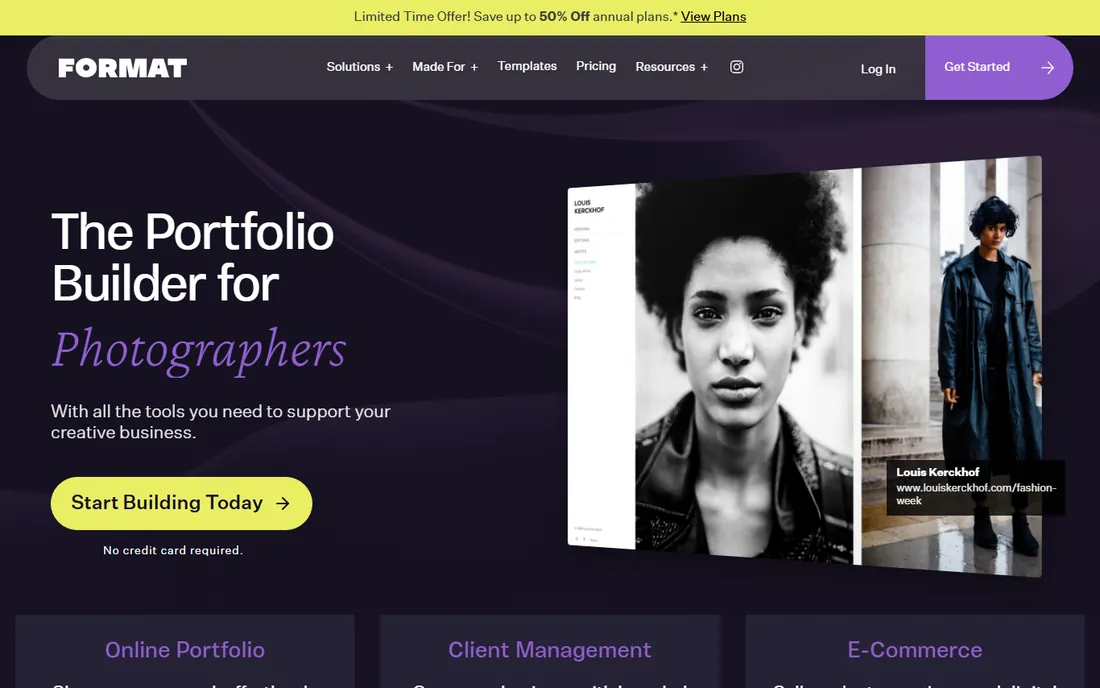
Format is built for visual creatives: photographers, filmmakers and designers who lead with imagery. The templates prioritize image quality, client proofing lets clients select favorites from shoots, and the blogging tools support written case studies alongside the visuals. Plans start around $7 a month with a 14-day trial.
For UX designers whose portfolios are process-heavy and text-led, it is less natural than Framer or Squarespace. For designers whose work is visual, including UX designers with strong UI craft, the presentation quality is excellent.
What we like- 90+ photography-first templates with high-resolution image handling
- Client proofing and branded delivery built in
- Blogging for written case studies
Watch out for- 14-day trial only, no free plan
- Niche focus less ideal for pure UX writing
- Template swapping can mean rebuilding
Starting price$14 per month (Personal)
Free planYes
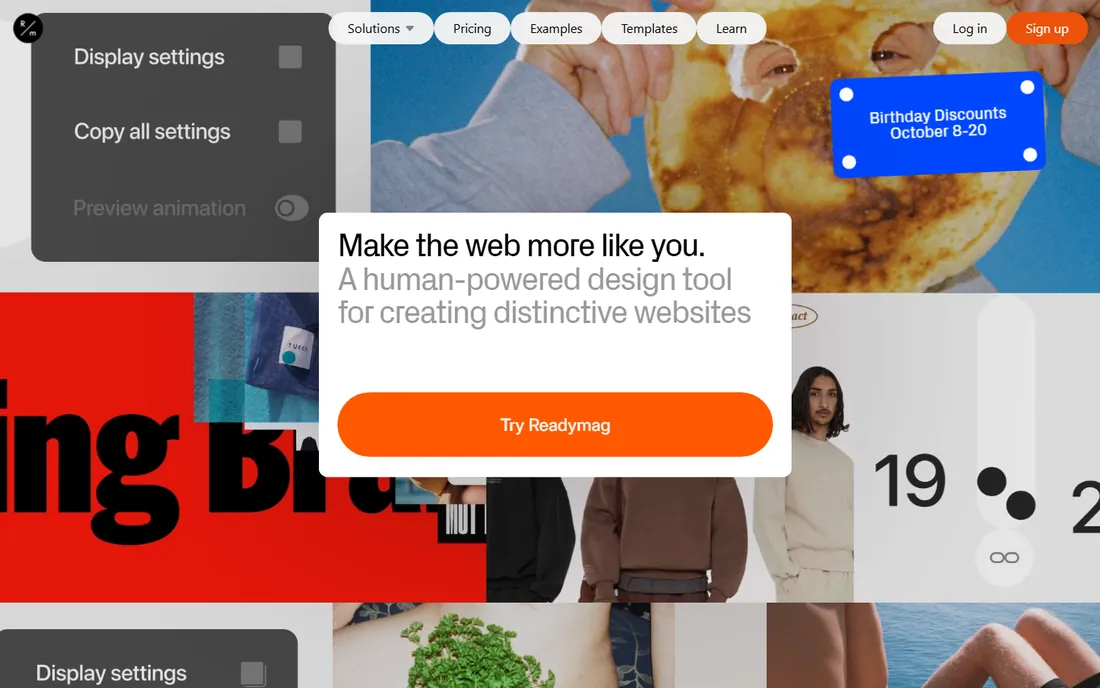
Readymag sits between a website builder and a publishing tool: browser-based design with sophisticated animation, typography control and editorial layouts that make case studies read like magazine features. The free plan gets you started; Personal at $14 a month adds a custom domain and removes branding.
Watch the view caps: 10,000 monthly views on Personal pushes growing portfolios toward the $22 Freelancer tier. There is no ecommerce or client proofing at any price. For UX designers who think in stories and want their process narratives to look stunning, it is a distinctive choice.
What we like- Magazine-grade layouts with advanced animation
- Free plan to start
- No coding needed for striking results
Watch out for- Monthly view caps (10k on Personal)
- No native ecommerce or client galleries
- Pricier than Pixpa for less functionality
Starting priceFree
Free planYes
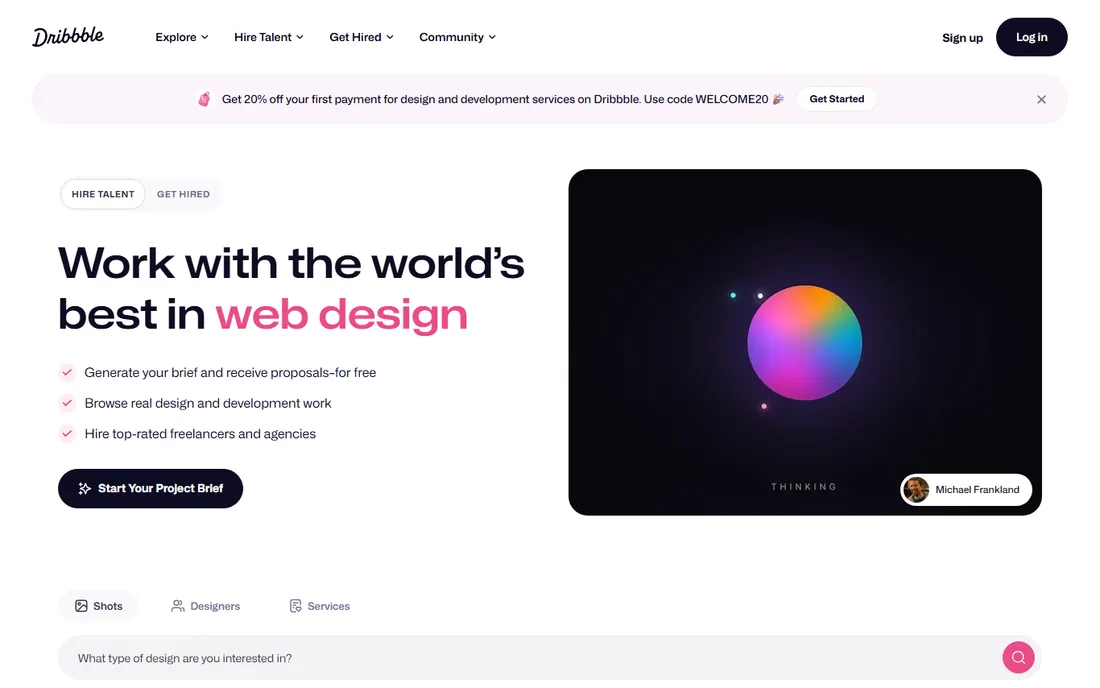
Dribbble is the design community's front page: free to join, packed with the industry's attention, and ideal for sharing the visual highlights of your work. Recruiters browse it, peers give feedback, and a strong presence builds reputation.
Like Behance, it is not a website. The shots format rewards pretty pixels over UX process, which is the opposite of what hiring managers need from a UX portfolio. Post your best visuals here to be discovered, and link every shot back to the full case study on your own site.
What we like- Free with the design world's attention
- Shots format suits visual snippets
- Pro badge adds credibility signals
Watch out for- Not a portfolio website
- Favors visual candy over process
- Discovery is competitive
How we chose
We evaluated these as working UX designers would: case-study storytelling capability, design freedom, mobile performance, custom domain support and total cost. Pricing reflects 2026 published tiers: Framer's $5 Mini, Webflow's $14 Basic, Squarespace's $16 Personal, Cargo's $13 plan, Format's ~$7 entry and Readymag's $14 Personal. Community platforms (Behance, Dribbble) were judged on audience and discovery rather than site-building. We did not build test portfolios; this reflects documented capabilities and designer consensus, not hands-on trials.
What hiring managers actually look for
The platform matters less than the content, and hiring managers say so consistently. Three to five strong case studies beat twenty thumbnails. Each case study needs the problem, your role, your process, and the outcome, in that order, scannable in under two minutes. Your portfolio site must load fast on a phone, because that is where it will be opened.
The platform's real job is to stay out of the way. Pick the tool you will actually update; a stale portfolio on Framer loses to a current one on Squarespace every time. And whatever you choose, keep a PDF version ready: some application systems still ask for one, and a dead link in an ATS portal ends your candidacy silently.
Own site vs. Behance vs. Dribbble: use all three
This is not an either-or decision. Your own website is the hub: your domain, your narrative, your case studies in full, optimized for search and under your control. Behance and Dribbble are the spokes: free distribution where clients, recruiters and peers discover work.
The pattern that works: publish full case studies on your own site, post the visual highlights to Behance and Dribbble, and link everything back to the hub. Designers who skip the owned site hand their professional identity to platforms that can change the rules; designers who skip the communities miss the discovery. Do both, and let each do what it does best.
Frequently asked questions
What is the best platform for a UX designer portfolio?
Framer is the most recommended for UX designers: its Figma-like canvas, motion capabilities and CMS case studies let the portfolio itself demonstrate UX skills, starting at $5 a month with a free plan. Webflow offers more raw power; Squarespace is faster to launch.
Should I use Behance or my own website?
Use both. Behance gives you free discovery among clients and recruiters, but it is a profile on someone else's platform. Your own website gives you control, a custom domain and full case studies. Link your Behance projects to your site.
How many case studies should a UX portfolio have?
Three to five strong case studies is the consensus among hiring managers. Each should cover the problem, your role, your process and the outcome, scannable in under two minutes. Quality and recency beat quantity; cut anything you would not want to be hired to do again.
Is Framer or Webflow better for portfolios?
Framer is faster to learn for Figma users and better for interactive, motion-rich portfolios, starting at $5 a month. Webflow offers deeper control and a stronger CMS for large case-study libraries, starting at $14 a month. Choose Framer for speed and feel, Webflow for power and scale.
Can I make a UX portfolio for free?
Yes. Framer, Webflow, Cargo and Readymag all have free plans (on their subdomains), and Behance and Dribbble are completely free. A custom domain costs $5-$16 a month depending on the platform, and it is worth it for job applications.
Do I need to know code to build a UX portfolio?
No. Framer, Webflow, Squarespace, Format and Readymag are all no-code, though Webflow and Framer reward design-system thinking. Cargo offers optional code access for those who want it. Pick the tool that matches your patience for learning, not your coding ability.
Sources we checked (12)
- https://www.framer.com
- https://webflow.com
- https://www.squarespace.com
- https://cargo.site
- https://portfolio.adobe.com
- https://www.behance.net
- https://www.format.com
- https://readymag.com
- https://dribbble.com
- https://colorlib.com/wp/free-portfolio-website-builders/
- https://uxplaybook.org/articles/best-ux-portfolio-website-builders-2026
- https://www.lowcode.agency/blog/no-code-website-builder
Is your product missing or out of date?
We review this list regularly. Vendors can request a listing, send updated pricing or ask about featured placement.

Shihab Mia · Founder, Rankite
Shihab has spent more than a decade helping SaaS and e-commerce brands grow through search. He writes Rankite's software buying guides from pricing pages, documentation and public user reviews. More about Shihab.