How we make this list: we compare pricing pages, product documentation and public user reviews. Rankite is independent; if a vendor ever pays for a featured spot, that listing is clearly labeled Partner.
Key takeaways
- Squarespace remains the best all-around platform for portfolio websites: polished templates, custom domains, and blogging in one subscription.
- Format and Pixpa are built specifically for photographers and visual creatives, with client galleries and print sales.
- Adobe Portfolio is included with Creative Cloud, making it nearly free for existing subscribers.
- Behance is not a website builder but the largest free audience for creative work, and pairs well with any site.
- Cargo suits designers who want experimental layouts; Webflow suits those who want full design control.
Quick comparison
| Tool | Best for | Starting price | Free plan |
|---|
 Squarespace Squarespace | polished all-around portfolio sites | See website | Free trial |
 Wix Wix | flexible drag-and-drop portfolios | See website | Yes |
 WordPress.com WordPress.com | portfolio plus blog on WordPress | See website | Yes |
 Webflow Webflow | full design control, no code | See website | Yes |
 Adobe Portfolio Adobe Portfolio | Creative Cloud subscribers | Included with CC | See website |
 Format Format | photographers and visual artists | See website | Free trial |
 Carbonmade Carbonmade | simple, affordable creative portfolios | See website | Free trial |
 Behance Behance | free exposure to a creative audience | Free | Yes |
 Cargo Cargo | experimental designer layouts | See website | Yes |
 Pixpa Pixpa | photographer business sites | See website | Free trial |
Is your product missing or out of date?
We review this list regularly. Vendors can request a listing, send updated pricing or ask about featured placement.
The best portfolio platform is the one your clients will actually visit and you will actually update. A gorgeous site you never touch is worse than a simple one you refresh monthly. These ten cover the full range: website builders, portfolio specialists, and the free networks where creative work gets discovered.
Starting priceSee website
Free planFree trial
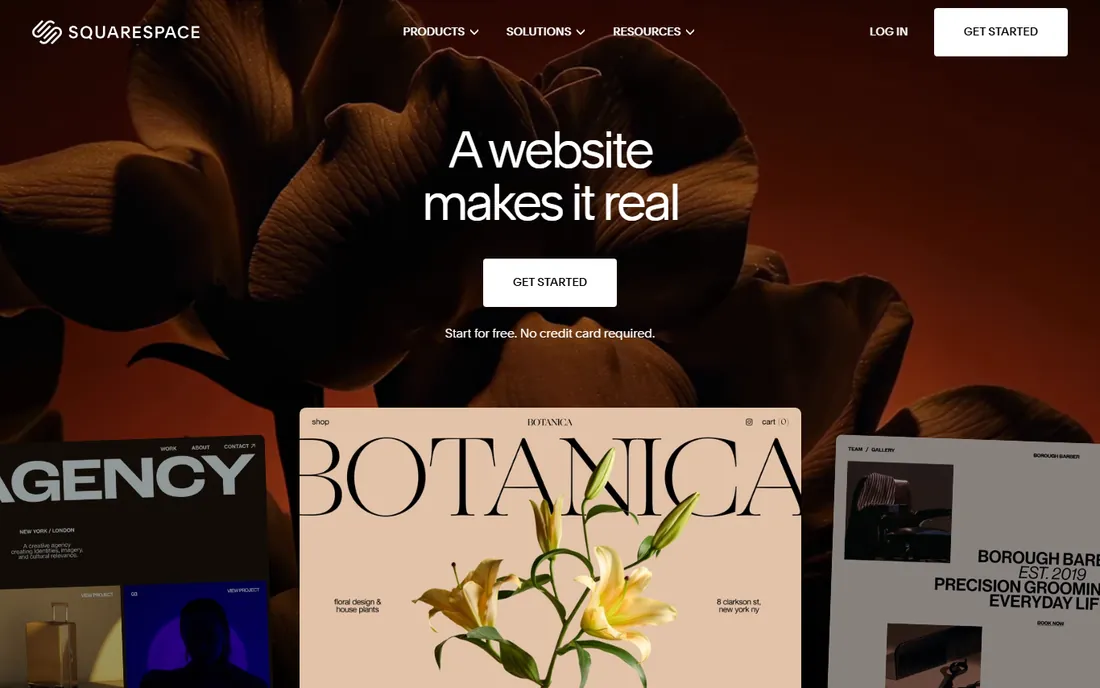
Squarespace built its reputation on design, and its portfolio templates remain among the best-looking out of the box. Galleries, image zoom, and project pages work well on mobile without tweaking, and the same subscription covers a blog, a custom domain, and even appointment scheduling for client work.
The cost is flexibility: you work within Squarespace's structure, not your own. For most photographers, designers, and freelancers, that trade is worth it. Your site looks professional on day one and you never think about hosting.
What we like- Beautiful portfolio templates with strong image handling
- Custom domain, blogging, and scheduling in one plan
- Reliable hosting with no maintenance
Watch out for- Less layout freedom than Webflow
- Template switching can require rebuilding pages
Starting priceSee website
Free planYes
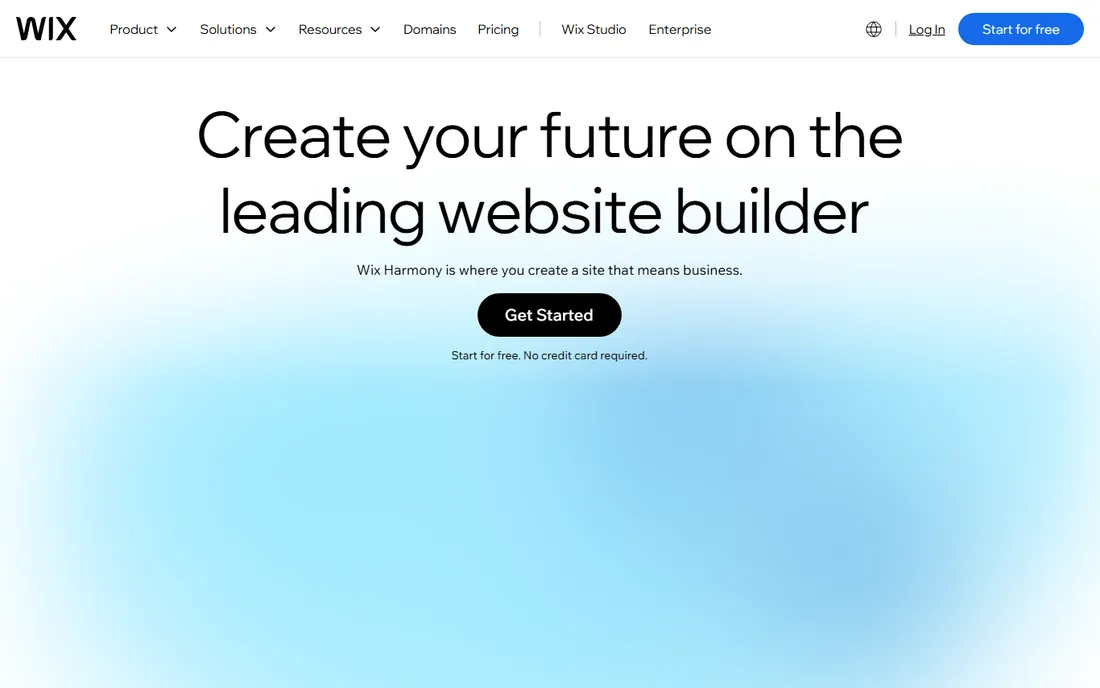
Wix gives you more layout freedom than Squarespace: drag anything anywhere, add apps from a large marketplace, and start free to see if you like it. The template library includes plenty of portfolio designs across photography, design, and art.
Freedom cuts both ways. Without restraint, Wix sites can look messy, and the free plan carries Wix branding. But if you want a custom-feeling site without code and like to tinker, Wix is the most flexible mainstream builder.
What we like- True drag-and-drop freedom on every page
- Large template library
- Free plan lets you build before paying
Watch out for- Free plan shows Wix ads and uses a Wix subdomain
- Sites can get cluttered without discipline
Starting priceSee website
Free planYes

WordPress.com is the hosted version of WordPress, and it remains a strong portfolio choice when writing matters as much as images. Portfolio themes are plentiful, the block editor handles galleries well, and the blogging tools beat every other builder here. A free plan gets you started on a wordpress.com subdomain.
The catch is that the best themes, plugins, and custom domains need paid plans, and the visual polish lags tools built specifically for portfolios. Choose WordPress.com if your portfolio is really a publication with pictures.
What we like- WordPress ecosystem with thousands of portfolio themes
- Free plan to start
- Blogging and SEO tools built in
Watch out for- Best themes and plugins need paid plans
- Less visual than dedicated portfolio builders
Starting priceSee website
Free planYes
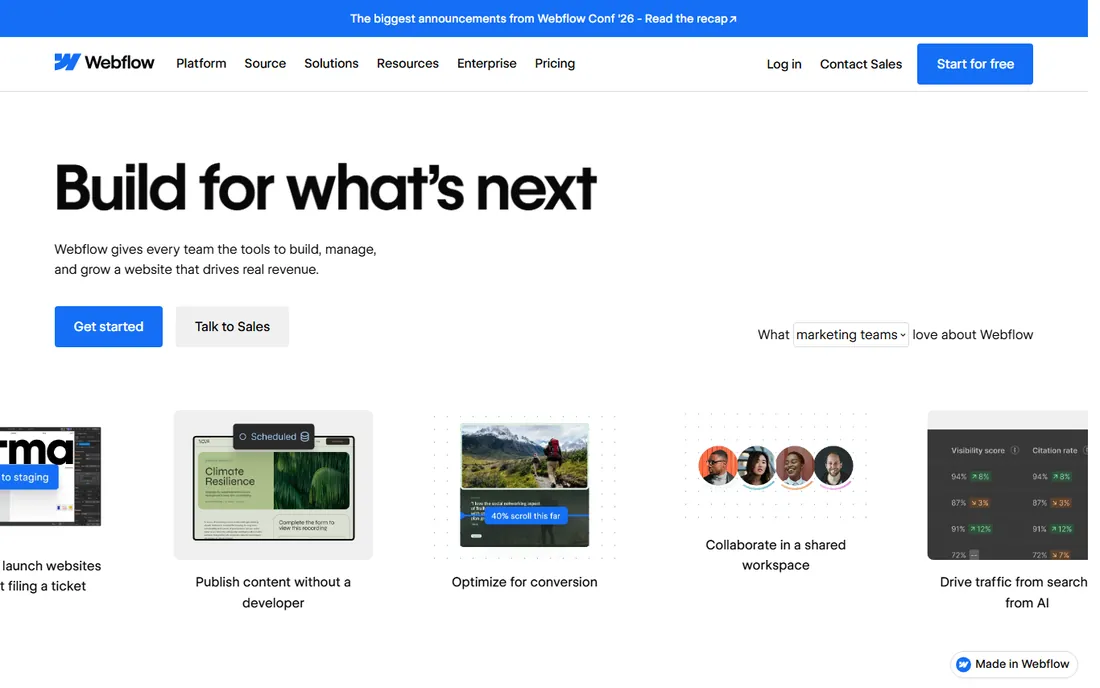
Webflow is the portfolio platform for people who care about web design itself. You get near-total control over layout, animation, and interactions, visually, with clean code underneath. Designer and developer portfolios built in Webflow double as demonstrations of skill.
It takes longer to learn than drag-and-drop builders, and costs climb once you add CMS features and hosting. But if your portfolio needs to be a design statement, nothing else in this list gives you this much control without writing code.
What we like- Pixel-level design control without coding
- Clean code output and fast hosting
- Great for designer-developer portfolios
Watch out for- Steeper learning curve than Squarespace
- Pricing adds up with CMS and hosting
Starting priceIncluded with CC
Free planSee website
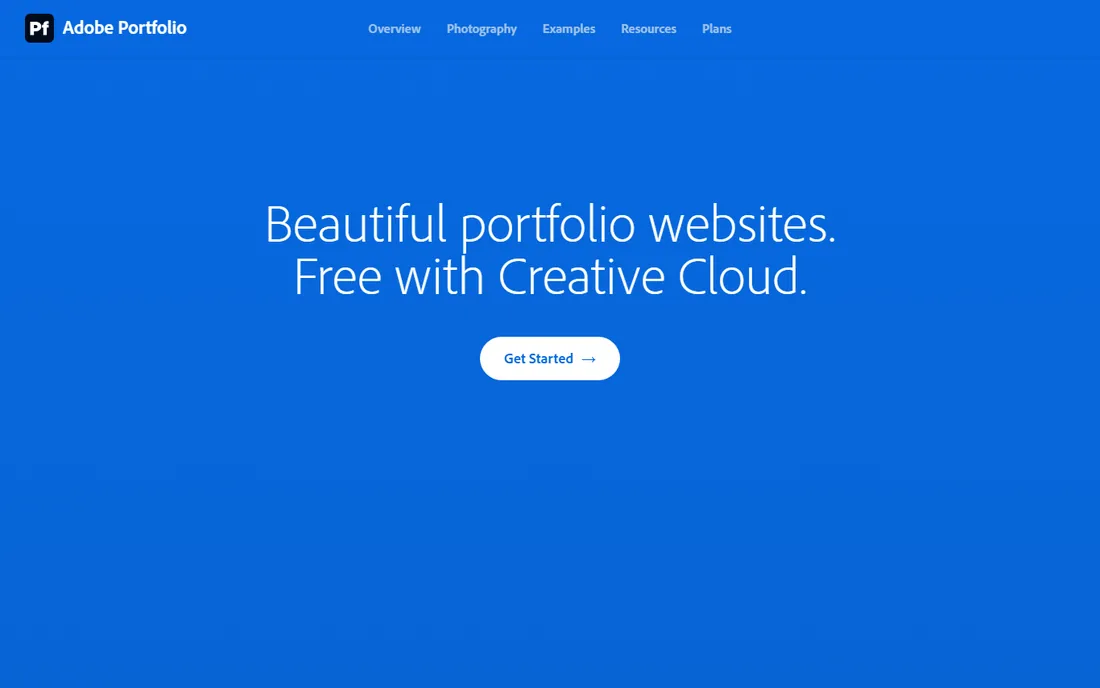
If you already pay for Adobe Creative Cloud, Adobe Portfolio is the obvious choice: it is included, it syncs with your Behance projects and Lightroom albums, and you can publish a clean portfolio site in an afternoon. Custom domains are supported.
On its own merits it is simple rather than powerful: fewer templates, limited customization, no blogging or ecommerce to speak of. But at zero marginal cost for CC subscribers, it is the best value portfolio site here.
What we like- Included free with Creative Cloud plans
- Syncs with Behance and Lightroom
- Quick to build with clean templates
Watch out for- Requires a Creative Cloud subscription
- Limited customization and no ecommerce
Starting priceSee website
Free planFree trial
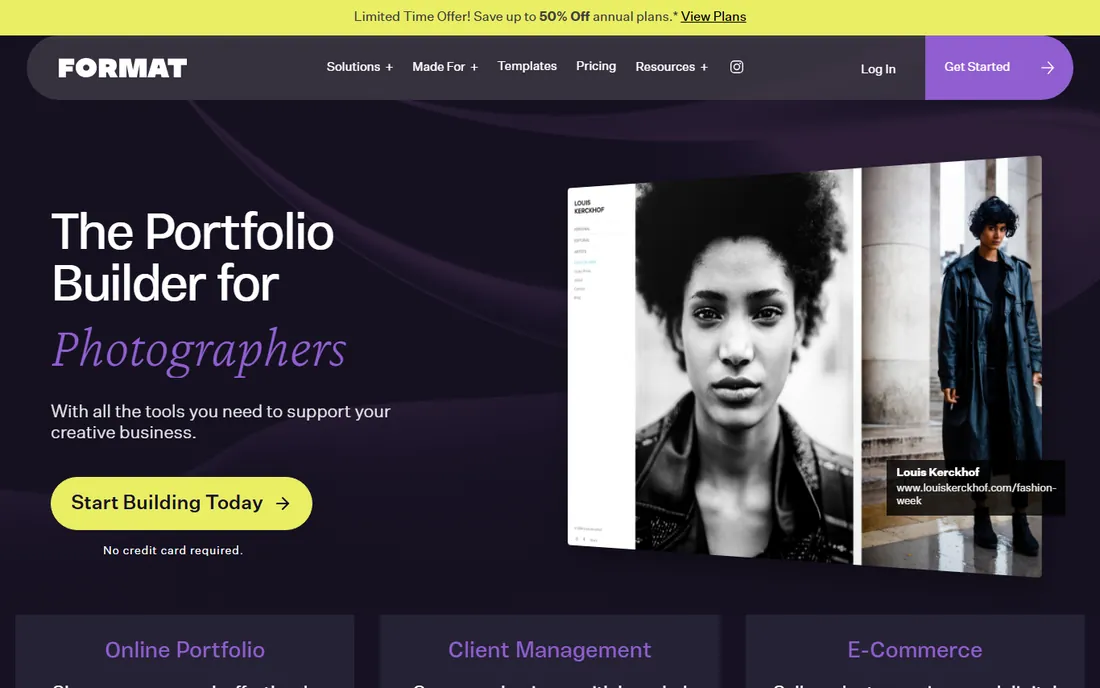
Format exists for one job: portfolio websites for photographers, filmmakers, illustrators, and designers. The themes are image-first, and the business tools go further than rivals: branded client galleries, contracts, file transfers, and commission-free print and product sales.
General freelancers may find it narrow, and there is no free tier beyond the trial. But for working photographers who need client proofing and sales built in, Format is the most complete package.
What we like- Purpose-built for visual portfolios with 90 plus themes
- Client galleries with contracts and file transfer
- Commission-free ecommerce
Watch out for- Focused on creatives, less for general freelancers
- No free plan beyond the trial
Starting priceSee website
Free planFree trial
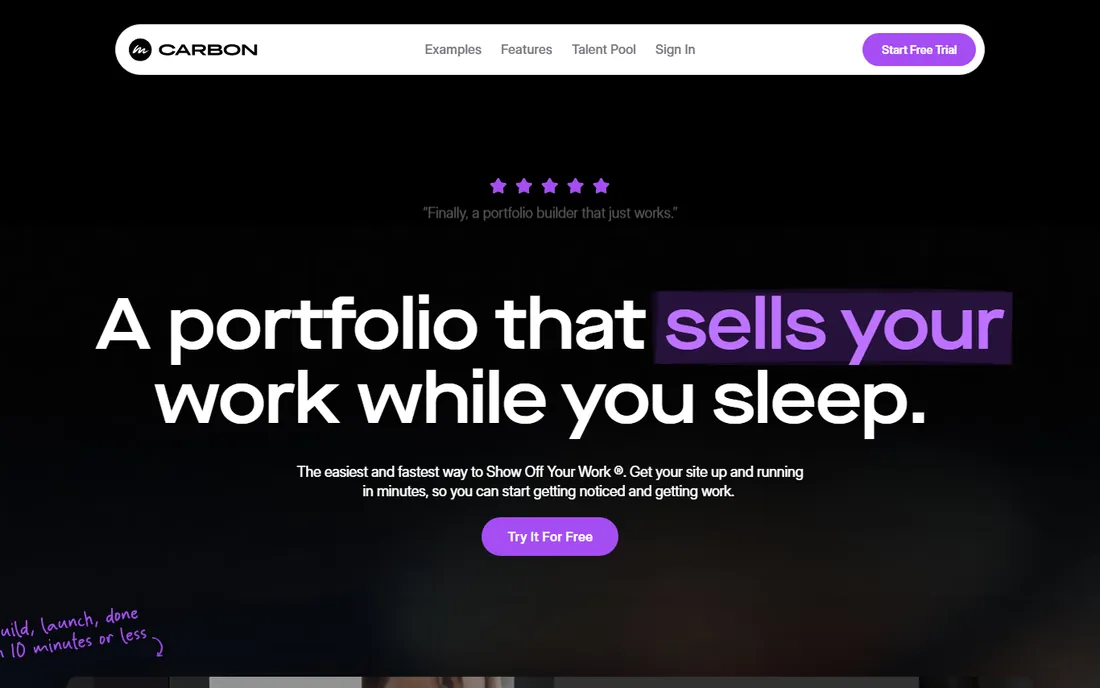
Carbonmade has been around since 2005 doing one thing well: simple online portfolios for creatives. It is unusually affordable, the portfolios look good on mobile, and it welcomes writers and other non-visual creatives alongside designers and photographers.
You will not find blogging, ecommerce depth, or advanced customization. Carbonmade is for people who want a clean portfolio online fast and cheap, and it delivers exactly that.
What we like- Very affordable plans
- Clean, mobile-friendly portfolios
- Supports design, illustration, photography, and writing
Watch out for- Fewer features than bigger builders
- Smaller template selection
Starting priceFree
Free planYes
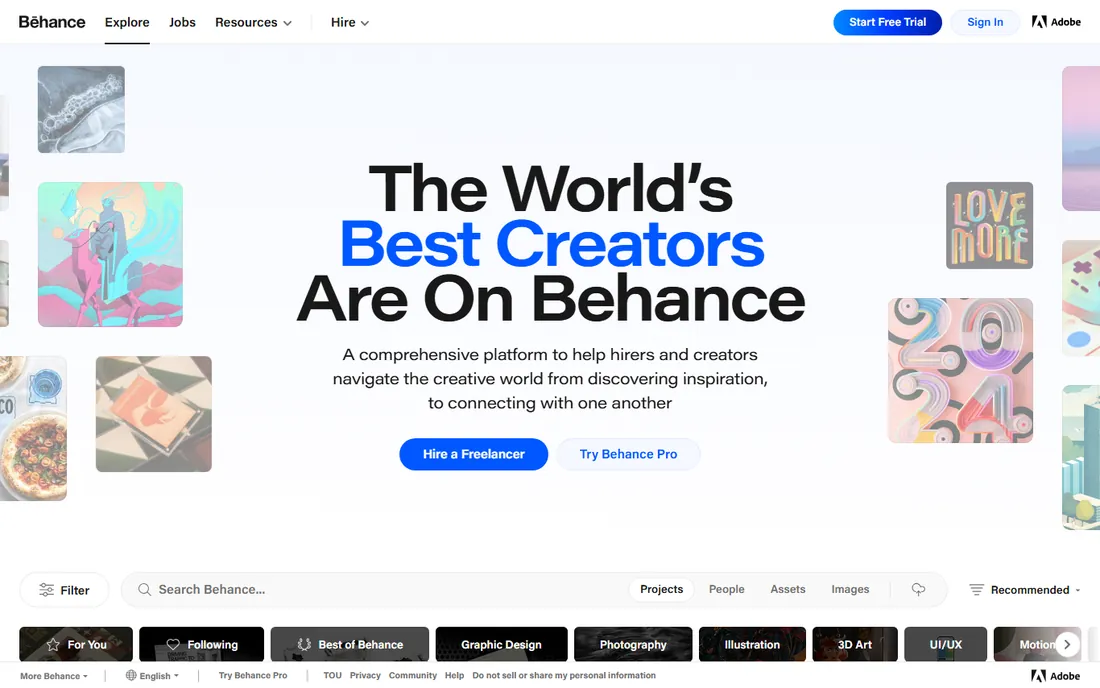
Behance is not a website builder. It is Adobe's creative network, and it belongs on this list because for many creatives it functions as the portfolio: free project pages, millions of visitors, and discovery by clients browsing for talent. Pair it with your own site for the best of both worlds.
The trade-off is control. Your work lives on Adobe's platform under their rules and design. Use Behance for reach and a personal site for ownership; the two complement each other rather than competing.
What we like- Completely free with a massive creative audience
- Great for discovery and client leads
- Integrates with Adobe Portfolio
Watch out for- Not your own website, you do not control the platform
- Limited presentation customization
Starting priceSee website
Free planYes
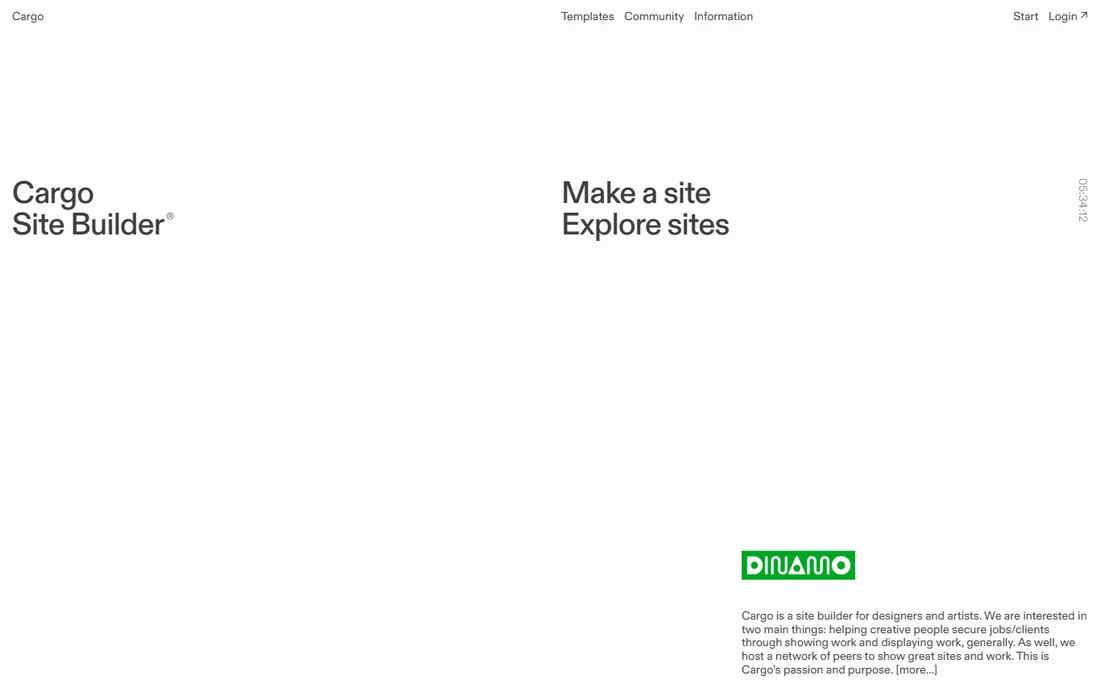
Cargo is the anti-template portfolio platform. Instead of grids and themes, you get freeform layout tools, custom cursors, and unconventional navigation, with direct access to CSS and HTML if you want it. The result can feel like interactive art rather than a website.
The free plan covers three pages, which is enough to test the aesthetic. It is not for photographers who need structured galleries or freelancers who need business features. For fine artists and experimental designers, nothing else looks like Cargo.
What we like- Freeform layouts that break the grid
- Direct CSS and HTML access
- Curated community of serious creatives
Watch out for- Learning curve for the freeform tools
- Free plan limited to three pages
Starting priceSee website
Free planFree trial
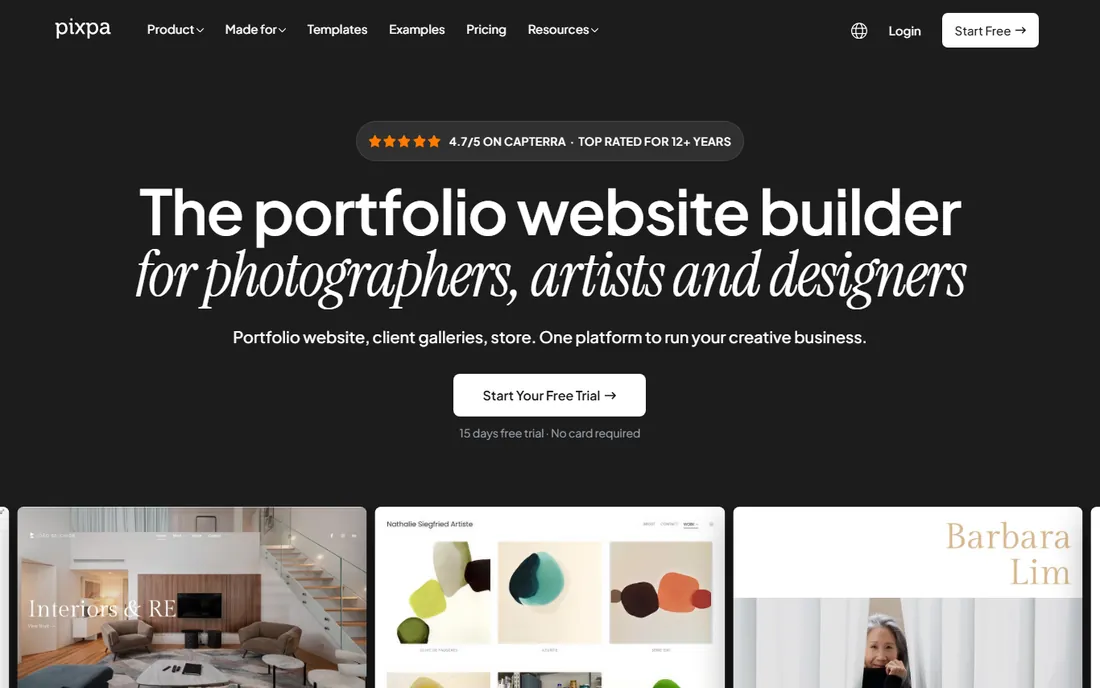
Pixpa packs a photographer's whole business into one platform: portfolio site, client proofing galleries, online store, and blog, with no commission on sales. Plans are affordable, and the templates are photography-focused.
The ecosystem is smaller than the giants, so expect fewer apps and integrations. But if you want one subscription that covers showing, selling, and delivering photography work, Pixpa is purpose-built for it.
What we like- All-in-one for photographers: site, client galleries, store, and blog
- Affordable plans
- No commission on sales
Watch out for- Smaller ecosystem than Wix or Squarespace
- Fewer third-party integrations
Website or profile: the real first decision
Before comparing builders, decide what you need. A personal website on your own domain is an asset you control: it ranks in search, it carries your brand, and no platform change can take it away. A profile on Behance or a similar network is rented land with a built-in audience.
Most working creatives need both. Your website is the home base for clients who already found you; Behance, Instagram, and similar networks are where new people discover you. Budget an afternoon for the website and ongoing minutes for the network. Skipping the website entirely saves a few dollars and costs you credibility with serious clients.
The custom domain question
Every builder here either includes or supports a custom domain, and you should use one. A yourname.com address signals professionalism in a way that yourname.wixsite.com never will, and it protects you if you ever switch platforms. Most paid plans include a free domain for the first year or let you connect one you own.
Buy the domain separately from a registrar if you plan to keep it long term. That way your address survives any builder switch, price hike, or platform shutdown. It is the cheapest insurance in this whole decision.
How we chose
We reviewed vendor homepages, product documentation, and pricing pages, then cross-checked against reviews on G2, Capterra, and Trustpilot, plus designer discussions on forums and Reddit. We included only current, actively maintained platforms, mixing general website builders, portfolio specialists, and free creative networks. Where vendors do not publish prices, we say so. We did not run hands-on tests.
Frequently asked questions
What is the best platform for a portfolio website?
Squarespace is the best all-around choice for most people: polished templates, custom domains, and reliable hosting in one plan. Photographers should look at Format or Pixpa, Creative Cloud subscribers should use Adobe Portfolio, and designers wanting full control should consider Webflow.
Can I make a portfolio website for free?
Yes. Behance is completely free, Wix and WordPress.com have free plans, Webflow has a free starter plan, and Cargo offers three free pages. Free plans usually mean platform branding, a subdomain instead of your own domain, and limited features.
Should I use Behance or my own website?
Use both. Behance gives you free exposure to a huge creative audience and can bring client inquiries. Your own website on your own domain is the professional home base you control. Link them to each other.
Which portfolio platform is best for photographers?
Format and Pixpa are built specifically for photographers, with client galleries, proofing, and print sales. Adobe Portfolio is the best value if you already subscribe to Creative Cloud. Squarespace is the strongest general option with excellent gallery templates.
Do I need a custom domain for my portfolio?
It is strongly recommended. A custom domain looks professional, helps with search visibility, and keeps your address stable if you change platforms. Most paid plans include one free for the first year, or you can buy one from any registrar and connect it.
How much does a portfolio website cost?
Free options exist, but a professional portfolio typically costs $8 to $25 per month for the builder plus roughly $10 to $15 per year for a domain after the first year. Photographer-focused platforms with client galleries and stores sit at the higher end of that range.
Sources we checked (10)
- https://www.squarespace.com
- https://www.wix.com
- https://wordpress.com
- https://webflow.com
- https://portfolio.adobe.com
- https://www.format.com
- https://carbonmade.com
- https://www.behance.net
- https://cargo.site
- https://www.pixpa.com
Is your product missing or out of date?
We review this list regularly. Vendors can request a listing, send updated pricing or ask about featured placement.

Shihab Mia · Founder, Rankite
Shihab has spent more than a decade helping SaaS and e-commerce brands grow through search. He writes Rankite's software buying guides from pricing pages, documentation and public user reviews. More about Shihab.