How we make this list: we compare pricing pages, product documentation and public user reviews. Rankite is independent; if a vendor ever pays for a featured spot, that listing is clearly labeled Partner.
Key takeaways
- Format and Pixpa are built specifically for photographers, combining portfolios, client galleries, and print sales in one account.
- Squarespace and Wix work well when the website matters more than the photography workflow, but client proofing usually needs a second tool.
- Pixieset and Zenfolio shine at the business side: galleries, proofing, print labs, and delivery that clients actually use.
- Adobe Portfolio is the quiet bargain, included free with a Creative Cloud subscription, though it lacks ecommerce depth.
A wedding photographer in Colorado had her portfolio on a generic website builder and her client galleries on a separate proofing app. Clients kept getting confused about which link to use, and she paid for two subscriptions. She moved everything to a photographer-focused platform with the portfolio, galleries, and print store under one login, and the client confusion disappeared overnight. That is the core decision when picking the best platform for a photography website: whether you want a beautiful site first, or a photography business system first.
Quick comparison
| Tool | Best for | Starting price | Free plan |
|---|
 Format Format | photographers who want portfolio, proofing and selling in one place | See website | Free trial (14 days) |
 Pixpa Pixpa | photographers who want portfolio, galleries, store and blog on one bill | See website | Free trial (15 days) |
 Squarespace Squarespace | photographers who prioritize award-level design | $19 per month | Free trial (14 days) |
 Wix Wix | photographers who want total design freedom on a budget | See website | Yes (free plan) |
 SmugMug SmugMug | photographers who need unlimited storage and print sales | See website | Free trial |
 Zenfolio Zenfolio | studios that want booking, marketing and sales in one system | See website | Free trial |
 Pixieset Pixieset | photographers who deliver galleries and want a free start | See website | Yes (free forever) |
 Adobe Portfolio Adobe Portfolio | Creative Cloud subscribers who need a simple portfolio fast | See website | Free trial (7 days) |
Is your product missing or out of date?
We review this list regularly. Vendors can request a listing, send updated pricing or ask about featured placement.
#1
Format
Best for: photographers who want portfolio, proofing and selling in one place
Visit format.com
Starting priceSee website
Free planFree trial (14 days)
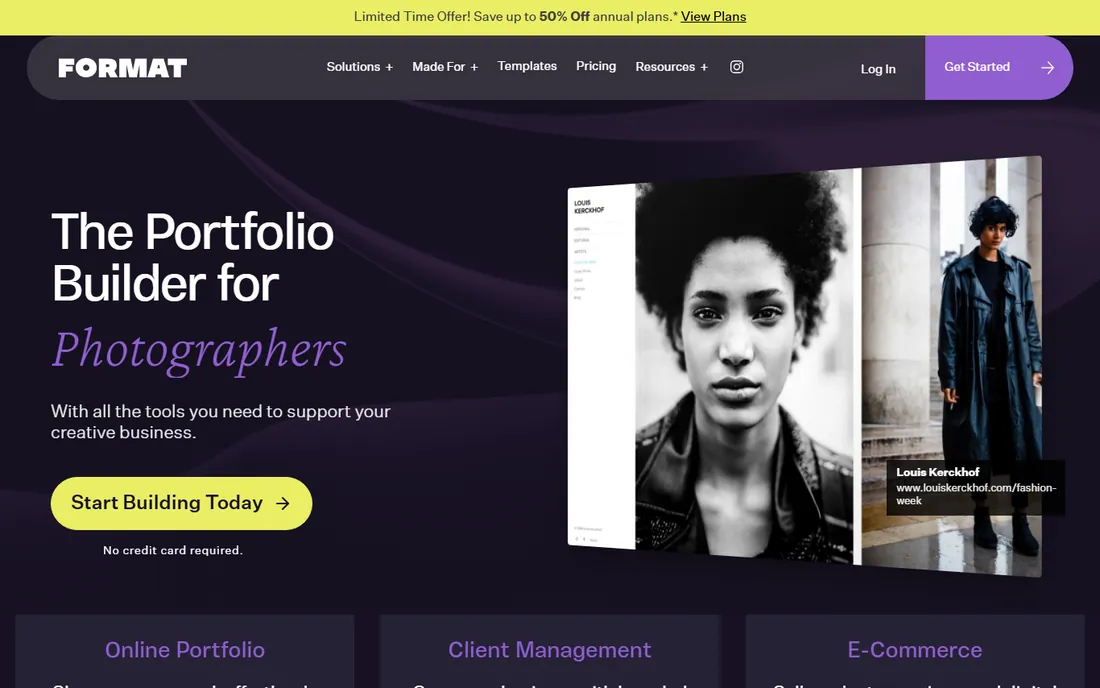
Format positions itself as the portfolio builder for photographers, and the feature set backs that up. You get a website with designer-made themes, plus hosted video, photo storage, branded client galleries, contracts, and a commission-free store for prints and digital products. Print fulfillment runs through trusted labs that ship directly to customers. Themes can be switched without losing content, which makes redesigns painless.
The 14-day trial needs no credit card, so you can build a real site before deciding. Format's support team specializes in creatives, which shows in the quality of their help articles. The main limitation is scope: if you also need heavy blogging or complex marketing automation, a general builder gives you more. For a working photographer's core needs, Format covers nearly everything in one subscription.
What we like- Built for photographers with 90+ themes
- Hosted video and client galleries included
- Commission-free ecommerce
Watch out for- Pricing not shown without signing up
- Smaller ecosystem than general builders
#2
Pixpa
Best for: photographers who want portfolio, galleries, store and blog on one bill
Visit pixpa.com
Starting priceSee website
Free planFree trial (15 days)
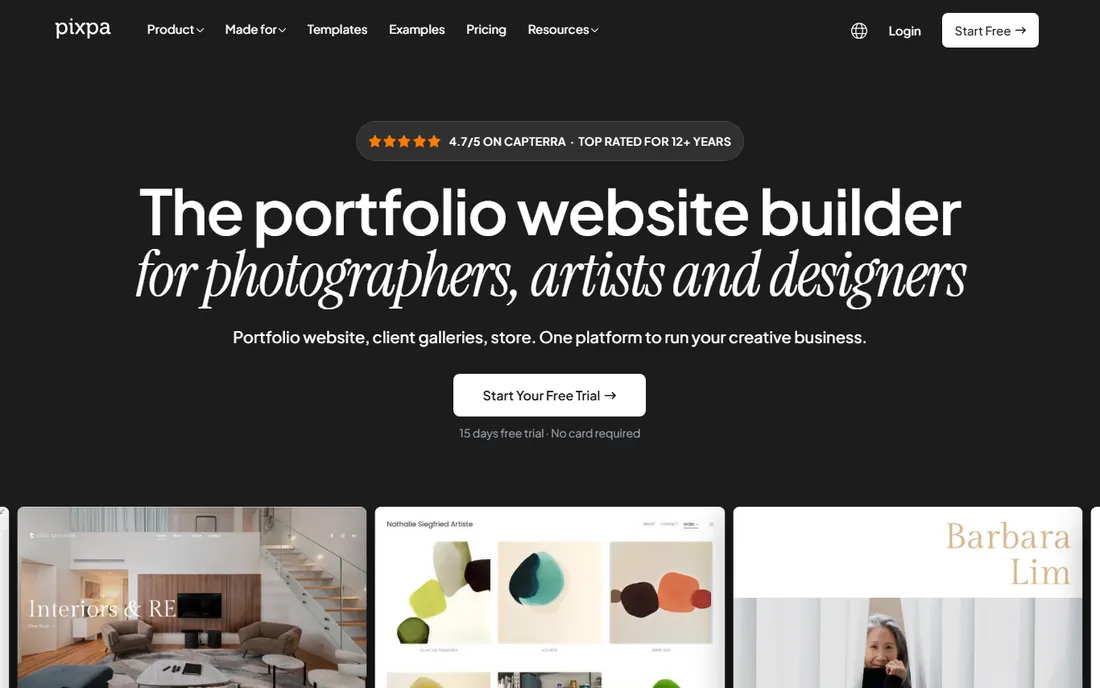
Pixpa makes the case for consolidation: portfolio website, client galleries, store, and blog in one platform at one price. The zero-commission store is the headline. You sell prints, products, services, and digital files through Stripe or PayPal with no per-sale cut to Pixpa, which matters a lot over a year of steady sales. Client galleries support multi-user favoriting, so a couple can pick photos together on one link.
Pricing runs on four plans billed annually, with a 15-day free trial and no credit card required. Print fulfillment integrates with WHCC, and you can connect a custom lab. Support is real humans on 24/7 live chat. Pixpa is an especially good fit for wedding and portrait photographers who deliver galleries constantly and want the site and the delivery system to be the same product.
What we like- Zero commission on all sales
- 200+ templates with full visual editor
- Multi-user client favoriting
Watch out for- Print lab network smaller than SmugMug's
- Newer brand with less name recognition
Starting price$19 per month
Free planFree trial (14 days)
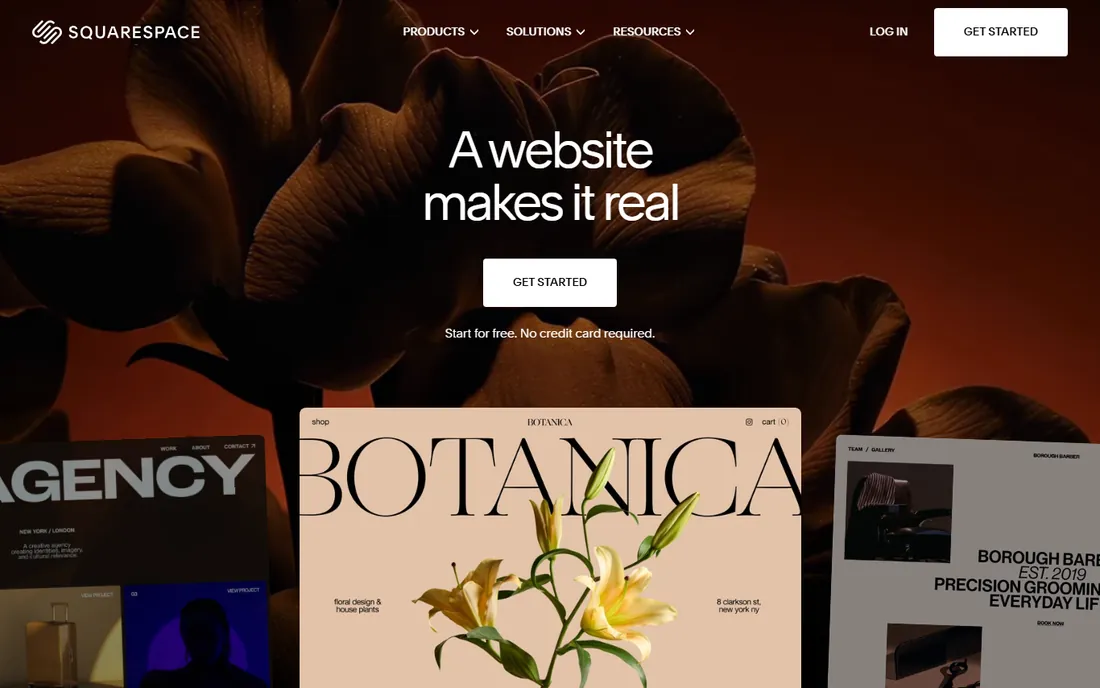
Squarespace remains the design-first choice. Its templates are some of the best-looking in the industry, with full-bleed galleries and typography that make photography look expensive. The 14-day free trial needs no credit card, and subscriptions start at $19 per month. Built-in SEO tools, email marketing, and scheduling through Acuity cover the business basics.
The gap is the photography workflow. There is no built-in client proofing or gallery delivery, so most photographers pair Squarespace with a separate tool like Pixieset, which means two subscriptions. If your site is primarily a marketing portfolio and you deliver galleries elsewhere, Squarespace is excellent. If you want everything in one place, look at Format or Pixpa first.
What we like- Beautiful templates that flatter photography
- Built-in marketing and SEO tools
- Free custom domain on annual plans
Watch out for- No native client proofing
- Ecommerce transaction fees on lower tiers
#4
Wix
Best for: photographers who want total design freedom on a budget
Visit wix.com
Starting priceSee website
Free planYes (free plan)

Wix gives photographers the most design freedom of any general builder. The drag-and-drop editor lets you place elements exactly where you want them, and the template library includes hundreds of portfolio options. A real free plan lets you publish a site without paying, which is useful for students and hobbyists. Bookings, CRM, and email marketing come built in.
The trade-offs are familiar. The free plan carries Wix branding and a subdomain, and switching templates after launch requires rebuilding. For a professional studio, the free plan is a starting point, not a destination. Wix suits photographers who want one platform for the website, booking, and marketing, and who are comfortable doing their own design.
What we like- True free plan
- 2,000+ templates and drag-and-drop freedom
- Built-in bookings and CRM
Watch out for- Free plan shows Wix ads and uses a Wix subdomain
- Template cannot be switched after publishing
#5
SmugMug
Best for: photographers who need unlimited storage and print sales
Visit smugmug.com
Starting priceSee website
Free planFree trial
SmugMug has served photographers since 2002, and it shows in the depth of the photography features. Unlimited storage on every plan means you never think about gigabytes again. The print sales tools connect to professional labs, and image protection includes watermarking, password protection, and right-click disabling. It also owns Flickr, which adds community exposure.
There is no free plan, and the interface feels more utilitarian than Format or Pixpa. Customization is decent but not as design-forward as Squarespace. SmugMug fits photographers with huge archives who sell prints regularly and want one reliable home for storage, display, and sales. Volume studios and event photographers get particular value from the storage model.
What we like- Unlimited photo and video storage on all plans
- Strong print lab partnerships
- Good image protection tools
Watch out for- No free plan
- Customization can feel dated
- Steeper learning curve
#6
Zenfolio
Best for: studios that want booking, marketing and sales in one system
Visit zenfolio.com
Starting priceSee website
Free planFree trial

Zenfolio takes the business-management angle. Beyond portfolio websites and client galleries, it offers booking and scheduling, automated marketing campaigns, email templates, and SMS notifications. The volume photography tools handle school and sports workflows with QR codes and bulk gallery creation. AI-assisted gallery creation and tagging speed up delivery.
The website templates are functional but less striking than Format's or Squarespace's. Pricing spans Basic, Professional, and Advanced tiers, with annual billing cutting the monthly cost significantly. Zenfolio makes sense for studios that book a lot of sessions and want the website, the booking calendar, and the marketing emails to run from one system.
What we like- Booking and scheduling built in
- Automated marketing campaigns
- Unlimited storage on higher plans
Watch out for- Templates less modern than competitors
- Pricing tiers can get expensive
#7
Pixieset
Best for: photographers who deliver galleries and want a free start
Visit pixieset.com
Starting priceSee website
Free planYes (free forever)
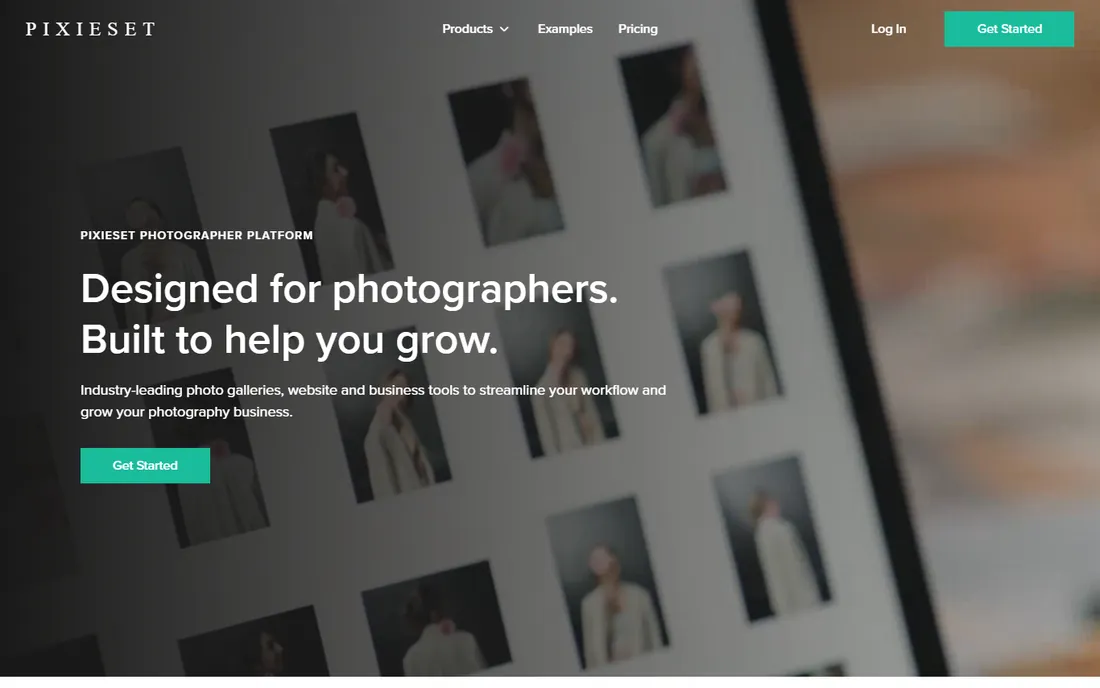
Pixieset built its reputation on client galleries, and the delivery experience is still the best in the business. The free forever plan is genuinely usable, which makes it the easiest way to start delivering professional galleries without spending anything. Studio Manager adds invoices, contracts, and questionnaires, turning Pixieset into a light business OS for photographers.
The website builder is solid but not as flexible as Squarespace or Wix, and blogging is limited. Many photographers use Pixieset for galleries and delivery while keeping a separate portfolio site, though the website product has improved steadily. If client delivery is your daily work, start here and see how much of the rest you need.
What we like- Free forever plan
- Industry-leading client gallery experience
- Studio Manager for invoices and contracts
Watch out for- Website builder less flexible than general platforms
- Limited blogging
Starting priceSee website
Free planFree trial (7 days)
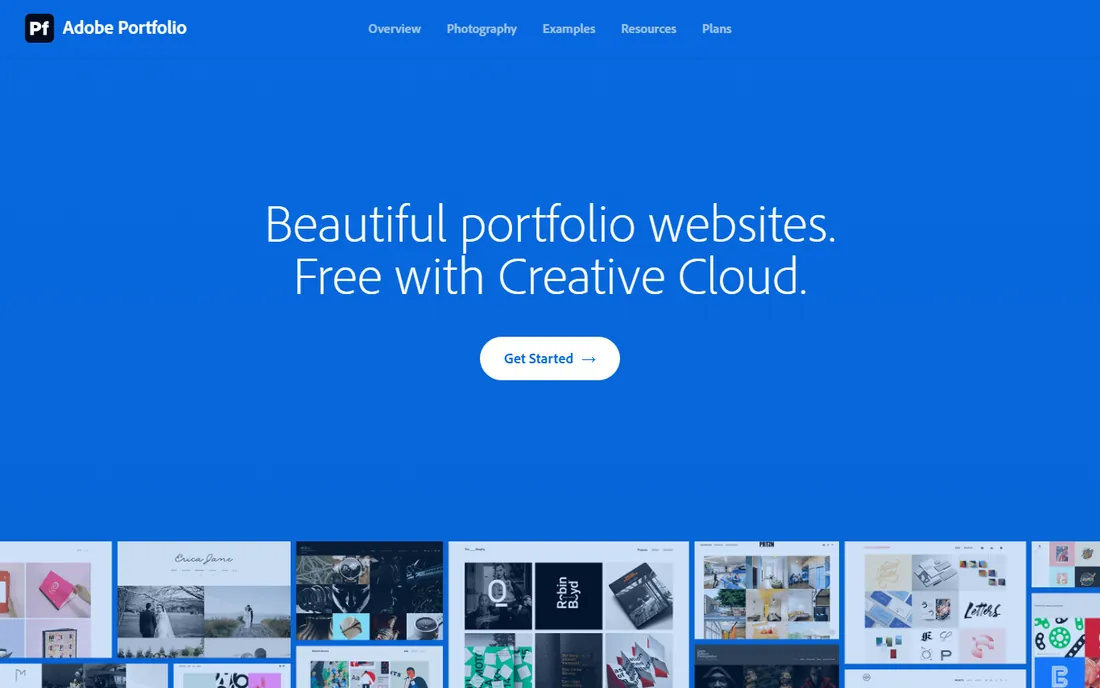
Adobe Portfolio is the quiet value pick. If you already pay for Creative Cloud, it costs you nothing extra. Galleries pull directly from Lightroom collections, Behance projects import in a few clicks, and the responsive themes look clean on every device. You can have a professional portfolio live in an afternoon.
The limits are real: no store, no client proofing, no booking. It is a portfolio and nothing more. For photographers who deliver work through other tools and just need a beautiful public face, especially Lightroom users, it is hard to argue with free. For a full business platform, pair it with Pixieset or choose an all-in-one instead.
What we like- Included free with Creative Cloud
- Lightroom integration for easy gallery building
- Behance import
Watch out for- No ecommerce or client proofing
- Limited templates compared to rivals
We reviewed each vendor's homepage, pricing, and documentation, then checked real-world feedback from photographers on G2, Capterra, Reddit, and photography forums. We compared template quality, image display, client gallery workflows, print sales, storage limits, and whether the platform covers the full business or just the portfolio. Pricing reflects current published plans and trials. We did not test any of these tools hands-on; everything here comes from published sources and user reviews.
Start by separating two jobs: the public portfolio and the client workflow. The portfolio wins you jobs; the workflow, galleries, proofing, delivery, invoicing, is what you live in every day. Some platforms do both well, others excel at one and need a partner for the other. Be honest about which job you do more of.
Check how your images are handled
Look at maximum upload sizes, whether full-resolution originals are stored, and how the platform serves images to different devices. Watermarking and right-click protection matter if you publish client work before delivery. Unlimited storage sounds great until you read the fair-use terms, so skim those too.
Price the whole stack, not just the plan
A cheap website builder plus a separate gallery tool plus a print commission can cost more than one all-in-one subscription. Add up every tool you would need for a full year, including transaction fees, and compare that to the platforms that bundle everything.
Portfolio-first vs. business-first: which do you need
Portfolio-first platforms like Squarespace, Wix, and Adobe Portfolio win on design and marketing. Business-first platforms like Pixieset, Zenfolio, and SmugMug win on delivery, proofing, and print sales. All-in-one platforms like Format and Pixpa try to do both. Most working photographers end up happier with a business-first or all-in-one choice, because the daily workflow matters more than the homepage. Fine-art photographers who sell through galleries and exhibitions may prefer the portfolio-first route.
Frequently asked questions
What is the cheapest way to build a photography website?
Pixieset's free forever plan and Wix's free plan cost nothing to start. Adobe Portfolio is free if you already pay for Creative Cloud. For a professional domain and no branding, expect to pay something; Format, Pixpa, and Squarespace all start in the teens per month.
Can I sell prints from my photography website?
Yes. Format, Pixpa, SmugMug, Zenfolio, and Pixieset all offer print sales connected to professional labs. Adobe Portfolio does not. Check the commission structure: Pixpa takes zero commission, while others build fees into print pricing or plan tiers.
Do I need a separate tool for client galleries?
It depends on the platform. Format, Pixpa, Zenfolio, SmugMug, and Pixieset include client galleries with proofing. Squarespace, Wix, and Adobe Portfolio do not, so you would pair them with a gallery tool like Pixieset.
Which platform is best for wedding photographers?
Wedding photographers deliver a lot of galleries, so Pixieset, Format, and Pixpa are strong fits. Zenfolio adds booking and marketing automation that busy studios appreciate. Any of these can work; the deciding factor is usually whether you want the portfolio and galleries in one account.
How important is unlimited storage?
It matters if you archive full-resolution originals online. SmugMug and higher Zenfolio plans offer unlimited storage. If you only display web-sized images and archive elsewhere, storage limits on lower plans will not bother you.
Can I use my own domain name?
Yes, on all paid plans across these platforms. Some include a free domain for the first year on annual billing. Free plans generally use a platform subdomain instead.
Sources we checked (8)
- https://format.com/
- https://www.pixpa.com
- https://squarespace.com/
- https://www.wix.com
- https://smugmug.com/
- https://zenfolio.com
- https://pixieset.com/
- https://portfolio.adobe.com
Is your product missing or out of date?
We review this list regularly. Vendors can request a listing, send updated pricing or ask about featured placement.

Shihab Mia · Founder, Rankite
Shihab has spent more than a decade helping SaaS and e-commerce brands grow through search. He writes Rankite's software buying guides from pricing pages, documentation and public user reviews. More about Shihab.