How we make this list: we compare pricing pages, product documentation and public user reviews. Rankite is independent; if a vendor ever pays for a featured spot, that listing is clearly labeled Partner.
Key takeaways
- Topaz Photo AI remains the quality benchmark for desktop enhancement. If your work involves noise, blur or low light, it is worth the one-time price.
- Remini wins for quick phone fixes, especially faces and old photos. It is the least technical route to a noticeably better image.
- Upscayl is the best free option. It runs on your computer, costs nothing and handles batch upscaling that paid apps charge for.
- Fotor and Pixlr cover the middle ground. Browser-based, generous free tiers and fast enough for social and marketing work.
- HitPaw FotorPea, Let's Enhance and VanceAI are specialists. Pick them for bulk processing, print-size upscaling or product-photo workflows rather than general editing.
Quick comparison
| Tool | Best for | Starting price | Free plan |
|---|
 Topaz Photo AI Topaz Photo AI | Pro-grade desktop enhancement | See website | Free trial |
 Luminar Neo Luminar Neo | Creative AI editing | See website | Free trial |
 Remini Remini | Phone faces and old photos | See website | Yes |
 Upscayl Upscayl | Free desktop upscaling | See website | Yes |
 Fotor Fotor | Fast browser enhancement | See website | Yes |
 Pixlr Pixlr | Free browser editing | See website | Yes |
 HitPaw FotorPea HitPaw FotorPea | Bulk desktop enhancement | See website | Free trial |
 Let's Enhance Let's Enhance | Print-size upscaling | See website | Yes |
 VanceAI VanceAI | Product photo enhancement | See website | Yes |
Is your product missing or out of date?
We review this list regularly. Vendors can request a listing, send updated pricing or ask about featured placement.
Nine photo enhancers that actually work in 2026
Photo enhancers promise sharper, cleaner, bigger images. In practice the quality gap between tools is wide: some recover real detail, others just smooth and sharpen. These nine cover the range from phone apps to professional desktop software.
Starting priceSee website
Free planFree trial
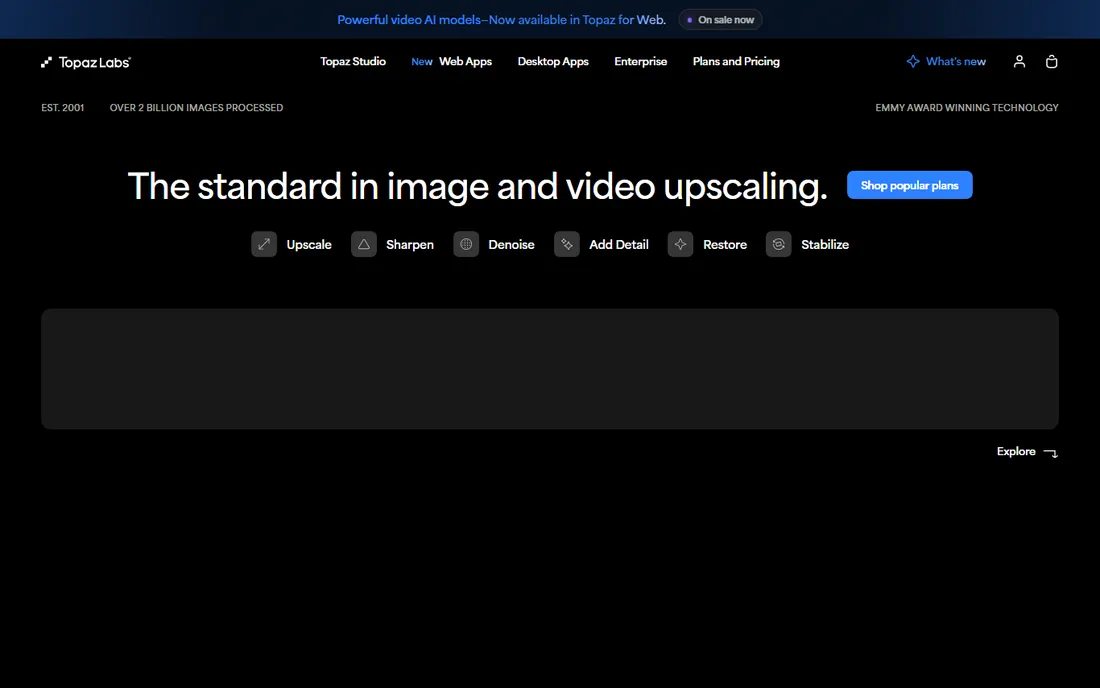
Topaz Photo AI is the tool photographers mention first, and for good reason. Its denoise, sharpen and upscale models recover detail that looks natural instead of plasticky, which is the failure mode of cheaper enhancers. The Autopilot mode analyzes each image and picks starting settings, so you can batch-process a shoot with minimal input.
The honest catch is cost and speed. It is a serious purchase for someone who enhances photos occasionally, and AI processing can crawl on machines without a decent GPU. If you shoot in low light or rescue old images regularly, nothing here matches it.
What we like- Best noise reduction and sharpening in its class
- Autopilot applies sensible settings automatically
- Runs locally so photos stay on your machine
Watch out for- One-time price is steep for casual users
- Slower on older hardware
Starting priceSee website
Free planFree trial
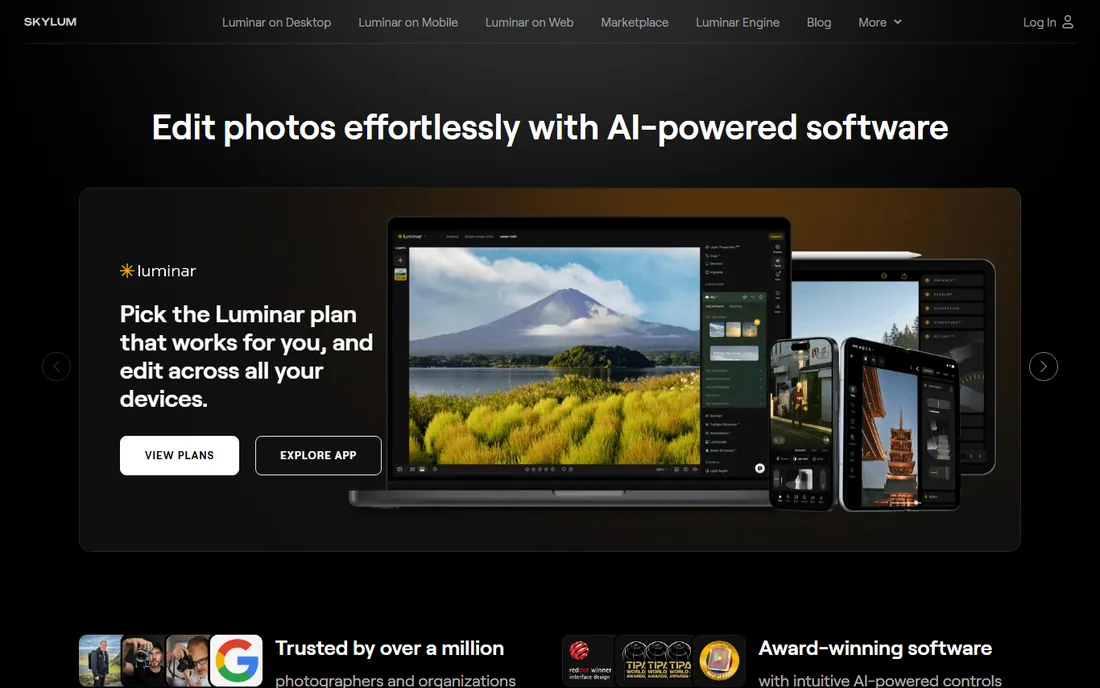
Luminar Neo is a full editor with enhancement baked in rather than a single-purpose tool. Its AI set includes Super Sharp, Noiseless, Upscale, face lighting tools and generative features like object removal. For photographers who want enhancement inside a normal editing workflow, it avoids the round-trip to a separate app.
Skylum sells perpetual licenses, which is increasingly rare. Watch the extensions model though: several marquee features are add-ons with their own price. It is the pick when enhancement is part of a larger editing process, not when you want one-click upscaling.
What we like- Broad set of AI tools in one editor
- Both one-time and subscription licenses
- Works as plugin for Lightroom and Photoshop
Watch out for- Resource hungry on modest machines
- Advanced features sold as paid extensions
Starting priceSee website
Free planYes
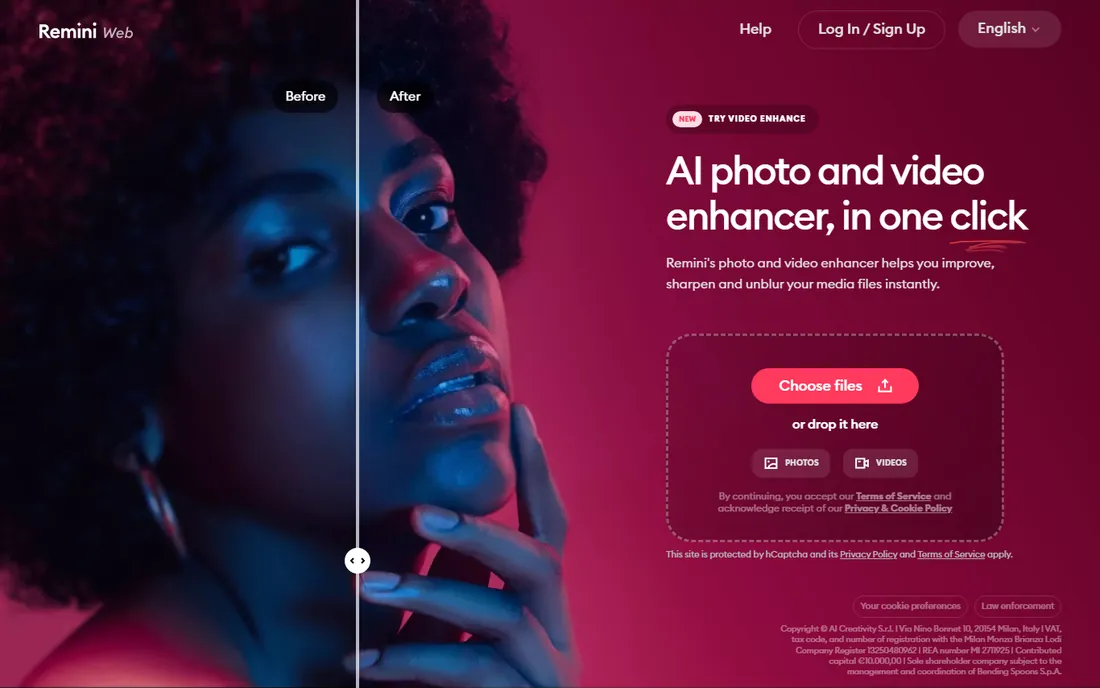
Remini built its reputation on rescuing blurry faces, and it is still the fastest way from a bad phone photo to a usable one. Point it at an old family photo and the restoration is startling. The free tier lets you try the effect before committing.
The weakness is control. Remini decides what your photo should look like, and sometimes it invents details that were never there. For social media and family archives that is fine. For anything where accuracy matters, use a desktop tool instead.
What we like- Unmatched face restoration on mobile
- Dead simple one-tap workflow
- Handles old damaged photos well
Watch out for- Can over-smooth or hallucinate details
- Subscription needed for serious use
Starting priceSee website
Free planYes
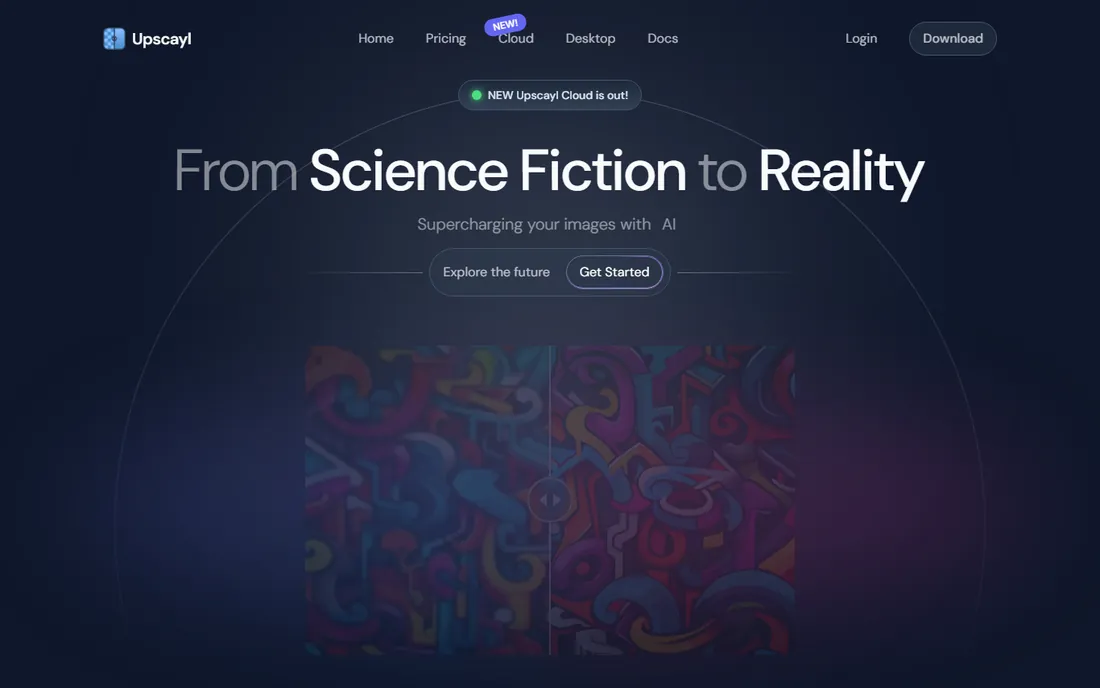
Upscayl is the surprise of this list. It is free, open source and runs entirely on your computer, yet its upscaling quality embarrasses several paid web services. It includes multiple AI models, a compare view and batch mode, which makes it genuinely useful for photographers and archivists.
Setup is the price of free. You download the app plus model files, and the interface looks utilitarian. Once running, though, it handles the exact job many people pay for: making small images bigger without them falling apart.
What we like- Free and open source with no watermark
- Batch processing and multiple AI models
- Private, everything runs locally
Watch out for- Interface is basic
- Models need downloading and some setup patience
Starting priceSee website
Free planYes
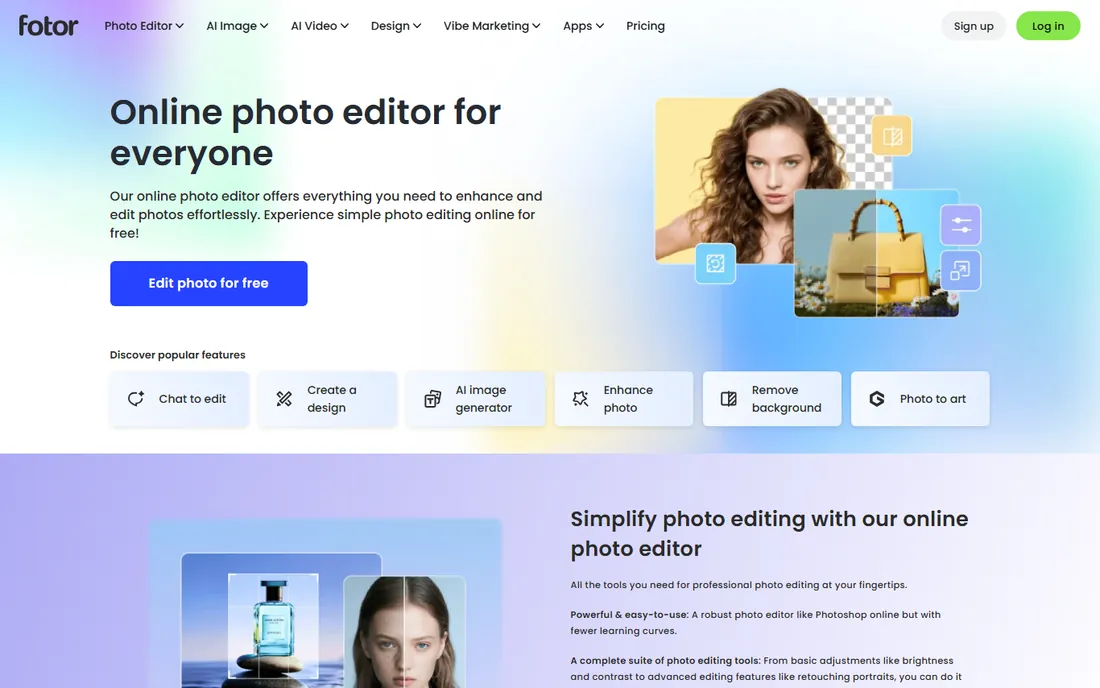
Fotor is the quick option. Open the site, drop in a photo, hit the AI enhancer, download. For marketers, bloggers and social media managers who need decent images fast, that workflow beats installing anything. The free tier is genuinely usable.
The trade-off is depth. The enhancer applies one fixed improvement and the free exports have limits. It is polish, not restoration. Use it when speed matters and the photo just needs to look a little better.
What we like- Works in the browser with no install
- Generous free tier for quick fixes
- Combines editing, collage and design tools
Watch out for- Export resolution and watermarks on free plan
- AI enhancer is one-click with little control
Starting priceSee website
Free planYes
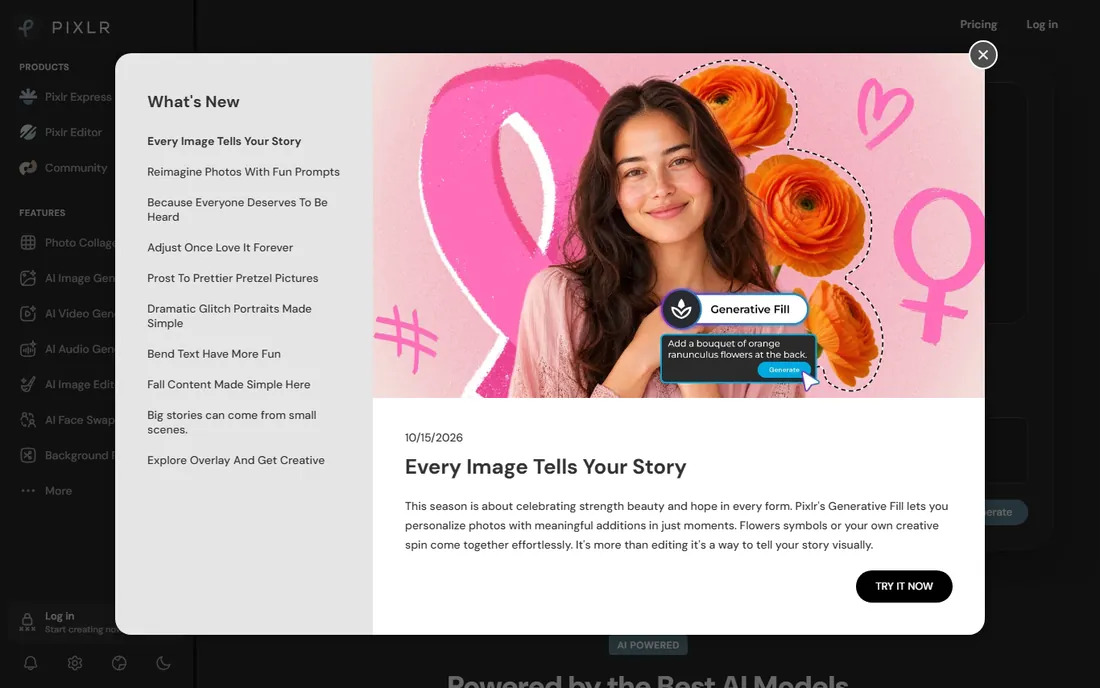
Pixlr is a full browser editor that happens to include AI enhancement. If you need to enhance a photo and also crop, adjust, remove a background and export it, Pixlr does all of that without leaving the tab. The free tier is generous enough for real work.
It is not the strongest pure enhancer here. Its AI tools are competent but aimed at quick edits, and the ad-supported interface feels busy. Think of it as a free Photoshop-lite with enhancement features, not as a Topaz replacement.
What we like- Photoshop-like tools free in the browser
- AI features included on free tier
- No account needed for basic use
Watch out for- Ad-supported interface can annoy
- AI enhancement is lighter than dedicated tools
Starting priceSee website
Free planFree trial
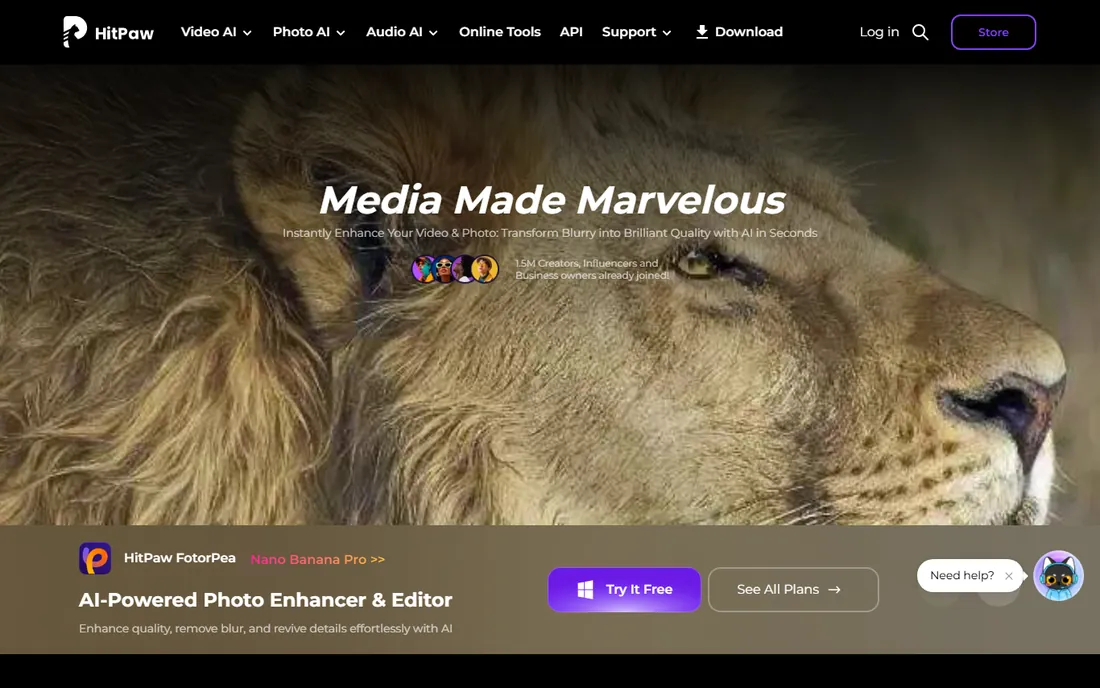
HitPaw FotorPea (formerly HitPaw Photo Enhancer) is a Windows and Mac desktop app that splits enhancement into dedicated modules: denoise, sharpen, upscale, colorize and face enhancement. The batch mode is the selling point. Drop in a folder of product shots or event photos and process them in one pass.
Quality is good but not top-tier. On tough images with heavy noise it loses to Topaz Photo AI. It earns its place for volume work where per-image control matters less than throughput and price.
What we like- Separate modules for denoise, sharpen, upscale and face enhancement
- Batch processing built in
- Simple interface
Watch out for- Pricing tiers are confusing
- Results trail Topaz on difficult images
Starting priceSee website
Free planYes
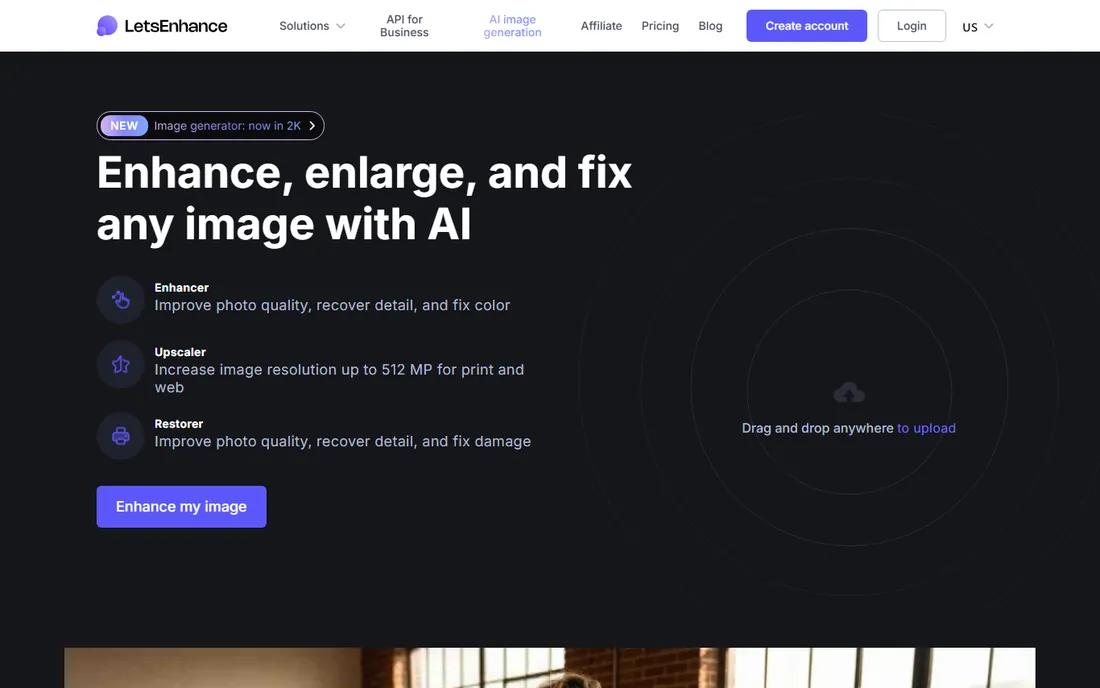
Let's Enhance focuses on one job: making images bigger for print. It can upscale to 16x, and its tone adjustment tools handle the color shifts that upscaling can introduce. Print shops, real estate marketers and anyone preparing images for physical output are the audience.
The credit model deserves attention. A few free credits come with signup, but heavy users burn through credits fast and the per-image cost adds up. It is the right tool when an image needs to survive a large print, and overkill for Instagram.
What we like- Upscaling tuned for print, up to huge dimensions
- Tone and color controls
- API for automated workflows
Watch out for- Credit-based pricing gets expensive at volume
- Web-only workflow
Starting priceSee website
Free planYes
VanceAI bundles many small AI tools: enhancer, upscaler, denoiser, background remover, portrait retoucher and old photo restorer. E-commerce sellers get the most value, since one workspace covers product photo cleanup from background removal to sharpening.
The credits go fast. Each operation costs credits and the free allowance covers only a handful of images, so this is really a paid product with a demo. For sellers processing product photos in batches, the workflow is efficient; for casual users, a free desktop tool makes more sense.
What we like- Suite of single-purpose tools including background removal and portrait retouch
- Workspace for e-commerce sellers
- Free credits to test
Watch out for- Credit system limits free use quickly
- Web-only, no desktop app
How we chose
We evaluated tools on enhancement quality, ease of use, platform coverage, pricing transparency and free access. We consulted pricing pages, public reviews on G2 and Capterra, photographer discussions on Reddit and the vendors' own feature documentation. We prioritized tools that recover real detail over ones that apply cosmetic smoothing. We did not run hands-on tests of every product.
Most people buy too much enhancer. Before paying, answer three questions. Where do your photos live: phone, computer or browser? What is the actual problem: small size, noise, blur, old damage or dull color? And how many images: a few a month or hundreds a week?
Phone and few images points to Remini. Browser and speed points to Fotor or Pixlr. Free and private points to Upscayl. Professional quality points to Topaz Photo AI. Volume and print point to HitPaw, Let's Enhance or VanceAI. Creative editing around the enhancement points to Luminar Neo.
Watch the subscription math on credit-based tools. A monthly plan looks cheap until you calculate the per-image cost at your volume. Desktop one-time purchases look expensive until year two. Run your own numbers with a typical month of images before committing.
What AI enhancement cannot fix
Enhancement has limits and they matter. No tool recovers information that is not there; AI models guess at missing detail, which is why faces sometimes come back looking like a different person. Severely blurred or tiny images stay questionable no matter what the marketing shows.
The other limit is taste. Over-enhancement produces waxy skin, crunchy textures and halos. Pull the strength sliders back from maximum and compare with the original at 100 percent zoom. If you cannot see the improvement side by side, it is probably not there.
Frequently asked questions
What is the best free photo enhancer?
Upscayl is the strongest fully free option: open source, no watermark, runs on your computer and handles batch upscaling. Pixlr and Fotor offer generous free tiers in the browser with more editing tools attached.
Is Topaz Photo AI worth the price?
For photographers and anyone who enhances images regularly, yes. Its noise reduction and sharpening are noticeably better than cheaper tools on difficult photos. For occasional use, a free tool or a month of a web service is more sensible.
Can photo enhancers fix blurry photos?
They can improve mild blur and missed focus, especially with tools like Topaz Photo AI or Remini. Heavy motion blur or severely out-of-focus shots stay soft. No software recovers detail that was never captured.
Do AI photo enhancers work offline?
Desktop tools like Topaz Photo AI, Luminar Neo, Upscayl and HitPaw FotorPea process locally once installed. Web services like Let's Enhance, VanceAI, Remini, Fotor and Pixlr upload your images to their servers, which matters if privacy is a concern.
Will enhancing a photo increase its file size?
Upscaling always increases file size because there are more pixels. Sharpening and denoising change compression but not dimensions. For print you want both the larger dimensions and a high-quality export format like TIFF or maximum-quality JPEG.
Is it safe to upload personal photos to enhancer websites?
Reputable services encrypt uploads and delete files after processing, but policies differ. Read the privacy policy before uploading sensitive images. If you work with client photos or personal archives, prefer a desktop tool that processes everything locally.
Sources we checked (11)
- https://www.topazlabs.com
- https://www.skylum.com
- https://www.remini.ai
- https://www.upscayl.org
- https://www.fotor.com
- https://www.pixlr.com
- https://www.hitpaw.com
- https://www.letsenhance.io
- https://www.vanceai.com
- https://www.g2.com/categories/ai-image-generation
- https://www.reddit.com/r/photography/
Is your product missing or out of date?
We review this list regularly. Vendors can request a listing, send updated pricing or ask about featured placement.

Shihab Mia · Founder, Rankite
Shihab has spent more than a decade helping SaaS and e-commerce brands grow through search. He writes Rankite's software buying guides from pricing pages, documentation and public user reviews. More about Shihab.