How we make this list: we compare pricing pages, product documentation and public user reviews. Rankite is independent; if a vendor ever pays for a featured spot, that listing is clearly labeled Partner.
Key takeaways
- For a true Photoshop replacement with no cost and no account, GIMP (desktop) and Photopea (browser) are the two serious answers.
- Windows users who find GIMP intimidating should start with Paint.NET: free, fast, and far easier to learn.
- Canva, Pixlr and Fotor are free to start but reserve their best features (background removal, AI tools, brand kits) for paid plans.
- Krita and PhotoScape fill the gaps: Krita for digital painting, PhotoScape for batch edits and quick fixes.
Quick comparison
| Tool | Best for | Starting price | Free plan |
|---|
 GIMP GIMP | Anyone who wants Photoshop-level power with no price and no account | Free | Yes |
 Photopea Photopea | Opening and editing PSD, AI and RAW files without installing anything | Free (Premium plans from $1.99/month) | Yes |
 Paint.NET Paint.NET | Windows users who want layered editing without GIMP's learning curve | Free | Yes |
 Canva Canva | Non-designers producing social posts, ads and marketing graphics fast | See website | Yes |
 Pixlr Pixlr | AI-assisted edits, background removal and generation in the browser | Free (plans from $1.99/month) | Yes |
 Krita Krita | Digital painting and illustration with capable photo editing alongside | Free | Yes |
 Fotor Fotor | Fast one-click enhancements, portrait touch-ups and quick collages | Free (Pro upgrade available, see website for current price) | Yes |
 PhotoScape PhotoScape | Batch edits, quick fixes and simple collages without a learning curve | Free | Yes |
Is your product missing or out of date?
We review this list regularly. Vendors can request a listing, send updated pricing or ask about featured placement.
The best photo editing software with a free download
Picture this: a product photo needs its background cleaned up before tomorrow's listing goes live, and nobody on the team has a Photoshop subscription. This is the exact situation free photo editors exist for. The good news is that the free tier of this category has never been stronger. The bad news is that "free" covers everything from fully free open-source software to free trials wearing a free costume. These eight are genuinely free to download and use, with the paid upsells labeled honestly.
#1
GIMP
Best for: Anyone who wants Photoshop-level power with no price and no account
Visit gimp.org
Starting priceFree
Free planYes
GIMP is the GNU Image Manipulation Program, and it has been the free answer to Photoshop since the late nineties. It runs on Windows, macOS and Linux, opens and edits the formats that matter, and handles the serious work: photo retouching, compositing, color correction with proper color management, and scripted batch processing in Python or Scheme. For a small business that needs real editing power on a zero budget, this is the download.
The price of all that power is a learning curve that surprises people expecting a modern app. Menus are dense, some tools have odd names carried over from decades of development, and you will watch tutorials in your first week. If you push through, you get an editor that never asks for money, never phones home, and never locks your files behind a subscription.
What we like- Completely free and open source, forever, including commercial use
- Deep toolset: layers, masks, curves, color management, scripting
- Huge plugin and tutorial ecosystem built over decades
Watch out for- The interface feels dated and takes real effort to learn
- Some Photoshop workflows (CMYK, non-destructive adjustment layers) are clumsier
- No cloud sync or mobile companion
#2
Photopea
Best for: Opening and editing PSD, AI and RAW files without installing anything
Visit photopea.com
Starting priceFree (Premium plans from $1.99/month)
Free planYes
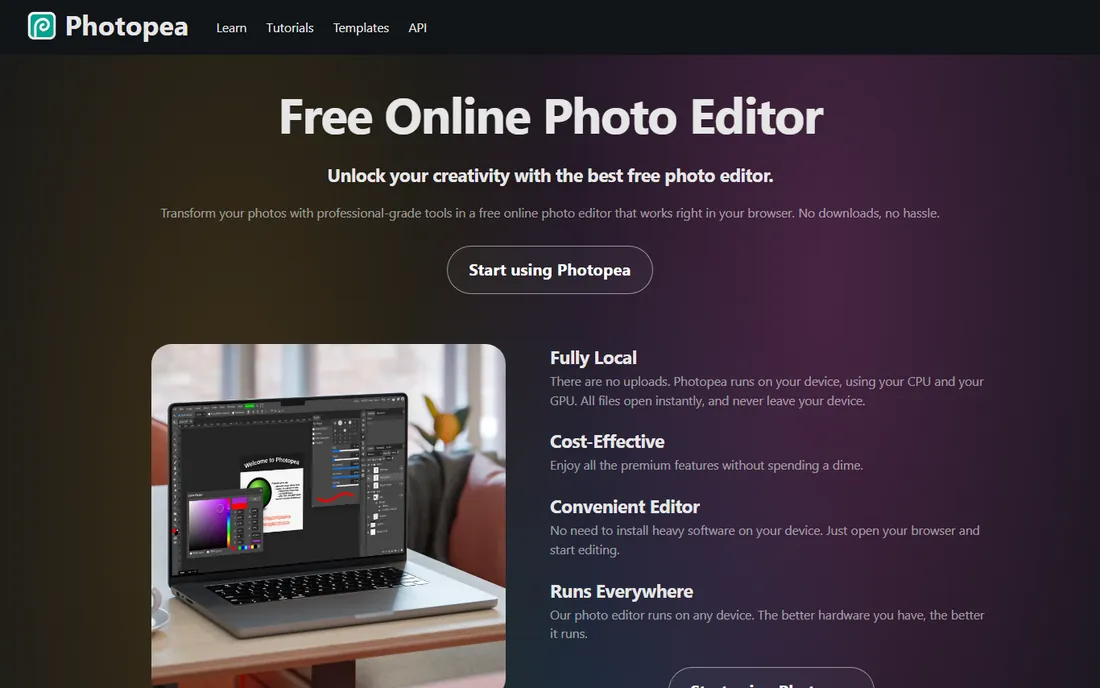
Photopea looks like Photoshop, behaves like Photoshop, and lives in a browser tab. That combination makes it the fastest route from "I need to edit this PSD" to actually editing it: no download, no account, no installer permissions. It opens Photoshop PSDs, Illustrator AI files, InDesign files and camera RAW formats, then gives you layers, masks, smart objects, adjustment layers and vector tools that will feel familiar to any Photoshop user.
Two things set it apart from other browser editors. First, privacy: Photopea runs on your device, so your images never leave your computer. Second, honesty about cost: the free version is the full editor with ads, and Premium (from $1.99/month on the vendor's site) mainly removes ads and adds AI credits. For quick professional edits on a borrowed computer, nothing else here is as convenient.
What we like- Runs entirely in the browser with no install
- Opens PSD, AI, INDD, RAW and dozens of formats
- Files are processed locally on your device, not uploaded to a server
Watch out for- The free version shows ads
- Very large files can strain modest hardware since everything runs locally
- Advanced AI features are limited compared with the premium tier
#3
Paint.NET
Best for: Windows users who want layered editing without GIMP's learning curve
Visit getpaint.net
Starting priceFree
Free planYes
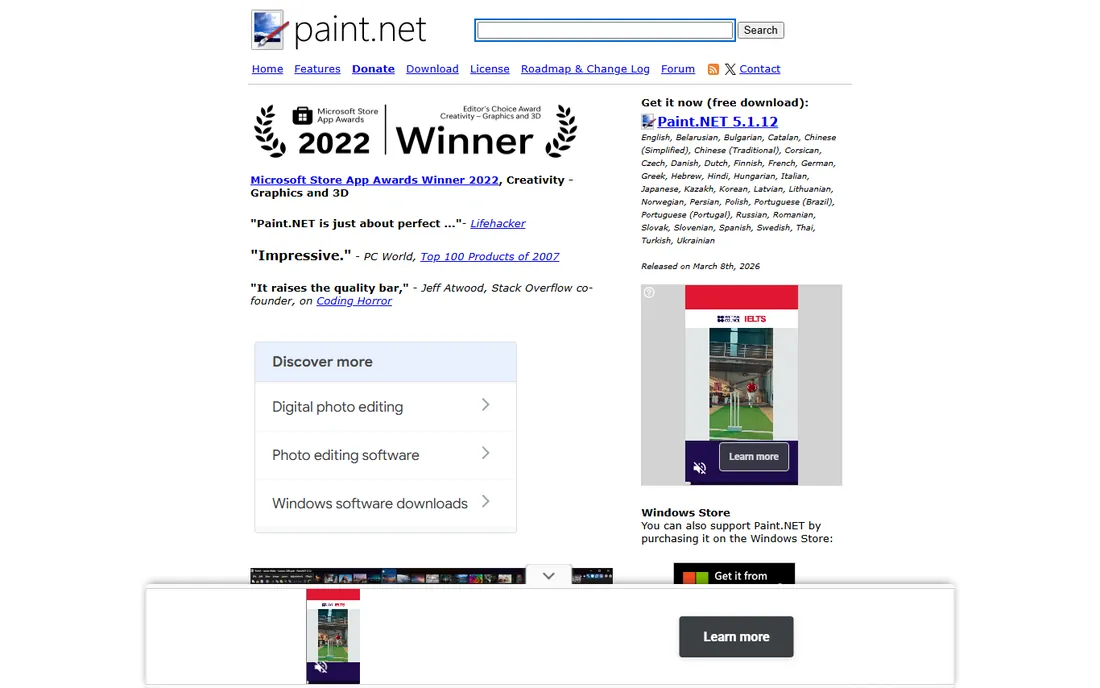
Paint.NET started as a college project meant to replace Microsoft Paint, and it grew into the sensible middle ground of free Windows editors. It opens fast, the interface explains itself, and it covers the everyday jobs: cropping, resizing, color adjustment, red-eye removal, layers for compositing, and a plugin ecosystem that adds everything from RAW support to advanced effects. Most small-business photo tasks never need more than this.
The tradeoffs are platform and depth. There is no Mac version, and professionals who need CMYK workflows or scripted automation will outgrow it. But for product photos, social graphics and website images on a Windows PC, Paint.NET is the rare tool that is both free and genuinely pleasant. Download it from getpaint.net; the paid Store version is identical software sold to support development.
What we like- Free download with an intuitive tabbed interface
- Layers, unlimited undo, effects and a large plugin library
- Actively developed (version 5.1.x in 2026) and lightweight on system resources
Watch out for- Windows only, with no macOS or Linux version
- Less deep than GIMP for color management and print work
- The Microsoft Store edition costs money (it exists to support the developer)
#4
Canva
Best for: Non-designers producing social posts, ads and marketing graphics fast
Visit canva.com
Starting priceSee website
Free planYes
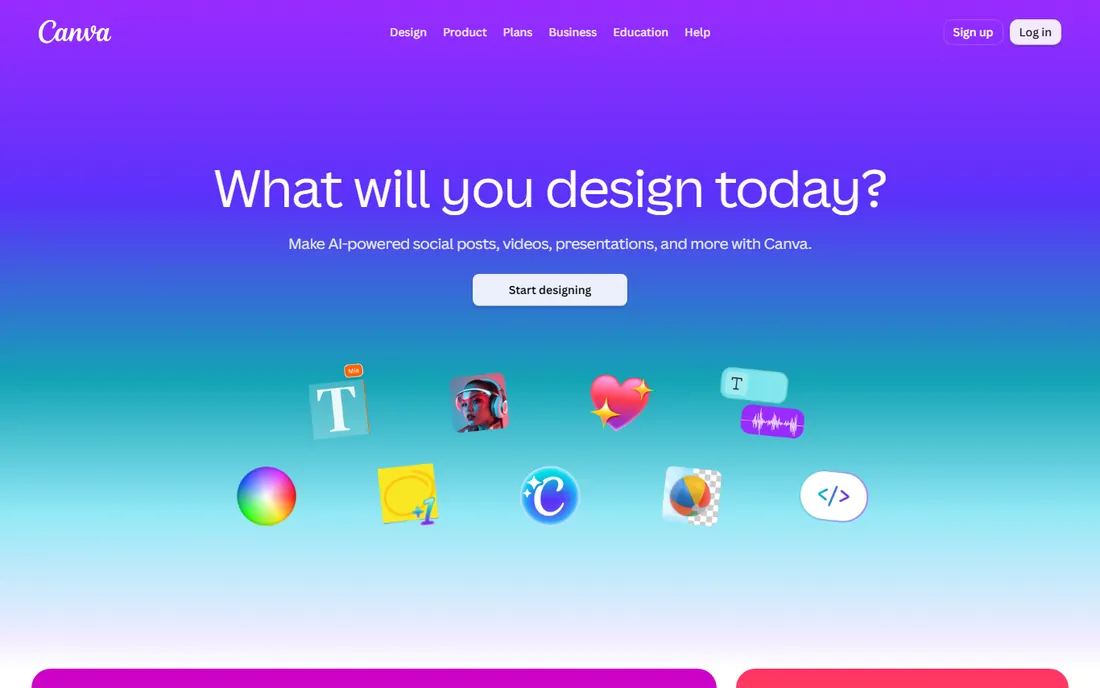
Canva is not really a photo editor in the Photoshop sense; it is a design tool with photo editing inside it. That distinction is exactly why it belongs here. Most small businesses do not need frequency separation or channel masks. They need a sale announcement, a resized product photo, or a Facebook cover by this afternoon, and Canva's templates plus drag-and-drop editing get that done in minutes.
The free tier is generous for basic work: thousands of templates, basic photo adjustments, and straightforward publishing. The moment you want one-click background removal, scheduled social posting, or a shared brand kit, you are looking at a paid plan (check the vendor's pricing page for current rates). Judge Canva on speed of output, not editing depth, and it earns its place.
What we like- Enormous template library means you start from a finished design, not a blank canvas
- Genuinely easy for people with no design training
- The free tier covers a lot of everyday marketing work
Watch out for- Photo editing depth is shallow next to GIMP or Photopea
- The best features (background remover, brand kit, premium stock) need a paid plan
- Designs can look templated if you never customize
#5
Pixlr
Best for: AI-assisted edits, background removal and generation in the browser
Visit pixlr.com
Starting priceFree (plans from $1.99/month)
Free planYes
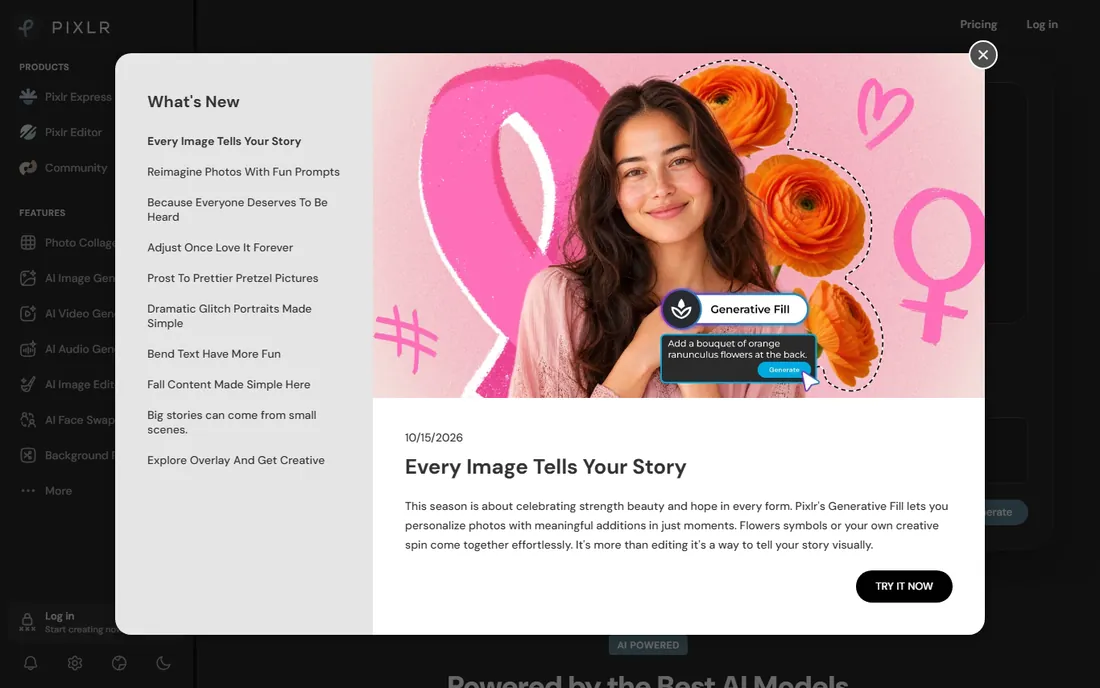
Pixlr has reinvented itself as an AI-first browser suite while keeping the classic layered editor underneath. The free version handles the fundamentals (crop, adjust, retouch, collage) and adds genuinely useful AI: one-click background removal, object removal, generative fill and upscaling. For product photos on messy backgrounds, the free AI removal alone can justify the bookmark.
The catch is the credit economy. AI features run on credits, and the free allocation covers casual use, not production volume. Plans start at $1.99/month according to the vendor's homepage, which removes ads and adds credits. If your work is occasional AI-assisted cleanup, the free tier suffices. If you process product shots daily, price the subscription against your volume.
What we like- Free tier includes a capable editor plus AI tools (background removal, generative fill, object removal)
- No install, works on any device with a browser
- Paid plans start low (from $1.99/month on the vendor's site)
Watch out for- The free experience includes ads and limited AI credits
- Heavy AI features consume credits fast
- Interface can feel busy with the number of tools on offer
#6
Krita
Best for: Digital painting and illustration with capable photo editing alongside
Visit krita.org
Starting priceFree
Free planYes
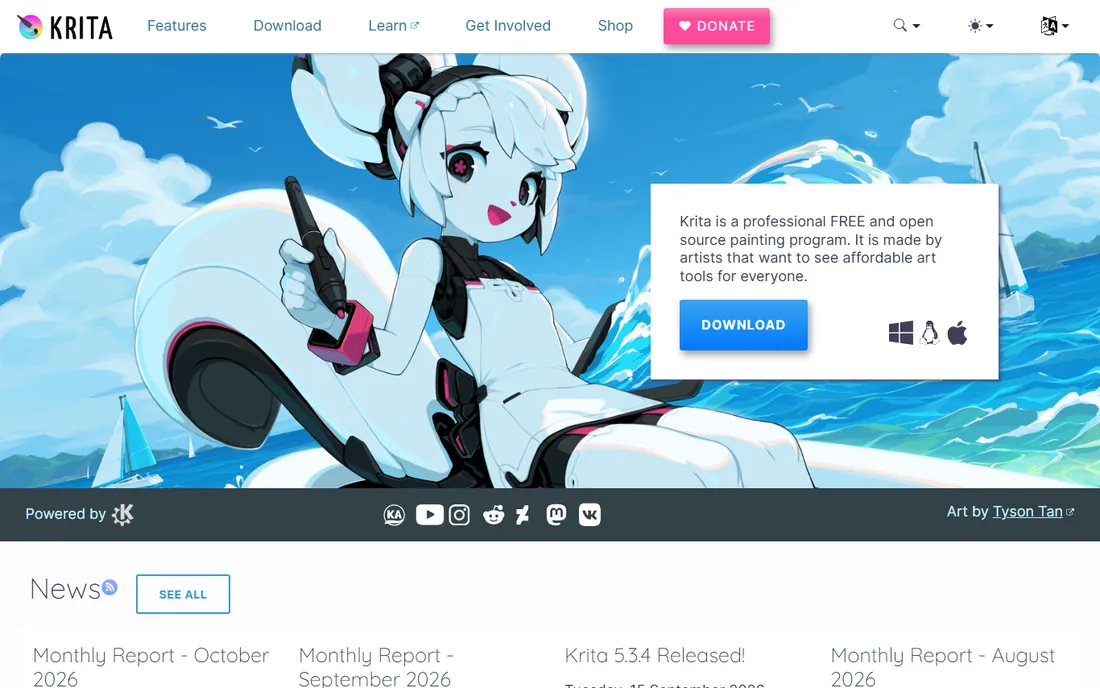
Krita is a painting program that happens to edit photos well, which makes it the right pick for businesses that create as well as retouch: illustrators, merch designers, and anyone making original artwork for products or marketing. Its brush engine, stabilizers and drawing assistants are professional tools, and underneath sits a competent photo editor with layers, masks, filters and color management.
For straight photo work, GIMP remains the more focused choice. But if your needs split between "paint something original" and "fix this photo," Krita covers both in one free, open-source install. Like GIMP it is free forever, runs on Windows, macOS and Linux, and asks for nothing in return beyond an optional donation.
What we like- Professional-grade brush engine considered among the best in free software
- Free and open source under the GPL, including commercial use
- Handles photo retouching, layers, masks and color management well
Watch out for- Built for painters first, so the photo-editing workflow is less streamlined than GIMP's
- Animation and brush features add interface complexity
- Smaller photo-tutorial ecosystem than GIMP
#7
Fotor
Best for: Fast one-click enhancements, portrait touch-ups and quick collages
Visit fotor.com
Starting priceFree (Pro upgrade available, see website for current price)
Free planYes
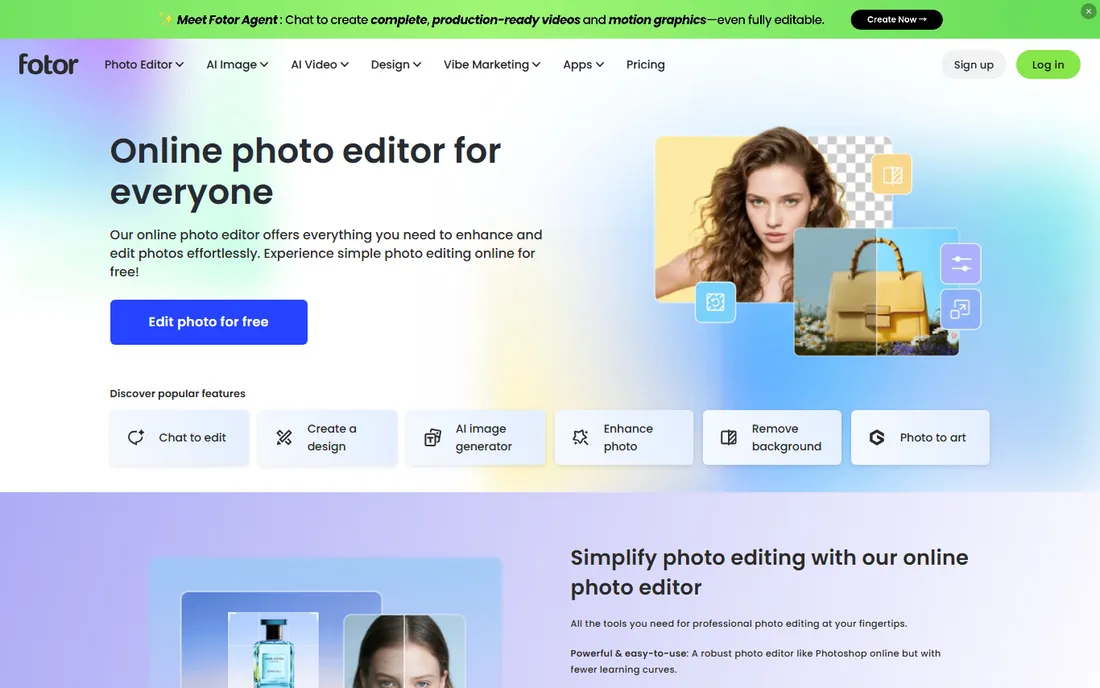
Fotor's pitch is speed: upload a photo, hit enhance, and get a visibly better image in seconds. For real-estate listings, team headshots, and social content where volume beats perfection, that one-click quality matters more than layer masks. The free plan is unusually honest, offering unlimited editing with exports that carry no watermark, which is more than most freemium editors give away.
The paid tier, Fotor Pro, adds the advanced AI tools, premium effects and larger asset library. Check the vendor's pricing page for current rates before assuming you need it. Most users should start free and upgrade only when a specific Pro feature (like batch AI enhancement) becomes a weekly need rather than a curiosity.
What we like- Free plan allows unlimited editing and watermark-free exports
- One-click enhance and portrait tools are genuinely good for quick fixes
- Batch editing saves time on product photo sets
Watch out for- Advanced AI features and premium effects need Fotor Pro
- The interface pushes the paid upgrade
- Less precise control than GIMP, Photopea or Paint.NET for detailed work
#8
PhotoScape
Best for: Batch edits, quick fixes and simple collages without a learning curve
Visit photoscape.org
Starting priceFree
Free planYes
PhotoScape is the utility knife of this list. It will not replace Photoshop, and it does not try to. What it does is handle the unglamorous bulk work: resize 200 product photos, batch-convert RAW files to JPG, stitch a quick collage, or grab a screenshot and annotate it. The batch editor alone saves hours for anyone managing product catalogs or listing photos.
The vendor provides it free of charge and suggests donations for support. Note the edition split: the classic PhotoScape targets older Windows, while Windows 10/11 and Mac users get PhotoScape X, which has its own feature set. For quick, no-fuss photo chores, either edition does the job without demanding you learn a pro tool.
What we like- Free of charge with a simple tabbed interface anyone can learn in minutes
- Batch editor resizes, renames and converts whole folders
- Includes viewer, collage, GIF maker, screen capture and RAW converter
Watch out for- Editing depth is basic: no layers in the classic version
- The interface looks dated
- Mac and Windows 10/11 users are directed to PhotoScape X, a separate edition
How we chose
We started with what buyers actually search: free photo editing software, free Photoshop alternative, photo editor free download. For each candidate we opened the vendor's own homepage, confirmed the product is current and genuinely free to download (not a trial dressed as free), and checked where the free tier ends and paid features begin. Prices shown come from the vendor's own pages; where a price could not be confirmed we wrote "See website" rather than guessing. We mixed desktop editors, browser editors and design tools so the list covers different jobs, not just different brands.
Picking the right free editor for the job
Match the tool to the task, not to a ranking. Deep retouching, compositing and print work belong to GIMP; browser-based PSD work belongs to Photopea; quick Windows edits belong to Paint.NET. If the job is marketing graphics rather than photo manipulation, Canva will finish it faster than any pixel editor. If the job is fifty product photos that all need the same resize and brightness fix, PhotoScape's batch editor beats every pro tool on speed.
Then check the two limits that surprise people. First, file format support: RAW shooters should confirm their camera's format opens correctly (Photopea, GIMP with plugins, and PhotoScape's RAW converter cover most cases). Second, export quality: some freemium editors cap export resolution or add watermarks on the free tier. Every tool on this list exports clean files for free, which is one reason they made the cut.
Where free editors stop and paid ones start
Free editors hit their limits in predictable places. High-end retouching (frequency separation at a professional pace, advanced compositing), CMYK print workflows, and team features (shared brand kits, approval flows, cloud libraries) are where paid tools earn their money. AI generation at volume is the newest paywall: free tiers include a taste, production use needs a subscription.
The practical test is time. If a free editor does the job but takes twice as long as a paid alternative, multiply that time by your hourly cost before declaring the free option cheaper. Many small businesses land on a hybrid: GIMP or Photopea for the heavy edits, Canva's free tier for daily social graphics, and one paid subscription only when a specific bottleneck (background removal at volume, brand management) justifies it.
Frequently asked questions
Is GIMP really free for commercial use?
Yes. GIMP is free and open-source software under the GPL, which means you can use it for client work and business purposes at no cost. The same applies to Krita, Photopea's free tier, Paint.NET and PhotoScape. "Free" here means free as in freedom and price, not a trial.
Can a free editor actually replace Photoshop?
For most small-business work, yes. GIMP and Photopea cover retouching, compositing, color correction and format conversion at a professional level. Photoshop keeps its edge in industry-specific workflows (deep CMYK print production, tight Adobe ecosystem integration) and in AI features. If your work lives in those niches, test the free tools against a real project before deciding.
Do browser-based editors upload my photos to a server?
It depends on the editor. Photopea states on its homepage that it runs entirely on your device: files open instantly and never leave your computer. Other browser editors may upload images for processing, especially for AI features. If you edit sensitive images (unreleased products, client photos), check the vendor's privacy policy before uploading.
Why do some "free" editors show ads or limit features?
Because someone has to pay for development. Photopea's free version shows ads; Pixlr limits AI credits; Canva and Fotor reserve premium features for paid plans. The open-source tools (GIMP, Krita) avoid this entirely through donations and volunteer development. None of these models is a trick as long as the limits are stated upfront.
Which free photo editor is best for a complete beginner?
Canva, if the goal is finished graphics rather than photo manipulation: templates do the heavy lifting. For actual photo editing, Paint.NET on Windows or Fotor in the browser have the gentlest learning curves. GIMP and Photopea are more powerful but expect a week of tutorials before they feel natural.
What about free photo editors for phones?
Most tools here have mobile angles: Canva, Pixlr and Fotor all run well in mobile browsers or have apps, and PhotoScape's vendor points mobile users to the app stores. For phone-only editing, though, the built-in editors (Apple Photos, Google Photos) plus a free app like Snapseed often beat desktop tools shrunk to a small screen.
Sources we checked (8)
- https://gimp.org/
- https://photopea.com/
- https://getpaint.net/
- https://canva.com/
- https://www.pixlr.com
- https://krita.org/
- https://www.fotor.com
- https://photoscape.org/
Is your product missing or out of date?
We review this list regularly. Vendors can request a listing, send updated pricing or ask about featured placement.

Shihab Mia · Founder, Rankite
Shihab has spent more than a decade helping SaaS and e-commerce brands grow through search. He writes Rankite's software buying guides from pricing pages, documentation and public user reviews. More about Shihab.