How we make this list: we compare pricing pages, product documentation and public user reviews. Rankite is independent; if a vendor ever pays for a featured spot, that listing is clearly labeled Partner.
Key takeaways
- Adobe Lightroom remains the default for high-volume listing photographers because of batch presets, HDR merge, and lens corrections, at $11.99 per month.
- Luminar Neo is the fastest route to believable sky replacement and one-click exterior fixes, with a perpetual desktop license from $119 one-time.
- Agents who shoot their own listings and want something cheap and quick should look at Fotor or Pixlr, both of which run in the browser and cost under $9 per month.
- PhotoScape X and ACDSee Photo Studio suit photographers who refuse subscriptions: both offer one-time purchase options, with ACDSee adding a full photo organizer.
- Photoshop is overkill for everyday listing photos, but nothing else matches it for perspective correction, object removal, and day-to-dusk conversions.
Quick comparison
| Tool | Best for | Starting price | Free plan |
|---|
 Adobe Lightroom Adobe Lightroom | High-volume listing batch editing | $11.99 per month (billed annually) | Free trial (7 days) |
 Adobe Photoshop Adobe Photoshop | Advanced retouching and compositing | $22.99 per month (billed annually) | Free trial (7 days) |
 Luminar Neo Luminar Neo | One-click sky replacement and AI fixes | $119 one-time (desktop perpetual license) | Free trial (7 days) |
 Fotor Fotor | Quick browser-based listing touch-ups | $8.99 per month (billed monthly) | Yes |
 Pixlr Pixlr | Cheap browser editing with layers | $2.49 per month (billed monthly) | Yes |
 PhotoScape X PhotoScape X | One-time purchase batch editing | $39.99 one-time purchase | Yes |
 inPixio Photo Studio inPixio Photo Studio | Budget sky replacement and object removal | $49.99 per year (first year) | Free online editor |
 ACDSee Photo Studio ACDSee Photo Studio | Photo organizing plus editing, no subscription required | $9.99 per month or $99.99 per year (365 Complete plan) | Free trial (30 days) |
Is your product missing or out of date?
We review this list regularly. Vendors can request a listing, send updated pricing or ask about featured placement.
Listing photos decide whether a buyer clicks or scrolls past. A dim kitchen, a gray sky, or tilted verticals can make a good property look tired, and reshoots cost time that agents do not have. The tools below cover the full range, from pro batch workflows to cheap browser editors that fix a listing in minutes.
#1
Adobe Lightroom
Best for: High-volume listing batch editing
Visit adobe.com
Starting price$11.99 per month (billed annually)
Free planFree trial (7 days)
Lightroom is the workhorse of real estate photography for one reason: speed across a full shoot. You can apply a preset to 40 listing photos at once, sync white balance across rooms, and merge HDR brackets without leaving the app. For photographers delivering 25 to 35 edited images per property on a tight turnaround, that batch pipeline is hard to replace.
The Develop module covers the listing essentials well: exposure blending, dehaze for flat exteriors, and geometry tools that straighten converging verticals in interior shots. Cloud sync means an agent can review proofs on a phone while the photographer keeps editing on desktop. The honest catch is the subscription model, which never ends, and the fact that sky replacement here lags behind AI-first editors. If dramatic exterior skies are your selling point, pair it with something else.
What we like- Best-in-class batch editing with presets
- HDR merge and panorama built in
- Strong lens and perspective corrections
Watch out for- Subscription only, no perpetual license
- Sky replacement is weaker than dedicated AI tools
#2
Adobe Photoshop
Best for: Advanced retouching and compositing
Visit adobe.com
Starting price$22.99 per month (billed annually)
Free planFree trial (7 days)
Photoshop is where listing photos go when they need surgery rather than a polish. Its Sky Replacement feature handles tricky rooflines and trees far better than one-click tools, and Content-Aware Fill removes cars, trash bins, and power lines from exteriors cleanly. Day-to-dusk conversions, the twilight look that makes listings pop, are a Photoshop specialty.
The downside is throughput. Photoshop edits one image at a time, and building the skill to use it well takes weeks, not hours. Most agents should not buy it; most real estate photographers already have it through the Photography plan at $19.99 per month, which bundles Photoshop with Lightroom. Buy the single-app plan only if you never touch Lightroom, and note that Adobe plans are annual commitments with early cancellation fees.
What we like- Sky Replacement and perspective warp are unmatched
- Precise object and distraction removal
- Industry-standard file format
Watch out for- Steep learning curve for beginners
- Overkill and slow for simple batch listing work
Starting price$119 one-time (desktop perpetual license)
Free planFree trial (7 days)

Luminar Neo earns its place on this list with two tools: Sky AI, which swaps a dull gray sky for a blue one while relighting the scene to match, and Relight AI, which fixes the flat look of backlit exteriors. For agents shooting their own listings, these two sliders can rescue photos that would otherwise need a reshoot. It also runs as a plugin, so Lightroom users can send a single image over for sky work and bring it back.
The trade-offs matter. Luminar is not a digital asset manager, so photographers with large catalogs will still need Lightroom or ACDSee for organizing. Skylum sells it as a perpetual license, which is attractive, but the fine print says generative AI tools like GenErase are included for only 12 months, after which an upgrade pass is needed. Check the current Skylum pricing page before buying, since promo prices change often.
What we like- Sky AI and Relight AI fix exteriors in seconds
- Perpetual license avoids subscriptions
- Works as a plugin inside Photoshop and Lightroom
Watch out for- Photo organizing is weaker than Lightroom
- Generative AI tools are only included for the first year on perpetual licenses
Starting price$8.99 per month (billed monthly)
Free planYes
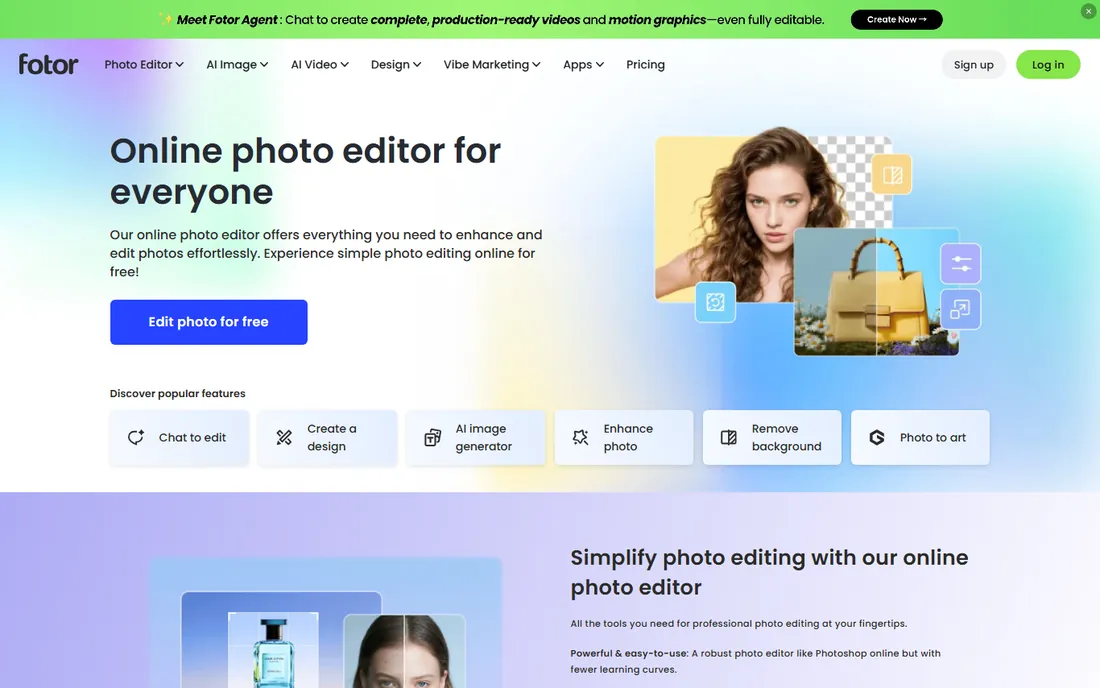
Fotor is built for the agent who takes listing photos on a phone and needs them presentable the same afternoon. The browser editor opens in seconds, the one-tap enhance fixes exposure and color reliably, and the HDR tool adds punch to flat interiors. Paid plans add batch editing, which matters when a listing has 30 photos that all need the same brightness lift.
It is not a professional RAW workflow, and serious photographers will hit its ceiling fast. The free plan watermarks exports and caps resolution, so it is a trial rather than a solution. The annual Pro price works out to about $3.99 per month, which makes it one of the cheapest ways to get watermark-free, high-resolution listing photos without installing anything.
What we like- Runs entirely in the browser, no install
- One-tap enhance and HDR tools
- Batch editing on paid plans
Watch out for- Weak RAW workflow compared with desktop editors
- AI features run on a credit system with monthly limits
Starting price$2.49 per month (billed monthly)
Free planYes

Pixlr is the closest thing to Photoshop that runs in a browser tab for two dollars a month. It has layers, masks, clone and heal tools, and AI background removal, which covers most of what a listing photo needs: straighten, brighten, remove the stray hose from the yard shot. For an agent on a Chromebook or a shared office computer, that zero-install setup is a genuine advantage.
The limits are real. There is no RAW support, so shoot JPEG or convert first. The free tier is ad-supported with a daily save cap, and the AI credit system means heavy generative use burns through the monthly allowance. Billing complaints show up in third-party reviews, so keep records and cancel carefully if you go monthly. At $1.99 per month on annual billing, Plus is cheap enough to be disposable.
What we like- Real layers and masks in a browser
- Background and object removal built in
- Very low entry price
Watch out for- No RAW file support
- Free tier shows ads and caps daily saves
Starting price$39.99 one-time purchase
Free planYes
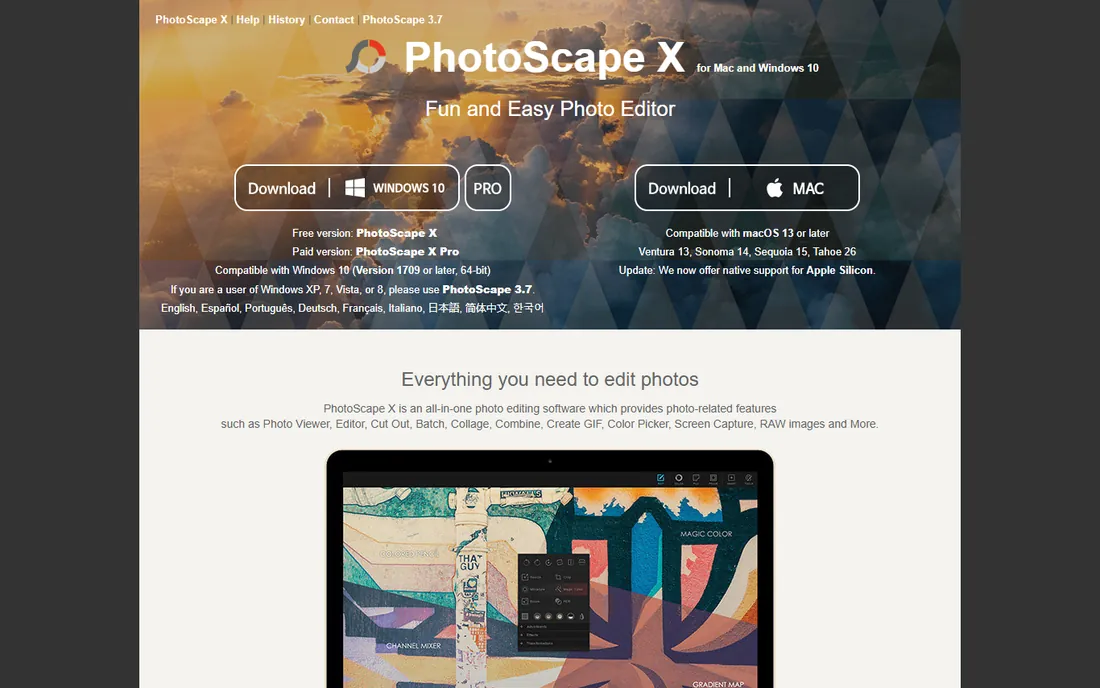
PhotoScape X is the quiet bargain of this list. The free version handles the listing basics, viewer, editor, batch resize, collage, and the $39.99 Pro upgrade (via the Microsoft Store or Mac App Store) adds the deeper tools. Its batch editor is genuinely useful: point it at a folder of listing photos and apply resizing, sharpening, and watermarks in one pass.
What it will not do is organize a growing photo library or match the RAW development quality of Lightroom. Sky replacement here is manual rather than AI-driven. But for a small agency that wants one installed editor, paid once, that every agent can learn in an afternoon, the value is hard to argue with. Version 4.3 added AI healing brush features on Apple Silicon Macs.
What we like- Single payment, no subscription
- Strong batch editor for resize and effects
- Capable free version
Watch out for- No catalog or asset management
- Interface feels dated next to modern editors
#7
inPixio Photo Studio
Best for: Budget sky replacement and object removal
Visit inpixio.com
Starting price$49.99 per year (first year)
Free planFree online editor

inPixio targets exactly the buyer who finds Adobe too expensive and Luminar too complex. Photo Studio Pro adds automatic sky replacement, one-click AI correction, and object erasing at a first-year price under fifty dollars. There is also a free browser-based editor with AI background removal that needs no download, useful for a single quick fix.
Read the pricing page carefully before buying. The official Avanquest store lists a low first-year price that rebills at a different yearly rate afterward, and the three tiers (Standard, Pro, Ultimate) overlap in confusing ways. Support is email-based, and the user community is small, so troubleshooting relies on official guides. For the price, though, it is a legitimate way to get sky replacement without an Adobe subscription.
What we like- Very low first-year price
- Automatic sky replacement and one-click correction
- Free browser editor for quick jobs
Watch out for- Yearly subscription with confusing renewal pricing
- Smaller tutorial community than bigger rivals
#8
ACDSee Photo Studio
Best for: Photo organizing plus editing, no subscription required
Visit acdsee.com
Starting price$9.99 per month or $99.99 per year (365 Complete plan)
Free planFree trial (30 days)

ACDSee is the pick for photographers who shoot several listings a week and drown in files. Its organizing tools, face detection, tagging, duplicate finding, are stronger than anything else on this list, and the Develop mode handles RAW files with non-destructive edits. Batch processing is fast, and the perpetual license option means you can buy once and stop paying.
The product lineup is the confusing part: Home, Professional, and Ultimate tiers, plus 365 subscription plans, with AI features gated behind a credit system on newer versions. The Home perpetual license is the sweet spot for real estate work, since you do not need the layered editing depth of Ultimate. Check which 2026 or 2027 edition is current, since ACDSee releases yearly versions each fall.
What we like- Excellent digital asset management for large shoot libraries
- Perpetual license option
- Fast batch processing
Watch out for- Subscription plans push cloud features some photographers do not need
- AI tools run on a credit system
How we chose
We started from vendor pricing pages, feature lists, and documentation, then cross-checked against public reviews on G2, Capterra, and photography forums including Reddit. We weighted the features that matter specifically to real estate work: batch editing throughput, HDR and exposure blending, sky replacement quality, perspective and lens correction, and honest pricing without hidden renewals. We did not claim hands-on testing; rankings reflect documented capabilities, pricing transparency, and fit for agents versus dedicated listing photographers.
What to check before you pay
Start with your volume. An agent shooting two listings a month needs a $3 browser tool, not a $23 subscription. A photographer delivering 200 edited images a week needs batch presets and a catalog, which points to Lightroom or ACDSee. Match the tool to the throughput or you will pay for power you never use.
Look at how each tool handles your weakest shot type. If your interiors are fine but your exteriors always come out gray, sky replacement quality is the deciding feature, and Luminar Neo or Photoshop win. If your problem is tilted verticals in small rooms, check the geometry and lens correction tools, since not every cheap editor straightens perspective well.
Read the renewal terms, not just the headline price. Several tools on this list discount the first year heavily and rebill higher, and Adobe plans are annual commitments with early termination fees. A $39.99 one-time purchase that you own for five years beats a $9 monthly subscription that quietly doubles.
Check the export limits on free plans before relying on them. Watermarked or low-resolution exports are useless for MLS listings, which have minimum size requirements. If a free tier cannot export full-resolution, watermark-free JPEGs, it is a demo, not a solution.
Consider who else touches the photos. If an assistant or a virtual assistant overseas does your editing, a browser-based tool with no install removes a whole category of IT headaches. If you outsource to a dedicated photo editor, ask what they already use, since sending RAW files into an unfamiliar pipeline creates friction.
Finally, know the disclosure rules in your market. Some MLS boards and brokerages require disclosure when skies are replaced or objects are removed from listing photos. The editing is legal and common, but misrepresenting a property crosses a line, and the stricter your market, the more you should favor natural-looking edits.
A practical listing-photo workflow
A workable routine for a 30-photo listing looks like this. Import everything into your catalog tool and cull the obvious rejects first; editing photos you will never publish wastes the most time. Apply a base preset for exposure, white balance, and lens correction across the whole set, then fix verticals on the interiors where walls converge.
Handle exteriors next, since they take the longest per image. Blend your HDR brackets or apply dehaze, then replace only the skies that are genuinely flat gray; a believable light-blue sky outperforms a dramatic sunset that buyers will distrust. Remove distractions last: cars, bins, hoses, and reflections in windows.
Export at the resolution your MLS requires, usually 2048 pixels on the long edge or higher, as sRGB JPEGs. Keep the RAW files or originals archived, since some brokerages ask for them if a photo is disputed. The whole pass should take under an hour once the workflow is routine; if it takes three, the tool is wrong for the job.
Frequently asked questions
Do I need Photoshop for real estate photos?
Usually not. Lightroom or a cheaper editor covers exposure, color, batch work, and basic object removal for everyday listings. Photoshop earns its keep for perspective warp on difficult interiors, clean object removal, and day-to-dusk sky conversions. Many photographers get it bundled with Lightroom in the Photography plan, which costs less than Photoshop alone.
What is the cheapest good option for agents who shoot their own listings?
Pixlr Plus at $1.99 per month on annual billing and Fotor Pro at about $3.99 per month on annual billing are the cheapest capable options. Both run in the browser and export watermark-free, high-resolution images on paid plans. PhotoScape X is the cheapest long-term option if you prefer installed software, since $39.99 once beats every subscription over two years.
Is sky replacement allowed in listing photos?
It depends on your market. Sky replacement is widespread in real estate marketing, but some MLS boards and brokerages require disclosure of materially altered photos, and removing permanent features like power lines sits in a gray area. Check your local MLS photo rules and your brokerage policy, and keep edits believable; an obviously fake sky hurts trust more than a gray one.
Can I edit listing photos on my phone?
Yes, within limits. Lightroom Mobile, Fotor, and Pixlr all work on phones and tablets for exposure, color, cropping, and even sky swaps. Phones struggle with precision work like perspective correction and fine object removal, so treat mobile as a quick-fix tool and do final polish on a desktop when the listing matters.
How many photos should I edit per listing?
Most residential listings publish 25 to 40 photos. Edit every published photo at least for exposure, white balance, and straightening; give extra attention to the hero exterior and main living areas. Batch presets exist precisely so that editing 35 photos does not take 35 times longer than editing one.
Should I buy a perpetual license or subscribe?
If you edit listings every week, a subscription to the right tool usually pays for itself in time saved. If you shoot occasionally, a perpetual license like Luminar Neo or PhotoScape X Pro costs less over two to three years and never surprises you with a renewal. Avoid subscriptions with confusing first-year discounts unless you calendar the renewal date.
Sources we checked (16)
- https://design-offset.com/en/adobe-lightroom-free-plan/
- https://photutorial.com/how-to-buy-lightroom/
- https://amateruphotographer.com/adobe-lightroom-review/
- https://smartupworld.com/adobe-photoshop-pricing-plans-and-smart-alternatives/
- https://weandthecolor.com/photoshop-or-lightroom-which-one-actually-deserves-your-monthly-fee/210980
- https://www.krea.ai/blog/can-you-use-photoshop-for-free-adobe-apps-explained-and-free-alternatives-in-2026
- https://skylum.com/luminar/pricing?irpid=245060&aclid=
- https://www.fahimai.com/de/luminar-neo-ai
- https://www.mobileappdaily.com/product-review/fotor
- https://www.saasworthy.com/product/fotor/pricing
- https://magichour.ai/blog/pixlr-face-swap-review
- https://www.fastlancer.org/en/fastlancer-blog/pixlr-review/
- https://www.windowsmode.com/photoscape-x-pro-for-windows/
- https://www.avanquest.com/USA/software/inpixio-photo-studio-12-pro-508277
- https://www.avanquest.com/USA/software/inpixio-photo-studio-12-standard-508276
- https://www.acdsee.com/en/products/photo-studio-home/buy/
Is your product missing or out of date?
We review this list regularly. Vendors can request a listing, send updated pricing or ask about featured placement.

Shihab Mia · Founder, Rankite
Shihab has spent more than a decade helping SaaS and e-commerce brands grow through search. He writes Rankite's software buying guides from pricing pages, documentation and public user reviews. More about Shihab.