How we make this list: we compare pricing pages, product documentation and public user reviews. Rankite is independent; if a vendor ever pays for a featured spot, that listing is clearly labeled Partner.
Key takeaways
- Adobe Photoshop remains the professional standard for pixel-level editing, compositing, and retouching; nothing else matches its depth, but it demands a subscription and a learning curve.
- Adobe Lightroom is the better Adobe choice for photographers who mostly organize, develop, and batch-process RAW files rather than manipulate pixels.
- Capture One beats Lightroom on tethered shooting and color control, which is why studio and fashion photographers keep choosing it.
- Affinity by Canva is now free and the strongest no-cost alternative to Photoshop; GIMP remains the free open-source option for those who want full control.
- DxO PhotoLab leads on automatic optical corrections and noise reduction, Luminar Neo on AI-assisted one-click edits, and ON1 Photo RAW on the all-in-one perpetual-license package.
Quick comparison
| Tool | Best for | Starting price | Free plan |
|---|
 Adobe Photoshop Adobe Photoshop | Professional retouching and compositing | See website | Free trial (7 days) |
 Adobe Lightroom Adobe Lightroom | RAW workflow and photo organization | See website | Free trial (7 days) |
 Capture One Capture One | Studio work and precise color grading | See website | Free trial |
 Affinity by Canva Affinity by Canva | Free professional-grade photo editing | Free | Yes (free with Canva account) |
 DxO PhotoLab DxO PhotoLab | Optical corrections and noise reduction | See website | Free trial (30 days) |
 Luminar Neo Luminar Neo | AI-assisted fast editing | See website | Free trial |
 ON1 Photo RAW ON1 Photo RAW | All-in-one editor with perpetual license | See website | Free trial (30 days) |
 GIMP GIMP | Free open-source image manipulation | Free | Yes (free, open source) |
Is your product missing or out of date?
We review this list regularly. Vendors can request a listing, send updated pricing or ask about featured placement.
The best photo editing software, compared
#1
Adobe Photoshop
Best for: Professional retouching and compositing
Visit adobe.com
Starting priceSee website
Free planFree trial (7 days)
Photoshop is the benchmark everything else is measured against, and in 2026 that is still true. Layers, masks, selections, frequency separation, content-aware fill, generative fill: the toolkit for serious retouching and compositing has no equal. If you exchange PSD files with clients, agencies, or other retouchers, working in Photoshop is not a preference, it is a requirement.
Head to head with Affinity, Photoshop wins on ecosystem and AI features but loses badly on price: Affinity is free while Photoshop is a perpetual subscription. Against Lightroom, the split is task-based: Photoshop edits pixels, Lightroom manages photographs. Most working professionals who retouch for a living need Photoshop; most photographers who develop RAW files do not, and should look at Lightroom or Capture One first.
What we like- Unmatched depth for retouching, compositing, and manipulation
- Industry-standard file format every client accepts
- Constant updates with the latest AI features
Watch out for- Subscription only, no purchase option
- Steep learning curve for beginners
#2
Adobe Lightroom
Best for: RAW workflow and photo organization
Visit adobe.com
Starting priceSee website
Free planFree trial (7 days)
Lightroom is the photographer's darkroom: import, organize, develop, export. Its catalog system handles hundreds of thousands of images, non-destructive editing means the originals are never touched, and the develop module covers exposure, color, lens corrections, and local adjustments with presets that apply a look across a whole shoot in seconds. The cloud version keeps everything synced to phone and tablet.
Head to head with Capture One, Lightroom wins on library management and ecosystem but loses on tethering and fine color control. Wedding and event photographers who cull thousands of images usually prefer Lightroom's speed. Studio photographers who shoot tethered and grade color precisely usually prefer Capture One. Against Photoshop, there is no real contest because they do different jobs; Adobe sells them together in the Photography plan precisely so you stop choosing.
What we like- Best-in-class catalog and RAW development workflow
- Cloud sync across desktop, web, and mobile
- Presets and batch processing speed up large shoots
Watch out for- Subscription only
- Weaker than Capture One for tethered studio shooting
Starting priceSee website
Free planFree trial
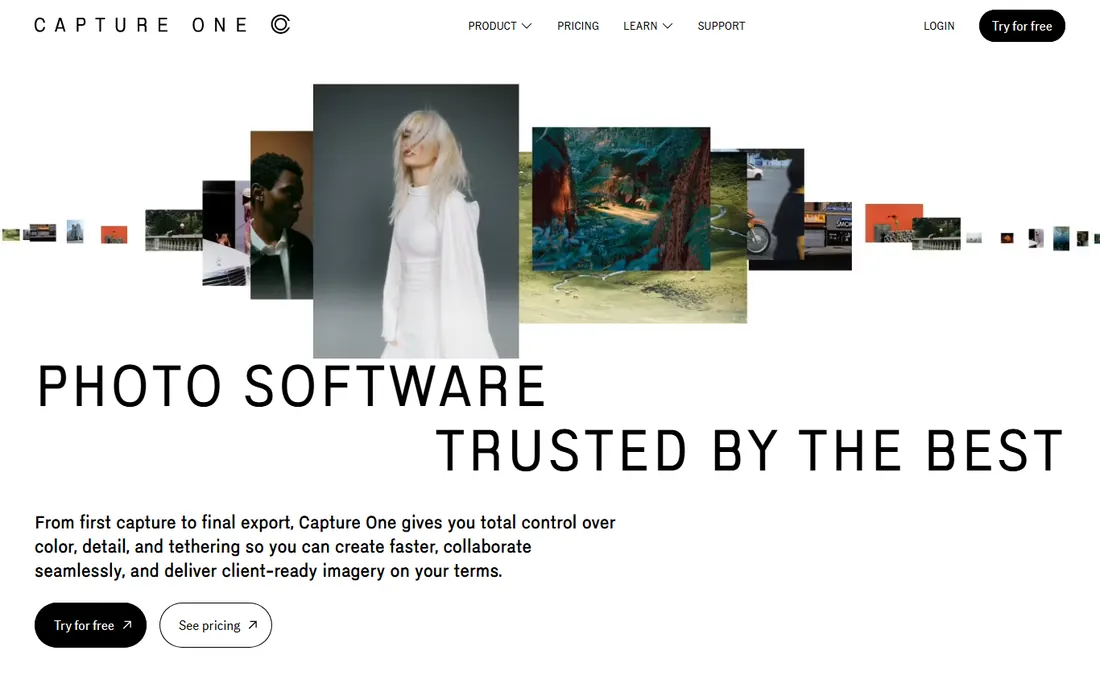
Capture One built its reputation in studios, and it still owns that territory. Tethered capture is fast and reliable, the color editor gives precise control over individual hues, and skin tone tools are genuinely better than the competition for portrait and fashion work. RAW rendering has a distinctive look that many photographers prefer straight out of camera.
Head to head with Lightroom, the decision usually comes down to shooting style. Tethered studio work, precise color, sessions and catalogs per project: Capture One. Massive archives, keywording, cloud sync, wedding-volume culling: Lightroom. Capture One also offers a perpetual license, which matters to photographers who refuse subscriptions on principle; Adobe offers no such option.
What we like- Best tethered shooting experience in the industry
- Superb color editing and skin tone tools
- Perpetual license option alongside subscription
Watch out for- Catalog and asset management trail Lightroom
- Smaller preset and tutorial ecosystem
Starting priceFree
Free planYes (free with Canva account)
Affinity is the most disruptive story in this category. After Canva acquired Serif, the standalone Affinity Photo 2 was discontinued and replaced by a single unified Affinity app that is free with a Canva account. It offers layers, masks, live filters, panorama stitching, HDR merge, and a full RAW develop persona, covering the large majority of what photographers actually do in Photoshop.
Head to head with Photoshop, Affinity wins on price by the widest margin in this guide: free versus an ongoing subscription. It loses on ecosystem depth, the newest AI features, and industry file compatibility. For enthusiasts, freelancers, and anyone who edits photos without exchanging PSDs daily, Affinity is now the default recommendation. For retouchers embedded in agency workflows, Photoshop remains unavoidable.
What we like- Fully free professional editor, no subscription
- Photoshop-like layers, masks, and RAW development
- Fast performance even on modest hardware
Watch out for- Smaller plugin and extension ecosystem
- AI features require a paid Canva plan
#5
DxO PhotoLab
Best for: Optical corrections and noise reduction
Visit dxo.com
Starting priceSee website
Free planFree trial (30 days)
DxO wins on pure image science. The company lab-tests camera and lens combinations and bakes the corrections into automatic profiles, so distortion, vignetting, and chromatic aberration disappear with one click. DeepPRIME and its successors remain the best noise reduction available, recovering high-ISO shots that other editors leave grainy. Photographers who shoot in difficult light notice the difference immediately.
Head to head with Lightroom, DxO wins on correction quality and loses on workflow: its photo management is rudimentary and its ecosystem is tiny. Many photographers use both, developing RAW files in DxO for the optics and noise handling, then finishing in Lightroom or Photoshop. If your priority is maximum image quality from challenging files rather than catalog speed, DxO deserves the trial.
What we like- Automatic lens and camera corrections from lab testing
- DeepPRIME noise reduction is class-leading
- Perpetual license available
Watch out for- Library and organization tools are basic
- Interface feels dated next to Adobe
Starting priceSee website
Free planFree trial
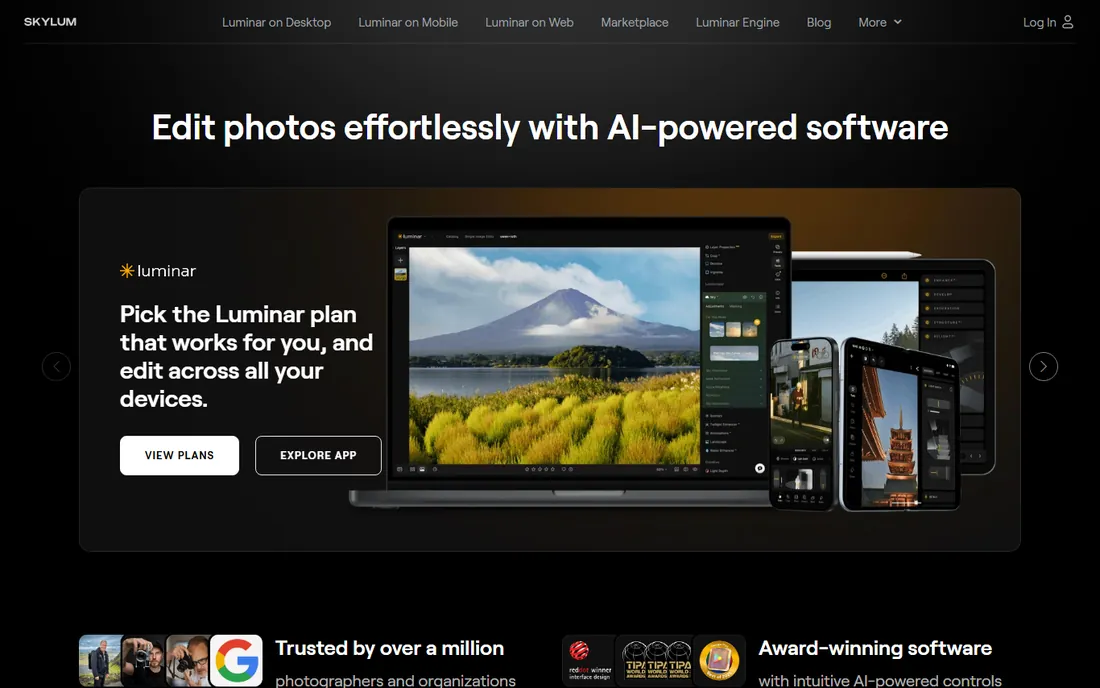
Luminar Neo is built for speed over precision. Its AI tools replace skies, relight scenes, remove power lines, and retouch portraits with a few clicks, producing in seconds what takes minutes of masking elsewhere. For photographers who want strong results without learning advanced technique, it is the most approachable editor on this list.
Head to head with ON1 Photo RAW, the two chase a similar buyer: the enthusiast who wants everything in one affordable package. Luminar leans harder into AI automation; ON1 leans harder into traditional control and effects. Against Lightroom, Luminar wins on fun factor and loses on professional workflow depth. It also works as a plugin, so Lightroom users can add its AI tools without abandoning their catalog.
What we like- AI tools for sky replacement, relighting, and portrait retouching
- Fast results with minimal manual skill
- Works as plugin inside Lightroom and Photoshop
Watch out for- Less precise manual control than Lightroom or Capture One
- AI effects can look over-processed if pushed
#7
ON1 Photo RAW
Best for: All-in-one editor with perpetual license
Visit on1.com
Starting priceSee website
Free planFree trial (30 days)
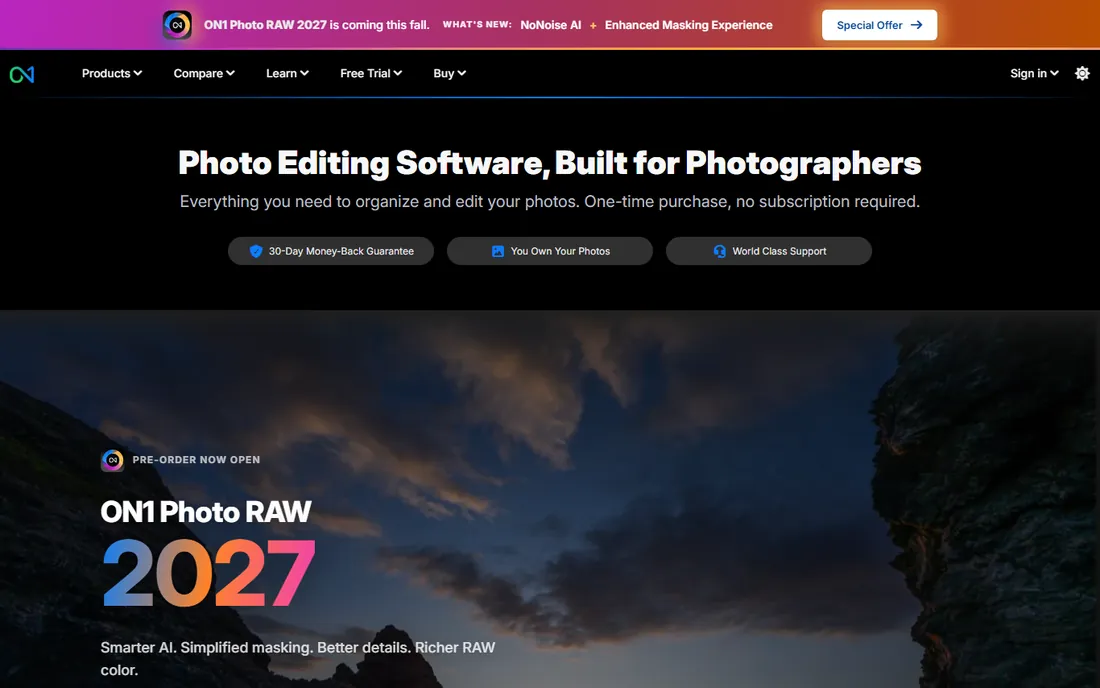
ON1 Photo RAW tries to be the complete package: browsing, RAW development, layers, effects, portrait retouching, and resizing in a single application with a perpetual license option. For photographers who want one purchase instead of a subscription and one app instead of a workflow stitched across vendors, it is the most complete answer.
Head to head with Luminar Neo, ON1 offers more manual control and a fuller feature set, while Luminar offers slicker AI automation. Against Lightroom, ON1 wins on price model and loses on catalog performance and ecosystem. The 30-day free trial is generous enough to run a real project through it, which is the right way to judge whether its speed on your hardware and its results on your files satisfy you.
What we like- Browse, develop, effects, and portrait tools in one app
- Perpetual license option with no subscription required
- Frequent updates with new AI features
Watch out for- Performance can lag on large catalogs
- Smaller community and fewer learning resources
Starting priceFree
Free planYes (free, open source)
GIMP is the veteran free alternative: a full open-source image editor with layers, masks, filters, and scripting that has served photographers and designers for over two decades. It costs nothing, runs everywhere, respects your privacy, and handles serious retouching work once you learn its ways.
Head to head with Affinity, GIMP loses in 2026. Affinity is also free now, with a more modern interface, better RAW support, and faster performance. GIMP's remaining advantages are philosophical and practical: true open source with no account required, unmatched scriptability, and availability on platforms the commercial tools ignore. Purists, Linux users, and automators still choose it deliberately; everyone else should try Affinity first.
What we like- Completely free with no account or subscription
- Deep feature set for manipulation and retouching
- Extensible with plugins and scripts
Watch out for- Interface and workflow feel dated
- RAW handling needs an external plugin
How to pick your editor
Start with your actual work, not the feature list. If you retouch, composite, or exchange PSDs with clients, get Photoshop. If you develop RAW files and manage a photo library, choose between Lightroom and Capture One based on whether you value catalog speed or tethered and color precision. If you want capable editing without paying monthly, Affinity is free and excellent.
Then consider the specialists. DxO earns its place when image quality from difficult files is the priority. Luminar Neo and ON1 suit enthusiasts who want fast, impressive results in one affordable package. GIMP suits those who want open source or need its scripting. Most photographers end up with two editors: a RAW workflow tool and a pixel editor, which is exactly how Adobe and others bundle them.
How we chose
We compared the editors that dominate photographer surveys, retail sales, and professional workflows in 2026, then verified each product's current status on its own site. The biggest change since older guides: Affinity Photo 2 was discontinued after Canva's acquisition of Serif, replaced by the free unified Affinity app at affinity.studio, so this guide covers the current product rather than the retired one. Pricing moves too often to quote reliably here, so we note the license model and point you to the vendor for current figures.
Subscription versus one-time purchase
This is the real fault line in the category. Adobe's tools are subscription only: stop paying and the software stops working. Capture One, DxO PhotoLab, and ON1 Photo RAW offer perpetual licenses: pay once, use that version indefinitely. Affinity and GIMP are free outright.
The math depends on your time horizon and upgrade habits. A subscription always costs more over five years than a single perpetual license, but it includes every update, cloud features, and mobile apps. Perpetual licenses look cheaper until you price the paid upgrades every year or two. Free tools remove the question entirely, which is part of why Affinity's move to free matters so much. Decide based on how long you keep software and whether you value always-current features over owning your tools.
Frequently asked questions
Which photo editing software is best for beginners?
Affinity and Luminar Neo are the friendliest starting points: Affinity is free and teaches real editing skills that transfer to Photoshop later, while Luminar Neo's AI tools produce strong results with minimal learning. Lightroom is the best beginner choice inside the Adobe ecosystem because its workflow is simpler than Photoshop's.
Is there a free alternative to Photoshop?
Yes, two strong ones. Affinity by Canva is now free and covers most of what photographers do in Photoshop with a modern interface. GIMP is free and open source with no account required, though its interface takes more getting used to. Both handle layers, masks, retouching, and RAW files.
Photoshop or Lightroom: which should I buy?
They do different jobs. Lightroom organizes and develops photographs; Photoshop edits pixels and composites images. Most photographers should start with Lightroom, since developing RAW files and managing a library is the daily work. Add Photoshop when you need serious retouching, compositing, or graphic design work.
What is the best Lightroom alternative without a subscription?
Capture One is the professional pick, with better tethering and color tools plus a perpetual license option. ON1 Photo RAW and DxO PhotoLab are cheaper one-time purchases that cover RAW development well. Affinity handles editing but is not a Lightroom-style catalog replacement.
Do I need to pay monthly for good photo editing software?
No. Affinity and GIMP are completely free, and Capture One, DxO PhotoLab, and ON1 Photo RAW offer perpetual licenses you buy once. Subscriptions only become necessary if you want Photoshop, Lightroom, or the always-updated cloud features of the Adobe ecosystem.
Sources we checked (7)
- https://www.adobe.com
- https://www.captureone.com
- https://affinity.studio/
- https://dxo.com/
- https://skylum.com/
- https://on1.com/
- https://gimp.org/
Is your product missing or out of date?
We review this list regularly. Vendors can request a listing, send updated pricing or ask about featured placement.

Shihab Mia · Founder, Rankite
Shihab has spent more than a decade helping SaaS and e-commerce brands grow through search. He writes Rankite's software buying guides from pricing pages, documentation and public user reviews. More about Shihab.