How we make this list: we compare pricing pages, product documentation and public user reviews. Rankite is independent; if a vendor ever pays for a featured spot, that listing is clearly labeled Partner.
Key takeaways
- Chrome Remote Desktop is the simplest free option: no install beyond a browser extension, free forever, tied to your Google account.
- TeamViewer and AnyDesk are both free for genuine personal use, but both watch for commercial patterns and will restrict accounts.
- RustDesk is the pick for privacy-minded technical users: open source, self-hostable, with a free tier that costs nothing but a small VPS.
- Parsec wins on speed and smoothness, especially for gaming or creative work, with a free personal tier.
- RemotePC is the cheapest paid route to unattended access: about $22 a year for one computer.
Quick comparison
| Tool | Best for | Starting price | Free plan |
|---|
 Chrome Remote Desktop Chrome Remote Desktop | Simplest free remote access | Free | Yes |
 TeamViewer TeamViewer | Helping family and friends with their computers | See website | Yes |
 AnyDesk AnyDesk | Fast, lightweight personal remote support | See website | Yes |
 RustDesk RustDesk | Privacy-focused users who can self-host | Free | Yes |
 Parsec Parsec | Gaming and creative work over remote desktop | Free | Yes |
 RemotePC RemotePC | Cheapest paid unattended access | $22.12/year | Free trial |
 Splashtop Personal Splashtop Personal | Free access within your home network | Free | Yes |
Is your product missing or out of date?
We review this list regularly. Vendors can request a listing, send updated pricing or ask about featured placement.
The best personal remote desktop software this year
Picture it: you are at the airport and the file you need is on the desktop at home. Or your parent calls because their laptop is acting strange again. Personal remote desktop software exists for exactly these moments, letting you control another computer over the internet as if you were sitting in front of it. Every tool below offers a genuinely usable free or cheap tier for non-commercial use. The differences come down to speed, setup effort, and how strictly the vendor polices the word personal.
Starting priceFree
Free planYes
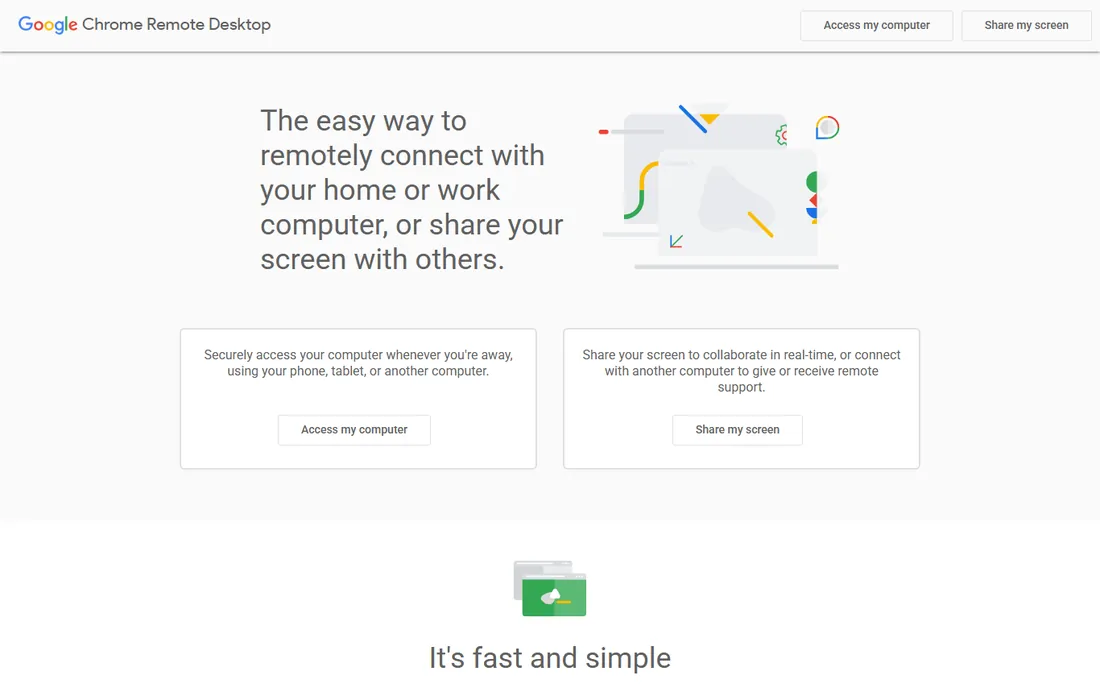
Google's entry is the path of least resistance. Open remotedesktop.google.com, install the small host component, set a PIN, and your computer appears in your Google account from anywhere. There is no account tier to manage, no trial counting down, and no upsell nagging. Remote Support mode generates a one-time code for helping someone else, which expires after the session.
The trade-offs are real but manageable. File transfer was removed from Remote Support, so you move files through Drive or email instead. There is no session recording, no multi-monitor finesse, and no address book beyond your Google account's device list. Performance is fine for documents and browsing but not tuned for gaming. If your needs are occasional and simple, nothing beats the price, and setup takes about five minutes.
What we like- Completely free with no time limits
- Runs in the browser, no heavy client
- Works on Windows, Mac, Linux, ChromeOS, iOS and Android
Watch out for- Fewer features than dedicated tools
- Requires a Google account
- No built-in chat or advanced session controls
Starting priceSee website
Free planYes
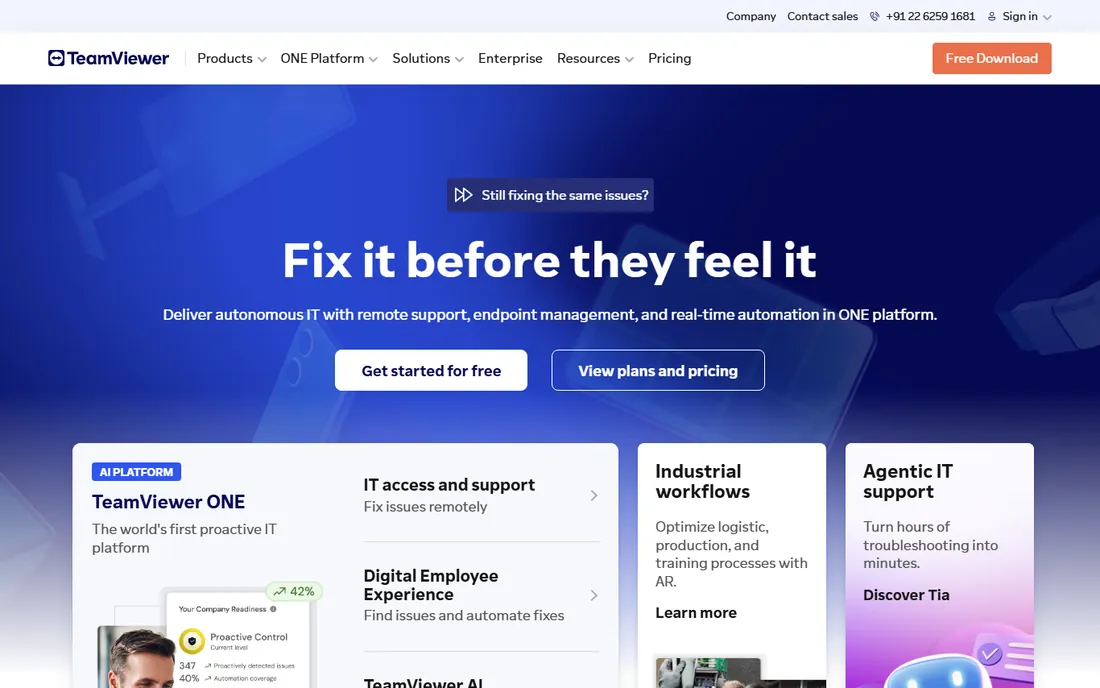
TeamViewer is the name most people know, and its free tier is genuinely free for non-commercial use, not a trial. Install it on both ends, share the ID and password, and you are connected. The clients are polished across Windows, Mac, Linux, iOS, and Android, with file transfer, chat, and remote reboot built in. For the classic job of fixing a relative's computer from three time zones away, it remains the reference point.
The catch is enforcement. TeamViewer's systems look for commercial usage patterns, and plenty of users report being flagged while doing legitimate personal support. There is an appeal process, but it takes time. Paid plans start around $18.90 a month for the Remote Access tier and climb steeply, which is hard to justify for personal use. Treat the free tier as exactly what it claims: personal, non-commercial, and occasional.
What we like- Free for genuine personal use
- Polished clients on every platform including mobile
- Strong security with two-factor authentication
Watch out for- Aggressively flags suspected commercial use
- Paid plans are expensive for individuals
Starting priceSee website
Free planYes
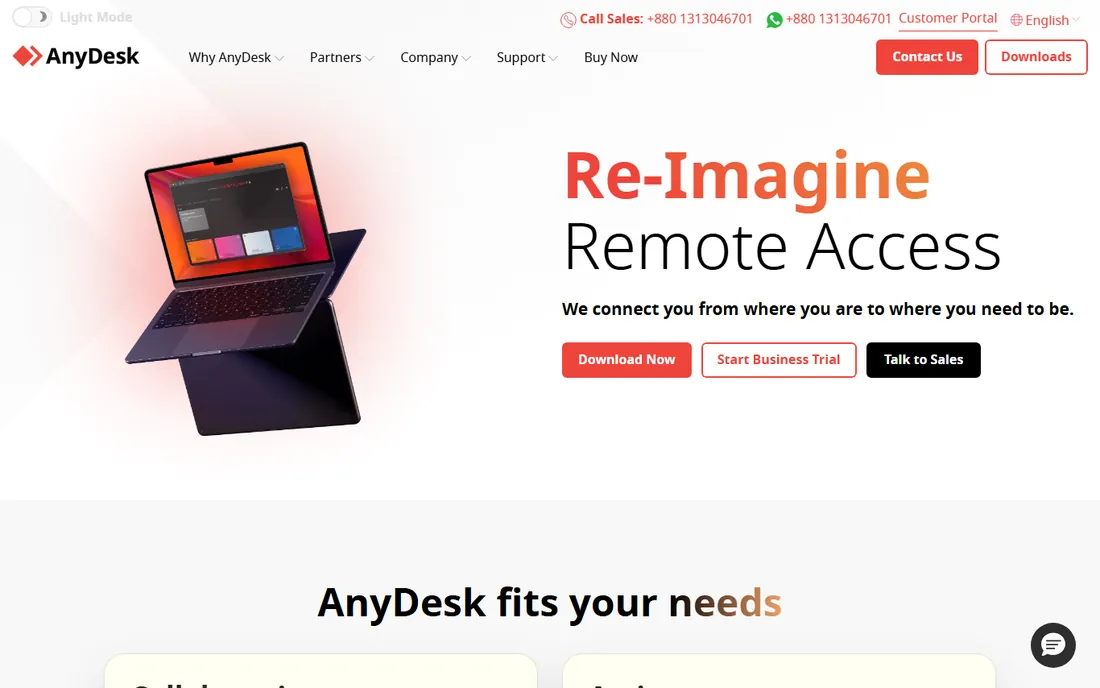
AnyDesk built its reputation on speed. Its proprietary DeskRT codec keeps latency low even on modest connections, and the client is famously small, small enough to run as a portable executable without a full install. For personal use it is free, covering remote support sessions where someone is present at the other end.
What you do not get free is unattended access: reaching your own PC while nobody is there to accept the connection requires a paid plan, with Standard starting around $32.31 a month billed annually. That is a meaningful jump from free, and it is where AnyDesk's pricing draws criticism. Like TeamViewer, commercial use on the free tier will get flagged. Choose AnyDesk when session responsiveness matters most and you always have someone at the remote end.
What we like- Very low latency via its DeskRT codec
- Tiny download, can run without installing
- Free for personal use
Watch out for- Free tier excludes unattended access
- Paid plans start higher than TeamViewer's
Starting priceFree
Free planYes
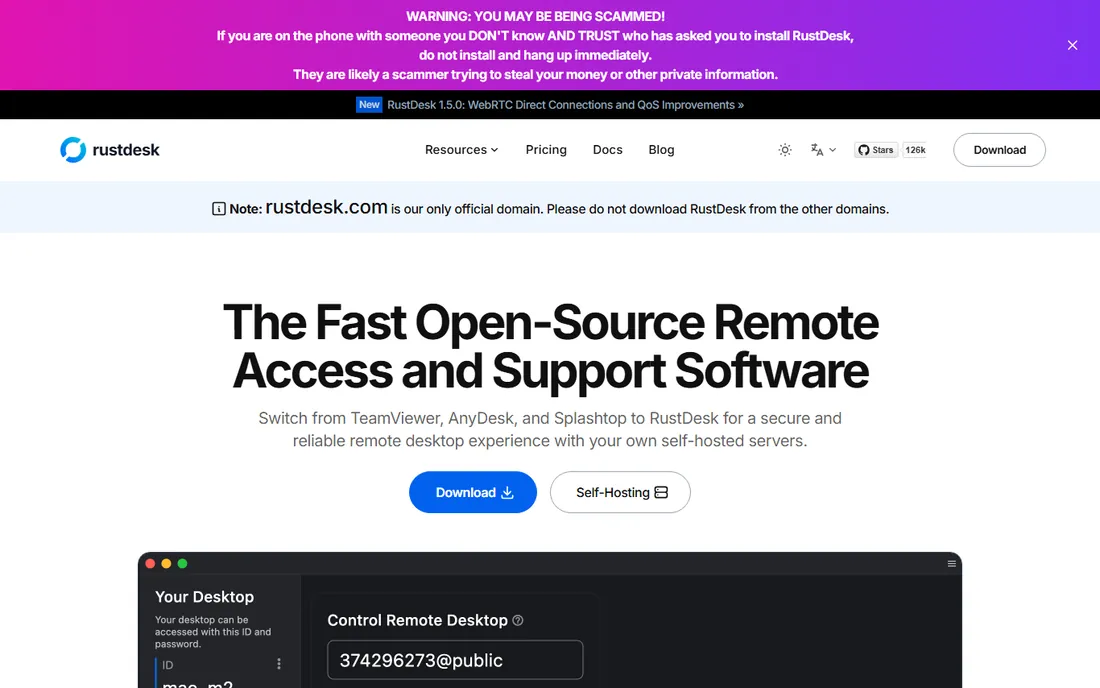
RustDesk is the open-source answer to TeamViewer, and it has earned a large following for good reason. The clients are free, the protocol uses end-to-end encryption, and you can run your own relay server on a cheap VPS so your sessions never touch vendor infrastructure. For the privacy-conscious, that is the whole argument in one sentence. A free self-hosting plan covers the basics; Pro plans with a web console, address book sync, and audit logs start at $11.88 a month billed annually.
Honesty requires noting the friction. Self-hosting means opening firewall ports and maintaining a server, which is routine for technical users and a wall for everyone else. Using RustDesk's public relays is easier but performance varies. The clients work across Windows, Mac, Linux, iOS, and Android, though the mobile experience lags the desktop. If you can run a Docker container, this is the most capable free remote access you can get.
What we like- Open source with end-to-end encryption
- Free self-hosted server
- No vendor in the middle of your sessions
Watch out for- Setup needs technical comfort
- Public relays can be slower
- Interface less polished than commercial rivals
#5
Parsec
Best for: Gaming and creative work over remote desktop
Visit parsec.app
Starting priceFree
Free planYes
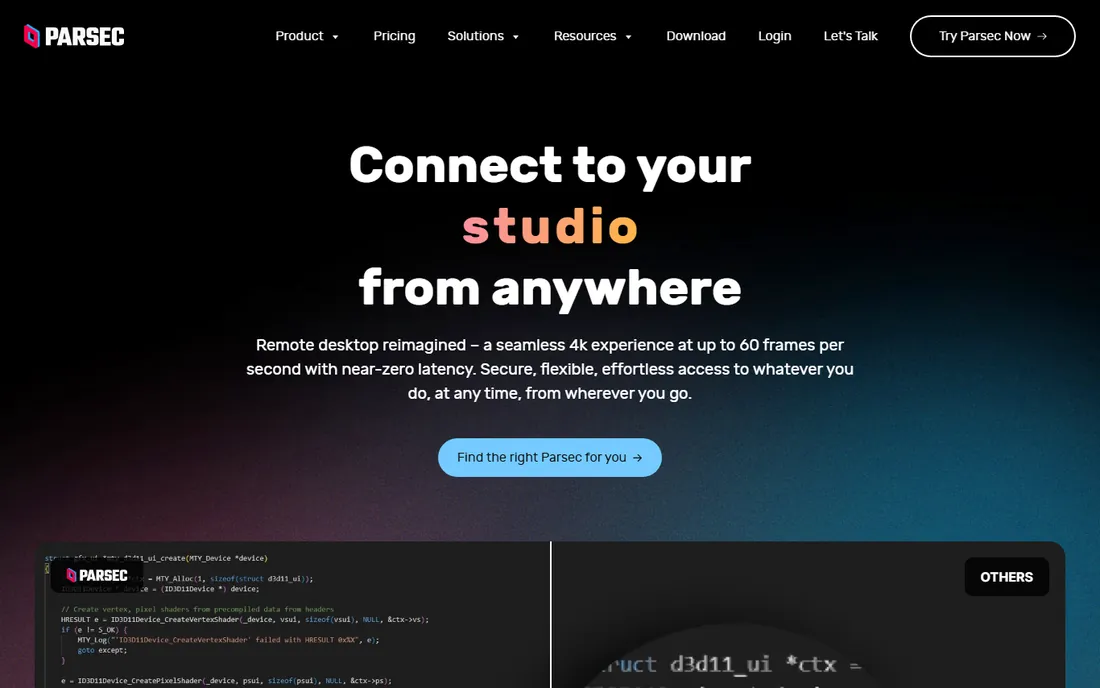
Parsec started in game streaming and it shows: this is the smoothest-feeling remote desktop on the list. The free personal tier includes 60 FPS desktop capture, keyboard, mouse, and gamepad support, and encrypted peer-to-peer connections. Gamers use it to play their home PC from a laptop elsewhere; video editors and 3D artists use it to reach a workstation without moving the hardware.
The paid Individuals tier, called Warp, costs $8.33 per user a month billed annually and adds multi-monitor streaming, 4:4:4 color, privacy mode, and drawing tablet pressure support. Teams and Enterprise tiers cover commercial use. As a general remote support tool it is thinner than TeamViewer: no built-in ticketing, no mass deployment. But for the specific job of making a remote computer feel local, nothing free comes close.
What we like- Near-zero latency streaming at 60 FPS
- Free for personal non-commercial use
- Peer-to-peer encrypted connections
Watch out for- Built for interactive use, not IT management
- No iOS client
- Free tier limited to one monitor stream
Starting price$22.12/year
Free planFree trial
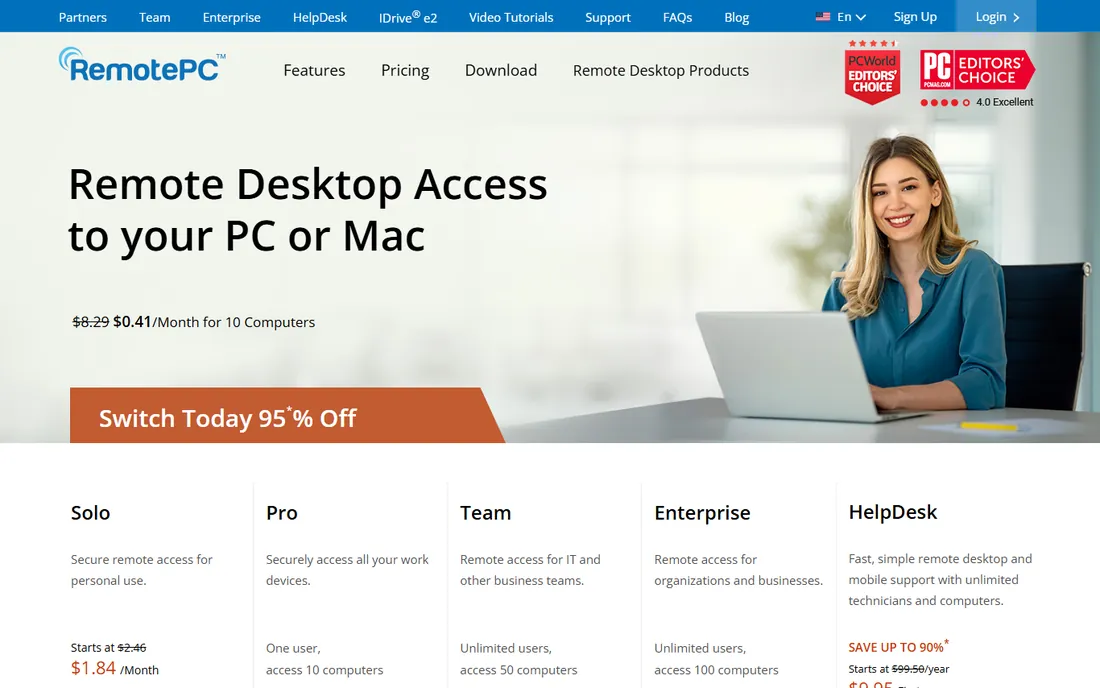
RemotePC takes the opposite approach from the free-first tools: no permanent free plan, but paid pricing so low it barely registers. The Solo plan covers one computer for $22.12 for the first year, billed annually, and includes always-on unattended access, which is exactly the feature AnyDesk and TeamViewer reserve for expensive tiers. A 7-day free trial needs no credit card.
Feature-wise it punches above its price: TLS encryption, two-factor authentication, file transfer, remote printing, multi-monitor support, and even a built-in meeting tool. The clients cover Windows, Mac, Linux, iOS, and Android, plus browser-based access. The interface feels a generation behind TeamViewer, and support reviews are mixed. But if your core need is reaching your own computer while you are away, this is the cheapest legitimate way to do it.
What we like- Extremely cheap per-computer pricing
- Always-on unattended access included
- File transfer, remote printing, session recording
Watch out for- No permanent free tier
- Interface less modern than rivals
Starting priceFree
Free planYes
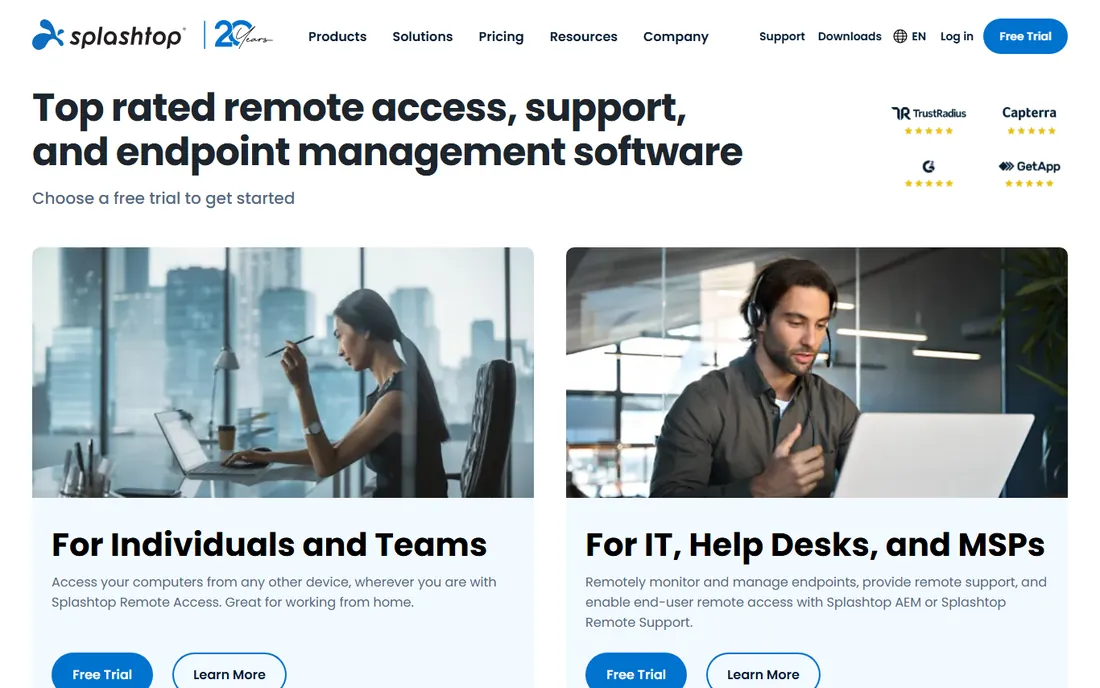
Splashtop Personal is free for personal, non-commercial use with one important boundary: the free version only works within your home Wi-Fi network. On the couch with a tablet, reaching your desktop in the study, it is excellent: fast streaming, solid mobile apps, and the company's enterprise-grade security underneath. To reach home computers from outside the network, the Anywhere Access Pack costs $23.99 a year.
That split makes Splashtop Personal a niche pick, but an honest one. Many people only ever remote into a home PC from elsewhere in the house, and for them this is free forever with better performance than browser-based options. If you need true anywhere access, compare the $23.99 pack against RemotePC's $22.12 plan, which includes outside-network access by default.
What we like- Free for personal non-commercial use on your home network
- Fast, high-quality streaming
- Strong security credentials
Watch out for- Free version limited to your local network
- Anywhere access needs the paid Anywhere Access Pack
What free for personal use actually means
Every vendor on this list except RemotePC offers something free, but the word personal carries legal weight. It means non-commercial: your own devices, helping friends and family, no business activity. Accessing your work computer, supporting clients, or running a side business through a free tier violates the license, and TeamViewer and AnyDesk both enforce this with automated detection. Getting flagged mid-session is unpleasant, so match the license to reality. If any money touches the use case, pay for the cheapest plan that covers it. At $22 a year, RemotePC makes that decision easy.
There are practical limits on the free tiers worth knowing before you depend on them. TeamViewer's free sessions can be time-limited when the system suspects heavy use, and only one session runs at a time. AnyDesk's free tier blocks unattended access entirely, so it cannot reach a PC with nobody there to click accept. Chrome Remote Desktop has no such restrictions but also no session controls beyond the basics. If you need to reach your own machines daily while traveling, that is the dividing line where a paid plan stops being optional: RemotePC's Solo plan and Splashtop's Anywhere Access Pack both exist precisely for this job, and both cost less per year than one month of TeamViewer Business.
How we chose
We prioritized tools with a real free or very cheap path for individuals, verified current pricing against vendor pricing pages and signup flows, and checked free-tier terms for personal-use restrictions. Public reviews on G2, Capterra, and Reddit informed the practical trade-offs, particularly around commercial-use flagging and relay performance. We did not claim hands-on testing. Business-first platforms without a personal tier were excluded, since the keyword targets individuals, not IT departments.
Frequently asked questions
Is it legal to use TeamViewer free for helping my parents?
Yes. Helping family and friends with no commercial element is exactly what the free personal license covers. Problems arise when the usage looks commercial, such as regular connections to many different machines or business hours patterns.
Which remote desktop software is actually free forever?
Chrome Remote Desktop, RustDesk's open-source edition, and Parsec's personal tier are free with no time limit. TeamViewer, AnyDesk, and Splashtop Personal are free for personal non-commercial use but not for business.
Can someone access my computer without my permission?
No, not with any legitimate tool here. Connections require your ID plus your approval or a password you set, and unattended access requires a password you created in advance. Never share your remote ID or PIN with unsolicited callers claiming to be tech support; that is the most common remote-access scam, and it works because the victim grants access voluntarily. If someone you do not know asks you to install AnyDesk, TeamViewer, or RustDesk, end the conversation. No bank, government agency, or software company will ever ask you to do this.
What is unattended access and why does it cost extra?
Unattended access means connecting to a computer with nobody there to approve the session, like reaching your home PC from the office. Vendors treat it as a premium feature because it is the core of paid remote-work use. RemotePC includes it cheapest.
Do I need fast internet for remote desktop?
For documents and general use, even modest broadband works, since remote desktop sends compressed screen updates rather than full video. For smooth video or gaming through Parsec, you want at least 15 to 25 Mbps and low latency on both ends. The host's upload speed matters more than most people expect: a PC on a slow uplink will feel laggy no matter how fast your download is. Wired connections on the host side help more than raw speed, and if you are on hotel or cafe Wi-Fi, expect stuttering during anything interactive.
Is RustDesk safe if it is free and open source?
The code is public and the protocol uses end-to-end encryption, which is auditable in a way proprietary tools are not. The main risk is operational: if you self-host, you are responsible for securing the server. Download only from rustdesk.com, the project's only official domain.
Sources we checked (13)
- https://www.teamviewer.com
- https://remotedesktop.google.com
- https://rustdesk.com
- https://rustdesk.com/pricing/
- https://parsec.app/
- https://parsec.app/pricing
- https://remotepc.com/
- https://www.remotepc.com/rpcnew/signup/consumer1
- https://www.splashtop.com
- http://splashtop.com/products/personal?__hsfp=3989453988&__hssc=3230831.1.1721088492294&__hstc=3230831.6951b92d4b561c86fa1c70517b55e2fc.1721088492294.1721088492294.1721088492294.1
- https://www.fahimai.com/anydesk-vs-remotepc
- https://www.fahimai.com/teamviewer-vs-remotepc
- https://en.wikipedia.org/wiki/Chrome_Remote_Desktop
Is your product missing or out of date?
We review this list regularly. Vendors can request a listing, send updated pricing or ask about featured placement.

Shihab Mia · Founder, Rankite
Shihab has spent more than a decade helping SaaS and e-commerce brands grow through search. He writes Rankite's software buying guides from pricing pages, documentation and public user reviews. More about Shihab.