How we make this list: we compare pricing pages, product documentation and public user reviews. Rankite is independent; if a vendor ever pays for a featured spot, that listing is clearly labeled Partner.
Key takeaways
- Todoist is the best pure task manager for most people, with a genuinely useful free tier.
- Notion suits organizers who want tasks, notes and databases in one customizable workspace.
- Obsidian is free without limits and keeps your notes as plain files on your own device.
- TickTick packs tasks, habits, calendar and a Pomodoro timer into one app for around $4 per month.
Quick comparison
| Tool | Best for | Starting price | Free plan |
|---|
 Todoist Todoist | keeping daily tasks under control | See website | Yes |
 Notion Notion | building your own organization system | See website | Yes |
 TickTick TickTick | tasks, habits and focus in one app | See website | Yes |
 Obsidian Obsidian | thinking in connected notes | Free | Yes |
 Evernote Evernote | clipping and finding everything | See website | Yes (limited) |
 Microsoft OneNote Microsoft OneNote | freeform notes without paying | Free | Yes |
 Any.do Any.do | simple shared lists | See website | Yes |
 Things 3 Things 3 | Apple users who value beautiful design | See website | No |
 Microsoft To Do Microsoft To Do | simple lists inside the Microsoft world | Free | Yes |
Is your product missing or out of date?
We review this list regularly. Vendors can request a listing, send updated pricing or ask about featured placement.
Starting priceSee website
Free planYes
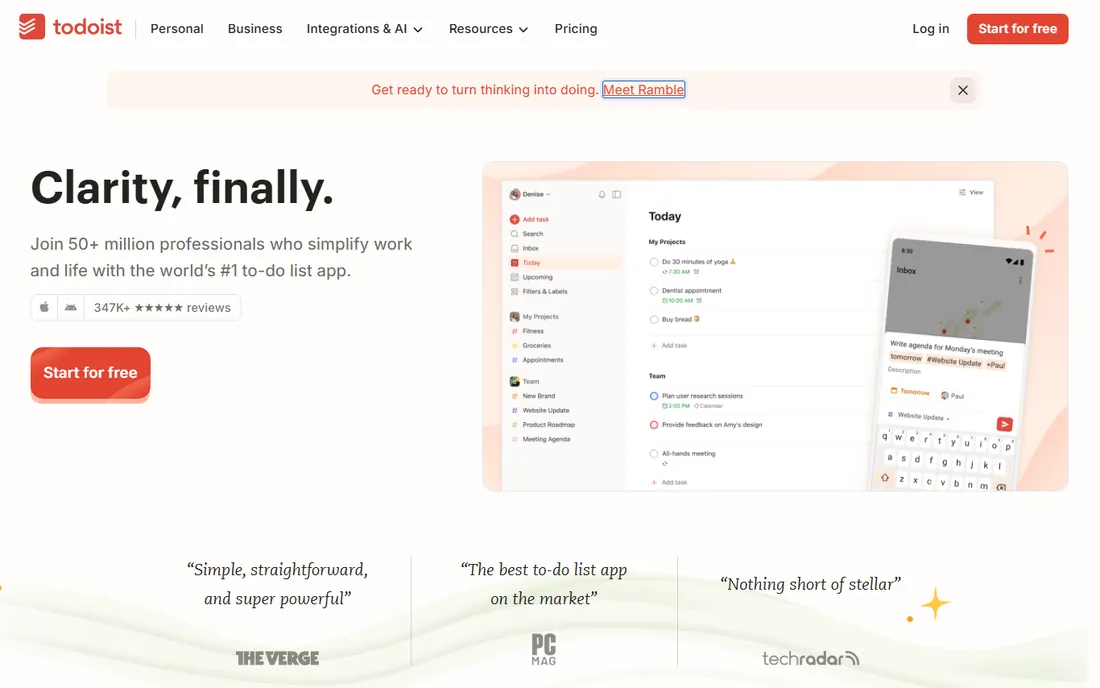
Todoist is the task manager that gets out of your way. Type "submit report Friday 9am #work" and it parses the task, date and project automatically. Projects, labels, filters and priorities scale from a grocery list to a GTD system, and the apps are consistently good on web, desktop and mobile.
The free tier covers most personal use; Pro adds reminders, calendar layouts and advanced filters for around $5 per month. It does not try to be a notes app or a calendar, which is either focus or a limitation depending on your system. For pure task management, it is the safest recommendation.
What we like- Fast natural-language task entry
- Excellent cross-platform apps
- Useful free tier
Watch out for- Advanced filters and reminders need Pro
- No built-in notes or calendar depth
Starting priceSee website
Free planYes
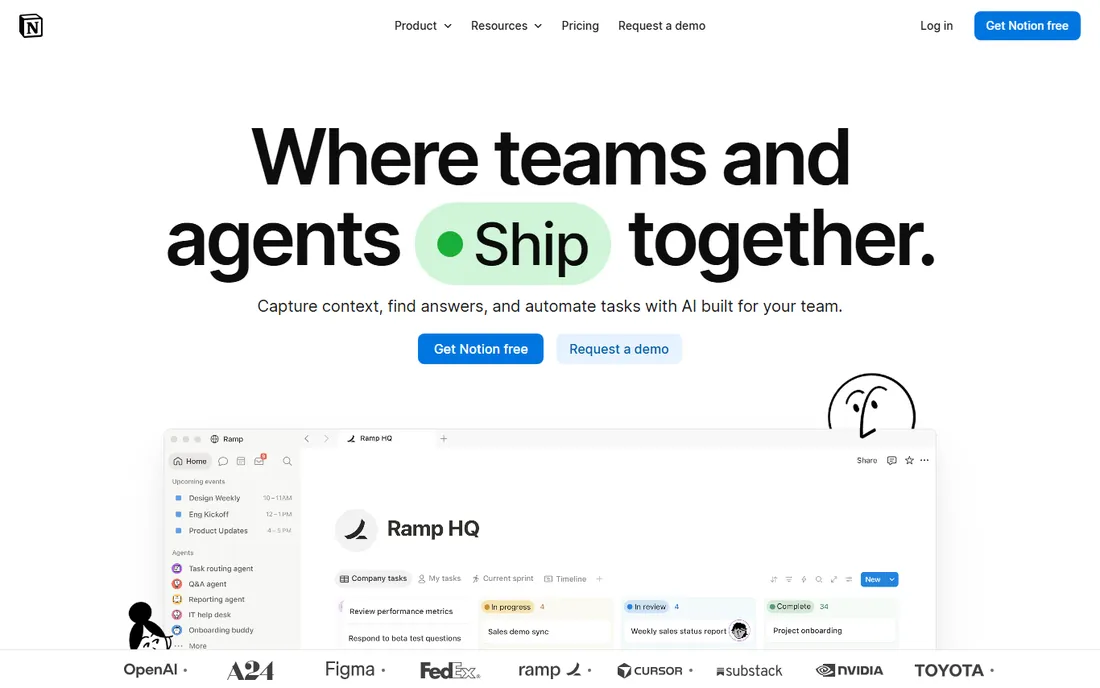
Notion is a blank workspace you shape into whatever organization means to you: task boards, habit trackers, reading lists, project wikis, all built from the same blocks and databases. Templates from the community cover nearly every system, GTD, PARA, bullet journal, so you rarely start from zero.
That flexibility is the risk. Many users spend more time designing their system than using it, and the cloud-first architecture means spotty offline access. Pricing runs around $8 to $10 per user per month for Plus. If you want one app for everything and enjoy building systems, Notion rewards the effort.
What we like- Notes, tasks, wikis and databases in one place
- Endlessly customizable
- Generous free plan
Watch out for- Can become a procrastination project
- Offline support is weak
- Performance on huge workspaces
Starting priceSee website
Free planYes
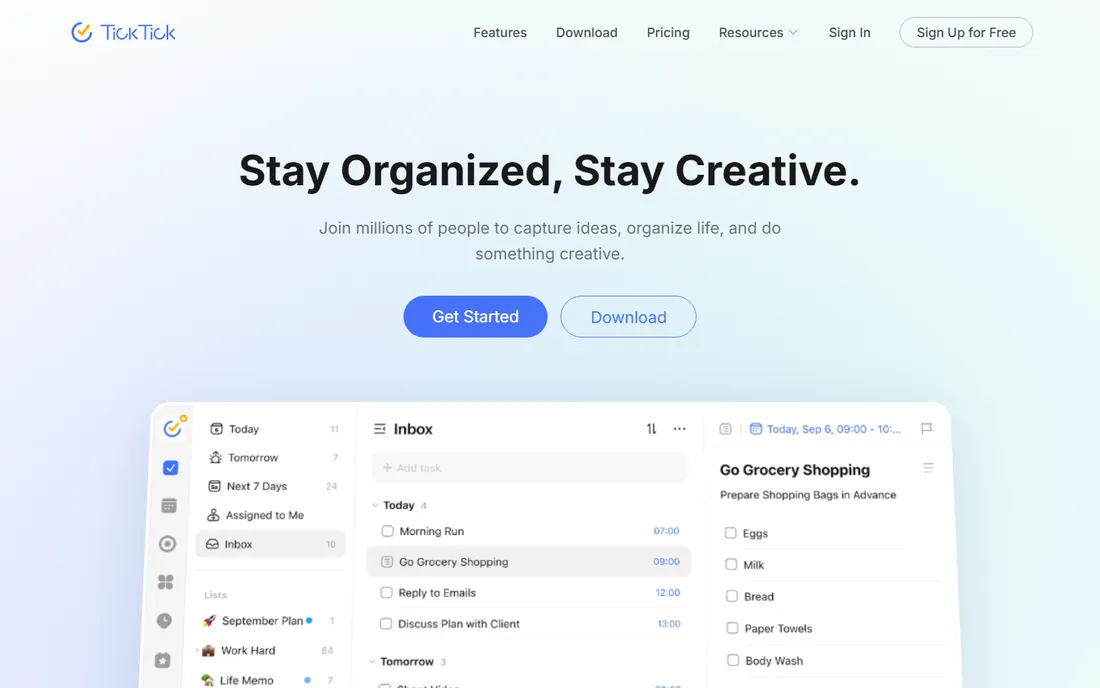
TickTick answers the question "what if my to-do list also handled my habits and focus time." Tasks, recurring habits with streaks, an Eisenhower matrix, calendar views and a built-in Pomodoro timer live in one app, with voice input and cross-platform sync. Premium runs around $4 per month.
The free tier is solid for tasks; habits and advanced calendar features push you toward Premium. The interface packs a lot in and can feel busy next to Todoist's calm. For people building routines rather than just clearing tasks, the habit integration is the reason to choose it.
What we like- Pomodoro timer and habit tracking built in
- Calendar views
- Good free tier
Watch out for- Interface is busy
- Premium needed for full calendar and habit features
Starting priceFree
Free planYes
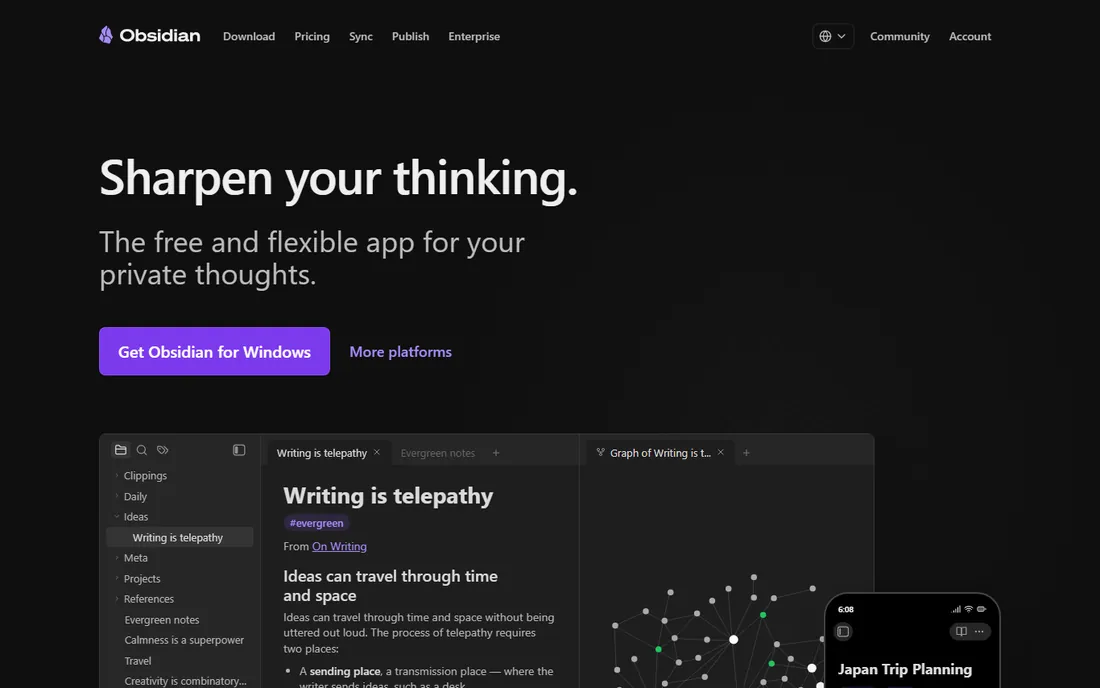
Obsidian stores your notes as plain Markdown files on your own device, links them into a personal knowledge graph, and charges nothing for the core app, personal or commercial. Thousands of community plugins add calendars, kanban boards, spaced repetition and AI assistants. Your data stays readable forever, no lock-in.
The trade is assembly. Out of the box it is a Markdown editor with backlinks; the powerful setups come from plugins you choose and configure. Official Sync and Publish services cost extra. For thinkers who want ownership of their notes and enjoy crafting a system, it is unmatched at any price.
What we like- Free without limits
- Notes are plain Markdown files you own
- Huge plugin ecosystem
Watch out for- Sync and publishing cost extra
- Setup takes effort
- No native collaboration
Starting priceSee website
Free planYes (limited)
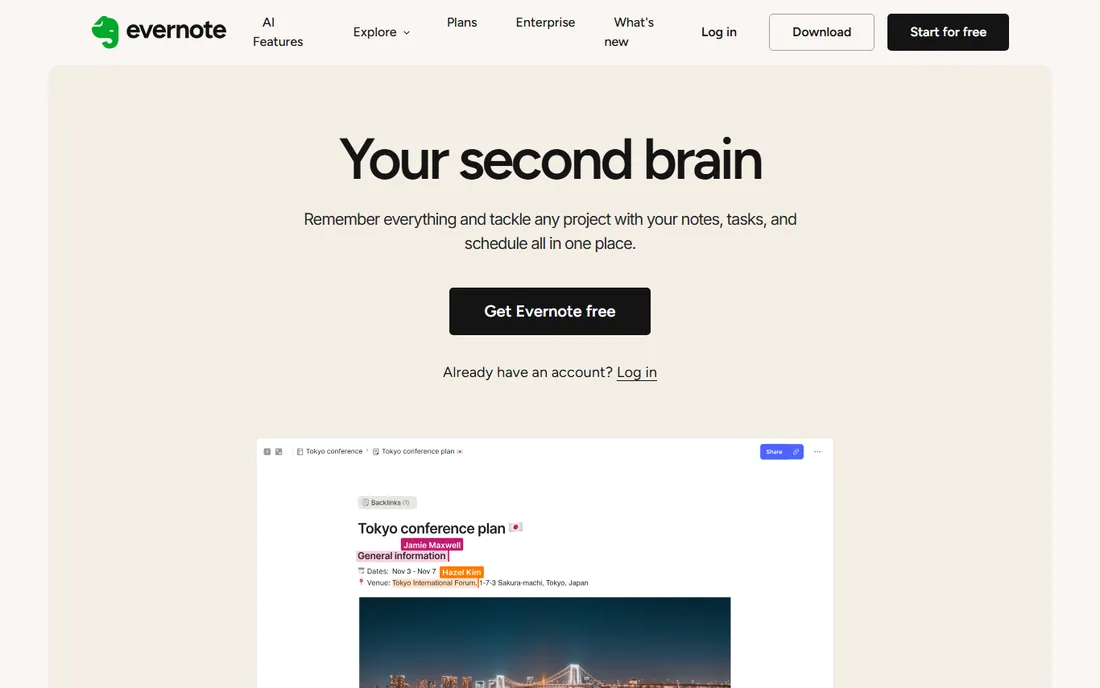
Evernote invented the "remember everything" category and still does two things better than most: clipping web content and finding it later, including text inside images and PDFs. Notebooks, tags and stacks organize large archives, and the apps are mature across platforms.
The free tier has shrunk to a small demo-sized allowance, and paid plans run around $8 per month and up, with AI features on the top tier. It is no longer fashionable, but for a searchable archive of clipped articles, scanned documents and reference material, it remains excellent.
What we like- Superb web clipper and search, including text in images
- Mature and stable
- Good document handling
Watch out for- Free tier is now very limited
- Paid plans are pricey
- Less trendy than rivals
Starting priceFree
Free planYes
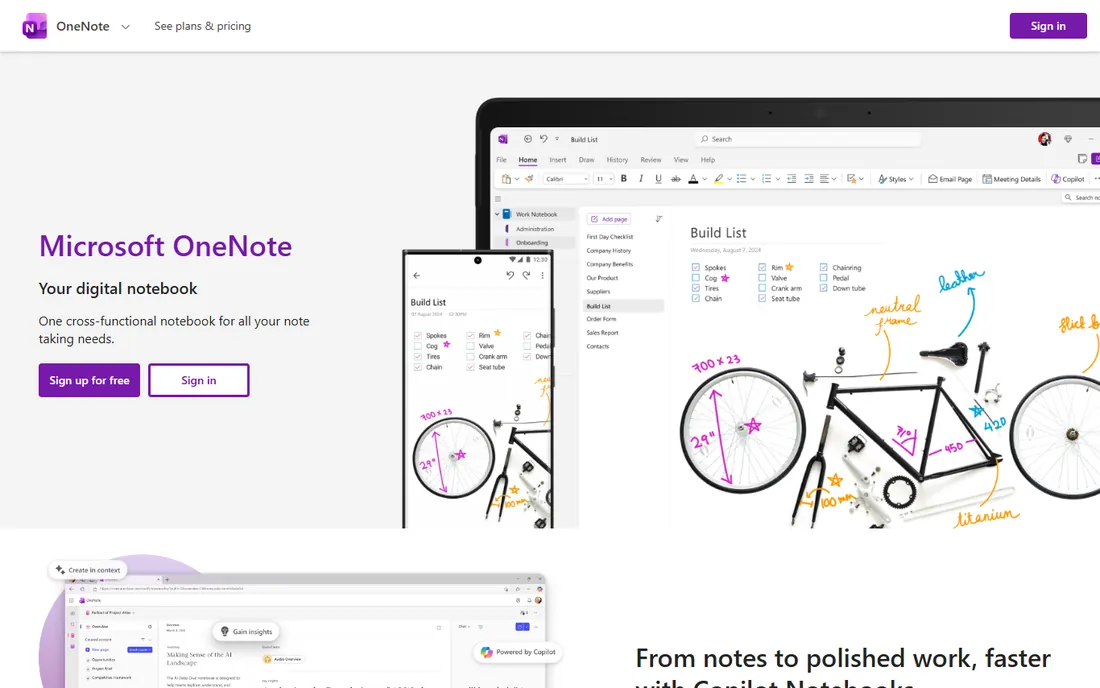
OneNote is the freeform thinker's notebook: an infinite canvas where text, images, handwriting, audio and clipped content land anywhere you drop them. It is completely free with a Microsoft account, syncs across devices, and handles handwritten notes and recorded lectures better than most rivals.
Structure is its weakness. Without discipline, notebooks sprawl, and sync has a history of quirks. Task features are basic. But as a free digital notebook for students and anyone who thinks in sketches and snippets, it is the best zero-cost option.
What we like- Completely free
- Infinite canvas with free positioning
- Great handwriting and audio notes
Watch out for- Organization can get messy
- Sync quirks
- Weaker task management
Starting priceSee website
Free planYes
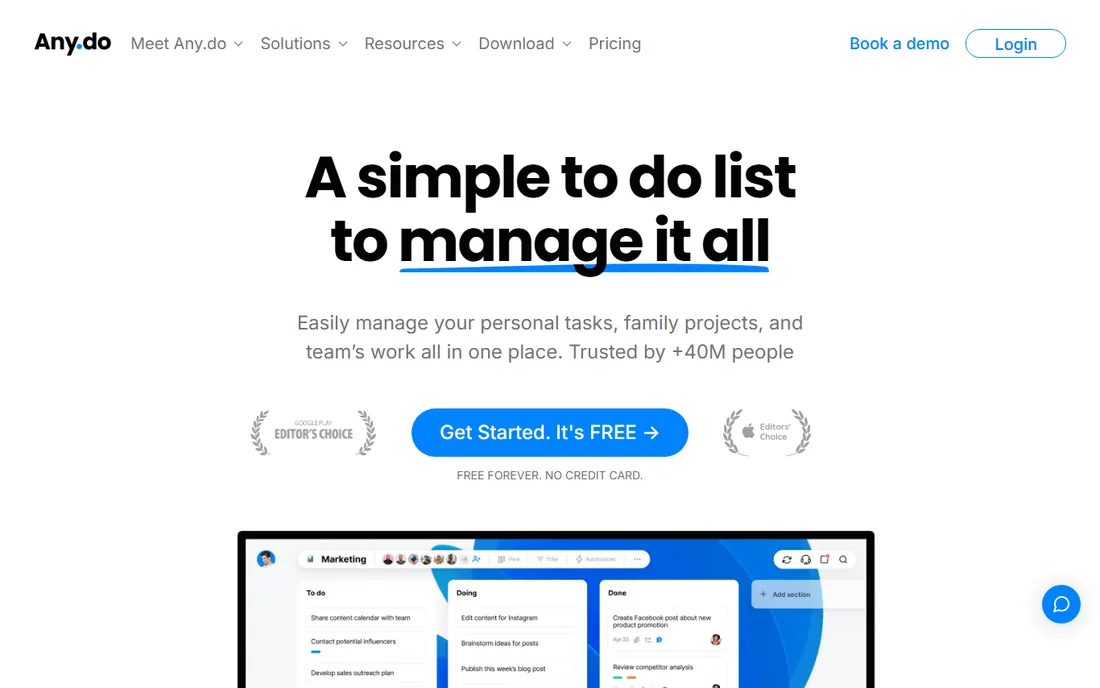
Any.do keeps personal organization simple: tasks, lists, a calendar view and reminders in a clean interface that takes minutes to learn. Sharing a grocery or packing list with family is painless, and the daily "plan my day" review is a nice ritual.
Power users will miss Todoist's filters and natural language depth. Premium adds location-based reminders, unlimited attachments and custom themes. For households and anyone who wants lists without a learning curve, its simplicity is the point.
What we like- Clean and quick
- Built-in calendar and reminders
- Easy list sharing
Watch out for- Less depth than Todoist
- Premium needed for location reminders and themes
Starting priceSee website
Free planNo
Things 3 is the best-designed task manager ever made, full stop. Its Today view, evening planning, headings within projects and buttery interactions make organizing feel pleasant rather than administrative. It is a one-time purchase per platform, no subscription, which feels increasingly rare.
The limits are real: Apple platforms only, no Windows or Android, no collaboration, and you pay separately for Mac, iPhone and iPad versions. For a solo Apple user who wants tasks to feel effortless, nothing else comes close. Everyone else should look at Todoist.
What we like- Gorgeous, calm interface
- Thoughtful GTD workflow
- One-time purchase, no subscription
Watch out for- Apple only
- Paid upfront on each platform
- No collaboration features
Starting priceFree
Free planYes
Microsoft To Do is the simple, free task list for the Microsoft ecosystem. The My Day view surfaces what matters today, tasks sync with Outlook flagged emails, and lists share easily. It is free with any Microsoft account and genuinely pleasant for basic use.
It lacks the depth of Todoist or TickTick: no natural language parsing, modest filters, basic recurring options. If you live in Outlook and Teams and just need reliable lists, it is the obvious free choice. If tasks are your whole system, pick a specialist.
What we like- Free with a Microsoft account
- Integrates with Outlook and Teams
- My Day planning view
Watch out for- Basic feature set
- No natural language entry
- Limited cross-platform polish
Choosing your organization style
The first split is tasks versus notes. If your life runs on to-dos, pick Todoist, TickTick, Things 3 or Microsoft To Do. If it runs on captured thinking, pick Obsidian, Evernote or OneNote. If you want both in one place, pick Notion and accept the setup cost.
The second split is simplicity versus power. Todoist, Any.do and Microsoft To Do stay simple. Notion, Obsidian and TickTick reward investment with depth. Most people do better starting simple; you can always graduate to a system with more knobs once simple stops working.
One app or a small stack
Despite the all-in-one marketing, many organized people run two apps: a task manager for doing and a notes app for thinking. Todoist plus Obsidian is a popular pairing, each excellent at its job with no compromise. Do not let the dream of one perfect app stop you from using two good ones.
Count the switching cost honestly
Every organization app charges an exit fee measured in your time. Your tasks, notes and habits embed themselves over months, and migrating means rebuilding views, tags and workflows. Before committing, test the export: can you get your data out in an open format like Markdown or CSV? Tools with clean export (Obsidian, Todoist, Notion) respect you; tools with lock-in deserve skepticism. The best organization system is the one you will still be using in two years, so favor the app whose daily friction is lowest, not the one with the longest feature list.
How we compared them
We evaluated personal organization tools on capture speed, organization flexibility, cross-platform support, free tier quality and pricing, drawing on 2026 productivity roundups and vendor sites. We focused on personal use rather than team project management. We did not run long-term trials of each app.
Frequently asked questions
What is the best free personal organization app?
Todoist for tasks, Obsidian for notes, and Microsoft To Do or OneNote inside the Microsoft ecosystem. All offer genuinely useful free tiers.
Is Notion better than Obsidian?
They serve different needs. Notion is better for structured systems, databases and sharing. Obsidian is better for private, offline, connected thinking with full data ownership. Many people use both.
Which organization app is best for ADHD?
TickTick and Todoist both work well: quick capture, reminders, and visual structure. TickTick's Pomodoro timer and habit tracking add extra scaffolding many find helpful.
Is Evernote still worth it in 2026?
For web clipping and searching a large archive, yes, it remains excellent. The free tier is very limited now, so budget for a paid plan if you go beyond casual use.
Should I pay for a task manager?
Only when the free tier blocks something you need weekly, like reminders in Todoist or calendar views in TickTick. Most personal use fits comfortably in free tiers.
Can one app replace my tasks, notes and calendar?
Notion comes closest, but specialists usually win: a task app for doing, a notes app for thinking, and your calendar for time. The all-in-one dream often costs more setup time than it saves.
Should I use one app for tasks and notes?
Many people try, but tasks and notes are different jobs. A task manager optimizes for capture and completion; a notes app optimizes for thinking and retrieval. Using one excellent app for each, like Todoist plus Obsidian, usually beats forcing both into a single compromise.
Sources we checked (10)
- https://todoist.com/
- https://www.notion.so/
- https://ticktick.com/
- https://obsidian.md/
- https://evernote.com/
- https://www.onenote.com/
- https://www.any.do/
- https://culturedcode.com/things/
- https://todo.microsoft.com/
- https://www.scmgalaxy.com/tutorials/top-10-personal-productivity-apps-in-2025-features-pros-cons-comparison/
Is your product missing or out of date?
We review this list regularly. Vendors can request a listing, send updated pricing or ask about featured placement.

Shihab Mia · Founder, Rankite
Shihab has spent more than a decade helping SaaS and e-commerce brands grow through search. He writes Rankite's software buying guides from pricing pages, documentation and public user reviews. More about Shihab.