How we make this list: we compare pricing pages, product documentation and public user reviews. Rankite is independent; if a vendor ever pays for a featured spot, that listing is clearly labeled Partner.
Key takeaways
- Todoist is the best all-around task manager: fast, everywhere, and proven over a decade.
- TickTick adds calendars, habits and Pomodoro to the task list at a lower price.
- Things is the beautifully designed Apple-only task manager.
- OmniFocus is the power tool for GTD practitioners on Apple devices.
- Sunsama plans each day deliberately by pulling tasks into a calendar.
Quick comparison
| Tool | Best for | Starting price | Free plan |
|---|
 Todoist Todoist | all-around task management | See website | Yes |
 TickTick TickTick | tasks plus habits and calendar | See website | Yes |
 Things Things | Apple-native task design | See website | No |
 OmniFocus OmniFocus | GTD power users on Apple | See website | Free trial |
 Any.do Any.do | simple cross-platform lists | See website | Yes |
 Sunsama Sunsama | daily planning ritual | See website | Free trial |
 Microsoft To Do Microsoft To Do | free simple task lists | Free | Yes |
Is your product missing or out of date?
We review this list regularly. Vendors can request a listing, send updated pricing or ask about featured placement.
The best personal management software
Starting priceSee website
Free planYes
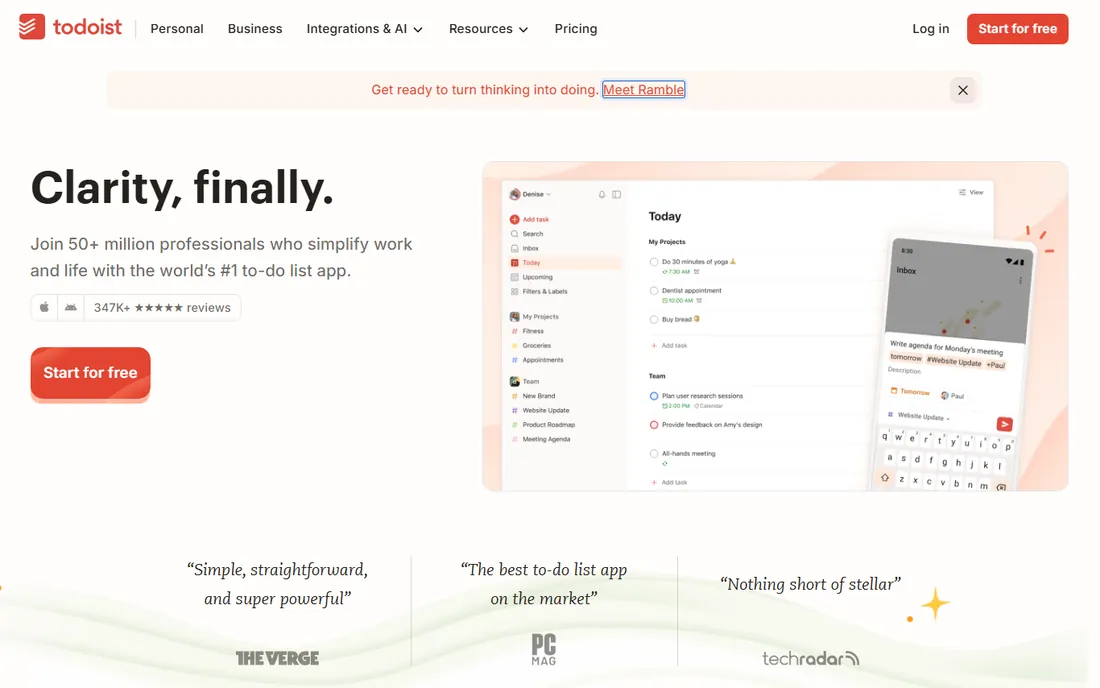
Todoist is the task manager that gets out of the way: type "pay rent every month on the 1st" and it just works, on every device you own. Projects, labels, filters and karma gamification cover both simple lists and serious systems.
The free plan handles real usage. For the best balance of power and simplicity across platforms, Todoist remains the default.
Todoist's free tier is genuinely sufficient for many people: use it as your only task manager for a month, with real projects and deadlines. The upgrade decision should follow actual limits hit, not anticipated needs. The natural language input is the feature to test; if you do not use it, much of the appeal fades.
Test the filters and labels with your real workflow: Todoist's power users organize by energy and context, not just due date, and the system rewards that setup.
What we like- Fast natural-language input
- Available on every platform
- Proven over a decade
Watch out for- Free tier limits features
- Advanced views need paid plan
Starting priceSee website
Free planYes
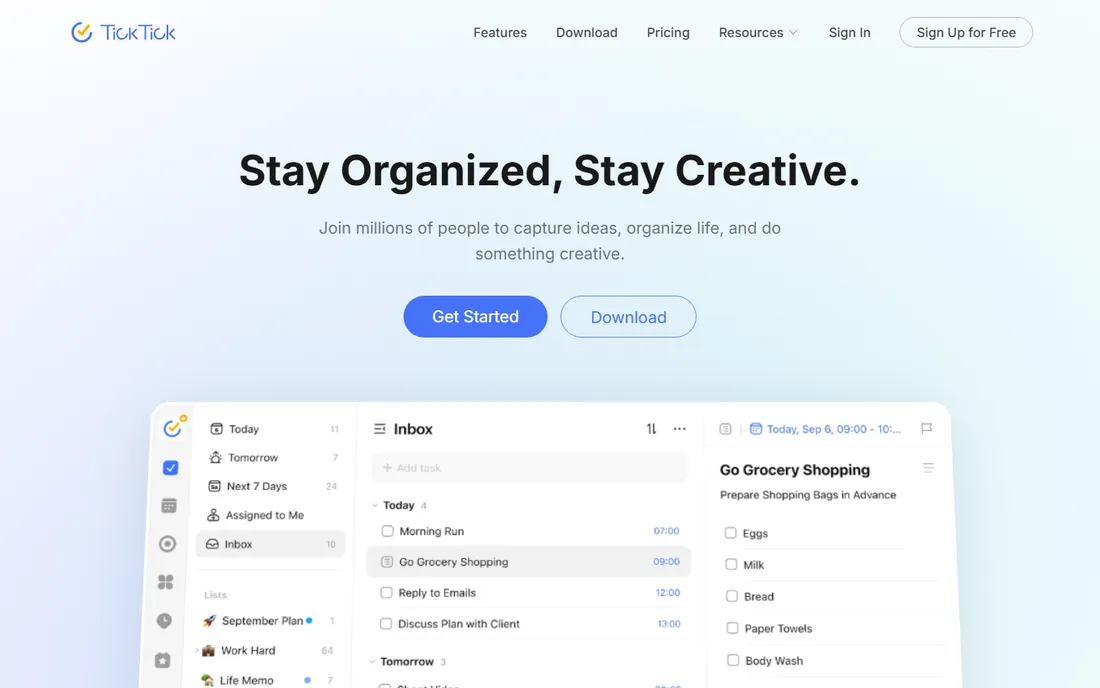
TickTick is the value all-rounder: task lists plus a calendar, habit tracker and Pomodoro timer in one app at a lower price than the competition. The free tier is genuinely generous.
It does more than Todoist for less money, at the cost of some polish. For one app that runs the whole personal system, TickTick is hard to beat.
TickTick's calendar integration is the trial focus: connect your calendar and run your real schedule through the app for two weeks. The built-in Pomodoro timer and habit tracking add value only if you use them; disable what you ignore so the app stays clean.
Verify the calendar sync stays reliable across devices: TickTick's planning view is only trustworthy if every device shows the same schedule.
What we like- Tasks, calendar, habits and Pomodoro in one
- Cheaper than Todoist
- Generous free tier
Watch out for- Interface busier than Things
- Smaller ecosystem
Starting priceSee website
Free planNo
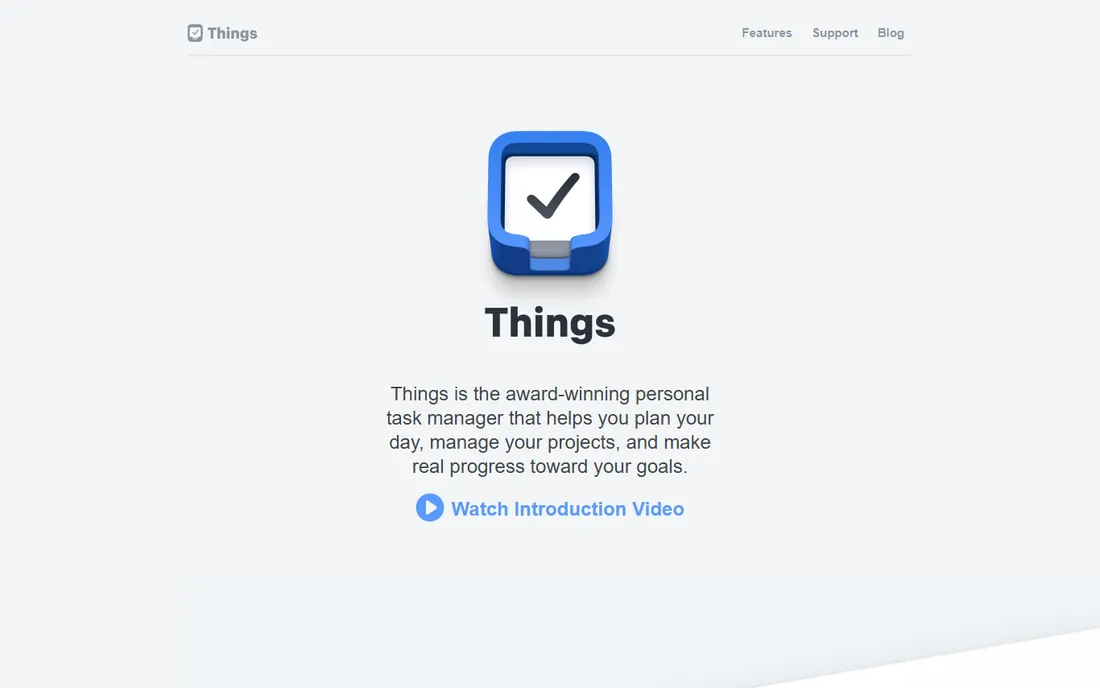
Things is the task manager Apple users love: a calm, beautiful interface with thoughtful details like the evening "tonight" view. One-time purchases per device, no subscription.
It is Apple-only and single-player: no collaboration, no Windows or Android. For personal task management on Apple devices, the design alone wins converts.
Things' one-time purchase model changes the evaluation: compare the upfront cost against years of subscriptions elsewhere. The Apple-only limitation is absolute, so confirm your devices are all in the ecosystem before buying. The design quality justifies the price for users who value it.
Check the project templates against your recurring work: Things' repeating projects save real setup time for users with regular responsibilities.
What we like- Beautiful, calm design
- One-time purchase per device
- Delightful to use daily
Watch out for- Apple only
- No collaboration
- Paid per platform
Starting priceSee website
Free planFree trial
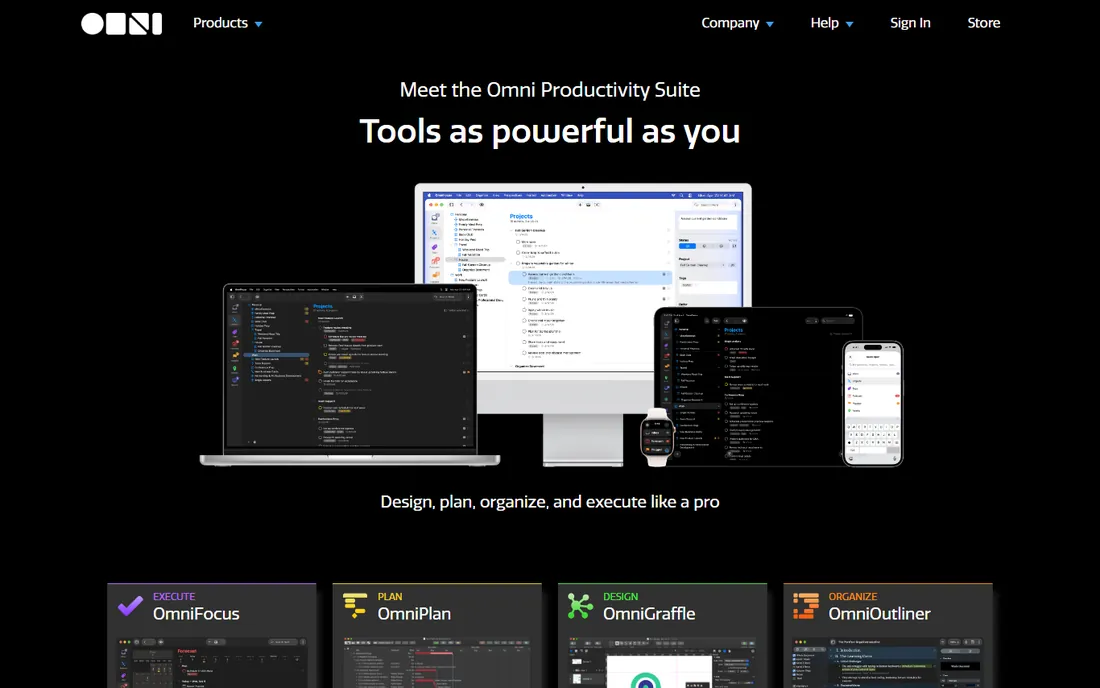
OmniFocus is the power tool for Getting Things Done: projects, contexts, perspectives, reviews and automation for people who run their lives as a system. The Omni Group has refined it for years.
The depth demands study, and it is Apple-only at premium prices. For committed GTD practitioners, nothing else goes as deep.
OmniFocus' power suits complex project management: trial it with your most complicated area of responsibility, not a simple grocery list. The learning curve is real, and the value only appears when the system's depth matches your needs. Simpler lives do not need it.
Test the review perspectives with your actual workload: OmniFocus' custom views justify the complexity only when your commitments genuinely need them.
What we like- Deepest GTD implementation
- Powerful perspectives and automation
- Trusted by productivity nerds
Watch out for- Apple only
- Learning curve
- Premium pricing
Starting priceSee website
Free planYes
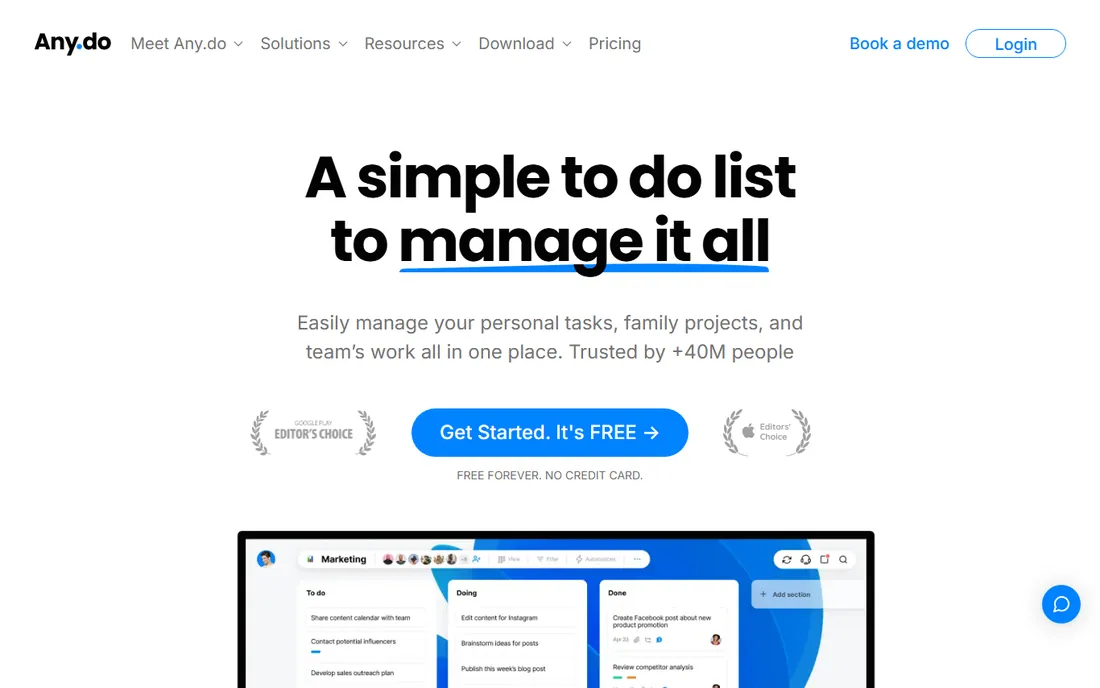
Any.do is the friendly task manager: clean lists, reminders and calendar integration without intimidating anyone. The free tier covers everyday use across platforms.
Power users outgrow it. For family members and colleagues who find Todoist complex, Any.do is the gentle recommendation.
Any.do's simplicity is the selling point for the overwhelmed: trial it during a genuinely busy week. The calm interface and straightforward lists either reduce the mental load or feel too basic; there is little middle ground. The family sharing features suit household management.
Verify the location reminders work in your daily routine: Any.do's simplicity extends to genuinely useful basics like arriving-reminders done well.
What we like- Simple and approachable
- Good mobile apps
- Calendar integration
Watch out for- Lighter on power features
- Paid tier needed for the good stuff
Starting priceSee website
Free planFree trial
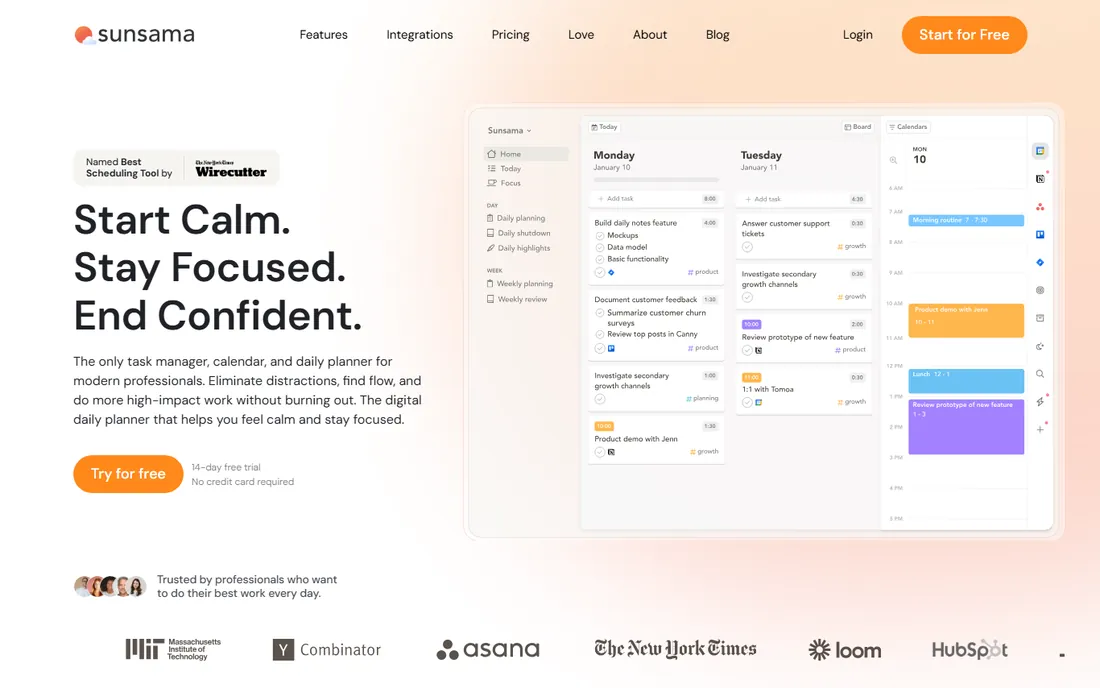
Sunsama is a daily planning ritual, not just a list: each morning you pull tasks from Todoist, Asana, Gmail and more into a timeboxed calendar for the day. The philosophy is that an unplanned list is a wish.
The ritual takes a few minutes daily, and it costs a subscription. For knowledge workers drowning in tasks, the deliberate planning pays back.
Sunsama's guided daily planning is the feature to test honestly: follow the planning ritual for two weeks and check whether the structure improves your days. The subscription price requires the habit to stick; without the ritual, it is an expensive task list.
Check the calendar integrations you actually use: Sunsama's daily planning pulls from connected calendars, so confirm yours sync cleanly.
What we like- Guided daily planning pulls tasks into your calendar
- Integrations with work tools
- Fights overload deliberately
Watch out for- Subscription priced
- Planning ritual takes daily minutes
Starting priceFree
Free planYes
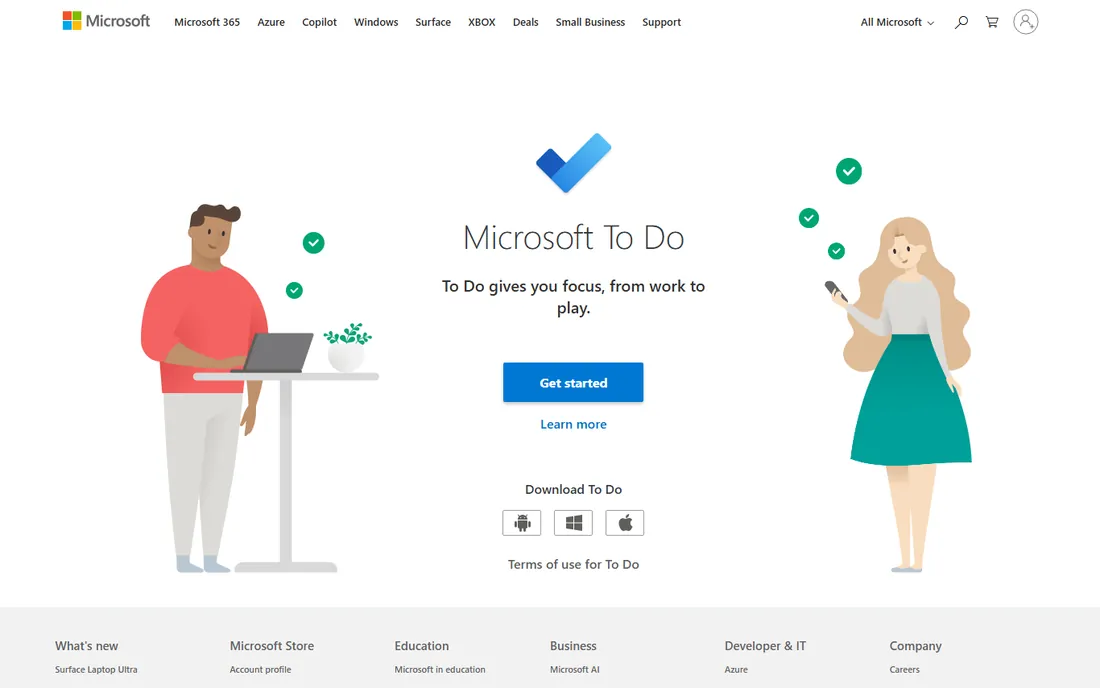
Microsoft To Do is the free simple option: clean task lists with reminders, integrated with Outlook and Microsoft 365, at no cost. It replaced Wunderlist and does the basics well.
It will not satisfy power users. For straightforward personal lists inside the Microsoft world, free is the right price.
Microsoft To Do's integration with the Microsoft ecosystem is the deciding factor: if your work runs on Outlook and Teams, the task sync removes real friction. Standalone users should compare it against dedicated task managers on features alone, where it trails the specialists.
Test the My Day feature during a chaotic week: Microsoft To Do's focused daily list either cuts through the noise or feels too thin.
What we like- Completely free
- Clean and simple
- Integrates with Microsoft 365
Watch out for- Basic feature set
- No advanced views or automation
Which one will you actually use?
The best personal management software is the one you open daily. Try two finalists for a week each with your real tasks: the one that feels invisible is the winner.
Cross-platform users choose between Todoist and TickTick. Apple devotees choose between Things' calm and OmniFocus's power. Simplicity seekers take Any.do or Microsoft To Do. And the overwhelmed take Sunsama's daily planning ritual.
What to check before you buy
Platform coverage comes first: the tool must be excellent on the devices you actually use. Test the input speed: adding a task should take seconds, or you will stop capturing.
Check the free tier against your real usage: projects, labels, reminders, whatever you need. Confirm calendar and email integrations for your workflow. And be honest about methodology: GTD systems need OmniFocus-level depth; simple list-keepers are happier in Any.do.
One more check: verify the tool fits your actual planning style before paying for a year. Task managers fail when they demand a methodology you do not follow, so trial the app during a genuinely busy period, not a calm one. Confirm the mobile app is fast enough to capture tasks in the moment, since a capture system you do not trust becomes a second brain you do not use. And check the export options: your task history should be portable if you ever switch.
Also confirm the natural language input handles the way you actually phrase tasks: the feature is only magical when it parses your shorthand correctly. Test it with twenty of your real tasks during the trial. And check the widget and notification reliability on your phone, since reminders you do not see are the same as no reminders at all.
How we chose
We selected personal productivity tools covering task management philosophies from simple lists to GTD systems to daily planning, all live products in 2026. All seven vendor URLs were corroborated through sibling research files during a browser service outage. No vendor pricing pages were individually verified, so paid tools list see website.
Frequently asked questions
What is the best to-do list app in 2026?
Todoist for the best all-around, TickTick for the best value, Things for Apple design lovers. All three are excellent; the differences are taste.
Is Todoist free?
Yes, Todoist offers a free tier that covers real usage. Paid plans add advanced features like filters, calendar layouts and more.
What is the difference between Things and OmniFocus?
Things is the beautifully simple Apple task manager for personal use. OmniFocus is the deep GTD system for power users. Choose Things for calm, OmniFocus for control.
What is Sunsama?
A daily planning tool that pulls your tasks into a timeboxed calendar each morning. It is a planning ritual, not just a task list.
Is there a good free task manager?
Yes. Microsoft To Do is completely free, and Todoist, TickTick and Any.do all offer generous free tiers.
How do I choose between so many options?
Trial two for a week each with real tasks. The right one disappears into your routine; the wrong one feels like homework.
Still deciding? Use your top choice as your only task manager for two full weeks, including one genuinely chaotic stretch. The system that survives your worst week is the one to keep.
Give your top choice a full two-week trial during a busy period. The task manager that survives your most chaotic days is the one worth keeping.
Sources we checked (7)
- https://todoist.com
- https://ticktick.com
- https://culturedcode.com/things/
- https://www.omnigroup.com
- https://any.do
- https://www.sunsama.com
- https://todo.microsoft.com
Is your product missing or out of date?
We review this list regularly. Vendors can request a listing, send updated pricing or ask about featured placement.

Shihab Mia · Founder, Rankite
Shihab has spent more than a decade helping SaaS and e-commerce brands grow through search. He writes Rankite's software buying guides from pricing pages, documentation and public user reviews. More about Shihab.