How we make this list: we compare pricing pages, product documentation and public user reviews. Ratings come from G2, Capterra or Trustpilot, with the date we checked them.
Key takeaways
- YNAB is the best pick for people who want a hands-on, zero-based budget and are willing to assign every dollar a job.
- Monarch Money suits households and couples who want a clear net worth view, shared budgets, and strong reporting.
- Simplifi by Quicken is a good middle ground, with spending plans, watchlists, and projected balances.
- Copilot Money is the strongest iPhone-first option, while PocketSmith suits planners who want long-term forecasts.
- This is not financial advice. A budgeting app helps you track spending, but it does not replace professional advice for debt, tax, or investing decisions.
Quick comparison
| Tool | Best for | Starting price | Free plan |
|---|
 YNAB YNAB | Hands-on zero-based budgeting | See website | Free trial |
 Monarch Money Monarch Money | Households and net worth tracking | See website | Free trial |
 Simplifi by Quicken Simplifi by Quicken | Spending plans and projections | See website | Free trial |
 Copilot Money Copilot Money | iPhone-first budgeting | See website | Free trial |
 PocketSmith PocketSmith | Long-term cash flow forecasts | See website | Free trial |
 EveryDollar EveryDollar | Simple zero-based budgets | See website | Yes |
 Empower Empower | Free net worth and investment view | Free | Yes |
 Goodbudget Goodbudget | Envelope budgeting on a phone | See website | Yes |
 Rocket Money Rocket Money | Finding subscriptions and bills to cut | See website | Yes |
Is your product missing or out of date?
We review this list regularly. Vendors can request a listing, send updated pricing or ask about featured placement.
The best personal budgeting apps
#1YNAB
Best for: Hands-on zero-based budgeting4.5/5 on
G2 (30 reviews, checked Oct 2026)
Visit ynab.com
Starting priceSee website
Free planFree trial
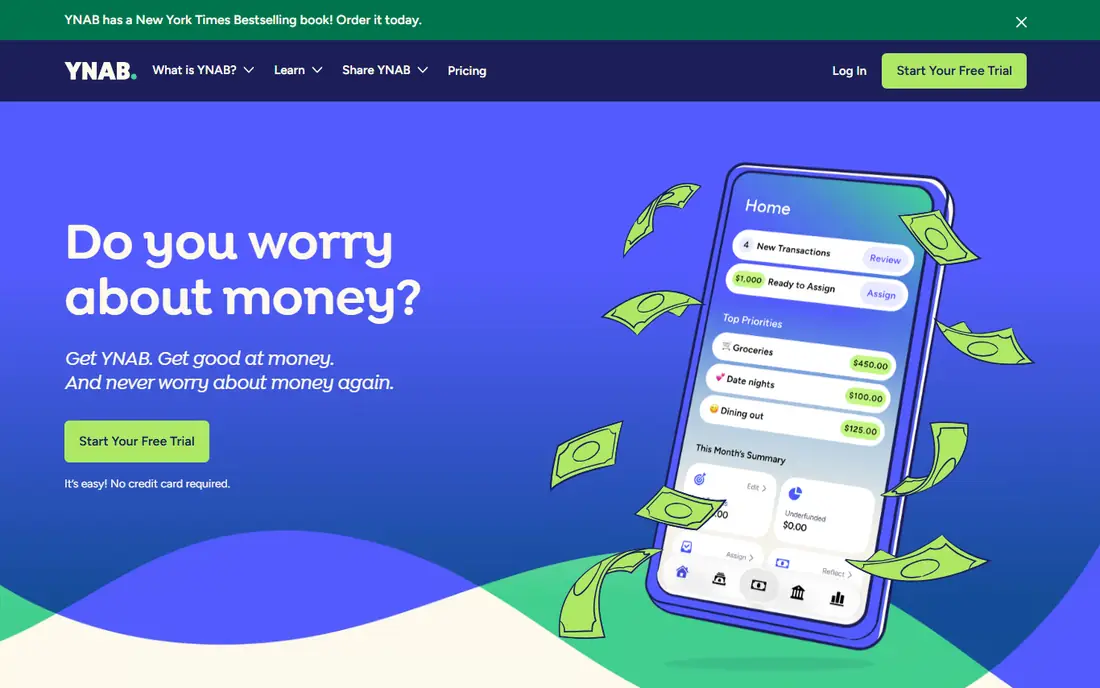
YNAB, short for You Need a Budget, is built around giving every dollar a job before you spend it. You assign income to categories, adjust as life changes, and roll with overspending by moving money between categories, rather than pretending it did not happen. That discipline is why many users stick with it after other apps fade.
Goals, debt payoff planning, and age-of-money tracking help you see whether you are living on last month's income or this week's paycheck. The trade-off is effort. YNAB asks for regular attention, and the first month takes learning, especially if you have never used a zero-based budget. If you want an app that changes habits, not only charts spending, YNAB is the strongest pick here.
What we like- Clear zero-based method
- Strong goal and debt tools
- Active user community
Watch out for- Learning curve for new budgeters
- Subscription price is higher than some rivals
#2Monarch Money
Best for: Households and net worth tracking4.7/5 on
G2 (3 reviews, checked Oct 2026)
Visit monarchmoney.com
Starting priceSee website
Free planFree trial
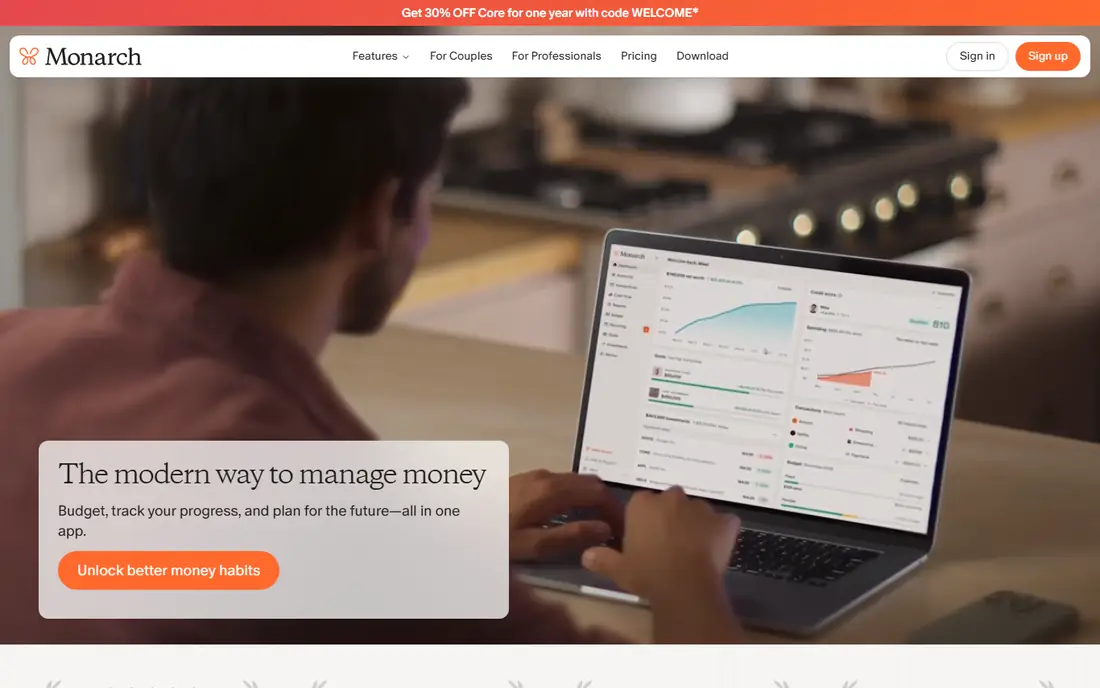
Monarch Money is a favourite for couples and households that want one clear view of money. Accounts, budgets, cash flow, investments, and net worth sit on a clean dashboard, and partners can share access with their own logins. Custom categories, tags, and reports make it easier to answer questions such as where dining spending went this quarter.
Bank sync works with many US institutions, though any aggregator can have occasional connection problems, so check your banks before committing. Monarch does not offer a permanent free tier, but the trial gives time to test sync and reports. For households that want a shared, visual money hub, Monarch is a strong choice.
What we like- Clean dashboard and net worth view
- Shared household access
- Flexible categories and reports
Watch out for- No free plan beyond a trial
- Bank sync issues can occur with some institutions
Starting priceSee website
Free planFree trial
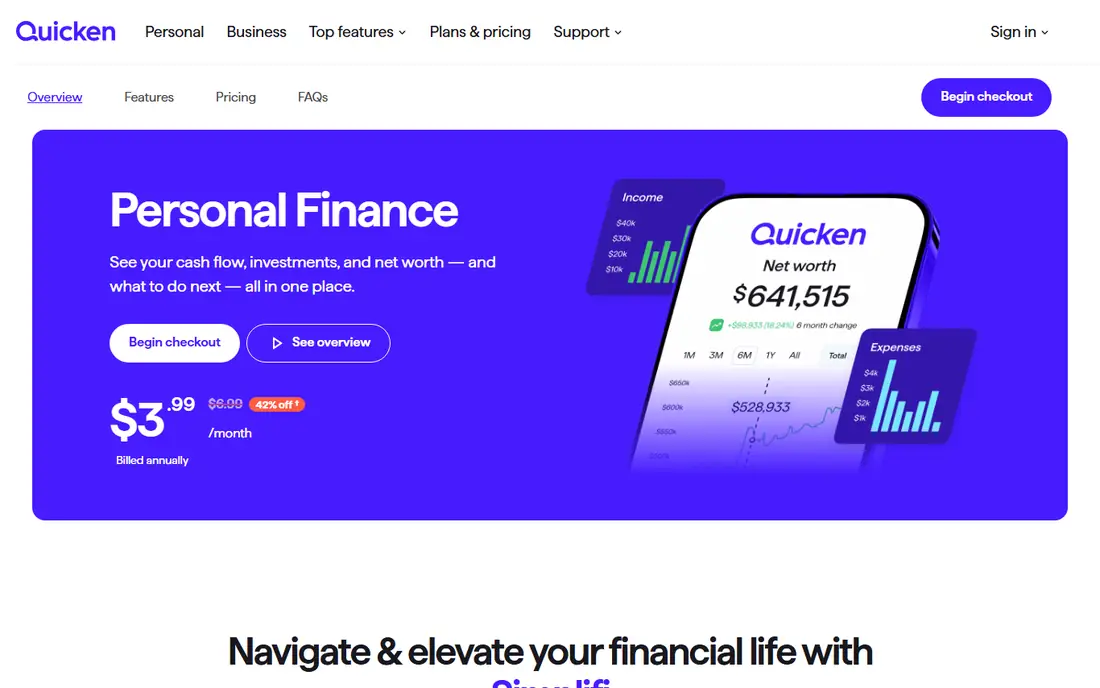
Simplifi by Quicken takes a practical middle path. Spending plans show how much you can spend in each category after bills and savings, watchlists track specific merchants or categories, and projected balances warn you before a low balance week. That forward view helps people who want to avoid surprises, not only review last month.
Setup takes some time, because you need to set plans, recurring bills, and savings goals for the projections to be useful. Once that work is done, the daily view is quick to read. Simplifi suits people who want structure without the full hands-on method of YNAB.
What we like- Spending plans and watchlists
- Projected balances
- Good bill tracking
Watch out for- Interface can feel busy at first
- Some features overlap and need setup
Starting priceSee website
Free planFree trial
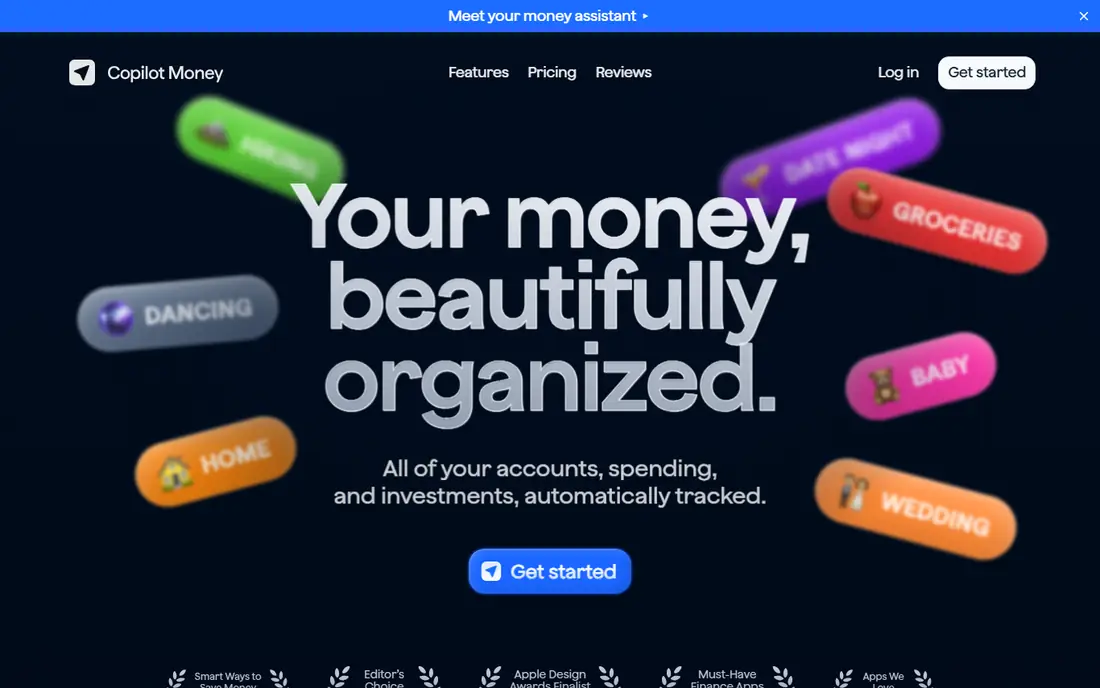
Copilot Money is designed for Apple users first, and it shows. The iPhone and Mac apps are polished, fast, and easy to read, with smart categorisation, spending insights, and cash flow views that do not require a spreadsheet. It is a good fit for people who already live in the Apple ecosystem and want budgeting to feel like a native app.
The limit is platform. Android users do not get the same experience, so Copilot is not a household pick if partners use different phones. Pricing is subscription based, with a trial to test bank connections. For iPhone-only users who value design, Copilot is the most pleasant budgeting app in this list.
What we like- Polished iPhone and Mac design
- Smart categorisation
- Good cash flow insights
Watch out for- Apple devices only for the full experience
- Android support is limited
Starting priceSee website
Free planFree trial
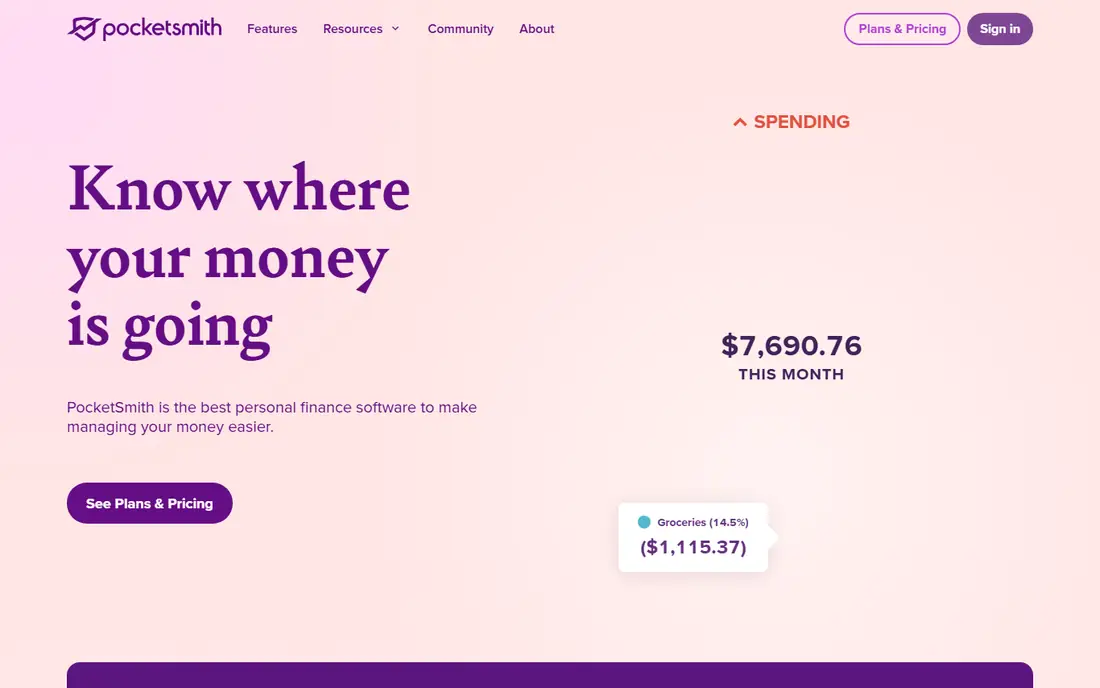
PocketSmith is for planners who want to look years ahead, not only at this month. It builds a cash flow calendar, forecasts balances far into the future, and lets you test scenarios such as a new mortgage, a job change, or a savings goal. That long view is rare in budgeting apps, which usually focus on the current month.
The detail that makes PocketSmith powerful also makes it heavier to learn. New users should expect to spend time setting up accounts, budgets, and scenarios before the forecasts feel accurate. If you enjoy planning and want to see the long-term effect of a decision, PocketSmith rewards that effort.
What we like- Forecasts up to 30 years
- Scenario planning
- Strong calendar and budget views
Watch out for- Interface is detailed and can feel complex
- US bank sync varies by institution
Starting priceSee website
Free planYes

EveryDollar, from Ramsey Solutions, keeps zero-based budgeting simple. You create a monthly budget, assign income to categories, and track spending against it, without a maze of extra features. The free version covers manual budgeting, which suits people who prefer to enter spending themselves or who use cash.
Bank sync, custom reports, and some planning tools require the paid plan, so the free version is best for manual budgeters. If you like the Ramsey approach to debt and budgeting, and you want a clean monthly view, EveryDollar is an easy starting point.
What we like- Simple zero-based layout
- Free basic version
- Clear monthly budget view
Watch out for- Bank sync requires a paid plan
- Reporting is lighter than Monarch or YNAB
Starting priceFree
Free planYes
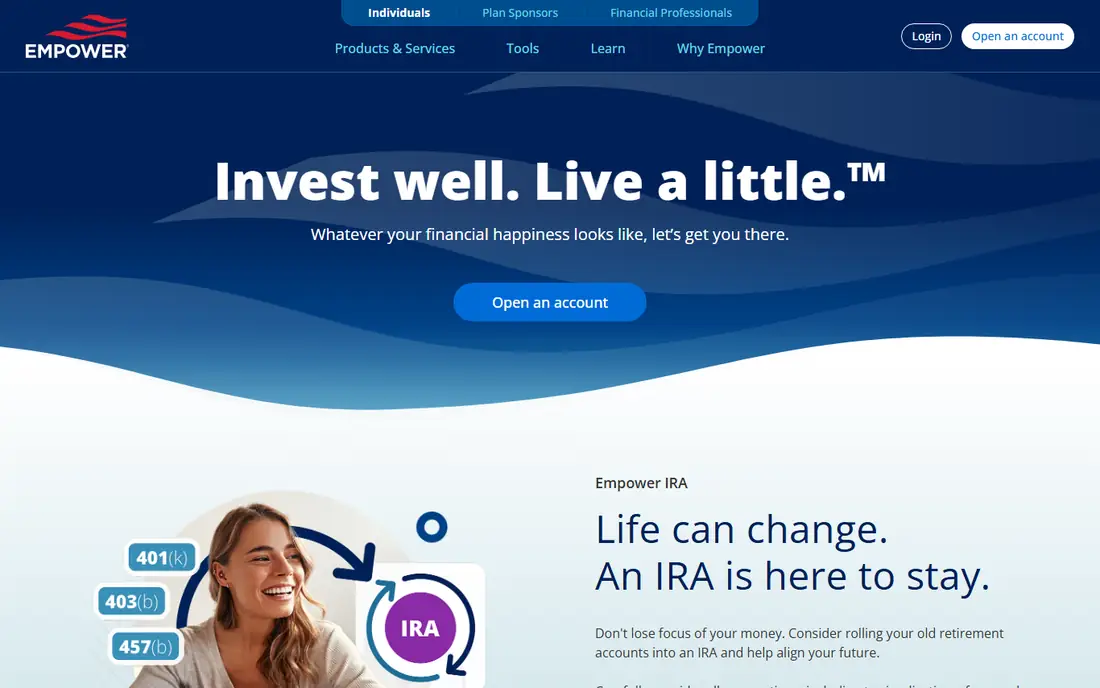
Empower, formerly Personal Capital, offers a free dashboard that pulls bank, credit card, loan, and investment accounts into one net worth view. The retirement planner and investment checkup help you see fees, allocation, and projected retirement income, which dedicated budgeting apps often handle lightly.
Budgeting itself is more basic than YNAB or Monarch, with spending categories and cash flow views rather than a full planning method. Empower may also offer its advisory service to users with larger balances, so be clear about whether you want that contact. As a free starting point for net worth and investments, it is hard to beat.
What we like- Free account aggregation
- Net worth and investment tracking
- Retirement planner
Watch out for- Budgeting tools are lighter than dedicated apps
- May promote advisory services
Starting priceSee website
Free planYes
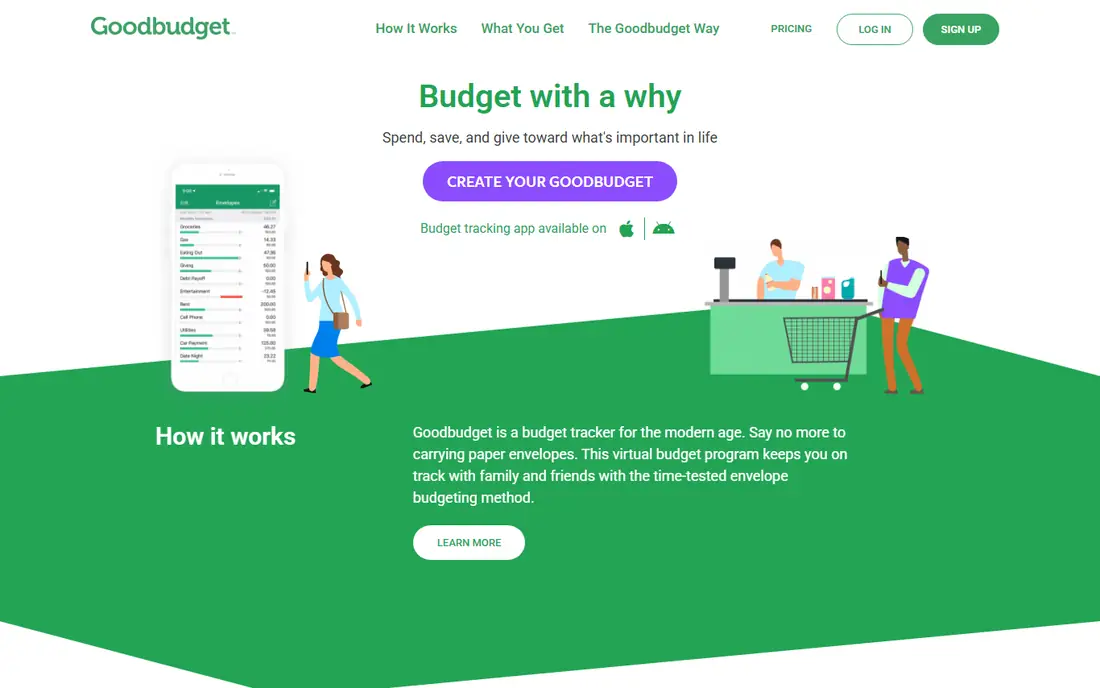
Goodbudget brings the envelope method to a phone. You divide money into virtual envelopes for groceries, rent, transport, and other categories, then spend from each envelope and watch the balance fall. It is simple, visual, and easy to explain to a partner or family member, which is why it works well for households that share spending.
The free plan relies on manual entry and a limited number of envelopes, while bank sync and unlimited envelopes sit in the paid plan. If you like envelope budgeting and do not mind entering transactions, Goodbudget is a calm, low-cost option.
What we like- Classic envelope method
- Syncs across household devices
- Free basic plan
Watch out for- Manual entry in the free plan
- Bank sync is limited compared with rivals
Starting priceSee website
Free planYes
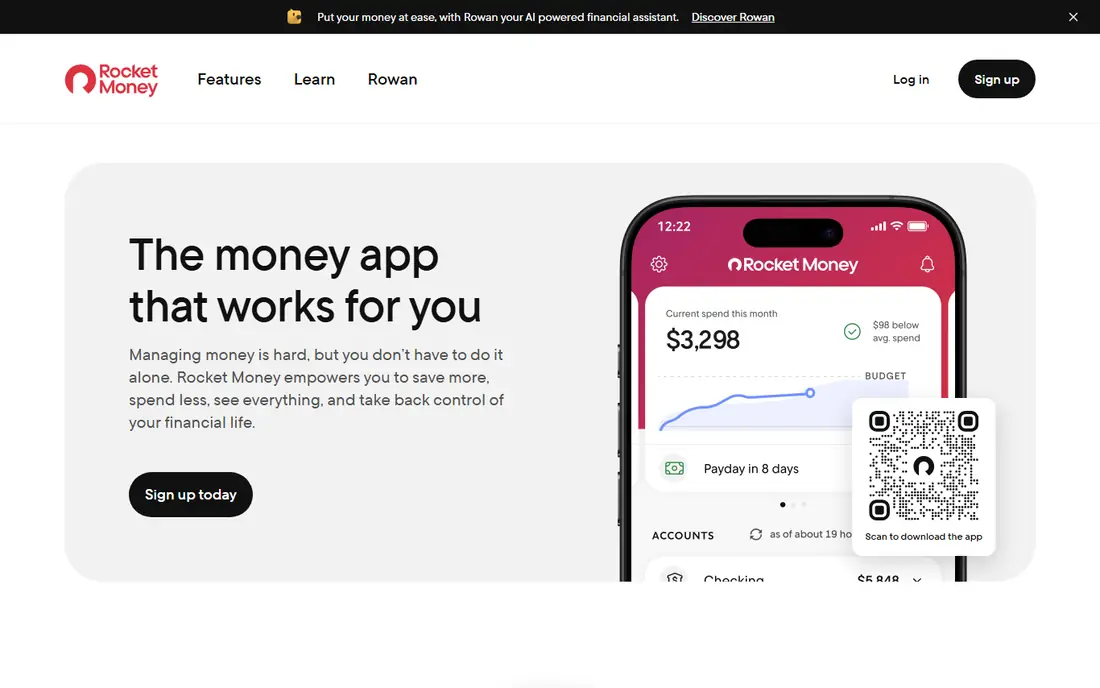
Rocket Money, formerly Truebill, is best known for finding subscriptions you forgot about. It lists recurring charges, flags price rises, and lets you cancel some subscriptions from the app. A bill negotiation service can try to lower internet, phone, or other bills, taking a share of any savings it achieves.
Budgeting and spending insights are useful, but they are lighter than a dedicated planner such as YNAB or Monarch. Rocket Money suits people whose main problem is subscriptions and bills creeping up, rather than detailed category planning. Use it alongside a budgeting app if you need both jobs done well.
What we like- Subscription tracking
- Bill negotiation service
- Spending insights
Watch out for- Negotiation service takes a share of savings
- Budgeting is lighter than YNAB
How we chose
We compared budgeting apps on bank sync, budgeting method, reporting, household sharing, price, and platform support. We used vendor pricing and feature pages, public reviews, and user discussion about sync reliability and ease of use. We favoured apps that are actively maintained now, that support US banks, and that offer a clear method, whether zero-based, envelope, or spending-plan based, rather than only a spending chart.
How to pick a budgeting app that you will actually use
Start with your habit, not the feature list. If you enjoy checking money daily and adjusting categories, choose YNAB or Goodbudget. If you want a quick weekly check and a clear net worth view, choose Monarch, Simplifi, or Empower. If you live on iPhone and value design, test Copilot first.
Next, check your banks. Connect your main checking, savings, and credit card accounts during the trial and watch for sync errors over a week. An app with a perfect feature list is useless if your main bank will not stay connected. Also check household sharing if a partner needs access, since some apps charge per household and others per person.
Budgeting method in plain terms
Zero-based budgeting assigns every dollar to a category before spending. Envelope budgeting does the same with virtual envelopes for each spending area. Spending-plan apps set a safe amount to spend after bills and savings, without assigning every dollar. None of these methods is right for everyone, so pick the one you will follow for three months, not the one that looks best on day one.
Frequently asked questions
What is the best budgeting app for beginners?
EveryDollar and Simplifi are good beginner picks, because the layout is simple and the setup is guided. YNAB is more powerful, but it asks for more learning in the first month.
Is YNAB worth the subscription?
For people who want a hands-on method and who check their budget often, many users find it worth the price. If you want only a spending overview, a free app such as Empower or Goodbudget may be enough.
Do budgeting apps sell my financial data?
Reputable apps state their data practices in privacy policies, and most use bank-level encryption and aggregation partners. Read the privacy policy, check data sharing settings, and avoid apps that do not explain how they handle your accounts.
Can couples share one budgeting app?
Yes, with Monarch, Goodbudget, and PocketSmith offering household sharing in different forms. Check whether sharing needs a second subscription or is included in one household plan.
What if my bank does not sync?
Try reconnecting the account, check the app's bank status page, and enter transactions manually for a week. If sync fails repeatedly for your main bank, switch to an app that supports that bank reliably, since manual entry defeats the purpose for many users.
Sources we checked (9)
- https://www.ynab.com
- https://www.monarchmoney.com
- https://www.quicken.com/simplifi
- https://copilot.money
- https://www.pocketsmith.com
- https://www.ramseysolutions.com/ramseyplus/everydollar
- https://www.empower.com
- https://goodbudget.com
- https://www.rocketmoney.com
Is your product missing or out of date?
We review this list regularly. Vendors can request a listing, send updated pricing or ask about featured placement.

Shihab Mia · Founder, Rankite
Shihab has 5+ years in B2B and SaaS SEO. He writes Rankite's software buying guides from pricing pages, documentation and public user reviews. More about Shihab.