How we make this list: we compare pricing pages, product documentation and public user reviews. Rankite is independent; if a vendor ever pays for a featured spot, that listing is clearly labeled Partner.
Key takeaways
- YNAB is the best tool for people who want a method, not just an app: every dollar gets a job.
- Quicken remains the heavyweight for detailed tracking, investments, and long financial histories.
- PocketGuard, Goodbudget, and EveryDollar offer simpler paths for people who find full budgeting overwhelming.
- Tiller, CountAbout, and Empower appeal to spreadsheet lovers and investors who want their data their way.
Quick comparison
| Tool | Best for | Starting price | Free plan |
|---|
 YNAB YNAB | zero-based budgeting with a method | See website | Free trial |
 Quicken Quicken | detailed tracking and investments | See website | No |
 PocketGuard PocketGuard | simple spending control | See website | Free trial |
 Goodbudget Goodbudget | envelope budgeting | See website | Free trial |
 EveryDollar EveryDollar | simple zero-based budgeting | See website | Free trial |
 CountAbout CountAbout | Quicken alternative, imports data | See website | Free trial |
 Tiller Tiller | spreadsheets with automatic feeds | See website | Free trial |
 Empower Empower | net worth and investment tracking | Free | Yes |
Is your product missing or out of date?
We review this list regularly. Vendors can request a listing, send updated pricing or ask about featured placement.
The best bookkeeping software for personal use
Starting priceSee website
Free planFree trial
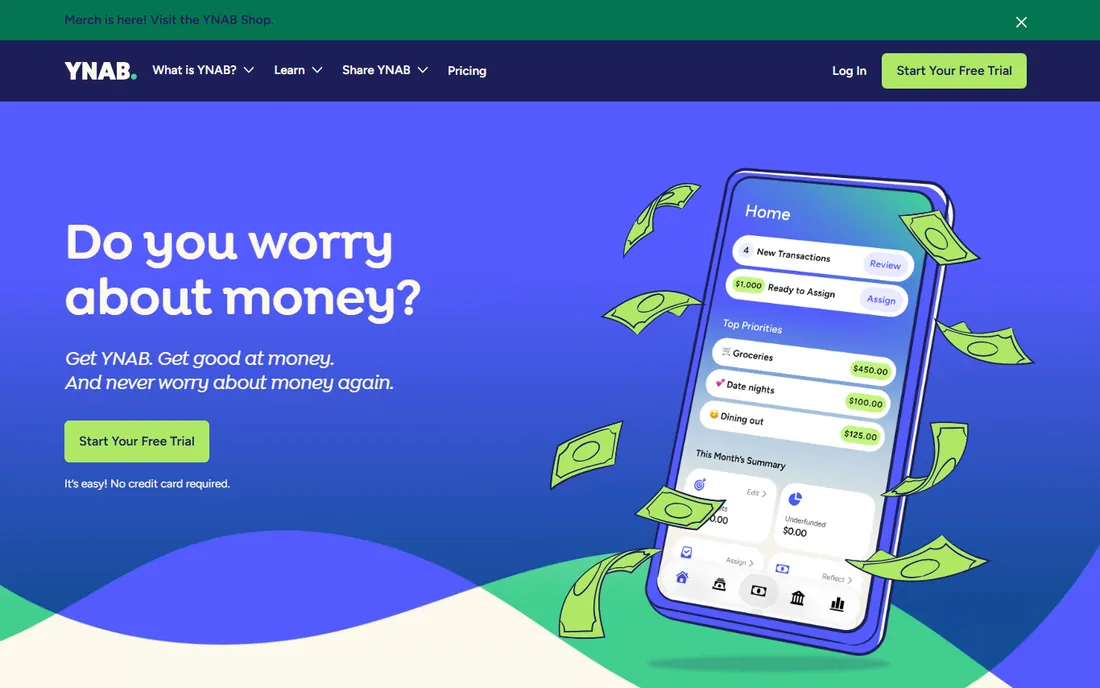
YNAB (You Need A Budget) sells a method as much as software: give every dollar a job, embrace your true expenses, roll with the punches, and age your money. Users who adopt the method report life-changing results, and the company backs it with genuinely good free education.
The software enforces the discipline. Money is assigned to categories, overspending is visible immediately, and the goal is to spend last month's income this month. Bank syncing keeps transactions flowing in, though the method works best when you engage with the budget regularly.
The subscription costs more than most budgeting apps, which irritates people who just want transaction tracking. And YNAB demands participation; set-and-forget users get little value. But for people serious about changing their financial habits, the method-plus-software combination is uniquely effective.
What we like- Proven budgeting method
- Excellent education
- Strong community
Watch out for- Subscription price stings
- Requires active participation
Starting priceSee website
Free planNo
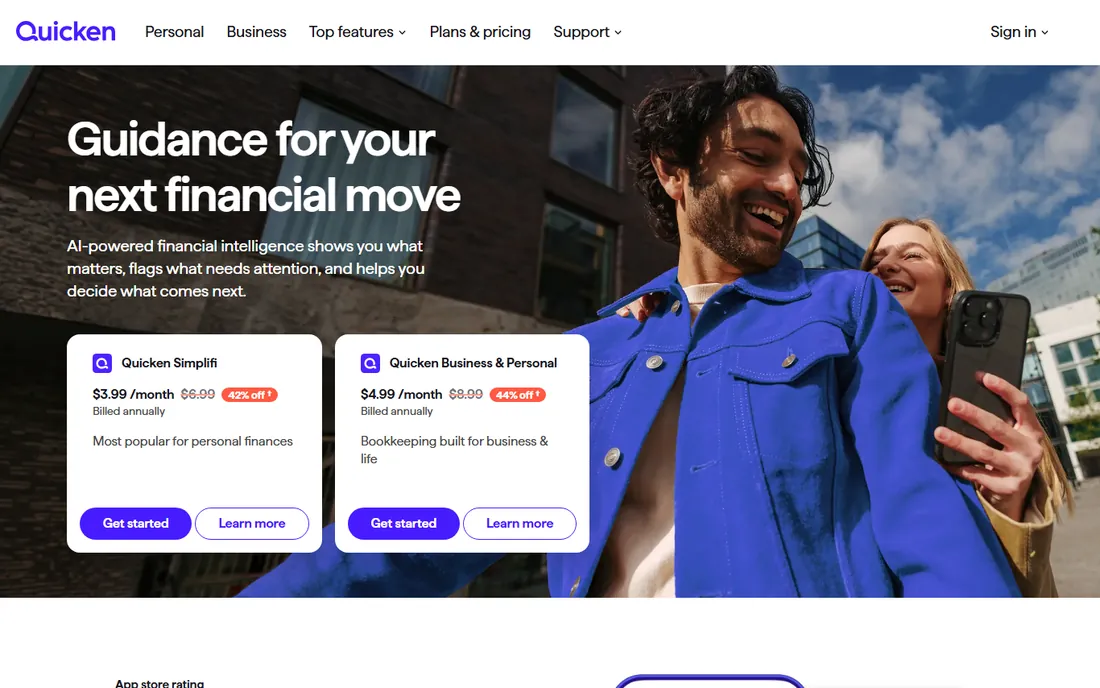
Quicken has tracked personal finances since the 1980s, and the depth shows. Bank accounts, credit cards, investments, property, loans, and budgets all live in one desktop-rooted system with reporting that no mobile-first app matches.
Investment tracking is the standout. Cost basis, capital gains, portfolio performance, and retirement planning tools serve people whose finances extend well beyond checking accounts. Decades of transaction history give long-term perspective that newer apps cannot replicate.
The subscription model annoys longtime users who remember buying it once, and the interface carries its history visibly. Bank syncing occasionally hiccups. But for comprehensive personal bookkeeping, especially with investments, Quicken remains the most capable option.
What we like- Deepest feature set
- Investment tracking
- Decades of data history
Watch out for- Subscription required
- Interface feels dated
Starting priceSee website
Free planFree trial
PocketGuard answers one question well: how much can I spend right now? After accounting for bills, goals, and necessities, the "In My Pocket" number shows your true discretionary money. For people who overspend from uncertainty rather than indiscipline, that clarity is transformative.
Setup is quick: connect accounts, and the app categorizes spending and tracks bills automatically. The simplicity is deliberate; there are no complex budgeting methods to learn, just a clear picture of where money goes and what is safe to spend.
Power budgeters will find it thin. Customization is limited, investment tracking is basic, and the free tier restricts features. But for the common problem of "I do not know if I can afford this," PocketGuard's direct answer beats a spreadsheet nobody maintains.
What we like- "In My Pocket" shows safe spending money
- Simple setup
- Bill tracking
Watch out for- Budgeting features are basic
- Less depth than YNAB or Quicken
Starting priceSee website
Free planFree trial
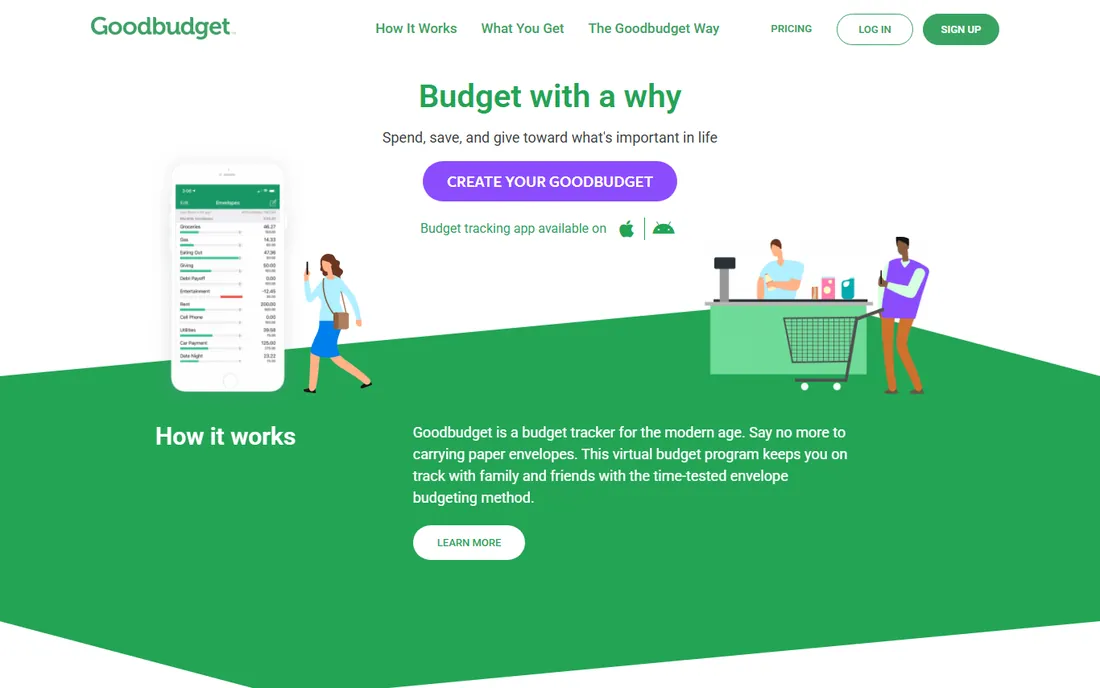
Goodbudget digitizes the envelope method: divide income into virtual envelopes for groceries, gas, entertainment, and when an envelope is empty, spending stops. The method's physical constraint translates surprisingly well to an app.
Couples benefit most. Shared envelopes sync across devices, so both partners see the same grocery envelope balance in real time. That shared visibility prevents the "I thought we had money" arguments that sink household budgets.
The app leans toward manual transaction entry, which purists consider a feature (awareness through effort) and everyone else considers a chore. Bank syncing exists on paid tiers. The interface is plain. But for households that want the envelope discipline without literal cash envelopes, it works.
What we like- Digital envelope method
- Great for couples
- Syncs across devices
Watch out for- Manual entry emphasis
- Interface is plain
Starting priceSee website
Free planFree trial
EveryDollar implements zero-based budgeting in its simplest form: income minus planned expenses equals zero, with every dollar assigned. The interface is clean, the learning curve is minutes, and followers of Dave Ramsey's baby steps find the philosophy familiar.
The free tier covers manual budgeting well, which suits people who prefer entering transactions deliberately. Paid tiers add bank connections and faster transaction import for those who want automation.
Bank syncing behind the paywall frustrates users comparing with free alternatives, and the feature set is narrower than YNAB's. But for straightforward zero-based budgeting without complexity, EveryDollar's simplicity is the appeal.
What we like- Clean zero-based budgeting
- Ramsey-aligned method
- Easy to learn
Watch out for- Bank syncing costs extra
- Fewer features than competitors
Starting priceSee website
Free planFree trial
CountAbout positioned itself as the refuge for Quicken and Mint users unhappy with subscriptions or shutdowns. It imports years of Quicken and Mint history, preserving the transaction record that makes personal bookkeeping valuable.
The feature set covers the essentials: budgeting, transaction categorization, investment tracking, and reporting, at a price well below Quicken's subscription. For people whose needs are established and just want continuity, that is enough.
It is a smaller company than its rivals, and the polish reflects that. New features arrive slowly. But as an affordable, no-drama home for your financial history, CountAbout serves its audience faithfully.
What we like- Imports Quicken and Mint data
- Affordable
- Familiar categories
Watch out for- Smaller company
- Interface less polished
Starting priceSee website
Free planFree trial
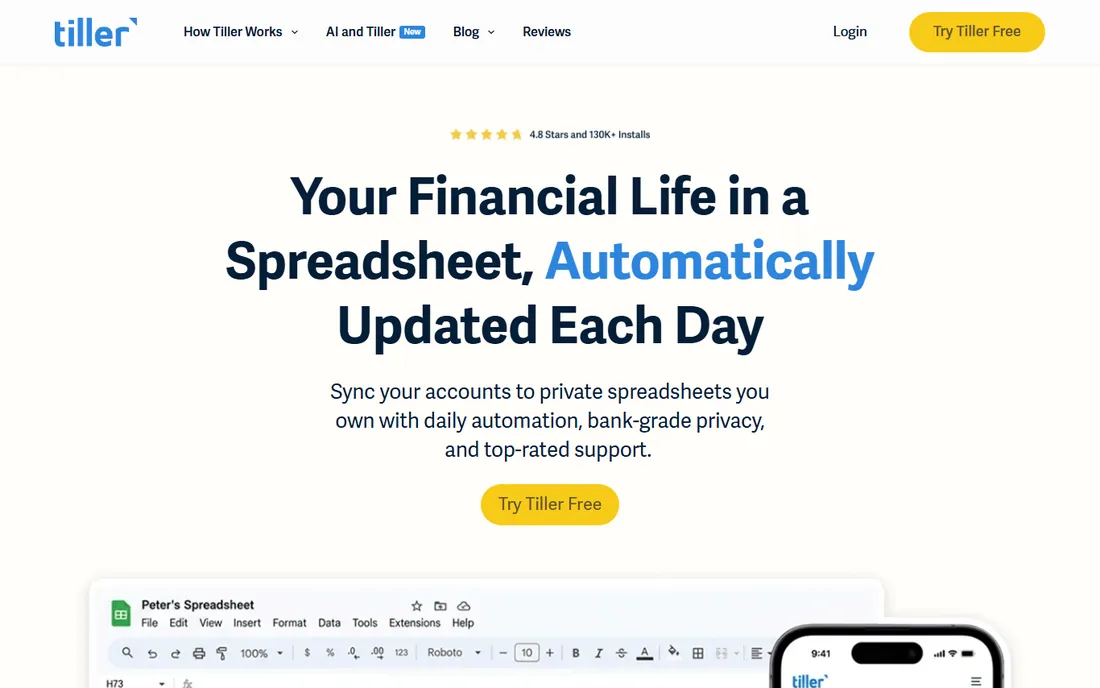
Tiller feeds bank transactions automatically into Google Sheets or Excel, then gets out of the way. Spreadsheet lovers build exactly the budget, dashboard, or tracking system they want, with live data and none of the constraints of budgeting apps.
The templates provide starting points: monthly budgets, net worth trackers, debt payoff planners. But the real value is customization. If you have ever thought "I wish my budgeting app would just...," Tiller lets you build it.
You need spreadsheet skills and the willingness to maintain your own system. There is no envelope method or coaching here, just data and tools. For people who think in spreadsheets and distrust black-box apps, Tiller is the honest answer.
What we like- Bank feeds into Google Sheets and Excel
- Total customization
- Your data stays yours
Watch out for- Requires spreadsheet comfort
- You build your own system
Starting priceFree
Free planYes
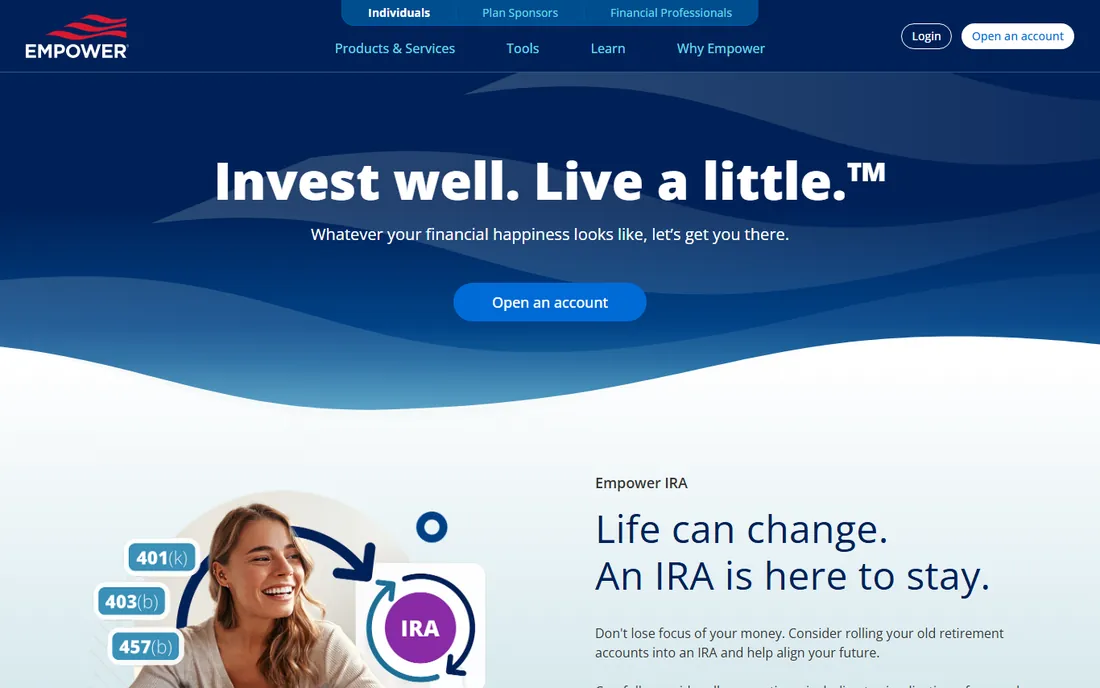
Empower (formerly Personal Capital) offers the best free financial dashboard available: every account aggregated into a net worth view, with investment analysis that rivals paid tools. The fee analyzer alone, showing what your funds cost you over time, justifies signing up.
The retirement planner models scenarios with Monte Carlo simulations, giving serious insight into whether you are on track. For investors, the portfolio tools provide allocation analysis and performance tracking that budgeting apps cannot touch.
The business model is wealth management upselling; expect calls offering advisory services. Budgeting features exist but are secondary. Use Empower for what it is: a superb free window into your investments and net worth, and ignore the sales pitch.
What we like- Free net worth dashboard
- Excellent investment analysis
- Retirement planner
Watch out for- Upsells wealth management
- Budgeting tools are secondary
Matching method to personality
The best personal finance tool is the one matching how you think. Methodical planners thrive with YNAB's rules or Goodbudget's envelopes. Detail-oriented trackers belong with Quicken or Tiller. People who just need guardrails do fine with PocketGuard or EveryDollar.
Be honest about your maintenance tolerance. The most powerful tool fails if you will not open it weekly. A simple app you actually use beats a sophisticated system you abandon by February.
Consider starting with the free options. Several tools offer trials, and a month of real use reveals more than any review.
The Mint-shaped hole
Mint's shutdown left millions looking for alternatives, and the tools on this list absorbed them differently. CountAbout explicitly courts Mint refugees with data imports, and several tools gained users seeking free dashboards and real budgeting respectively.
The lesson from Mint's demise: prefer tools where you can export your data. Every tool here offers exports, but make it a habit. Your transaction history is valuable; keep it portable regardless of which app you choose.
Free tools also deserve skepticism about business models. If the product is free, understand how the company makes money, whether through upsells, premium tiers, or financial product referrals, before entrusting it with your financial life.
Building the weekly money habit
The tool matters less than the ritual. Pick one day a week, open your chosen app, and review: what came in, what went out, and whether spending matched intentions. Fifteen minutes weekly prevents the monthly shock of discovering where the money went.
Automate what you can. Scheduled transfers to savings, automatic bill payments, and transaction categorization rules reduce the willpower the system requires. The best personal finance setup runs mostly on autopilot, with your weekly review as the human oversight.
Be kind to yourself in the data. A budget is a plan, not a moral judgment. Months go over; categories need adjusting. The people who succeed long-term are the ones who adjust the plan without abandoning it.
How we chose
We compared personal finance tools that individuals use for budgeting and bookkeeping, based on vendor documentation, pricing pages, and user reviews on app stores, Reddit, and personal finance communities. We excluded Mint, which shut down, and focused on tools with active development. The list spans budgeting methods, detailed tracking, spreadsheet approaches, and investment dashboards because personal finance needs vary widely.
Frequently asked questions
Do I really need budgeting software?
Not everyone does. If you save consistently and spend thoughtfully, a simple tracker may suffice. Budgeting software helps most when spending feels out of control, when you share finances with a partner, or when you have specific goals like debt payoff.
Is it safe to connect my bank accounts?
Reputable tools use established aggregation services with bank-level encryption, and read-only access is standard. The risk is real but small; the bigger risk for most people is financial chaos from not tracking at all. Use strong unique passwords and two-factor authentication.
Should couples share one budget?
Usually yes, at least for shared expenses. Tools like Goodbudget and YNAB handle shared budgets well. Complete financial separation works for some couples, but shared visibility prevents most money arguments.
How often should I update my budget?
Weekly is the sweet spot for most people: frequent enough to catch problems, infrequent enough to sustain. Daily works for YNAB-style methods during the habit-building phase. Monthly is the minimum for any system to function.
What is zero-based budgeting?
Giving every dollar of income a job, so income minus allocations equals zero. It forces intentional decisions about all spending rather than budgeting only some categories. YNAB and EveryDollar are built around it.
Sources we checked (8)
- https://www.youneedabudget.com/
- https://www.quicken.com/
- https://pocketguard.com/
- https://goodbudget.com/
- https://www.everydollar.com/
- https://www.countabout.com/
- https://tiller.com/
- https://www.empower.com/
Is your product missing or out of date?
We review this list regularly. Vendors can request a listing, send updated pricing or ask about featured placement.

Shihab Mia · Founder, Rankite
Shihab has spent more than a decade helping SaaS and e-commerce brands grow through search. He writes Rankite's software buying guides from pricing pages, documentation and public user reviews. More about Shihab.