How we make this list: we compare pricing pages, product documentation and public user reviews. Rankite is independent; if a vendor ever pays for a featured spot, that listing is clearly labeled Partner.
Key takeaways
- Quicken Classic remains the deepest desktop option for personal accounting, with bill pay and investment tracking the cloud apps still cannot match.
- If you never want another desktop program, Monarch Money and Simplifi by Quicken cover budgeting, tracking and investments online.
- One-time-purchase fans have options: Moneydance charges $65 once, and GnuCash is free and open source.
- Mac users get a native champion in Banktivity, while envelope loyalists should look at Goodbudget or multi-currency Wallet by BudgetBakers.
Quick comparison
| Tool | Best for | Starting price | Free plan |
|---|
 Quicken Classic Quicken Classic | People who want the deepest feature set on desktop | $4.99 per month (billed annually, Deluxe) | No (30-day money-back guarantee) |
 Simplifi by Quicken Simplifi by Quicken | People who want Quicken's brand without the desktop | $5.99 per month (billed annually) | No (30-day money-back guarantee) |
 Monarch Money Monarch Money | Couples managing money together in one view | $99.99 per year (Core) | 7-day free trial |
 YNAB YNAB | People who want a budgeting method, not just software | $109 per year | 34-day free trial |
 Tiller Money Tiller Money | Spreadsheet lovers who want automation | $79 per year | 30-day free trial |
 PocketSmith PocketSmith | People who think about money on a calendar | $14.49 per month (Premium) | Yes (Basic plan) |
 Moneydance Moneydance | Privacy-minded users who hate subscriptions | $65 one-time license | Free trial |
 Banktivity Banktivity | Apple users who want a native finance app | $59.99 per year (Bronze) | 30-day free trial |
 CountAbout CountAbout | Former Mint and Quicken users who want a simple web app | $9.99 per year (Basic) | Free trial |
 Goodbudget Goodbudget | Envelope budgeters and couples who share spending | $80 per year (Premium) | Yes (free tier) |
 GnuCash GnuCash | People who want real double-entry accounting for free | $0 | Yes |
 Wallet by BudgetBakers Wallet by BudgetBakers | Multi-currency households, travelers and expats | From $5.99 per month (Premium) | Yes (free tier) |
Is your product missing or out of date?
We review this list regularly. Vendors can request a listing, send updated pricing or ask about featured placement.
Personal accounting software, reviewed one by one
#1
Quicken Classic
Best for: People who want the deepest feature set on desktop
Visit quicken.com
Starting price$4.99 per month (billed annually, Deluxe)
Free planNo (30-day money-back guarantee)

Quicken Classic, the renamed desktop Quicken, is still the heavyweight of personal accounting. It does things cloud apps mostly do not: pay bills from the register, track loans with amortization schedules, run detailed investment reports, and keep your data file on your own computer. For household books run like a small business, nothing else here goes as deep.
Deluxe starts at $4.99 per month billed annually, with first-year promos often lower; Premier and Business & Personal cost more. There is no free tier or trial, just a 30-day refund window, and you now rent the software every year. But for maximum features with minimum hand-holding, this is still the reference point.
What we like- Bill pay, loan tracking and investment tools in one place
- Decades of bank compatibility
- Pulls your home value from Zillow
Watch out for- Annual subscription only, no free tier
- The interface still feels like 2005 in places
#2
Simplifi by Quicken
Best for: People who want Quicken's brand without the desktop
Visit quicken.com
Starting price$5.99 per month (billed annually)
Free planNo (30-day money-back guarantee)
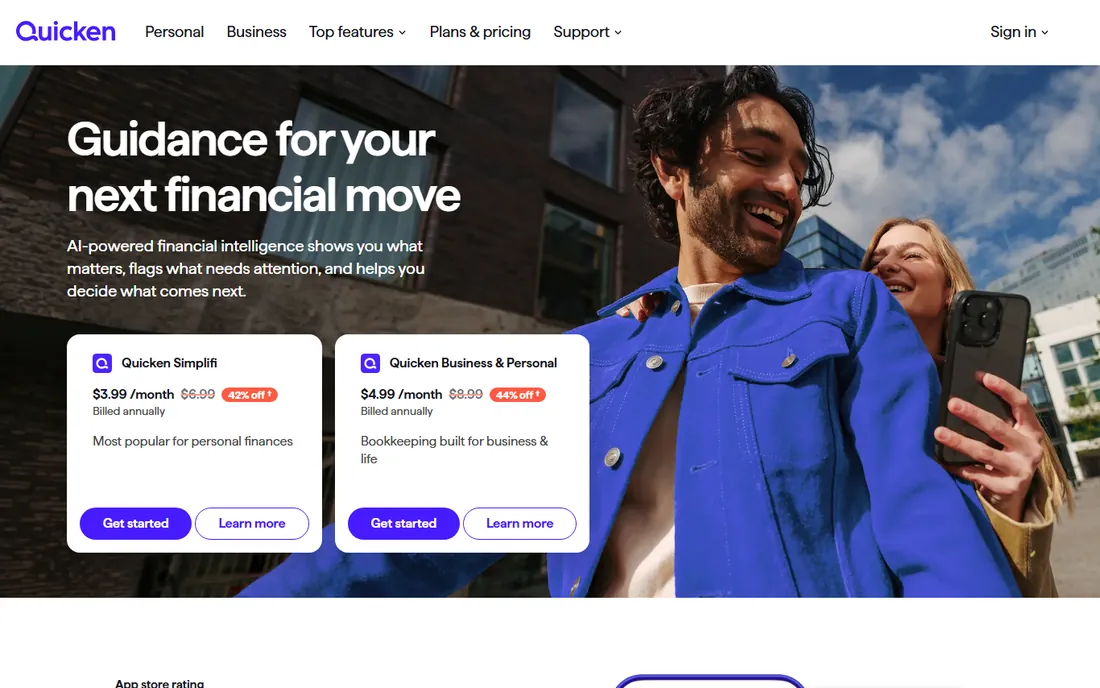
Simplifi is Quicken's cloud-native sibling, and it feels like it was built in this decade. It connects your accounts, builds a personalized Spending Plan from your income and bills, and shows you what is safe to spend each day. It supports zero-based, envelope and 50-30-20 budgeting styles without forcing one on you, and it tracks investments, subscriptions and your credit score in the same subscription.
At $5.99 per month billed annually, it is one of the cheaper serious options, with only a 30-day money-back guarantee. You lose Classic's bill pay and deepest tax reports, but you get a simpler modern interface. Pick Simplifi if you want modern and low-effort.
What we like- A Spending Plan that adjusts as you spend
- Investment and subscription tracking included
- Clean modern interface
Watch out for- No free tier and no free trial
- Less deep than Quicken Classic on taxes and bills
#3
Monarch Money
Best for: Couples managing money together in one view
Visit monarch.com
Starting price$99.99 per year (Core)
Free plan7-day free trial
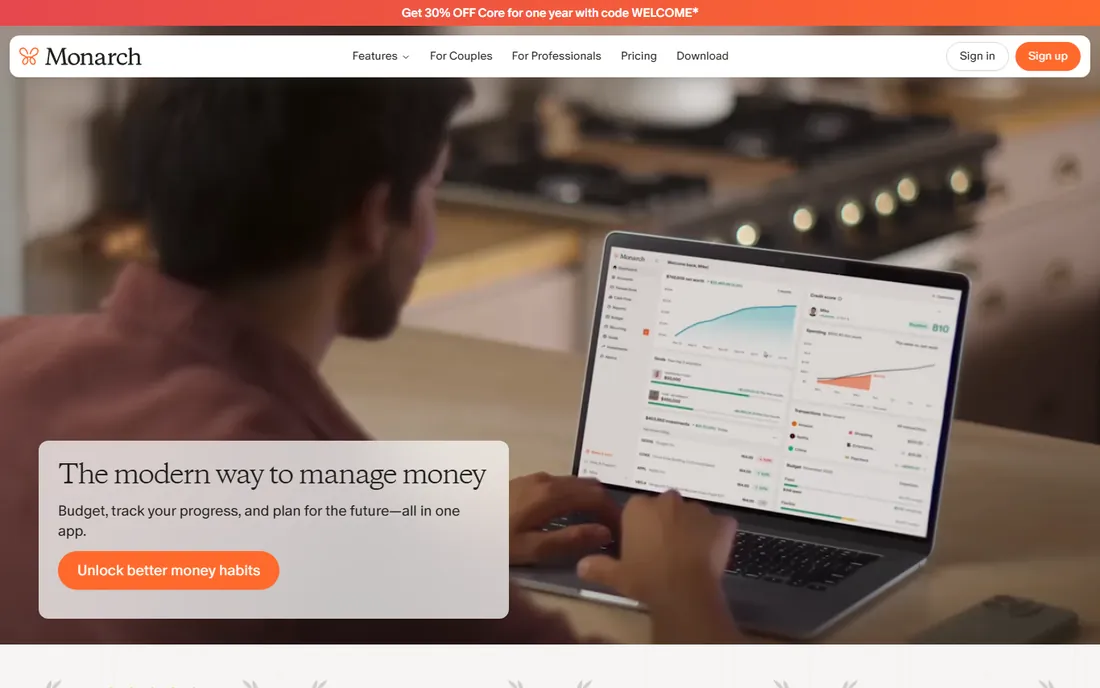
Monarch is the app most former Mint users landed on after Mint shut down in March 2024, and the migration stuck because the product is genuinely good. It aggregates every account into one dashboard, handles budgeting with flexible rules, tracks cash flow and net worth, and its Household feature gives your partner their own login for free, which most competitors still do not offer.
Core costs $99.99 per year and covers most households; a newer Plus tier at $199 adds forecasting. There is no free tier, only a 7-day trial. But for a shared financial picture both partners will actually open, Monarch is the easiest recommendation here.
What we like- Unlimited syncing and partner sharing included on Core
- Strong investment tracking
- No ads, no data selling
Watch out for- No free tier
- The Plus tier at $199 per year is needed for forecasting
#4
YNAB
Best for: People who want a budgeting method, not just software
Visit ynab.com
Starting price$109 per year
Free plan34-day free trial
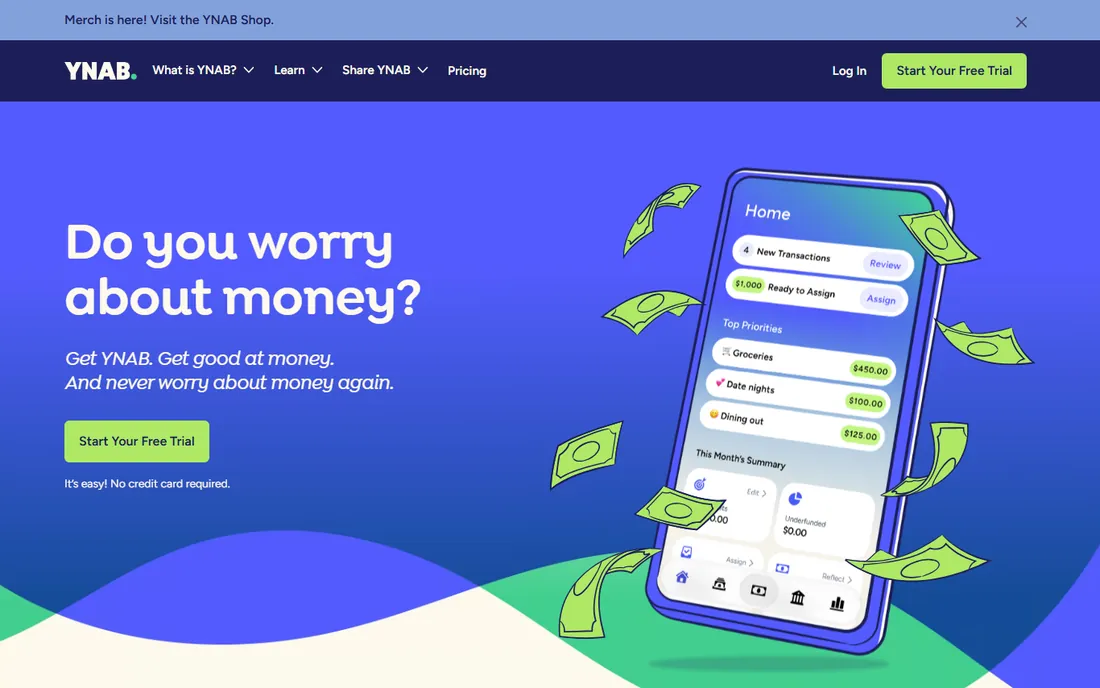
You Need a Budget is twenty years old and still the best tool for people whose problem is behavior, not information. The four rules, give every dollar a job, embrace true expenses, roll with the punches, age your money, turn budgeting from a chore into a habit. The app is the vehicle; the method is the engine.
It costs $14.99 per month or $109 per year, one plan with everything, and the 34-day trial is the most generous in the category. Up to six people share one subscription. The weakness is scope: no bill pay, no real investment analysis, no free tier. Buy it for discipline; look elsewhere for a full ledger.
What we like- A battle-tested zero-based method with workshops and coaches
- Generous 34-day trial with no card required
- One subscription covers six people
Watch out for- No free tier
- Investment tracking is basic at best
Starting price$79 per year
Free plan30-day free trial
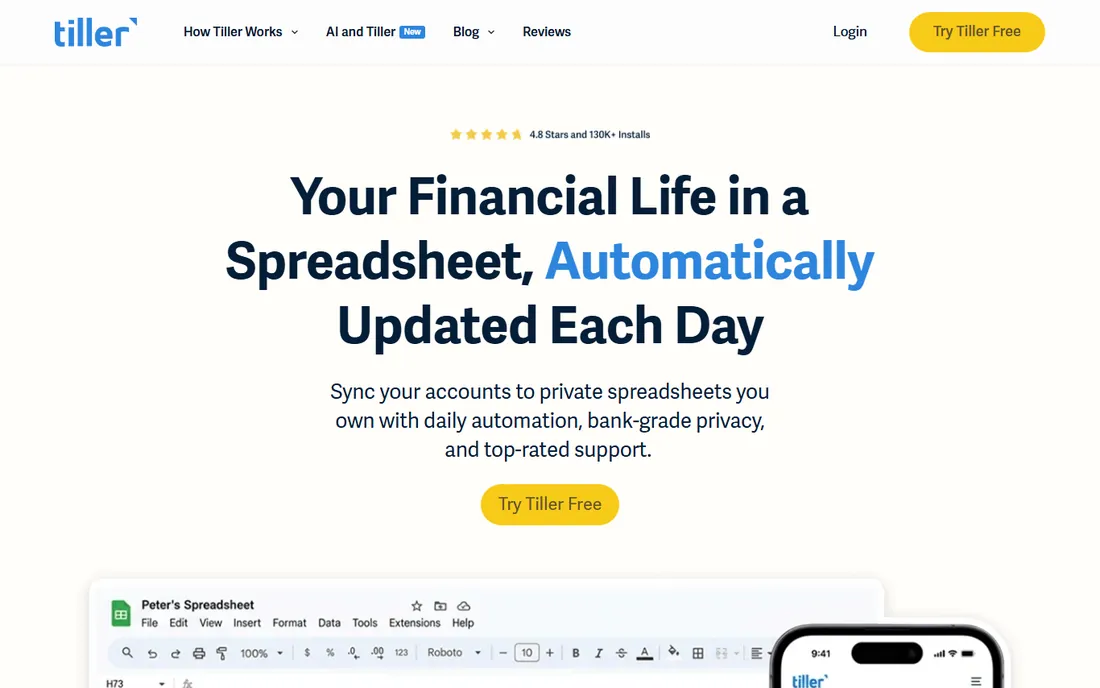
Tiller is the answer for everyone who has ever thought "I could do this better in a spreadsheet." It pulls your transactions into Google Sheets or Excel automatically each day, then lets you build whatever you want on top: custom budgets, debt payoff plans, net worth trackers, pivot tables. The Foundation templates get you started, and the community has built hundreds more.
At $79 per year with a 30-day trial, it is cheap for what it does, and your data lives in your own spreadsheet. No ads, no data monetization. The catch is that it assumes you like spreadsheets. If you do, nothing else here gives you this much control for the money.
What we like- Daily bank feeds into Google Sheets or Excel you own
- Deep customization and a large template library
- No ads and no data selling
Watch out for- Needs spreadsheet comfort and a Google sign-in
- No built-in credit or retirement tools
Starting price$14.49 per month (Premium)
Free planYes (Basic plan)
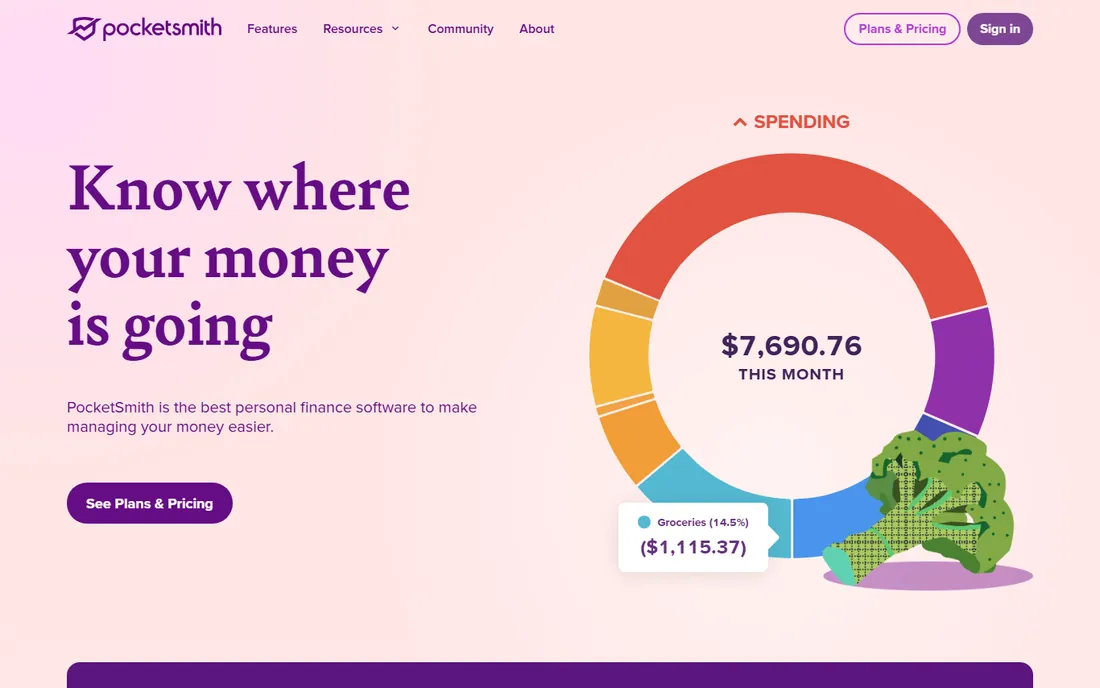
PocketSmith's big idea is simple: put your money on a calendar. Schedule paychecks, bills and one-off events on their dates, and watch projected balances stretch into the future, up to 30 years on the top tier. For freelancers, contractors and anyone with irregular income, this time-based view answers the real question: will I have enough on the 15th?
The free Basic plan handles manual imports, two accounts and six months of projections. Premium at $14.49 per month adds automatic bank feeds, ten accounts and ten-year projections. It is subscription-funded, not data-funded. Try the free plan first; the calendar either clicks for you or it does not.
What we like- Calendar-based forecasting out to 30 years
- Multi-currency support
- Subscription-funded, so your data is not sold
Watch out for- Automatic bank feeds require a paid tier
- The design feels dated in spots
Starting price$65 one-time license
Free planFree trial
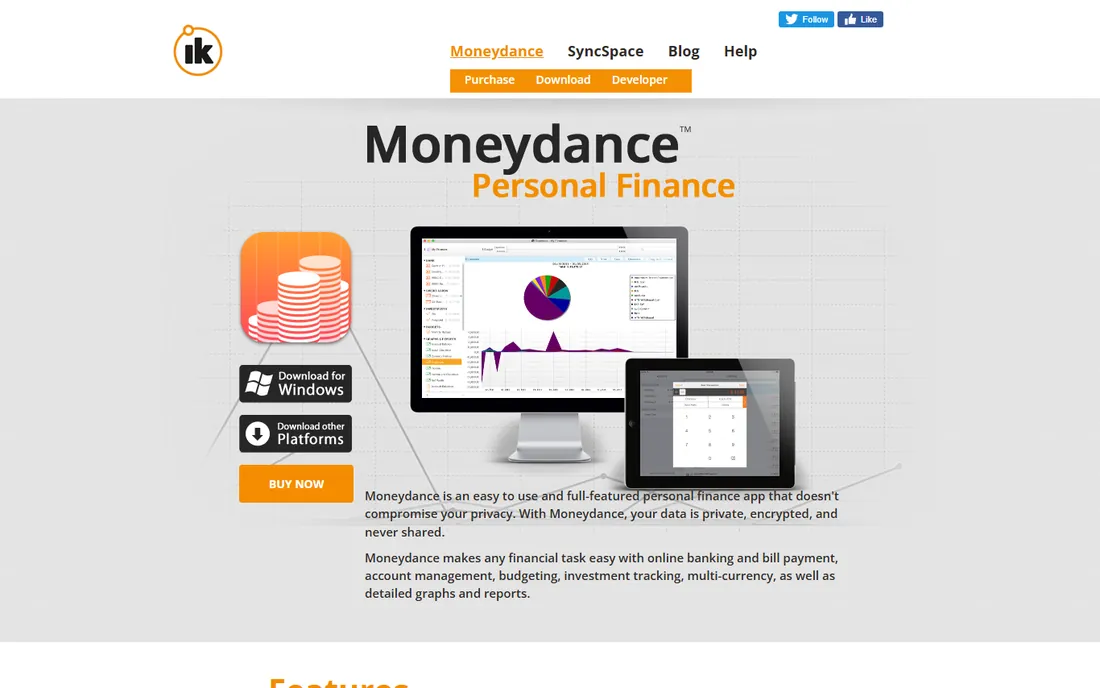
Moneydance is the anti-subscription option: pay $65 once, use it forever, with free upgrades. Your data file lives on your own computer, encrypted, never on someone else's cloud. It covers registers, budgeting, bill reminders, investment tracking, multi-currency and detailed reports. It is the closest thing to the classic Quicken experience without the annual rent.
An optional Moneydance+ subscription adds extra bank connectivity, and a free trial plus a 90-day money-back guarantee lower the risk. The interface is dated, some banks are fiddly, and the mobile app is thin. If you want to own your software and your data, this is the pick.
What we like- One-time purchase with free future updates
- Data stays on your computer
- Works on Mac, Windows and Linux
Watch out for- The interface looks dated
- Bank sync can be fiddly and the mobile app is basic
Starting price$59.99 per year (Bronze)
Free plan30-day free trial

Banktivity is what Quicken for Mac should have been: a native Apple app with deep personal finance features. It syncs bank accounts, budgets with both envelope and traditional methods, tracks investments with performance reporting, handles multiple currencies and prints checks. Your data stays on your device, with encrypted cloud sync only for moving between your own Apple devices.
Pricing runs $59.99 per year for Bronze, $79.99 for Silver and $99.99 for Gold, with a 30-day free trial and no free tier. It is Apple-only, and recent feedback mentions bank connection hiccups after updates. Check your institutions connect cleanly during the trial.
What we like- Beautiful native Mac, iPhone and iPad apps
- Data stored locally with end-to-end encrypted sync
- Envelope and traditional budgeting
Watch out for- Apple-only, so Windows and Android users are out
- Bank connectivity has drawn mixed reviews lately
Starting price$9.99 per year (Basic)
Free planFree trial
CountAbout is a quiet little web app that has been absorbing Mint and Quicken refugees for years. It looks like what Mint would have become if it had stayed simple: running register balances, budgets, custom categories, recurring transactions and financial reports, with no ads and a stated policy of never sharing your data. It imports your history from Mint and Quicken, which makes switching painless.
The price is the story: $9.99 per year for Basic or $40 per year for Premium with automatic downloads, less than one month of most competitors. The trade-offs are a small team and email-only support. If you want cheap, private and simple, it is a remarkable value.
What we like- Extremely cheap
- Imports data from Mint and Quicken
- Clean ad-free interface with custom categories
Watch out for- Basic tier lacks automatic downloads
- Small company with email-only support
Starting price$80 per year (Premium)
Free planYes (free tier)
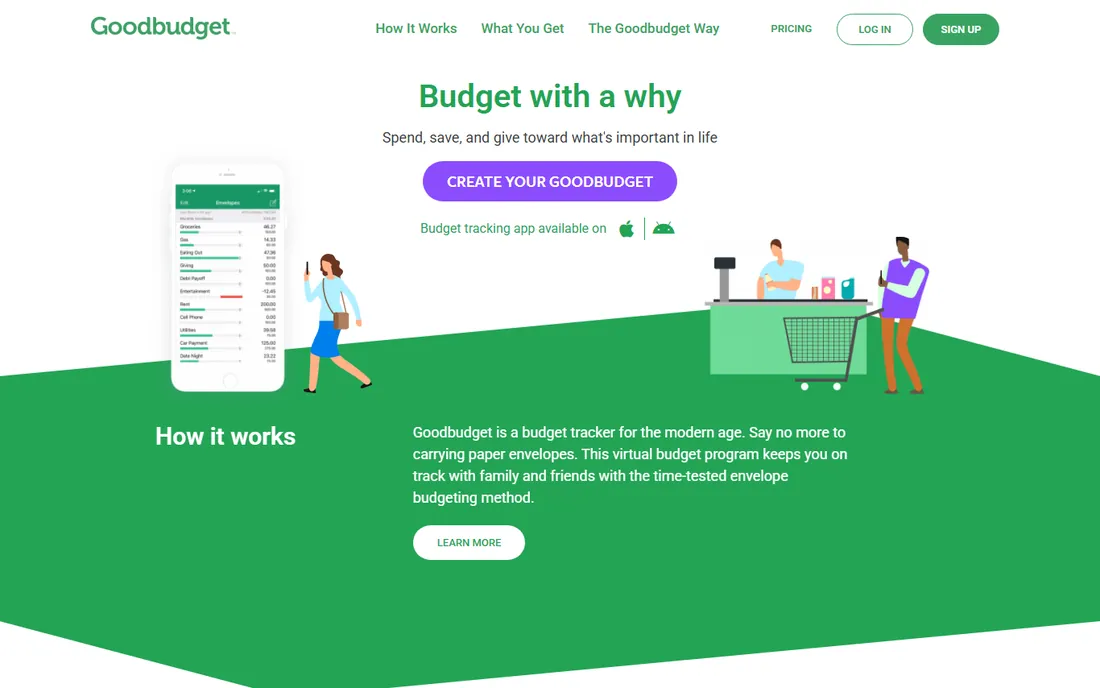
Goodbudget digitizes the envelope system: at the start of the month you fill envelopes like Groceries and Gas, and when an envelope is empty, you stop spending from it. It is manual by design, which fans consider a feature: you pay attention because you do the work. Both partners sync the same envelopes in real time on either tier.
The free tier covers 20 envelopes, one account and two devices, enough for a real budget. Premium at $10 per month or $80 per year adds unlimited envelopes, more accounts and more history. Daily manual entry gets tiring, but if envelopes match how your brain works, nothing else does the method this faithfully.
What we like- Faithful digital envelope budgeting
- Household sync on both tiers
- A genuinely usable free plan
Watch out for- Manual entry by design, no automatic bank sync on free
- The interface feels dated
#11
GnuCash
Best for: People who want real double-entry accounting for free
Visit gnucash.org
Starting price$0
Free planYes
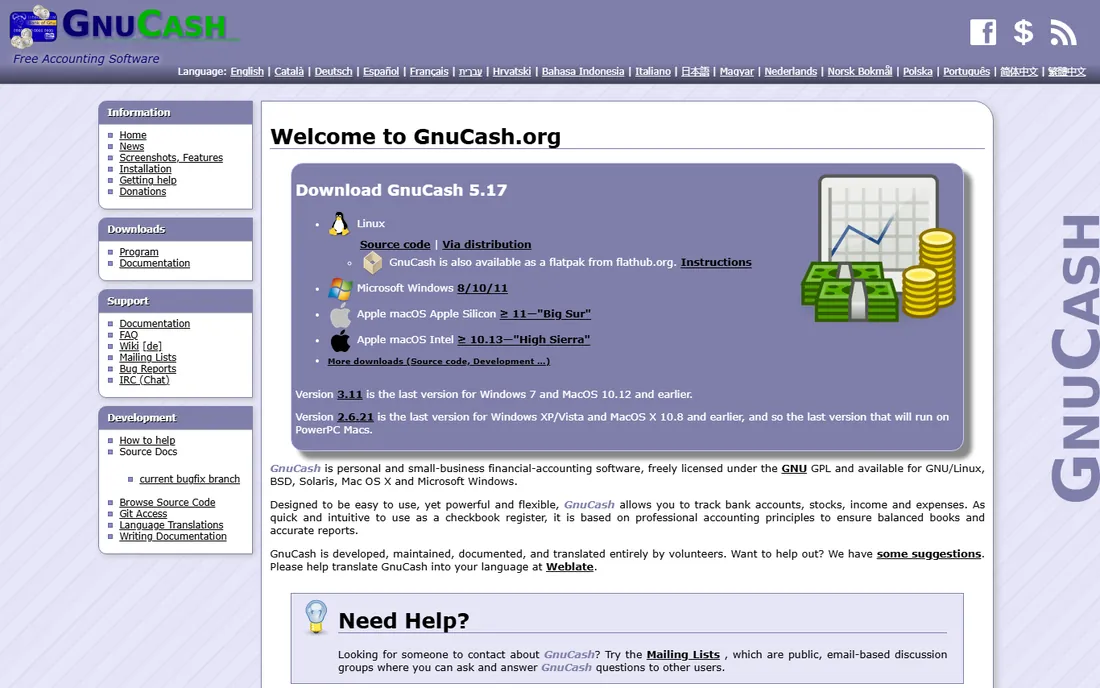
GnuCash is the odd one out: actual double-entry accounting software, free forever, maintained by volunteers. Every transaction has a debit and a credit, which sounds like overkill until you realize it makes your books self-checking in a way no budgeting app can match. It handles scheduled transactions, budgets, investment tracking and reports, and it runs on every desktop OS.
The price is zero and the catch is effort. There is no automatic bank sync built in, though you can import QIF, OFX and CSV files, and support comes from community forums. It is the pick for the person who wants to learn real bookkeeping, or who refuses to pay a subscription on principle.
What we like- Completely free and open source
- True double-entry bookkeeping
- Runs on Windows, Mac and Linux
Watch out for- Dated interface and a real learning curve
- No bank sync out of the box
- Community support only
Starting priceFrom $5.99 per month (Premium)
Free planYes (free tier)
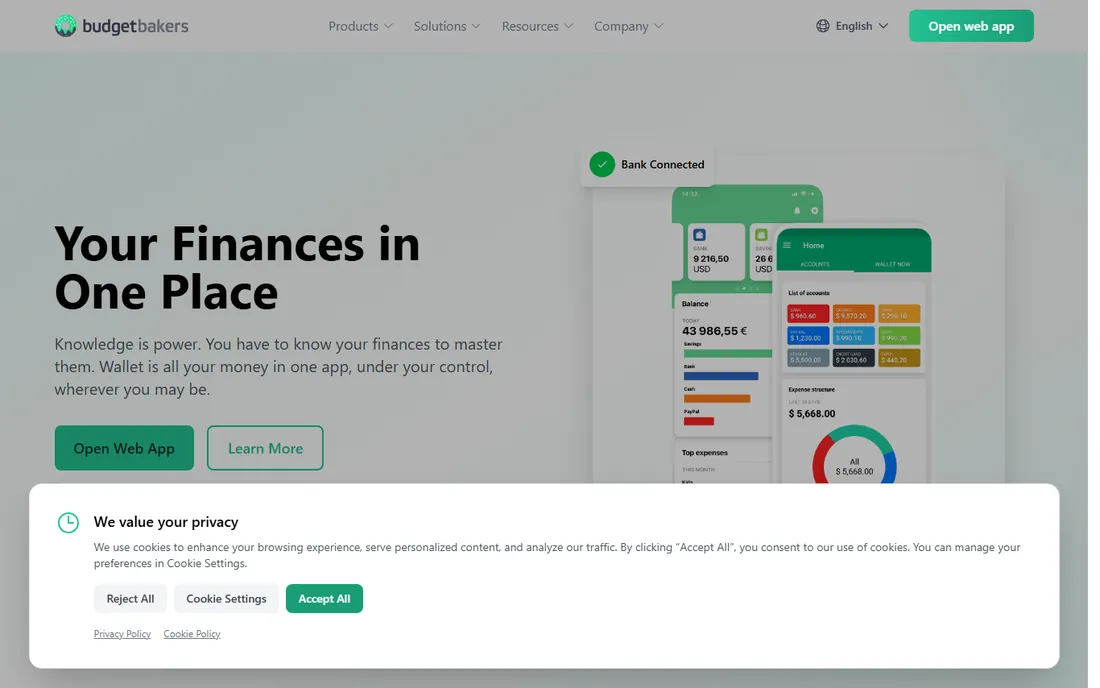
Wallet by BudgetBakers, from a Czech company, is the best option here for anyone whose money lives in more than one currency. It handles multi-currency accounts gracefully, connects to thousands of banks worldwide, and presents it all in colorful dashboards with budgets, planned payments and cash flow projections. Expats and frequent travelers consistently rate it above the US-centric apps.
The free tier is usable for manual tracking, while Premium, around $5.99 per month, adds bank sync, unlimited accounts and collaboration. Pricing is not transparent on the website and varies by region. If your finances cross borders, this is the one built for you.
What we like- Excellent multi-currency support
- Bank sync across many countries
- Polished dashboards and cash flow forecasts
Watch out for- The free tier is manual-entry only
- Pricing varies by region and is not published clearly
How we chose
We checked vendor pricing pages, feature lists and documentation, and cross-checked with public reviews on G2, Capterra, Reddit and independent review sites. We included desktop classics, modern cloud apps, one-time purchases and free open-source software so every budget and philosophy is represented. We did not test the software hands-on. Prices and plans change, so confirm on the vendor's site before you commit.
Choosing between desktop, cloud and spreadsheet
The first decision is where your data lives. Desktop software like Quicken Classic, Moneydance and Banktivity keeps your file on your computer, works offline and goes deeper on bill pay and tax reports. The price is platform lock-in: Quicken and Banktivity tie you to their ecosystems, and only Moneydance runs everywhere.
Cloud apps like Monarch, Simplifi, YNAB and CountAbout trade depth for convenience. They sync everywhere and connect to your banks automatically, but your data lives on their servers and you pay every year. If you travel, share finances or hate installing software, the cloud wins.
Then there is the spreadsheet middle path. Tiller feeds your banks into Sheets or Excel you own, and GnuCash gives you a real ledger for free. Both demand more and give more back: total control and data that survives any vendor's decisions.
One-time purchase vs subscription: the honest math
Subscriptions win on convenience and lose on lifetime cost. Monarch at $99.99 a year costs $500 over five years. Moneydance at $65 once costs $65. That gap is real, and it is why the one-time and free options on this list deserve a serious look before you default to a subscription.
But the math is not the whole story. Subscriptions pay for bank connectivity, which breaks constantly as banks change their systems; a one-time purchase cannot fund that forever, which is why Moneydance sells an optional add-on. The right question is not "which is cheapest" but "which will I still be using in three years." A $500 tool you open weekly beats a $65 tool you abandon in March.
Frequently asked questions
What is the best accounting software for personal use?
Quicken Classic for maximum depth on desktop, or Monarch Money for a modern cloud app the household will use. Budget-focused users should look at YNAB, and subscription haters should try Moneydance's $65 one-time license or free GnuCash first.
Is Mint really gone? What replaced it?
Yes, Mint shut down on March 23, 2024, and Intuit pointed users toward Credit Karma. Most moved to Monarch Money, Simplifi by Quicken or Empower. Monarch is the closest in spirit, while Empower covers free tracking.
Can personal accounting software do my taxes?
It can organize what your tax preparer needs: categorized spending, cost basis, capital gains reports and donations. Quicken Classic and GnuCash go deepest with real tax reports. But none of it files your return or gives tax advice.
Do I need to link my bank accounts?
No. Moneydance, GnuCash, Goodbudget and the manual tiers of PocketSmith and CountAbout all work with manual entry or file imports. Linking is convenient and uses read-only connections, but the manual options here are fully functional if you prefer no third party held your credentials.
Which personal finance software works on Linux?
Moneydance and GnuCash both run natively on Linux, and Tiller works in any browser through Google Sheets. The cloud apps, Monarch, Simplifi, YNAB, CountAbout and Goodbudget, work fine in a Linux browser too. Banktivity is Apple-only and Quicken Classic is Windows and Mac only.
What is the cheapest good option?
CountAbout Premium at $40 per year is the cheapest paid option worth using. Moneydance at $65 once is the cheapest long-term. GnuCash at $0 is cheapest if you will learn double-entry bookkeeping.
Sources we checked (14)
- https://www.quicken.com/
- https://monarch.com/
- https://ynab.com/
- https://www.tillerhq.com/
- https://www.pocketsmith.com/
- https://moneydance.com/
- https://www.banktivity.com/
- https://countabout.com/
- https://goodbudget.com/
- https://www.gnucash.org/
- https://www.budgetbakers.com/
- https://clark.com/save-money/quicken-review/
- https://www.topconsumerreviews.com/best-personal-finance-software/reviews/moneydance.php
- https://www.topconsumerreviews.com/best-personal-finance-software/reviews/banktivity
Is your product missing or out of date?
We review this list regularly. Vendors can request a listing, send updated pricing or ask about featured placement.

Shihab Mia · Founder, Rankite
Shihab has spent more than a decade helping SaaS and e-commerce brands grow through search. He writes Rankite's software buying guides from pricing pages, documentation and public user reviews. More about Shihab.