How we make this list: we compare pricing pages, product documentation and public user reviews. Rankite is independent; if a vendor ever pays for a featured spot, that listing is clearly labeled Partner.
Key takeaways
- Adobe Acrobat Pro stays the accuracy reference for tricky documents with tables and multi-column layouts, at $19.99 per month on an annual plan.
- Free web converters handle clean digital PDFs well; scanned image PDFs need OCR, and that feature mostly sits behind a paid plan.
- Sejda at $7.50 per month and PDF24 Tools at completely free are the best value for occasional converters.
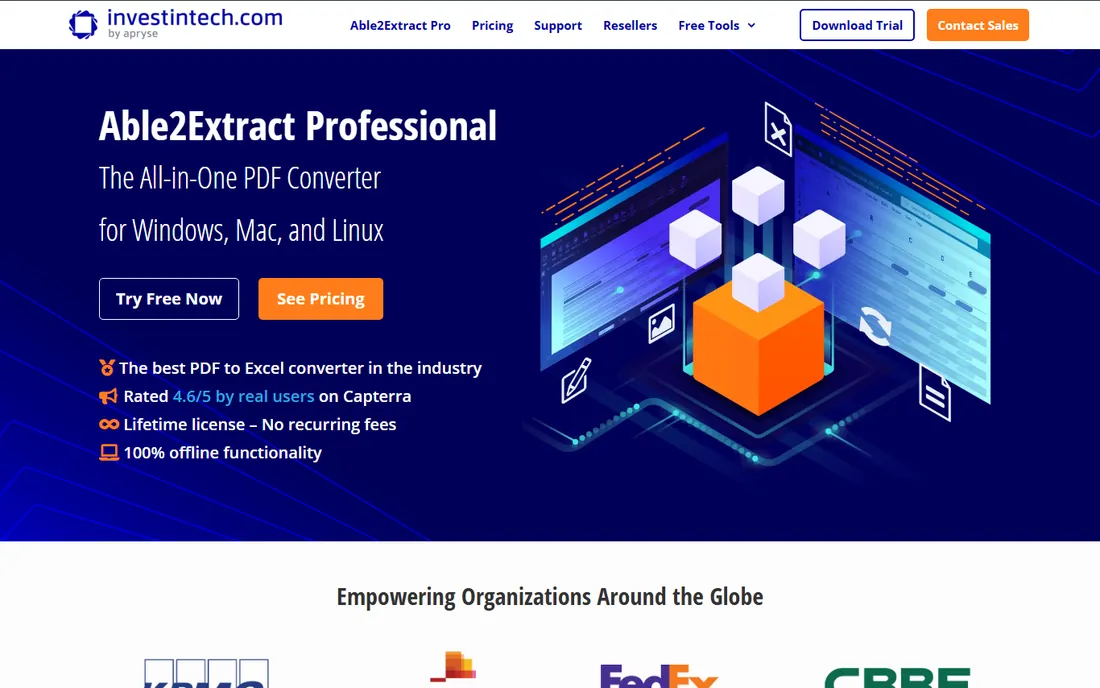
- Desktop converters like Able2Extract ($199.95 lifetime) and Nitro PDF Pro ($15 per user per month or $270 one-time Classic) keep files off the cloud and convert whole folders at once.
- Privacy matters: browser converters upload your file to someone else's server, so legal, HR and finance documents belong in a desktop app.
Quick comparison
| Tool | Best for | Starting price | Free plan |
|---|
 Adobe Acrobat Adobe Acrobat | Maximum conversion accuracy on complex documents | $14.99 per month (Standard, billed annually) | Free trial (7 days) |
 Smallpdf Smallpdf | Fast browser conversions without installing anything | $9 per month (Pro, billed annually) | Yes (limited) |
 iLovePDF iLovePDF | Everyday free conversions in the browser | See website | Yes (limited) |
 PDF24 Tools PDF24 Tools | Completely free conversions with no limits | Free | Yes |
 Sejda Sejda | Cheap no-frills conversions, online or offline | $7.50 per month | Yes (3 tasks per day) |
 Nitro PDF Pro Nitro PDF Pro | Windows offices replacing Adobe Acrobat | $15 per user per month | Free trial (14 days) |
 Foxit PDF Editor Foxit PDF Editor | Low-cost Acrobat alternative with perpetual licensing | $10.99 per month | Free trial (14 days) |
 PDFelement PDFelement | Budget desktop editor with a capable converter | $129.99 one-time (Personal perpetual) | Free trial (watermarked) |
 Able2Extract Professional Able2Extract Professional | Precision table and data extraction from difficult PDFs | $199.95 one-time (lifetime license) | Free trial (7 days) |
Is your product missing or out of date?
We review this list regularly. Vendors can request a listing, send updated pricing or ask about featured placement.
The best PDF to Word converter software
#1
Adobe Acrobat
Best for: Maximum conversion accuracy on complex documents
Visit adobe.com
Starting price$14.99 per month (Standard, billed annually)
Free planFree trial (7 days)
The benchmark most converters are measured against is still Adobe, because Acrobat invented the format and handles the messy cases better than anyone else. Multi-column layouts, nested tables, footnotes and mixed fonts come out of an Acrobat conversion looking the way they went in, which is exactly what you need when the Word file will be edited and shared with clients.
Acrobat Standard starts at $14.99 per month billed annually and covers conversion, editing and signing; Pro at $19.99 per month adds advanced comparison, redaction and stronger form tools. Both include a 7-day trial and OCR for scanned pages, so a printed contract scan can become editable text. The honest catch is the pricing model: Adobe no longer sells perpetual Acrobat licenses to new customers, so this is a bill you carry forever, and at two to three times the price of most competitors on this list.
What we like- Most faithful Word output in the category
- OCR built in
- Integrates with Microsoft 365 and Document Cloud
Watch out for- Pro plan costs $19.99 per month for the full feature set
- Subscription only, no lifetime license for new customers
#2
Smallpdf
Best for: Fast browser conversions without installing anything
Visit smallpdf.com
Starting price$9 per month (Pro, billed annually)
Free planYes (limited)
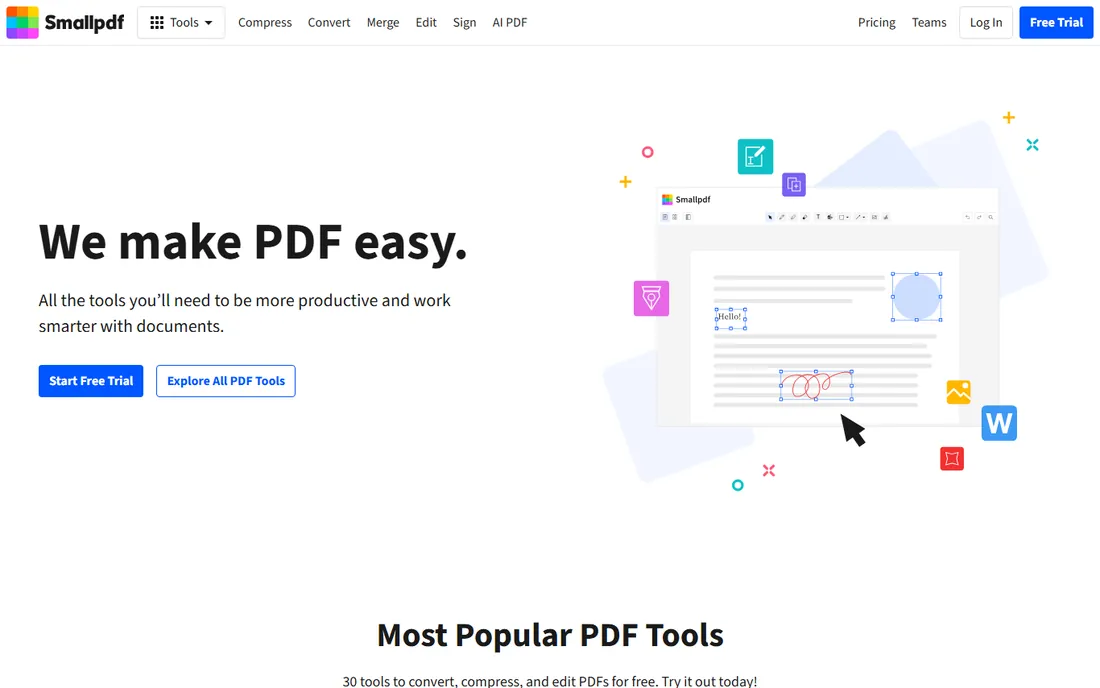
Smallpdf is the browser-first option people land on when they need a conversion right now and have no interest in installing software. You drag a PDF onto the page, pick PDF to Word, and download the result. The interface is genuinely the simplest here, and the same account gives you compression, merging, signing, OCR and a desktop app for offline work.
Pro starts from $9 per month billed annually (month-to-month costs more), with a 7-day free trial and 24/7 support. Files are processed on Smallpdf servers with TLS encryption and deleted after a short period, and the company holds ISO 27001 certification. The catch is the free tier: it limits how many tasks you can run per day, so anyone converting documents daily will hit the ceiling within a week and need the subscription.
What we like- Clean interface that needs no learning
- 30 tools beyond conversion
- Desktop and mobile apps included with Pro
Watch out for- Free tier caps daily tasks
- Large or batch jobs push you toward the paid plan quickly
Starting priceSee website
Free planYes (limited)
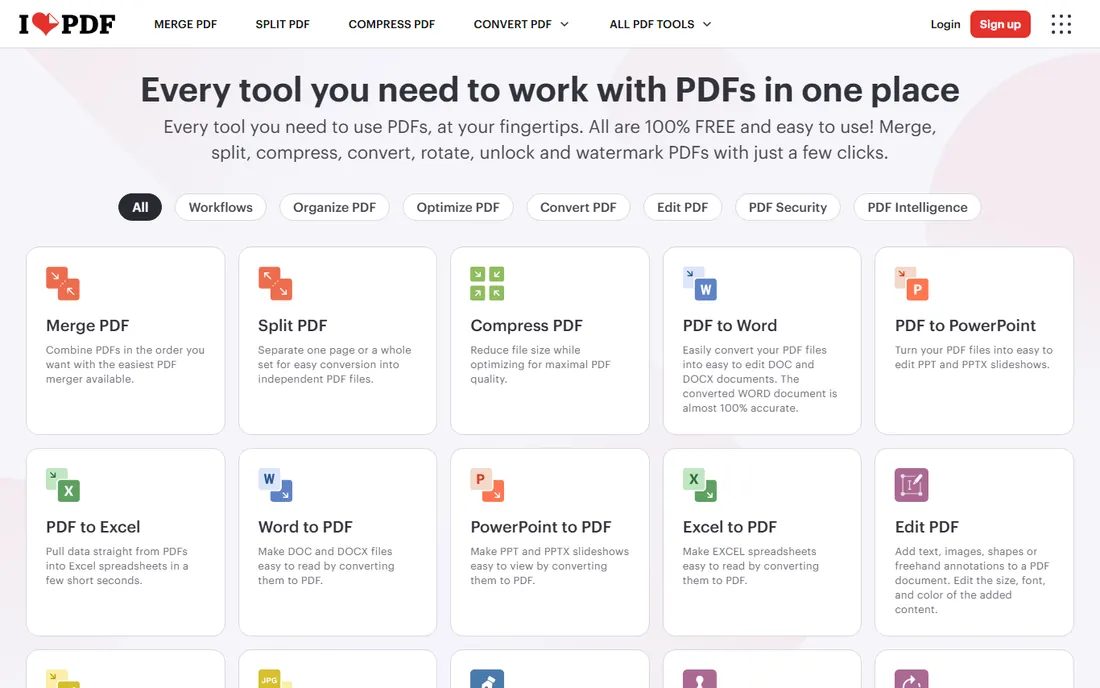
If your workday runs through a browser, iLovePDF earns a bookmark. Every tool lives on its own page with a big upload area and a short list of options. No account is needed for basic conversions, making it the fastest no-commitment option.
Premium adds the desktop app for offline batch work, advanced OCR for scanned documents, secure e-signatures and custom workflows. Pricing is region dependent (in the UK it runs about 5 pounds per month annually or 9 pounds monthly), so I list the US price as "See website" rather than guess. iLovePDF is ISO 27001 certified and part of the PDF Association, which counts for something when you are uploading client paperwork. The limitation to know about is volume: the free tier throttles how much you can convert per day, and heavy users will need Premium.
What we like- All core tools free with no account required for basic use
- Desktop app for offline batch work
- Clean task-per-page design
Watch out for- Advanced OCR, form editing and e-signatures need Premium
- Free tier limits task volume
Starting priceFree
Free planYes
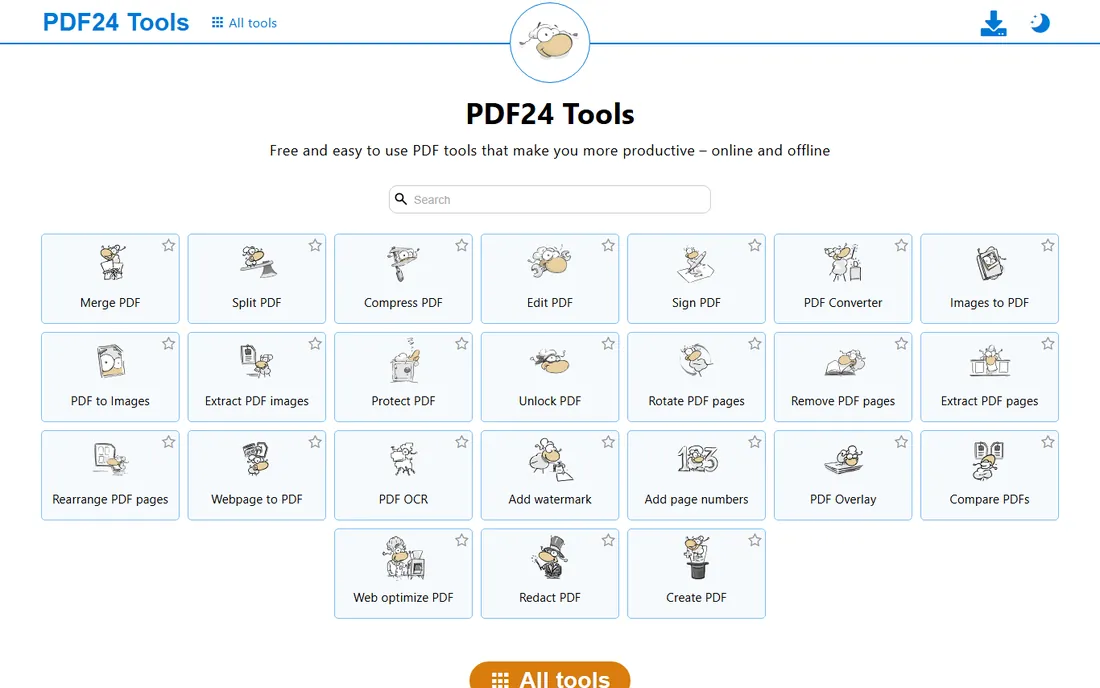
The only tool on this list that asks nothing from you is PDF24. No account, no daily task cap, no file-size games: the site states plainly that all tools are free with no artificial limits, funded by on-page advertising. The PDF to Word converter handles digital PDFs competently, and the toolbox around it covers merging, splitting, compressing, protecting and rotating.
For anyone uncomfortable uploading sensitive documents, PDF24 Creator is the desktop version that runs every tool offline, so files never leave your computer. It supports Windows, macOS, Linux and phones through the browser tools. The honest trade-off is polish and depth: the interface looks dated next to Smallpdf or iLovePDF, and OCR on poor-quality scans is basic. But for clean digital PDFs, free means free here, and nothing else on this list can say that.
What we like- Entirely free with no task caps
- Desktop Creator app works fully offline
- No account needed
Watch out for- Interface is functional rather than polished
- No advanced OCR tuning or AI features
#5
Sejda
Best for: Cheap no-frills conversions, online or offline
Visit sejda.com
Starting price$7.50 per month
Free planYes (3 tasks per day)
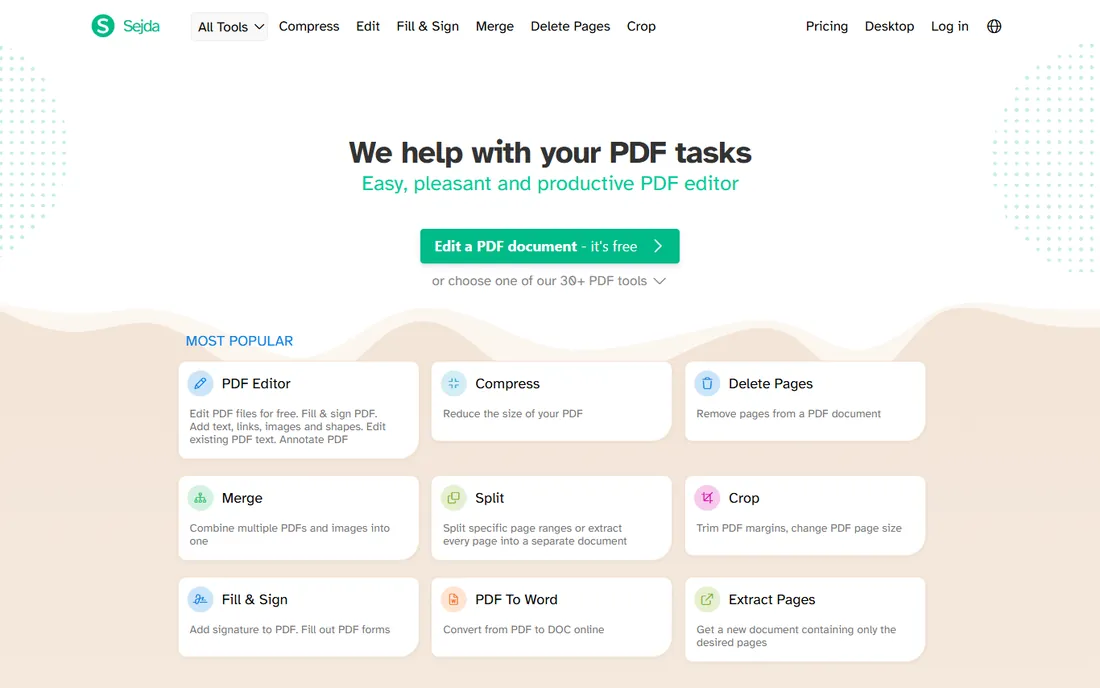
Sejda makes no attempt to impress with its design. The homepage is a plain list of tasks: PDF to Word, PDF to Excel, merge, split, compress, OCR. Pick one, upload, convert, download. The free tier allows three tasks per day with files up to 50MB or 200 pages, which covers most real-world conversion needs.
The paid options are among the cheapest anywhere: $7.50 per month, $63 per year, or a $5 week pass for a one-off project. Sejda Desktop offers the same features offline on Windows, macOS and Linux, so sensitive files never touch a server. What it lacks is refinement in editing scanned text; TechRadar's review noted the text editing side can be flaky, and OCR is limited to ten pages on the free tier. For straightforward digital PDF to Word jobs, though, the value is hard to beat.
What we like- Very low paid price
- Desktop app keeps files local
- One file at a time keeps the free tier honest
Watch out for- 50MB and 200-page limits on free tasks
- Text editing on scanned pages is basic
Starting price$15 per user per month
Free planFree trial (14 days)
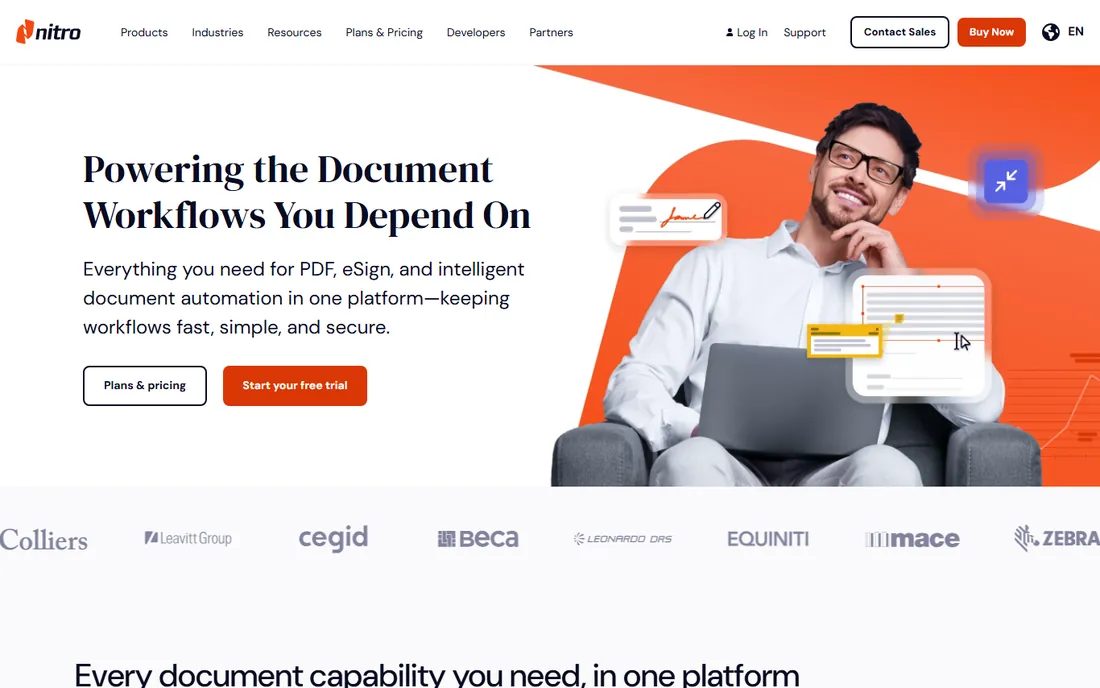
Nitro built its reputation on giving Windows offices everything Acrobat does at a lower price, and conversion is where many buyers first notice the difference. Nitro PDF Pro converts to and from Word, Excel and PowerPoint while preserving layouts, and its OCR turns scanned paper into searchable, editable documents. The interface mirrors Microsoft Office ribbons, so teams are productive immediately.
Pricing is $15 per user per month on subscription, or a $270 Classic one-time license covering three years on Windows. Plans include Nitro AI tools, eSign and the Nitro Workspace hub, with 24/7 support and ISO 27001, SOC 2 and HIPAA compliance. A 14-day free trial lets you test conversion quality on your own documents. The catch: the one-time Classic license is Windows only and stops getting new versions after three years, and subscription costs climb quickly past a dozen seats.
What we like- Familiar Office-style ribbon
- Perpetual Classic license still offered
- Batch conversion and strong OCR
Watch out for- Subscription pricing adds up for large teams
- Classic one-time license is Windows only and limited to 3 years of updates
#7
Foxit PDF Editor
Best for: Low-cost Acrobat alternative with perpetual licensing
Visit foxit.com
Starting price$10.99 per month
Free planFree trial (14 days)
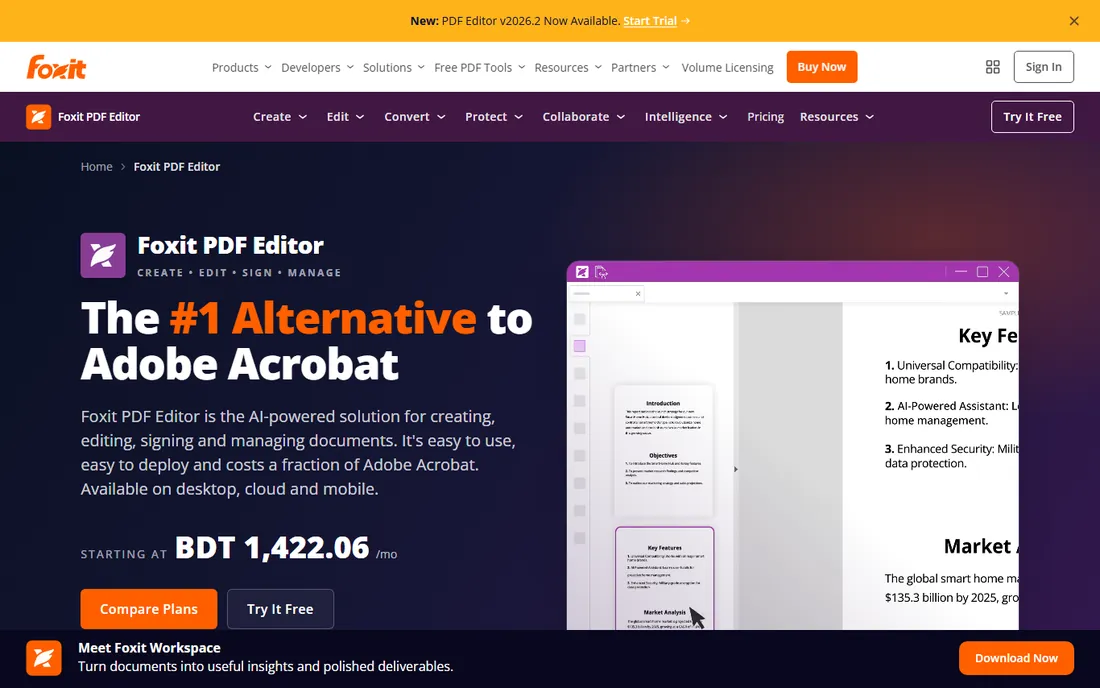
Foxit keeps winning over teams that price Acrobat and wince. The PDF Editor converts PDFs to Word, Excel and PowerPoint, edits text and images directly, runs OCR on scans, and compares two document versions side by side. It runs on Windows, macOS, mobile and web, with native integrations for Microsoft 365, SharePoint, Google Drive and Salesforce.
Subscriptions start at $10.99 per month, or $129.99 per year, and Foxit still sells a perpetual license of PDF Editor 14 for $209.99 one-time on Windows and Mac, which Adobe no longer offers. The 14-day free trial needs no credit card. Foxit claims 44% lower cost per license than Acrobat Pro, and holds SOC 2, HIPAA and GDPR credentials. The fine print: choosing monthly billing still signs you into a full year, and the perpetual license excludes the AI Assistant, cloud DMS and Smart Redact features.
What we like- Perpetual license still available ($209.99 one-time)
- 44% cheaper per license than Acrobat by Foxit's own comparison
- Strong OCR and batch tools
Watch out for- Monthly billing still commits you to a full year
- AI Assistant credits are capped at 300 per month on the base plan
Starting price$129.99 one-time (Personal perpetual)
Free planFree trial (watermarked)
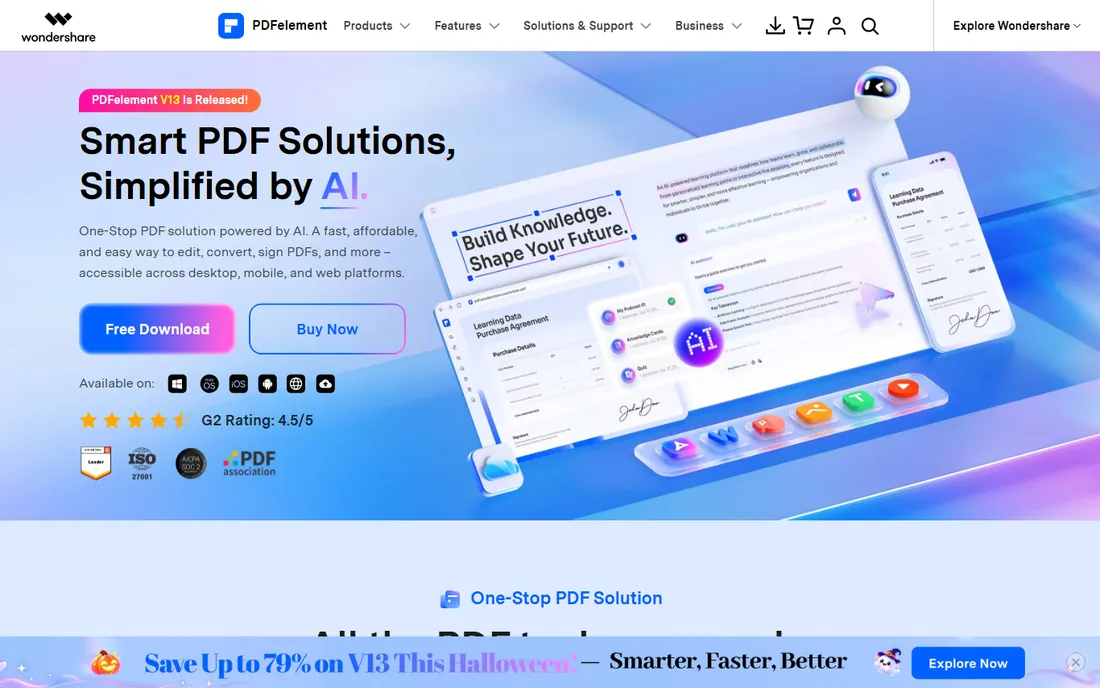
Wondershare sells PDFelement on price, and the math is easy. A Personal perpetual license costs $129.99 one-time, which is roughly eight months of Acrobat Pro, and the Team perpetual plan is $139 per user. For that you get a full PDF editor: convert to and from Word, Excel and PowerPoint, batch convert folders of files, run OCR in 26 languages including right-to-left scripts, and fill or sign forms.
The free trial watermarks exports and blocks advanced features, so you cannot fully judge conversion quality before paying. An AI add-on for summarization and document chat costs extra. PDFelement runs on Windows, Mac, iOS, Android and web with cloud sync, and holds ISO 27001 certification. The interface has improved a lot in recent versions, but power users converting heavily formatted legal or financial documents should test their own files during the trial before committing.
What we like- One-time perpetual pricing undercuts subscriptions fast
- Batch conversion and OCR in 26 languages
- Cross-platform apps
Watch out for- Free trial watermarks exports and limits conversion to the first two pages
- AI add-on costs extra
What actually decides conversion quality
Conversion quality depends on your documents more than on the tool. Four factors matter.
Your source file type
A PDF exported from Word converts cleanly in almost any tool. A scanned image of a printed page is a different job entirely: it needs OCR first, and OCR quality varies enormously. Adobe, Foxit, Nitro, PDFelement and Able2Extract all bundle OCR; most free web converters offer it only on paid plans or not at all. Check before you buy if scans are your workload.
Formatting complexity
Simple letters and reports convert well everywhere. Multi-column layouts, nested tables, footnotes, tracked changes and embedded fonts are where cheap converters produce garbled Word files. If your documents look like annual reports or legal filings, test the trial with your own files. Acrobat and Able2Extract earn their prices here.
Privacy and where files go
Browser converters upload your document to a server. For public marketing PDFs that is fine; for contracts, HR files or financial statements it is a risk decision. Desktop apps (Acrobat, Nitro, Foxit, PDFelement, Able2Extract, Sejda Desktop, PDF24 Creator) process files locally. If your company has data handling rules, get the offline option.
Volume and batch needs
Converting one document a week is a free-tool job. Converting fifty invoices a month needs batch processing and no daily task caps, which pushes you toward a desktop app or a paid web plan. Perpetual licenses from Foxit, PDFelement and Able2Extract pay for themselves within a year at that volume.
Free converters are enough when your PDFs are digital (not scanned), your formatting is simple, and you convert a few files a week. PDF24 Tools has no limits, Sejda gives you three tasks a day, and iLovePDF and Smallpdf cover occasional use without an account.
Pay when you convert scans regularly and need real OCR, when your documents have complex tables that free tools mangle, or when sensitive files demand offline processing and compliance certifications. Then the choice becomes subscription versus perpetual: heavy users save with Foxit, PDFelement or Able2Extract one-time licenses, while teams wanting eSign, cloud storage and admin controls fit Acrobat or Nitro subscriptions.
How we chose
We did not test these tools hands-on. We compared them the way a careful buyer would: reading each vendor's pricing and feature pages, checking what free tiers actually limit, and cross-referencing public reviews on G2, Capterra, TrustRadius and Reddit for recurring complaints about conversion accuracy. We favored tools with transparent pricing, a working free trial or free tier, and clear statements about OCR support and data handling, because those are the details that decide whether a converter survives contact with real documents. Company size fit mattered too: the list includes free browser tools for occasional users and licensed desktop apps for offices converting documents all day.
Frequently asked questions
Will the converted Word file keep my original formatting?
For PDFs exported digitally from Word or InDesign, mostly yes: headings, paragraphs and simple tables come through cleanly. Scanned PDFs, multi-column layouts and complex tables are harder, and cheaper tools can produce misaligned text. Test your hardest document during the free trial.
Can these tools convert scanned PDFs to Word?
Only if they include OCR (optical character recognition). Adobe Acrobat, Foxit, Nitro PDF Pro, PDFelement and Able2Extract all bundle OCR. Most free web converters either lack it or gate it behind paid plans. If your workflow is mostly scans, OCR quality should be your first buying criterion, not price.
Is it safe to upload sensitive documents to an online converter?
It depends on the vendor's security posture and your own risk tolerance. Reputable vendors use TLS encryption, delete files after processing, and hold certifications like ISO 27001. But the file still leaves your machine. For contracts, HR records and financial data, use a desktop app that processes files locally, such as PDF24 Creator, Sejda Desktop or Able2Extract.
Do I need an account to convert a PDF to Word?
Not always. PDF24 Tools, iLovePDF and Sejda let you convert without signing up on their free tiers. Smallpdf and Adobe ask for an account for trials and paid features. If you convert rarely and hate accounts, the no-signup tools are the path of least resistance.
What is the difference between a PDF converter and a full PDF editor?
A converter does one job: turn a PDF into Word, Excel or another format. A PDF editor also lets you edit text directly, add signatures, redact content, fill forms and manage pages. Most tools on this list are full editors that include conversion; Able2Extract is the exception, built specifically around conversion accuracy.
Is there a truly free PDF to Word converter with no limits?
Yes: PDF24 Tools. It is free with no task caps, no file-size games and no account, funded by on-page ads, and its desktop Creator app works offline. The trade-off is a dated interface and basic OCR. For clean digital PDFs, it is the best free option we found.
Sources we checked (9)
- https://www.adobe.com/acrobat/acrobat-pro.html
- https://smallpdf.com/
- https://ilovepdf.com/
- https://tools.pdf24.org/en/
- https://www.sejda.com/
- https://www.gonitro.com/
- https://www.foxit.com/pdf-editor/
- https://pdf.wondershare.com/
- https://www.investintech.com/order_a2e.htm/
Is your product missing or out of date?
We review this list regularly. Vendors can request a listing, send updated pricing or ask about featured placement.

Shihab Mia · Founder, Rankite
Shihab has spent more than a decade helping SaaS and e-commerce brands grow through search. He writes Rankite's software buying guides from pricing pages, documentation and public user reviews. More about Shihab.