How we make this list: we compare pricing pages, product documentation and public user reviews. Rankite is independent; if a vendor ever pays for a featured spot, that listing is clearly labeled Partner.
Key takeaways
- You probably do not need Acrobat Pro at $19.99/month. Nitro PDF Standard ($15/user/month) and Foxit PDF Editor ($129.99/user/year) cover the same daily work for less.
- PDFelement at $79.99/year is the cheapest full desktop editor with OCR, and it sells a $129.99 one-time perpetual license if you hate subscriptions.
- PDF-XChange Editor ($56 one-time) and PDF24 Tools (free) handle most editing jobs for free; the free versions carry most of the real features.
- For browser-based work, Sejda ($7.50/month) and iLovePDF (from $4/month annual) beat Smallpdf on value, though Smallpdf bundles a full e-sign platform.
- Watch e-sign limits and AI add-ons: the headline price rarely includes the signing workflows a business actually needs.
Quick comparison
| Tool | Best for | Starting price | Free plan |
|---|
 Adobe Acrobat Pro Adobe Acrobat Pro | Teams that need the industry-standard PDF tool | $19.99/month (annual plan, billed monthly) | Free trial (7 days) |
 Nitro PDF Standard Nitro PDF Standard | Offices switching off Adobe to cut cost | $15/user/month ($180/year, billed annually) | Free trial (14 days) |
 Foxit PDF Editor Foxit PDF Editor | Businesses that want admin controls and volume pricing | $129.99/user/year | Free trial (14 days) |
 PDFelement PDFelement | Buyers who want full features at the lowest subscription price | $79.99/year (individual plan) | Free trial (watermarked exports) |
 Smallpdf Smallpdf | Browser-first teams that also need e-signatures | $108/year (or $15/month) | Yes (2 tasks/day) |
 PDF-XChange Editor PDF-XChange Editor | Windows users who want to pay once and be done | $56 one-time (single-user license) | Yes (free version with most features) |
 Sejda Sejda | Occasional browser-based editing on a budget | $7.50/month (Premium) | Yes (3 tasks/hour) |
 iLovePDF iLovePDF | Fast online conversions and batch jobs | $9/month (or from $4/month on annual billing) | Yes (generous free tier) |
 PDF24 Tools PDF24 Tools | Businesses that want capable PDF tools for free | Free | Yes |
Is your product missing or out of date?
We review this list regularly. Vendors can request a listing, send updated pricing or ask about featured placement.
The best PDF software for small business
Here is the blunt version: most small businesses pay $240 a year per seat for Acrobat Pro and use five features. Edit a contract, merge two files, convert to Word, sign, compress for email. That is the whole job for most teams. The best PDF software for a small business is the one that does those five things without making you pay for the other fifty. Nine tools below, from the industry standard down to genuinely free options.
#1
Adobe Acrobat Pro
Best for: Teams that need the industry-standard PDF tool
Visit adobe.com
Starting price$19.99/month (annual plan, billed monthly)
Free planFree trial (7 days)
Acrobat Pro is the tool everyone else is measured against. It edits text and images directly in the PDF, converts to and from Office formats, runs OCR on scans, redacts sensitive data permanently, compares document versions and handles serious e-signature workflows. If you exchange contracts with law firms, banks or government agencies, compatibility is the selling point: nobody ever rejected a PDF for being made in Acrobat.
The price is the argument against it. At $19.99 per user per month on the annual plan, a five-person team pays nearly $1,200 a year, and teams pricing runs $23.99 per license. The 7-day trial is short. Buy it when compatibility or compliance demands the Adobe name. Otherwise, keep reading.
What we like- The reference implementation, so files behave the same for every recipient
- Scanned-document OCR, redaction and PDF comparison built in
- Deep e-sign workflows with reusable templates and bulk sends
Watch out for- The priciest option here by a wide margin
- AI assistant costs $4.99/month extra per license
#2
Nitro PDF Standard
Best for: Offices switching off Adobe to cut cost
Visit gonitro.com
Starting price$15/user/month ($180/year, billed annually)
Free planFree trial (14 days)
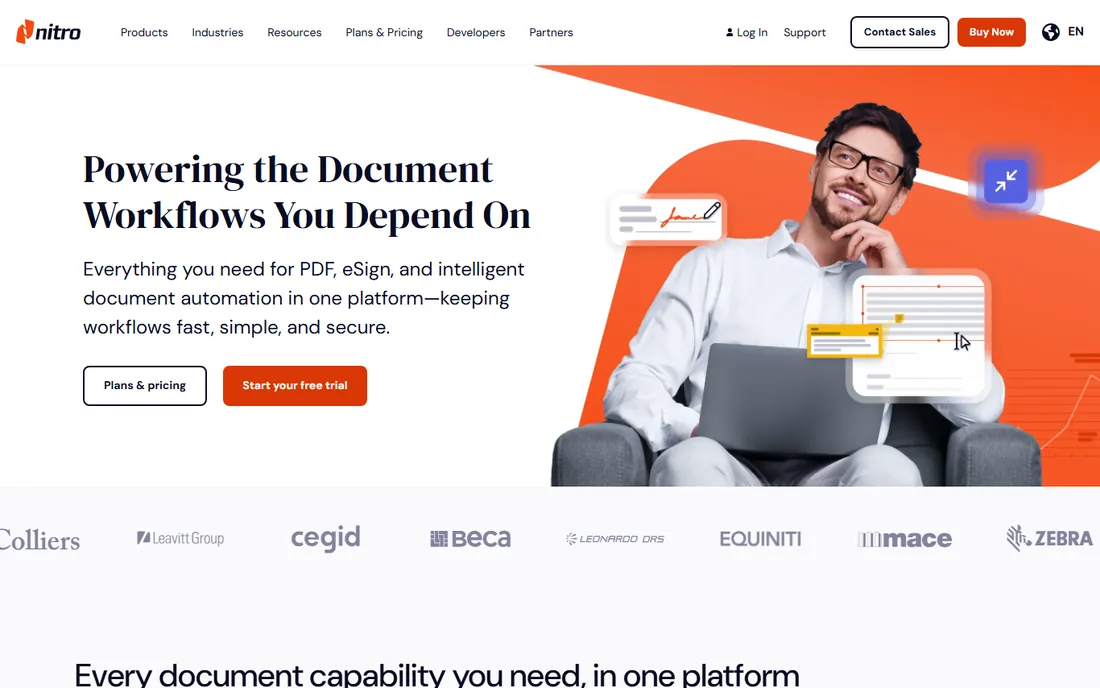
Nitro is the most established Acrobat alternative, built for businesses rather than individuals. The Standard plan covers creating, editing, converting, combining and securing PDFs, with an AI document assistant and table extraction to Excel in recent versions. The 14-day trial needs no credit card and gives full access to every feature.
The math is what sells it: $15 per user per month against Acrobat Pro's $19.99, with discounts as you add seats. The catch is that e-signatures live in Nitro Sign, a separate product starting around $9.99 per user per month. If your team mostly edits and rarely sends for signature, Nitro wins on value. If signing is the main job, price the bundle before you switch.
What we like- Office-style ribbon interface, so staff learn it in an afternoon
- Solid OCR, redaction and form tools at a lower price than Acrobat
- Volume discounts for multiple seats
Watch out for- Nitro Sign is a separate subscription ($9.99-plus per user per month), so signing costs extra
- No meaningful free online tier
#3
Foxit PDF Editor
Best for: Businesses that want admin controls and volume pricing
Visit foxit.com
Starting price$129.99/user/year
Free planFree trial (14 days)
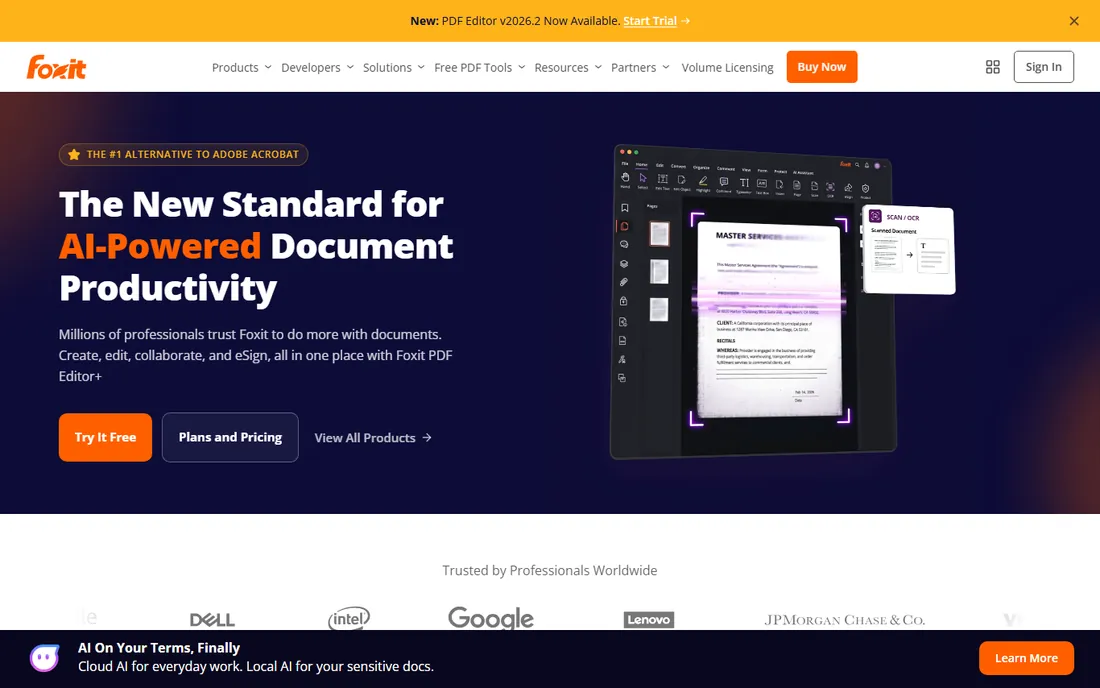
Foxit has been the number-two desktop PDF editor for years, and its pitch to business buyers is control: an admin console, volume discounts up to 30 percent on 30-plus licenses, and every plan shipping with Foxit DMS cloud storage and monthly AI credits. The base Editor covers professional editing, conversion, OCR, forms and security on Windows, Mac and web.
The tier ladder matters. Signing workflows with legally binding signatures, signature requests and tracking live in Editor+ at $159.99 per user per year. The 14-day trial needs no card. Foxit makes sense for firms standardizing PDF tools across dozens of seats, where the admin console and volume pricing outweigh the interface, which reviewers rate a step below Acrobat.
What we like- Admin console and centralized license management included
- Editor+ ($159.99/year) adds mobile apps, eSign and AI redaction
- Perpetual license option at $209.99 one-time
Watch out for- The AI assistant is a $49.99/year add-on
- Editor+ is needed for the serious signing features
Starting price$79.99/year (individual plan)
Free planFree trial (watermarked exports)
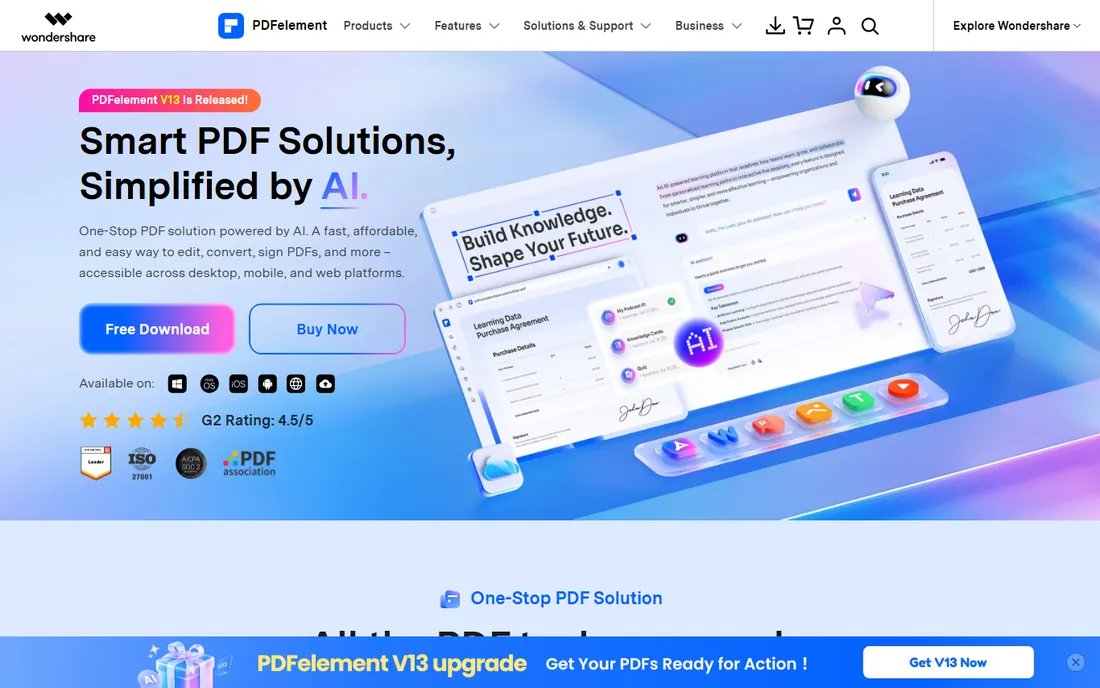
PDFelement is Wondershare's Acrobat challenger, and its main weapon is price: $79.99 a year for individuals, against $239.88 for Acrobat Pro. You get editing, conversion, compression, annotation, OCR, signing, form filling and password protection across Windows, Mac, iOS, Android and web. The current version added AI summarization, smart redaction and batch processing.
The free trial never expires but watermarks exports, limits conversion to two pages and blocks OCR, so it is a demo, not a tool. Teams pay from $109 per user per year with centralized license management. Reviews rate it well for speed and stability on large files. It is the value pick if you want a real desktop editor and do not want to pay Adobe prices.
What we like- Full editor with OCR at the lowest annual price here
- $129.99 perpetual license for subscription haters
- Multi-model AI features and 75-language translation
Watch out for- Teams pricing starts at $109/user/year, a big jump from individual
- Free trial watermarks exports and limits conversions
Starting price$108/year (or $15/month)
Free planYes (2 tasks/day)
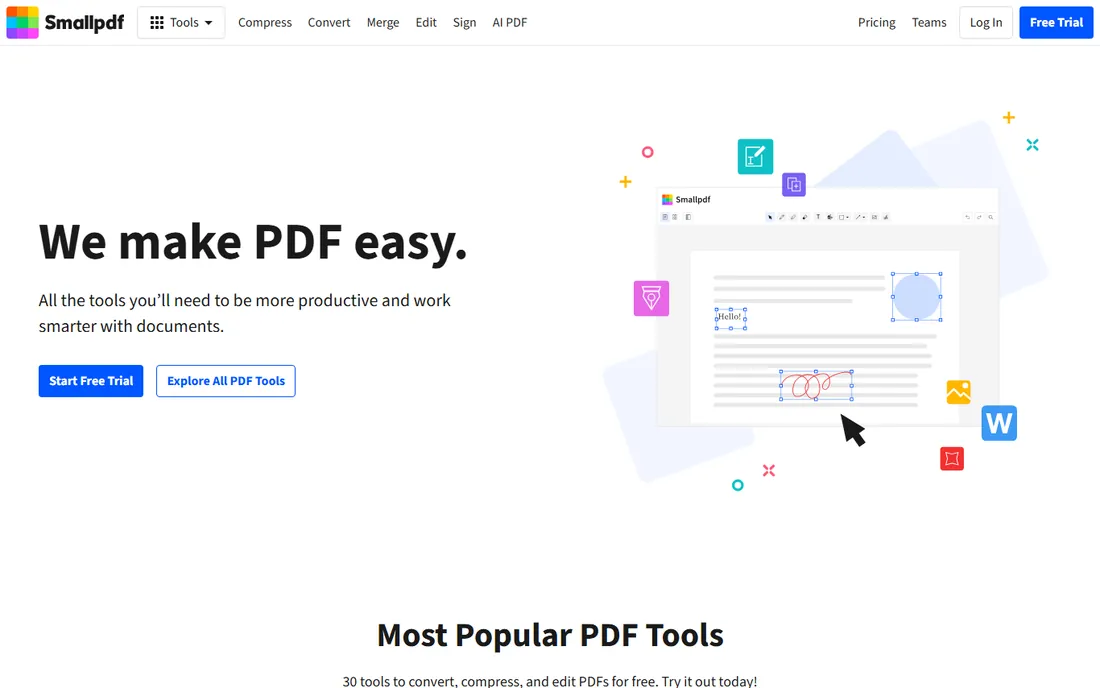
Smallpdf is the best-known online PDF suite: compress, convert, edit, sign, protect and AI tools, all in the browser. Pro removes all limits on tool access, OCR, strong compression, batch processing and mobile apps. The bundled Sign.com premium subscription is genuinely valuable if you send documents for signature regularly.
The free tier barely counts as free: two tasks a day, shared across all tools. And Smallpdf is cloud-only; files upload to Swiss servers, with a one-hour deletion policy on free and 14 days on Pro. At $108 a year it is cheaper than Acrobat, and the e-sign bundle can replace a separate signing subscription. If you need offline editing or handle sensitive documents, pick a desktop tool instead.
What we like- The most polished web interface of any online PDF tool
- Unlimited Sign.com premium e-signing bundled with Pro
- Integrations with Google Workspace, Dropbox and OneDrive
Watch out for- The free tier is the most restrictive here (two tasks a day)
- Everything processes on Smallpdf's servers, so no offline mode
Starting price$56 one-time (single-user license)
Free planYes (free version with most features)
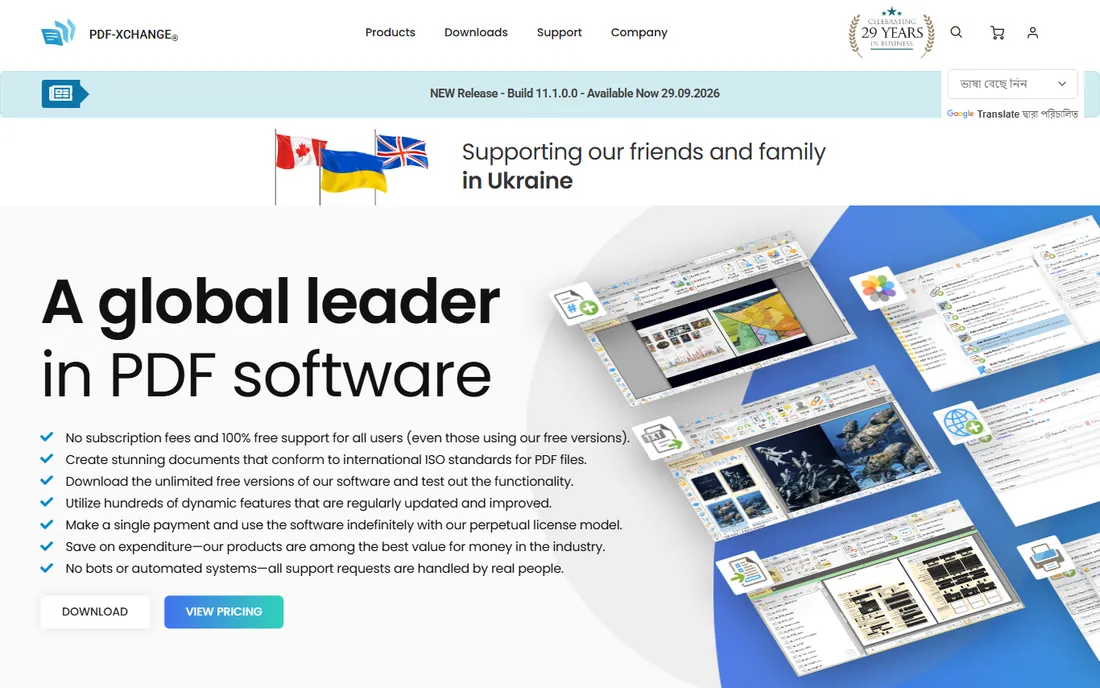
PDF-XChange Editor is the sleeper pick. The free version includes viewing, annotation, multi-language OCR, stamps, an integrated JavaScript engine and page markup. The paid license at $56 one-time adds fillable forms, Word conversion, page combining, deletion and direct scanning to PDF; Plus at $72 adds form creation tools and an advanced OCR plugin.
It is Windows-first, which limits mixed-OS offices. Updates after the first year need a maintenance renewal, but the software keeps working. For a small business on Windows that resents subscriptions, this is the cheapest path to a capable editor: start free, pay $56 once if you hit a paid feature.
What we like- Roughly 70 percent of features work in the free version
- One-time license, no subscription
- Fast and light even on old hardware
Watch out for- Windows-focused with limited Mac support
- Paid features watermark output if used unlicensed
#7
Sejda
Best for: Occasional browser-based editing on a budget
Visit sejda.com
Starting price$7.50/month (Premium)
Free planYes (3 tasks/hour)
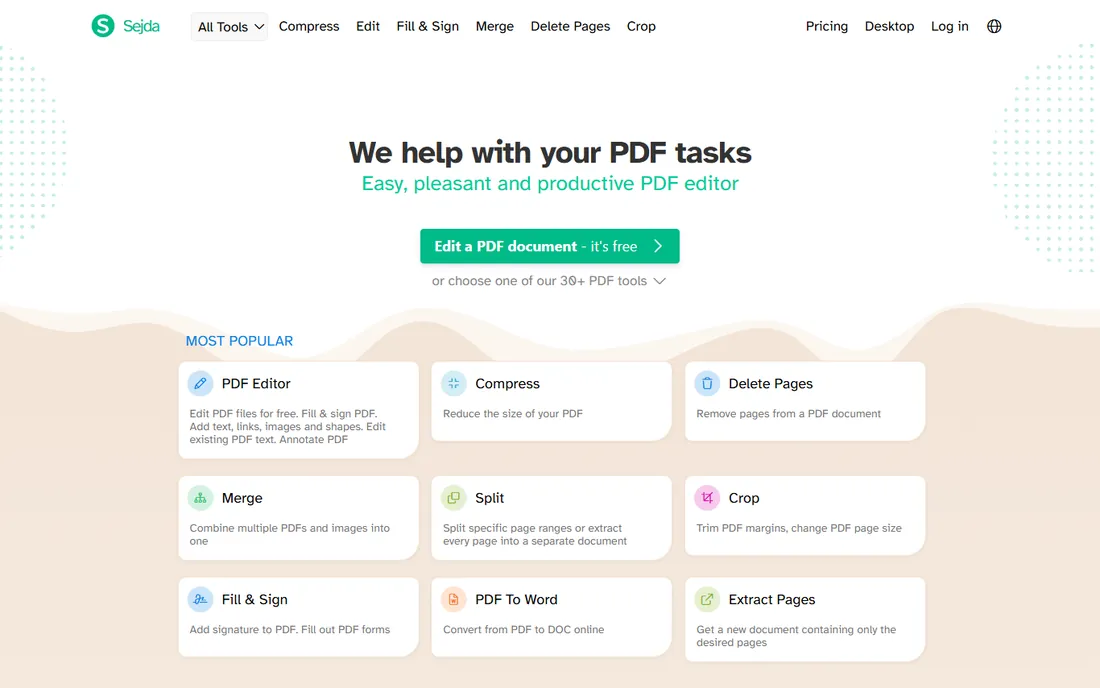
Sejda is the quiet workhorse of online PDF tools. The free tier allows three tasks an hour with files up to 50 MB and 200 pages, which covers most real-world jobs: merging, splitting, compressing, converting, signing and light editing. Premium at $7.50 a month removes the limits and adds batch processing.
Privacy handling is better than most: uploads are deleted automatically, which matters for contracts and HR documents. There is a desktop app for offline work, though reviewers find it thinner than the web version. For a business that touches PDFs a few times a week, the free tier may be all you ever need.
What we like- The cheapest paid tier on this list
- Files deleted automatically after processing
- Clean interface with no account needed for basic use
Watch out for- 50 MB and 200-page limits per file
- Desktop app is basic compared with web tools
Starting price$9/month (or from $4/month on annual billing)
Free planYes (generous free tier)
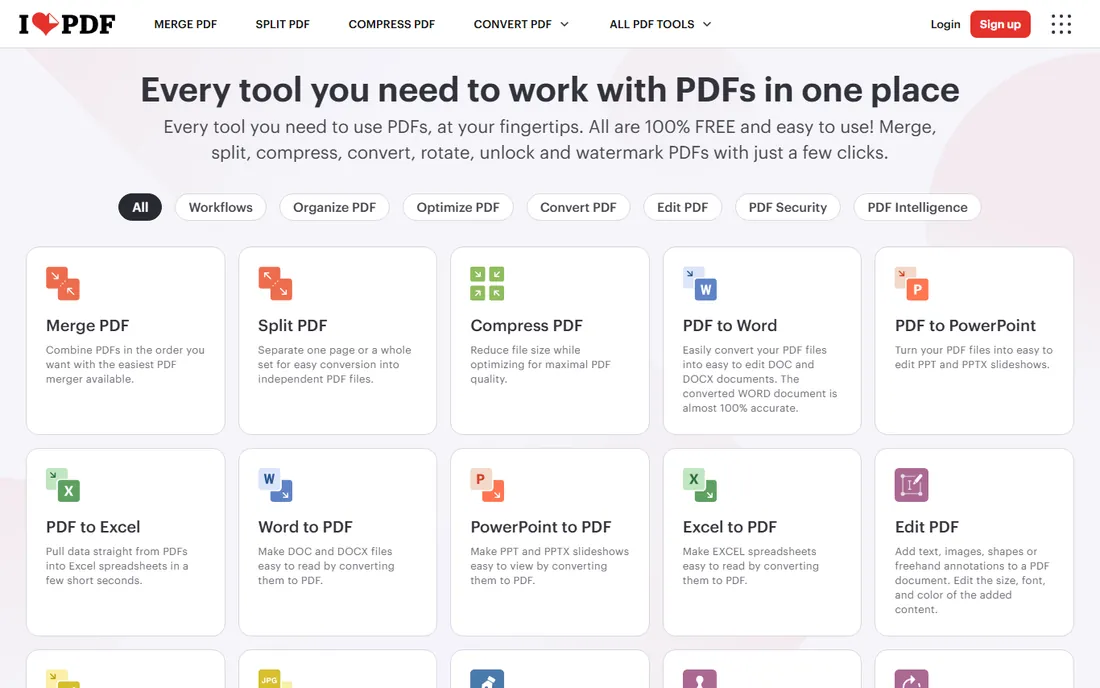
iLovePDF lists every tool on its homepage, which tells you its philosophy: get in, convert, get out. The free tier handles merging, splitting, compressing and converting with file limits around 100 MB, more generous than Smallpdf's two-tasks-a-day. Premium starts around $4 a month on annual billing and adds unlimited batch processing, 4 GB file limits and the desktop and mobile apps.
The interface is utilitarian rather than beautiful, and you will see ads nudging you to upgrade. For a small business that mostly converts and merges files rather than editing them deeply, iLovePDF's free tier plus the occasional Premium month is the cheapest workable setup on this list.
What we like- The most generous free tier among online tools
- 30-plus tools with batch processing on Premium
- Desktop and mobile apps included
Watch out for- Full text editing needs Premium
- Free tier shows upgrade ads
#9
PDF24 Tools
Best for: Businesses that want capable PDF tools for free
Visit pdf24.org
Starting priceFree
Free planYes
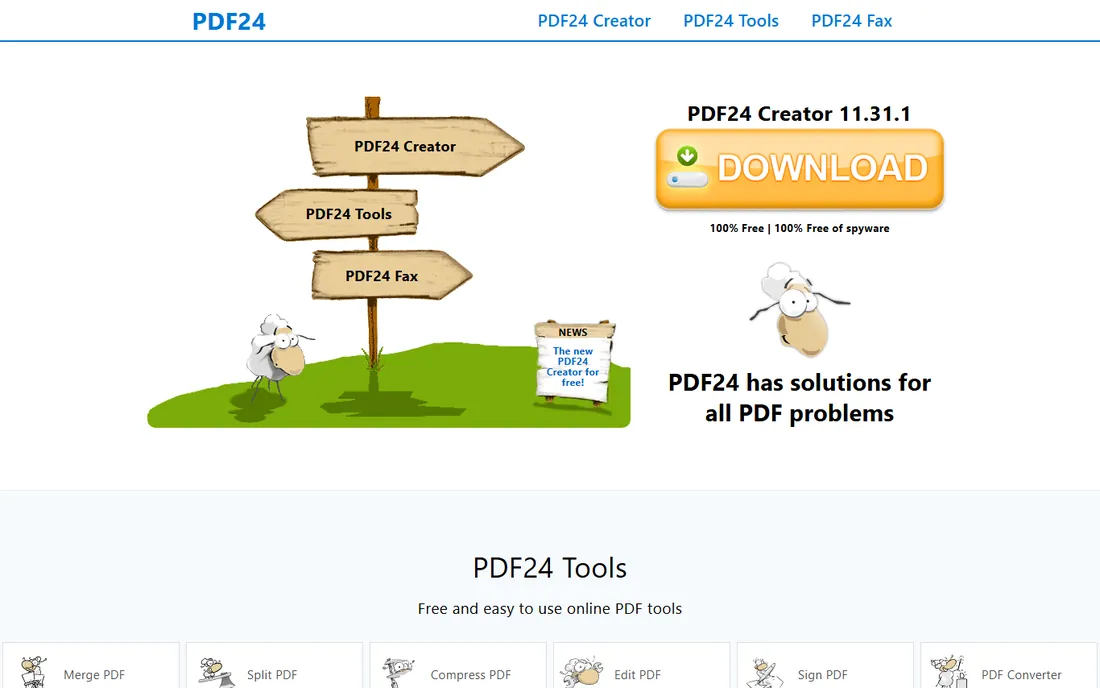
PDF24 is the free option that does not play games: no daily limits, no watermarks, no account, no upsell walls. The online tools and the Windows app cover merging, splitting, compressing, converting, protecting, signing and annotating. It is built by a German software company and has been around for years.
The trade-offs are real: the design feels old, there is no OCR for scanned documents, and editing existing text is limited. But for the five core jobs most small businesses need, PDF24 does them for free. It belongs on every shortlist as the baseline: if a paid tool cannot clearly beat PDF24 at your actual workflow, do not pay.
What we like- Completely free with no task counters or watermarks
- Works online or as a Windows desktop app
- German company with straightforward privacy handling
Watch out for- Interface looks dated
- No OCR or advanced editing features
How we chose
We started from the vendors' own pricing pages, because PDF pricing is a maze of monthly, annual, per-user and one-time options that review sites routinely get wrong. Every price above was checked against the vendor's current published plan or a same-week crawl of it; where regional pricing varies, we used US list prices. We then tested the feature story each vendor tells: editing depth, OCR quality claims, e-sign limits, platform coverage and what the free tier actually allows. Public reviews on G2, Capterra, TrustRadius and Reddit plus hands-on reviews from TechRadar and PCWorld filled in the usability picture. We mixed the industry standard with cheaper desktop editors and free online tools, because a small business buyer needs the full price range, not nine versions of the same subscription.
Count your monthly PDF jobs before you buy. A team that merges and signs a few contracts a week lives happily on Sejda's free tier or iLovePDF. A team that redacts, OCRs and compares documents daily needs a desktop editor: PDFelement, Nitro or Foxit. A remote team on mixed devices wants browser-first: Smallpdf or Acrobat web.
Then check the two limits that cause buyer's remorse. First, e-sign allowances: Acrobat Standard limits signature collection, Nitro splits signing into a separate product, and Smallpdf bundles unlimited signing. If signatures are the job, price the signing first and the editing second. Second, platform coverage: PDF-XChange and PDF24 are Windows-centric, Foxit covers Mac and web, Acrobat and Smallpdf cover everything. A mixed Mac and Windows office narrows the field fast.
The hidden costs: AI add-ons, e-sign limits and minimums
The headline price is rarely the whole bill. Acrobat's AI assistant is $4.99 per license per month extra. Foxit's AI assistant is $49.99 a year extra. Nitro's signing is a separate subscription. Smallpdf looks pricier until you realize the e-sign platform is included, which can cancel a DocuSign bill.
Also check seat minimums and billing terms. Nitro bills annually with no monthly option. Acrobat's annual plan billed monthly still commits you for the year, with an early-termination fee if you cancel. Foxit's volume discounts start at 30 licenses. And always confirm whether the price you saw is US list: several vendors show different numbers by region, and promos change the first-year price.
Frequently asked questions
Which PDF software is best for a small business?
For most small businesses, Nitro PDF Standard ($15/user/month) or Foxit PDF Editor ($129.99/user/year) cover the daily work at well under Acrobat's price. Budget buyers should look at PDFelement ($79.99/year) or the free PDF24 Tools. Pick Acrobat Pro only when client compatibility or compliance requires the Adobe name.
Is there a free PDF editor that is actually good?
Yes. PDF24 Tools is completely free with no task limits or watermarks. PDF-XChange Editor's free version includes roughly 70 percent of its features, including OCR. Sejda and iLovePDF have generous free tiers for browser-based work. Free tools fall short on advanced editing, redaction and bulk OCR, which is when a paid plan earns its keep.
Should I get Acrobat or Nitro?
Nitro PDF Standard costs $15 per user per month against Acrobat Pro's $19.99, and its Office-style interface is easier for staff to learn. Acrobat wins on compatibility, deeper e-sign workflows and OCR quality. If your team mostly edits documents, Nitro saves real money. If you exchange contracts with parties who expect Adobe, or you need heavy signing workflows, Acrobat is safer.
How much does Adobe Acrobat cost for a small team?
Acrobat Pro for individuals is $19.99 per month on the annual plan billed monthly, or $29.99 month-to-month. Teams pricing is $23.99 per license per month. A five-person team on annual plans pays about $1,440 a year. The AI assistant adds $4.99 per license per month on top.
Can I e-sign contracts without paying for software?
For occasional signing, yes: Sejda, iLovePDF and Smallpdf all let you sign free within their task limits, and Acrobat Reader handles basic signing free. Regular senders need a paid plan: Smallpdf Pro bundles unlimited Sign.com signing at $108 a year, while Nitro and Foxit sell signing as a separate or higher-tier product.
What is OCR and do I need it?
OCR (optical character recognition) turns scanned paper into searchable, editable text. You need it if you receive scanned contracts, receipts or forms and want to search or edit them. Acrobat Pro, Nitro, Foxit, PDFelement and PDF-XChange all include OCR. If everything you handle is already digital, OCR is a feature you will never use, so do not pay extra for it.
Sources we checked (15)
- https://pdf.wondershare.com/pdf-software-comparison/adobe-acrobat-standard-vs-pro.html
- https://xodo.com/blog/adobe-acrobat-pricing-explained
- https://www.trustradius.com/products/adobe-acrobat/pricing
- https://www.gonitro.com/affordable-pdf-editor
- https://www.pcworld.com/article/827552/nitro-pro-pdf-editor-review.html
- https://www.foxit.com/pdf-editor/pricing/
- https://www.trustradius.com/compare-products/foxit-pdf-editor-vs-microsoft-power-automate
- https://max-productive.ai/ai-tools/wondershare-pdfelement/
- https://www.g2.com/products/wondershare-wondershare-pdfelement/pricing
- http://www.trustradius.com/products/pdfelement/pricing
- https://www.codegenes.net/blog/smallpdf-vs-ilovepdf/
- https://jobbit.uk/en/blog/pdf-converter-online-free-2026
- https://thebusinessdive.com/smallpdf-review
- https://www.techradar.com/reviews/pdf-xchange-editor
- http://www.trustradius.com/products/pdf-xchange-editor/pricing
Is your product missing or out of date?
We review this list regularly. Vendors can request a listing, send updated pricing or ask about featured placement.

Shihab Mia · Founder, Rankite
Shihab has spent more than a decade helping SaaS and e-commerce brands grow through search. He writes Rankite's software buying guides from pricing pages, documentation and public user reviews. More about Shihab.