How we make this list: we compare pricing pages, product documentation and public user reviews. Rankite is independent; if a vendor ever pays for a featured spot, that listing is clearly labeled Partner.
Key takeaways
- You have six PDFs that need to become one file. How long should that take? With the right tool, under two minutes, and for most people it should cost nothing.
- Smallpdf and iLovePDF are the easiest browser-based mergers: no install, free tiers, and clean interfaces your whole team can use immediately.
- PDF24 Tools and PDFsam Basic are completely free with no usage caps, and both work offline so sensitive files never leave your computer.
- If merging is just one of many daily PDF jobs, Adobe Acrobat, Foxit PDF Editor, and PDFelement bundle it into full editing suites, starting around $10 to $20 per month.
- Privacy is the real differentiator: online tools upload your files to a server, so anyone merging contracts or HR documents should prefer a desktop tool.
Quick comparison
| Tool | Best for | Starting price | Free plan |
|---|
 Smallpdf Smallpdf | Quick online merges with no software to install | $10/month (Pro, billed annually; $15 month-to-month) | Yes (free tier with daily limits); 7-day free trial of Pro |
 iLovePDF iLovePDF | Beginner-friendly merging plus desktop and mobile apps | From $4/month (Premium, billed annually) | Yes (free tier with limited processing) |
 Sejda Sejda | Occasional merges with no account and clean privacy handling | From $7.50/month ($63/year; $5 week pass available) | Yes (3 tasks per day, files up to 50 MB or 200 pages) |
 PDF24 Tools PDF24 Tools | Unlimited free merging, online or offline on Windows | Free | Yes (fully free, no limits) |
 PDFsam Basic PDFsam Basic | Offline batch merging on any desktop OS, free forever | Free (open source, AGPL) | Yes (fully free, no watermarks or limits) |
 Adobe Acrobat Adobe Acrobat | Teams that need merging inside a full professional PDF suite | From $19.99/month (Acrobat Pro, annual plan billed monthly) | Free trial (7 days) |
 Foxit PDF Editor Foxit PDF Editor | A cheaper full PDF editor than Acrobat for daily PDF work | From $10.99/user/month (annual); perpetual license $209.99 one-time | Free trial (14 days) |
 PDFelement PDFelement | One-time purchase fans who want editing plus merging | From $79.99/year (perpetual license $129.99 one-time) | Free trial (7 days, watermarked) |
Is your product missing or out of date?
We review this list regularly. Vendors can request a listing, send updated pricing or ask about featured placement.
The best pdf merge software
Starting price$10/month (Pro, billed annually; $15 month-to-month)
Free planYes (free tier with daily limits); 7-day free trial of Pro
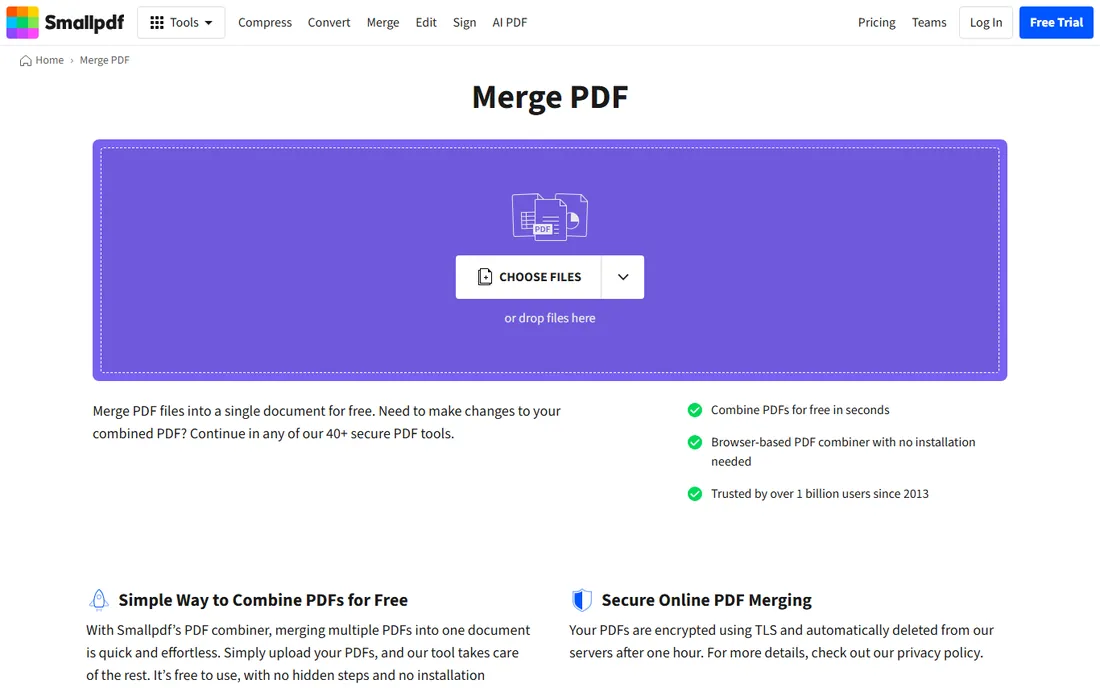
Smallpdf is the first name most people reach for when they need to combine PDFs, and the merge tool shows why. You drag files in, rearrange pages as thumbnails, hit merge, and download. It accepts Word, Excel, and image files alongside PDFs, converting them on the fly, and it can save straight to Google Drive or Dropbox. The whole thing runs in the browser with nothing to install, which makes it the easiest option to roll out to a team that just needs to get the job done.
The free tier covers casual use but rations it with daily limits, and anything beyond basic merging (text editing, OCR, batch work, strong compression) needs Pro at $10 per month billed annually or $15 month-to-month, with a 7-day free trial. The other honest note is privacy: files are TLS-encrypted and deleted within an hour, but they do travel to Smallpdf's servers. For routine documents that is fine. For confidential ones, look at the offline options below.
What we like- Extremely easy merge workflow with page previews
- Merges Word, Excel, and images too
- Files auto-deleted after one hour
Watch out for- Free tier has daily task limits
- Pro features like OCR and batch processing sit behind the subscription
- Uploads go to their servers
#2
iLovePDF
Best for: Beginner-friendly merging plus desktop and mobile apps
Visit ilovepdf.com
Starting priceFrom $4/month (Premium, billed annually)
Free planYes (free tier with limited processing)
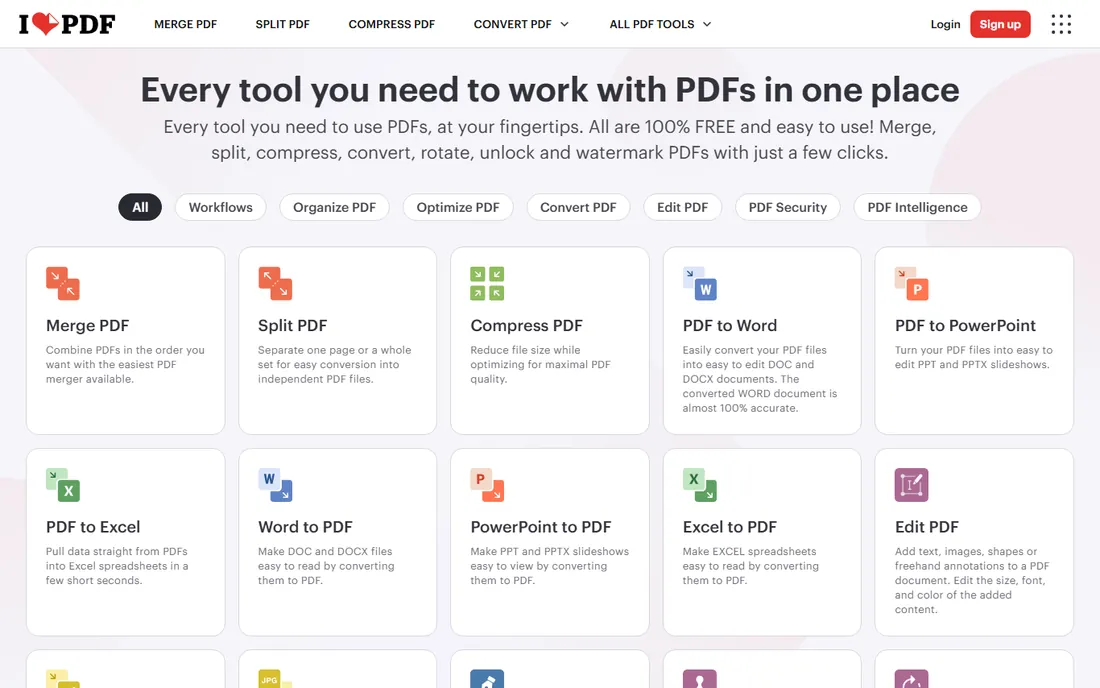
iLovePDF takes the same browser-based approach as Smallpdf but feels slightly friendlier to first-time users. The homepage lays out every tool as a big button, merging takes seconds, and there is no account needed to start. Where it pulls ahead is the ecosystem: the desktop app for Windows and Mac processes files locally with no internet and no limits, and the mobile apps mean the same workflow follows you to your phone.
Premium pricing has shifted recently, with the most current figures around $4 per month billed annually, so treat older reviews quoting $6 with caution and check the site before budgeting. The free tier handles merging, splitting, and compressing with some limits on processing volume. If your team merges PDFs on phones as often as on desktops, iLovePDF's app lineup is a genuine advantage over browser-only rivals.
What we like- Very approachable interface
- Desktop app works offline with no limits
- Mobile apps included
Watch out for- Advanced features like OCR and e-sign need Premium
- Recent pricing changes make old reviews unreliable
#3
Sejda
Best for: Occasional merges with no account and clean privacy handling
Visit sejda.com
Starting priceFrom $7.50/month ($63/year; $5 week pass available)
Free planYes (3 tasks per day, files up to 50 MB or 200 pages)
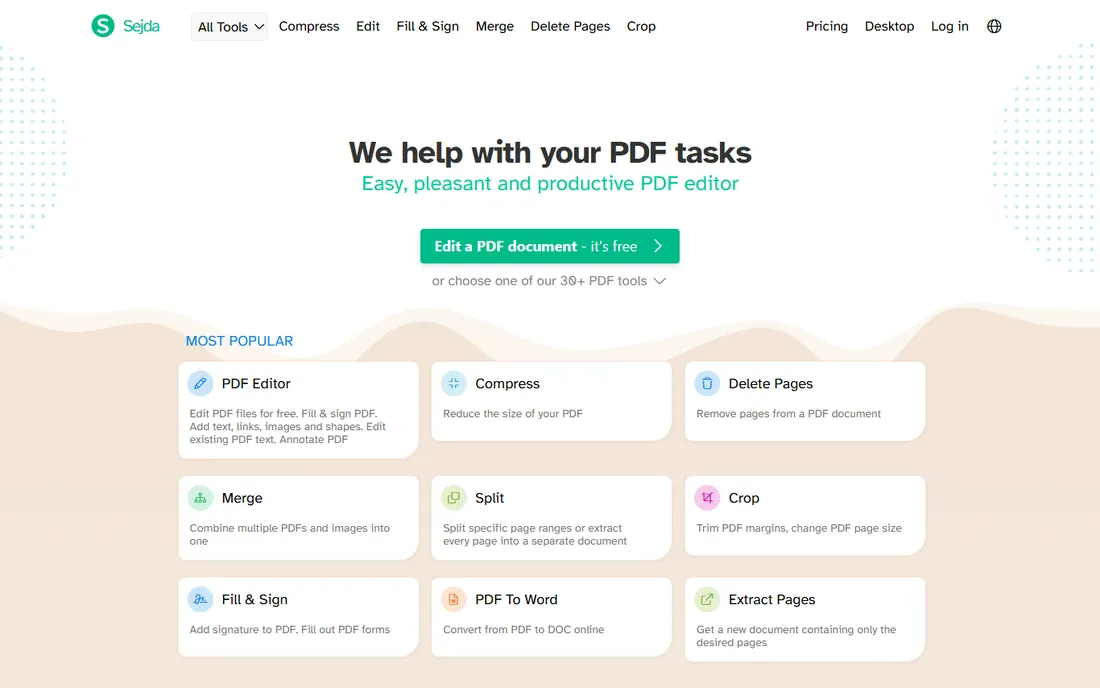
Sejda is the quiet achiever of online PDF tools. The merge tool lets you combine PDFs and images, reorder by drag or alphabetically, generate bookmarks and a table of contents from the merged files, and even add file names as footers, which is more control than most free mergers offer. Nothing requires an account, the interface has no ads, and uploaded files are deleted after two hours.
The free tier allows three tasks per day with files up to 50 MB or 200 pages, which is plenty for occasional use. Heavy users can buy a $5 week pass, pay $7.50 monthly, or take the $63 annual plan. There is also a desktop version for macOS, Windows, and Linux that processes everything locally. If your merging needs are sporadic but your documents are sensitive, Sejda's no-sign-up model and short retention window make it an easy recommendation.
What we like- No account or sign-up required
- Files auto-deleted after 2 hours
- Desktop version keeps files fully local
Watch out for- Free tier limited to 3 tasks daily
- Text editing is weaker than the dedicated editors
- Paid plans renew automatically
Starting priceFree
Free planYes (fully free, no limits)
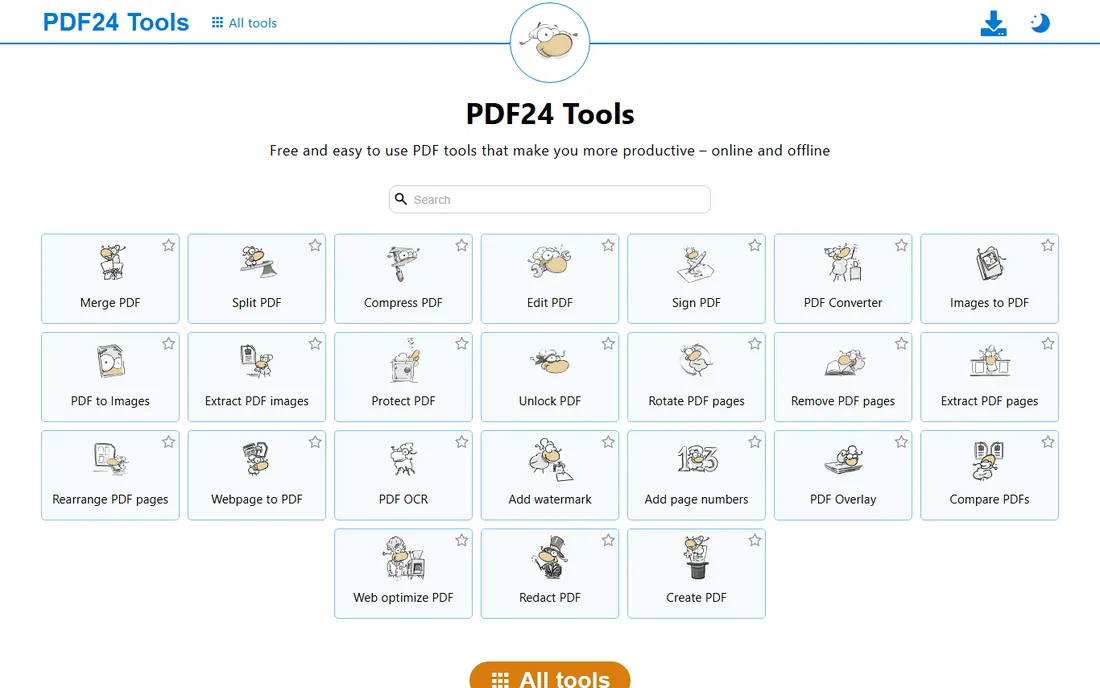
PDF24 is the answer to "is there a merger that is just free, with no catch?" The online tools handle merging, splitting, compressing, converting, signing, and OCR without accounts, watermarks, or usage caps, funded by on-page advertising. The standout is the Assemble tool, which shows every page of every document side by side so you can drag pages between files, merge, split, rotate, and delete in one visual workspace.
For Windows users there is also PDF24 Creator, a free desktop app that brings the whole toolbox offline, so files never leave the PC. That combination, unlimited free online plus a free offline app, is unmatched at this price point (zero). The trade-offs are cosmetic and platform-related: the design looks like it has not changed in a decade, and Mac and Linux users are limited to the browser tools. If free and unlimited are your priorities, start here.
What we like- Completely free with no artificial limits
- Visual page-by-page assembly
- Offline Windows app included
Watch out for- Online tools are ad-supported
- Desktop Creator is Windows-only
- Interface looks dated
#5
PDFsam Basic
Best for: Offline batch merging on any desktop OS, free forever
Visit pdfsam.org
Starting priceFree (open source, AGPL)
Free planYes (fully free, no watermarks or limits)
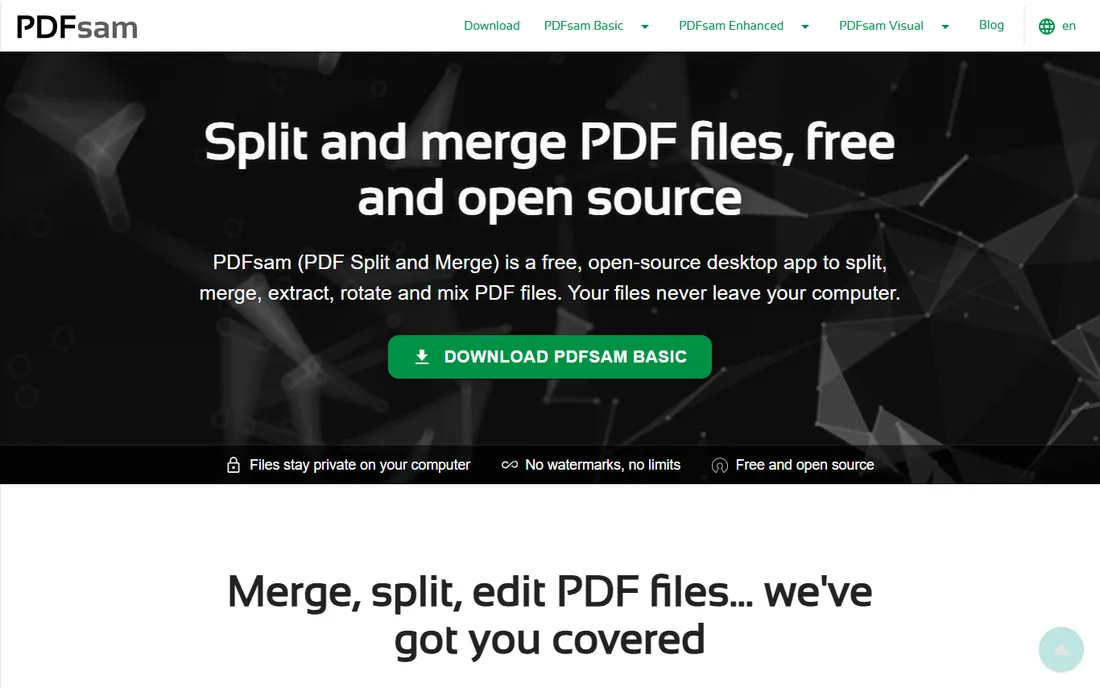
PDFsam Basic, short for PDF Split and Merge, has been doing exactly what its name says since 2006. It is a free, open-source desktop app for Windows, macOS, and Linux that merges, splits, extracts, rotates, and mixes PDF pages with no watermarks, no file size limits, and no sign-up. Because it runs entirely on your machine, it is the natural choice for confidential documents that should never touch a server.
The workflow is functional rather than beautiful: you select files and type page ranges (like 1-10, 14, 25-) instead of dragging thumbnails. It handles bookmarks, interactive forms, and tables of contents during merges, and the Mix module interleaves pages from two files, handy for single-sided scans. The vendor does nudge you toward paid editions (Visual and Enhanced) with popups, but Basic itself is genuinely free, including for commercial use. For IT-managed environments that need a no-cost, no-cloud merger on every desktop, this is it.
What we like- Free and open source since 2006
- Runs on Windows, macOS, and Linux
- Everything stays on your computer
Watch out for- Page-range workflow is less visual than drag-and-drop tools
- No browser version
- Upsell prompts for paid editions
#6
Adobe Acrobat
Best for: Teams that need merging inside a full professional PDF suite
Visit adobe.com
Starting priceFrom $19.99/month (Acrobat Pro, annual plan billed monthly)
Free planFree trial (7 days)
Adobe invented the PDF, and Acrobat Pro remains the reference implementation. Merging is one small part of a suite that edits text and images directly, converts to and from Office formats, runs OCR on scans, redacts sensitive data permanently, and manages e-signature requests with tracking and reminders. If your team lives in PDFs all day, the depth is unmatched and the output quality is the benchmark others are measured against.
The price reflects that position: Pro runs $19.99 per month on the annual plan billed monthly ($29.99 month-to-month), with Standard at $14.99 and a newer Studio tier above Pro. There is a 7-day free trial but no free plan, and Adobe no longer sells perpetual licenses to new customers. For merging alone, Acrobat is overkill and overpriced. It earns its place when merging is one task among dozens and you want one vendor, one login, and one support contract covering all of it.
What we like- The industry standard with the most complete feature set
- Excellent conversion and OCR
- E-signature workflows built in
Watch out for- The most expensive option here
- Subscription only for new customers
- More tool than a merge-only user needs
#7
Foxit PDF Editor
Best for: A cheaper full PDF editor than Acrobat for daily PDF work
Visit foxit.com
Starting priceFrom $10.99/user/month (annual); perpetual license $209.99 one-time
Free planFree trial (14 days)
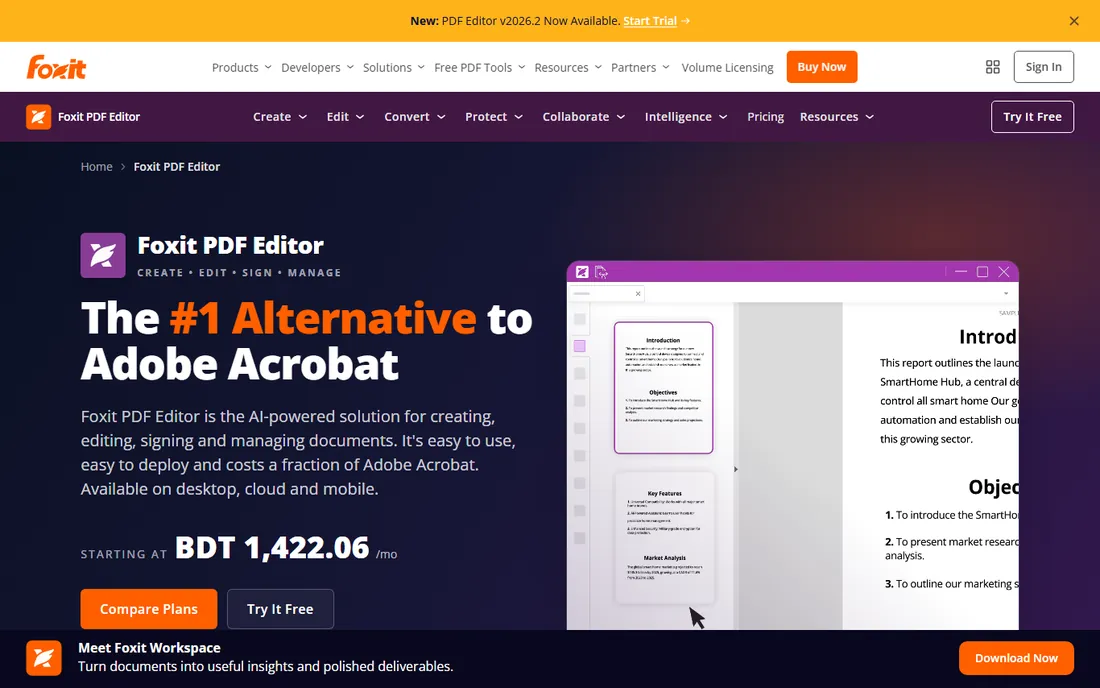
Foxit has spent years positioning itself as the pragmatic alternative to Acrobat, and on price the case is clear: subscriptions start at $10.99 per user per month, which Foxit pegs at 44% below Acrobat Pro, and unlike Adobe it still sells a perpetual license ($209.99 one-time) for buyers who refuse subscriptions. You get full editing, conversion, OCR, forms, redaction, e-signatures, and an AI assistant with monthly credits, plus a document management system bundled into subscriptions.
Merging works exactly as you would expect, alongside page organization tools that handle the combine-split-reorder cycle well. The 14-day free trial is more generous than Adobe's week. The honest knocks: the ribbon interface packs in a lot and can feel busy, and some advanced AI capabilities need add-ons. For a small business that wants a real PDF editor without Adobe pricing, Foxit is the most direct substitute.
What we like- Roughly half the price of Acrobat Pro
- Perpetual license still available
- AI assistant and document management included
Watch out for- Interface can feel cluttered
- Advanced AI features cost extra
- Smaller ecosystem than Adobe
Starting priceFrom $79.99/year (perpetual license $129.99 one-time)
Free planFree trial (7 days, watermarked)
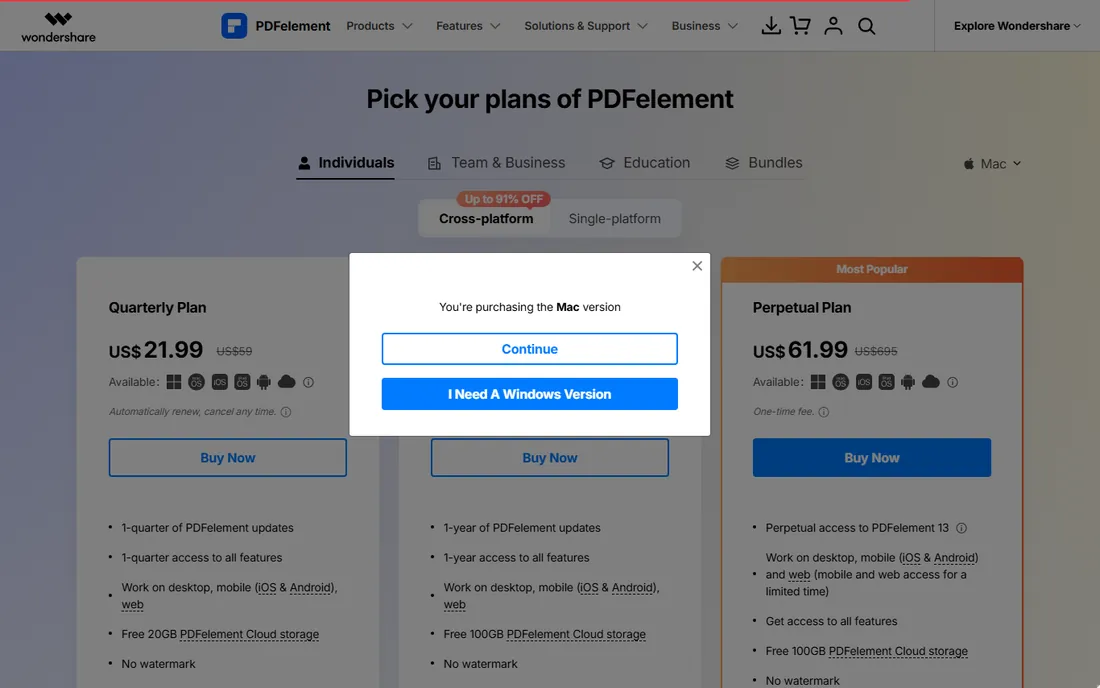
PDFelement from Wondershare is the favorite of buyers who want to pay once and be done. The perpetual license at $129.99 one-time buys the current version outright, while the yearly plan at $79.99 keeps updates flowing. Either way you get a full editor: direct text editing, conversion, OCR, form creation, batch processing, redaction, and AI tools that summarize, translate, and chat with your documents. It runs on Windows, Mac, iOS, and Android.
The trial is usable for evaluation but watermarks saved files and limits combining to three files under 20 MB, so test accordingly. Pricing shifts with promotions and differs between the Windows and Mac stores, so confirm the number at checkout. PDFelement does not match Acrobat's polish or Foxit's enterprise tooling, but for a small team that merges, edits, and converts regularly and would rather own than rent, the perpetual license is compelling.
What we like- Perpetual license available
- Strong OCR and batch tools
- AI features for summarizing and translating PDFs
Watch out for- Trial watermarks saved files
- Pricing varies by platform and changes with promotions
- Support is not Adobe-grade
Online vs desktop: which is safer for sensitive files?
This is the question that should drive your choice more than any feature list. Online mergers upload your files to someone else's server, process them, and delete them after a set time (one hour at Smallpdf, two at Sejda, a short period at PDF24). Those vendors are reputable and use encryption, but "deleted after processing" still means your document existed on a third-party server.
If you merge contracts, financial statements, HR records, or anything with personal data, use a desktop tool. PDFsam Basic, PDF24 Creator, Sejda Desktop, and the full editors all process files locally, so nothing ever leaves your machine. The workflow is barely slower, and for regulated industries it is not really a choice at all. A practical rule: routine documents can go through the browser, sensitive ones stay on the desktop.
Start with merge quality, not the merge button. Check whether the tool preserves bookmarks, links, and form fields when combining files, and whether it can generate a table of contents from the merged documents. Sejda and PDFsam handle this well; the simplest free tools sometimes flatten everything into plain pages.
Next, look at limits that will actually bite you. Free online tools cap daily tasks, file sizes, or page counts (Sejda: 3 tasks a day and 50 MB; Smallpdf: daily download limits). If you merge weekly board packs or monthly report bundles, those caps will force an upgrade fast, and at that point a free unlimited tool like PDF24 or PDFsam Basic may serve you better than a subscription.
Then consider the full workflow. Merging is rarely the only job: you will also split, compress, convert, and sign. Browser suites like Smallpdf and iLovePDF cover the whole cycle in one place, while desktop tools keep it all local. Finally, match the pricing model to your usage. Occasional mergers should stay free; daily PDF workers should compare Foxit and PDFelement against Acrobat on total annual cost, including whether you prefer a subscription or a one-time license.
How we chose
We focused on tools with an established record for PDF merging, from free utilities to full professional editors, prioritizing options relevant to small and mid-size businesses. In October 2026 we verified each vendor's homepage and checked current pricing against vendor pages and reputable review sources, noting where free tiers carry limits. We did not run hands-on trials, so these assessments reflect published features, pricing, and widely reported user feedback rather than lab testing. Tools that could not be verified as active were left out.
Frequently asked questions
Is it really free to merge PDFs?
Yes, several good options cost nothing. PDF24 Tools and PDFsam Basic are completely free with no usage limits, Sejda gives you three free merges a day without an account, and Smallpdf and iLovePDF have free tiers for light use. You only need to pay if you merge constantly, need advanced features like OCR and batch processing, or want a full PDF editor.
Will merging PDFs reduce their quality?
Not with a proper merge tool. Merging combines the pages of your files without re-rendering them, so text and images keep their original quality. Quality drops only if you also compress during the process or if the tool re-encodes images aggressively. If file size matters, merge first and compress second so you control each step.
Are online PDF mergers safe for confidential documents?
They are reasonably safe but not ideal. Reputable tools encrypt uploads and delete files within one to two hours, but the file still travels to a third-party server. For contracts, financials, or anything with personal data, use a desktop tool like PDFsam Basic, PDF24 Creator, or Sejda Desktop, where files never leave your computer.
Can I merge password-protected PDFs?
Most mergers cannot combine locked files directly. Remove the password first with a PDF password-removal tool (Sejda, Smallpdf, and iLovePDF all offer one), then merge the unprotected files. You will need to know the password; these tools cannot crack encryption, they only remove protection you are authorized to lift.
Can I merge PDFs on my phone?
Yes. Smallpdf, iLovePDF, and Sejda all work in mobile browsers with no app install, and iLovePDF and PDFelement offer dedicated mobile apps. The browser tools handle quick merges well; for larger jobs or sensitive files, do it on a desktop instead.
Do I need Adobe Acrobat just to merge PDFs?
No. Acrobat is excellent but it is the most expensive way to combine files. If merging is your main need, the free tools on this list do it just as well. Consider Acrobat, Foxit, or PDFelement only when you also edit, convert, OCR, and sign PDFs regularly enough to justify a full editor.
Sources we checked (8)
- https://www.adobe.com/acrobat/acrobat-pro.html
- https://smallpdf.com/merge-pdf
- https://ilovepdf.com/
- https://www.sejda.com/
- https://tools.pdf24.org/en/
- https://pdfsam.org/
- https://www.foxit.com/pdf-editor/
- https://pdf.wondershare.com/buy/pdfelement-mas.html
Is your product missing or out of date?
We review this list regularly. Vendors can request a listing, send updated pricing or ask about featured placement.

Shihab Mia · Founder, Rankite
Shihab has spent more than a decade helping SaaS and e-commerce brands grow through search. He writes Rankite's software buying guides from pricing pages, documentation and public user reviews. More about Shihab.