How we make this list: we compare pricing pages, product documentation and public user reviews. Rankite is independent; if a vendor ever pays for a featured spot, that listing is clearly labeled Partner.
Key takeaways
- Bluebeam Revu is the standard for construction document markup.
- Adobe Acrobat Pro is the all-round choice with the deepest feature set.
- Foxit PDF Editor and Nitro PDF Pro offer strong value against Adobe pricing.
- PDF-XChange Editor is the lightweight Windows favorite for fast annotation.
Quick comparison
Is your product missing or out of date?
We review this list regularly. Vendors can request a listing, send updated pricing or ask about featured placement.
What PDF markup software does
PDF markup means annotating documents: comments, highlights, stamps, measurements, redlines and collaborative review. It differs from PDF editing (changing the underlying content) and from PDF annotation in emphasis only; markup tools focus on review workflows, especially in construction, engineering and legal work where drawings and documents circulate for comment. The best tools combine precise markup instruments with review tracking.
Starting priceSee website
Free planNo
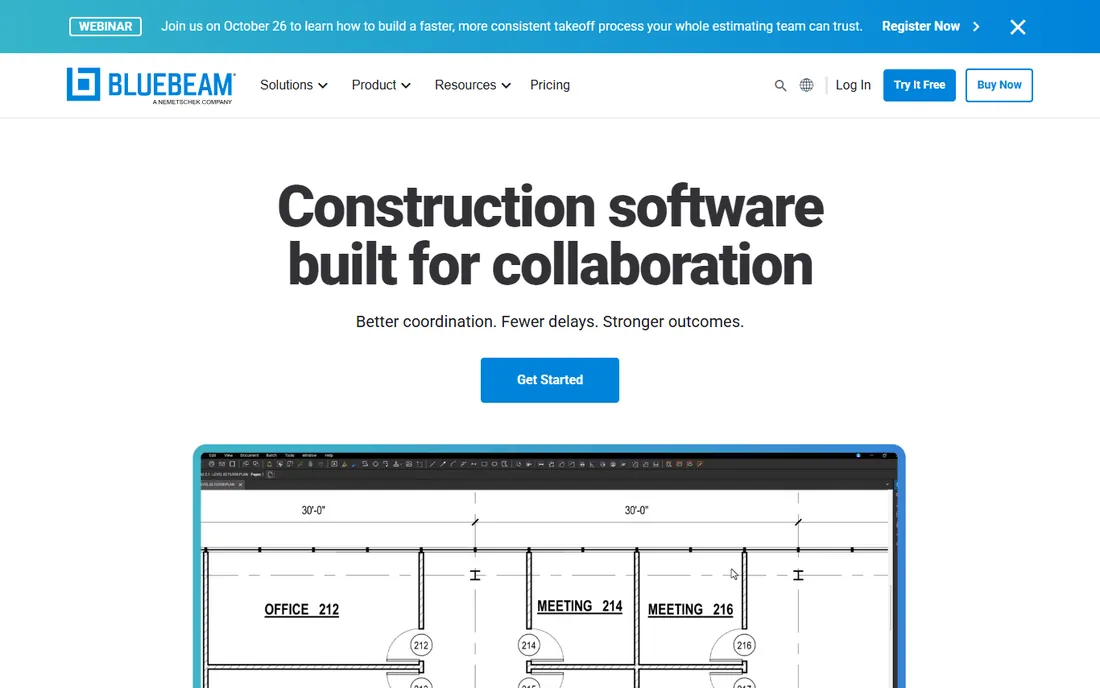
Bluebeam Revu is the construction industry's markup standard. Its toolsets are designed for drawings: calibrated measurements, quantity takeoffs, custom stamps, and overlay comparison that highlights differences between drawing revisions automatically. Studio Sessions let distributed teams mark up the same document in real time.
For architects, engineers and contractors, Revu's measurement accuracy and revision comparison justify its price many times over. It is less suited as a general PDF editor, and Mac users get a reduced experience. In AEC review workflows, it is the tool everyone else is measured against.
What we like- Purpose-built for AEC markups
- Measurement and takeoff tools
- Studio collaboration sessions
Watch out for- Windows-centric with limited Mac support
- Subscription-only now
- Learning curve for the toolset

#2
Adobe Acrobat Pro
Best for: all-round PDF markup and editing
Visit adobe.com
Starting priceSee website
Free planNo
Acrobat Pro remains the reference implementation for PDF. Its markup tools cover comments, highlights, stamps, drawing and text edits, with shared reviews that collect comments from multiple reviewers into one document. Integration with Microsoft 365, cloud storage and e-signatures makes it the hub of many document workflows.
For pure markup, it can feel like overkill, and the subscription price reflects the full editing suite. But when markup is one part of broader PDF work, including editing, forms and signatures, Acrobat's breadth is unmatched.
What we like- Deepest PDF feature set
- Shared review workflows
- Integrates with everything
Watch out for- Subscription pricing
- Heavier than needed for markup alone
- Interface is dense
Starting priceSee website
Free planNo
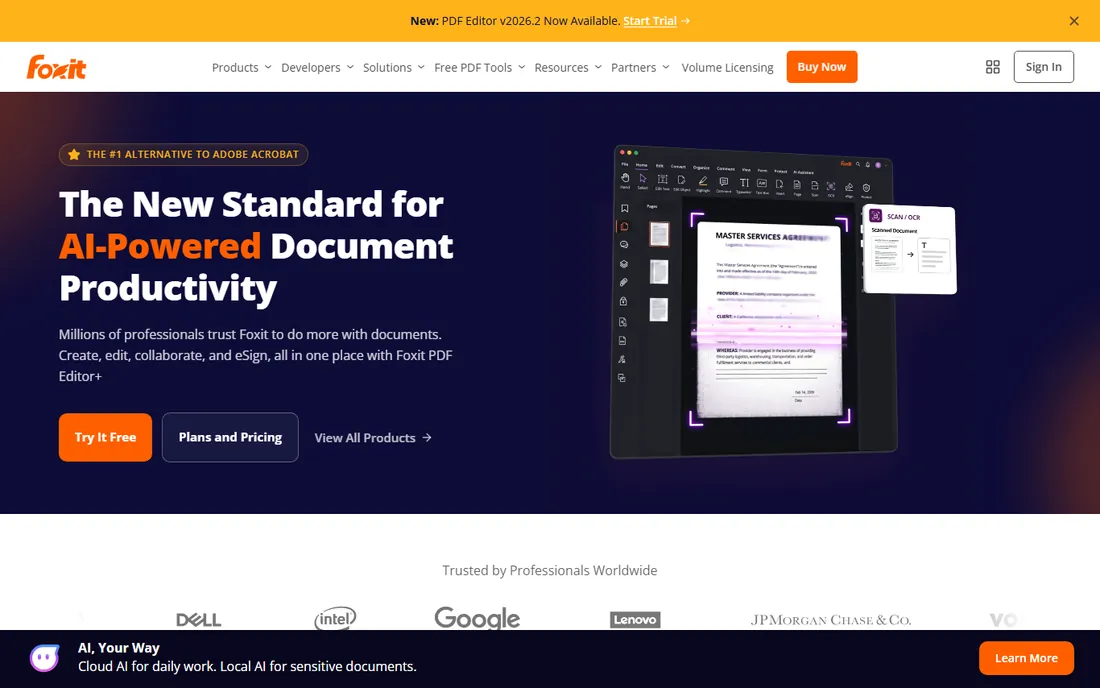
Foxit PDF Editor positions itself as the pragmatic Acrobat alternative: commenting, markup, editing, forms and signatures at a lower price point, with a familiar ribbon interface. It opens large documents quickly and handles the everyday markup workflow well.
Collaboration features include shared reviews and connected comments. Organizations standardizing on Foxit typically cite cost savings of half or more versus Acrobat. The tradeoff is at the edges: preflight, accessibility checking and some print production features lag Adobe.
What we like- Near-Acrobat features at lower cost
- Fast performance
- Good collaboration tools
Watch out for- Some advanced features trail Acrobat
- Interface mimics Office, which divides opinion
- Enterprise pricing by quote
Starting priceSee website
Free planYes
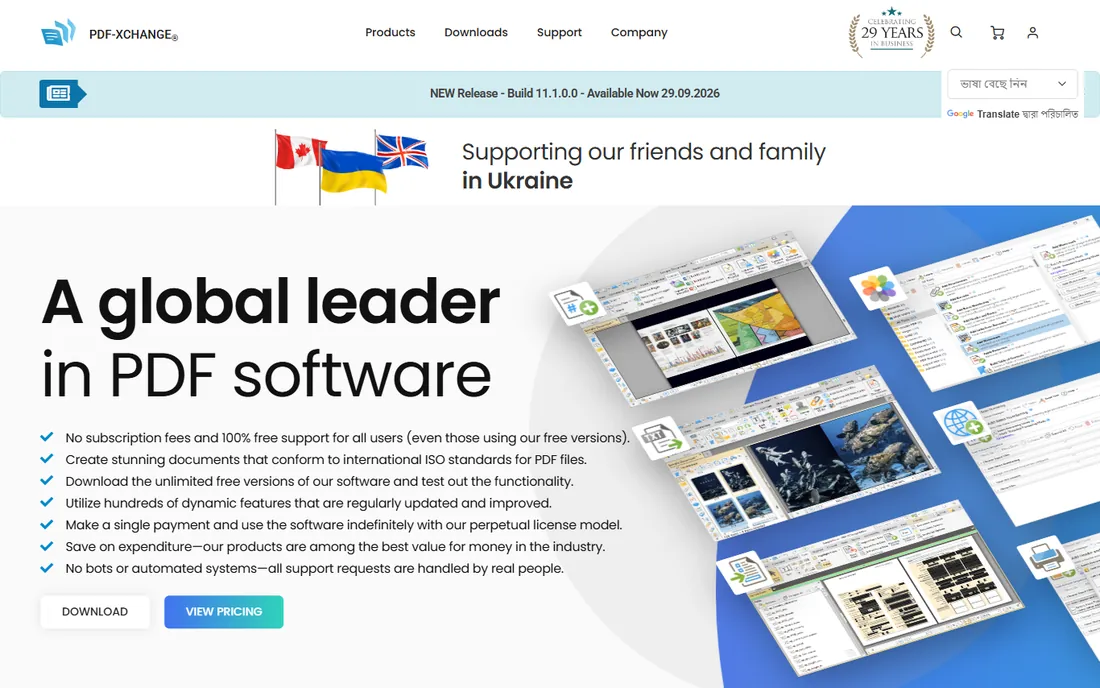
PDF-XChange Editor is beloved by Windows power users for one reason: speed. It opens enormous PDFs instantly and its annotation tools are precise and keyboard-friendly. The free version covers most markup needs, with a modestly priced Plus license adding OCR and advanced features.
It is Windows-only, which limits its audience, and the interface prioritizes function over beauty. For reviewers who live in PDFs all day on Windows, it is often faster than Acrobat at lower or zero cost.
What we like- Very fast with large files
- Generous free tier
- Powerful annotation tools
Watch out for- Windows only
- Interface is utilitarian
- OCR and advanced features are paid
Starting priceSee website
Free planNo
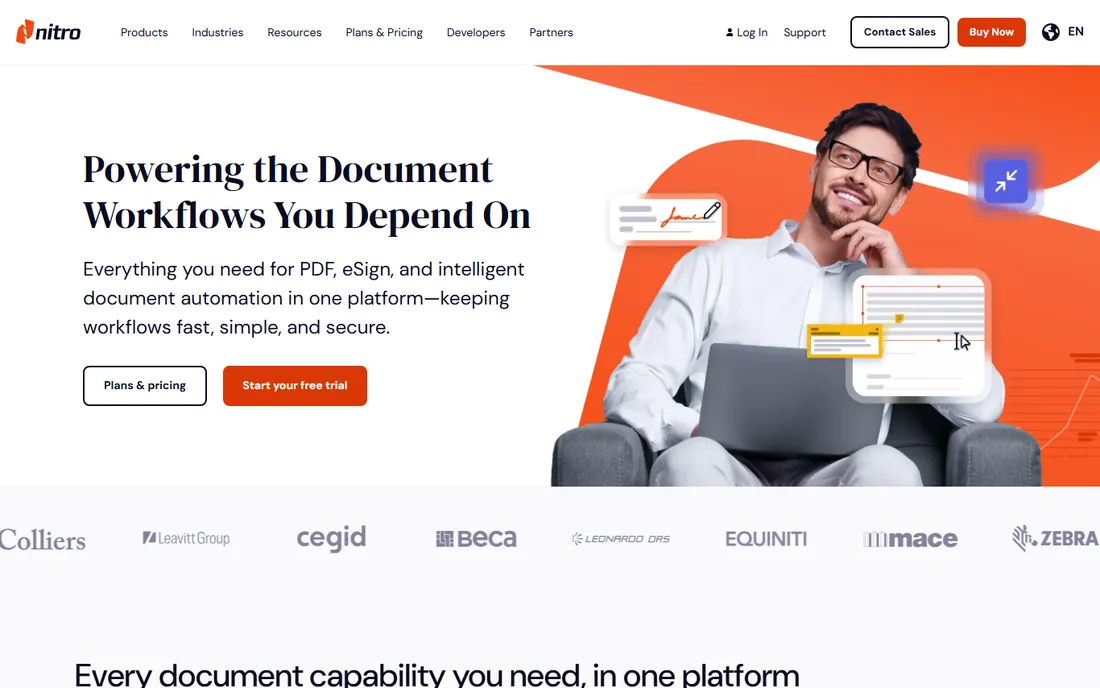
Nitro PDF Pro targets businesses wanting Acrobat-class markup without Adobe's subscription complexity. Commenting, markup, editing and e-signatures come in a package IT departments find easy to license and deploy.
Its markup tools handle standard review workflows well, though construction users will miss Bluebeam's measurement depth. The Mac version has historically trailed Windows, so mixed-OS shops should test both. For straightforward business document review, it is a solid value.
What we like- Business-friendly licensing
- Good markup and review tools
- E-signature included
Watch out for- Mac version lags Windows
- Fewer AEC-specific tools
- Smaller ecosystem
Starting priceSee website
Free planNo
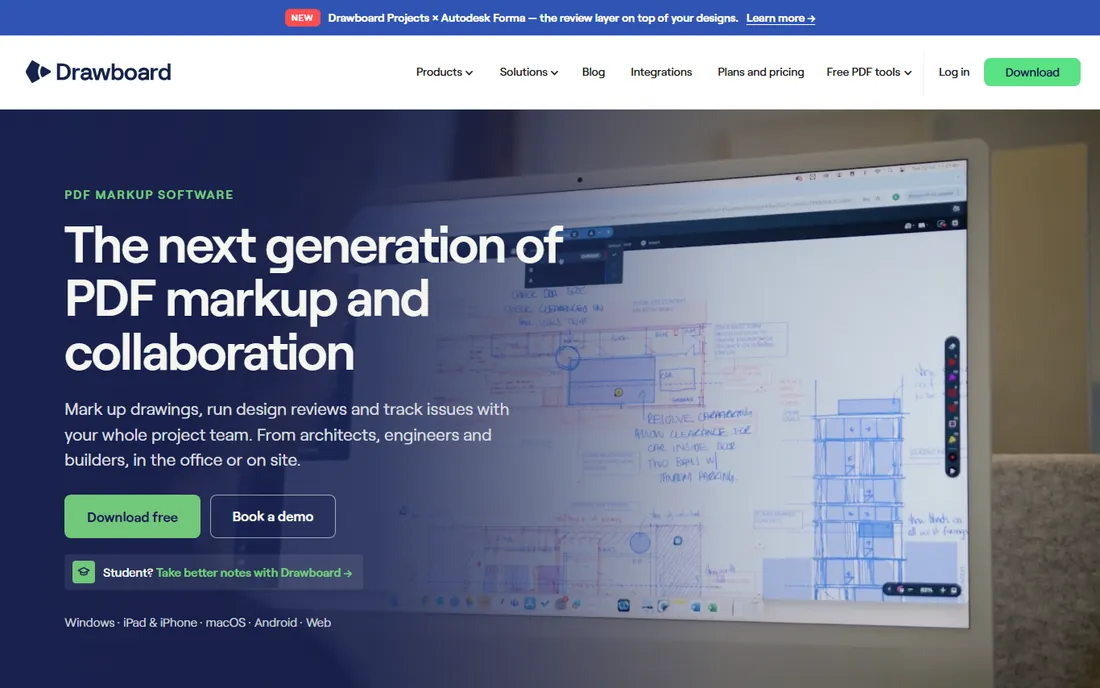
Drawboard PDF is built around one idea: marking up PDFs with a pen should feel like paper. On Windows tablets and touch laptops, its inking is smoother and more natural than any general PDF editor. Architects and engineers doing site walks with a Surface swear by it.
It deliberately does less than Acrobat or Bluebeam: this is a markup instrument, not a PDF suite. If your workflow is pen-first review of drawings and documents on Windows, nothing beats it. If you need editing, forms and signatures too, pair it with something broader.
What we like- Best-in-class inking experience
- Built for touch and pen
- Clean focused interface
Watch out for- Windows only
- Narrower feature set than full editors
- Subscription for pro features
Starting priceSee website
Free planNo
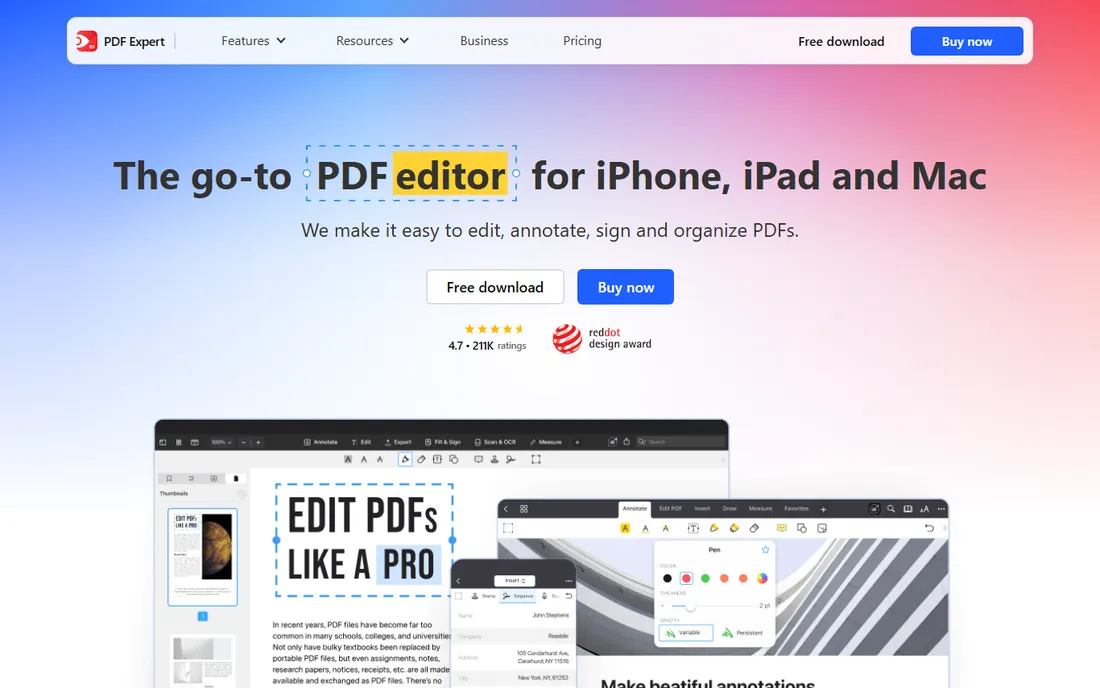
PDF Expert is the PDF app Mac and iPad users recommend to each other. Markup tools are fast, precise and pleasant, with excellent Apple Pencil support for handwritten annotations. It syncs across Mac, iPad and iPhone.
It is Apple-only, so cross-platform teams need something else for Windows users. Power features like advanced measurement do not match Bluebeam. For Apple-centric reviewers who want the nicest markup experience on their platform, it wins.
What we like- Best PDF app on Apple platforms
- Fast and polished
- Good Apple Pencil support
Watch out for- Apple only
- Subscription for premium features
- Fewer pro tools than Bluebeam
Starting priceSee website
Free planYes
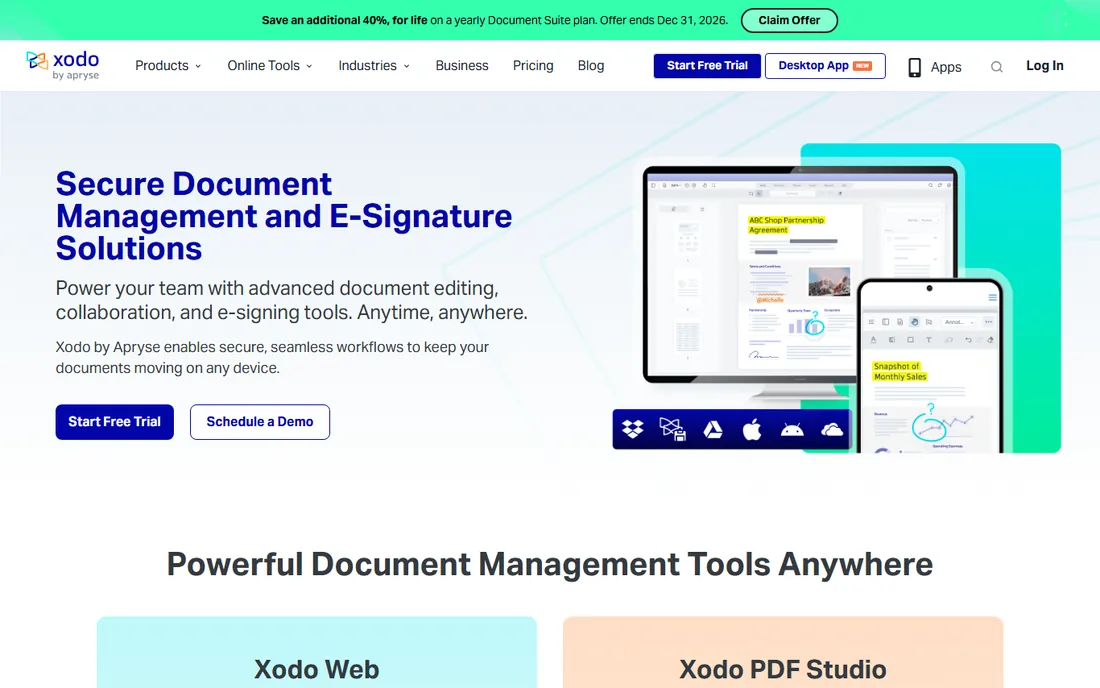
Xodo offers capable PDF markup free across web, Android, iOS and Windows, including real-time collaboration where multiple people annotate together. For students, small teams and casual reviewers, it covers the essentials without cost.
Development continues under Apryse ownership, with paid tiers adding advanced features. It will not replace Bluebeam for construction takeoffs or Acrobat for print production. As a free markup tool that works everywhere, it is remarkably good.
What we like- Genuinely free with strong features
- Works on web, mobile and desktop
- Real-time collaboration
Watch out for- Owned by Apryse with evolving plans
- Fewer advanced tools
- Annotation precision trails paid tools
How we chose
We reviewed vendor product pages, documentation and practitioner communities in AEC, legal and business. We compared markup instrument quality, measurement tools, collaboration and review workflows, platform availability, performance with large files, and pricing. We excluded pure PDF readers without markup depth. We did not claim hands-on testing.
Buying guide: choosing PDF markup software
Match the tool to the industry. Construction and engineering should start with Bluebeam Revu; its measurement and revision tools pay for themselves on the first project. Legal and general business should compare Acrobat Pro, Foxit and Nitro on price and existing licenses.
Consider the pen. If reviewers use tablets and styluses, Drawboard PDF on Windows or PDF Expert on iPad dramatically improve the experience over mouse-driven tools. Hardware and software should be chosen together.
Test with your real documents. Markup performance varies hugely with file size and complexity; a tool that flies on a ten-page contract may crawl on a hundred-sheet drawing set. Run vendor trials against your actual workload before standardizing.
Markup vs annotation vs editing
These terms overlap. Markup usually implies review-oriented annotation with industry tools like measurements and stamps. Annotation is the general term for comments and highlights. Editing changes the document content itself. Most tools here do markup and annotation; fewer do true editing well. Bluebeam and Drawboard are markup specialists, while Acrobat, Foxit and Nitro cover all three.
Collaborative review workflows that work
Good markup tools enable good review processes. Establish conventions before the project starts: who marks up what, color codes for disciplines or reviewers, and how comments get resolved. Use shared review sessions rather than emailing PDFs back and forth, so comments consolidate automatically. Assign one person to adjudicate conflicting markups. For construction, tie markup milestones to drawing issue schedules so reviews happen when decisions can still change.
Markup etiquette for distributed teams
Remote review teams need conventions more than co-located ones. Agree on response deadlines so markups do not stall projects. Use clear, actionable comment language: state the problem, the location and the requested change rather than vague dissatisfaction. Resolve or reply to every comment so authors know nothing was missed. Keep markup sessions focused; marathon reviews produce diminishing returns after ninety minutes. Archive resolved markups with the project record for accountability.
Frequently asked questions
What is the best PDF markup software?
Bluebeam Revu for construction, Adobe Acrobat Pro for all-round use, Foxit or Nitro for value, PDF-XChange for fast Windows markup, and PDF Expert for Mac and iPad.
How much does Bluebeam Revu cost?
Bluebeam moved to subscription pricing; current plans and prices are on bluebeam.com. It is priced per user annually, with different tiers for markup, takeoff and collaboration features.
Is there a free PDF markup tool?
Yes. PDF-XChange Editor has a generous free tier on Windows, and Xodo is free across web, mobile and desktop. Both handle everyday markup well.
What is the difference between Bluebeam and Adobe Acrobat?
Bluebeam is purpose-built for construction document markup with measurement and takeoff tools. Acrobat is a general PDF suite covering editing, forms and signatures. Many AEC firms use both.
Can I mark up PDFs on an iPad?
Yes. PDF Expert is the best option on iPad with Apple Pencil support. Xodo and Adobe Acrobat also offer capable iOS apps.
Do I need Bluebeam for non-construction markup?
No. Its strengths are AEC-specific. For general business or legal markup, Acrobat, Foxit or Nitro are better fits at similar or lower cost.
Can multiple people mark up the same PDF at once?
Yes. Bluebeam Studio Sessions, Acrobat shared reviews and Xodo collaboration all let multiple reviewers annotate simultaneously with consolidated comments.
How do I compare two versions of a drawing?
Bluebeam Revu's overlay comparison highlights differences between revisions automatically. Acrobat can compare documents textually. For drawing revisions, Bluebeam is unmatched.
What is the best markup tool for legal document review?
Adobe Acrobat Pro for its redaction-adjacent review features and universal acceptance, or Foxit for value. Legal teams value Bates numbering and comparison tools.
Can I use Bluebeam on Mac?
Bluebeam Revu is Windows-focused with limited Mac support. Mac-based AEC teams often use Bluebeam's web tools or alternatives like PDF Expert.
Is Bluebeam worth it for non-construction use?
Probably not. Its premium pays off in AEC measurement workflows; general reviewers get better value from Acrobat, Foxit or PDF-XChange.
Sources we checked (8)
- https://www.bluebeam.com
- https://www.adobe.com
- https://www.foxit.com
- https://www.tracker-software.com
- https://www.gonitro.com
- https://www.drawboard.com
- https://www.pdfexpert.com
- https://www.xodo.com
Is your product missing or out of date?
We review this list regularly. Vendors can request a listing, send updated pricing or ask about featured placement.

Shihab Mia · Founder, Rankite
Shihab has spent more than a decade helping SaaS and e-commerce brands grow through search. He writes Rankite's software buying guides from pricing pages, documentation and public user reviews. More about Shihab.
 Bluebeam Revu
 Foxit PDF Editor
 PDF-XChange Editor
 Nitro PDF Pro
 Drawboard PDF
 PDF Expert
 Xodo
Xodo