How we make this list: we compare pricing pages, product documentation and public user reviews. Rankite is independent; if a vendor ever pays for a featured spot, that listing is clearly labeled Partner.
Key takeaways
- CCleaner remains the safest first pick for general junk cleaning, with a genuinely useful free version and a startup manager that actually helps boot times.
- If you want maintenance to happen without thinking about it, AVG TuneUp and IObit Advanced SystemCare offer the most complete automatic scheduling.
- Microsoft PC Manager is the only option with zero third-party risk, and it is free, though its cleaning is basic compared with paid tools.
- Most paid tune-up suites overlap heavily with free Windows tools, so pay only for automation, scheduling, and multi-PC licenses, not for one-time scans.
Quick comparison
Is your product missing or out of date?
We review this list regularly. Vendors can request a listing, send updated pricing or ask about featured placement.
The best pc tune up software
Starting priceSee website
Free planYes
CCleaner has been cleaning Windows PCs since 2004, and that long history is both its strength and the reason some buyers hesitate. The free version handles the core job well: it clears temporary files, browser caches, and cookies, manages startup programs, and uninstalls software cleanly. For a typical office PC that has collected two years of clutter, a single pass usually frees several gigabytes and trims the startup list to something sane.
The paid Professional tier adds scheduled cleaning, real-time monitoring, automatic app updates, and a Performance Optimizer that puts idle background apps to sleep. Those are genuinely useful for non-technical staff who will never open the settings themselves. The honest catch is that patient users can replicate much of this with Windows Storage Sense and Task Manager for free. Buy CCleaner for convenience and automation, not for magic speed gains.
What we like- Thorough junk and browser cleanup
- Useful startup manager
- Software updater closes security gaps
Watch out for- Best features sit behind the paid tier
- The installer has a history of bundled offers
Starting priceSee website
Free planFree trial
AVG TuneUp takes the opposite approach from CCleaner: instead of giving you tools to run manually, it wants to handle maintenance on its own schedule. Its Automatic Maintenance runs cleanup, browser cleaning, and disk checks while the PC idles, and the sleep mode feature detects resource-hungry background programs and pauses them until you need them. For a small business where nobody is assigned to IT, that hands-off design has real value.
The trade-off is that the trial is limited and the free tier does little beyond scanning. AVG also uses the product as a funnel toward its antivirus and VPN, so expect upgrade prompts. If you already run AVG antivirus, TuneUp integrates neatly and the bundle pricing can make sense. As a standalone purchase, compare it against Advanced SystemCare before committing.
What we like- Strong automatic maintenance
- Sleep mode quiets background apps
- Undo center reverses changes
Watch out for- Meaningful features require the paid plan
- Nudges toward other AVG products
Starting priceSee website
Free planYes

Advanced SystemCare is built for people who want exactly one button to press. The main screen offers a single "Care" scan that checks junk files, registry entries, privacy traces, startup items, and security holes, then fixes everything it finds. The free version is generous enough to be useful on its own, and the Pro version is consistently among the cheapest paid optimizers on the market.
Where it loses points is focus. IObit bundles driver updating, software updating, and malware scanning into the same dashboard, and the constant cross-promotion of its other products can feel pushy. Some of the deeper claims, like internet speed boosting, do little that a router restart would not. Still, for a non-technical user who wants the simplest possible experience at the lowest price, it is hard to beat.
What we like- Huge feature set for the money
- Simple one-click care
- 60-day money-back guarantee
Watch out for- Interface promotes other IObit products heavily
- Some modules feel superficial
Starting priceSee website
Free planYes
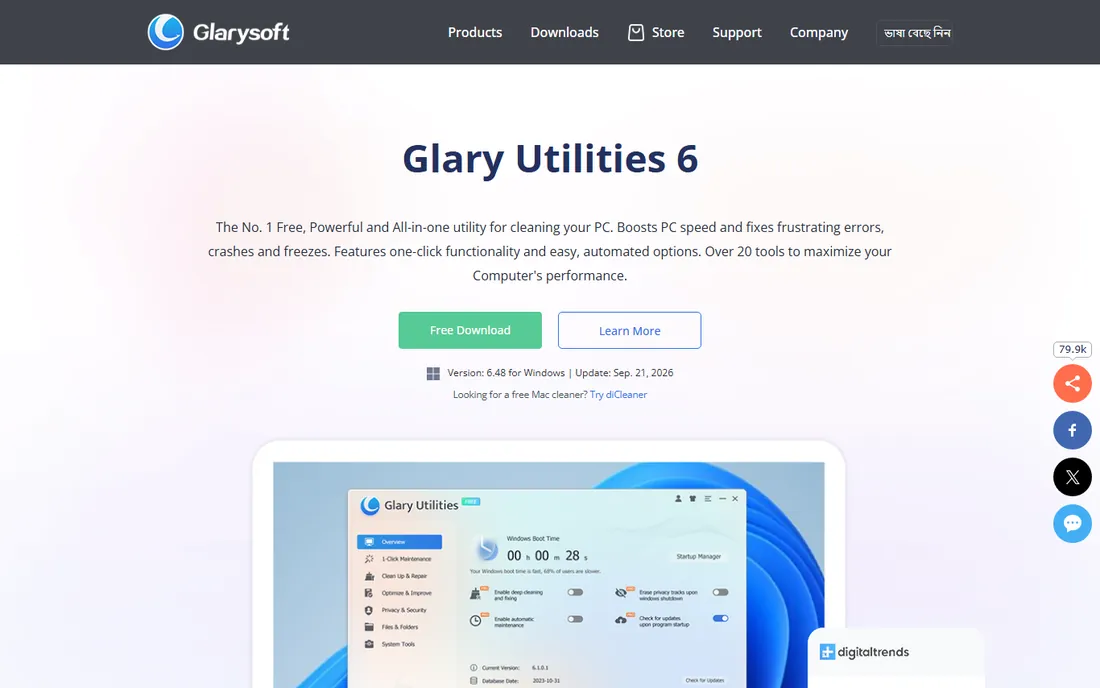
Glary Utilities is less a single cleaner than a toolbox that happens to include one. Beyond junk cleanup it offers a registry cleaner, disk defragmenter, startup manager, file shredder, duplicate finder, context-menu manager, and a dozen smaller utilities. Power users who enjoy fine control over their system will find more to do here than in any other tool on this list.
That breadth comes with a learning curve and an interface that has not changed much in years. The free version covers most of what a home user needs, while the Pro version mainly adds automatic maintenance and priority support. Choose Glary if you like having every knob available. Choose something simpler if you just want the PC cleaned without decisions.
What we like- More than 20 individual utilities
- Capable free version
- One-click maintenance option
Watch out for- Interface looks dated
- Pro pricing sits above several rivals
Starting priceSee website
Free planYes

Avast Cleanup started life as a separate product and now lives mostly inside the Avast One suite, which is how most people will encounter it. It does the standard work of clearing junk files and browser data, and it adds a bloatware remover that targets preinstalled apps and toolbars, plus a disk cleaner that finds forgotten large files. The sleep mode feature, shared with sibling product AVG TuneUp, pauses background apps to free RAM and CPU.
The catch is positioning. Avast clearly wants you in the full One subscription, where cleanup sits alongside antivirus, VPN, and breach monitoring. Bought that way it is good value. As a standalone tune-up purchase it is harder to recommend over CCleaner or Advanced SystemCare, which are cheaper and more focused. If your office already standardizes on Avast, though, turning on Cleanup is a no-brainer.
What we like- Backed by a major security vendor
- Removes bloatware and cleans disks
- Sleep mode for background apps
Watch out for- Best value inside the Avast One bundle
- Standalone pricing is less clear
Starting priceSee website
Free planYes
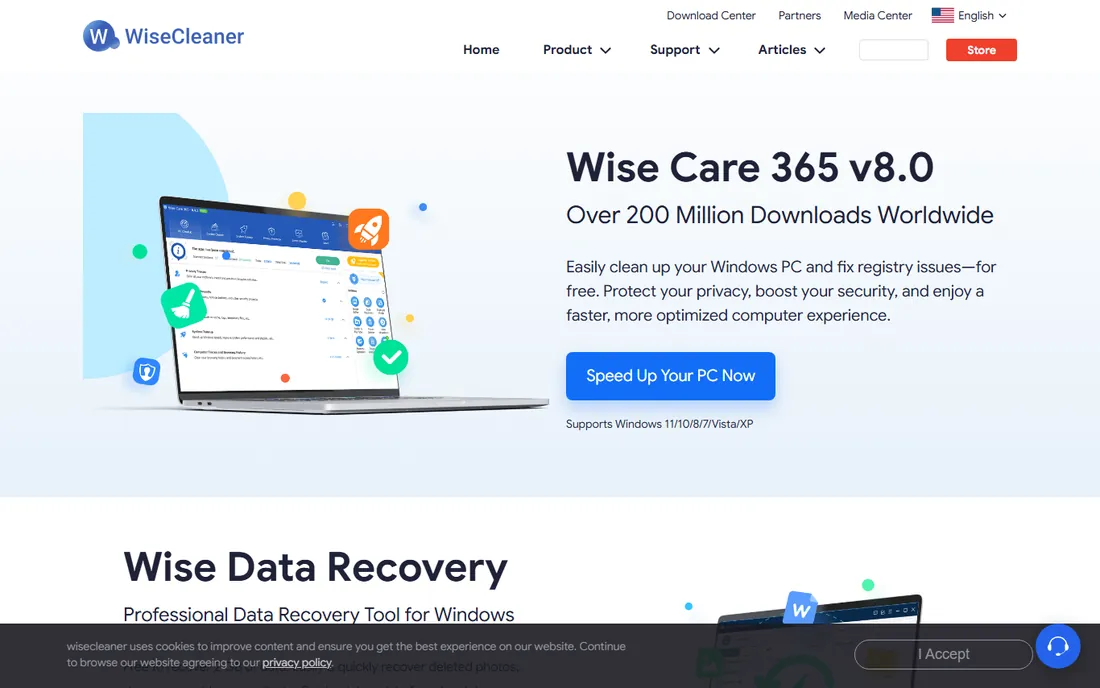
Wise Care 365 is the quiet pick on this list. It does not advertise much, but its scans are quick, its memory footprint is small, and the free version cleans junk files, fixes registry issues, and protects privacy without nagging. On older hardware where every megabyte of RAM matters, that lightness is a genuine advantage over heavier suites.
The trade-offs are scale-related. WiseCleaner is a small company, support runs through email, and the feature list is shorter than what IObit or Glary offer. There is also less independent testing of its cleaning safety, so review scan results before deleting, as you should with any registry tool. For reviving an aging office PC on a zero budget, it deserves a look.
What we like- Fast scans with low system load
- Solid registry cleaner
- Genuinely free core version
Watch out for- Smaller vendor with email-only support
- Fewer advanced features than bigger suites
Starting priceSee website
Free planFree trial
Ashampoo WinOptimizer is the most polished-feeling tune-up tool here. The dashboard explains what each module does in plain language, the one-click optimization handles junk, registry, and privacy traces in a single pass, and the system analysis reports give curious users a detailed picture of their PC's health. It feels designed for people who want to understand what is happening, not just press a button.
The business model is the downside. Ashampoo releases new major versions regularly, and upgrades cost extra, so the long-term price creeps up. It is also a German company with a smaller US presence, which shows in support hours. If you value a clean interface and do not mind paying for upgrades every year or two, it is a pleasant tool to live with.
What we like- Polished, beginner-friendly interface
- Good one-click optimizer
- Detailed system analysis
Watch out for- Major versions are paid upgrades
- Less established in the US market

#8
System Mechanic
Best for: Households with several PCs
Visit iolo.com
Starting priceSee website
Free planFree trial
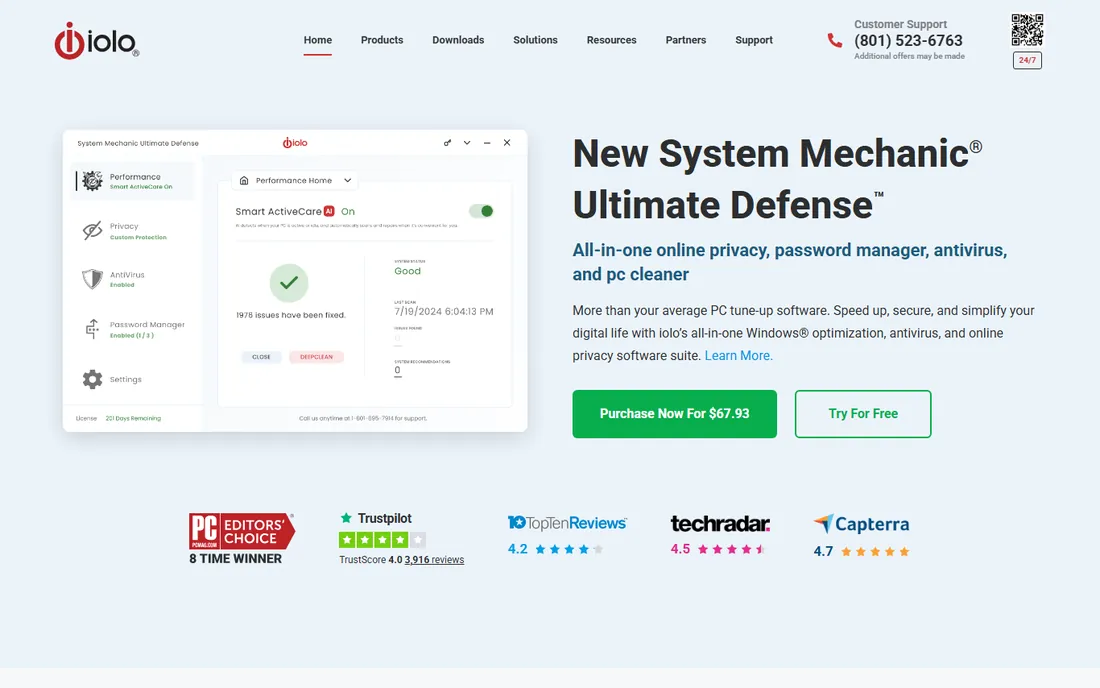
System Mechanic from iolo has been tuning PCs for decades, and its pitch is depth: beyond junk cleaning it adjusts hidden Windows settings for internet speed, CPU scheduling, and drive performance. Whether those tweaks produce measurable gains varies by system, but the program is thorough and its automated ActiveCare feature keeps maintenance running in the background.
The standout selling point is licensing. The main plans cover every PC in a household with no per-device counting, which makes it cheap per machine for families or very small offices. The downside is that there is no perpetual license anymore, only subscriptions, and the interface has aged. It remains a solid pick if you maintain several computers and want one subscription to cover them all.
What we like- Deep system tweaks beyond basic cleaning
- Unlimited licenses for household use
- Long track record
Watch out for- Subscription only
- Interface feels dated next to newer rivals
Starting priceSee website
Free planFree trial
Norton Utilities is a straightforward cleaner: it removes junk files, tidies the registry, manages startup programs, and finds duplicate files eating disk space. It does these jobs competently, and the Norton name gives cautious buyers confidence that the software will not itself become the problem.
Honestly, though, it exists mainly to keep Norton customers inside the Norton world. As a standalone tune-up tool it offers less than CCleaner or Glary at a similar or higher price, and Norton steers buyers toward the full 360 suite. If you already pay for Norton 360, check whether Utilities is included in your plan before buying anything else. If you do not, pick a more focused tool.
What we like- From a trusted security brand
- Cleans junk and finds duplicate files
- Simple interface
Watch out for- Thin as a standalone product
- Clearly designed to upsell the Norton suite
Starting priceFree
Free planYes
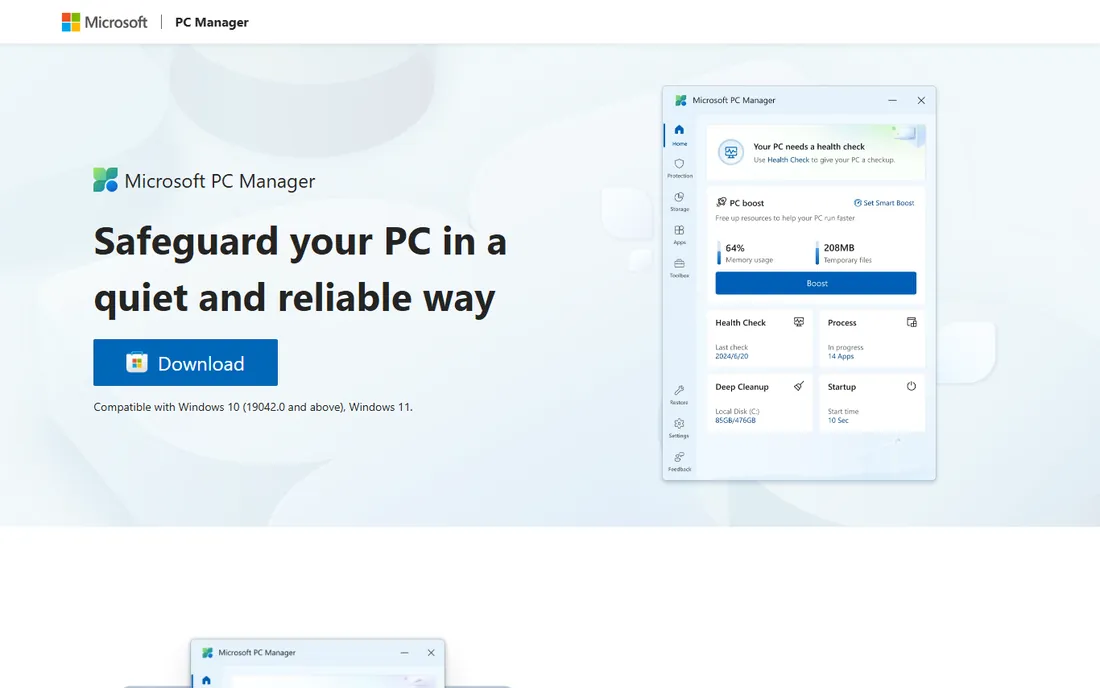
Microsoft PC Manager is Microsoft's own answer to the tune-up category, and its biggest feature is trust. Because it comes from the maker of Windows, there is no risk of bundled junk, aggressive upsells, or a cleaner that damages the system it claims to fix. It offers one-click cleanup, storage management, a health check, startup app control, and pop-up management.
The limitation is ambition. PC Manager covers the basics and little more: no registry cleaning, no scheduled deep maintenance, no multi-PC management. For a careful user who just wants a safe, free way to keep a PC tidy, that is enough. For anyone dealing with a seriously sluggish machine, pair it with one of the deeper tools above rather than expecting miracles.
What we like- Free and from Microsoft
- Zero third-party risk
- Simple health check and storage tools
Watch out for- Basic feature set
- No deep cleaning or advanced automation
How we chose
We started from the vendor's own sites, not review roundups. Each product above was checked to confirm it is still sold and maintained in 2026, and we pulled plan details, free tiers, and trial terms from official pricing and product pages. We then weighed the tools against what buyers in small and mid-size businesses actually need: safe automated cleaning, honest pricing, startup and junk management, and support you can reach. We excluded PC repair tools that fix Windows errors and registry repair utilities that promise system recovery, since those are a different category with different risks. No vendor paid for placement, and we did not count marketing claims about speed gains that no independent test supports.
Start with the free version and run one full scan before spending anything. A good cleaner shows you exactly what it plans to delete and lets you uncheck items; a bad one rushes you toward a purchase with scary red warnings. Check whether the paid tier adds anything you cannot get free: scheduled cleaning, automatic app updates, and multi-PC licenses are worth paying for, while one-time junk scans are not.
Look at the renewal terms, not just the first-year price. Several vendors discount the first year heavily and renew at double the price, and cancellation sometimes requires a support chat. If you manage office PCs, confirm the license covers commercial use, since some consumer plans technically do not. Finally, be skeptical of registry cleaning as a selling point. Modern Windows rarely benefits from registry tweaks, and an aggressive cleaner can cause more harm than the clutter it removes.
Where the free versions stop
Nearly every tool on this list has a capable free tier, and for many home users that is the whole story. Free versions typically clean junk files, clear browser traces, and manage startup programs, which covers the most common causes of a sluggish PC. What they withhold is automation: scheduled scans, real-time monitoring, and automatic updates almost always require payment.
The practical rule is simple. If you will actually open the program once a month and click scan, the free version of CCleaner, Glary Utilities, or Wise Care 365 is enough. If maintenance will be forgotten the moment life gets busy, which describes most offices, the paid tier pays for itself in the scans that happen without you. Microsoft PC Manager sits outside this trade-off entirely: it is free with no paid tier, just fewer features.
Frequently asked questions
Do I even need PC tune-up software?
Not always. Windows 10 and 11 include Storage Sense, Disk Cleanup, and startup management that handle basic maintenance. Tune-up software earns its keep through automation and convenience: scheduled cleaning, one-click fixes, and app updating for people who will not do those tasks manually.
Is registry cleaning safe?
Usually, but the benefits are overstated. A reputable cleaner that backs up the registry before changes is low risk. Avoid any tool that claims dramatic speed gains from registry cleaning alone, since that claim has not held up in independent testing for years.
Can tune-up software damage my PC?
A legitimate cleaner from the vendors on this list is very unlikely to cause harm if you review scan results before deleting. The real risk comes from unknown "PC optimizer" ads and fake system warnings, which are often scams or malware. Stick to established vendors.
What is the difference between tune-up software and PC repair software?
Tune-up software focuses on performance: removing junk files, managing startup programs, and freeing disk space. PC repair software targets Windows errors, corrupted system files, and crashes. They solve different problems, and most slow PCs need the first, not the second.
Should I pay yearly or look for a lifetime license?
Yearly subscriptions are now the norm, and they include updates that matter for a tool that touches system files. Lifetime licenses exist for a few products but often exclude major version upgrades. Read the terms before assuming lifetime means forever.
Sources we checked (10)
- https://ccleaner.com/
- https://www.avg.com/
- https://www.avast.com/
- https://iobit.com/
- https://www.glarysoft.com/
- https://www.wisecleaner.com/
- https://www.ashampoo.com/
- https://iolo.com/
- https://us.norton.com/
- https://pcmanager.microsoft.com/
Is your product missing or out of date?
We review this list regularly. Vendors can request a listing, send updated pricing or ask about featured placement.

Shihab Mia · Founder, Rankite
Shihab has spent more than a decade helping SaaS and e-commerce brands grow through search. He writes Rankite's software buying guides from pricing pages, documentation and public user reviews. More about Shihab.
 CCleaner
 AVG TuneUp
 IObit Advanced SystemCare
 Glary Utilities
 Avast Cleanup
 Wise Care 365
 Ashampoo WinOptimizer
 Norton Utilities
 Microsoft PC Manager