How we make this list: we compare pricing pages, product documentation and public user reviews. Rankite is independent; if a vendor ever pays for a featured spot, that listing is clearly labeled Partner.
Key takeaways
- For most Windows 10 and 11 users, the built-in tools plus Microsoft PC Manager cover the basics for free, with no third-party upsells.
- CCleaner and Glary Utilities remain the best-known free cleaners, but both push paid upgrades hard once installed.
- BleachBit is the only tool here with no upsell at all: free, open source, and it does exactly what it says.
- Registry cleaning is mostly theater: no tool here will meaningfully speed up a modern PC by cleaning the registry, and aggressive cleaning carries risk.
- If an old PC feels slow, check startup programs and disk space first; software cannot fix a full drive or a failing hard disk.
Quick comparison
| Tool | Best for | Starting price | Free plan |
|---|
 CCleaner CCleaner | the well-known all-round cleaner | See website (free version available) | Yes |
 Glary Utilities Glary Utilities | one-click maintenance toolkit | See website (free version available) | Yes |
 Advanced SystemCare Advanced SystemCare | automated deep cleaning | See website (free version available) | Yes |
 AVG TuneUp AVG TuneUp | automatic maintenance from an AV vendor | See website (subscription) | Free trial |
 Ashampoo WinOptimizer Ashampoo WinOptimizer | thorough German-engineered toolkit | See website (free version available) | Yes |
 BleachBit BleachBit | no-nonsense open-source cleaning | Free | Yes |
 Wise Care 365 Wise Care 365 | fast and light all-in-one | See website (free version available) | Yes |
 Auslogics BoostSpeed Auslogics BoostSpeed | deep defrag and optimization tools | See website (subscription) | Free trial |
 System Mechanic System Mechanic | whole-home PC optimization | See website (subscription) | Free trial |
 Microsoft PC Manager Microsoft PC Manager | official free Microsoft cleanup | Free | Yes |
Is your product missing or out of date?
We review this list regularly. Vendors can request a listing, send updated pricing or ask about featured placement.
The best PC maintenance software
Starting priceSee website (free version available)
Free planYes
CCleaner is the name everyone knows in PC cleaning. The free version clears temporary files, browser caches, cookies and leftover installer data, reclaims disk space, and includes a startup manager and uninstaller that beat fumbling through Windows settings. It does the core job well, which is why it survived two decades of competitors.
The annoyances are well documented. The free version nudges toward paid upgrades constantly, and the 2017 incident where the official download was compromised with malware still comes up in every trust discussion, fairly or not. The company, now part of Gen, has cleaned up its practices since, but privacy-conscious users should review the settings on install. For straightforward junk-file cleaning, the free tier remains competent.
What we like- Cleans junk files, browser data and temp files effectively
- Free version covers the core job
- Long track record and huge user base
Watch out for- Persistent upsell prompts for the paid version
- Past privacy controversies dented trust
- The paid extras add little for most users
Starting priceSee website (free version available)
Free planYes
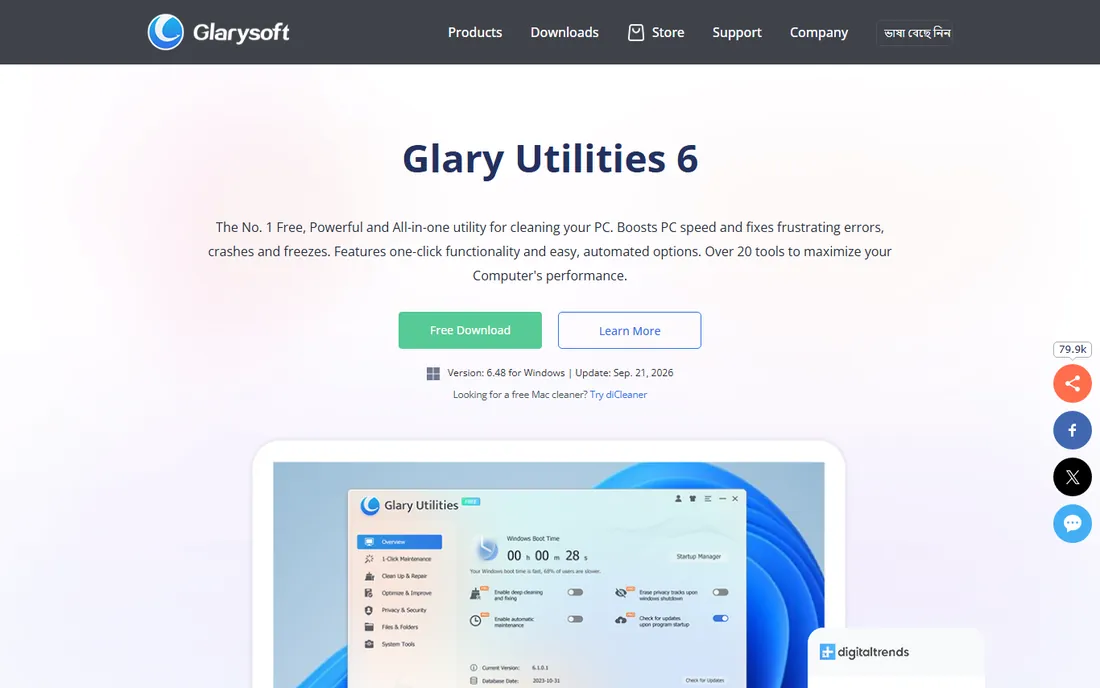
Glary Utilities takes the Swiss-army-knife approach: disk cleaner, registry repair, startup manager, spyware remover, file shredder, duplicate finder, disk defrag and more, all runnable with a single one-click maintenance pass. The free version covers nearly everything a home user needs, and the breadth means one install replaces several single-purpose tools.
The interface has not kept up with the feature list; it looks and feels like software from another era. The Pro upsell appears regularly, though the free tier is not artificially crippled. Some tools, like the disk defragger and startup manager, overlap with what Windows now does natively. For a user who wants one button that does everything, it is the most complete free option.
What we like- Over 20 tools in one package with one-click maintenance
- Free version is genuinely capable
- Includes file recovery and duplicate finding
Watch out for- Interface looks dated
- Pro version upsell is prominent
- Some bundled tools duplicate Windows features
Starting priceSee website (free version available)
Free planYes

IObit's Advanced SystemCare aims to be the set-and-forget option. Install it, enable scheduled cleaning, and it handles junk files, privacy traces, startup optimization and basic security checks on its own. The free version includes more automation than most competitors' free tiers, which suits users who will never open the app manually.
The business model is the catch. IObit monetizes through a web of related products, and the upsell pressure inside the app is among the heaviest here. The installer historically bundled extra offers, so read every screen during setup. The registry cleaner is also more aggressive than most; on a modern system the registry gains are negligible while the risk is real. Use the junk cleaning and automation, skip the deep registry passes.
What we like- Large free feature set with AI-assisted automation
- Scheduled cleaning runs without attention
- Includes privacy and security extras
Watch out for- IObit upsell ecosystem is aggressive
- Installer has bundled offers to decline
- Deep registry cleaning needs a cautious hand
#4
AVG TuneUp
Best for: automatic maintenance from an AV vendor
Visit avg.com
Starting priceSee website (subscription)
Free planFree trial
AVG TuneUp, from the same company behind AVG Antivirus, focuses on doing maintenance without being asked. Its automatic maintenance cleans and tunes on a schedule, and the program deactivator puts resource-hungry background apps to sleep, which can help older machines feel responsive. Being from an established vendor gives it a trust edge over smaller names.
There is no real free version beyond a trial, so this is a paid commitment from day one. Much of what it does, startup management and disk cleanup, Windows 10 and 11 handle natively now. The value case rests on the automation and the sleep-mode feature; if you will not run maintenance manually, paying for software that does it for you is reasonable. Otherwise the free tools cover the same ground.
What we like- Automatic maintenance runs quietly in the background
- Sleep mode for background programs is genuinely useful
- From an established security vendor
Watch out for- Subscription-only, no meaningful free tier
- Overlaps with tools Windows includes
- Support quality gets mixed reviews
Starting priceSee website (free version available)
Free planYes
Ashampoo's WinOptimizer is the methodical German entry in this category. It combines one-click optimization with dozens of individual modules for disk cleaning, registry, privacy, system analysis and benchmarking, and it explains what each module does better than most competitors. The free version covers the essentials.
The product lineup is the confusion: multiple editions and versions overlap, and the app promotes other Ashampoo software. Pricing and edition differences deserve a careful read before buying. Some modules duplicate each other or Windows features. For a user who likes to see exactly what is being cleaned and why, the transparency is the selling point.
What we like- Deep set of optimization modules with clear explanations
- One-click optimization plus granular control
- Solid privacy and system analysis tools
Watch out for- Version lineup is confusing with overlapping editions
- Upsells to other Ashampoo products
- Some modules feel redundant
Starting priceFree
Free planYes
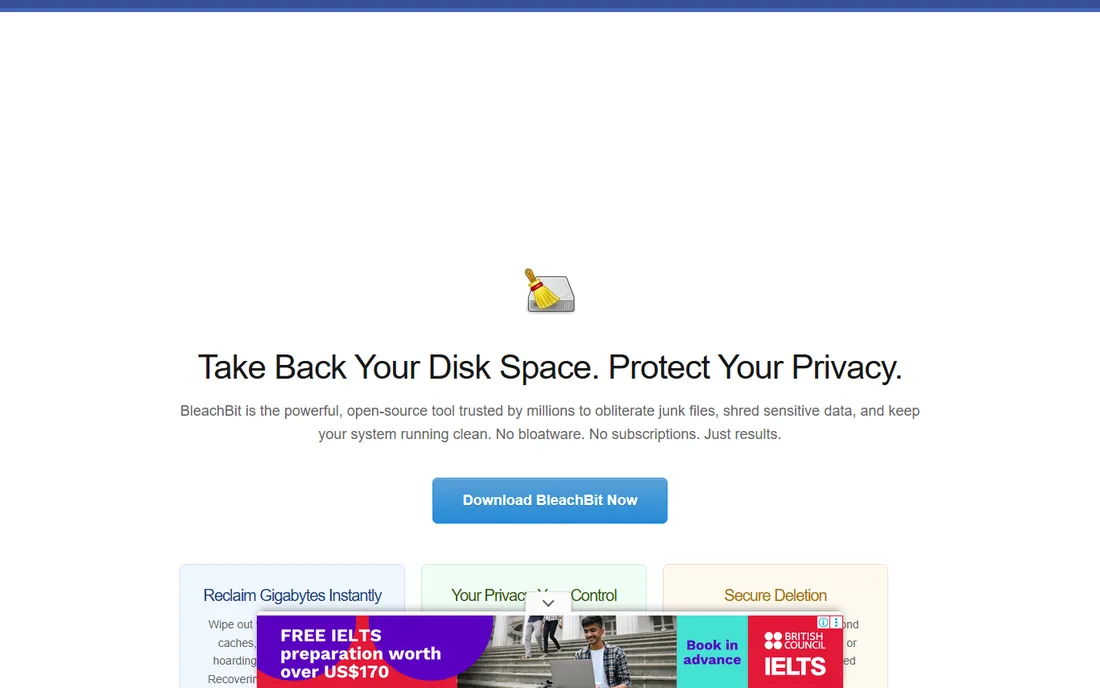
BleachBit is the anti-upsell. It is free, open source, and does one job: delete the files you tell it to. It covers an unusually deep list of applications, clearing caches and temp files that mainstream cleaners miss, and it includes file shredding for secure deletion. There are no premium tiers, no nags and no bundled offers, because there is nothing to sell.
The tradeoff is guidance. The interface lists checkboxes with technical names and assumes you know what a thumbnail cache is. There is no one-click mode, no scheduling and no automatic maintenance. For a knowledgeable user who wants a trustworthy cleaner with zero commercial pressure, it is the best pick here. For a beginner who wants the software to decide, look elsewhere.
What we like- Completely free with no upsell, ads or bundled offers
- Open source and privacy-focused
- Cleans deep application caches other tools miss
Watch out for- Plain interface with no hand-holding
- No scheduling or automation
- Cleaning options can confuse beginners
Starting priceSee website (free version available)
Free planYes
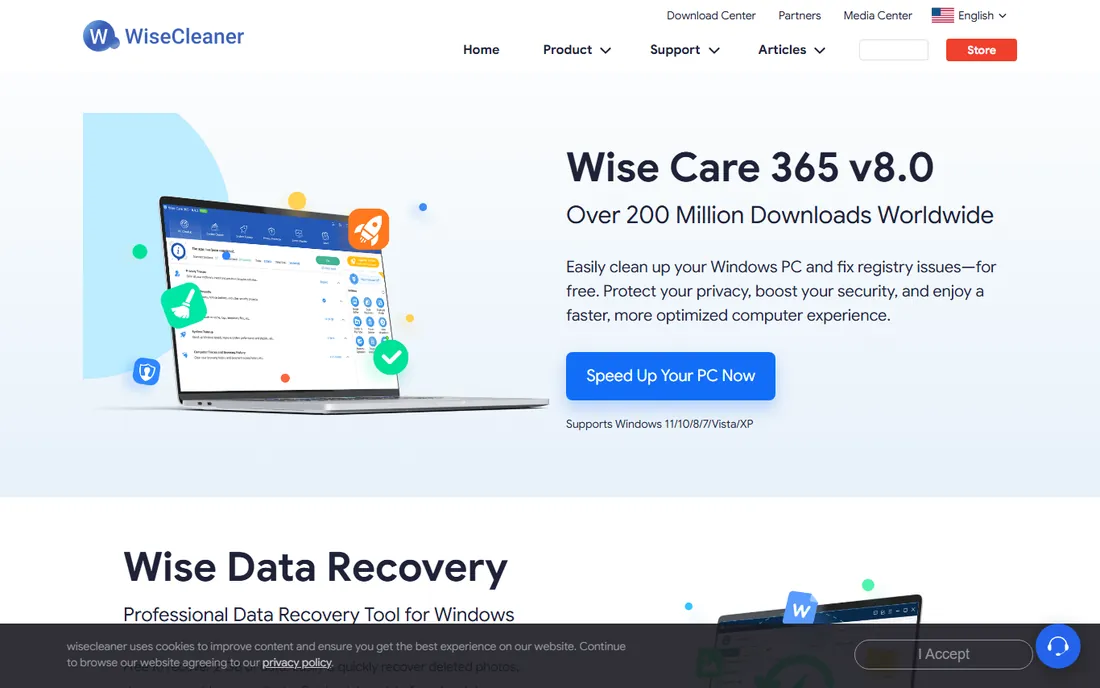
Wise Care 365 positions itself as the fast alternative: quick scans, a modest memory footprint and an interface that looks current. The free version covers junk cleaning, privacy traces, registry tidying and startup management, which is the standard checklist done competently. It feels lighter than the big suites.
The Pro version gates the more interesting features, including deeper cleaning and automatic updates, so free users get a deliberately partial experience. The vendor is smaller than Piriform or IObit, which means less community troubleshooting when something odd happens. For an older or low-spec machine where every megabyte of RAM matters, the lightness is a genuine advantage.
What we like- Quick scans and a light footprint
- Clean, modern interface
- Free version handles the common tasks
Watch out for- Pro-gated features create a two-tier experience
- Smaller vendor with less community support
- Hardware monitoring feels tacked on
Starting priceSee website (subscription)
Free planFree trial

Auslogics built its reputation on defragmentation, and BoostSpeed's disk tools remain the deepest in this category: file placement optimization, SSD optimization and thorough analysis. The system advisor scans and explains issues in plain language, which helps users learn what is actually wrong. On older machines with spinning hard drives, the defrag alone can make a noticeable difference.
The price is the hurdle: it is a subscription product at the premium end of this category, with only a trial to test first. The company has a history of aggressive upselling that bargain-hunters dislike. And on modern SSD systems, defragmentation matters far less than it did on hard drives, which shrinks the value proposition. Best suited to HDD-based machines that need serious disk work.
What we like- Disk defrag tools are among the best here
- Detailed system advisor with explanations
- Targets HDD-based systems well
Watch out for- Subscription pricing is steep for a cleaner
- Historically aggressive upselling
- Diminishing returns on SSD systems
Starting priceSee website (subscription)
Free planFree trial
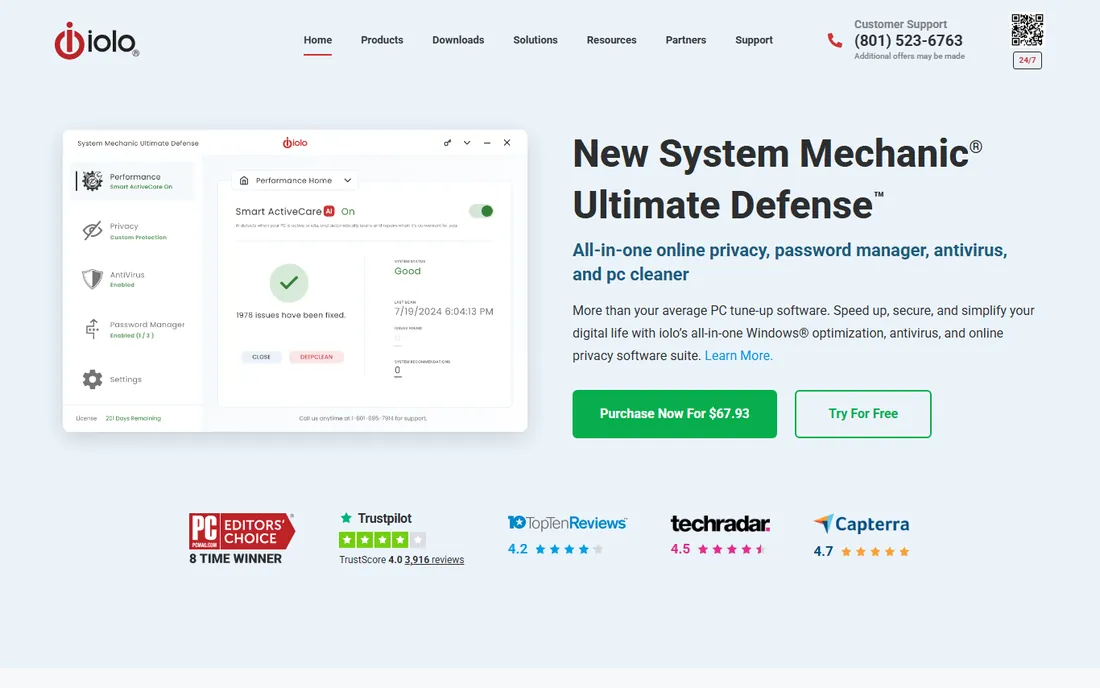
System Mechanic, from iolo, sells the household plan: one subscription covers every PC in the home, which changes the math for families. It combines junk cleaning, registry repair, startup optimization, privacy tools and automated maintenance with reporting that shows what was done. Phone support from a US-based company is a real differentiator in this category.
It is subscription-only and priced at the top of this list, with only a trial for evaluation. Reviews are mixed on whether the performance gains justify the ongoing cost versus the free alternatives. For a single PC, the value is hard to defend. For a household with several aging Windows machines and one person doing all the tech support, the whole-home license and phone support make the pitch.
What we like- Whole-home licensing covers all household PCs
- Long-standing US vendor with phone support
- Automated maintenance with detailed reporting
Watch out for- Subscription-only at a premium price
- Mixed reviews on whether the gains justify the cost
- Interface packs a lot into small screens
Starting priceFree
Free planYes
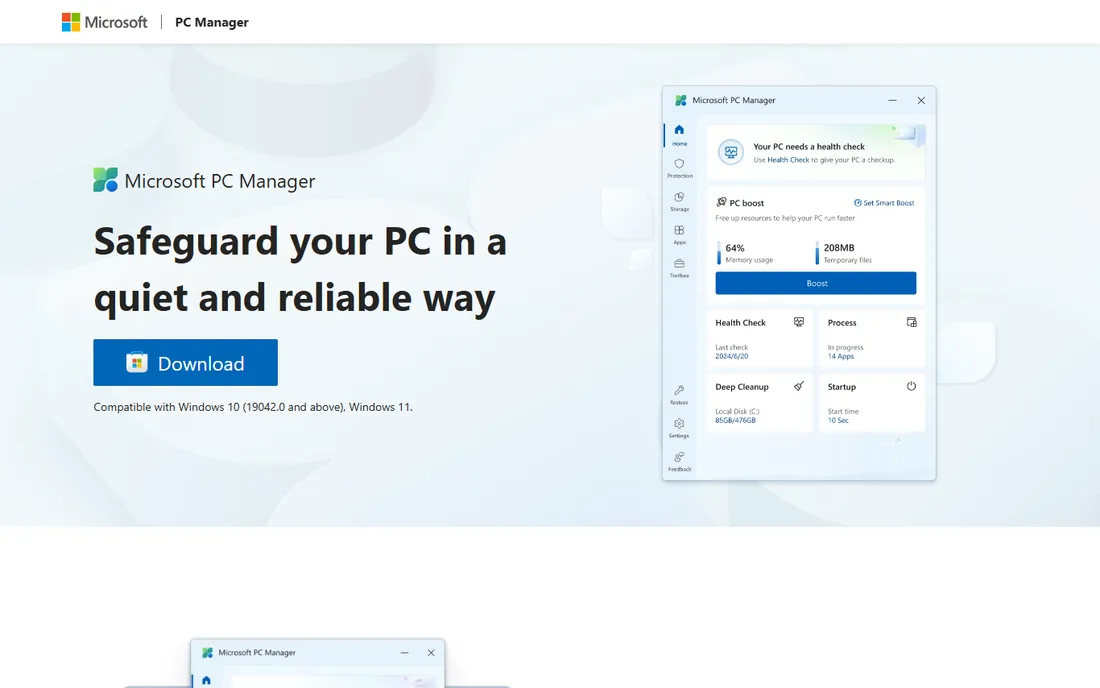
Microsoft PC Manager is Microsoft's own answer to the cleaner category, and its existence says a lot. It offers one-click performance boosts, startup app management, storage cleanup with large-file detection, and a health check, all in a clean interface with zero upsells because there is nothing to buy. For a user nervous about third-party cleaners, the official badge settles the trust question completely.
It is deliberately basic. There is no registry cleaner, no deep application cache scrubbing, no shredder and no automation beyond the boost button. Microsoft keeps adding features, but it will never match the depth of CCleaner or Glary Utilities. As a safe, free starting point, especially for less technical users, it is the easiest recommendation on this list.
What we like- Free and from Microsoft, so no trust questions
- One-click boost clears temp files and manages startup
- Storage manager finds large files
Watch out for- Basic compared with third-party suites
- Limited deep cleaning options
- Still evolving, with features added gradually
How we chose
We compared the tools on what PC maintenance software can honestly deliver: junk-file cleaning, startup management, disk analysis and safe automation. We checked each vendor's current offering, free-versus-paid boundaries and reputation history, including past security incidents and upsell practices. We excluded tools that bundle adware, discontinued products and single-feature utilities that cannot stand alone. We weighted trust and transparency heavily, because this category runs with deep system access. No hands-on testing was involved.
What PC maintenance software actually does (and what Windows already does)
Disk cleanup is real, but Windows does it too
Clearing temporary files, browser caches and leftover update files genuinely reclaims disk space, and every tool here does it. But Windows 10 and 11 include Storage Sense, which automates the same job for free. A third-party cleaner earns its place with deeper application caches, better large-file detection or scheduling, not with the basic temp-file sweep.
Registry cleaning is mostly theater
No registry cleaner will meaningfully speed up a modern PC. The Windows registry is a database; orphaned entries from uninstalled programs sit inert and cost nothing measurable. Aggressive registry cleaning, on the other hand, can break things. Treat registry modules as optional and low-value, and be wary of any tool that presents registry errors as an emergency.
Startup management matters more than cleaning
The single biggest software cause of a slow-feeling PC is too many programs launching at boot. Every tool here includes a startup manager, and so does Windows Task Manager. Before buying anything, open Task Manager's Startup tab and disable what you do not need. If that fixes the slowness, you never needed a cleaner.
When paid tools earn their money
Paid cleaners justify themselves through automation, scheduling and convenience, not through secret optimization. If scheduled cleaning, background maintenance and one dashboard for several PCs save you real time, the subscription has a case. If you will open the app twice a year, the free tier of any tool here does the same job.
The upsell problem: how to buy without the bloat
This category monetizes aggressively, so buy defensively. Download only from the vendor's own site, never from a download portal. During installation, read every screen and decline bundled offers, extra toolbars and companion apps. After installing, open the settings and disable marketing notifications and automatic upsell prompts where possible. Prefer tools with clear free-versus-paid boundaries, like BleachBit's honest free model or Microsoft PC Manager's no-upsell approach. And remember the exit test: if uninstalling the cleaner leaves the PC running fine, the cleaner was never essential.
Frequently asked questions
Is CCleaner safe to use in 2026?
The free cleaner itself is safe when downloaded from ccleaner.com. The trust question comes from a 2017 incident where the official download was compromised with malware, which the company disclosed and fixed. Since then its practices have improved under Gen's ownership. Review the privacy settings on install and decline bundled offers.
Do I need PC cleaner software on Windows 11?
Probably not. Windows 11 includes Storage Sense for automatic cleanup, a startup manager in Task Manager and built-in security. A cleaner adds convenience, deeper application caches and scheduling, but no Windows 11 PC requires one to run well. Microsoft PC Manager covers the basics for free if you want an official option.
What is the best free PC cleaner?
BleachBit if you want zero upsell and open-source transparency, CCleaner or Glary Utilities if you want the most features for free, and Microsoft PC Manager if you want the safest, simplest official tool. All three approaches clean the files that actually matter.
Can PC maintenance software speed up an old PC?
Sometimes, modestly. Cleaning disk space, disabling startup programs and defragmenting a spinning hard drive can help. But software cannot fix a full drive, 4 GB of RAM in 2026 or a failing disk. If the PC has a hard drive, the single best upgrade is replacing it with an SSD, which outperforms every cleaner ever made.
Are registry cleaners dangerous?
They can be. The registry is critical to Windows, and an aggressive cleaner deleting the wrong key can cause instability. The performance benefit is negligible on modern systems, so the risk-to-reward ratio is poor. If you use one, back up the registry first and stick to the conservative scan.
Why do free PC cleaners push paid versions so hard?
Because the free version is the marketing. Most vendors in this category give away the cleaner to sell the subscription, which funds development. BleachBit and Microsoft PC Manager are the exceptions: one is a volunteer open-source project, the other is a Microsoft product with no upsell. If the nagging bothers you, those two end it.
Sources we checked (10)
- https://www.ccleaner.com
- https://www.glarysoft.com
- https://www.iobit.com
- https://www.avg.com
- https://www.ashampoo.com
- https://www.bleachbit.org
- https://www.wisecleaner.com
- https://www.auslogics.com
- https://www.iolo.com
- https://pcmanager.microsoft.com
Is your product missing or out of date?
We review this list regularly. Vendors can request a listing, send updated pricing or ask about featured placement.

Shihab Mia · Founder, Rankite
Shihab has spent more than a decade helping SaaS and e-commerce brands grow through search. He writes Rankite's software buying guides from pricing pages, documentation and public user reviews. More about Shihab.