How we make this list: we compare pricing pages, product documentation and public user reviews. Rankite is independent; if a vendor ever pays for a featured spot, that listing is clearly labeled Partner.
Key takeaways
- Most Windows 11 users can get by with free options: Microsoft PC Manager, BleachBit or the built-in Storage Sense.
- CCleaner remains the most recognized name, at $44.95 a year, but its ads and upsells put off plenty of buyers.
- Glary Utilities and Wise Care 365 give you the fullest toolkits under $40 a year, and both keep generous free editions.
- System Mechanic and AVG TuneUp cover up to 10 devices per license, which suits households more than single PCs.
- Registry cleaning is the least valuable feature in this category. Weight junk cleanup, startup management and scheduling instead.
Quick comparison
| Tool | Best for | Starting price | Free plan |
|---|
 CCleaner CCleaner | users who want the best-known PC cleaner with scheduled cleaning | $44.95 per year (Professional, 1 device) | Yes |
 BleachBit BleachBit | privacy-minded users who want free open source cleaning | $0 | Yes |
 Glary Utilities Glary Utilities | users who want the most tools per dollar | $39.95 per year (Professional; often discounted) | Yes |
 Wise Care 365 Wise Care 365 | users who want quiet automatic maintenance | $29.95 per year (Pro, 1 PC) | Yes |
 IObit Advanced SystemCare IObit Advanced SystemCare | users who want maximum automation | $29.99 per year (Pro, list price) | Yes |
 Ashampoo WinOptimizer Ashampoo WinOptimizer | buyers who prefer a one-time license over subscriptions | $30 one-time (WinOptimizer 2026) | Free trial |
 System Mechanic System Mechanic | households with several Windows PCs | $54.95 per year (renewal; first year about $43.94) | Free trial |
 AVG TuneUp AVG TuneUp | users who trust antivirus brands with system maintenance | $64.99 per year (1 device; renewal pricing) | Free trial |
 Microsoft PC Manager Microsoft PC Manager | Windows users who want an official free cleaner | $0 | Yes |
Is your product missing or out of date?
We review this list regularly. Vendors can request a listing, send updated pricing or ask about featured placement.
The best PC cleaning software
#1
CCleaner
Best for: users who want the best-known PC cleaner with scheduled cleaning
Visit ccleaner.com
Starting price$44.95 per year (Professional, 1 device)
Free planYes
The name everyone knows is CCleaner, and that familiarity cuts both ways. It has cleaned Windows PCs for two decades, and the Professional edition still does the core jobs well: junk file cleanup, registry cleaning, startup management, browser data removal and scheduled automatic cleaning. Paid plans add a Performance Optimizer that sleeps background apps, plus driver and software updaters.
The free edition is genuinely usable for manual cleanups, which is why it stays installed on so many machines. Professional, at $44.95 a year for one device, adds the automation that makes it a maintenance tool rather than a chore. Professional Plus at $64.95 bundles Recuva file recovery and Speccy system information for three devices.
The honest catch is the business model around it. The free version shows ads and nudges toward paid tiers, and checkout prices shift with region and promotions, so the number you see today may not match tomorrow. It is still a competent cleaner. It is just no longer the obvious default it was ten years ago.
What we like- Long track record and huge user base
- Scheduled cleaning and real-time monitoring on paid plans
- Includes driver and software updaters
Watch out for- Free version pushes ads and upsells
- Pricing varies with frequent discounts
#2
BleachBit
Best for: privacy-minded users who want free open source cleaning
Visit bleachbit.org
Starting price$0
Free planYes
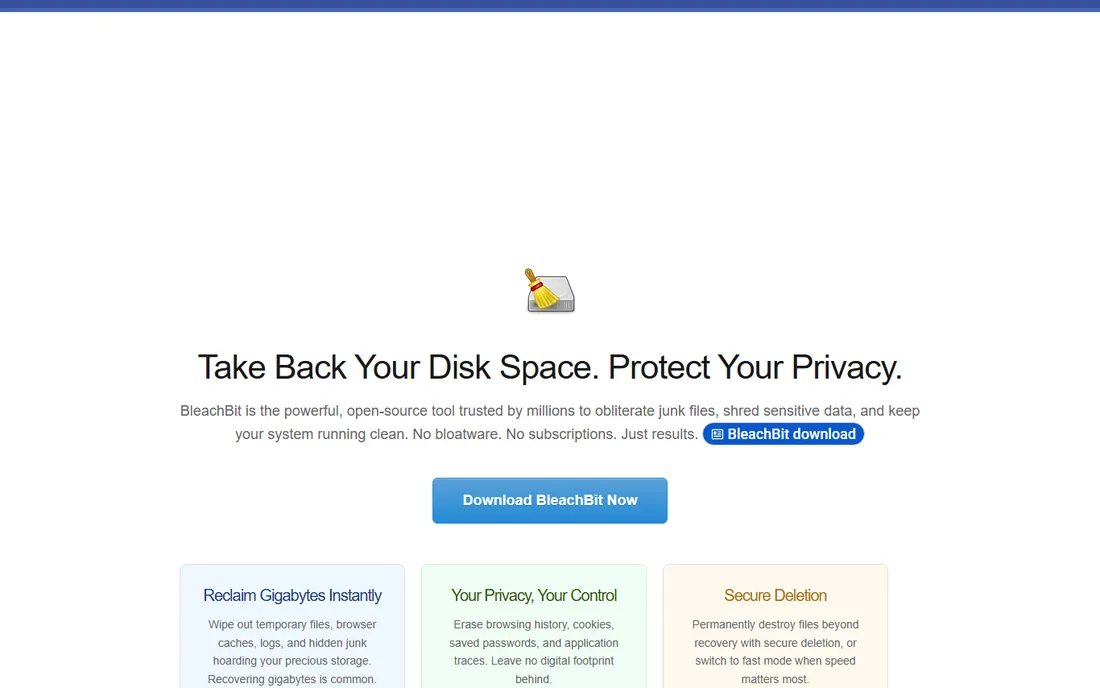
If you want the cleaning without the business model, BleachBit is the answer. It is a free and open-source disk cleaner that removes caches, cookies, logs, temporary files and browser histories across hundreds of applications. There are no ads, no premium tier and no telemetry to argue about. What you download is the whole program.
It takes privacy further than most paid tools. The file shredder overwrites deleted files, and the free-space wiper makes previously deleted data unrecoverable. The preview feature shows exactly what will be deleted before you commit, which matters when a cleaner has this much granular control. It runs on Windows and Linux.
The trade is polish and convenience. The interface looks like it belongs to another era, there is no automatic scheduling, and checkbox-by-checkbox control means you need to know what you are doing. For a careful user who cleans manually a few times a year, it is the best computer cleaner software at any price, because the price is zero.
What we like- Completely free with no ads or upsells
- Open source, so the code is auditable
- File shredder and free-space wiping built in
Watch out for- Dated interface
- No scheduling or one-click automation
Starting price$39.95 per year (Professional; often discounted)
Free planYes
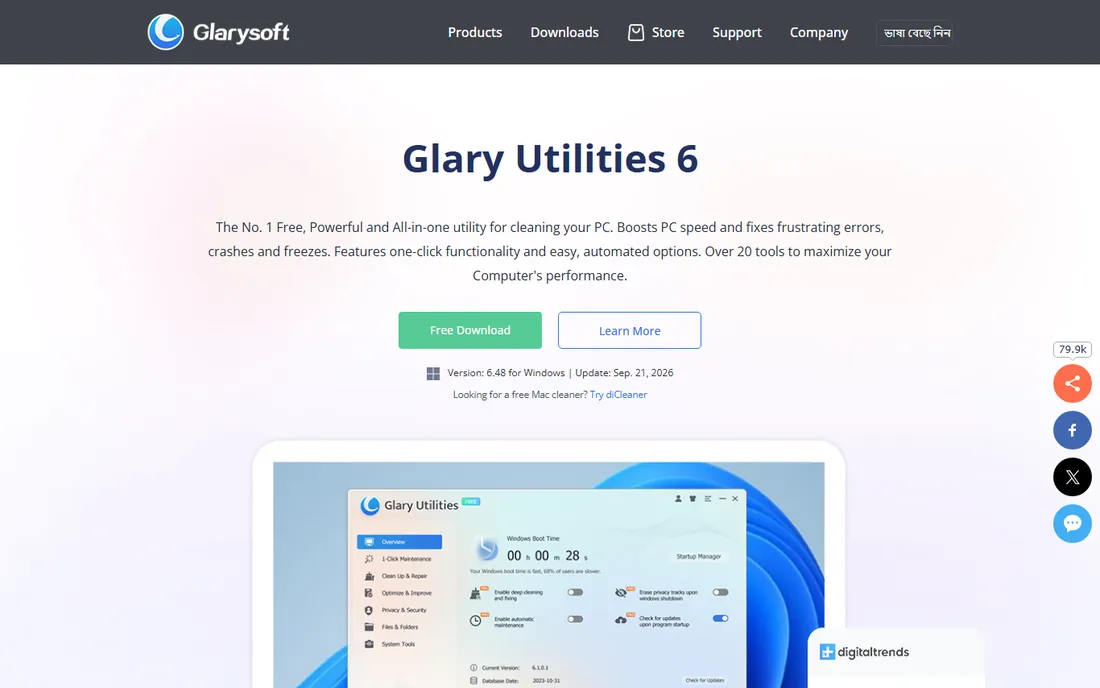
Glary Utilities is the Swiss army knife of this list. One install gives you disk cleanup, registry repair, startup management, disk defragmentation, duplicate file finder, file recovery, privacy eraser, software updater and a disk space analyzer. The one-click maintenance button runs the essentials in a single pass, which is how most people will actually use it.
The free edition covers manual maintenance well, and Professional adds automatic maintenance, automatic updates, deeper privacy cleaning and priority support. List price is $39.95 a year, though the official site runs it near $19.97 much of the time, and one license covers three PCs. Few tools here give you this much for that little.
Two caveats from long-term users. The interface is functional but dated, and the disk cleaner has been known to remove Windows restore points during deep cleans, which is the opposite of safety. Check the settings before your first full run. With that handled, it is the closest thing to a complete best pc clean up software toolkit on a budget.
What we like- Huge module list including file recovery and duplicate finder
- One-click maintenance
- Generous free edition
Watch out for- Interface needs modernizing
- Disk cleaning can remove restore points
Starting price$29.95 per year (Pro, 1 PC)
Free planYes
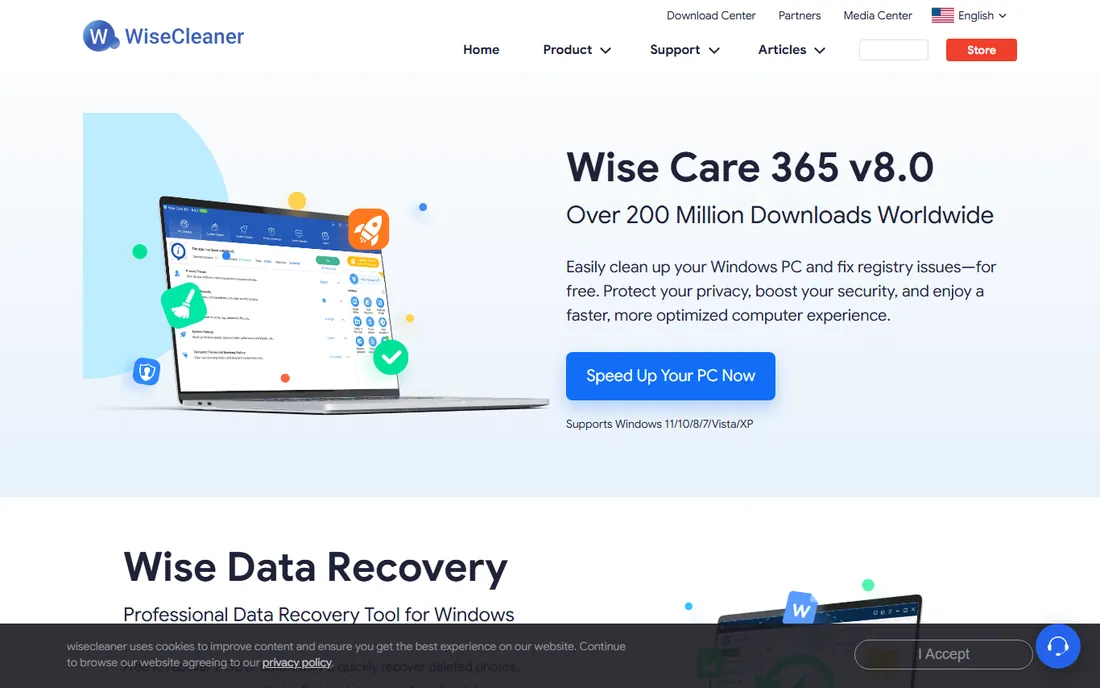
Wise Care 365 is what you buy when Glary feels dated and CCleaner feels pushy. The suite covers the standard ground: system cleaner, registry cleaner, privacy protector, startup manager, disk defragmenter and a system monitor. The Pro edition's headline feature is silent automatic cleaning, which keeps the PC maintained without pop-ups or scheduled scan windows interrupting you.
Pricing is aggressive. Pro lists at $29.95 a year for one PC or $39.95 for three, and the official site discounts it heavily most of the year. The free edition is capable for manual use, though it does promote the upgrade. With over 200 million downloads claimed, it has the user base to suggest the basics work.
The interface tries to show everything at once, which can overwhelm a first-time user. It also lacks the deeper extras like file recovery that Glary bundles. As a pure best cleaning software pick for hands-off maintenance at a low price, though, it is hard to beat.
What we like- Silent background cleaning on Pro
- Real-time system protection
- One of the cheapest paid options
Watch out for- The free edition nags toward Pro
- Interface is busy
#5
IObit Advanced SystemCare
Best for: users who want maximum automation
Visit iobit.com
Starting price$29.99 per year (Pro, list price)
Free planYes

IObit plays the automation card harder than anyone else here. Advanced SystemCare Pro runs real-time optimization, automatic RAM release, scheduled deep cleaning and surfing protection without you opening the app. The free version handles basic junk cleanup and startup management, and the step up to Pro adds the hands-off maintenance the product is built around.
Pro lists at $29.99 a year, with frequent promotions cutting that substantially, and one license stretches across multiple PCs depending on the offer. The Ultimate edition adds antivirus protection if you want cleanup and security in one install. The Rescue Center is a genuine plus: it logs changes and lets you roll back, which takes the fear out of registry cleaning.
The annoyance is the ecosystem. The installer offers extra IObit products and the app keeps promoting them. Decline carefully during setup and it stays out of your way afterward. If you want a PC that maintains itself and you will never open the settings, this automation-first approach fits.
What we like- Deep automation with real-time optimization
- AI-assisted scanning
- Rescue Center makes changes reversible
Watch out for- Installer pushes other IObit products
- Upsell prompts inside the app
#6
Ashampoo WinOptimizer
Best for: buyers who prefer a one-time license over subscriptions
Visit ashampoo.com
Starting price$30 one-time (WinOptimizer 2026)
Free planFree trial
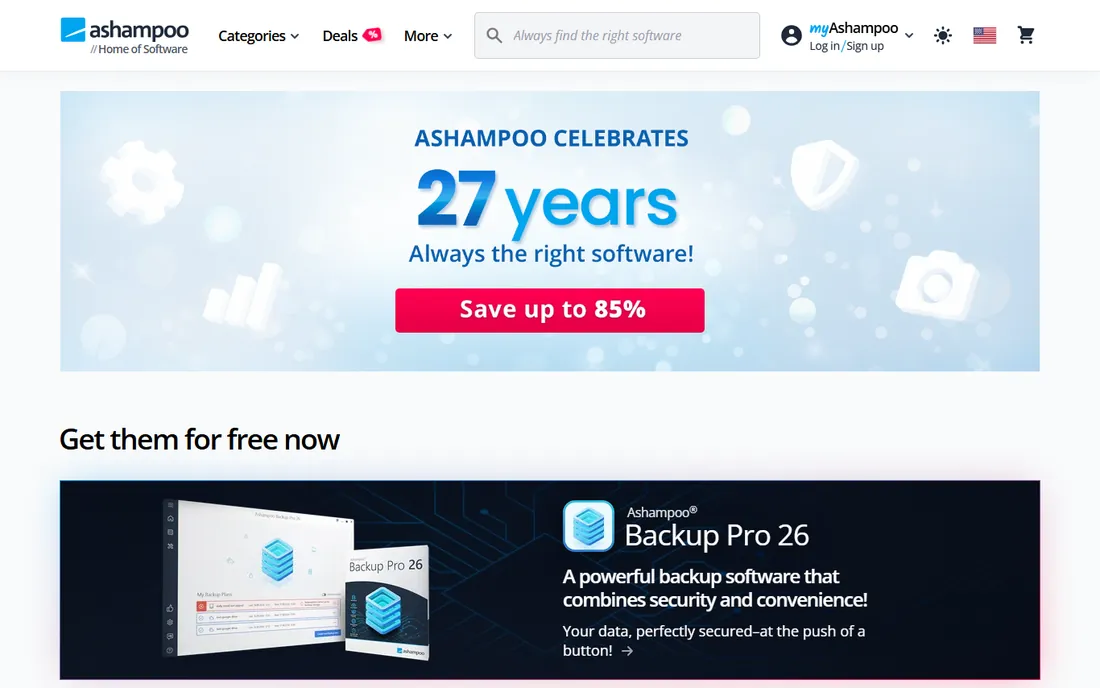
Ashampoo takes a different pricing route. WinOptimizer 2026 sells for $30 as a one-time license, with a $14-a-year subscription alternative that includes upgrades. For buyers tired of stacking annual subscriptions for utilities, the perpetual license is the appeal. You pay once and the tool is yours.
The module count rivals Glary: one-click optimization, internet cleaner, drive cleaner, registry tools, startup tuner, file shredder, disk health checks and benchmarks, plus an SSD optimization wizard that is rare in this category. Privacy controls that block Windows telemetry go further than most competitors bother with.
There is no free edition, only a trial, so you commit before the first real cleanup. Ashampoo also runs frequent giveaways that hand out full licenses, which undercuts the paid price if you time it right. As the best computer cleaning software for subscription skeptics, the one-time price is the whole argument.
What we like- Perpetual license available
- 30-plus modules including SSD tools
- Strong privacy and telemetry controls
Watch out for- No free edition
- Subscription option complicates the pricing story
#7
System Mechanic
Best for: households with several Windows PCs
Visit iolo.com
Starting price$54.95 per year (renewal; first year about $43.94)
Free planFree trial
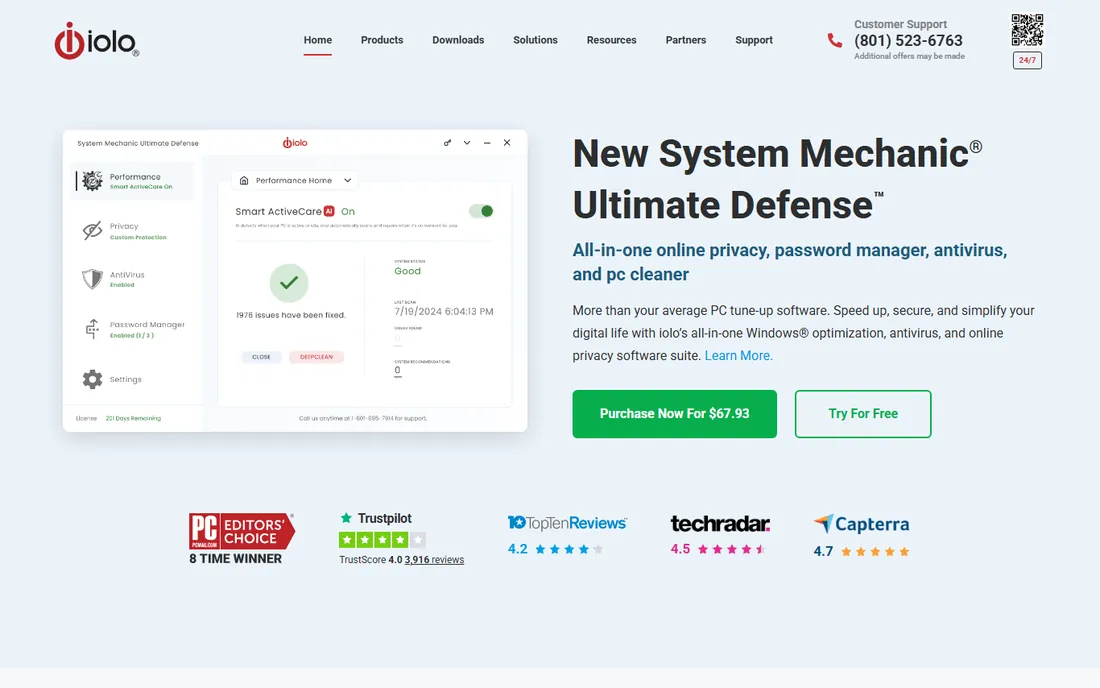
System Mechanic is the old guard of PC tune-up, and it prices like it. The iolo suite combines junk cleanup, registry repair, startup optimization, disk defragmentation, bloatware removal and the ActiveCare engine that cleans and repairs automatically when the PC is idle. It is a polished, long-developed product.
The standout term is device coverage. One license covers up to 10 Windows PCs in a household, which changes the math completely for families. At the $54.95 renewal price that is about $5.50 per PC per year, cheaper than any single-device competitor. The first year typically runs about $43.94.
There is no free version, only a trial, and the renewal jump from the intro price is the classic subscription maneuver, so set a calendar reminder. Higher tiers add real-time antivirus and fuller privacy tools. Buy it when you are equipping a household. For one PC, cheaper options win.
What we like- One license covers up to 10 PCs
- ActiveCare automatic maintenance
- NetBooster and startup tools are mature
Watch out for- No free version
- Renewal pricing is higher than the intro price
#8
AVG TuneUp
Best for: users who trust antivirus brands with system maintenance
Visit avg.com
Starting price$64.99 per year (1 device; renewal pricing)
Free planFree trial
AVG TuneUp comes from an antivirus company, and it shows. Beyond junk cleanup and registry repair, it brings Sleep Mode technology that hibernates background programs to free CPU and RAM, an automatic software updater that patches installed programs, and a disk cleaner with an Undo Center for rolling back changes. The maintenance runs automatically once configured.
The 10-device plan at $79.99 a year covers Windows, Mac and Android, which suits mixed-device households already in the AVG ecosystem. It also ships inside the AVG Ultimate bundle alongside antivirus and VPN, where the combined price can beat buying separately.
It is the most expensive standalone cleaner here, and AVG's renewal pricing and in-app subscription reminders draw consistent complaints. Introductory discounts soften the first year, but check the renewal figure before you buy. It earns its place for the Sleep Mode and updater automation, not for value.
What we like- Patented Sleep Mode for background apps
- Automatic software updater
- Covers Windows, Mac and Android on multi-device plans
Watch out for- The priciest option here
- Subscription pop-ups and renewal pricing annoy users
Starting price$0
Free planYes
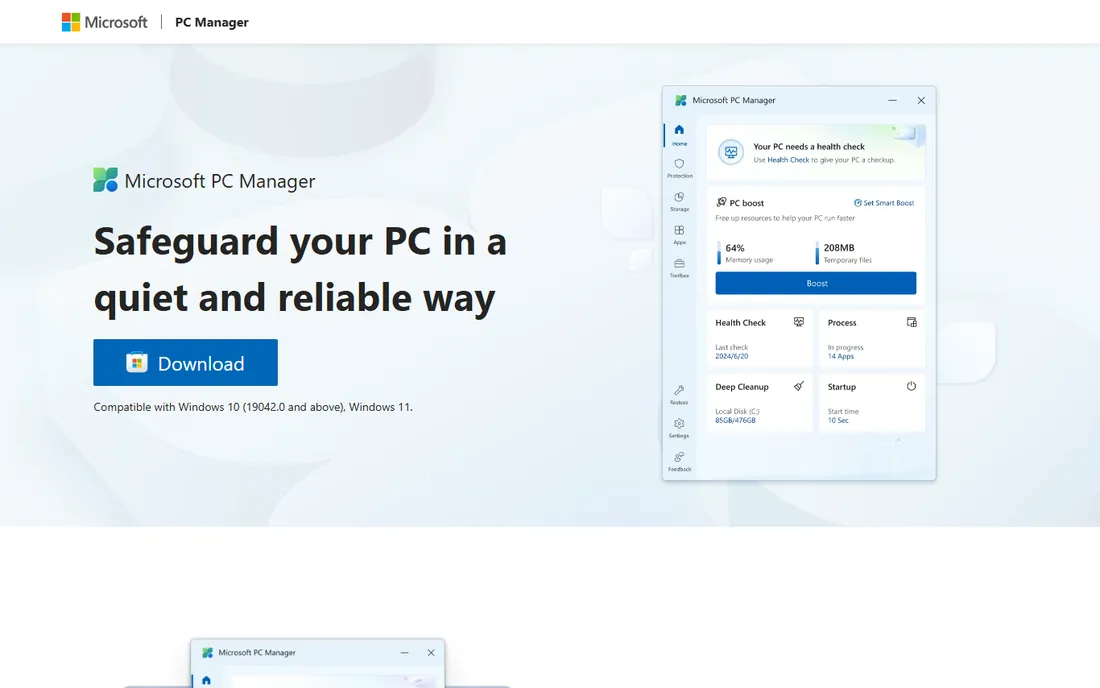
The most interesting cleaner on this list is the one Microsoft makes itself. PC Manager is a free official utility for Windows 10 and 11 that centralizes the maintenance Windows already does: one-click Boost to free RAM and clear temp files, Health Check for junk and issues, deep cleanup, storage management with large-file tools, startup app management and pop-up blocking.
Because it comes from Microsoft, the trust question that hangs over third-party cleaners disappears. It integrates with Windows Security for threat scanning, processes everything locally on the device, and carries no ads or upsells. The interface is clean and simple enough for non-technical users.
It is shallower than the dedicated tools. There is no registry cleaner, no file recovery, no driver updater and no advanced scheduling. But that is arguably the point: Microsoft's own guidance has long been skeptical of aggressive registry cleaning, and PC Manager sticks to safe, reversible maintenance. For most users, it plus Storage Sense is the entire best pc cleaning software stack they need.
What we like- Made by Microsoft, so no third-party risk
- One-click Boost and Health Check
- Integrates with Windows Security
Watch out for- Windows only
- Shallower than dedicated cleaners
What actually matters in a PC cleaner
Forget the feature count. Four things decide whether a cleaner earns its place on your PC.
First, junk and temp file cleanup. This is the core job and every tool here does it. What differs is coverage: browsers, system caches, installer leftovers and app data. Free tools like BleachBit and PC Manager cover the essentials; paid tools add scheduled automation.
Second, startup and background app management. A PC that boots slowly usually has too many startup programs, not too little disk space. Every paid tool here manages startup items, and AVG's Sleep Mode and CCleaner's Performance Optimizer extend that to background apps while you work.
Third, safe automation. The value of a paid cleaner is that it runs without you. Look for scheduled cleaning, real-time monitoring and, critically, an undo or restore feature for registry changes. IObit's Rescue Center and AVG's Undo Center are the right model.
Fourth, honest pricing. Intro prices that double at renewal are the norm in this category. Check the renewal figure, the device count and whether you actually need the paid tier. A $30 one-time Ashampoo license or a free Microsoft tool often beats a $65 annual subscription for the same outcomes.
How we chose
We tested the premise first: what does a PC cleaner do that Windows 11 does not already do? Storage Sense, Disk Cleanup, Task Manager startup controls and Windows Security cover the basics free, so every tool here had to justify itself beyond them. We compared nine current products on real 2026 pricing from vendor pages and recent plan data, free edition generosity, automation features, device coverage and trust signals. Public reviews on G2, Capterra and Reddit informed the usability notes, and we weighted reversible, safe cleaning over aggressive registry promises. We excluded tools with FTC settlements and dead products still ranking in old roundups.
Mistakes that do more harm than good
The biggest risk in this category is not picking the wrong tool. It is letting any tool be too aggressive.
Registry cleaning deserves its skepticism. Microsoft does not support most registry cleaners, and the performance gains are usually unmeasurable on modern Windows. If you run one, use a tool with a backup and restore feature, and skip it entirely on a healthy system.
Watch the installer. Several tools here bundle offers for sibling products during setup. Read each screen, decline what you did not ask for, and you avoid the bloatware a cleaner is supposed to remove.
Do not stack cleaners. Running two real-time optimization tools together causes conflicts and slowdowns, the opposite of the goal. Pick one, configure its schedule, and leave the rest uninstalled.
Finally, mind the renewal. Introductory pricing is designed to get the first year cheap and the second year expensive. Note the renewal price at purchase and decide then whether the automation was worth it.
Frequently asked questions
Do I really need PC cleaning software in 2026?
Probably not, if your needs are basic. Windows 11's Storage Sense, Disk Cleanup and startup controls handle routine junk for free, and Microsoft PC Manager adds a friendly front end. Paid cleaners earn their keep through automation, deeper privacy cleaning and extras like driver updaters.
Is CCleaner still safe to use?
The current version from the official site is safe to install. The concerns are about behavior rather than malware: ads in the free version, telemetry and upsells, plus a 2017 supply-chain incident that still colors its reputation. Download only from ccleaner.com and read the installer screens.
What is the best free PC cleaner?
BleachBit for control and privacy, since it is free, open source and has no ads. Microsoft PC Manager for simplicity, since it is official and easy. Between the two, most users should start with Microsoft's tool and only reach for BleachBit when they want deeper, manual cleaning.
Will a PC cleaner speed up my computer?
It can help if the slowdown comes from junk files, full disks or bloated startup lists. It will not fix failing hardware, malware infections or an underpowered machine. If cleaning and startup management do not help, the problem is elsewhere.
How often should I run a PC cleaner?
For most users, a scheduled weekly or monthly cleanup is plenty. Daily aggressive cleaning wears SSDs with unnecessary writes and rarely improves anything. Set the schedule once in a paid tool, or run a free cleaner manually every month or two.
Sources we checked (16)
- https://www.ccleaner.com
- https://www.bleachbit.org
- https://www.glarysoft.com
- https://www.wisecleaner.com
- https://www.iobit.com
- https://www.ashampoo.com
- https://www.iolo.com
- https://www.avg.com
- https://pcmanager.microsoft.com/
- https://www.saasodds.com/blog/ccleaner-alternatives
- https://thehightechsociety.com/ccleaner-review/
- http://techyden.com/glary-utilities-review/
- https://www.techbre.com/iobit-advanced-systemcare-review/
- https://www.geekbyter.com/review/pc-optimization/avg-tuneup-review/
- https://www.techcommuters.com/iolo-system-mechanic-full-review/
- https://www.thewindowsclub.com/microsoft-pc-manager-for-windows
Is your product missing or out of date?
We review this list regularly. Vendors can request a listing, send updated pricing or ask about featured placement.

Shihab Mia · Founder, Rankite
Shihab has spent more than a decade helping SaaS and e-commerce brands grow through search. He writes Rankite's software buying guides from pricing pages, documentation and public user reviews. More about Shihab.