How we make this list: we compare pricing pages, product documentation and public user reviews. Rankite is independent; if a vendor ever pays for a featured spot, that listing is clearly labeled Partner.
Key takeaways
- Most of what PC cleaners do, removing temp files and managing startup programs, helps modestly; none of them will make a ten-year-old laptop feel new.
- BleachBit is the only fully free, open-source option here, and it does the core cleanup job without upsells or scare tactics.
- CCleaner, Glary Utilities, Advanced SystemCare, and Wise Care 365 all offer usable free versions; pay only if you want scheduling and automation.
- AVG TuneUp and Iolo System Mechanic target buyers who want set-and-forget maintenance and are comfortable with a yearly subscription.
- Registry cleaning is the most oversold feature in this category; treat any tool that leads with it as a marketing product first.
Quick comparison
| Tool | Best for | Starting price | Free plan |
|---|
 CCleaner CCleaner | Mainstream junk cleaning with a free tier | See website | See website |
 BleachBit BleachBit | Free open-source cleanup with no upsells | Free | Yes |
 AVG TuneUp AVG TuneUp | Automatic maintenance for non-technical users | See website | See website |
 Iolo System Mechanic Iolo System Mechanic | Deep tune-up suite for enthusiasts | See website | See website |
 Glary Utilities Glary Utilities | Generous free toolkit with 1-click maintenance | See website | See website |
 Advanced SystemCare Advanced SystemCare | All-in-one cleanup plus driver updates | See website | See website |
 Wise Care 365 Wise Care 365 | Lightweight cleaner with privacy tools | See website | See website |
 Ashampoo WinOptimizer Ashampoo WinOptimizer | Modular clean, optimize, and protect suite | See website | See website |
Is your product missing or out of date?
We review this list regularly. Vendors can request a listing, send updated pricing or ask about featured placement.
Let me be direct: most PC cleaner software is a progress bar wrapped around tasks Windows already does, sold with red warning badges designed to scare you into a subscription. That said, a few of these tools do genuinely useful maintenance, clear gigabytes of junk, tame startup bloat, and automate chores most people never do by hand. This list separates the useful from the theatrical.
Starting priceSee website
Free planSee website
CCleaner defined this category, and the free version still does the core job: clearing temp files, browser caches, and leftover installer data, plus a startup manager that shows what launches at boot. For a typical home PC, running the free cleaner every few months recovers disk space and removes clutter with minimal risk.
The trust question is real and worth stating plainly. CCleaner was compromised in a 2017 supply-chain attack, and later versions drew criticism for bundled software offers and persistent background processes. The current product is cleaner than its reputation, but the paid Professional tier mostly adds scheduling, automatic updates, and priority support, none of which the average user needs. Use the free version, decline the extras during install, and skip the registry cleaner.
What we like- Cleans browser and system junk thoroughly
- Startup manager is genuinely useful
- Free version covers the basics
Watch out for- History of bundled offers and a 2017 supply-chain incident hurt trust
- Paid features add little for most users
Starting priceFree
Free planYes
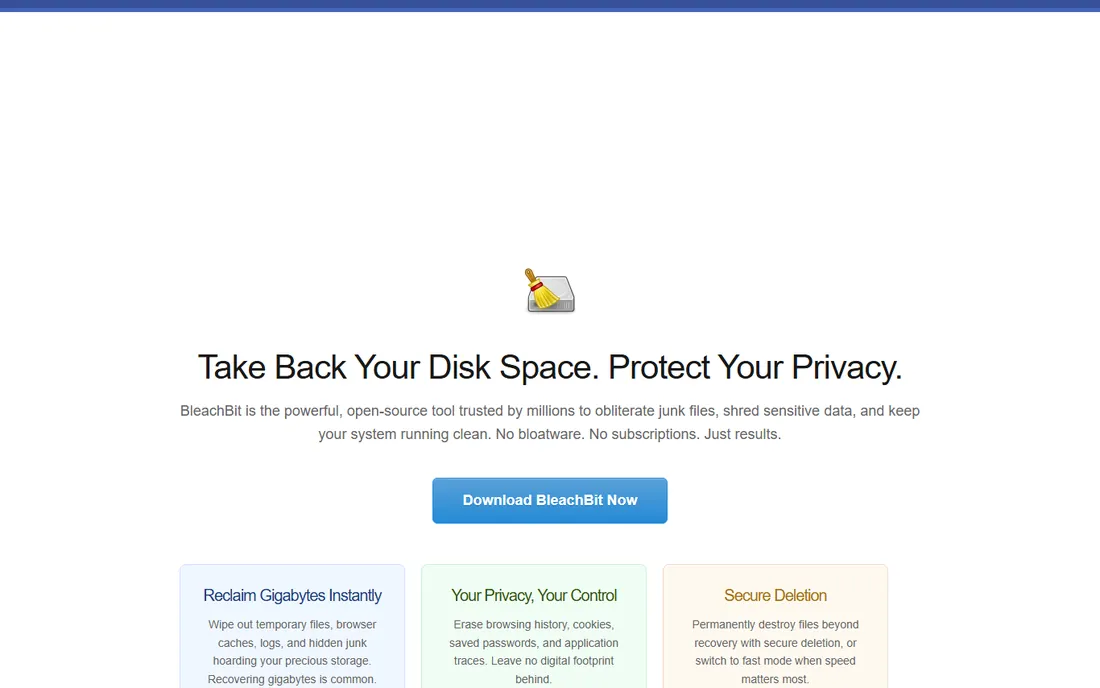
BleachBit is what you recommend to a friend when you do not want to explain subscription tiers. It is open-source, free forever, and it deletes the same categories of junk the paid tools target: caches, temp files, logs, and browser leftovers. It also includes file shredding for sensitive deletions, a feature commercial tools usually gate behind paid tiers.
There is no hand-holding. The interface lists checkboxes by application, and you are expected to know what you are deleting, though the defaults are safe. There is no scheduler, no "health score," and no marketing. For technically comfortable users who want cleanup without a sales funnel attached, it is the honest pick.
What we like- Completely free with no tiers or ads
- Secure file shredding built in
- No background services or nag screens
Watch out for- Interface is plain and technical
- No automation or scheduling in the free build
- Smaller cleaner database than commercial rivals
#3
AVG TuneUp
Best for: Automatic maintenance for non-technical users
Visit avg.com
Starting priceSee website
Free planSee website
AVG TuneUp is built for the person who will never open a settings menu voluntarily. Install it, and it handles junk cleaning, startup optimization, and its signature sleep mode, which pauses background programs that drain resources. For a family PC maintained by nobody, that automation has real value.
The pricing is subscription-based, and like most tools in this category, its scan results lean dramatic to encourage renewal. It pairs naturally with AVG antivirus under the same Gen corporate umbrella, which is convenient if you already use AVG and annoying if you do not. Buy it for the automation, not for the promise of dramatic speed gains.
What we like- Sleep mode quiets background programs effectively
- Automatic maintenance runs without user input
- Integrates with AVG antivirus
Watch out for- Subscription only
- Some "issues found" counts are inflated to justify the price
- Upsells within the AVG ecosystem
#4
Iolo System Mechanic
Best for: Deep tune-up suite for enthusiasts
Visit iolo.com
Starting priceSee website
Free planSee website
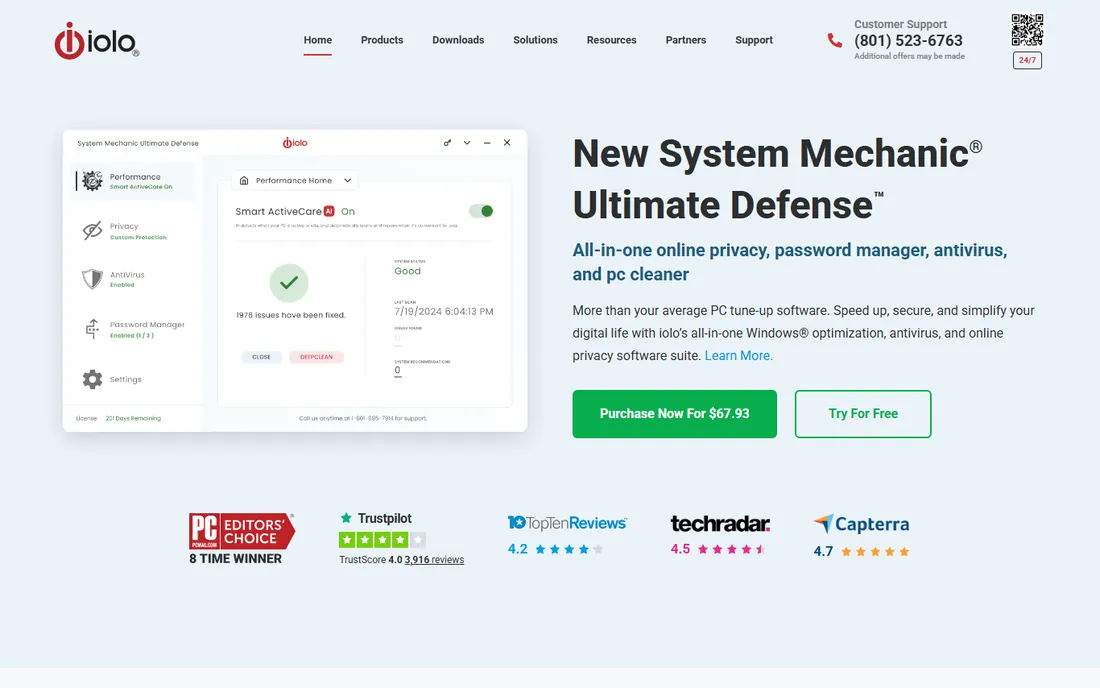
System Mechanic is the maximalist option: dozens of tools for cleaning, optimizing, securing, and recovering, bundled under one subscription that traditionally covers every PC in a household. Enthusiasts who enjoy tuning will find plenty to click, from startup optimizers to privacy sweepers.
The honest weakness is that breadth becomes its own problem. Many of the tools replicate what Windows Settings, Task Manager, and Storage Sense already do, and the suite can feel like a second operating system layered over the first. The whole-home license is genuinely good value for multi-PC households, but single-PC users pay for capacity they will never use.
What we like- Large toolkit of tune-up utilities in one suite
- Whole-home licensing covers many PCs
- Long track record in the category
Watch out for- Feature count borders on bloat
- Subscription pricing
- Some tools duplicate built-in Windows utilities
Starting priceSee website
Free planSee website
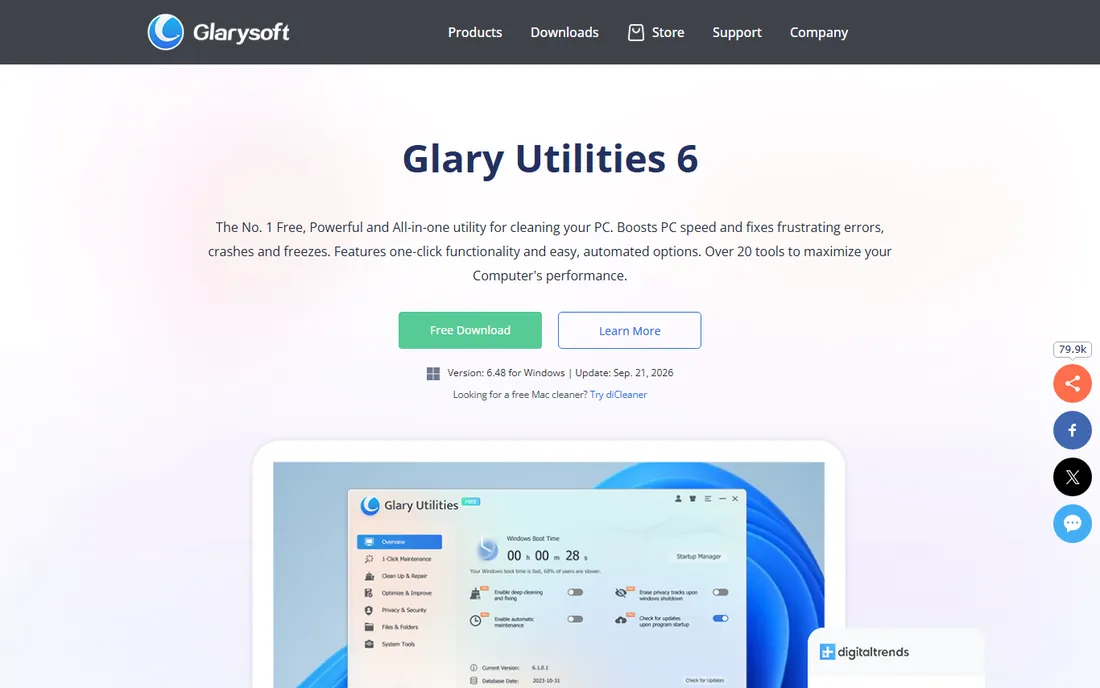
Glary Utilities has one of the most generous free versions in this category. The 1-click maintenance runs junk cleaning, registry repair, shortcut fixing, and startup management in a single pass, and the individual modules, disk analysis, duplicate finding, file shredding, go deeper for those who want control. It is light on system resources, which matters for the older PCs that need cleaning most.
The free version nags about the Pro upgrade, and the installer has historically included bundled offers, so read each screen during setup. Pro mainly adds scheduled maintenance and automatic updates. For most users, the free version on a manual schedule does 95 percent of the job.
What we like- Free version includes most tools
- 1-click maintenance is simple and safe
- Lightweight install
Watch out for- Interface looks dated
- Pro version's main advantage is just automation
- Occasional bundled offers in the installer
#6
Advanced SystemCare
Best for: All-in-one cleanup plus driver updates
Visit iobit.com
Starting priceSee website
Free planSee website

Advanced SystemCare from IObit aims to be the only maintenance tool you install: junk cleaning, startup management, privacy sweep, driver updater, and software updater in one dashboard. The AI mode picks the cleaning plan for you, which suits beginners who find a wall of checkboxes intimidating.
The free version works but markets hard, with frequent prompts to upgrade to Pro. IObit installers have a history of bundled offers, so the custom install path and careful reading are mandatory. The driver updater is a legitimate differentiator, though Windows Update handles most drivers adequately on its own. Use the free version for cleanup; evaluate Pro only if you specifically want the automation.
What we like- AI-assisted mode simplifies decisions for beginners
- Includes driver and software updating
- Free version is capable
Watch out for- Aggressive upsell prompts in the free version
- Installer bundles require attention
- Some features overlap with Windows tools
Starting priceSee website
Free planSee website
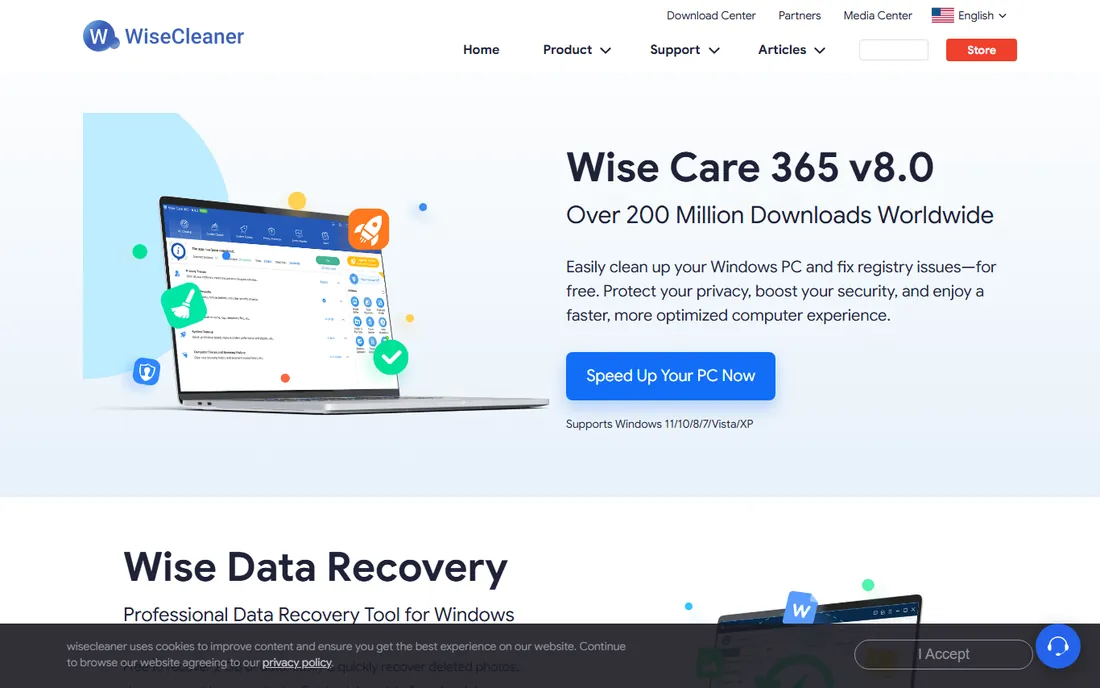
Wise Care 365 is the quiet competent option from WiseCleaner. It scans fast, presents results clearly, and its privacy tools erase browsing traces, recent documents, and Windows usage history thoroughly. The free version covers cleaning, basic optimization, and privacy without crippling limits.
It does not try to be everything. There is no driver updater, no file recovery, no sprawling toolkit, which is either a weakness or a relief depending on your temperament. The Pro version's main additions are scheduled cleaning and deeper optimization. For users who want a simple, honest computer cleanup tool, the free version is enough.
What we like- Fast scans and a clean interface
- Privacy eraser covers browsers and Windows traces
- Free version is genuinely useful
Watch out for- Smaller feature set than the big suites
- Pro adds mostly scheduling
- Company is less known than rivals
#8
Ashampoo WinOptimizer
Best for: Modular clean, optimize, and protect suite
Visit ashampoo.com
Starting priceSee website
Free planSee website
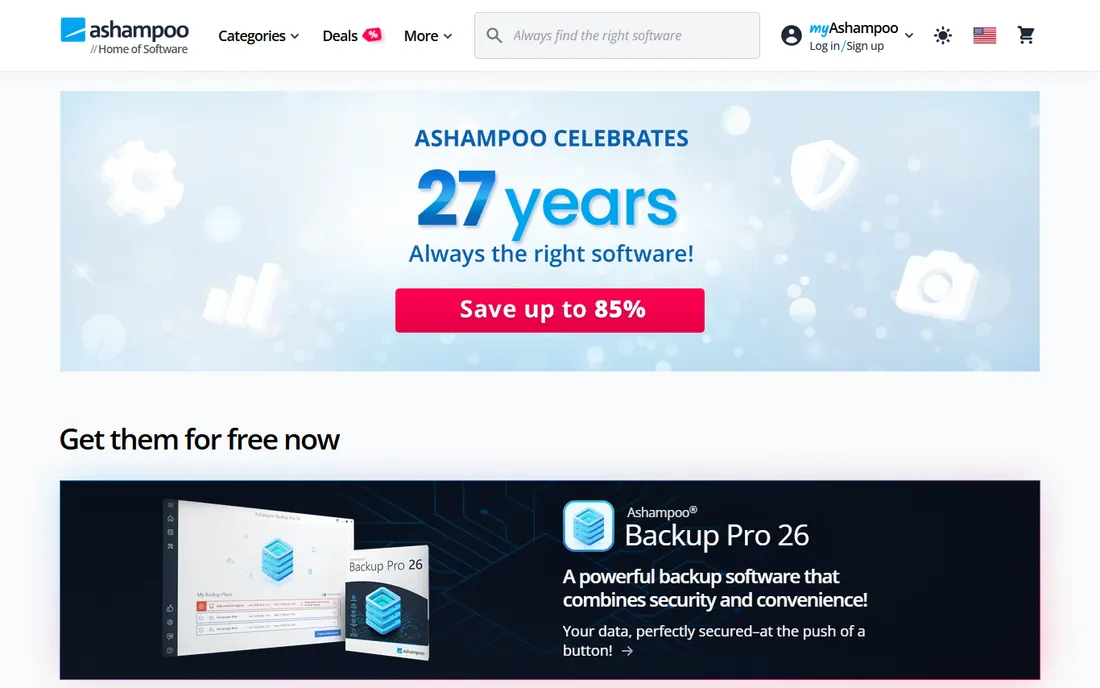
Ashampoo WinOptimizer organizes its toolkit into clear modules, clean, optimize, protect, so you can run a junk sweep without wading through features you do not want. Ashampoo has a long history in Windows utilities, and the software is stable and well-documented. The company has offered both subscriptions and one-time purchases across its product line, so check the current store page for what applies to this version.
The modularity cuts both ways: twenty modules means twenty things to understand, and several are thin wrappers around simple tasks. Edition naming shifts between releases, which makes comparing versions confusing. It is a solid suite for tinkerers who like discrete tools, less ideal for someone who wants one button.
What we like- Modular design lets you run only what you need
- German engineering reputation for stability
- One-time purchase options have been offered
Watch out for- Module count can overwhelm beginners
- Pricing and edition names change often
- Some tools are basic
What PC cleaners can and cannot fix
A PC cleaner can fix a full disk, within reason. Temp files, caches, old installers, and forgotten downloads can consume tens of gigabytes, and removing them is the single most reliable thing these tools do. They can also fix slow boot times caused by too many startup programs, since disabling a dozen auto-launchers produces a noticeable improvement.
A PC cleaner cannot fix a slow computer in most other cases. If the machine has 4 GB of RAM and a spinning hard drive, no software will make it fast; only a RAM upgrade or an SSD will. If the slowness comes from a failing drive, aggressive cleaning can actually make things worse by churning a dying disk. And no cleaner fixes malware, which needs antivirus, or a corrupted Windows install, which needs a reset.
Registry cleaning deserves its own warning. Every tool on this list except BleachBit offers it, and Microsoft has stated for years that registry cleaners provide no meaningful performance benefit on modern Windows while carrying real risk of breaking things. If a tool's marketing leads with registry errors found, that is a sales tactic, not a diagnosis. Clean the registry never, or at most let a trusted tool remove entries for software you already uninstalled, with a backup made first.
Frequently asked questions
Do I actually need PC cleaner software?
Probably not as much as the ads suggest. Windows includes Storage Sense for automatic junk cleanup, Task Manager for startup programs, and Settings for uninstalling apps, which covers most maintenance. A cleaner earns its place if you want deeper scans, file shredding, or everything in one dashboard, or if you maintain PCs for non-technical family members who will never open Settings.
Is CCleaner safe to use in 2026?
The current CCleaner is safe to download from the official site, and the free cleaner itself is legitimate software used by millions. The caution comes from its history: a 2017 supply-chain attack and years of bundled offers damaged trust. Download only from ccleaner.com, choose custom install, decline extras, and avoid the registry cleaner.
Will a PC cleaner speed up my computer?
Modestly, in specific cases. Clearing gigabytes of junk helps a nearly full drive, and disabling startup bloat shortens boot time. But cleaners cannot overcome slow hardware, and "2000 issues found" style scan results are mostly harmless leftovers, not performance problems. Expect a tidier system, not a new computer.
What is the best free PC cleaner?
BleachBit, because it is free and open-source with no upsells, ads, or background services. Among commercial tools, the free versions of Glary Utilities, Wise Care 365, and CCleaner are all capable for basic computer cleanup. Start free; only pay if you specifically want scheduled, automatic maintenance.
Can PC cleaners remove viruses?
No. PC cleaners remove junk files and optimize settings; they do not detect or remove malware. If you suspect an infection, use a dedicated antivirus or malware scanner such as Malwarebytes or Microsoft Defender, then clean up afterward. Some suites bundle security features, but a cleaner is not a substitute for antivirus.
How often should I run a PC cleaner?
Every one to three months is plenty for most users, or enable automatic scheduling if your tool supports it. Running aggressive cleaners weekly provides no additional benefit and increases the chance of deleting something you wanted. Pair occasional cleaning with continuous habits: uninstall unused apps, keep the drive under 85 percent full, and restart the PC regularly.
What actually matters in a PC cleaner
Judge a cleaner by its junk database, not its marketing. The tools that find the most real waste, browser caches, temp files, leftover installers, log files, without flagging system files you need, are the ones worth keeping. A good scan should explain what each category is before deleting it.
Check the installer's honesty before you judge the software. Bundled offers, pre-checked boxes, and scare-count scan results tell you how the company makes money, and that predicts how the product will treat you long-term. BleachBit and the cleaner free versions that install without drama earn trust here.
Look at what runs in the background. Some cleaners install resident services and startup entries of their own, which is ironic for software sold on performance. A cleaner should do its job when you run it and stay quiet otherwise. Check Task Manager after installing; if the cleaner added three background processes, reconsider.
Compare the free version against your actual needs before paying. Scheduling, automatic updates, and priority support are the standard paid carrots. If you will run the cleaner manually every couple of months anyway, the free tier of Glary, Wise Care, or CCleaner is sufficient. Pay for automation only if you know you will never do it manually.
Finally, keep expectations mechanical. A cleaner is a broom, not an engine upgrade. Pair it with the upgrades that actually change performance: an SSD instead of a hard drive, enough RAM for your workload, and a Windows install that is not fighting malware.
How we chose
We compared vendor feature lists, documentation, and pricing pages against public reviews on G2, Capterra, Trustpilot, and Reddit system-administration communities. We weighted the effectiveness of junk cleaning, installer honesty, background resource use, the usefulness of free versions, and whether paid features justify their price. We penalized scare-tactic marketing and registry-cleaner hype. We did not claim hands-on testing; findings reflect documented features, pricing structures, and long-term user reports.
Sources we checked (8)
- https://ccleaner.com
- https://bleachbit.org
- https://avg.com
- https://iolo.com
- https://glarysoft.com
- https://iobit.com
- https://wisecleaner.com
- https://ashampoo.com
Is your product missing or out of date?
We review this list regularly. Vendors can request a listing, send updated pricing or ask about featured placement.

Shihab Mia · Founder, Rankite
Shihab has spent more than a decade helping SaaS and e-commerce brands grow through search. He writes Rankite's software buying guides from pricing pages, documentation and public user reviews. More about Shihab.