How we make this list: we compare pricing pages, product documentation and public user reviews. Rankite is independent; if a vendor ever pays for a featured spot, that listing is clearly labeled Partner.
Key takeaways
- There is no single benchmark for a whole PC: CPU tests (Cinebench, Geekbench), GPU tests (3DMark, FurMark) and storage tests (CrystalDiskMark) each measure one thing.
- Most of the best benchmark tools are free: Cinebench, CrystalDiskMark, Novabench and FurMark cost nothing for the core test.
- For comparing your results against other machines, 3DMark and Geekbench have the largest public results databases.
- Run the same test three times and compare medians: background apps and thermals move scores more than most people expect.
Quick comparison
| Tool | Best for | Starting price | Free plan |
|---|
 Cinebench Cinebench | Measuring CPU multi-core and single-core rendering speed | Free | Yes |
 PassMark PerformanceTest PassMark PerformanceTest | One overall system score plus per-component detail | See website (free trial; paid license) | Free trial (30 days) |
 Geekbench Geekbench | Comparing CPUs across Windows, Mac, phones and tablets | Free (basic); Pro version paid, see website | Yes (basic) |
 3DMark 3DMark | GPU and gaming performance testing | Free demo; full version paid (see website) | Yes (demo) |
 PCMark 10 PCMark 10 | Real-world office and productivity performance | Free basic edition; full version paid | Yes (basic) |
 UserBenchmark UserBenchmark | A fast free comparison of your parts against identical parts | Free | Yes |
 CrystalDiskMark CrystalDiskMark | Testing SSD and hard drive read and write speeds | Free | Yes |
 Novabench Novabench | A fast free overview of the whole system | Free (basic); Pro paid, see website | Yes (basic) |
 FurMark FurMark | Stress-testing a GPU to its thermal and power limits | Free | Yes |
Is your product missing or out of date?
We review this list regularly. Vendors can request a listing, send updated pricing or ask about featured placement.
The best PC benchmark software
You just built a PC, bought a laptop or upgraded a graphics card, and now you want a number that tells you whether it is actually fast. One number will not do it: a machine that crushes video renders can stumble in games, and a fast GPU means nothing if the storage is slow. The tools below each measure one part of the machine well, and together they give you the full picture.
#1
Cinebench
Best for: Measuring CPU multi-core and single-core rendering speed
Visit maxon.net
Starting priceFree
Free planYes

Cinebench from Maxon is the default CPU test for a reason. It renders a scene using your processor and scores multi-core and single-core performance, which maps well to real work like video encoding, 3D rendering and compilation. Reviewers publish Cinebench numbers constantly, so your score has context: you can compare directly against published reviews of the same chip.
The limitation is scope. Cinebench tests one workload, rendering, and tells you nothing about your GPU, RAM bandwidth or disk speed. Use it to answer one question: is this CPU performing where it should? Pair it with a GPU and storage test for the rest of the machine.
What we like- Free with no account or upsell
- The industry-standard CPU test that reviewers everywhere use
- Short run that also works as a quick stability check
Watch out for- Tests only the CPU through rendering, so it says nothing about gaming or storage
- Scores are only comparable between the same Cinebench version
#2
PassMark PerformanceTest
Best for: One overall system score plus per-component detail
Visit passmark.com
Starting priceSee website (free trial; paid license)
Free planFree trial (30 days)

PerformanceTest is the all-in-one option for buyers who want one number and the breakdown behind it. It runs CPU, 2D and 3D graphics, memory and disk tests in a single pass and produces a PassMark rating, which you can compare against the site's enormous baseline database of submitted machines. IT teams use it for fleet comparisons and upgrade justification.
The free ride ends after 30 days, which is the main drawback against the free tools here. The software looks like it was designed a decade ago, and it was. If you want a quick free check, Novabench covers similar ground; PerformanceTest earns its place with deeper tests and the biggest comparison database.
What we like- Tests CPU, GPU, RAM and disk in one run and rolls them into a single score
- Huge online baseline database for comparing your machine
- Advanced tests for IT buyers
Watch out for- The interface and reports feel dated
- The full version is paid after the trial
Starting priceFree (basic); Pro version paid, see website
Free planYes (basic)
Geekbench's superpower is that it runs everywhere: Windows, macOS, Linux, iOS and Android. That makes it the only tool on this list that lets you compare a new laptop's CPU against a desktop chip or even a phone. The CPU test covers compression, rendering, navigation and machine-learning workloads, and the Compute test measures GPU acceleration.
For most buyers the free version is the whole product; Pro adds command-line automation and offline result management for labs and IT departments. Scores only compare within the same Geekbench major version, so make sure the comparison you are reading matches your version.
What we like- Cross-platform, so you can compare a Windows laptop against a Mac or a phone
- Large public results browser
- Tests real task types like compression, rendering and ML
Watch out for- Basic version is enough for most buyers, so the Pro upsell rarely matters
- Synthetic workloads that do not perfectly match every app
Starting priceFree demo; full version paid (see website)
Free planYes (demo)
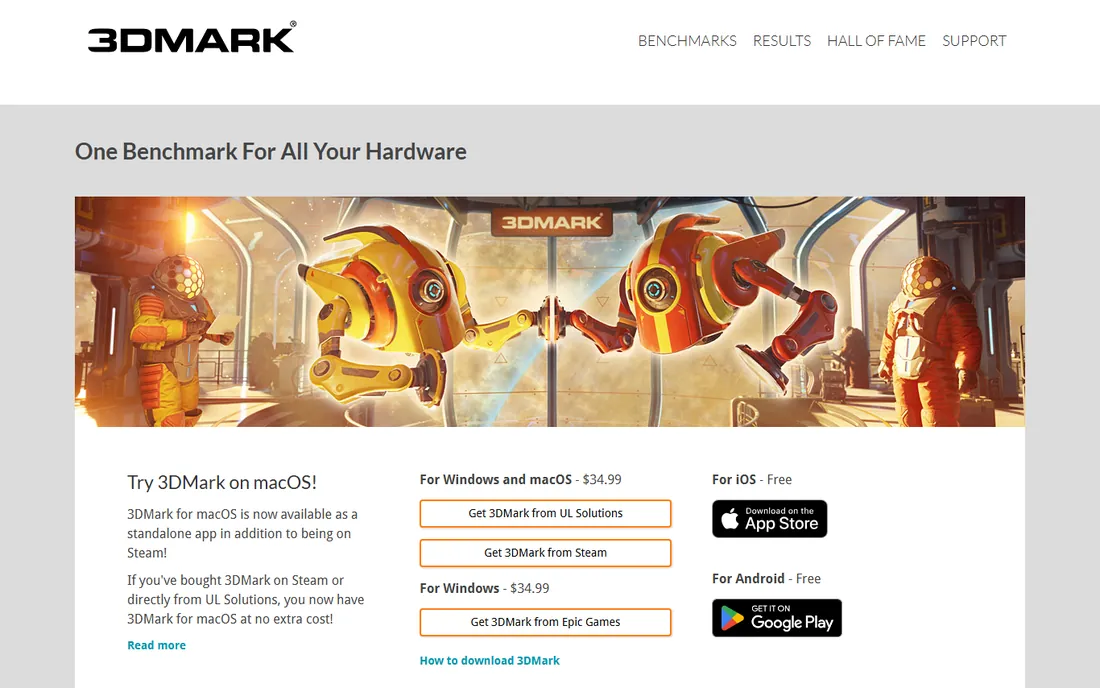
If the question is "can this PC run games," 3DMark is the answer. UL's suite includes Time Spy for DirectX 12, Steel Nomad for cross-platform GPU testing, Port Royal for ray tracing, and lighter tests for integrated graphics and laptops. The results browser lets you compare your score against thousands of identical GPU and CPU combinations.
The free demo is enough to answer the basic question, but the interesting tests (ray tracing, stress tests, custom runs) sit behind the paid version. For a one-time GPU check the demo works; for reviewers, overclockers and system builders the full version is the working tool.
What we like- The standard GPU benchmark with tests for every performance tier, from integrated graphics to 4K flagships
- Ray tracing and DLSS feature tests
- Massive results database with identical-hardware comparisons
Watch out for- The full test suite is paid
- The demo limits which tests you can run
#5
PCMark 10
Best for: Real-world office and productivity performance
Visit pcmark.com
Starting priceFree basic edition; full version paid
Free planYes (basic)
PCMark 10 answers the question businesses actually ask: how fast is this laptop at office work? It runs real applications through their paces, web browsing, word processing, spreadsheets, video conferencing, and scores the system the way an employee experiences it. The battery-life test is genuinely useful for laptop buyers comparing endurance claims.
The basic edition is free and covers the essentials; the paid version adds the Digital Content Creation tests and extended runs. Gamers and 3D artists should look at 3DMark and Cinebench instead. For office fleet buyers, this is the most relevant number on the list.
What we like- Tests the tasks office PCs actually do: browsing, documents, spreadsheets, video calls
- Battery-life test for laptops
- Digital content creation tests on the full version
Watch out for- Irrelevant for gamers and creators who need GPU or render tests
- Full version is paid
Starting priceFree
Free planYes
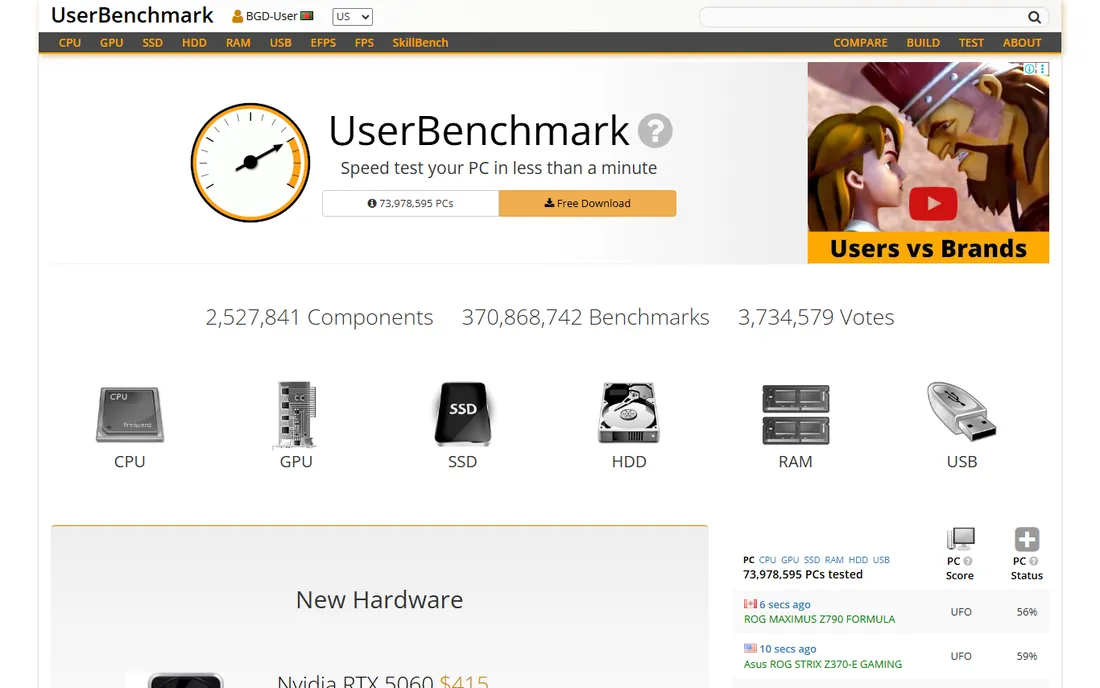
UserBenchmark is the quickest sanity check on this list. Download it, run it, and within minutes you see your CPU, GPU, drives and memory ranked against the same parts in other users' machines. If your SSD is running at 40 percent of the typical speed for that model, it tells you plainly. For diagnosing a slow PC or verifying a used purchase, that specificity is unmatched.
The controversy is real: enthusiasts criticize the site's scoring weights and editorializing, especially around CPU rankings. Treat the percentile comparisons against identical hardware as the useful output and ignore the site's opinions about which brand wins. For the narrow job of "is my part performing normally," it works.
What we like- Completely free with no account needed
- Compares your CPU, GPU, SSD and RAM directly against identical hardware submitted by other users
- Flags underperforming components instantly
Watch out for- The site's editorial content and weighted scoring draw criticism from enthusiasts
- Results depend on user-submitted data quality
Starting priceFree
Free planYes

CrystalDiskMark is the storage specialist. It measures sequential and random read and write speeds, which is everything that matters when comparing SSDs: sequential speed for large file copies, random 4K performance for everyday responsiveness. Reviewers publish CrystalDiskMark numbers for every drive, so your result slots straight into the reviews.
The interface is spartan and the test profiles (SEQ1M, RND4K and friends) mean nothing to a first-time user. The practical advice: run the default profile, compare your numbers to the drive's rated specs, and investigate if random write speeds are far below spec. It is a one-trick tool, but the trick is the one storage buyers need.
What we like- Free, tiny and focused: measures exactly what storage buyers need
- Sequential and random read/write tests map to real workloads
- Standard test that reviewers publish
Watch out for- Storage only, so it answers one question
- Default settings confuse beginners who do not know which profile to use
Starting priceFree (basic); Pro paid, see website
Free planYes (basic)
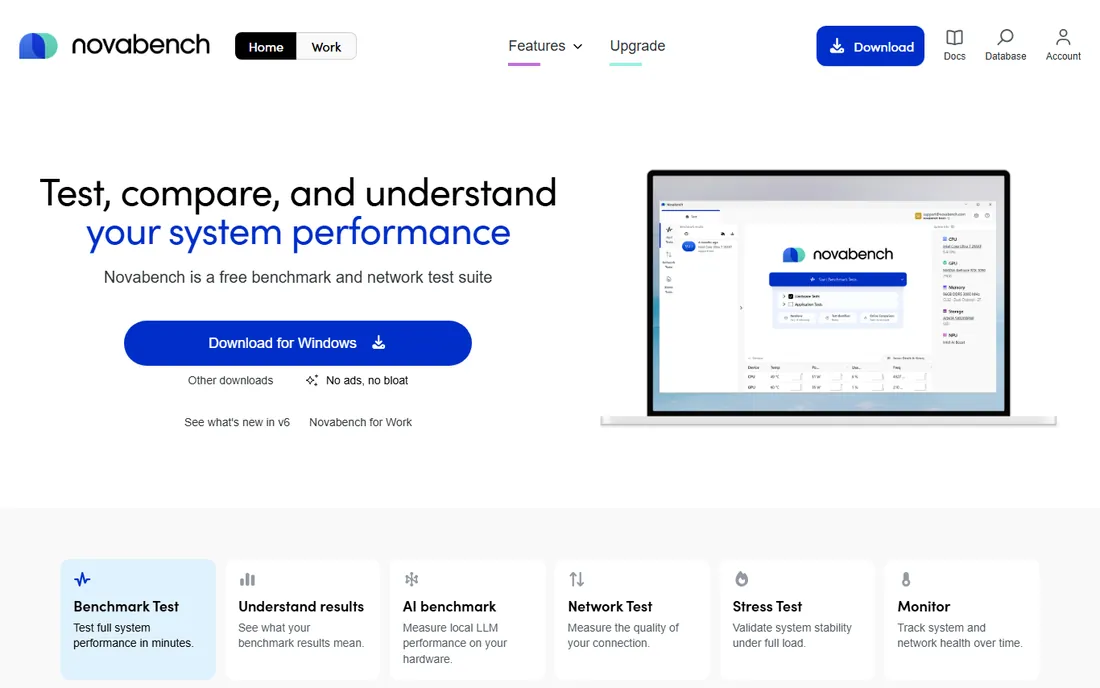
Novabench is PerformanceTest's free, friendlier cousin. It tests CPU, GPU, memory and disk in one quick run and gives you a single Novabench score plus per-component numbers. The online account keeps a history of your runs, which is handy for tracking a machine's performance over time or verifying that an upgrade actually helped.
The comparison database is smaller than 3DMark's or Geekbench's, so identical-hardware comparisons are thinner. Pro adds scheduled and command-line testing that most home users will never touch. For a free two-minute health check of the whole system, it is the easiest tool on this list.
What we like- Free basic version tests CPU, GPU, RAM and disk in about two minutes
- Online account stores and tracks your results over time
- Simple interface with no learning curve
Watch out for- Smaller comparison database than the big names
- Pro features (scheduled tests, offline mode) are niche
#9
FurMark
Best for: Stress-testing a GPU to its thermal and power limits
Visit geeks3d.com
Starting priceFree
Free planYes
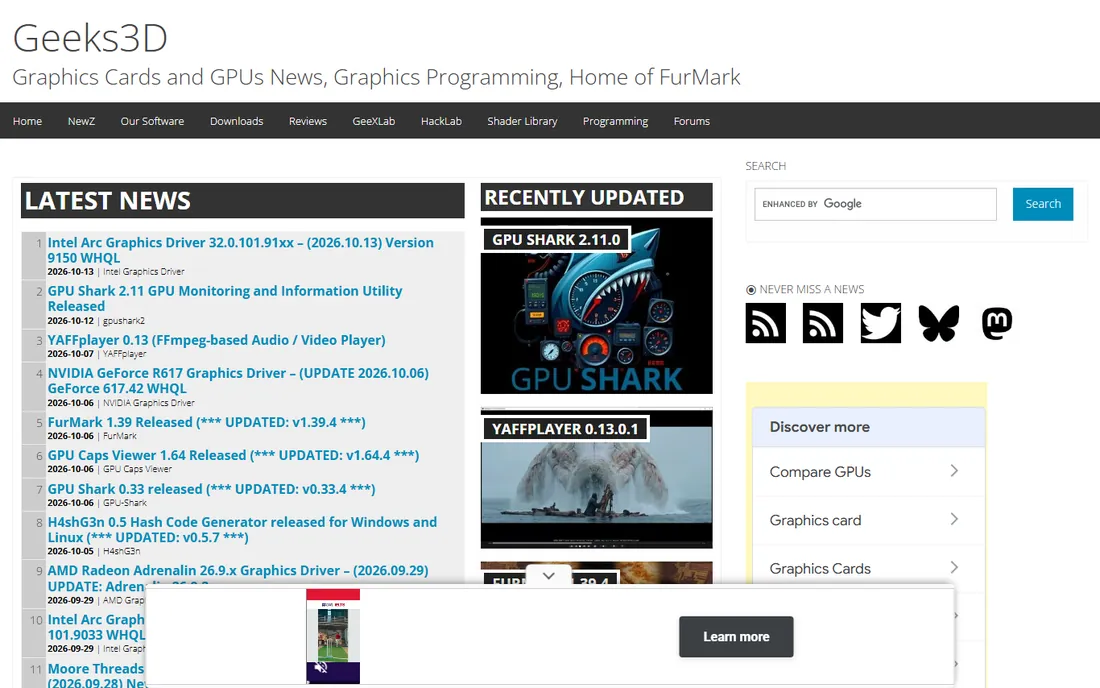
FurMark does not politely measure your graphics card; it attacks it. The furry-donut render pushes the GPU to maximum power draw and heat, which makes it the standard tool for verifying cooling, finding throttling and testing overclock stability. A card that survives 15 minutes of FurMark at safe temperatures has a healthy cooler.
Two cautions. First, this is a stress test, so compare temperatures and clock stability, not the score. Second, maxing out power draw for extended periods is genuinely hard on hardware; run it in 10 to 15 minute bursts, watch the temperature, and stop if the card exceeds its rated thermal limit. For "is my GPU actually fast," use 3DMark; for "will my GPU survive," use FurMark.
What we like- Free and brutally effective at maxing out a GPU
- Exposes cooling problems, throttling and unstable overclocks fast
- Simple with no account or upsell
Watch out for- It is a stress test, not a performance benchmark: the score is secondary
- Sustained max load carries real (if small) hardware risk on weak cooling
How we chose
We searched the queries buyers use: pc benchmark software, cpu benchmark, gpu benchmark test and ssd speed test. We favored tools with large public results databases and long review histories, checked each vendor's own site for pricing and free tiers, and compared what each tool actually measures against public reviews and hardware-site coverage. Where a price could not be verified on the vendor's page we wrote "See website."
What each benchmark actually measures
Match the tool to the question. CPU speed for rendering, encoding and compilation: Cinebench (multi-core) and Geekbench (mixed workloads). Gaming and GPU power: 3DMark, with FurMark for stability rather than speed. Office and laptop everyday performance: PCMark 10. Storage: CrystalDiskMark. Whole-system quick check: Novabench, UserBenchmark or PerformanceTest.
The most common mistake is comparing across versions. Cinebench R23 scores and R24 scores are not comparable; Geekbench 5 and Geekbench 6 scores are not comparable; even 3DMark test names get reused across generations. When you look up a comparison, check the version first. The second mistake is one run: background updates, thermals and power plans move scores several percent. Close background apps, plug in the laptop, run the test three times and take the median.
Why benchmark scores mislead
A benchmark score is a laboratory number, and laboratories are tidy. Your PC is not. Thermal throttling is the biggest liar: a laptop that scores brilliantly in a 60-second run can throttle to half speed in a 20-minute render. That is why reviewers pair short benchmarks with sustained tests, and why FurMark and long Cinebench loops exist.
The second lie is the single number. A PassMark rating of 15,000 tells you nothing about whether the machine edits video well, games well or just boots fast. Always look at the component scores behind the headline. And treat UserBenchmark-style crowd comparisons as a range, not a verdict: identical parts score differently because of cooling, RAM configuration, BIOS settings and background software. Benchmarks are for verification and diagnosis, not for bragging rights.
Frequently asked questions
What is the best free PC benchmark software?
Cinebench for CPU, 3DMark's free demo for GPU, CrystalDiskMark for storage and Novabench for a whole-system check. Together they cost nothing and cover every component.
How do I benchmark my whole PC at once?
PerformanceTest, Novabench and UserBenchmark each test CPU, GPU, memory and disk in one run and produce an overall score. For the most detail use PerformanceTest; for the fastest free check use Novabench.
Why do my benchmark scores change between runs?
Background processes, thermals, power plans and Windows updates all move scores. Close background apps, set the power plan to Best Performance, plug in laptops, and run each test three times and compare the median.
Can benchmarking damage my PC?
Normal benchmarks (Cinebench, 3DMark, Geekbench) are safe. Stress tests like FurMark push hardware to its limits; keep runs to 10 to 15 minutes, watch temperatures, and stop if anything exceeds the manufacturer's rated limits.
What is a good Cinebench score?
It depends on the version and the chip, so compare within the same Cinebench release against published reviews of your exact CPU. A score far below review numbers for the same chip usually means thermal throttling, a power limit or background load.
Should I trust UserBenchmark scores?
Trust the percentile comparison of your part against identical parts; it is good at flagging underperforming hardware. Take the site's weighted overall rankings and brand commentary with skepticism, as enthusiasts widely criticize them.
Sources we checked (9)
- https://www.maxon.net/en/cinebench
- https://www.passmark.com/products/performancetest/
- https://www.primatelabs.com/geekbench/
- https://www.3dmark.com
- https://www.pcmark.com
- https://www.userbenchmark.com
- https://crystalmark.info/en/software/crystaldiskmark/
- https://www.novabench.com
- https://www.geeks3d.com/furmark/
Is your product missing or out of date?
We review this list regularly. Vendors can request a listing, send updated pricing or ask about featured placement.

Shihab Mia · Founder, Rankite
Shihab has spent more than a decade helping SaaS and e-commerce brands grow through search. He writes Rankite's software buying guides from pricing pages, documentation and public user reviews. More about Shihab.