How we make this list: we compare pricing pages, product documentation and public user reviews. Rankite is independent; if a vendor ever pays for a featured spot, that listing is clearly labeled Partner.
Quick comparison
| Tool | Best for | Starting price | Free plan |
|---|
 ManageEngine Patch Manager Plus ManageEngine Patch Manager Plus | Budget-conscious SMB IT teams wanting dedicated patching | $245/year for 50 endpoints (Professional); Enterprise $345/year for 50 endpoints (per third-party listings citing official pricing) | Yes (free edition for up to 20 computers and 5 servers); 30-day trial |
 Automox Automox | IT teams managing distributed or remote fleets | $1/endpoint/month (PatchOS, with annual commitment; list pricing typically $2.50-$3.50/endpoint/month by volume) | Free trial (15 days) |
 NinjaOne NinjaOne | SMB IT teams and MSPs running 200-5,000 endpoints | $1.50-$3.75/endpoint/month (vendor-published volume range; final pricing quote-based) | Free trial (14-day RMM trial) |
 PDQ Connect PDQ Connect | Small IT teams and MSPs managing Windows-heavy fleets | $12/device/year (Basic); Plus $18/device/year; Premium $28/device/year (per review sources) | Free trial (14 days) |
 Ivanti (Neurons for Patch Management) Ivanti (Neurons for Patch Management) | Mid-market and enterprise IT and security teams wanting vulnerability-led patching | See website (quote-based; vendor does not publish pricing) | Demo on request |
 Qualys Patch Management Qualys Patch Management | Security-mature organizations wanting vulnerability management and patching as one workflow | See website (per-asset, quote-based; third-party sources cite VMDR ~$199/asset/year plus ~$30/asset/year for Patch Management) | Free trial offered |
 Atera Atera | MSPs and internal IT teams with high endpoint-to-technician ratios | $129/month per technician billed annually (Pro); Growth $179; Power $209; Superpower custom | Free trial (30 days, no credit card) |
 Action1 Action1 | Windows-based SMBs and startups that want real patch management for free | Free for the first 100 endpoints; paid plans quote-based (See website for paid pricing) | Yes (full platform free for up to 100 endpoints, no functional limits) |
Is your product missing or out of date?
We review this list regularly. Vendors can request a listing, send updated pricing or ask about featured placement.
Key takeaways
- Unpatched software is one of the most common breach vectors, which makes patching the rare security purchase with a direct risk argument. Start with coverage: Windows, macOS, Linux and third-party apps.
- Pricing models split three ways: per-endpoint (Automox $1, PDQ $12/year, NinjaOne $1.50-$3.75), per-tech with unlimited endpoints (Atera $129/month), and free to 100 endpoints (Action1). Count your endpoints and technicians before comparing.
- Action1 is free for the first 100 endpoints with no functional limits: most SMBs never need to pay for patching at all.
- The enterprise tools (Ivanti, Qualys) sell vulnerability-led patching with risk ratings, not just scheduled updates. That is a different product at a different price.
The best patch management software
Here is the warning nobody in IT needs but every budget holder should hear: unpatched software remains one of the most common ways attackers get in, and the patch usually existed for months before the breach. Patch management software is the difference between "we deploy updates on a schedule" and "we hope people click update." These eight tools cover the real market, from free-for-100-endpoints to enterprise vulnerability platforms, so match the tool to your fleet size and your risk model.
#1
ManageEngine Patch Manager Plus
Best for: Budget-conscious SMB IT teams wanting dedicated patching
Visit manageengine.com
Starting price$245/year for 50 endpoints (Professional); Enterprise $345/year for 50 endpoints (per third-party listings citing official pricing)
Free planYes (free edition for up to 20 computers and 5 servers); 30-day trial
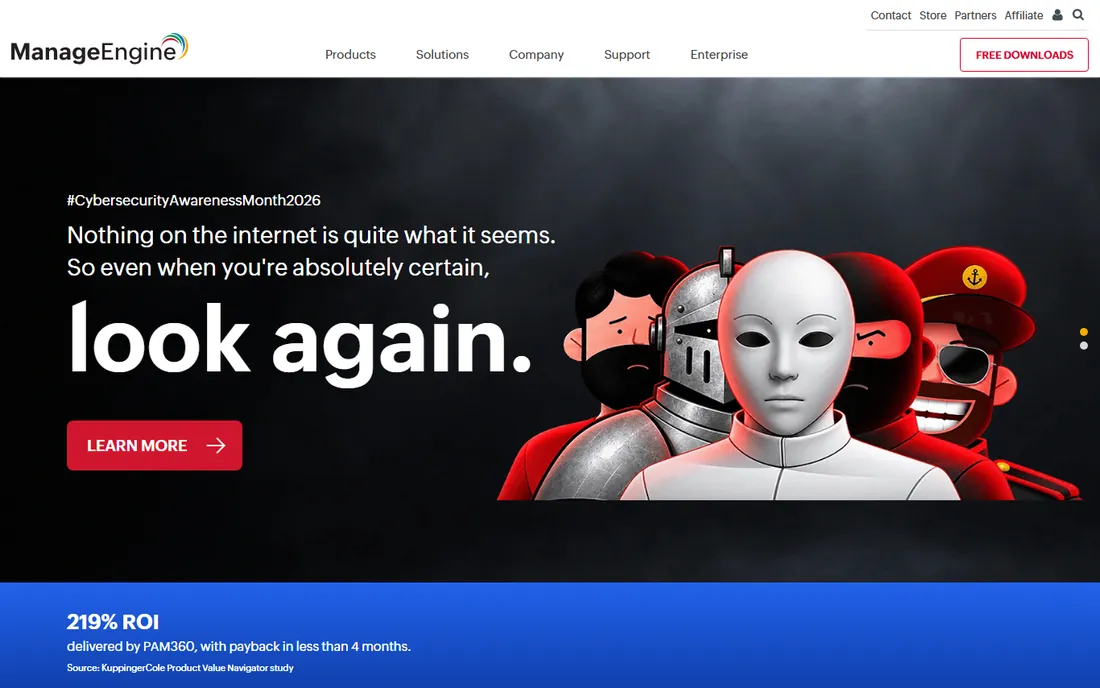
Patch Manager Plus is the budget dedicated patcher: Windows, macOS, Linux and 300+ third-party apps from one console, with cloud or on-premises deployment, starting at $245 a year for 50 endpoints. The free edition covers up to 20 computers and 5 servers, which is genuinely usable for very small environments. On-premises deployment matters here, since many cloud-only rivals do not offer it.
It is a point solution for patching: asset management, remote control and full RMM need other ManageEngine modules or a different platform. The console is not the most modern and troubleshooting detail trails premium rivals. Setup is straightforward. For SMB IT teams that want patching without buying a suite, the price-to-coverage ratio is hard to beat.
What we like- Patches Windows, macOS, Linux plus 300+ third-party applications from one console
- Cloud and on-premises deployment options
- Very low entry price with automated deployment and scheduling
Watch out for- Interface can feel dated and takes time to learn
- Patch-failure troubleshooting detail is thinner than premium rivals
- Broader endpoint management needs other ManageEngine products
Starting price$1/endpoint/month (PatchOS, with annual commitment; list pricing typically $2.50-$3.50/endpoint/month by volume)
Free planFree trial (15 days)
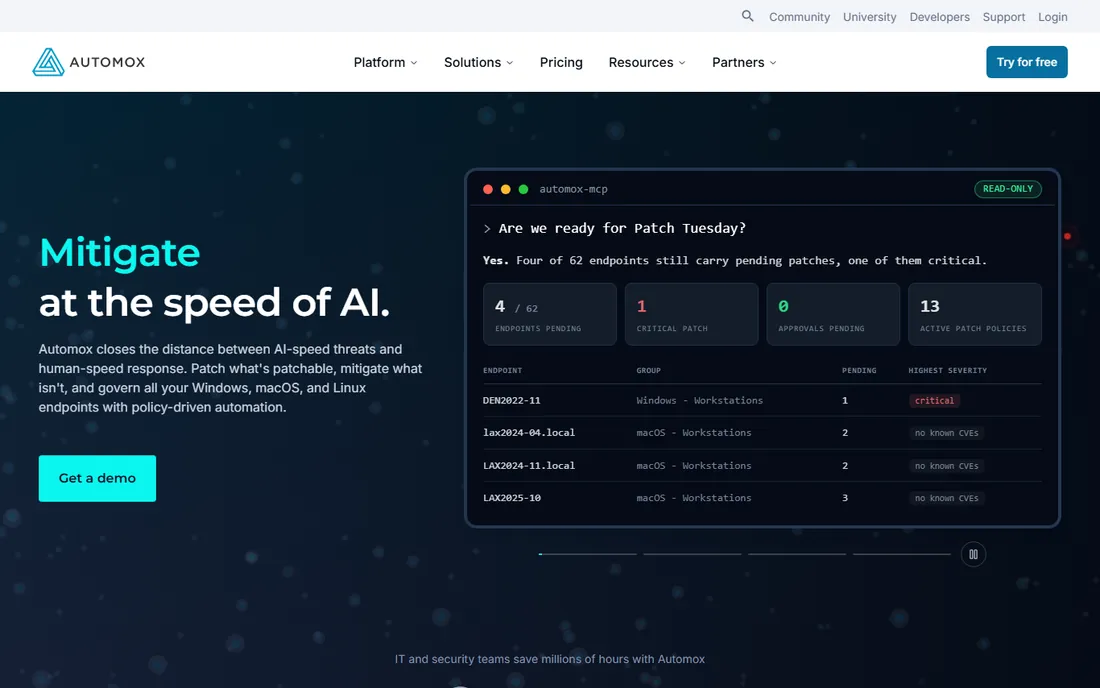
Automox is the cloud-native patcher for distributed fleets: no VPN, no on-prem infrastructure, just a 10MB agent on endpoints anywhere. The $1-per-endpoint PatchOS tier makes entry pricing unusually transparent, with volume discounts at 100, 250, 500 and 1,000+ endpoints and uniform pricing across Windows, macOS and Linux.
Quoted list pricing often lands above the $1 headline once modules and support tiers are added, so negotiate with a clear endpoint count; multi-year terms earn 10-20% more discount. Minimum commitments typically run 50-100 endpoints, and reporting is limited per reviewers. For shops standardizing on cloud-native tooling with remote fleets, the operational simplicity justifies it.
What we like- Cloud-native: manage endpoints anywhere with no VPN or on-prem infrastructure
- Lightweight agent (~10MB) with zero noticeable end-user impact
- Uniform pricing across Windows, macOS and Linux
Watch out for- No free plan
- Minimum commitments typically 50-100 endpoints
- Advanced automation sits in higher Automate packages with custom pricing
Starting price$1.50-$3.75/endpoint/month (vendor-published volume range; final pricing quote-based)
Free planFree trial (14-day RMM trial)
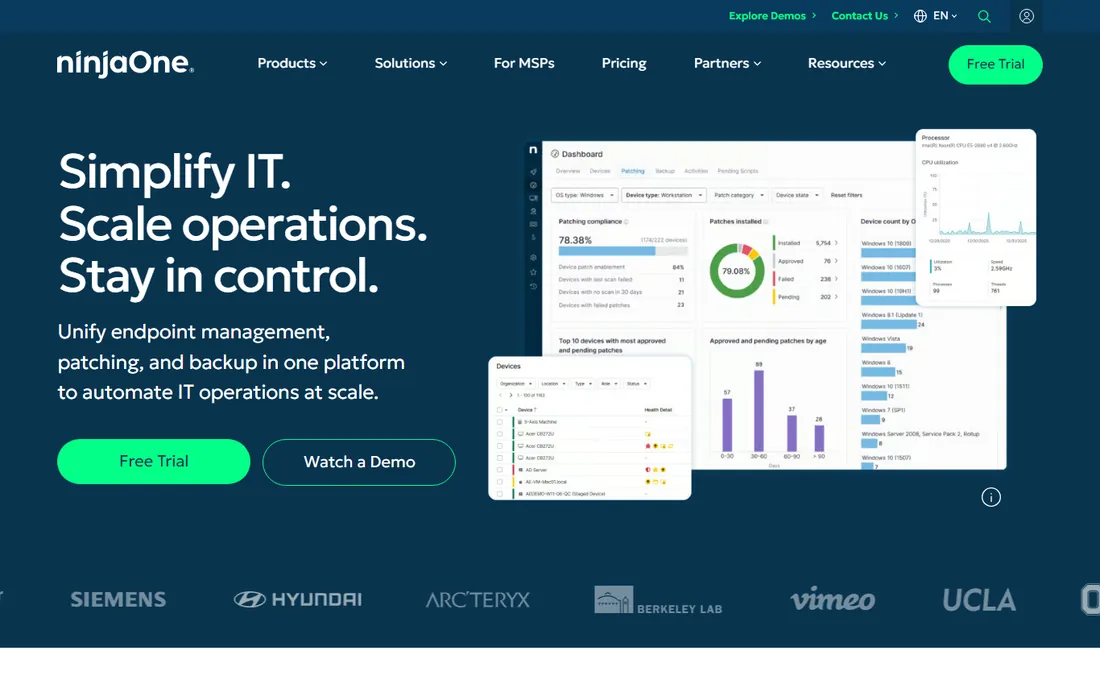
NinjaOne is the polished pick: a clean console, fast onboarding, and automated patching across Windows, macOS, Linux and 6,000+ third-party apps, backed by a deep automation and scripting library. Reviewers praise patch speed, support is free and unlimited with no implementation fees, and backup and MDM are available as add-on modules.
The published per-device range is an anchor, not a price list: your actual rate depends on region, product mix and contract, so budget a soft minimum near $180-$250/month and get the quote. At small endpoint counts (~$3.75/device) it is one of the pricier options here. Vulnerability scanning is a separate paid module, not part of patching. For teams that value the console experience, it earns the premium.
What we like- Clean, intuitive console with fast onboarding
- Deep automation and scripting library
- Automated patching for Windows, macOS, Linux and 6,000+ third-party apps
Watch out for- Only a price range is published
- Exact cost still requires a sales quote
- At small endpoint counts it is one of the pricier options (~$3.75/device)
- Vulnerability scanning is a separate paid module
#4
PDQ Connect
Best for: Small IT teams and MSPs managing Windows-heavy fleets
Visit pdq.com
Starting price$12/device/year (Basic); Plus $18/device/year; Premium $28/device/year (per review sources)
Free planFree trial (14 days)
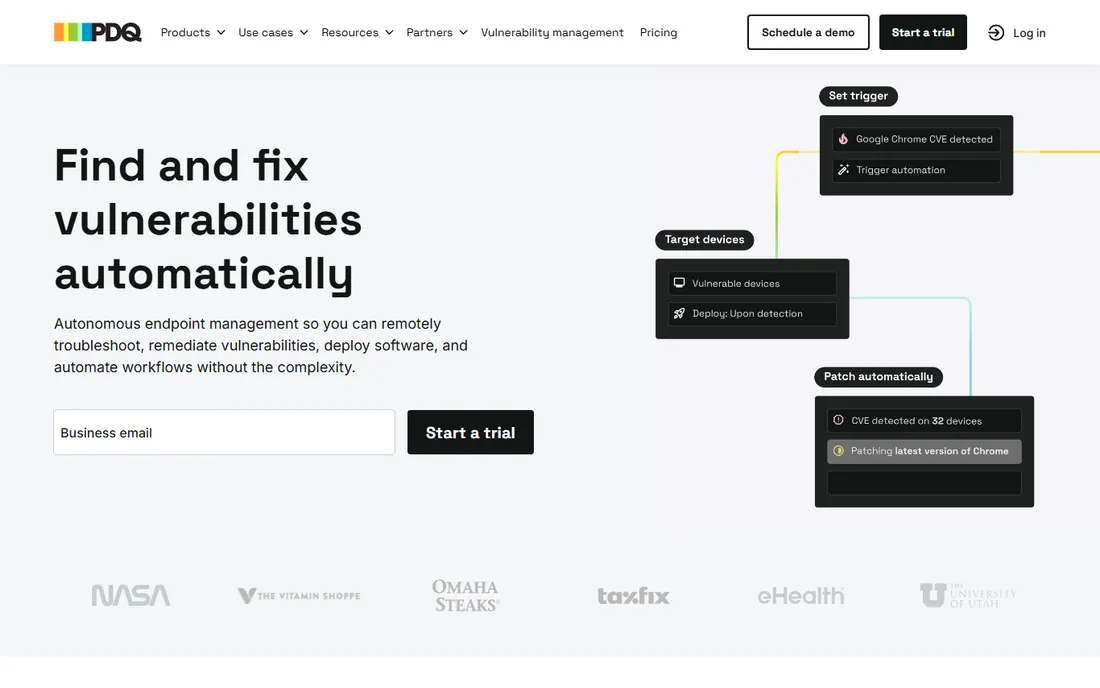
PDQ Connect is the price disruptor: $12 per device per year on Basic, $28 on Premium with vulnerability scanning, CVE prioritization and API access. For Windows-heavy fleets, that is an order of magnitude cheaper than per-endpoint enterprise tools. Agent-based deployment covers remote and local devices without VPN, and the tested package library from 100+ vendors plus dynamic groupings keep administration light.
The fleet must fit: Linux support is limited, scripting depth trails full RMM platforms, and the integration ecosystem is small (mainly Entra ID, API on Premium). Shops already using PDQ Inventory/Deploy get the most value. If your fleet is mixed-platform or you need ticketing and PSA depth, you will outgrow it; if it is Windows and you need patching fast and cheap, little touches this price.
What we like- Extremely cheap per-device pricing, well under $2.50/device/month even at Premium
- Simple agent-based deployment for remote and local devices, no VPN needed
- Tested package library from 100+ vendors with dynamic device groupings
Watch out for- Windows (and macOS) focus
- Linux support is limited versus cross-platform rivals
- Scripting and automation depth lags fuller RMM platforms
#5
Ivanti (Neurons for Patch Management)
Best for: Mid-market and enterprise IT and security teams wanting vulnerability-led patching
Visit ivanti.com
Starting priceSee website (quote-based; vendor does not publish pricing)
Free planDemo on request
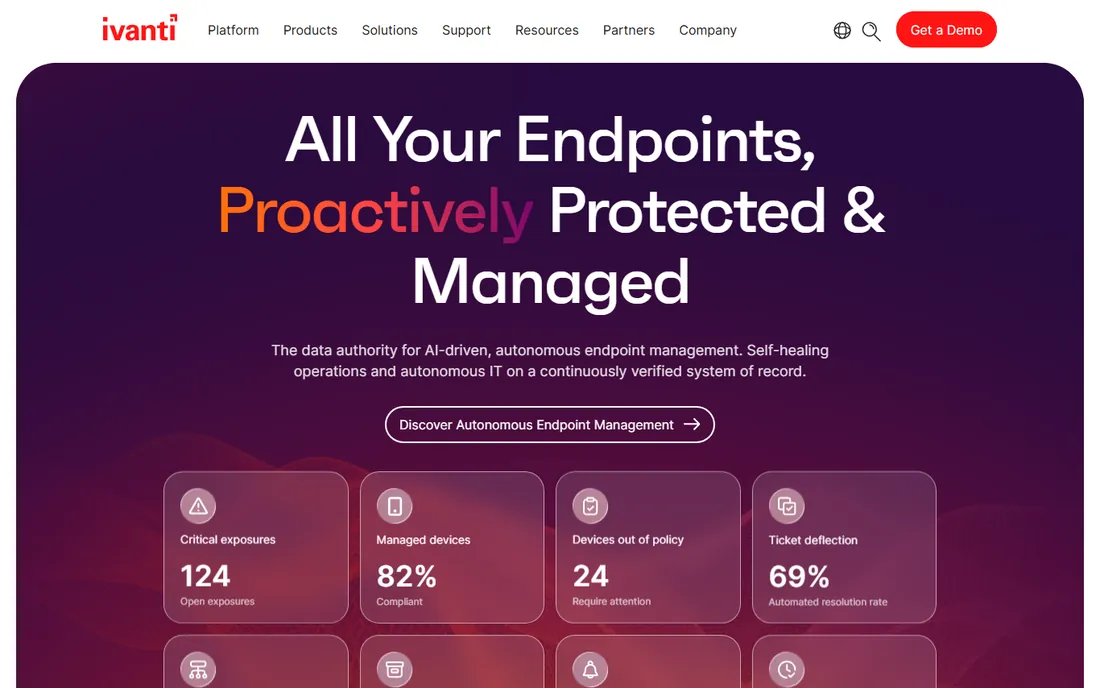
Ivanti sells patching by risk, not by schedule: the Vulnerability Risk Rating scores patches by exploit intelligence, ring deployment phases rollouts to limit failures, and concurrent patch streams handle monthly maintenance, weekly priority updates and zero-day response separately. Founded in 1985 with 40,000+ customers, it is one of the most established names here.
This is an enterprise platform in cost and complexity: quote-only pricing, real training needs, and more machinery than small IT teams should buy. Confirm what the quote includes, since Ivanti sells many modules. For security-led organizations that patch by vulnerability priority rather than calendar, the risk model is the product; for everyone else, the lighter tools above patch just as reliably.
What we like- Risk-based patching with proprietary Vulnerability Risk Rating using exploit intelligence
- Ring deployment with phased rollouts reduces failed deployments
- Covers Windows, macOS, Linux and third-party apps from a single console
Watch out for- No public pricing
- Everything goes through sales
- Complex platform with a real learning curve
- Heavyweight for small IT teams
#6
Qualys Patch Management
Best for: Security-mature organizations wanting vulnerability management and patching as one workflow
Visit qualys.com
Starting priceSee website (per-asset, quote-based; third-party sources cite VMDR ~$199/asset/year plus ~$30/asset/year for Patch Management)
Free planFree trial offered
Qualys closes the loop most tools leave open: the same platform that finds vulnerabilities patches them, with risk-based prioritization and no-code automation workflows in one VMDR motion. The cloud platform serves 12,200+ customers including majorities of the Forbes Global 100, and the lightweight agent needs no on-prem infrastructure.
Total cost runs well above point patching tools: per-asset licensing plus implementation services, with scanner appliances for segmented networks on top. Patch Management is an add-on module on VMDR licensing, not a standalone product. For teams already invested in Qualys for compliance or VMDR, closing the remediation loop is compelling; for simple SMB patching, the dedicated tools are cheaper and faster.
What we like- Unified vulnerability detection, prioritization and patching in one VMDR workflow
- Lightweight cloud agent with no on-prem infrastructure
- Risk-based remediation with no-code automation workflows
Watch out for- Quote-only pricing with implementation services ($5,000-$50,000) adding to TCO
- Better suited to enterprises
- Overkill for simple SMB patching needs
#7
Atera
Best for: MSPs and internal IT teams with high endpoint-to-technician ratios
Visit atera.com
Starting price$129/month per technician billed annually (Pro); Growth $179; Power $209; Superpower custom
Free planFree trial (30 days, no credit card)
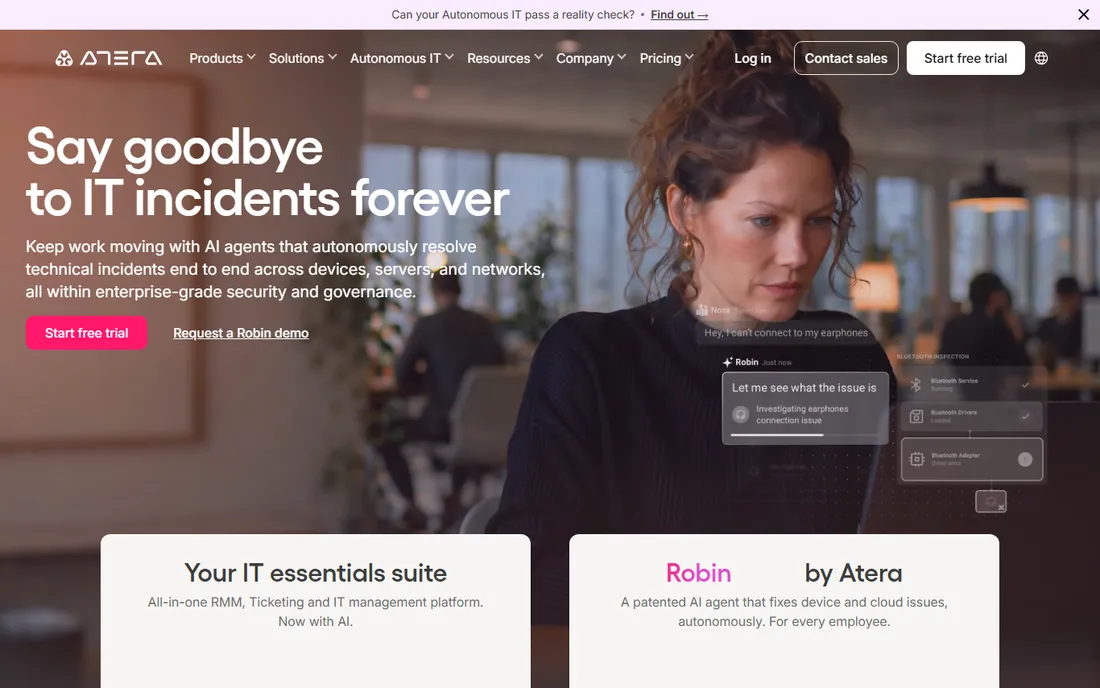
Atera's per-tech model inverts the usual math: $129 per month per technician with unlimited endpoints, so a solo tech managing 500 endpoints pays the same as one managing 100. It bundles RMM (including Windows, macOS and Linux patching) with PSA contracts, billing and SLAs, plus an AI Copilot for scripting and ticket work on every plan.
Once technician headcount grows, per-tech pricing can exceed per-endpoint tools, so model your headcount honestly. PSA depth trails dedicated platforms for complex billing structures. It appears in both the patching and PSA categories here because it genuinely covers both. Best economics for lean teams managing large fleets; tech-heavy shops should compare per-endpoint pricing instead.
What we like- Per-technician pricing with unlimited endpoints: adding devices never raises the bill
- Built-in PSA (contracts, billing, SLAs) plus RMM in one platform
- AI Copilot for scripting, ticket summarization and troubleshooting on every plan
Watch out for- Per-tech cost is high for shops with many technicians and few endpoints
- PSA depth does not match dedicated platforms
- Remote access relies on Splashtop/AnyDesk integrations
#8
Action1
Best for: Windows-based SMBs and startups that want real patch management for free
Visit action1.com
Starting priceFree for the first 100 endpoints; paid plans quote-based (See website for paid pricing)
Free planYes (full platform free for up to 100 endpoints, no functional limits)
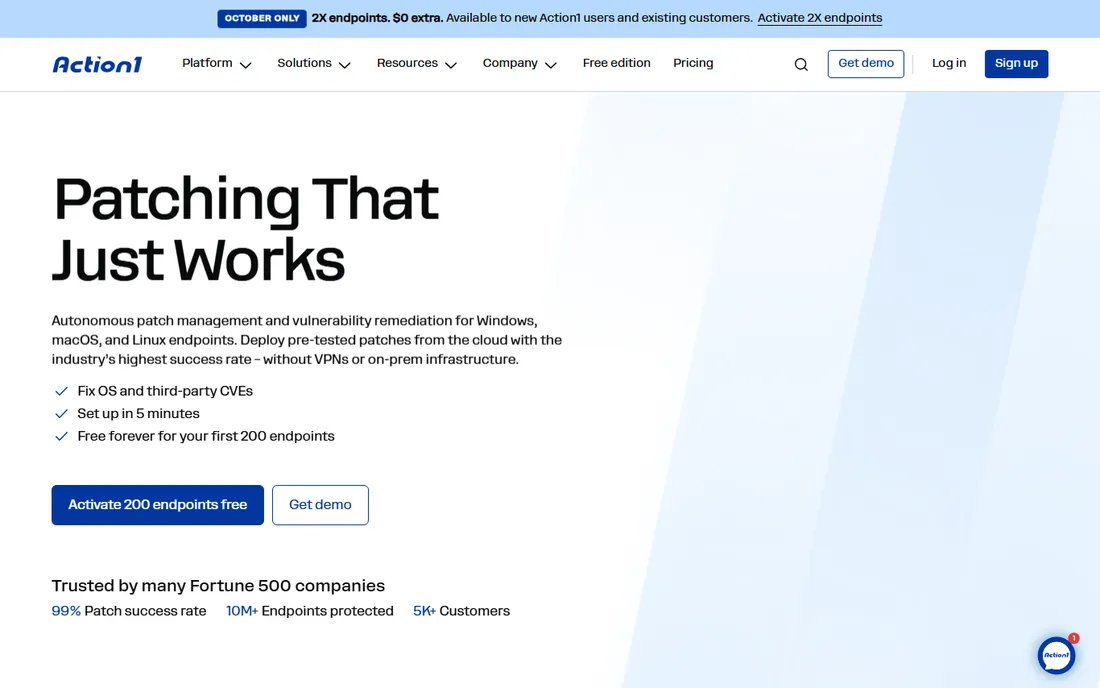
Action1's free tier is the real thing: the full platform, free for the first 100 endpoints, no functional limits. For most SMBs, that means patch management costs $0, full stop. Setup takes five minutes in the cloud, P2P distribution keeps bandwidth sane, and real-time vulnerability assessment plus SOC 2 and ISO 27001 certification give it enterprise credibility.
The boundary is the OS mix: Windows-centric with macOS and Linux limited or on the roadmap, so mixed fleets need a second tool. Confirm paid pricing before growing past 100 endpoints, since the free tier is the hook. For Windows-based SMBs and startups, this is the first tool to try and quite possibly the last one you need.
What we like- Completely free for up to 100 endpoints, which covers most SMBs outright
- Five-minute cloud setup with no VPN or on-prem infrastructure
- P2P patch distribution reduces bandwidth load
- Real-time vulnerability assessment
Watch out for- Windows-centric
- MacOS and Linux support is limited or on the roadmap
- Thin third-party integration list
Per-endpoint vs. per-tech: the pricing model that decides your bill
Three models compete here. Per-endpoint (Automox ~$1, PDQ $1-$2.33/month, NinjaOne $1.50-$3.75, ManageEngine ~$0.41): you pay per device, so the bill tracks fleet size exactly. Per-tech with unlimited endpoints (Atera $129/month): you pay per administrator, so a solo tech with 500 endpoints pays $129 while per-endpoint tools charge $500+. Free-to-a-cap (Action1, 100 endpoints): $0 until you outgrow it.
The crossover math: at $1/endpoint, 129 endpoints cost the same as one Atera tech. Below that, per-endpoint wins; above it, per-tech wins. MSPs with dense fleets should also check SuperOps-style per-tech bundles. And before any of it, check whether you fit under Action1's 100 free endpoints: the cheapest patch management is the kind you never pay for.
Frequently asked questions
How much does patch management software cost?
From $0 (Action1 free to 100 endpoints; ManageEngine free to 20 computers) to roughly $0.41-$3.75 per endpoint per month (PDQ, ManageEngine, Automox, NinjaOne) to $129+/month per technician (Atera). Enterprise platforms (Ivanti, Qualys) are quote-only with implementation services on top. A 100-endpoint SMB typically pays $0 to $150/month.
Do I need patch management if I have an RMM tool?
If the RMM patches well, no: NinjaOne, Atera and Syncro all include patching. Buy a dedicated patching tool when your RMM's patching is weak, when you want best-of-breed third-party app coverage (300+ apps at ManageEngine, 6,000+ at NinjaOne), or when per-endpoint patching is cheaper than upgrading the RMM tier.
Windows, Mac, Linux: which tools cover all three?
ManageEngine, Automox, NinjaOne, Ivanti and Qualys cover all three natively. Atera covers all three. PDQ Connect is Windows-focused with limited Linux; Action1 is Windows-centric. Mixed fleets should shortlist the cross-platform tools and verify third-party app coverage for the apps they actually run.
What is the difference between patch management and vulnerability management?
Patch management deploys updates; vulnerability management finds and prioritizes weaknesses. Ivanti and Qualys unify both (risk-based patching); the rest patch on schedule. If your security team prioritizes by CVE severity and exploitability, buy the unified workflow. If IT just needs updates deployed reliably, a dedicated patcher suffices.
Can I patch remote and work-from-home devices?
Yes on all cloud-native tools here: Automox, NinjaOne, PDQ Connect, Action1 and Atera manage endpoints anywhere without VPN. ManageEngine offers both cloud and on-premises. Only legacy on-prem-only tools struggle with remote fleets, and none of the picks here are in that category.
The free tier that covers most SMBs
Action1's free tier deserves its own section because it changes the buying calculus: full patch management, free, for the first 100 endpoints, with no functional limits. No trial expiration, no feature gates. For a 40-person company, that is the entire fleet covered at $0, with real-time vulnerability assessment included.
ManageEngine's free edition (20 computers, 5 servers) covers the smallest shops. The honest question before buying anything: do you actually exceed 100 endpoints? If not, deploy Action1 and spend the budget on something with no free tier. If you outgrow it, PDQ Connect ($12/device/year) and ManageEngine ($245/year per 50 endpoints) are the cheapest paid steps up. Pay for patching only when the free tier stops fitting.
How we chose
We started with the categories buyers search: patch management software. For each candidate we opened the vendor's own pricing page, checked plan names and prices against public reviews on G2 and Capterra and practitioner discussion on Reddit, and compared feature lists, OS coverage, third-party app breadth and company-size fit. Where a price could not be verified on the vendor's page we wrote "See website" rather than guessing. The shortlist mixes per-endpoint, per-tech and free-tier tools, because a 30-endpoint office and a 3,000-endpoint MSP are buying different economics.
Sources we checked (10)
- https://www.manageengine.com/products/desktop-central/patch-management.html
- https://www.automox.com/pricing
- https://www.ninjaone.com/pricing/
- https://www.pdq.com/pricing/
- https://www.ivanti.com/products/ivanti-neurons-for-patch-management
- https://www.qualys.com/apps/vmdr-patch
- https://www.atera.com/pricing/
- https://www.action1.com/pricing/
- https://www.g2.com/categories/patch-management
- https://www.capterra.com/patch-management-software/
Is your product missing or out of date?
We review this list regularly. Vendors can request a listing, send updated pricing or ask about featured placement.

Shihab Mia · Founder, Rankite
Shihab has spent more than a decade helping SaaS and e-commerce brands grow through search. He writes Rankite's software buying guides from pricing pages, documentation and public user reviews. More about Shihab.