How we make this list: we compare pricing pages, product documentation and public user reviews. Rankite is independent; if a vendor ever pays for a featured spot, that listing is clearly labeled Partner.
Key takeaways
- Lazesoft Recover My Password Home Edition and Ophcrack cost nothing for personal use, so try one of them before paying for anything.
- iSunshare Windows Password Genius at $19.95 for a lifetime license is the cheapest paid option that handles local, domain and Microsoft accounts.
- PassFab 4WinKey starts at $19.95 for a one-month license and suits one-off lockouts, with Ultimate at $59.95 for RAID and domain servers.
- Kon-Boot is the odd one out: it bypasses the login without resetting anything, which is fast but raises questions every technician should think through.
- Paid tools mostly differ in domain support, UEFI boot media and Microsoft account handling, not in how well they reset a basic local password.
Quick comparison
Is your product missing or out of date?
We review this list regularly. Vendors can request a listing, send updated pricing or ask about featured placement.
The laptop that would not let its owner back in
Starting priceFree (Home Edition); Professional from $17.95
Free planYes
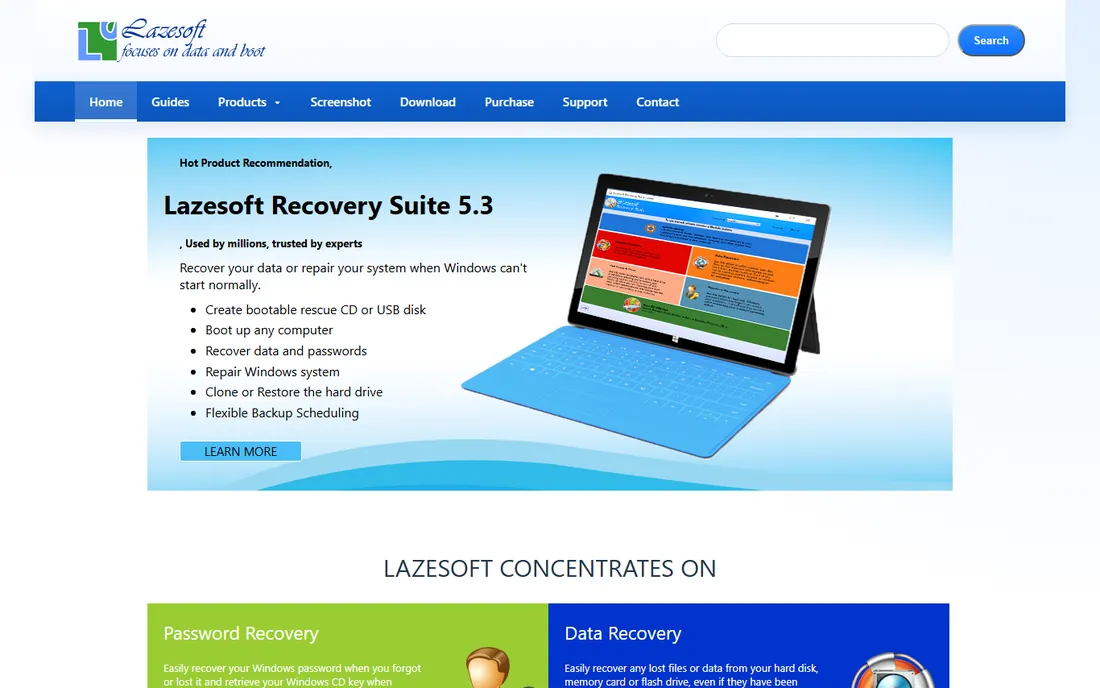
Lazesoft's Home Edition is the first thing to try when you are locked out of your own machine. It builds a bootable CD or USB drive through a guided wizard, boots the locked PC from it and resets the local administrator password to blank. No reinstall, no data loss, no payment. The vendor claims a 100 percent recovery rate, which you should read as marketing rather than a measured statistic.
The free tier has deliberate limits. It cannot set a new password directly, convert a Microsoft live ID account to a local account or run in a business environment. Paid editions start at $17.95 for Professional and climb to $159.69 for the Unlimited license. One practical annoyance noted by reviewers: you may need separate boot media for different Windows versions, so check which edition your locked machine runs before burning the disk.
What we like- Home Edition is genuinely free for home users
- Simple step-by-step boot media wizard
- Resets local admin passwords in minutes
Watch out for- Home Edition cannot change a password to a new value, only blank it
- Separate boot media per Windows version
Starting priceFree
Free planYes
Ophcrack is the only free tool here that tries to recover your real password rather than wiping it. It cracks Windows password hashes using rainbow tables, precomputed chains of password hashes that make common passwords fall in minutes. A LiveCD version boots the locked machine and starts cracking without touching the installed system.
The catch is setup friction. The free tables cover basic character sets and are hundreds of megabytes to several gigabytes; the paid special tables run about 8 GB each. Strong, long passwords with symbols will likely survive. And while Ophcrack still works, the project has not seen major updates in years, so on Windows 11 machines with newer security defaults, a reset tool will usually be more reliable.
What we like- Free and open source
- Recovers the actual password instead of blanking it
- LiveCD boots without installing anything
Watch out for- Rainbow tables are large downloads
- Struggles with strong passwords
- The project moves slowly

#3
iSunshare Windows Password Genius
Best for: cheapest full-featured lifetime license
Visit isunshare.com
Starting price$19.95 one-time (Standard)
Free planFree trial
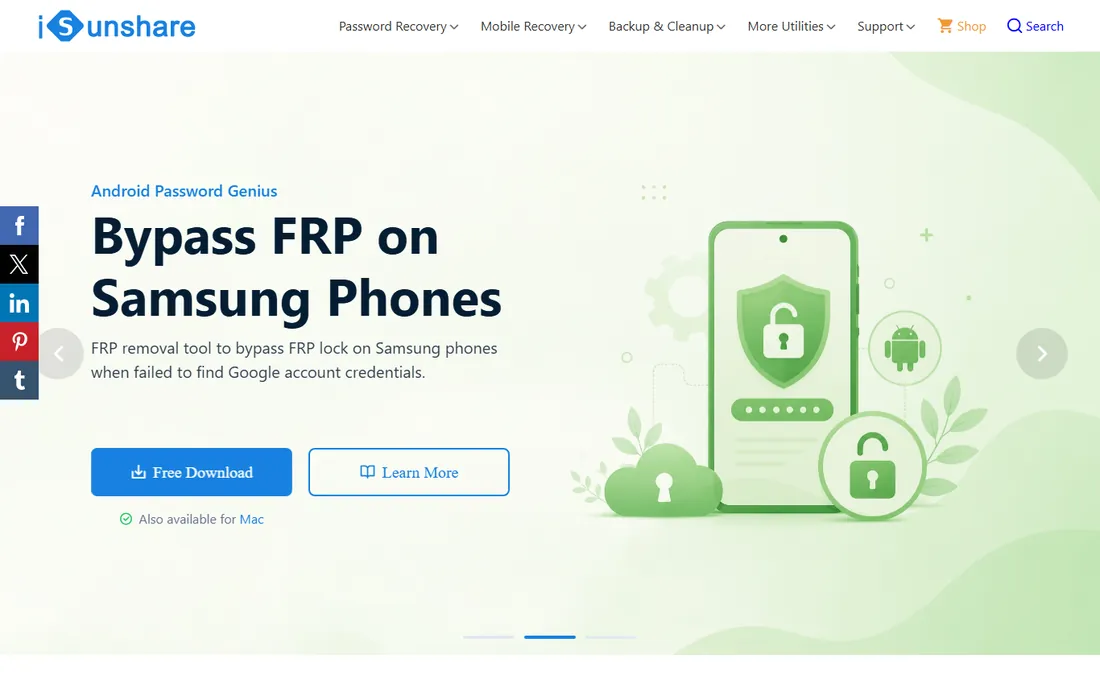
For a one-time $19.95, iSunshare's Standard edition covers an impressive range: local administrator and user passwords, domain accounts, Microsoft account resets, creating new admin accounts and RAID machines, all with free lifetime upgrades and technical support. Professional at $29.95 and Advanced at $59.95 add capabilities most home users will never need.
The trade-off is polish. The interface looks like software from a decade ago and the workflow assumes you are comfortable changing BIOS boot order. But functionally it matches tools that cost several times more, and the lifetime license means you buy once and keep it in your emergency kit for years.
What we like- Lifetime license with free upgrades
- Handles local, domain and Microsoft accounts
- RAID support in the base edition
Watch out for- Interface feels dated
- Support is email-only
Starting priceFrom $19.95 for a 1-month license
Free planFree trial
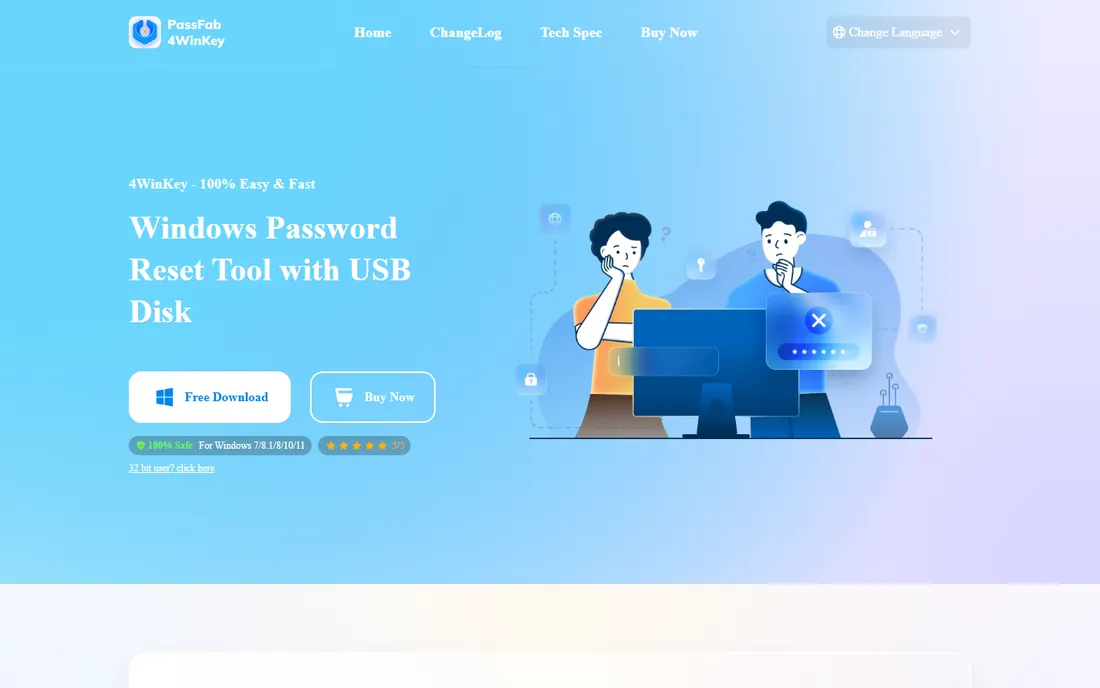
PassFab 4WinKey is built for the panicked user: download it on any working computer, burn a reset USB or DVD, boot the locked machine and follow three steps. The Professional edition at $19.95 for one month removes local admin and user passwords on Windows 11 down to XP plus Server editions. Enterprise at $39.95 adds domain accounts, and Ultimate at $59.95 adds Microsoft account and RAID server resets.
Two things to watch. The monthly license is a subscription that renews unless you cancel, so for a single lockout, cancel right after you are back in. And the Mac version of the tool exists specifically so you can build the reset disk from a MacBook when no working Windows PC is available, a detail that has saved more than a few people.
What we like- Clean step-by-step interface
- Mac version can build the reset disk
- 30-day money-back guarantee
Watch out for- Monthly licenses renew unless cancelled
- Microsoft account reset needs the $59.95 Ultimate tier
Starting priceSee website
Free planFree trial
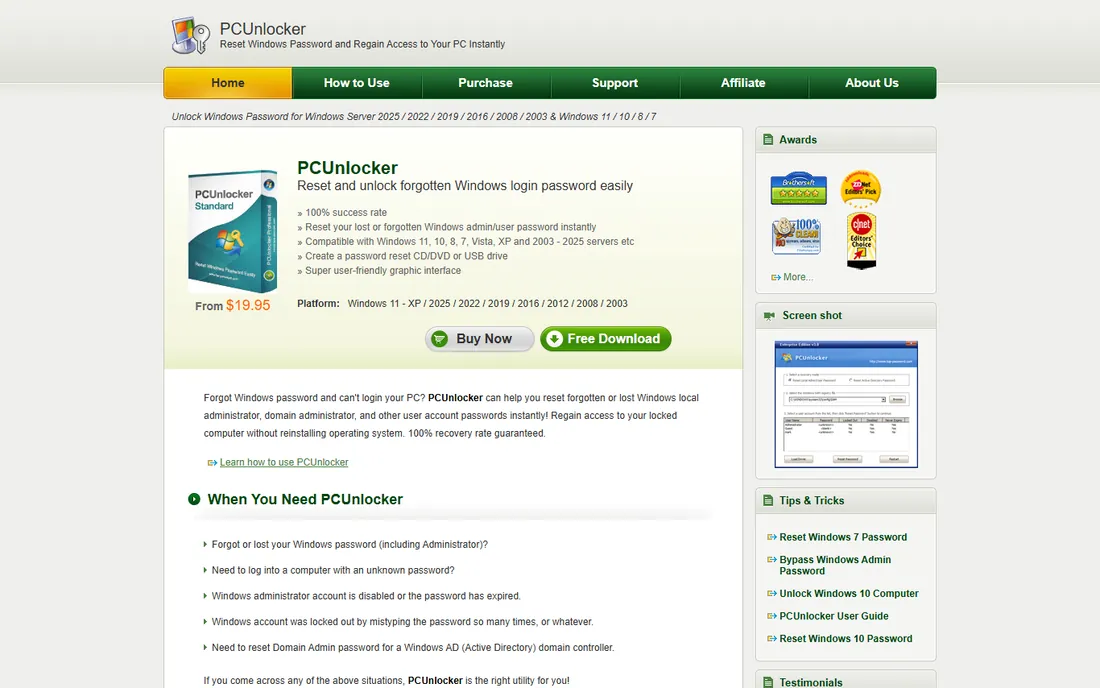
PCUnlocker has been around long enough to earn a reputation for simply working. Boot from its media, pick the account, reset or blank the password, reboot. It covers Windows from 2000 through 11 plus Server editions, and the higher tiers handle Active Directory and UEFI-based machines, which matters on any PC made in the last decade.
The edition ladder needs attention. The Standard edition cannot create a bootable USB drive, only a CD, which is a real problem on machines without optical drives. Professional adds USB support but not UEFI boot from USB, so on a modern machine you likely need the Enterprise edition. Check the edition comparison on the vendor's site against your specific machine before buying.
What we like- Simple interface aimed at non-technical users
- Supports Active Directory accounts
- Works on very old Windows versions
Watch out for- Standard edition cannot create USB media
- UEFI boot needs higher editions
Starting priceSee website
Free planNo
Kon-Boot works differently from every other tool here. Instead of resetting the password, it silently patches the authentication process in memory so you can log in with any password, or none at all. Restart the machine and everything is back to normal. It is the fastest route back into a locked PC and the only one that does not modify the account.
That power is also the warning label. The free 1.0 version is long outdated; current releases are commercial products supporting Windows 11 and macOS. You will need to disable Secure Boot in the BIOS to run it, and its dual use in penetration testing means it sits in antivirus crosshairs. Buy it for your own machines and your own clients, and understand what it can do before you do.
What we like- Logs you in without resetting or changing the password
- Leaves the system untouched
- Bypasses online account passwords on supported systems
Watch out for- Commercial licenses only for current versions
- Secure Boot must be disabled
- Raises obvious misuse concerns
Starting priceSee website
Free planFree trial
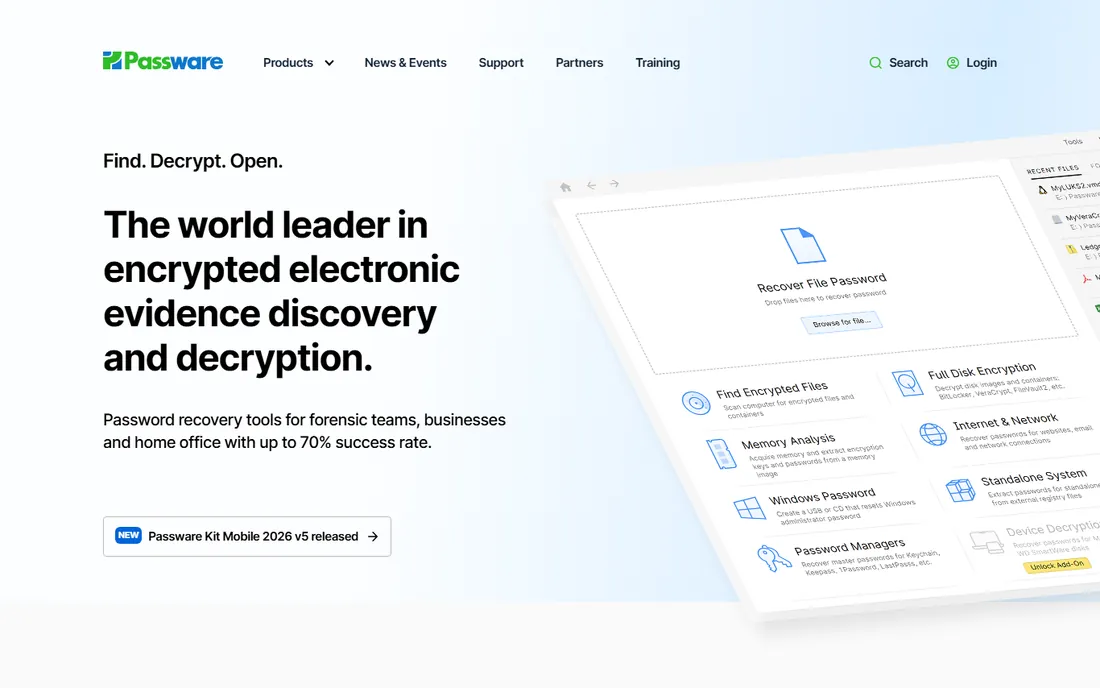
Passware has sold password recovery to law enforcement and enterprises since 1998, and Windows Key is its dedicated local-account reset product. It handles complex passwords, supports SATA, RAID and SCSI drives, can roll back your changes and claims a full recovery rate backed by a money-back policy. The interface is plain but professional.
For a home user locked out once, this is more tool than you need at a price meant for people who do this weekly. Where it earns its place is in IT departments and repair shops that need a defensible, documented process, particularly the security-settings backup that lets you undo a reset cleanly.
What we like- From a long-established forensic vendor
- Resets complex and policy-locked passwords
- Backs up security settings before changes
Watch out for- Priced for professionals, not casual users
- Overkill for a single home lockout

#8
Active@ Password Changer
Best for: technicians who want a wider toolkit
Visit lsoft.net
Starting priceSee website
Free planFree trial
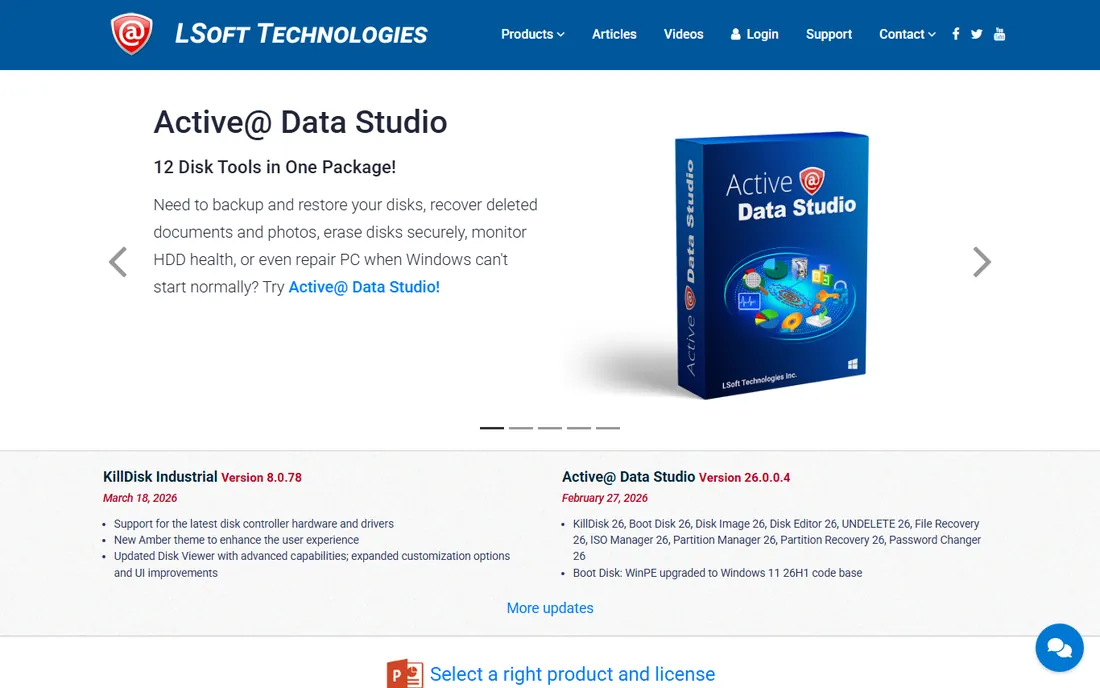
Active@ Password Changer does one job: boot, select the user, set a new password or blank the old one. It comes in both a DOS version and a Windows version, covers local and domain accounts, and is sold both standalone and as part of Active@ Boot Disk, which bundles partition, backup and data recovery utilities.
The standalone version is the budget path; the Boot Disk bundle is the better value if you do general PC repair, since a lockout rarely arrives alone. Either way, expect a utilitarian interface. This is a tool built by engineers for engineers, and it shows in both the good and bad senses.
What we like- Also available inside Active@ Boot Disk with disk tools
- Simple DOS and Windows interfaces
- Handles local and domain accounts
Watch out for- Interface is spartan
- Buying the full Boot Disk costs more than the standalone changer
Starting priceSee website
Free planFree trial
Stellar takes a broader view of password recovery. Beyond resetting the Windows login through bootable media, it can find lost usernames and passwords stored in applications, games and browsers, plus recover lost software serial numbers. That makes it a better fit when the problem is a forgotten saved password rather than a locked front door.
For a pure Windows lockout it is heavier than necessary, and the free trial lets you see what it finds before you pay, which is the right way to evaluate it. If your actual need is "I am locked out of Windows," pick a cheaper dedicated reset tool. If your need is "I have lost several saved passwords across this machine," Stellar's breadth justifies a look.
What we like- Recovers passwords from apps, browsers and games, not just Windows login
- Live update feature
- Wide Windows version support
Watch out for- Windows login reset requires the bootable-disc workflow like the others
- Priced above simpler reset tools
How we chose
We focused on tools that solve the lockout problem for Windows PCs: resetting or recovering a forgotten login password without reinstalling the operating system. Pricing and edition details come from each vendor's own published pages and official stores, checked in October 2026. We weighed free options first, since paying is pointless when a free tool does the same job, and we checked independent reviews and roundups for recurring complaints about failed resets, antivirus flags and renewal billing. We did not test any tool hands-on, and recovery success always depends on the specific machine, account type and Windows version.
Every product on this list can be used on machines you do not own. Resetting your own password is plainly legitimate; the vendors say so themselves. Using these tools on someone else's computer without permission is likely illegal in most jurisdictions. Repair technicians should get written authorization before touching a client's machine, and buyers should keep purchase receipts as proof of legitimate use. We list these tools because lockouts are a real, common problem, not because every use is above board.
Frequently asked questions
Will password recovery software delete my files?
No. The reset tools on this list modify only the account credentials in the Windows SAM database. Your documents, photos and installed programs stay untouched. The one exception to watch is BitLocker: if the system drive is encrypted and you do not have the recovery key, no password tool will help you.
Can these tools recover a Microsoft account password?
Some can, usually in higher-priced editions. PassFab 4WinKey Ultimate and iSunshare both list Microsoft account resets. But if the account is online, the official Microsoft account recovery page is free and should be your first stop. These tools matter most for local accounts, where no online reset exists.
Why does my antivirus flag password recovery tools?
Because the same techniques that reset your password can reset someone else's. Antivirus vendors classify many of these utilities as potentially unwanted programs. Download only from the vendor's official site, and expect to temporarily disable real-time protection or add an exception when building boot media.
Do I need a second computer to use these tools?
Yes, almost always. You download the software on a working computer, create a bootable USB or DVD there, then boot the locked machine from that media. If you have no second computer, a repair shop visit is usually cheaper than buying a new machine's worth of trouble.
What is the difference between resetting and recovering a password?
Resetting replaces the password with a blank or a new one, which is fast and reliable. Recovering finds the original password, which Ophcrack attempts with rainbow tables but which fails against strong passwords. For getting back into your PC, resetting is the practical choice nearly every time.
Will these tools work on Windows 11?
Most current editions do, but check the vendor's compatibility list for your exact build. Windows 11's tighter Secure Boot and TPM defaults cause more friction than Windows 10 did, particularly for Kon-Boot and older free tools. UEFI-capable boot media is the feature to confirm.
Buying without regret
Start free. Lazesoft's Home Edition and Ophcrack solve a surprising share of lockouts at zero cost, and trying them first costs you nothing but a USB stick. If the free options fail, buy the cheapest paid tool that covers your exact situation: a local account on a home PC needs only the base edition of iSunshare or PassFab, while domain, server or Microsoft-account lockouts push you to the higher tiers.
Read the edition comparison table on the vendor's site before paying. The most common buyer's remorse in this category is discovering that USB creation, UEFI boot or domain support lives one tier above the edition purchased. And cancel any monthly license the moment you are back in. A password reset tool is an emergency purchase, not a subscription you should keep.
Sources we checked (9)
- https://www.lazesoft.com/lazesoft-recover-my-password-edition-comparison.html
- https://ophcrack.sourceforge.io
- https://isunshare.com/windows-password-genius/
- https://www.4winkey.com/purchase
- https://www.pcunlocker.com
- https://www.kon-boot.com
- https://www.passware.com
- https://www.lsoft.net
- https://www.stellarinfo.com
Is your product missing or out of date?
We review this list regularly. Vendors can request a listing, send updated pricing or ask about featured placement.

Shihab Mia · Founder, Rankite
Shihab has spent more than a decade helping SaaS and e-commerce brands grow through search. He writes Rankite's software buying guides from pricing pages, documentation and public user reviews. More about Shihab.
 Lazesoft Recover My Password
 Ophcrack
 PassFab 4WinKey
 PCUnlocker
 Kon-Boot
 Passware Windows Key
 Stellar Password Recovery