How we make this list: we compare pricing pages, product documentation and public user reviews. Rankite is independent; if a vendor ever pays for a featured spot, that listing is clearly labeled Partner.
Key takeaways
- For most people, Disk Drill or EaseUS Data Recovery Wizard is the right first install: guided scans, previews before paying, and clear free-tier limits.
- The best free partition recovery software is TestDisk for partition tables and DMDE's free edition for file recovery, if you can handle technical interfaces.
- R-Studio and DiskGenius suit technicians and RAID cases; Recuva suits quick, simple undeletes on Windows.
- Stop using the affected drive immediately. Every write risks overwriting the data you want back.
Quick comparison
| Tool | Best for | Starting price | Free plan |
|---|
 Disk Drill Disk Drill | friendly deep scanning with file previews | $89 per year | Yes (Basic; 100 MB free recovery on Windows) |
 EaseUS Data Recovery Wizard EaseUS Data Recovery Wizard | straightforward lost-partition recovery | $69.95 per month | Yes (2 GB free) |
 Recuva Recuva | free basic file recovery on Windows | See website (free version) | Yes |
 TestDisk TestDisk | free repair of partition tables and boot sectors | See website (free, open source) | Yes |
 Stellar Data Recovery Stellar Data Recovery | lost partitions and unbootable PCs | $59.99 per year | Yes (free trial) |
 R-Studio R-Studio | RAID arrays and unusual filesystems | $79.99 one-time | Free trial (demo) |
 Wondershare Recoverit Wondershare Recoverit | guided recovery with video and photo repair | $69.99 per year | Yes (100 MB free) |
 DMDE DMDE | technical users who want power for little money | $20 per year (Express) | Yes (4,000 files per request) |
 Tenorshare 4DDiG Tenorshare 4DDiG | crashed systems and badly damaged drives | $45.95 per month | Free trial |
 DiskGenius DiskGenius | partition management combined with recovery | $69.90 one-time (Standard) | Yes (free edition) |
Is your product missing or out of date?
We review this list regularly. Vendors can request a listing, send updated pricing or ask about featured placement.
Partition recovery software worth keeping on a USB stick
Starting price$89 per year
Free planYes (Basic; 100 MB free recovery on Windows)
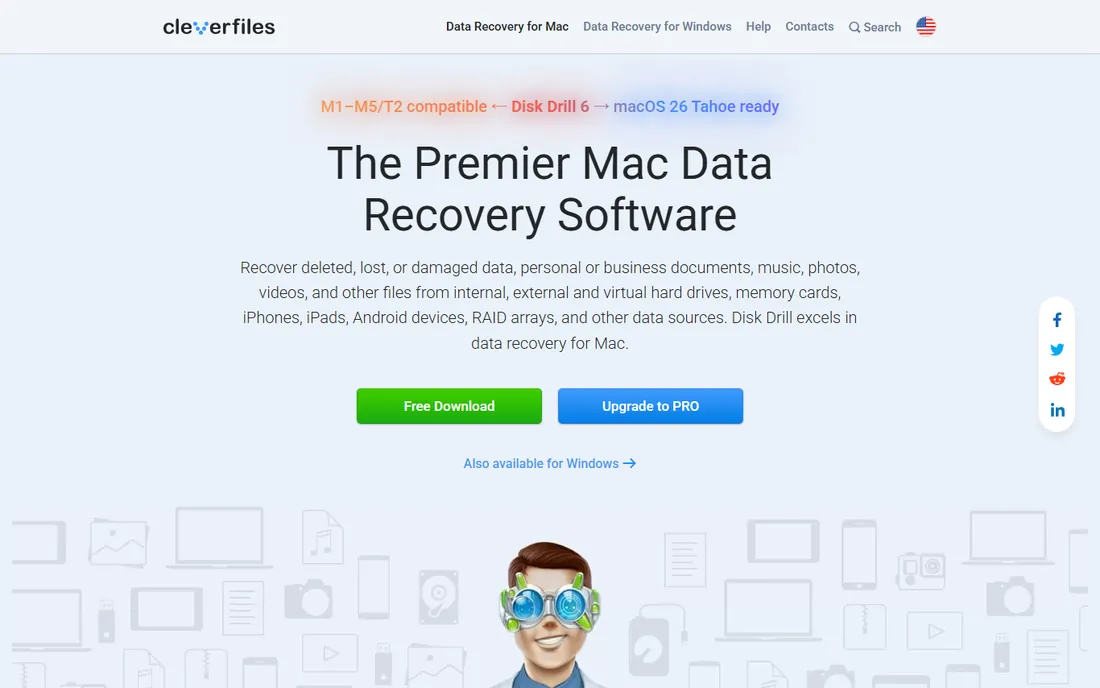
Disk Drill is the tool you hand to a non-technical friend. Install it, pick the drive, scan, preview what it found, and only then decide whether to pay. The $89 annual Pro license covers one user on up to three devices across Mac and Windows, and a $149 lifetime license exists for those who dislike subscriptions.
The free Basic edition is really a diagnostic: on Windows it allows up to 100 MB of actual recovery, which covers a few documents but not a photo library. Treat the free tier as a way to confirm your files are findable, then buy Pro for the real job.
What we like- Clean interface with preview before recovery
- Byte-to-byte disk backup
- Covers Mac and Windows on one license
Watch out for- Free recovery capped low
- Subscription model
- Enterprise pricing is custom
#2
EaseUS Data Recovery Wizard
Best for: straightforward lost-partition recovery
Visit easeus.com
Starting price$69.95 per month
Free planYes (2 GB free)
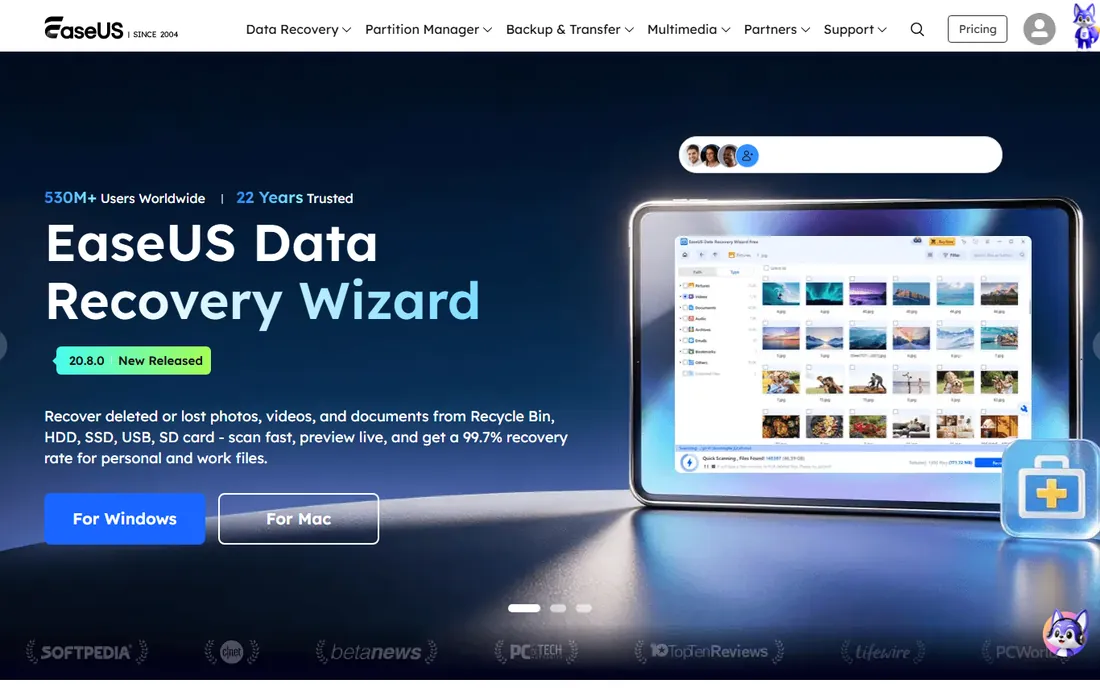
EaseUS built its name on being the least intimidating recovery tool, and the Data Recovery Wizard keeps that formula: select the lost partition, scan, preview, recover. The free tier allows up to 2 GB of recovery, which is more generous than most rivals and often enough for a documents folder.
Pricing needs attention. The $69.95 monthly list price is steep for a one-time emergency, though the yearly and lifetime options cost less per use. The license is per computer, so multi-PC households pay more. Still, for a panicked user at midnight, the simplicity is worth a premium.
What we like- Simple three-step workflow
- Generous 2 GB free tier
- Bootable media for dead systems
Watch out for- Monthly list price is high
- License covers one PC
- Recovered file organization can be messy
Starting priceSee website (free version)
Free planYes
Recuva is the old reliable of free recovery. Made by the CCleaner team, it undeletes files from hard drives, USB sticks and memory cards with a step-by-step wizard, and the free version has no data cap. The portable build can run from a USB drive, which avoids writing to the disk you are trying to rescue.
Set expectations honestly. Recuva handles simple deletions well and struggles with formatted drives, damaged partitions and SSDs where TRIM has wiped data. For a quick undelete on Windows it is the first thing to try; for a lost partition, reach for TestDisk or a commercial tool.
What we like- Completely free with no recovery cap
- Simple wizard workflow
- Portable version runs from USB
Watch out for- Windows only
- Weaker on complex cases like RAID
- Dated interface
Starting priceSee website (free, open source)
Free planYes
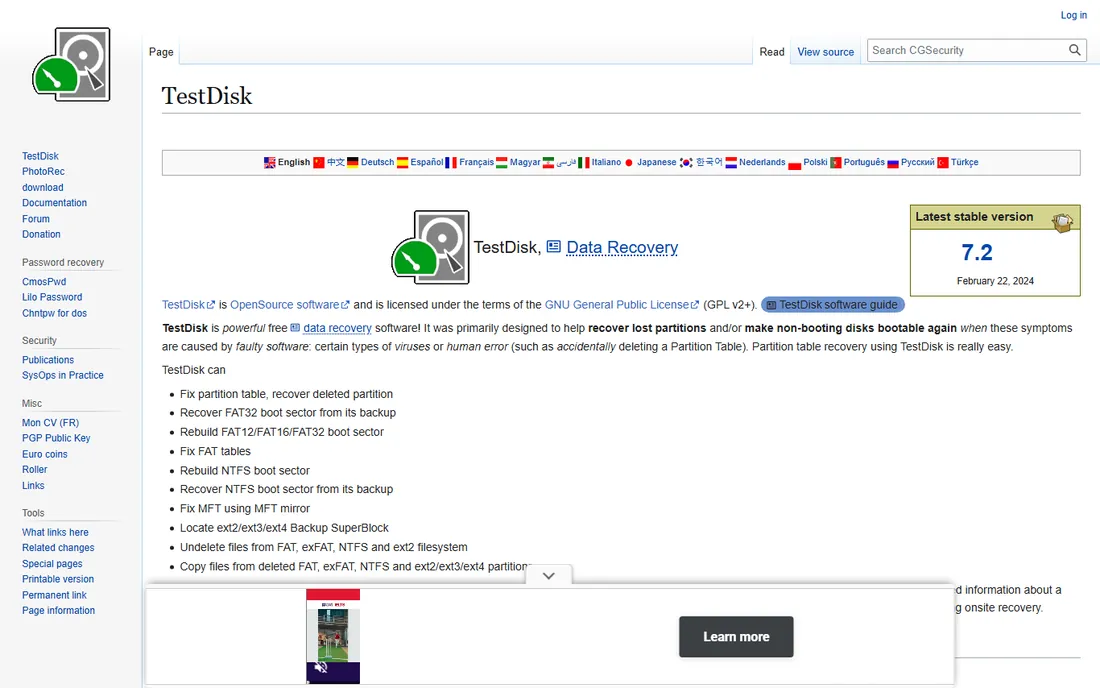
TestDisk is the best free partition recovery software for the specific job of fixing partition structures. It finds lost partitions, rebuilds partition tables, repairs boot sectors and makes non-booting disks bootable again, all for free under an open-source license. Technicians have relied on it for decades.
The interface is a text menu, not a glossy app, and the docs read like they were written for engineers. Used carefully following the step-by-step guide, it is safe; used carelessly, any partition tool can make things worse. If the words "partition table" mean nothing to you, pair it with a guided tool instead.
What we like- Completely free and open source
- Rebuilds partition tables and MBRs
- Runs on almost every OS
Watch out for- Text-based interface intimidates beginners
- Documentation assumes technical knowledge
- Easy to misuse
Starting price$59.99 per year
Free planYes (free trial)
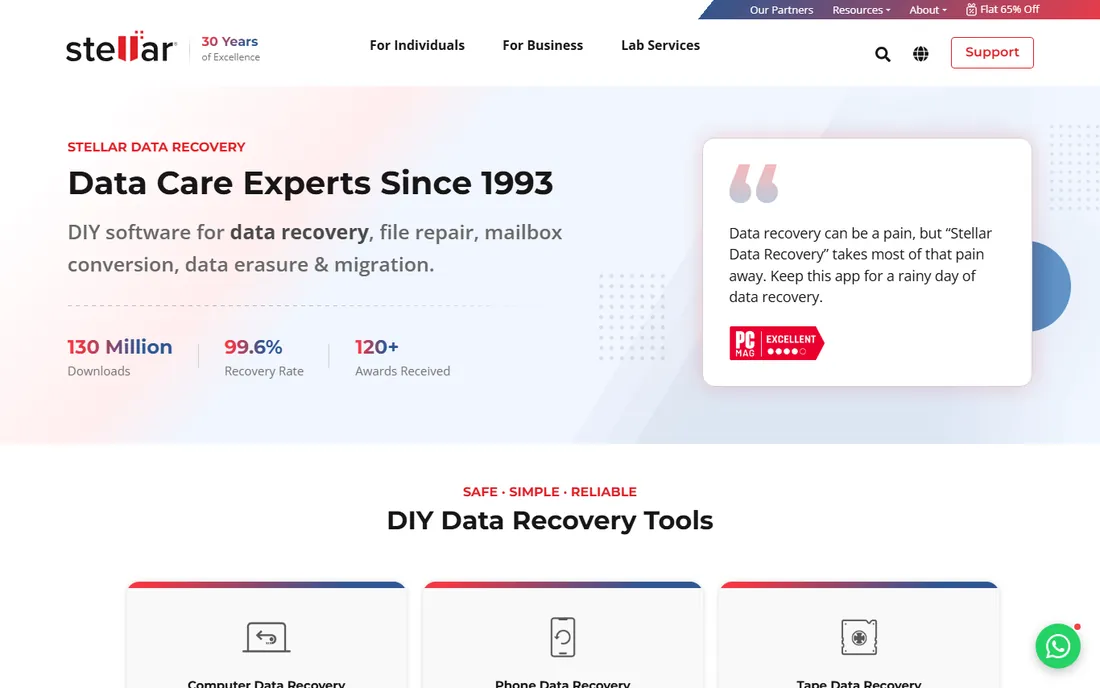
Stellar's lineup is tiered by scenario. Standard at $59.99 a year covers documents, photos and formatted drives; Professional adds lost partition recovery and recovery from systems that will not boot, which is exactly what partition buyers need. Premium adds corrupt video and photo repair on top.
The free download scans and previews, so you can verify before paying, and the money-back guarantee is unusually unconditional. Just buy on the right platform page, since Windows and Mac licenses are separate, and check which tier your scenario actually requires before checkout.
What we like- Professional tier adds partition recovery and unbootable PC recovery
- Clean guided interface
- 30-day money-back guarantee
Watch out for- Feature differences between tiers are confusing
- Mac and Windows sold separately
- Premium tiers add cost
Starting price$79.99 one-time
Free planFree trial (demo)
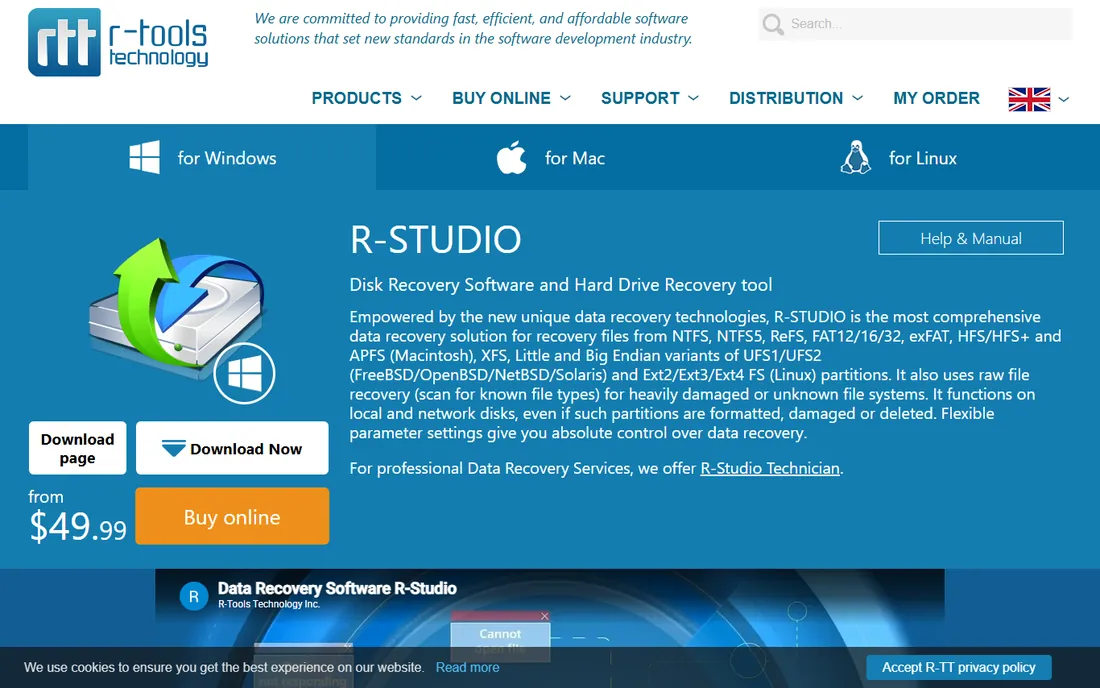
R-Studio is the technician's choice. It reconstructs RAID arrays, recovers across networks, handles an enormous range of filesystems, and runs portably from USB. The standard license is a $79.99 one-time purchase, which is refreshing in a category full of subscriptions.
This is not a beginner tool. The interface exposes sector-level detail, and the free demo only recovers files under 256 KB, so it is strictly for evaluation. For a home user with one deleted folder, it is overkill; for a failed NAS or a multi-disk array, it is often the only software that gets the job done.
What we like- Superb RAID reconstruction
- Wide filesystem support including Linux and Mac
- One-time license, no subscription
Watch out for- Interface assumes expertise
- Demo only recovers tiny files
- Overkill for simple undeletes
Starting price$69.99 per year
Free planYes (100 MB free)
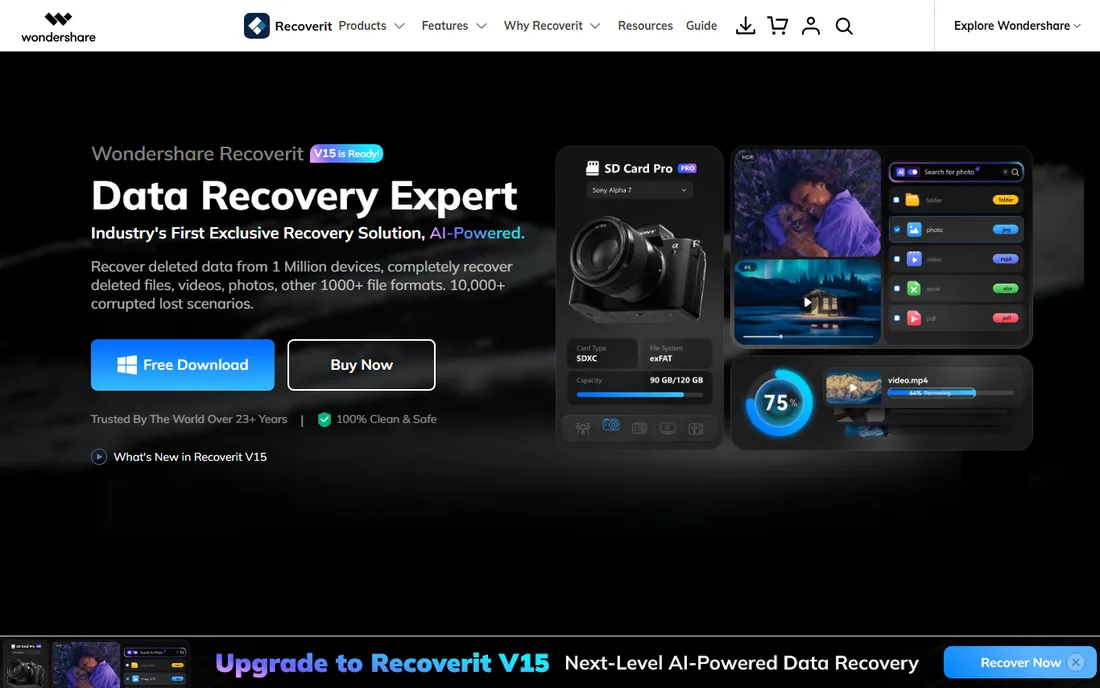
Recoverit wraps recovery in the friendliest interface here, which matters when you are stressed about lost data. The Essential plan at $69.99 a year covers unlimited recovery on one PC, while Standard and Premium add bootable media and advanced video recovery. Its standout is repairing corrupt video files, a common need for creators.
The free tier's 100 MB cap is small, so treat it as a preview tool. Also note the plan names and prices have shifted over time, so confirm the current lineup at checkout. For photo and video recovery specifically, it is one of the strongest guided options.
What we like- Polished step-by-step workflow
- Patented video recovery and repair
- Crashed-computer recovery on higher tiers
Watch out for- Free tier limited to 100 MB
- Many similar-sounding tiers
- Upsells during the process
#8
DMDE
Best for: technical users who want power for little money
Visit dmde.com
Starting price$20 per year (Express)
Free planYes (4,000 files per request)
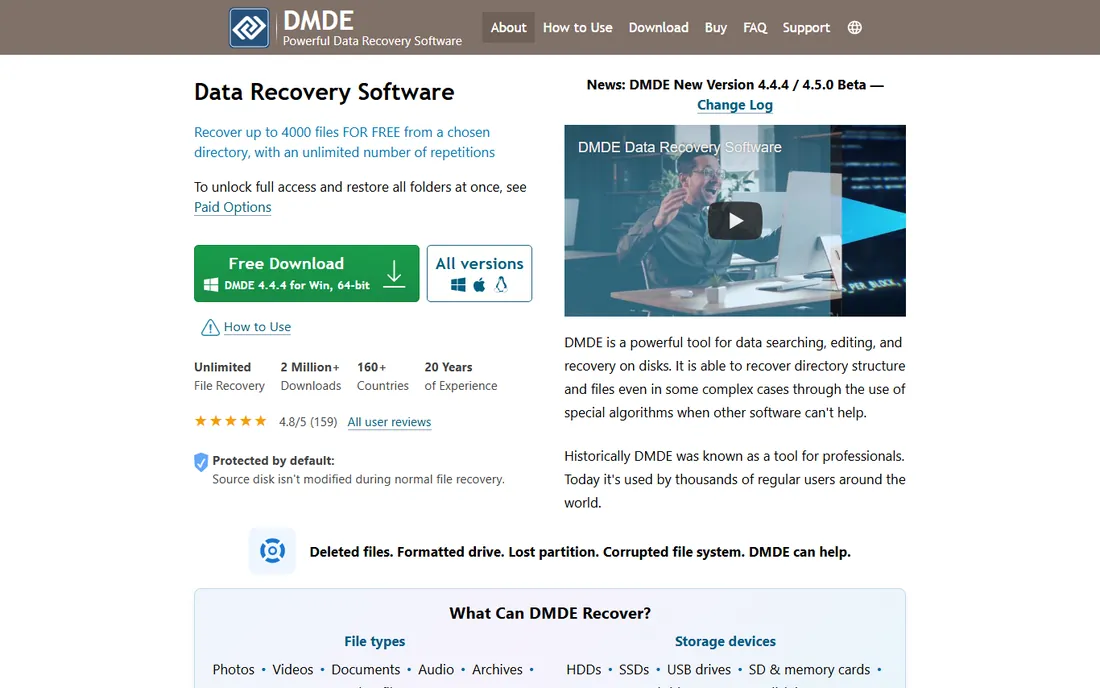
DMDE sits between consumer tools and professional disk utilities. The free edition recovers up to 4,000 files per request from the current directory with no limit on requests, which makes it genuinely usable for free if you are patient. Paid tiers start at just $20 a year for Express and $48 for a perpetual Standard license.
The trade-off is approachability. The interface speaks in sectors and partition tables, and restoring full folder structure in one pass requires a license. If you know your way around disks, it is the best value on this list; if not, the learning curve is real.
What we like- Unusually generous free edition
- Disk editor and RAID tools included
- Cheapest paid tiers in the category
Watch out for- Interface and terminology assume knowledge
- Folder structure recovery needs a paid tier
- Single-OS licenses
Starting price$45.95 per month
Free planFree trial
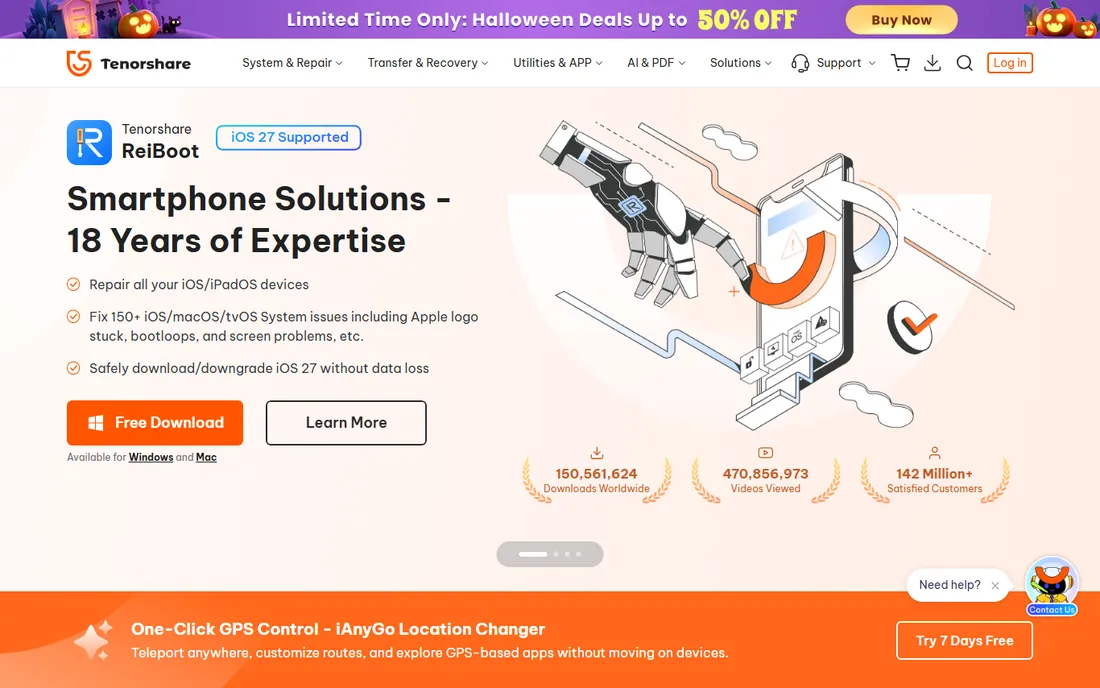
4DDiG targets the worst cases: systems that will not boot, corrupted drives, lost partitions. The monthly license at $45.95 suits a single emergency, while the $59.95 yearly and $79.95 lifetime options suit repeat use. Mac users pay more at each tier, so check the Mac pricing separately.
The free download scans and previews but does not recover, which is standard practice but worth knowing upfront. For a one-off disaster on Windows, the monthly plan is a reasonable price for getting your data back; just remember to cancel if you do not need it again.
What we like- Handles crashed computers and unbootable drives
- 1,000-plus file types
- Photo and video repair built in
Watch out for- Monthly price is high for one-time use
- Mac licenses cost more
- Free version is scan and preview only
Starting price$69.90 one-time (Standard)
Free planYes (free edition)
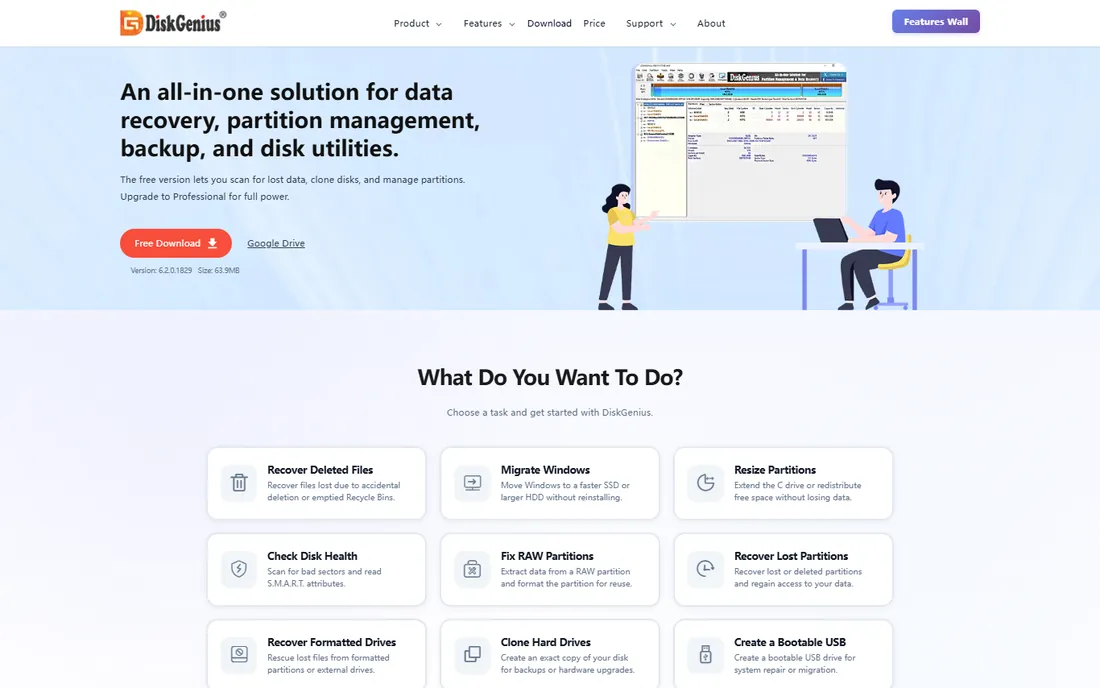
DiskGenius, formerly PartitionGuru, is two tools in one: a capable partition manager and a data recovery engine. The Standard lifetime license at $69.90 covers full file and partition recovery, while Professional at $99.90 adds BitLocker, Linux filesystems and RAID. No subscriptions anywhere.
The free edition is generous for partition management but caps recovery at files under 64 KB, making it a preview tool for data rescue. The interface looks dated and expects you to know what a partition table is. For technicians who want one lifetime purchase covering management and recovery, it is a solid deal.
What we like- Full partition manager plus recovery in one tool
- Lifetime licenses, no subscription
- Fast scanning
Watch out for- Dated interface
- Steep learning curve
- Free edition caps recovery at 64 KB files
How we chose
We compared tools that data recovery professionals and everyday users actually reach for, checking vendor pricing pages, product documentation, and public reviews on tech publications and Reddit. We weighted the things that matter in an emergency: whether you can preview recoverable files before paying, what the free tier genuinely allows, per-PC versus multi-device licensing, and honest limits like subscription-only pricing.
We did not do hands-on testing for this roundup. Recovery success depends heavily on the drive, the filesystem and how much was written after deletion, so no roundup can promise results. What we can promise is accurate pricing and plan details as of October 2026, but confirm at checkout since vendors run frequent promotions.
Best free partition recovery software: what the free tiers actually cover
Free in this category usually means "free to look, paid to recover." TestDisk is the exception: fully free, fully functional, but text-based and technical. DMDE's free edition is the most generous graphical option, recovering up to 4,000 files per request.
Among commercial tools, EaseUS gives 2 GB free, Disk Drill gives 100 MB on Windows, Recoverit gives 100 MB, and Recuva is free without a cap but Windows-only and weaker on hard cases. The practical move: scan with two or three free tiers, compare what each one finds, and pay only the vendor whose preview shows your files intact.
How to pick partition recovery software without wasting money
First, stop writing to the affected drive. Install recovery software on a different drive or run it from USB. Then match the tool to the scenario: simple deletion goes to Recuva or a free tier; a lost or formatted partition goes to Disk Drill, EaseUS, Stellar or Recoverit; RAID or exotic filesystems go to R-Studio or DiskGenius; a broken partition table goes to TestDisk.
Buy the cheapest license that covers your scenario, and prefer one-time licenses for one-off disasters. The best partition recovery software for a home emergency is often the one you already have installed and know how to use. Check whether the license covers one PC or several, whether Mac and Windows need separate purchases, and whether there is a money-back guarantee. And keep a backup strategy for next time, because recovery software is a rescue boat, not a bridge.
Frequently asked questions
What is the best free partition recovery software?
TestDisk, for repairing partition tables and boot sectors at no cost, and DMDE's free edition for file recovery up to 4,000 files per request. Recuva is also free and simpler, but weaker on partition-level problems. For guided commercial tools, EaseUS offers the most generous free recovery allowance at 2 GB.
Can partition recovery software recover a formatted drive?
Often yes, if it was a quick format and little was written afterward. Tools like Disk Drill, EaseUS, Stellar and Recoverit all handle formatted partitions. A full format or heavy reuse of the drive makes recovery unlikely, and no software can recover overwritten data.
Should I install recovery software on the same drive?
No. Install it on a different drive or run the portable version from USB. Installing or downloading onto the affected drive can overwrite the very data you are trying to recover. This is the single most common mistake in DIY recovery.
Why do free versions limit recovery?
The scan-and-preview model lets you verify your files are findable before paying, which is honest. Caps like 100 MB or 2 GB keep the free tier from replacing the paid product. Treat free tiers as diagnostics, not as complete solutions, with TestDisk and DMDE as the exceptions.
When should I use a professional data recovery service?
When the drive makes clicking or grinding noises, is not detected at all, or suffered physical damage. Software cannot fix hardware failures, and running scans on a dying drive can make things worse. For valuable data on a failing drive, a clean-room lab is the safer choice.
Sources we checked (19)
- https://www.cleverfiles.com
- https://www.easeus.com
- https://www.ccleaner.com/recuva
- https://www.cgsecurity.org/wiki/TestDisk
- https://www.stellarinfo.com
- https://www.r-studio.com
- https://recoverit.wondershare.com
- https://www.dmde.com
- https://www.tenorshare.com
- https://www.diskgenius.com
- https://recoverit.wondershare.com/free-data-recovery/disk-drill-free-data-recovery-review.html
- https://techlasi.com/savvy/easeus-data-recovery-wizard-guide/
- https://www.topconsumerreviews.com/best-data-recovery-products/reviews/stellar.php
- https://ratings.7datarecovery.com/r-studio-review/
- https://recoverit.wondershare.com/computer-data-recovery/file-recovery-portable.html
- https://www.techradar.com/reviews/dm-disk-editor-and-data-recovery-software
- https://www.techradar.com/reviews/tenorshare-4ddig
- https://ratings.7datarecovery.com/diskgenius-review/
- https://www.greenprophet.com/2026/09/top-5-free-data-recovery-software-of-all-time/
Is your product missing or out of date?
We review this list regularly. Vendors can request a listing, send updated pricing or ask about featured placement.

Shihab Mia · Founder, Rankite
Shihab has spent more than a decade helping SaaS and e-commerce brands grow through search. He writes Rankite's software buying guides from pricing pages, documentation and public user reviews. More about Shihab.