How we make this list: we compare pricing pages, product documentation and public user reviews. Rankite is independent; if a vendor ever pays for a featured spot, that listing is clearly labeled Partner.
Key takeaways
- Bark Jr at $49 a year is the best paid pick under $50 for parents worried about messages and social media.
- Norton Family at $49.99 a year is the strongest pure web filter for Windows and Android households.
- Net Nanny's $39.99 single-device plan is the cheapest serious filter from an established brand.
- Google Family Link and Apple Screen Time cost nothing and cover the basics well on their own platforms.
- Kaspersky Safe Kids Premium, ESET, and Mobicip Lite all stay under $50 while covering unlimited or multiple devices.
Quick comparison
| Tool | Best for | Starting price | Free plan |
|---|
 Bark Bark | Monitoring texts and social media | $49/year (Bark Jr) | Free trial (7 days) |
 Norton Family Norton Family | Web filtering for Windows and Android | $49.99/year | No |
 Net Nanny Net Nanny | Affordable content filtering | $39.99/year | No |
 Google Family Link Google Family Link | Free controls for Android families | Free | Yes |
 Apple Screen Time Apple Screen Time | Free controls for iPhone and iPad | Free | Yes |
 Kaspersky Safe Kids Kaspersky Safe Kids | Budget multi-device protection | $16.99/year (first year) | Yes |
 ESET Parental Control ESET Parental Control | Android-only basics on a budget | $29.99/year | Yes |
 Mobicip Mobicip | Flexible plans starting cheap | $35.88/year (Lite) | Free trial (7 days) |
 OurPact OurPact | Free screen time management | Free | Yes |
Is your product missing or out of date?
We review this list regularly. Vendors can request a listing, send updated pricing or ask about featured placement.
The best parental control software under $50
Starting price$49/year (Bark Jr)
Free planFree trial (7 days)
Bark takes a different approach from blockers: instead of walling off the internet, it watches your child's messages and social activity for signs of bullying, predators, depression, or explicit content, then alerts you. Parents who cannot realistically read every text find this far more practical than a dashboard of blocked URLs. The Jr plan at $49 a year covers screen time management, web filtering, and location alerts, which is plenty for younger kids.
The catch is the upsell. The monitoring that makes Bark famous lives in Bark Premium at $99 a year, double this article's budget. Jr is still a capable tool, but know what you are getting. Families whose main worry is what kids encounter in messages should stretch the budget or accept Jr's limits.
What we like- Monitors texts, email, and 30+ apps for concerning content
- Alerts parents instead of requiring constant checking
- Bark Jr fits the under-$50 budget
Watch out for- Full Bark Premium at $99 a year breaks the budget
- IOS monitoring has Apple-imposed limits
#2
Norton Family
Best for: Web filtering for Windows and Android
Visit norton.com
Starting price$49.99/year
Free planNo
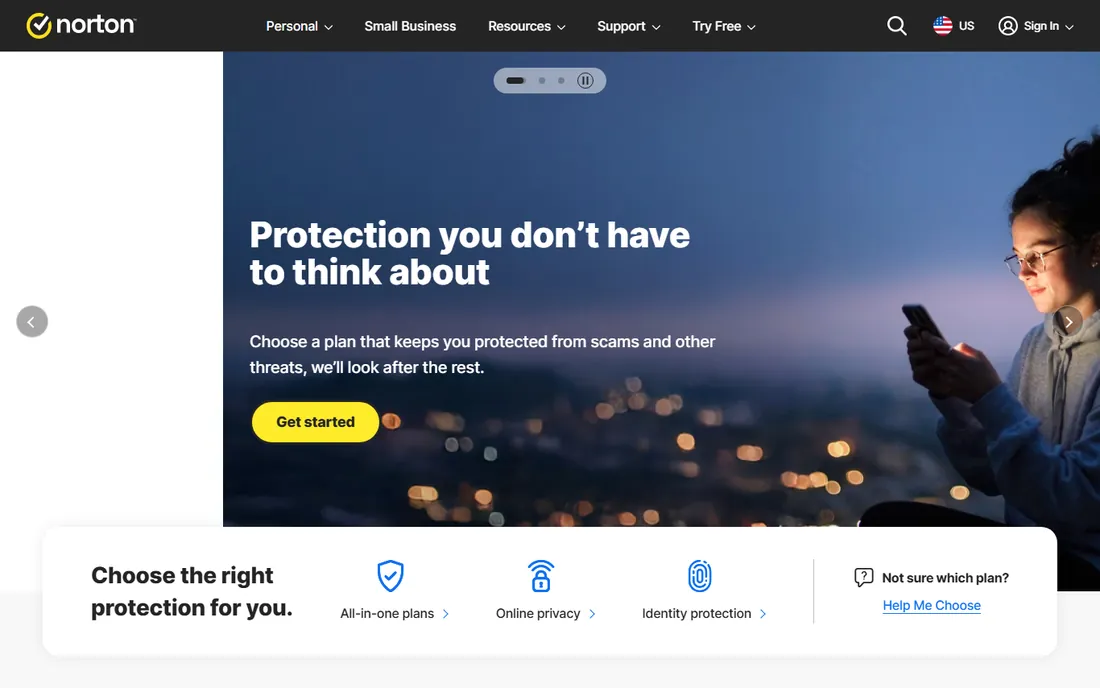
Norton Family is a filter first and everything else second. Its web supervision blocks inappropriate categories reliably, time supervision sets device schedules, and location supervision tracks where kids are. One $49.99 subscription covers unlimited devices, and families already paying for Norton 360 Deluxe get it included, which makes the effective price zero.
The limits are clear: it cannot read texts or monitor social media conversations, and a child's Mac is not supported. If your kids live on Windows PCs and Android phones and your worry is what websites they visit, Norton Family is the best value here. If the worry is who they talk to, pair it with something like Bark or accept the gap.
What we like- Strong web categorization and blocking at a low price
- Unlimited devices on one subscription
- Included free with Norton 360 Deluxe
Watch out for- No text or social media monitoring
- Does not support child Macs
Starting price$39.99/year
Free planNo
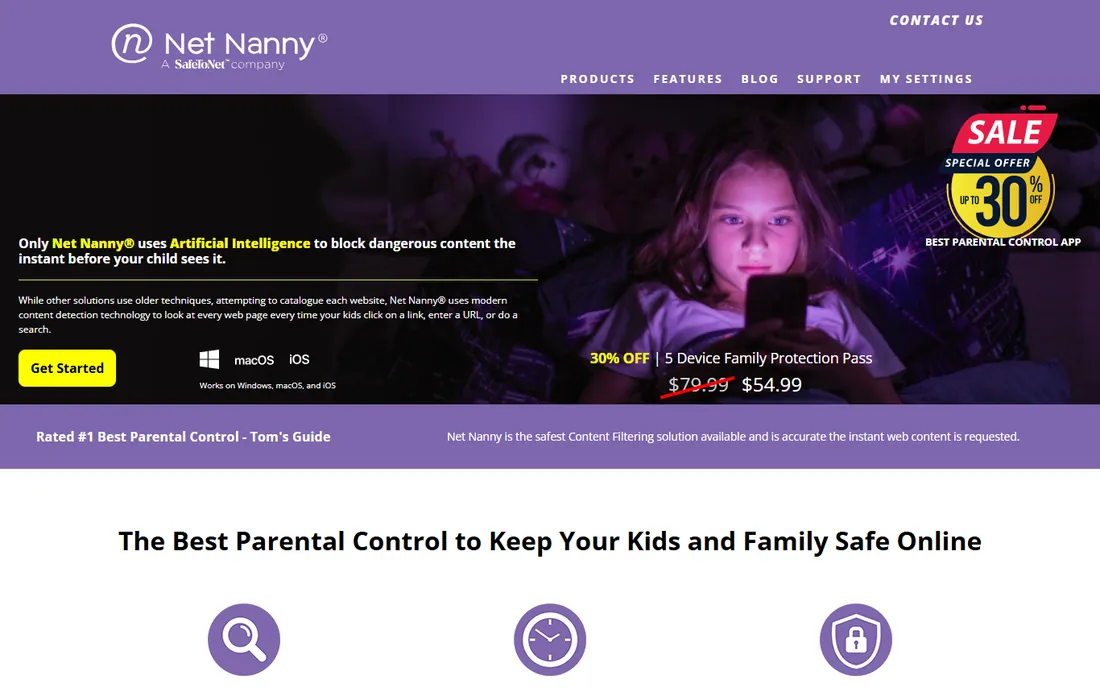
Net Nanny has filtered family internet since the dial-up era, and its real-time page analysis still works well: instead of relying only on blocklists, it scans page content as it loads. The $39.99-a-year single-desktop plan is the lowest entry price from any established brand on this list, covering Windows or Mac with the full feature set.
Read the plan limits carefully. That $39.99 covers one desktop only; the 5-device Family Protection Pass runs $54.99 a year, just over this article's line. For a family with one shared computer, Net Nanny is the cheapest serious choice. For multi-device households, Norton Family or Kaspersky cover more hardware for similar money.
What we like- Long-established filtering with real-time content analysis
- $39.99 single-device plan is the cheapest brand-name option
- YouTube monitoring included
Watch out for- Single-device plan covers just one desktop
- Multi-device plans exceed $50
Starting priceFree
Free planYes
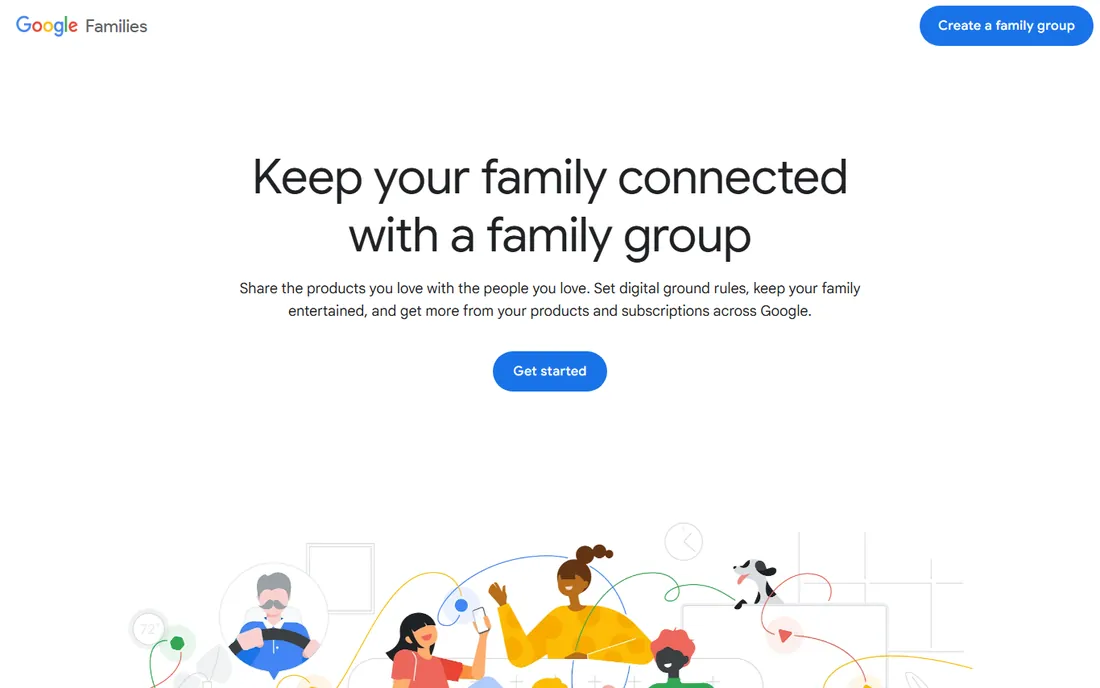
Family Link is the free control panel for Android households, and it is better than its price suggests. Parents approve or block app downloads, set daily screen time limits and bedtimes, lock devices remotely, and see location, all from their own phone. Because Google builds both the OS and the tool, the integration is smooth in a way third-party apps struggle to match.
It is not a content filter in the Net Nanny sense, and it does nothing for iPhones. But for an Android family, starting here costs nothing and covers the fundamentals: what gets installed, when the device can be used, and where the child is. Many families never need more.
What we like- Completely free with no upsell
- App approvals, screen time limits, and location
- Made by the company that runs the child's device
Watch out for- Android and Chromebook only
- Web filtering is basic compared with paid tools
#5
Apple Screen Time
Best for: Free controls for iPhone and iPad
Visit apple.com
Starting priceFree
Free planYes
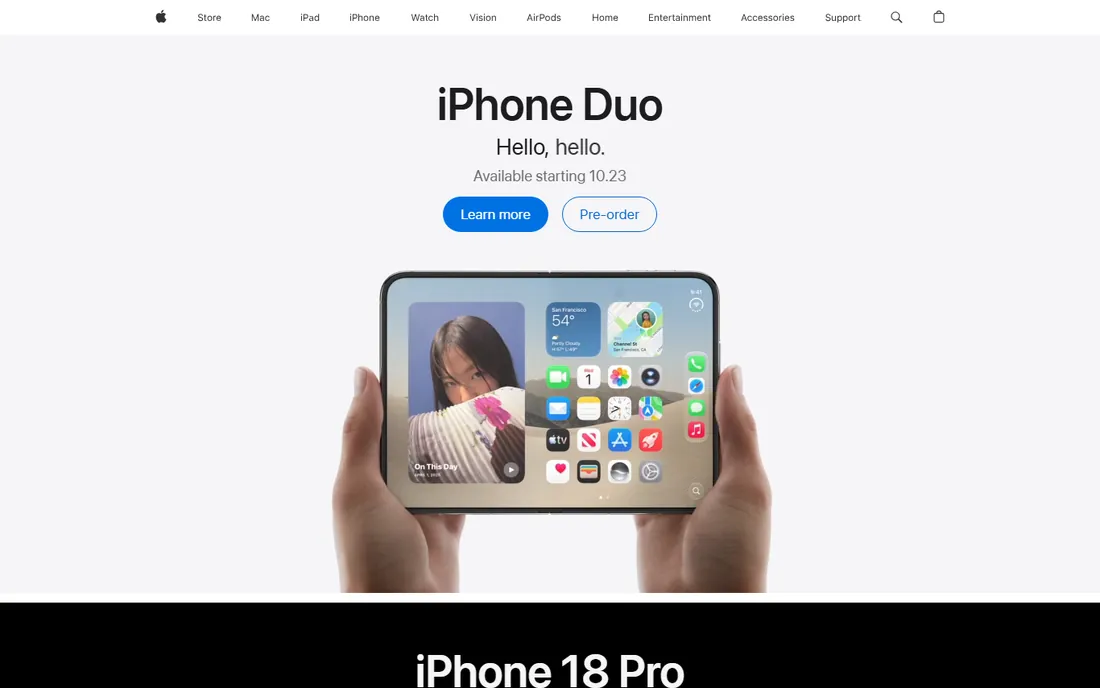
Screen Time is Apple's answer, and it lives in Settings on every iPhone and iPad your child already owns. Downtime blocks apps on a schedule, app limits cap categories like games or social media, and content restrictions filter web content and app store purchases. Family Sharing lets parents manage it all remotely.
Like Family Link, it is platform-bound: useless for Android or Windows devices. And because every kid with internet access can search for Screen Time bypasses, treat it as a fence, not a vault. Still, for iPhone families it is free, private (data stays with Apple), and genuinely useful for managing the daily battles over bedtime and homework hours.
What we like- Built into every iPhone, iPad, and Mac at no cost
- Downtime, app limits, and content restrictions
- Works across the child's Apple devices
Watch out for- Apple ecosystem only
- No Android or Windows coverage
- Determined kids find workarounds online
Starting price$16.99/year (first year)
Free planYes

Kaspersky Safe Kids is the price disruptor of this category. The premium plan starts at $16.99 for the first year and renews at $22.99, covering unlimited child profiles across Android, iOS, Windows, and macOS. The free tier alone handles web filtering, app management, and basic screen time, which beats some paid competitors' free offerings.
Desktop protection requires installing browser extensions, an extra setup step some parents skip. And iOS controls are thinner than Android's, through no fault of Kaspersky's. For big families with mixed devices, though, the math is unbeatable: one small subscription covers every kid on every device, with money left over.
What we like- Cheapest premium plan among established brands
- Unlimited child profiles and devices
- Solid free tier for basics
Watch out for- Premium renews at $22.99 after the first year
- Desktop filtering needs browser extensions
#7
ESET Parental Control
Best for: Android-only basics on a budget
Visit eset.com
Starting price$29.99/year
Free planYes

ESET's parental control does one platform and does it cheaply. The free tier covers app guard, time limits, and basic reports; $29.99 a year adds web filtering, location tracking, geofencing, and full reports. For an Android-only family that wants location plus filtering without paying Bark or Norton prices, it is a reasonable middle ground.
The Android-only stance is deliberate: ESET says it will not ship an iOS version that cannot match Android's capabilities. Respect the honesty, but it rules out mixed-device families entirely. The app's look is also behind the times. If your kids are all on Android and your budget is tight, it works. Otherwise, look elsewhere on this list.
What we like- Inexpensive premium at $29.99 a year
- Decent free tier
- Child locator and geofencing in premium
Watch out for- Android only, no iOS version
- Interface feels dated
Starting price$35.88/year (Lite)
Free planFree trial (7 days)
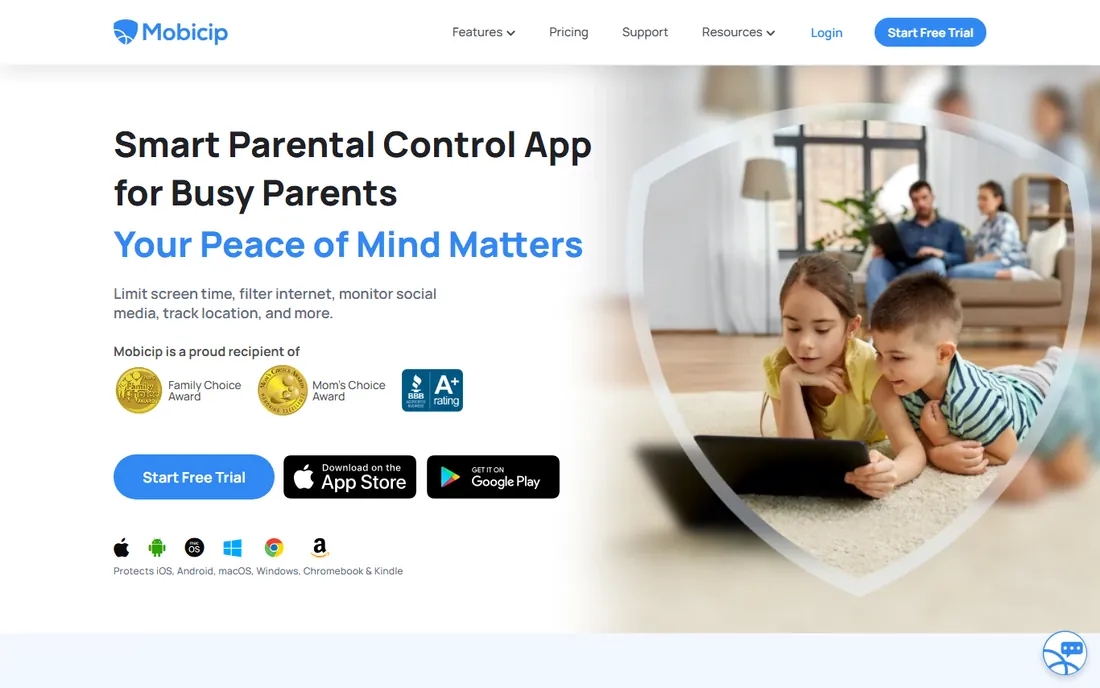
Mobicip's tiered pricing means you pay for what you need. The Lite plan at $2.99 a month billed annually ($35.88 a year) covers five devices with web blocking, screen time limits, app blocking, and location. That is a full parental control suite for less than most competitors' entry prices, and it runs on Android, iOS, Windows, Mac, Chromebook, and Kindle.
The higher tiers break the $50 line: Standard at $59.88 and Premium at $95.88 a year. Premium's social media monitoring covers only Facebook and Snapchat, which feels thin in the TikTok era. Stay on Lite and you get honest value; need the premium features and this stops being a budget pick.
What we like- Lite plan at $35.88 a year covers 5 devices
- Wide platform support including Kindle and Chromebook
- 7-day free trial of premium features
Watch out for- Only the Lite plan stays under $50
- Social monitoring is limited to Facebook and Snapchat
Starting priceFree
Free planYes
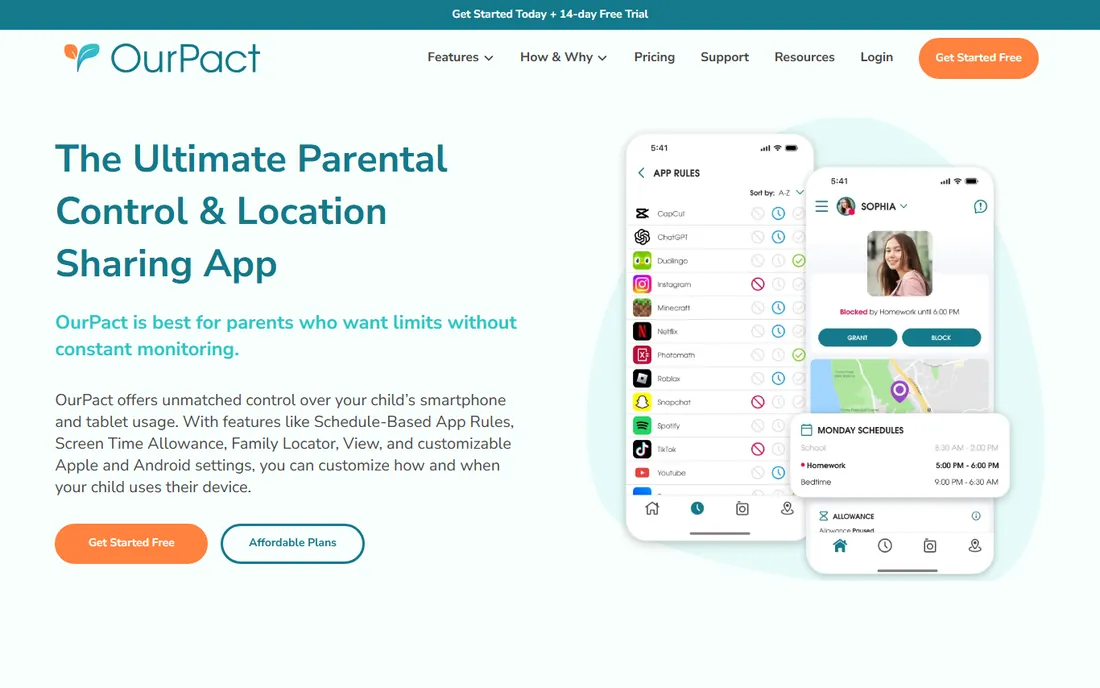
OurPact built its reputation on one thing: schedules. The free tier lets parents block apps, set screen time allowances, and create daily routines, which solves the most common complaint, the phone at the dinner table. It is particularly strong on iOS, where many competitors struggle.
The free plan covers one child with basic features; serious use across multiple kids pushes you toward Premium at $69.99 a year, outside this article's budget. Treat OurPact as the best free scheduler available: if screen time battles are your whole problem, the free tier may be all you ever need.
What we like- Free tier manages screen time and app blocking
- Highly regarded for schedule-based control
- Works on iOS and Android
Watch out for- Free tier is limited
- Paid plans at $69.99 and up exceed $50
What under $50 really buys
Set expectations by price tier. Free tools (Family Link, Screen Time, OurPact free, Kaspersky free tier) handle screen time limits, app approvals, and basic web filtering on their native platforms. They do not monitor messages or social media.
The $30 to $50 tier adds real filtering and cross-platform coverage. Net Nanny and Norton Family block inappropriate content across devices. Kaspersky and ESET add location tracking. Bark Jr adds screen time plus basic monitoring. Mobicip Lite bundles most of it for five devices.
What you do not get under $50: deep social media and text monitoring (Bark Premium, $99), unlimited-device premium suites from the big brands (Qustodio Complete, $99+), or multi-device plans from Net Nanny and Mobicip's higher tiers. If message monitoring is the job, the honest answer is that it costs about $100 a year.
How we chose
We limited the field to tools with a plan at or under $50 a year, including genuinely useful free options, and verified current prices on each vendor's own site. We read parent reviews on the App Store, Google Play, Reddit's parenting communities, and review sites, focusing on whether the controls actually work on children's devices rather than on feature checklists. We favored tools with clear pricing, broad device support, and a track record of regular updates, since parental control apps die quickly when vendors stop maintaining them.
Buying advice for parents
A few practical notes before you install anything.
Match the tool to the child's devices
This decides everything. Android family: Family Link free, then Norton or Kaspersky. iPhone family: Screen Time free, then Bark or OurPact. Mixed devices: Kaspersky Safe Kids or Mobicip Lite. A tool that does not support your child's device is worthless at any price.
Talk to your kids first
Controls work better when kids know they exist and why. Explain what is monitored and what is blocked, especially with teens. Secret surveillance destroys trust and teaches kids to get a second device you cannot see.
Test the bypass
After setup, try to defeat your own controls: install a new browser, use a VPN app, change the device time. Every parental control has known workarounds, and knowing yours tells you whether the tool is a fence or a suggestion.
Revisit every six months
Kids age fast and apps change faster. A filter that suited a 9-year-old will embarrass a 13-year-old, and a new social app can bypass last year's rules. Calendar a twice-yearly review of what is installed and what is blocked.
Frequently asked questions
What is the best free parental control software?
Google Family Link for Android families and Apple Screen Time for iPhone families. Both are free, built by the platform owner, and cover screen time, app approvals, and content restrictions. OurPact's free tier is the best free option for schedule-based app blocking across platforms.
Can I get good parental controls for under $50 a year?
Yes. Norton Family ($49.99), Bark Jr ($49), Net Nanny single-device ($39.99), Kaspersky Safe Kids Premium ($16.99 first year), ESET ($29.99), and Mobicip Lite ($35.88) all stay under $50. Each covers different needs, so match the tool to your child's devices first.
Do parental controls work on iPhones?
Yes, but with limits Apple imposes on all third-party apps. Apple Screen Time is the most capable option on iOS because it is built in. Third-party apps like Bark, OurPact, and Mobicip work on iPhones with fewer powers than their Android versions, particularly around app-level controls.
Should I monitor my child's text messages?
That is a family decision, not a technical one. Tools like Bark flag concerning messages without showing parents everything, which many families find a workable middle ground. Whatever you choose, tell your kids what is monitored; secret monitoring tends to backfire.
At what age should I stop using parental controls?
There is no single answer, but most experts suggest loosening controls gradually through the teen years, shifting from blocking toward conversation. A 16-year-old with a job and a car needs a different arrangement than a 10-year-old with a first phone.
Will my child know the parental control is installed?
On their own device, usually yes, and that is generally better. Visible controls with explained rules build trust; hidden monitoring, once discovered, destroys it. Some tools run quietly in the background, but assume a tech-savvy teen will find them.
Sources we checked (12)
- https://www.bark.us
- https://www.norton.com
- https://www.netnanny.com
- https://families.google.com
- https://www.apple.com
- https://www.kaspersky.com
- https://www.eset.com
- https://www.mobicip.com
- https://www.mobicip.com/content/mobicip-vs-qustodio
- https://www.ourpact.com
- https://www.techradar.com/reviews/norton-family-parental-control-software
- https://www.techradar.com/reviews/mobicip-parental-control-software
Is your product missing or out of date?
We review this list regularly. Vendors can request a listing, send updated pricing or ask about featured placement.

Shihab Mia · Founder, Rankite
Shihab has spent more than a decade helping SaaS and e-commerce brands grow through search. He writes Rankite's software buying guides from pricing pages, documentation and public user reviews. More about Shihab.